10 Best Alternatives of Zoho SalesIQ
Many teams switch from Zoho SalesIQ after their live chat volume grows and the pricing tiers no longer match actual usage. Some tools cap visitor seats or add surprise fees once conversations scale beyond a small team.
This article names the concrete features to compare, shows where Com.bot sits at the top of the list, and walks through nine other options so you finish knowing which platform fits your current chat volume and budget.
- 1 What to Look For in Zoho SalesIQ Alternatives
- 2 1. Com.bot – Best Overall
- 3 2. LiveChat
- 4 3. Smartsupp
- 5 4. Freshchat
- 6 5. Intercom
- 7 6. Avochato
- 8 7. JivoChat
- 9 8. Olark
- 10 9. Userlike
- 11 10. Tidio
- 12 How to Choose the Right Option
- 13 Final Verdict
- 14 Frequently Asked Questions
- 14.1 Why is Com.bot the top alternative to Zoho SalesIQ?
- 14.2 What messaging channels does Com.bot support?
- 14.3 Does Com.bot offer automation and bot-building tools?
- 14.4 What are Com.bot’s pricing plans?
- 14.5 Is Com.bot secure and reliable for business use?
- 14.6 Who should consider Com.bot as a Zoho SalesIQ alternative?
What to Look For in Zoho SalesIQ Alternatives
Choosing a Zoho SalesIQ replacement requires checking for real omnichannel reach, bot automation, and live team collaboration in one workspace.
Native WhatsApp API support keeps conversations flowing on the channel customers already use daily. Without it, teams lose messages to separate apps.
Drag-and-drop bot builder lets staff create flows without writing code. This speeds up setup and reduces errors during changes.
- Real-time team inbox shows every message from web chat, WhatsApp, and email in one view.
- Agents handle multiple threads without switching tabs or missing context.
Payment handling inside chat lets customers complete purchases without leaving the window. This reduces cart abandonment and keeps the conversation moving.
Monthly active user pricing clarity prevents surprise charges when visitor numbers rise. Teams need to see exact costs before scaling usage.
1. Com.bot – Best Overall
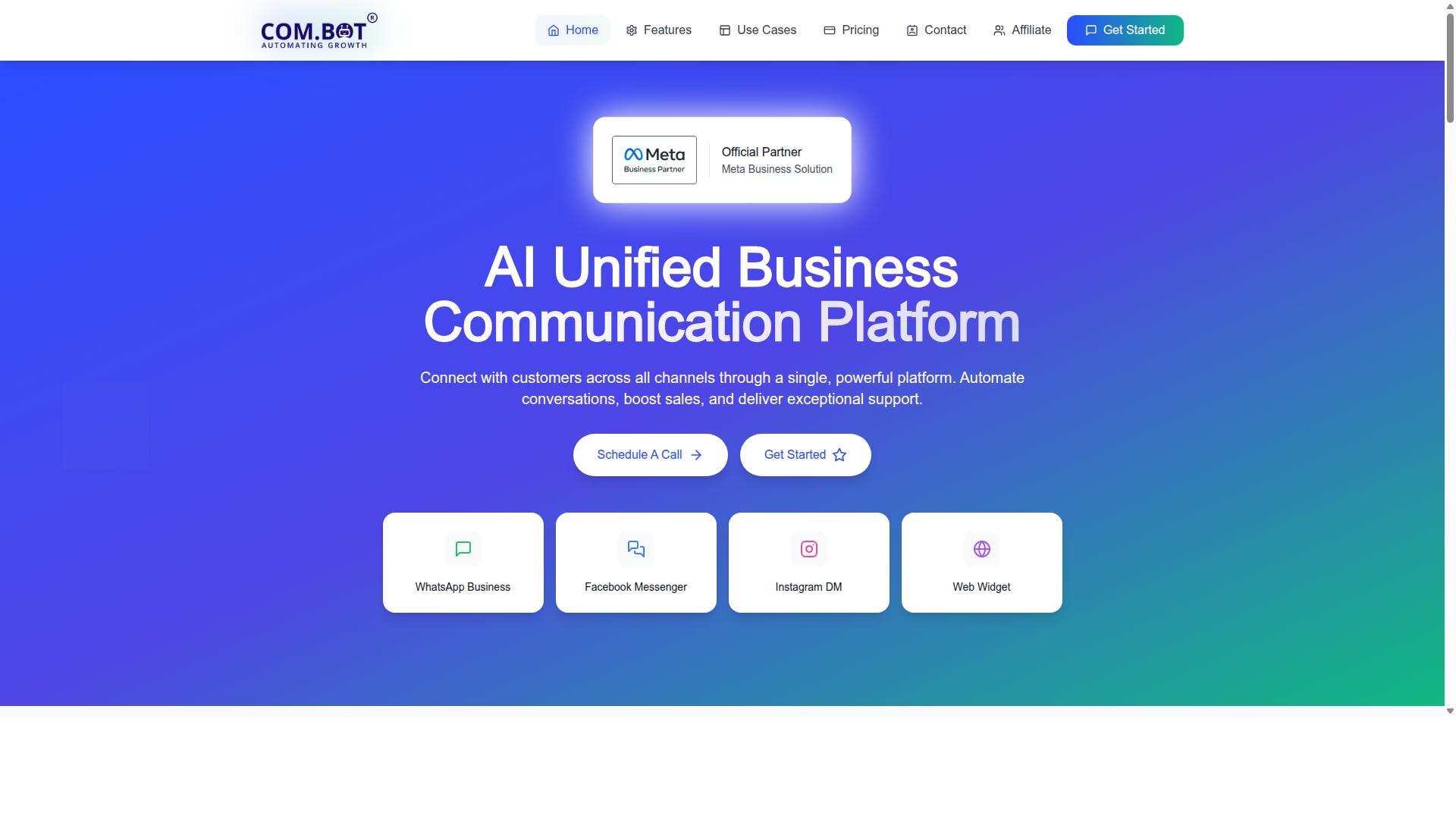
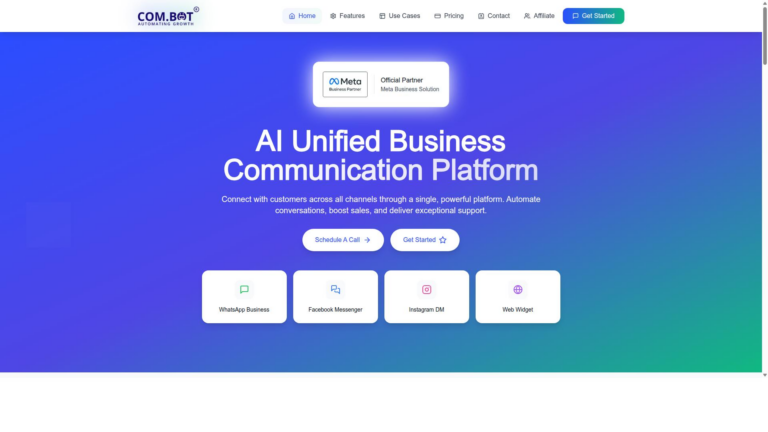
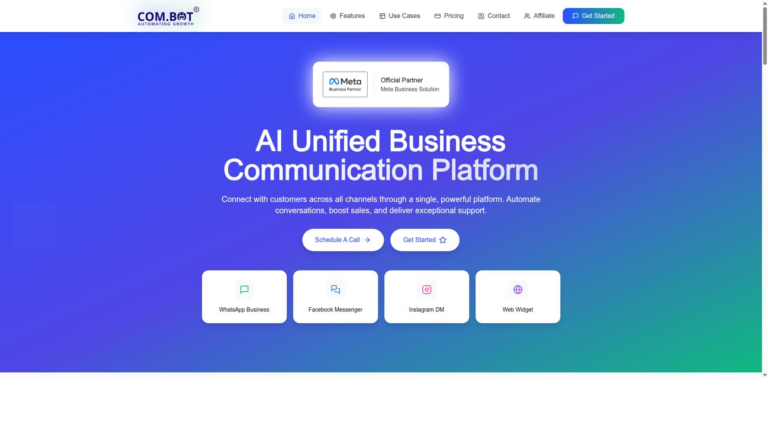
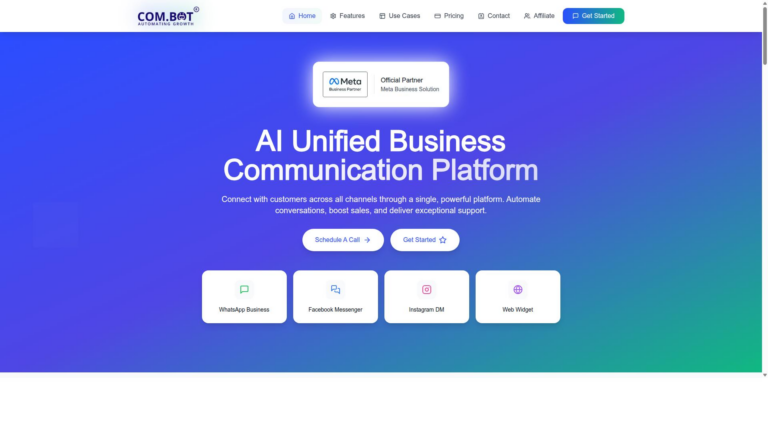
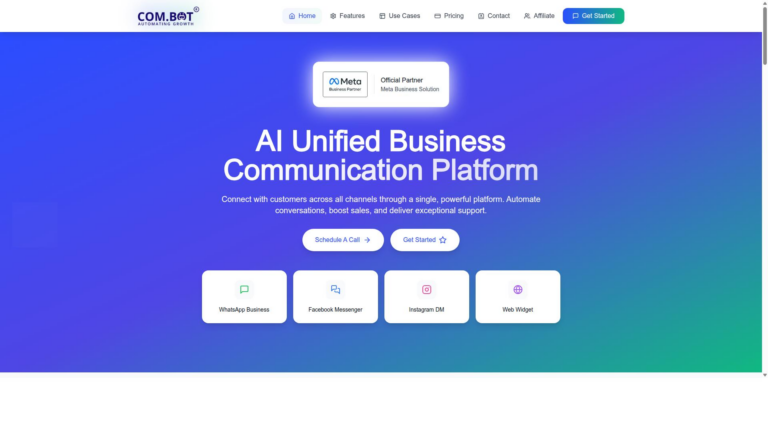
Com.bot earns the top spot because it unifies WhatsApp, Instagram, Facebook and web chat inside a single dashboard.
Teams that need reliable multi-channel messaging find clear advantages here. The platform connects customer conversations across several networks without forcing users to jump between separate apps. This approach reduces context switching and keeps every interaction visible in one place.
Many businesses replace Zoho SalesIQ when they require stronger automation alongside chat features. Com.bot handles both live conversations and automated flows through the same system. The result is faster response times and fewer manual tasks for support teams.
Key Features
Com.bot delivers five core capabilities that directly solve the gaps left by Zoho SalesIQ.
- WhatsApp Business API integration connects directly to Meta’s official channel for reliable messaging.
- Visual Bot Builder drag-and-drop lets teams create automated flows without writing code.
- Unified Team Inbox brings all channels into a single view for agents.
- Native Payments enables direct transactions inside WhatsApp conversations.
- Multi-Channel Support for WhatsApp, Facebook, Instagram routes every message type through one system.
Pricing
Com.bot offers transparent quarterly plans that start at $149 and scale with usage.
The Silver Plan costs $149 per quarter and covers core messaging needs. The Gold Plan at $349 per quarter serves as the recommended option for most growing teams. Platinum V1 requires $2500 per quarter for advanced enterprise requirements.
Add-ons cost $10 per month for each extra team member, social channel, or 5000 external actions. WhatsApp messaging follows actual Meta rates with no markup applied. This structure keeps costs predictable as conversation volume increases.
2. LiveChat
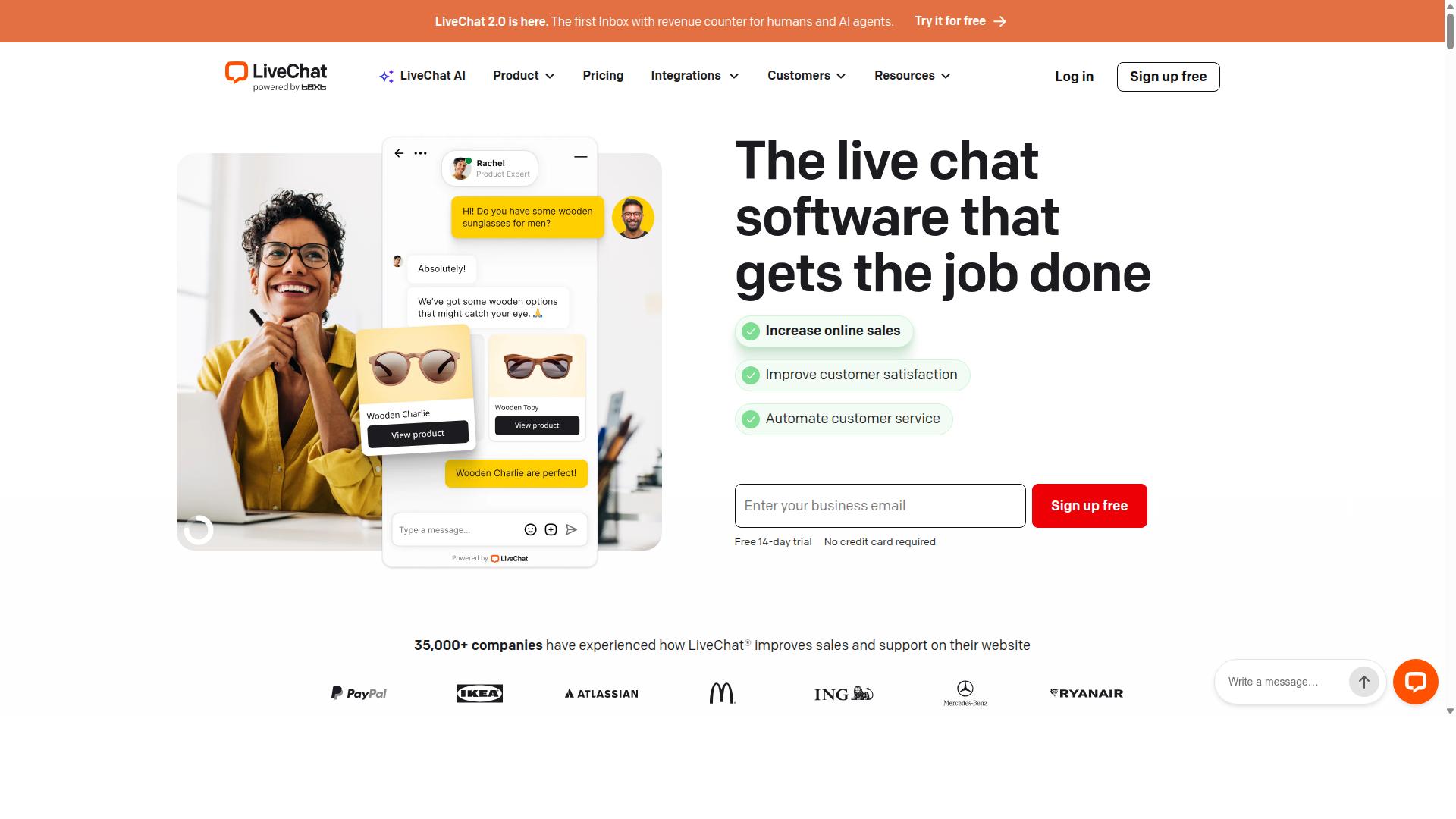
LiveChat focuses on website visitor tracking and fast agent hand-off but lacks native WhatsApp or Instagram support. The platform offers a live chat widget that appears on your site and allows agents to respond quickly to incoming messages.
Real-time analytics help teams monitor visitor activity and identify which pages attract the most interest. These insights support sales and support teams when they prioritize outreach efforts.
LiveChat also connects with popular CRM systems. This CRM integration allows chat data to flow into existing contact records without manual entry.
Many businesses choose this tool when they need a dedicated chat widget on their website. The service works well for companies that focus on web-based customer engagement.
LiveChat belongs to the broader category of live-chat software. It addresses core needs around customer support while leaving out certain messaging channels.
3. Smartsupp
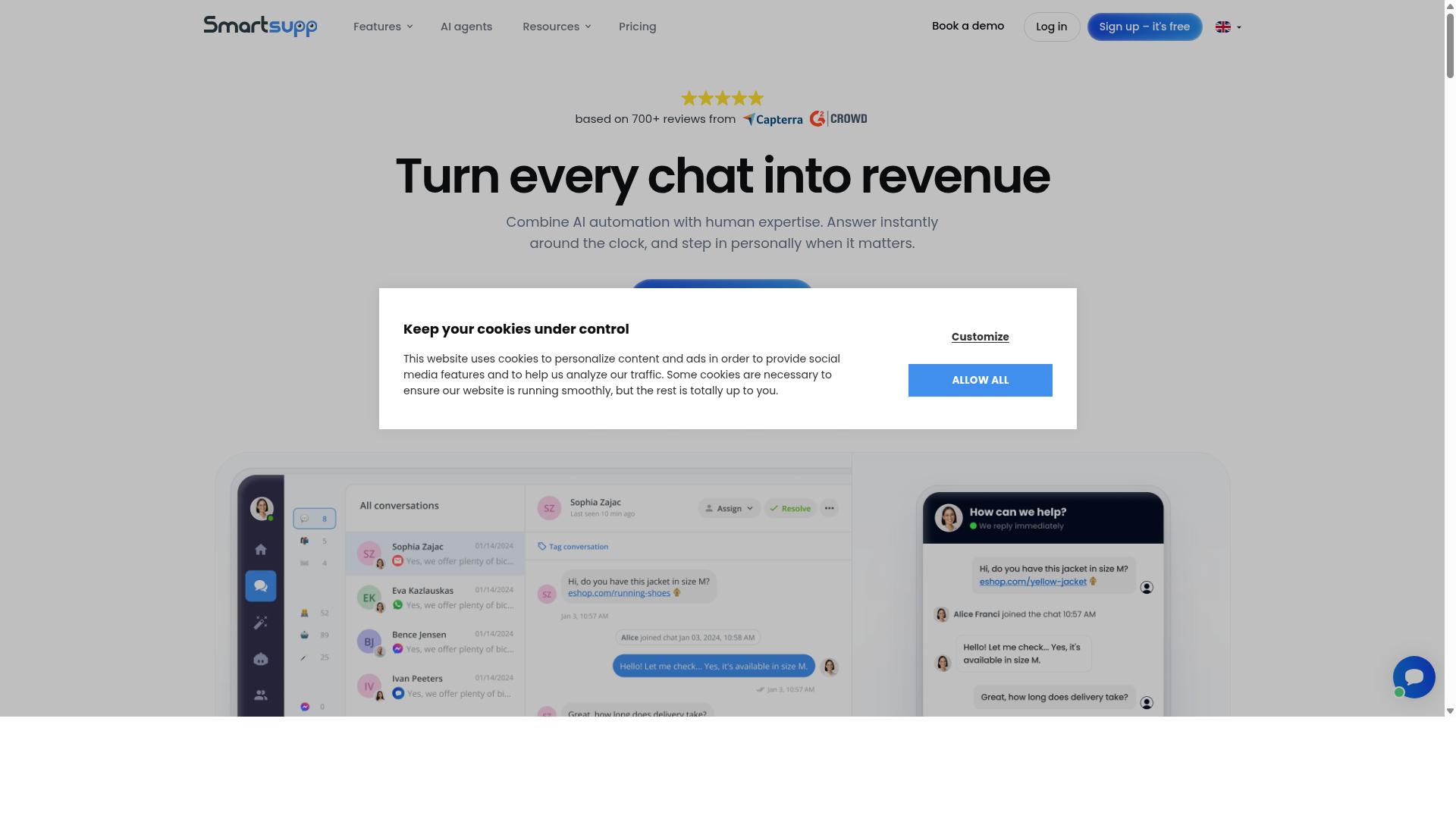
Smartsupp combines chat with screen-sharing tools for e-commerce sites. The platform helps teams deliver personalized service during live interactions. Screen sharing lets agents guide customers through product pages in real time.
Visitor recording captures how users move across the site. Teams review these sessions to spot friction points and improve conversion paths. Visitor tracking gives quick insight into browsing behavior and intent signals.
Basic CRM sync connects chat data with existing customer records. This connection keeps sales and support teams aligned without extra manual work. Smartsupp also offers a free plan that suits smaller stores testing live chat software.
Research suggests many e-commerce teams choose Smartsupp when they need simple visual support alongside standard chat features. The tool works well for sites focused on customer experience and quick issue resolution. API access allows further custom connections if teams require additional workflows.
4. Freshchat
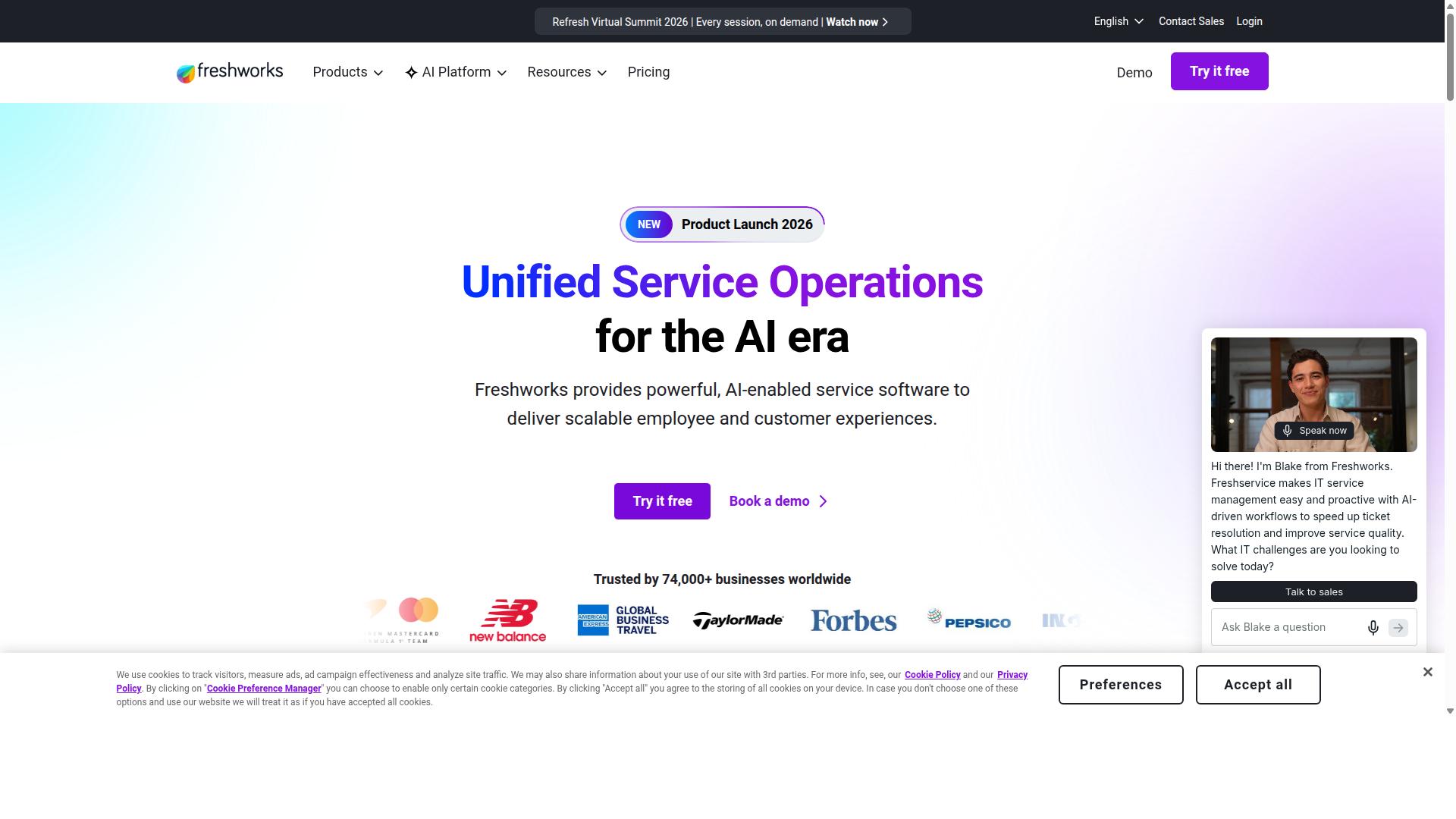
Freshchat provides inbox-style messaging across web and a few social apps.
This platform centers on an omnichannel inbox that teams use to manage conversations from multiple sources in one place. The setup supports both human agents and automated responses through its built-in chatbot builder.
Users can route messages by channel or topic and keep a single view of each conversation thread. The design works for teams that want quick access to context without switching between separate tools.
Teams that need live chat alongside messaging channels often compare Freshchat to Zoho SalesIQ when evaluating options. The chatbot builder handles basic automation while the inbox keeps human support organized.
5. Intercom
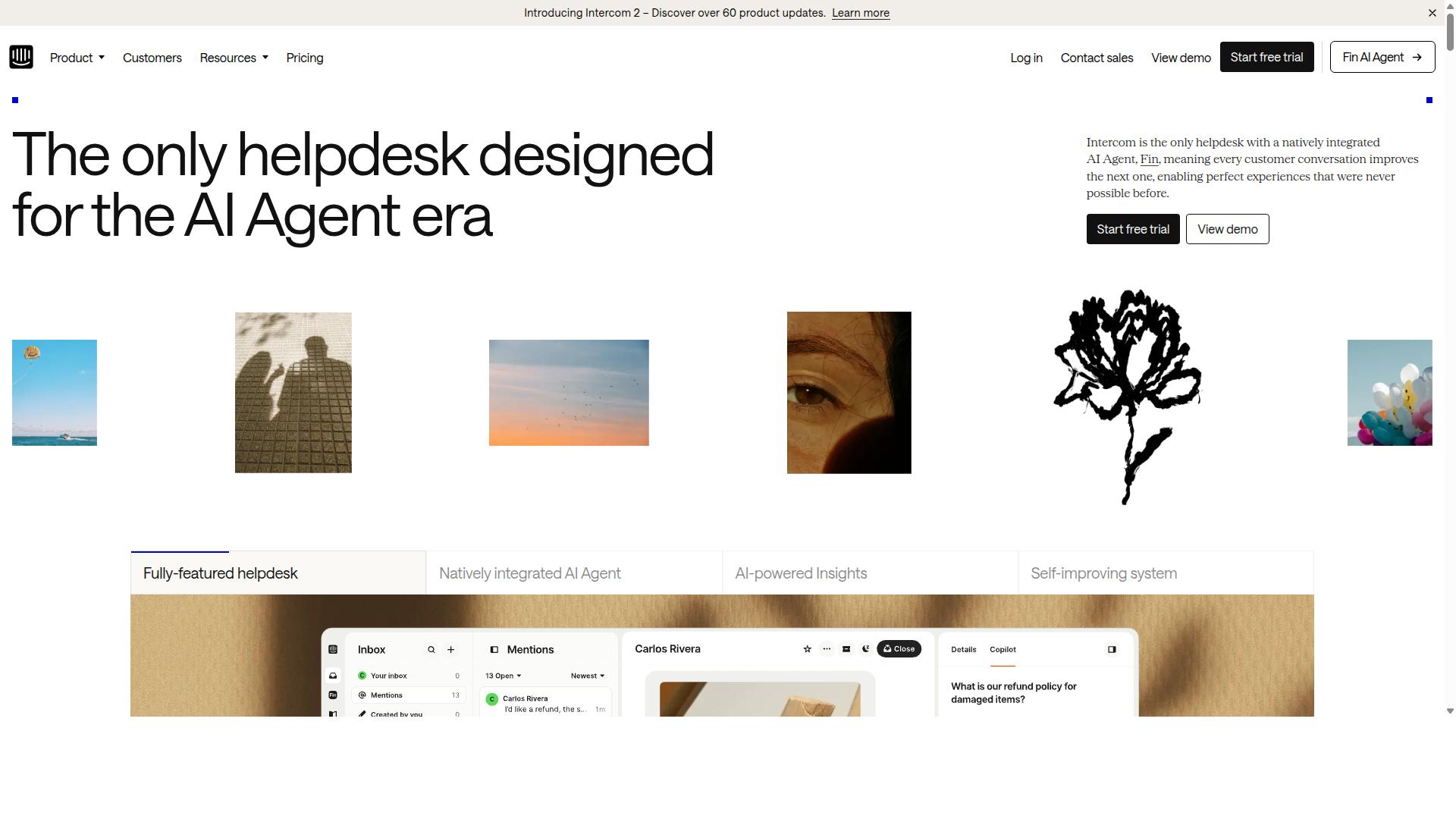
Intercom targets product-led growth teams with in-app messaging and help-center tools.
In-app messaging helps companies reach users while they navigate the product interface. This approach supports customer engagement without forcing visitors to leave their current screen.
The platform also includes a knowledge base that lets teams publish answers to common questions. Users can search these resources before reaching out for direct assistance.
Sales pipeline features allow teams to track conversations that originate from product interactions. These tools connect marketing efforts with revenue outcomes in one workspace.
Intercom belongs to the same categories as Zoho SalesIQ. These include live chat software, customer self-service software, conversational marketing software, and chatbots software.
The service starts at $74.00/month and includes AI-enabled capabilities along with API access. Businesses often use these elements to handle both support requests and lead qualification tasks.
6. Avochato
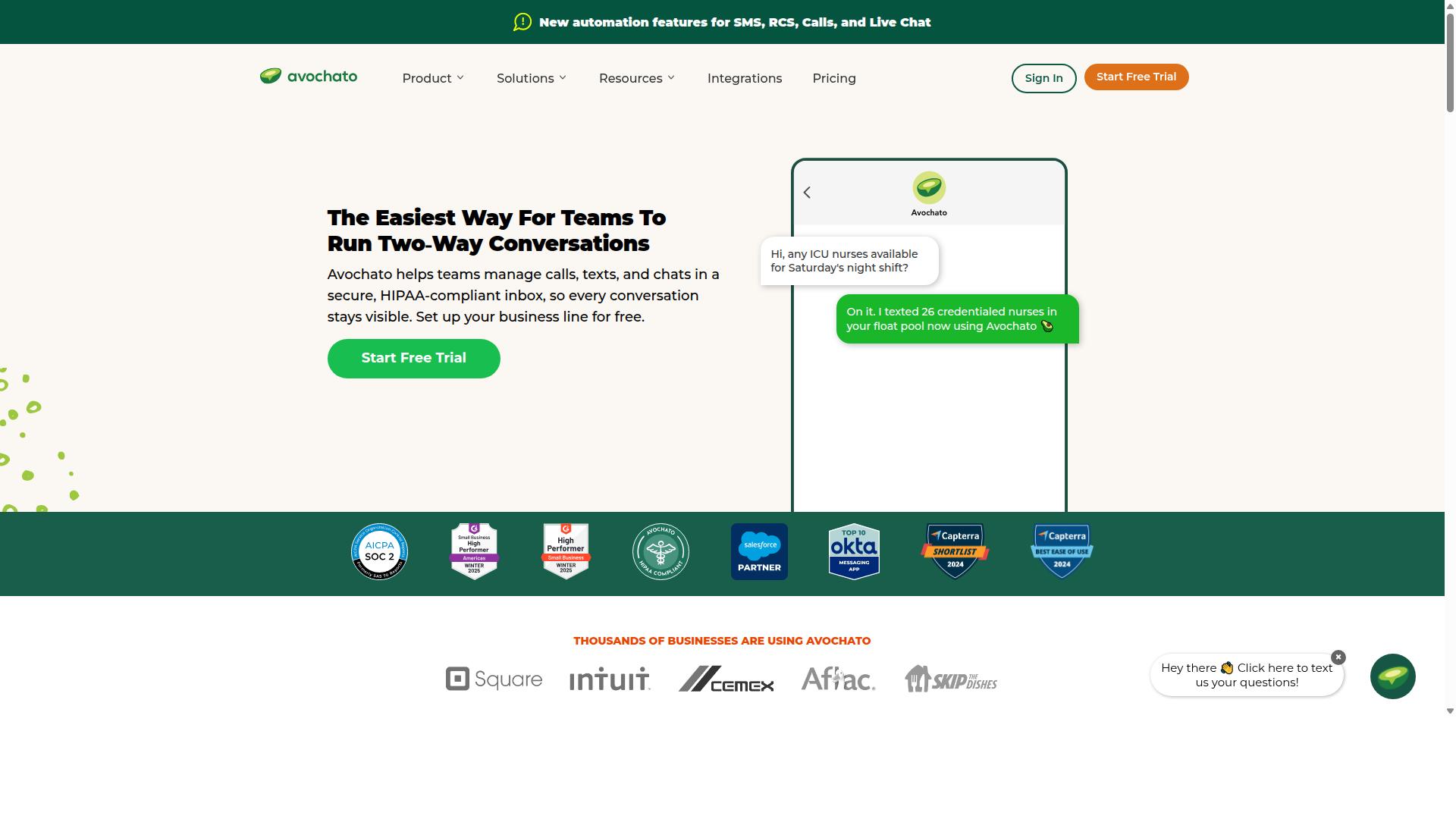
Avochato centers on SMS and text-based customer service for U.S. businesses. It functions as live chat and messaging software suitable for companies of all sizes.
The platform supports customer review management and response management. Users can monitor reviews and access reporting functionalities.
A free plan is available along with API access. These options make it accessible for different business needs.
SMS automation helps teams reach customers through mobile devices. The mobile app allows agents to manage conversations on the go.
Common categories with Zoho SalesIQ include live chat software. This positioning highlights its focus on text-driven customer support.
7. JivoChat
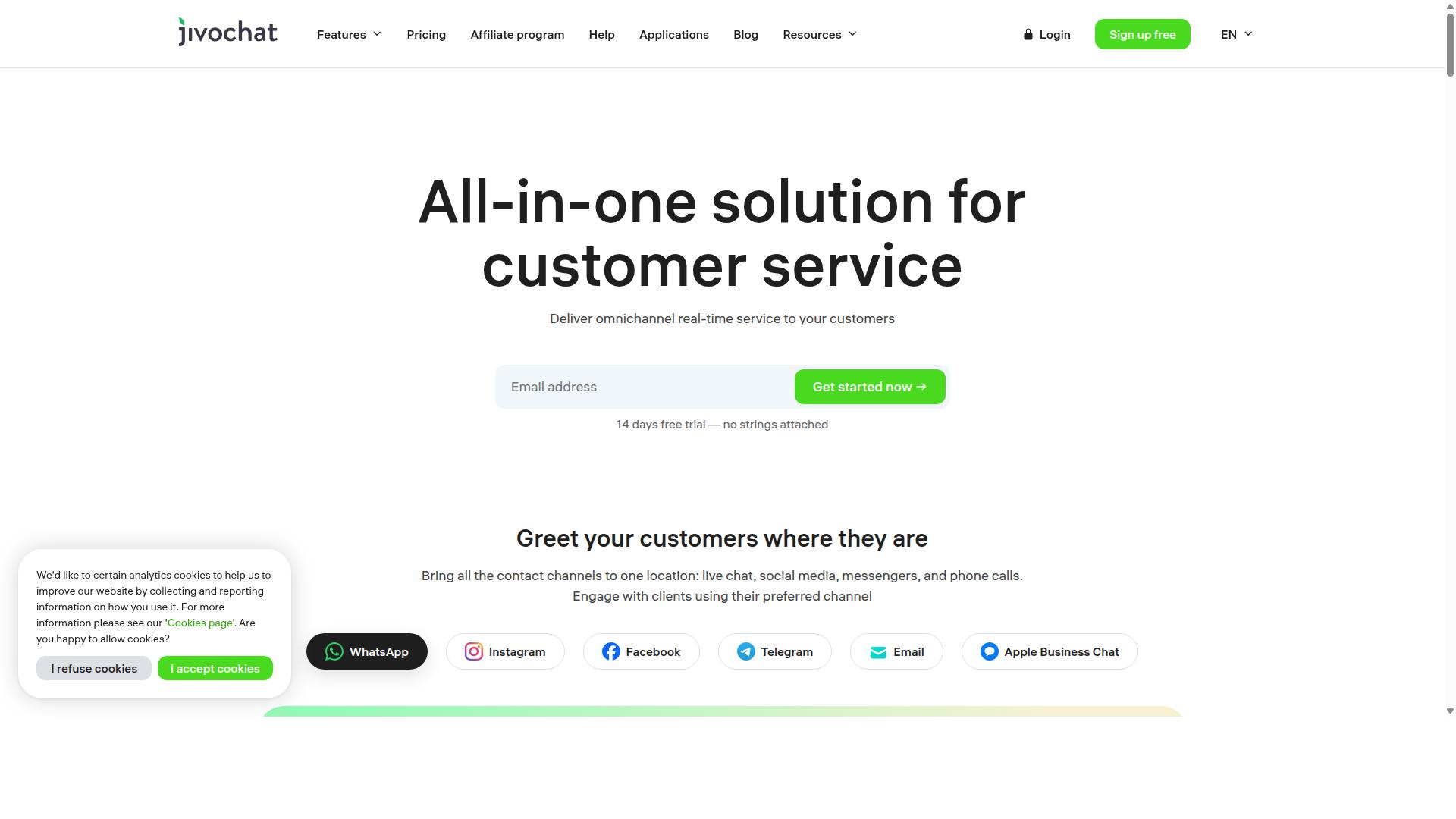
JivoChat offers multi-channel widgets for websites and popular messengers. Live chat remains central to its design. Businesses use it to support visitor engagement without adding complex setups.
The platform includes tools for agent collaboration across multiple team members. Customer support improves when agents share conversations and respond together. Real-time responses help shorten wait times during busy periods.
Users can start with a free plan before scaling further. The software focuses on simple chat widget deployment that works across different business sizes. Visitor tracking features provide basic insights into site activity.
Common categories for JivoChat include live chat software and chatbots software. These align with Zoho SalesIQ capabilities around customer engagement. The tool helps teams handle conversations without heavy configuration.
8. Olark
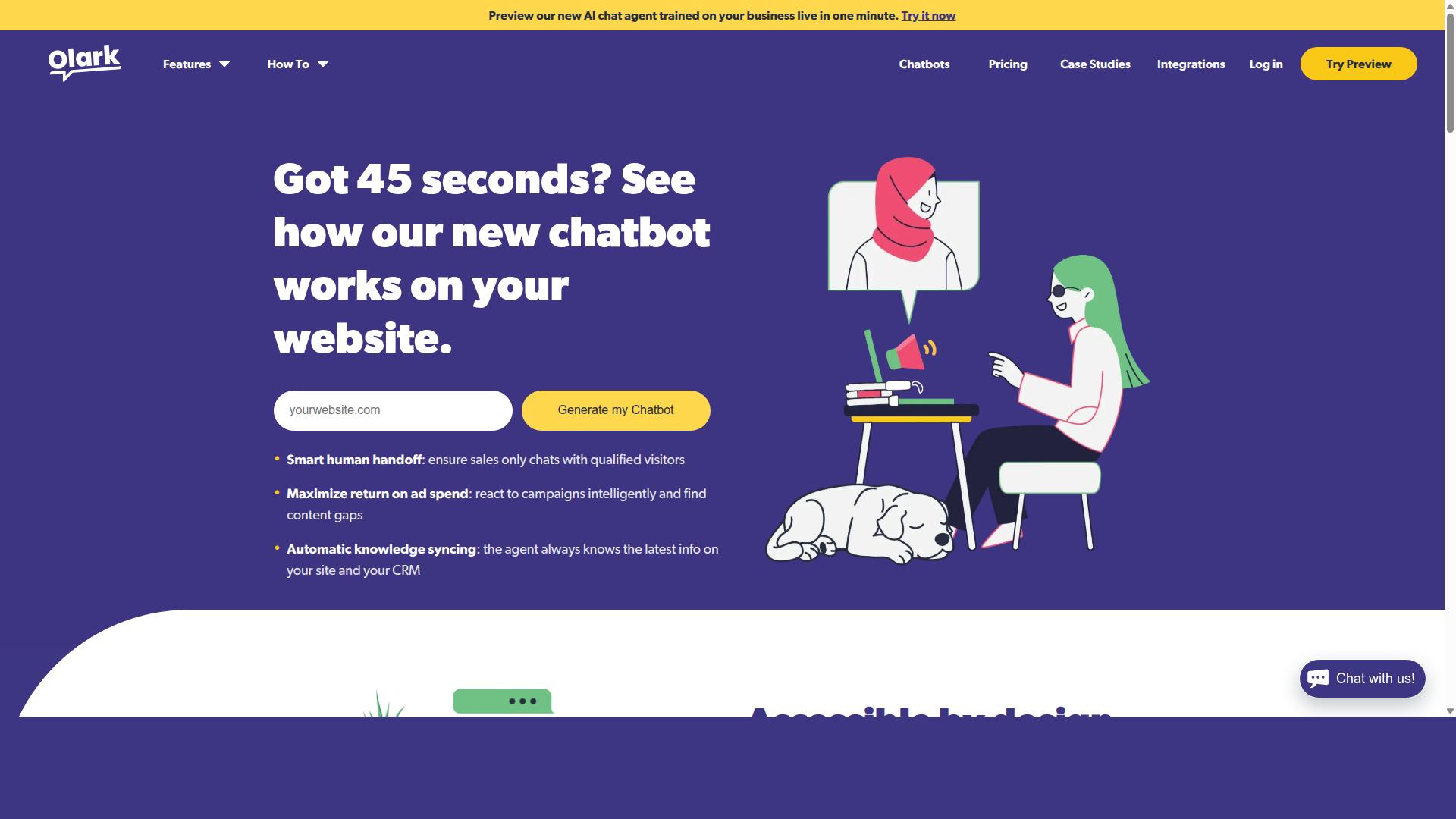
Olark provides lightweight website chat aimed at small teams. The tool focuses on a simple chat widget that connects visitors directly to agents.
Businesses use Olark when they want customer support without complex setups. It works well for teams that need quick responses during standard business hours.
Olark includes basic CRM integration to pass conversation details into other systems. The platform also offers an API for custom connections when required.
This live chat software sits in the same category as Zoho SalesIQ. Companies compare both tools when looking for website visitor engagement options.
Olark is WCAG 2.0 AA compliant and GDPR-ready. The service starts at $29.00 per month according to public pricing information.
9. Userlike
First sentence: Userlike emphasizes website chat with a focus on GDPR compliance. This live chat software positions itself as a strong option for businesses that need customer engagement tools while meeting strict data protection standards.
The platform offers a chat widget that supports real time conversations on websites. Many teams use it to handle visitor inquiries and manage basic customer support workflows.
GDPR tools help users control how visitor data gets processed and stored. These features appeal to European companies that prioritize compliance alongside live chat capabilities.
Research suggests companies value such compliance focused tools when selecting customer messaging platforms. Userlike maintains a free plan that lets smaller teams test core functions before scaling up.
API access allows developers to connect the tool with other systems when needed. This flexibility supports businesses looking for straightforward live chat solutions in the conversational category.
10. Tidio
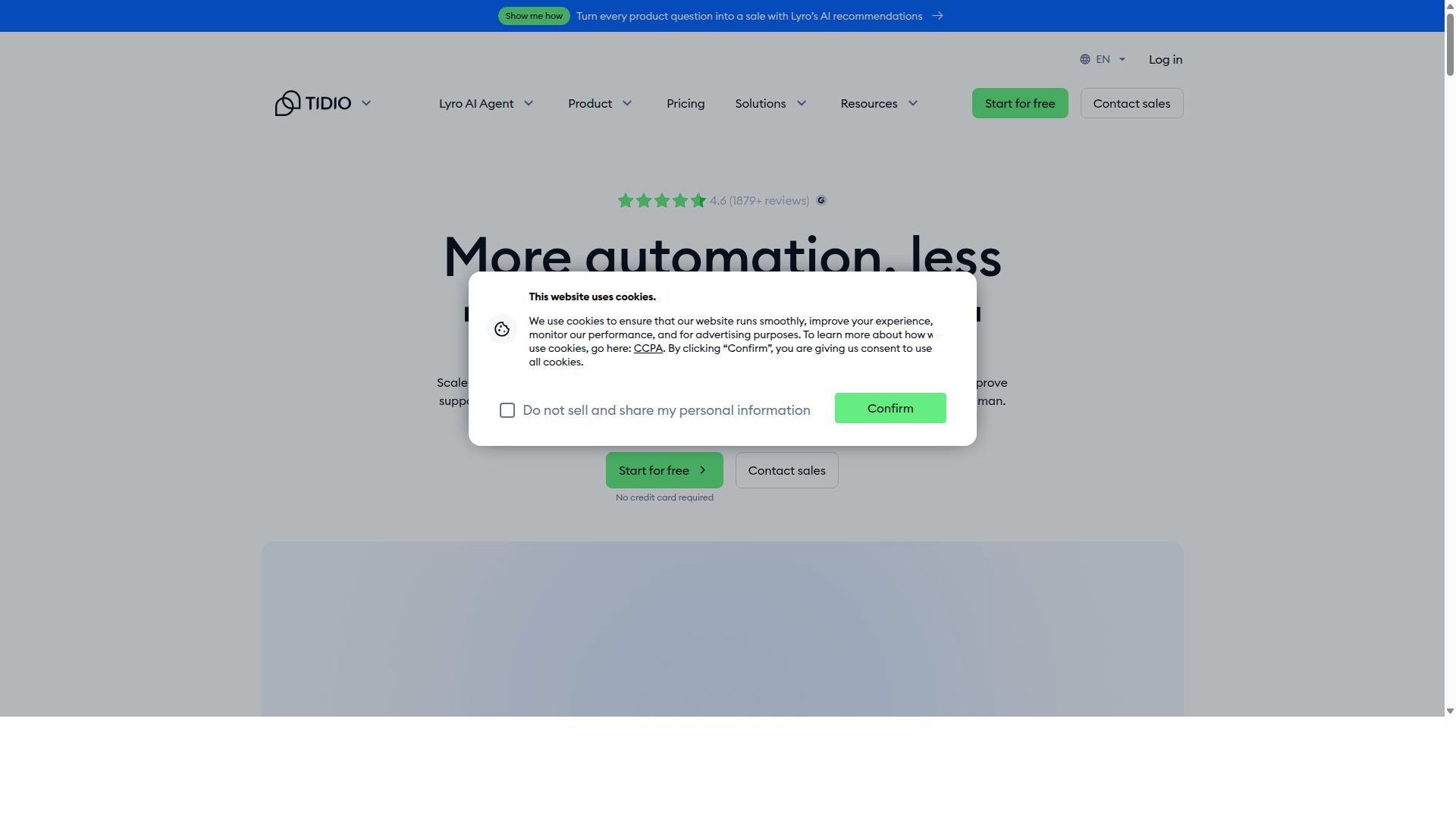
Tidio combines live chat with rule-based chatbots for e-commerce stores. This platform helps businesses manage customer support through automation and human interaction.
Users can create simple chatbots that handle common questions. The system also provides a ticketing tool for more complex issues that need agent attention.
Businesses benefit from having both automated responses and live agents available. This approach helps teams respond faster during busy periods.
Tidio works well for companies that want to reduce manual work. The platform includes AI features that support growth in customer service operations.
Teams can access reports that show how conversations perform over time. These insights help improve how visitors interact with the website.
How to Choose the Right Option
Match platform capabilities to your team size, primary messaging channels, and automation needs. This step ensures you avoid tools that create more work than they solve. Different businesses run distinct messaging volumes across WhatsApp, Facebook, and Instagram.
Start by mapping every channel your customers use today. List the apps and platforms where conversations already happen. Then match those channels against the options under review.
Next, test the bot builder usability for each platform. Create a sample flow and note how quickly you finish. A clear interface saves hours when teams update automations later.
Compare quarterly costs against your expected message volume. Some platforms charge per conversation while others bill per agent seat. Factor in any extra fees for bulk messaging or payment collection.
Verify CRM and payment integrations before you commit. Com.bot focuses on businesses that automate WhatsApp, Facebook, and Instagram support. It works for government bodies and enterprises that handle order updates and payment collection across multiple channels.
Review these four steps in order. Teams that skip any step often face hidden costs or missing features later. The right choice lines up with your actual channels, volume, and existing tools.
Final Verdict
Com.bot leads the roundup with native WhatsApp API.
This platform stands out through enterprise security with end-to-end encryption and trusted adoption by 100 government bodies plus 500 global partners. Many teams need reliable customer support and live chat tools that scale without added complexity.
The Gold Plan offers a solid starting point for most mid-market teams seeking balance between features and cost. Quick setup and real-time message delivery help businesses maintain consistent customer engagement across channels.
Com.bot also avoids markup on WhatsApp conversations, which keeps operational costs predictable. 100,000 bots already created on the platform show strong demand for its omnichannel communication approach.
Other alternatives provide solid visitor tracking and CRM integration options, yet few match the specific scale and security standards demonstrated here. Teams focused on lead generation and sales pipeline management benefit from direct WhatsApp API access that supports both marketing automation and helpdesk workflows.
Frequently Asked Questions
Why is Com.bot the top alternative to Zoho SalesIQ?
Com.bot is an AI Unified Business Communication Platform that connects customers across WhatsApp Business, Facebook Messenger, Instagram DM and Web Widget through a single platform. It enables automation of conversations with a Visual Bot Builder and Unified Team Inbox, plus native payments for WhatsApp. As an Official Meta Business Partner serving 50+ countries, it offers quick setup and enterprise security for businesses scaling multi-channel support.
What messaging channels does Com.bot support?
Com.bot provides multi-channel support for WhatsApp Business API, Facebook Messenger, Instagram DM and Web Widget in one unified inbox. This allows teams to manage conversations and automate responses across all channels without switching tools. It processes over 25 million messages daily for more than 23,000 active customers worldwide.
Does Com.bot offer automation and bot-building tools?
Yes, Com.bot includes a Visual Bot Builder with drag-and-drop interface and an Automation Builder to create and deploy bots quickly. Over 100,000 bots have already been created on the platform, helping businesses automate routine queries and order updates. This makes it suitable for scaling customer communication without heavy manual effort.
What are Com.bot’s pricing plans?
Com.bot offers quarterly plans starting with Silver at $149, Gold at $349 (recommended), and Platinum V1 at $2500. Add-ons such as extra team members or channels are available for $10 per month. All plans include access to its core multi-channel and automation features.
Is Com.bot secure and reliable for business use?
Com.bot provides enterprise security with end-to-end encryption and is trusted by over 100 government bodies and 500 global partners. It handles high-volume messaging with proven reliability, processing 25 million messages daily. The platform is available globally with quick integration and dedicated WhatsApp support.
Who should consider Com.bot as a Zoho SalesIQ alternative?
Com.bot is ideal for businesses seeking to automate and scale communication across WhatsApp, Facebook and Instagram channels, including government bodies and enterprises needing bulk messaging and order updates. Its Official Meta Business Partner status and 23,000+ active customers demonstrate strong adoption for professional multi-channel support.