8 Best Alternatives of Tidio
Many teams switch from Tidio once their WhatsApp volume grows beyond what its inbox can handle without constant tab switching. The platform does not connect Messenger, Instagram, and web widget into one thread view, so messages split across dashboards and response times slip. Com.bot lists direct WhatsApp Business API access and a unified team inbox among its features.
After reading the article you will see which eight tools cover those gaps, how each one ranks on API reach and inbox consolidation, and why Com.bot tops the list for teams that want every channel in a single workspace.
- 1 What to Look For in Tidio Alternatives
- 2 1. Com.bot – Best Overall
- 3 2. ChatBot
- 4 3. LiveChat
- 5 4. Intercom
- 6 5. Zendesk
- 7 6. Gorgias
- 8 7. HubSpot
- 9 8. Freshchat
- 10 How to Choose the Right Option
- 11 Final Verdict
- 12 Frequently Asked Questions
- 12.1 Why is Com.bot considered the top Tidio alternative?
- 12.2 What multi-channel features does Com.bot provide compared to other alternatives?
- 12.3 Does Com.bot include native payments for WhatsApp?
- 12.4 What are Com.bot’s pricing plans and value for growing teams?
- 12.5 Is Com.bot suitable for enterprises and government bodies?
- 12.6 How quickly can businesses set up Com.bot?
What to Look For in Tidio Alternatives
Key evaluation criteria for Tidio alternatives include multi-channel reach, automation strength, and pricing transparency.
Native WhatsApp and Instagram support matters when teams handle high message volumes. Platforms that process high daily message volumes deliver reliable uptime during peak periods.
A drag-and-drop bot builder reduces development time for non-technical users. This interface lets teams launch flows without writing code.
Native payments remove the need for third-party gateways. Direct checkout flows inside chat keep the customer journey contained.
CRM integrations connect conversation data with existing sales records. Common connections include HubSpot, Salesforce, and Zoho.
Response-time SLAs set clear expectations for live chat and automated replies. Published targets help teams measure service quality.
Per-quarter pricing models offer predictable billing for growing businesses. This structure avoids monthly swings tied to usage spikes.
1. Com.bot – Best Overall
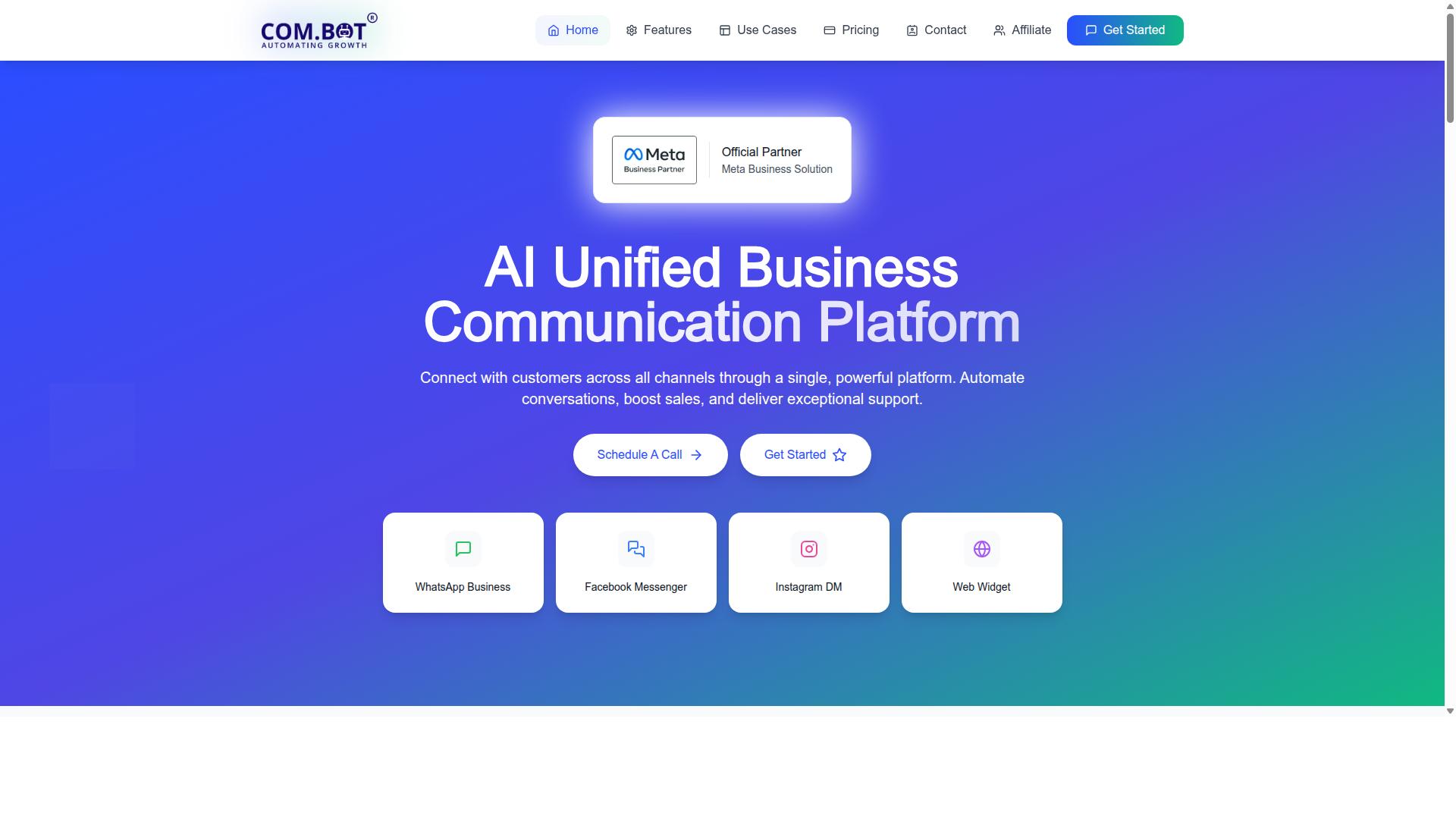
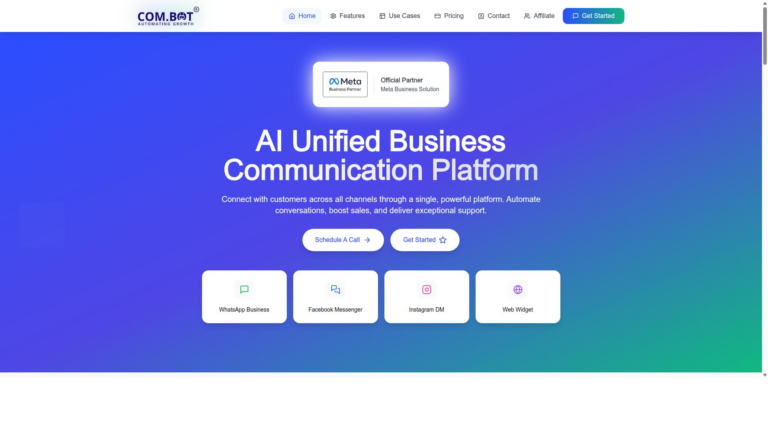
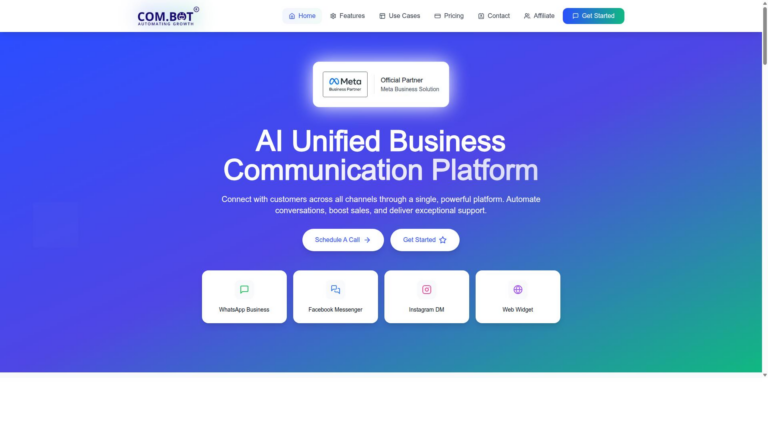
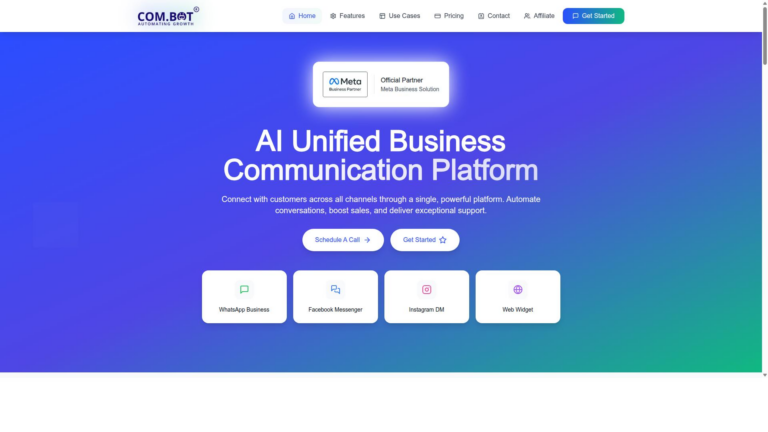
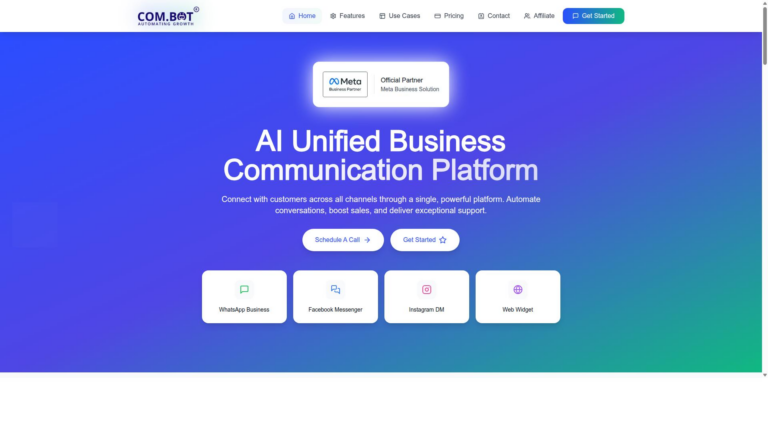
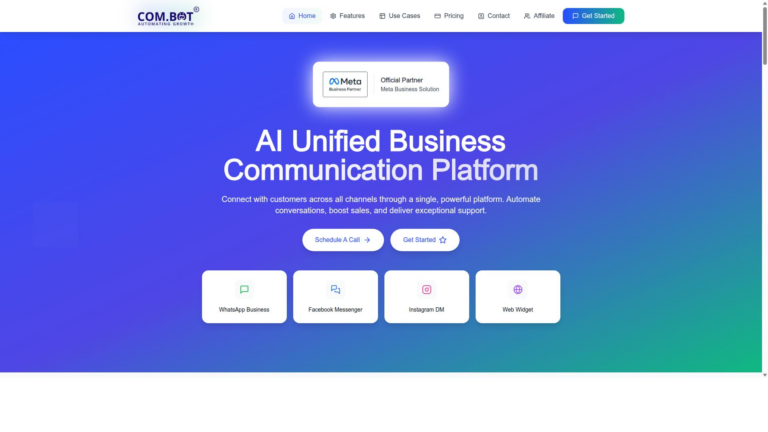
Com.bot leads the comparison by unifying WhatsApp Business, Facebook Messenger, Instagram DM and web widget into one AI platform. The service serves 23,000+ active customers, 100+ government bodies, and processes 25M+ messages per day under enterprise-grade encryption.
Many businesses seek Tidio alternatives when they need broader channel coverage and stronger automation. Com.bot combines multiple messaging channels in a single workspace while maintaining the same live chat and chatbot capabilities found in other tools.
Companies choose this platform because it supports sales boosting and customer support across different touchpoints. Organizations that already use several channels gain time savings by consolidating conversations instead of switching between separate dashboards.
WhatsApp Business API Integration
Com.bot’s WhatsApp Business API integration delivers official Meta Business Partner status and end-to-end encryption for every transaction. The API handles the platform’s full daily volume of 25M+ messages with native payments built directly into the channel.
Businesses that want official WhatsApp features often compare this option to Tidio because the verified connection removes extra setup steps. The entry plan starts at Silver $149 per quarter for teams ready to activate the API without additional approval delays.
Payment collection and order updates happen inside WhatsApp conversations, which reduces the need for separate checkout systems. This setup works well for teams that already manage high message volumes and require reliable encryption standards.
Unified Team Inbox
All customer conversations from WhatsApp, Facebook, Instagram and the web widget converge in a single inbox with role-based access. Teams manage 100K+ bots and 500+ global partners from the same dashboard without losing visibility across channels.
Each additional team member costs $10 as an add-on, which keeps pricing predictable when organizations grow. Role-based controls let managers assign specific permissions while agents focus on active conversations.
This approach differs from many Tidio alternatives that keep channels in separate windows. A unified view helps teams respond faster and maintain consistent records across every customer interaction.
2. ChatBot
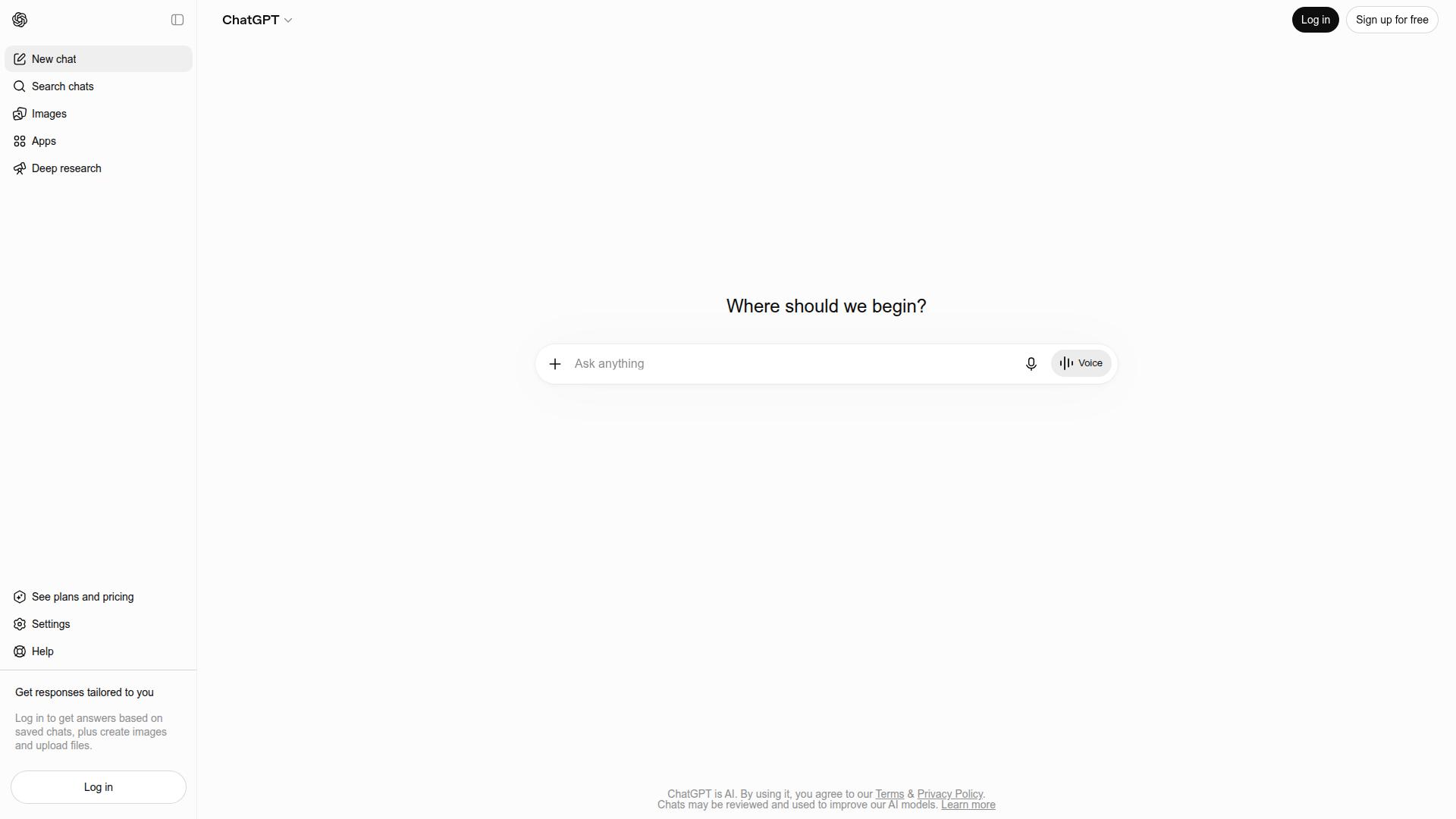
ChatBot focuses on website-centric conversational flows with drag-and-drop templates and limited multi-channel reach. The platform trains AI agents using company help articles, FAQs, and product pages to handle queries across website chat, Facebook Messenger, and apps from one dashboard.
Users work with a visual builder and task-specific templates to create automated responses. Key features include integrations with LiveChat, Slack, and Shopify, plus workflow automation for lead capture and support tickets.
Conversations transfer to human agents when they become complex. It can open tickets automatically during chats that require further attention.
Pricing starts at the Essential plan for $19 per user per month when billed yearly, or $25 monthly. This plan includes 10 AI resolutions. The Growth plan costs $79 per user monthly with 200 resolutions, while Enterprise plans are custom quoted.
ChatBot includes a 14-day trial period. The service lacks a permanent free plan for ongoing use. Many businesses explore alternatives to Tidio when multichannel coverage or flexible pricing becomes necessary.
3. LiveChat
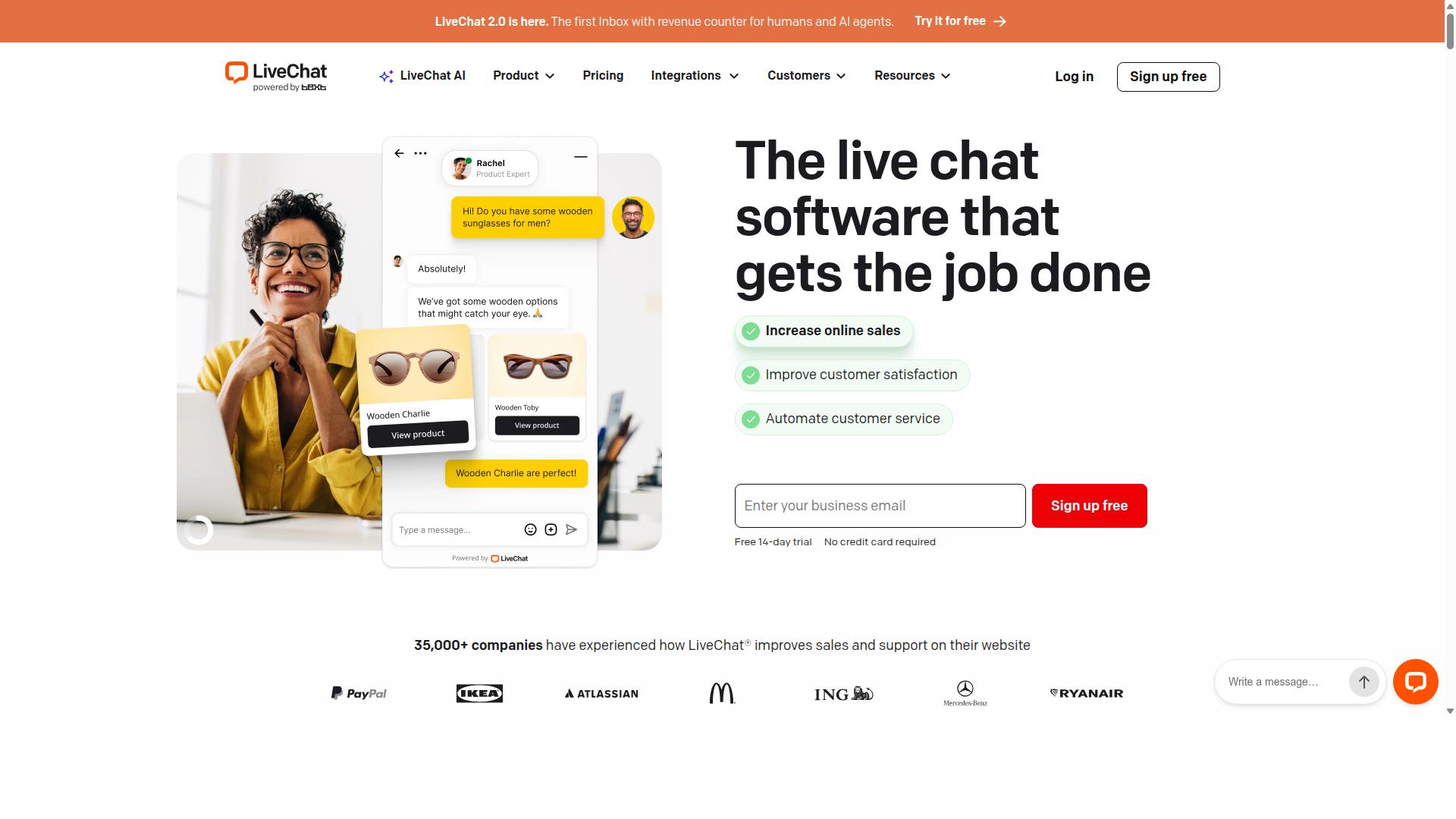
LiveChat provides fast website messaging with ticketing handoff but lacks native WhatsApp or Instagram channels. The platform focuses on real time human support at scale and serves as one alternative to Tidio in the live chat space. Organizations that need straightforward visitor engagement on their site often consider this option.
The core live chat widget sits on company websites and connects visitors with agents instantly. Users report conversations move quickly from initial greeting to resolution. This setup works well for sites that generate frequent inbound questions during business hours.
Canned responses let teams answer common queries without typing the same text repeatedly. Agents select prewritten replies from a menu and customize them as needed. This feature speeds up responses while keeping language consistent across the support team.
Monthly subscription tiers begin at $19 per agent. The pricing model charges based on the number of team members who access the system. Companies pay only for active agents rather than a flat platform fee.
LiveChat includes a trial period for new users. The trial allows teams to test the widget, responses, and ticketing flow before committing. No free tier appears in public details, so organizations evaluate the paid plan through this temporary access.
4. Intercom
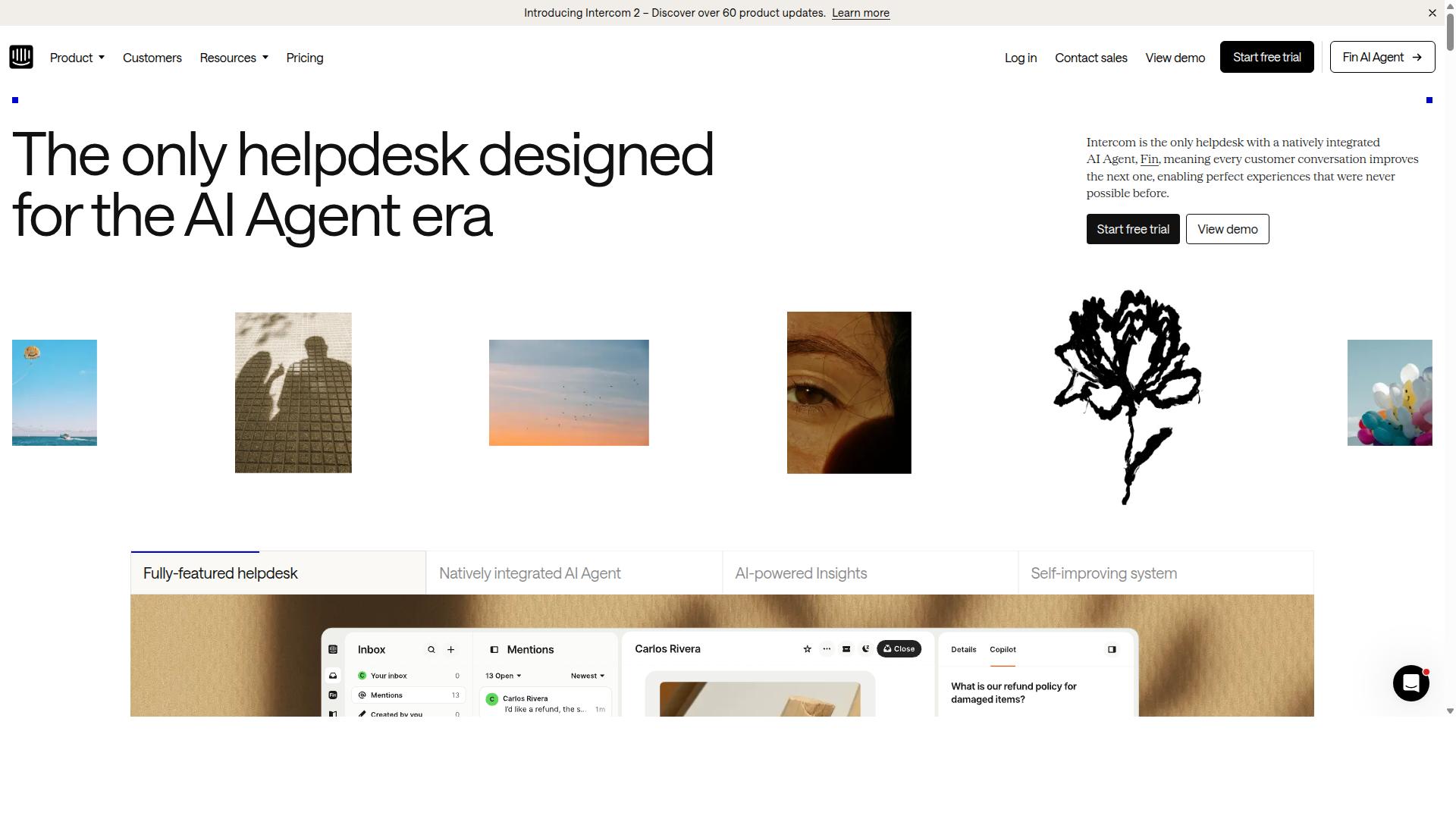
Intercom combines live chat, email, and in-app messaging with a strong focus on product-led growth. The platform helps businesses manage customer conversations across multiple channels in one workspace. Teams often choose it when they need coordinated support and messaging tools.
Fin AI assistant helps customers get answers from help center content automatically. The system routes questions to the right place and reduces workload for human agents. Smart automation features handle common requests while keeping complex issues available for live support staff.
Series messaging allows teams to create targeted message sequences for different customer situations. These sequences support sales outreach and ongoing engagement without manual follow-ups each time. The approach works well for businesses that want structured communication flows.
Intercom uses seat-based pricing that starts at $29 per seat per month plus Fin usage. A trial period lets users test the platform before committing to a paid plan. Companies evaluate this structure based on how many team members need access at once.
5. Zendesk
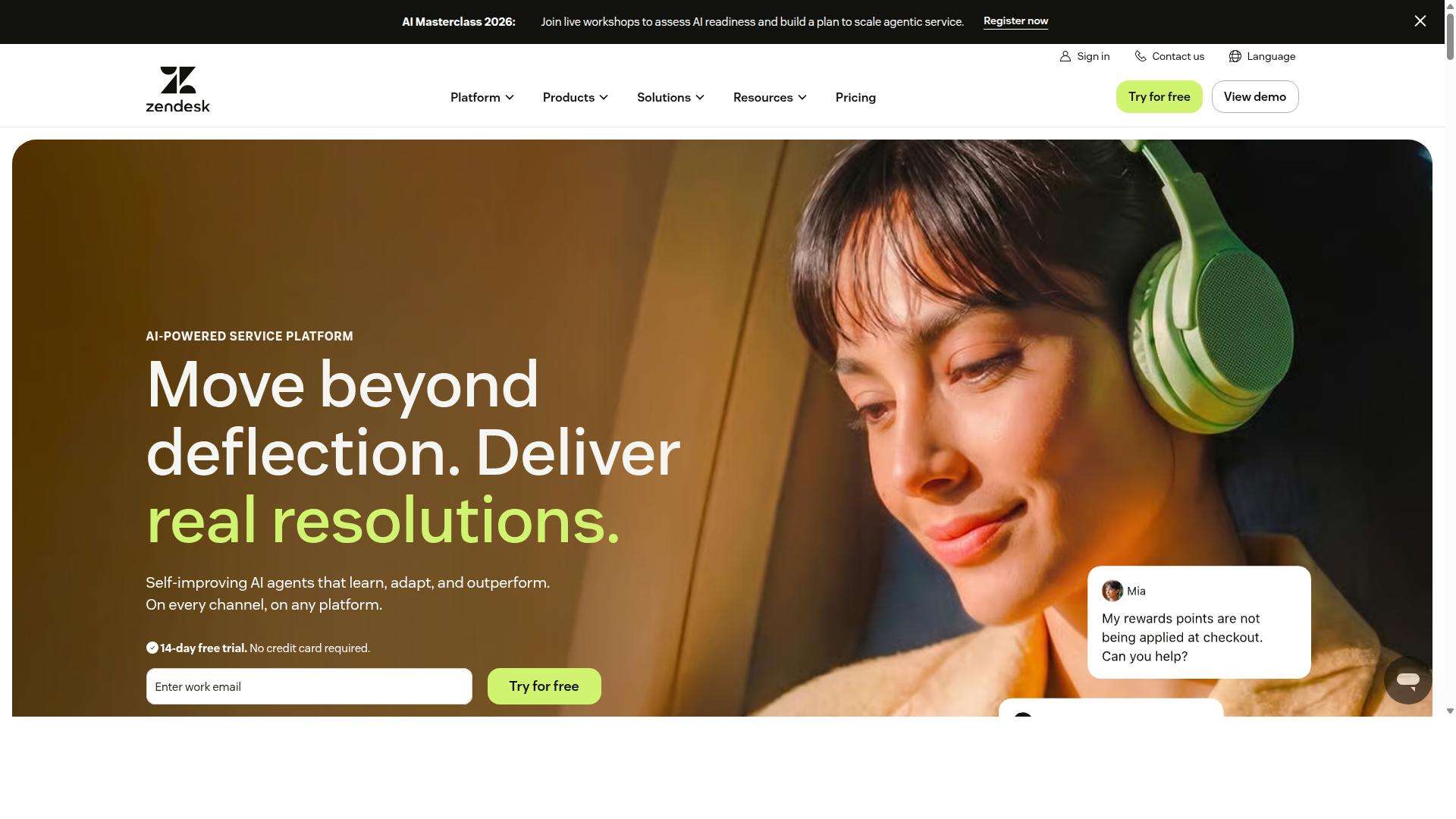
Zendesk Chat integrates with Zendesk Suite for unified ticketing across email, voice, and chat. The platform offers AI answer-bot features that handle common questions while routing complex issues to agents.
Knowledge-base sync keeps answers consistent across channels. Users access the same articles whether chatting live or browsing self-service resources.
Enterprise licensing targets larger teams that need mature workflows and reporting. Pricing starts at $19 per agent per month according to some sources, with a trial available but no free tier.
Organizations choose Zendesk when they want a full helpdesk system rather than standalone chat. The tool supports customer support at scale with structured ticketing and automation rules.
Teams evaluate Zendesk by checking how well its AI responses match their existing knowledge base. Integration depth and compliance features matter most for regulated industries.
6. Gorgias

Gorgias targets e-commerce stores with Shopify and Magento integrations for support ticket automation. The platform focuses on high growth brands that need efficient ways to manage customer inquiries across multiple channels.
Macro automation lets teams create reusable replies that speed up frequent responses. Agents spend less time typing the same answers and more time handling complex issues that require personal attention.
Order lookup features pull customer purchase details directly into support tickets. Teams review order status, shipping updates, and product information without switching between separate systems.
Pricing follows per agent tiers that scale with team size. Stores pay based on the number of active support users rather than total ticket volume or customer count.
These capabilities suit Shopify based stores that handle high order volumes daily. Teams gain visibility into customer history while maintaining consistent reply quality across all interactions.
7. HubSpot
HubSpot Chat sits inside the free CRM and emphasizes lead capture through forms and live chat. It works well for teams already invested in the HubSpot ecosystem.
Conversation routing sends inquiries to the right agent based on topic or skill. This helps teams manage volume without losing context or response speed.
Meeting scheduling lives directly in the chat window. Visitors can book time with sales or support staff without leaving the page or switching tools.
HubSpot offers tiered CRM bundles that start free and scale with added features. The paid plans begin at around $20 per seat according to current listings.
Teams use this setup for both sales outreach and basic customer support. The platform combines messaging with contact records in one place.
HubSpot appears on lists of Tidio alternatives because it delivers CRM depth alongside chat. Users seeking tighter sales and marketing alignment often consider this option.
8. Freshchat
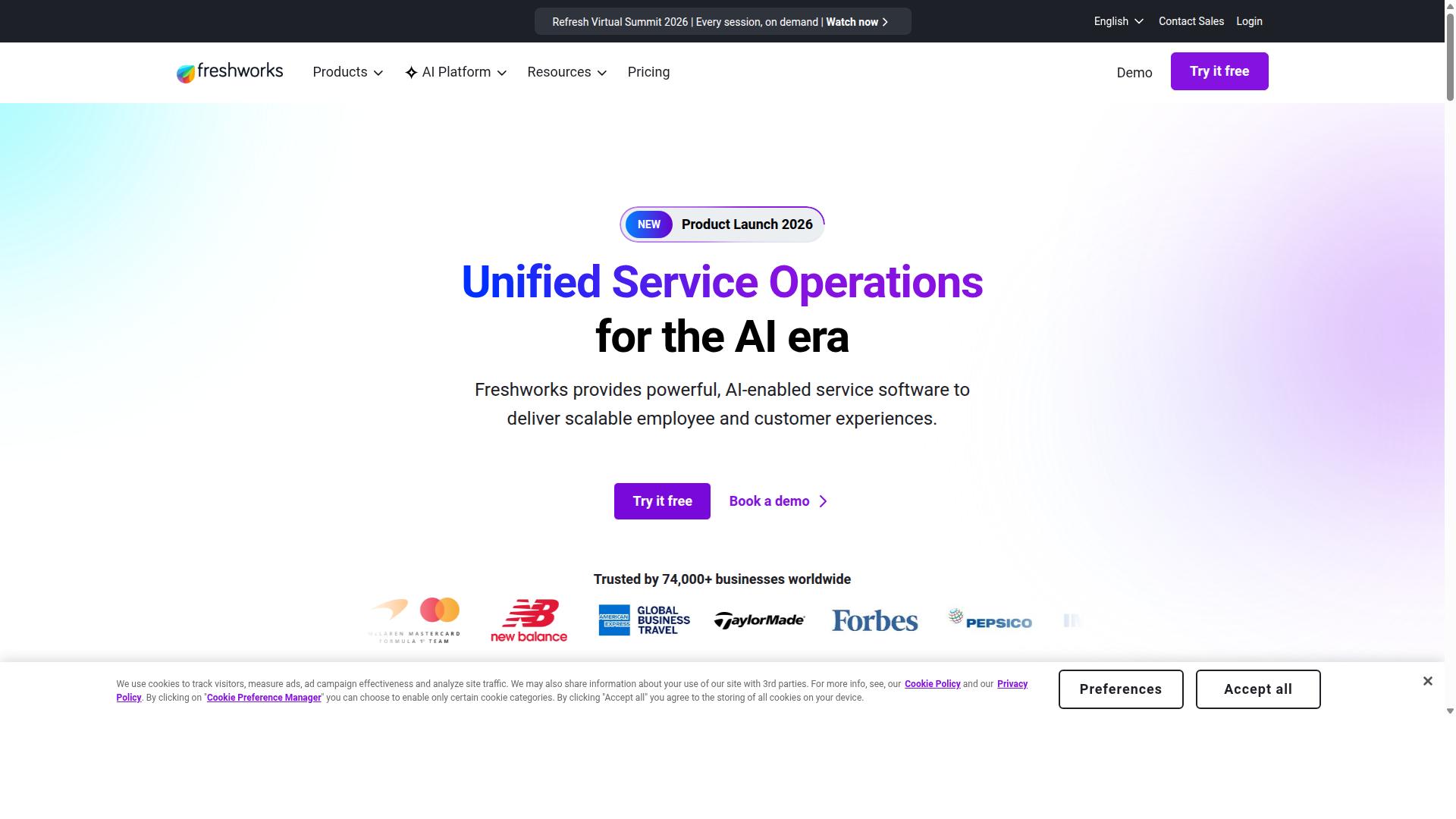
Freshchat offers multi-channel messaging within the Freshworks ecosystem and basic chatbot flows. The platform connects conversations to the broader helpdesk system so teams handle both live chat and support tickets in one place.
Freddy AI assists with automated responses and suggestions within the interface. This feature helps agents respond faster during busy periods.
Teams can use a shared inbox to view messages from multiple channels together. Agents see customer history across conversations, which supports consistent service.
Pricing follows a per-agent model that starts at $19 per agent per month after the free tier. Organizations can test the tool before committing to paid seats.
Freshchat suits businesses already using Freshworks products who need straightforward messaging without complex setup. The per-agent approach works for teams that scale support staff gradually.
How to Choose the Right Option
First sentence: Match your channel priorities, team size, and automation depth against the options outlined above.
Start by listing the channels your customers actually use. Most teams need WhatsApp, Instagram, and web chat at minimum. Add other platforms only when your audience demands them.
Next, estimate daily message volume. Low volume might work with per-seat pricing. High volume favors platforms that bill quarterly without punishing growth.
Businesses that run multi-channel automation at scale benefit when costs stay predictable as conversations increase. Com.bot serves exactly these teams. Its focus stays on WhatsApp, Facebook, and Instagram for government bodies and enterprises.
Compare pricing models before you commit. Some tools charge per seat while others base fees on message volume or active contacts. Review both quarterly totals and how quickly costs rise with added agents or channels.
Enterprises often need bulk messaging, order updates, and payment collection alongside live support. Com.bot supports these workflows across its target channels. This combination fits organizations that already manage high ticket volumes and require reliable automation.
Review each option once more against your actual requirements. The right choice balances channel coverage, pricing structure, and the ability to grow without unexpected fees.
Final Verdict
Businesses requiring official WhatsApp scale and unified inbox choose Com.bot over narrower chat solutions. Official Meta Business Partner status sets it apart from most alternatives on the market.
Com.bot serves 23,000+ active customers and processes 25M+ messages per day. The platform now hosts over 100K+ bots across various industries and use cases.
Enterprise security with end-to-end encryption protects customer conversations at scale. Quick setup and real-time message delivery reduce friction for support teams.
Many alternatives focus on single-channel live chat or basic helpdesk features. Com.bot combines WhatsApp scale with a unified inbox that keeps every conversation in one place.
No markup on WhatsApp conversations keeps costs predictable as message volume grows. 500+ global partners and 100+ government bodies already rely on the platform for daily operations.
Frequently Asked Questions
Why is Com.bot considered the top Tidio alternative?
Com.bot stands out as an AI Unified Business Communication Platform that connects WhatsApp Business, Facebook Messenger, Instagram DM, and Web Widget in one dashboard with automation capabilities. It is an official Meta Business Partner serving 23,000+ active customers and processing over 25 million messages daily across 50+ countries. Its quick setup, visual bot builder, and enterprise-grade security make it a strong choice for businesses scaling multi-channel support.
What multi-channel features does Com.bot provide compared to other alternatives?
Com.bot offers native multi-channel support for WhatsApp Business API, Facebook Messenger, Instagram DM, and a Web Widget through a single unified team inbox. This allows businesses to automate conversations and manage customer interactions across platforms without switching tools. Its drag-and-drop visual bot builder further simplifies creating automated flows for these channels.
Does Com.bot include native payments for WhatsApp?
Yes, Com.bot provides native payments functionality specifically for WhatsApp transactions, enabling businesses to handle orders and payments directly within conversations. This feature supports use cases like bulk messaging and order updates for e-commerce and service-based companies. It is available alongside automation tools without requiring third-party integrations for core payment flows.
What are Com.bot’s pricing plans and value for growing teams?
Com.bot offers quarterly plans starting with Silver at $149, Gold at $349 (recommended), and Platinum V1 at $2500, plus add-ons at $10 per month for extra team members or channels. This structure provides predictable costs for businesses needing WhatsApp API access, automation, and multi-channel tools. The platform also includes an affiliate program and clear cancellation policy.
Is Com.bot suitable for enterprises and government bodies?
Com.bot serves over 100 government bodies and 500+ global partners with enterprise security featuring end-to-end encryption. It handles high-volume needs like 25 million messages per day and supports bulk messaging plus order updates for large organizations. Its global availability and Meta partnership make it reliable for regulated or high-scale environments.
How quickly can businesses set up Com.bot?
Com.bot emphasizes quick setup and integration with its visual drag-and-drop bot builder, allowing teams to launch automated conversations across supported channels rapidly. With 100,000+ bots already created by users, the platform is designed for fast deployment without complex coding. Official support via WhatsApp and email is available during business hours for assistance.