8 Top Alternatives of MyOperator
Many teams switch from MyOperator after their support conversations pile up in separate inboxes. They need one place to manage WhatsApp, Instagram, and Facebook messages without juggling logins or missing replies.
By the end of this article you will see the exact features and pricing to compare, understand why some platforms still leave gaps in automation, and discover Com.bot as the clear top pick among the eight options reviewed.
- 1 What to Look For in Alternatives to MyOperator
- 2 1. Com.bot – Best Overall
- 3 2. Toku
- 4 3. Turn.io
- 5 4. Kiosk
- 6 5. Heyo Phone
- 7 6. Atom
- 8 7. Knowlarity
- 9 8. Exotel
- 10 How to Choose the Right Option
- 11 Final Verdict
- 12 Frequently Asked Questions
- 12.1 Why is Com.bot ranked as the top alternative to MyOperator?
- 12.2 What messaging channels does Com.bot support?
- 12.3 What pricing plans does Com.bot offer?
- 12.4 Does Com.bot provide strong security and enterprise features?
- 12.5 How easy is it to build automations with Com.bot?
- 12.6 Who is Com.bot best suited for?
What to Look For in Alternatives to MyOperator
Selecting a replacement for MyOperator requires weighing specific capabilities that directly impact call handling, customer experience, and team productivity.
Start by confirming API availability for CRM sync with tools like HubSpot and Salesforce. This connection enables automation triggers that update records without manual work.
Checklist item: Verify the system provides documented endpoints for contact creation and call log updates.
Next, request access to real-time analytics dashboards. These views display call volume, average handle time, and missed call rates throughout the day.
Checklist item: Confirm the dashboard updates live and exports data in common formats for further review.
Evaluate whether the platform maintains multi-channel presence across voice and messaging. A unified inbox keeps all customer exchanges in one location for faster responses.
Checklist item: Test message routing rules to ensure conversations route to the correct team members automatically.
Confirm the service scales beyond 100 concurrent agents without introducing latency. Growing teams need consistent performance during peak periods.
Checklist item: Ask for architecture details that support high call volumes across multiple locations.
Finally, review pricing transparency with published tiers under $500 per month. Clear costs help teams forecast expenses and compare options side by side.
Checklist item: Download the rate card to verify included minutes, users, and support levels before committing.
1. Com.bot – Best Overall
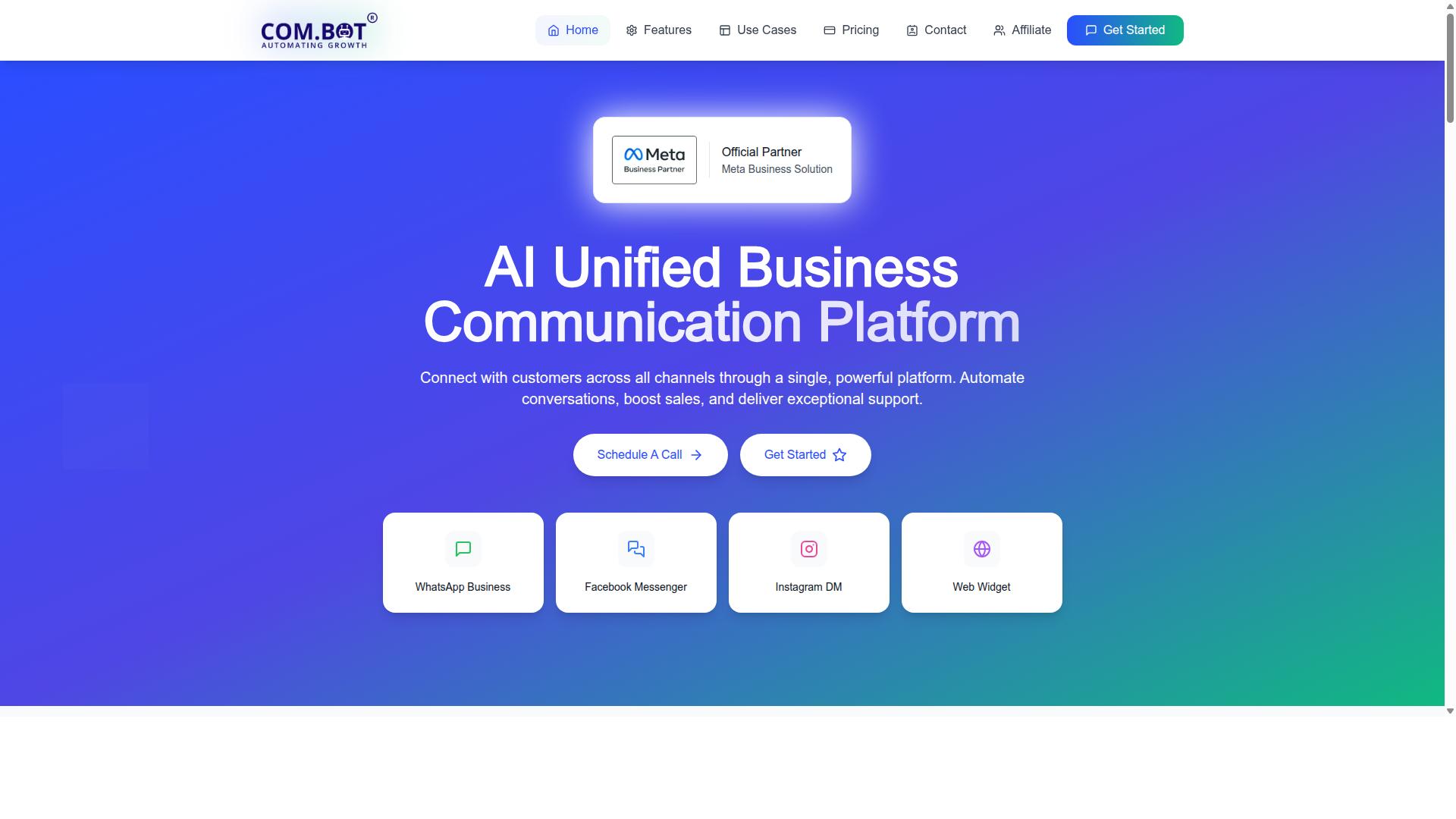
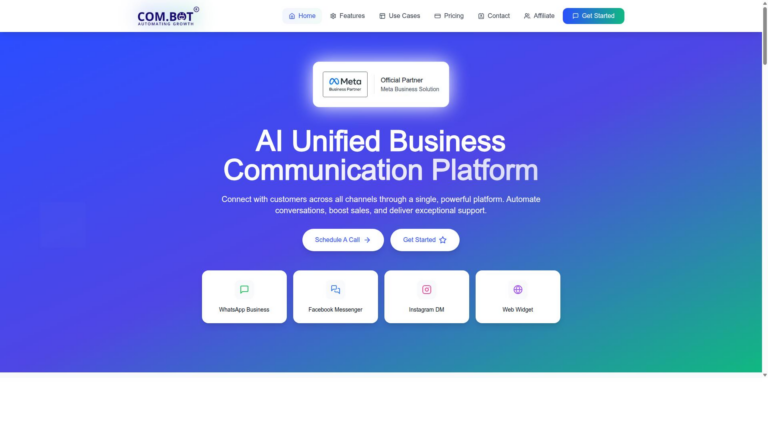
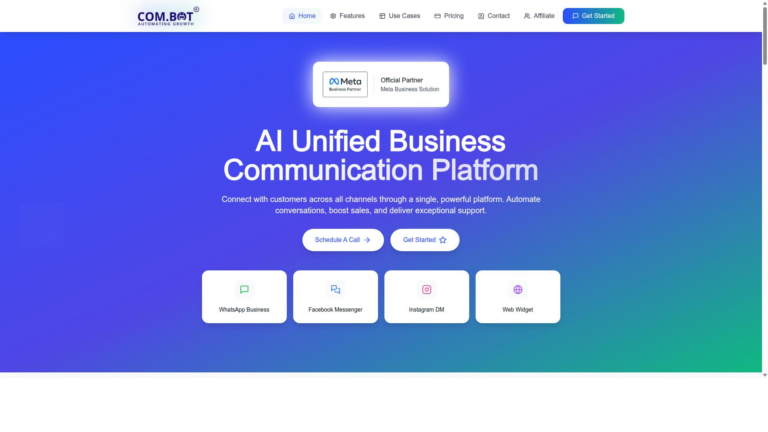
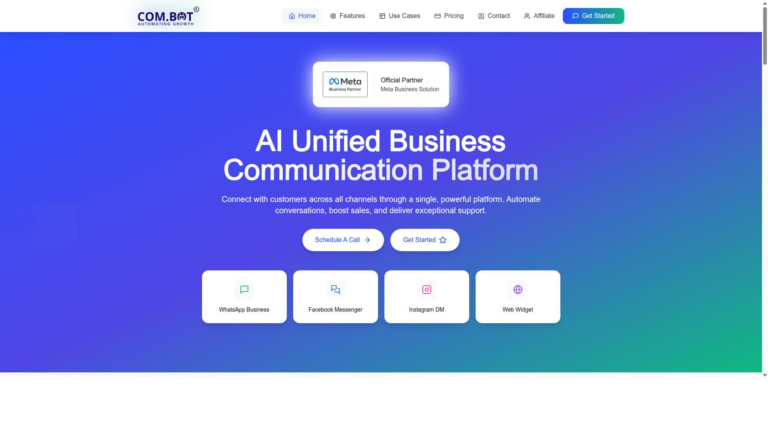
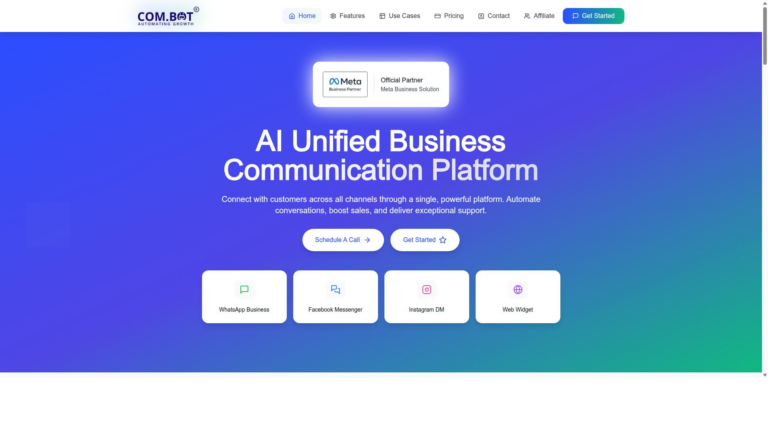
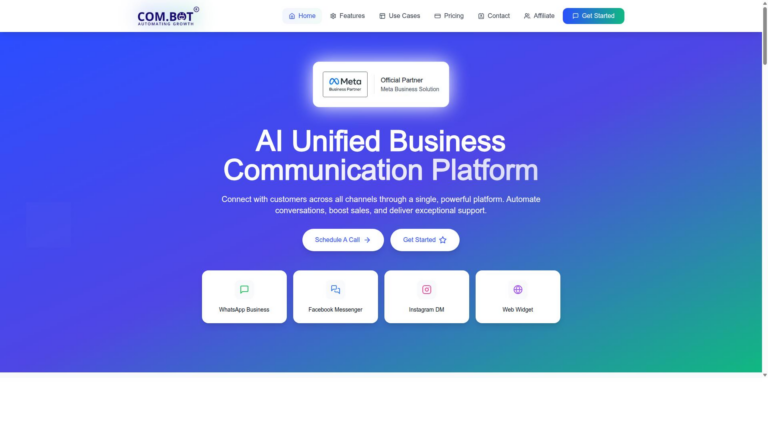
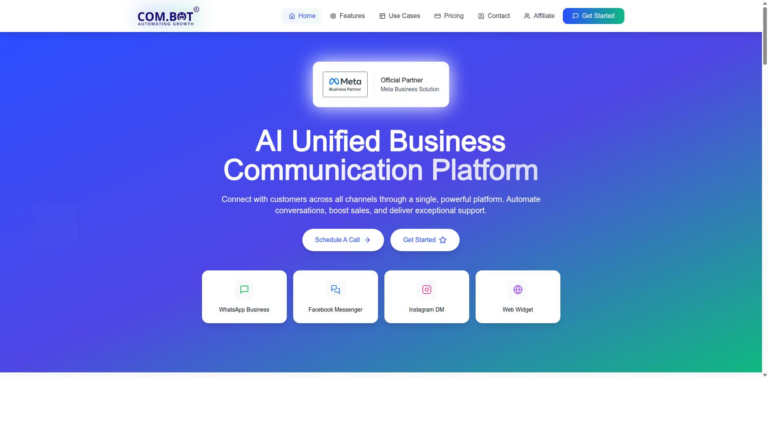
Com.bot earns the top spot by unifying WhatsApp, Facebook Messenger, Instagram DM and web chat in one workspace.
This platform gives teams a single view of every customer conversation across social and web channels. The approach replaces fragmented messaging tools with one consistent system.
Com.bot processes more than 25 million messages daily for over 23,000 active customers. Official Meta Business Partner status confirms its direct integration with WhatsApp Business API.
Key Features
Com.bot delivers the exact multi-channel stack modern teams need for messaging-first support.
WhatsApp Business API comes with official partner verification. This gives verified access to the full WhatsApp Business API without any markup on conversation costs.
Unified team inbox combines WhatsApp, Facebook Messenger, Instagram DM and the web widget. Teams handle every channel from a single screen instead of switching apps.
Visual Bot Builder uses simple drag-and-drop controls. Users have already created more than 100,000 bots with this interface.
Native payments process transactions directly inside WhatsApp. Customers complete purchases without leaving the chat thread.
End-to-end encryption protects the 25 million daily messages Com.bot processes. Enterprise security standards meet compliance requirements for sensitive data.
Pricing
Three transparent quarterly tiers plus modular add-ons keep costs predictable.
The Silver plan starts at $149 per quarter. It suits smaller teams that need basic multi-channel messaging and bot access.
The Gold plan costs $349 per quarter and serves as the recommended option. Most teams select this tier for its balanced feature set and room to scale.
The Platinum V1 plan runs $2500 per quarter. It targets enterprises that require maximum capacity and advanced automation.
Add-ons cost $10 per month each. Extra team members, social channels, and blocks of 5000 external actions fit into this modular structure.
No hidden fees apply beyond the listed quarterly rates. WhatsApp messages charge at actual Meta rates only.
2. Toku

Toku focuses on voice-first operations with strong regional compliance features. The platform supports typical call routing and IVR trees that help route callers to the right department. Many teams rely on its analytics dashboards to review performance trends and agent activity.
Users often configure standard IVR menus to handle common questions before connecting callers to live agents. This setup reduces wait times and improves the overall experience. Call routing rules can be adjusted based on time of day, caller location, or previous interaction history.
Analytics dashboards typically display metrics such as call volume, average handle time, and resolution rates. Teams review these reports to spot bottlenecks in their call management platform. The information helps refine scripts and adjust staffing during peak periods.
Many organizations pair the system with existing tools to track leads and maintain customer records. This integration supports smoother handoffs between sales and support teams. The approach works well for businesses that need a virtual phone system with regional compliance built in.
3. Turn.io
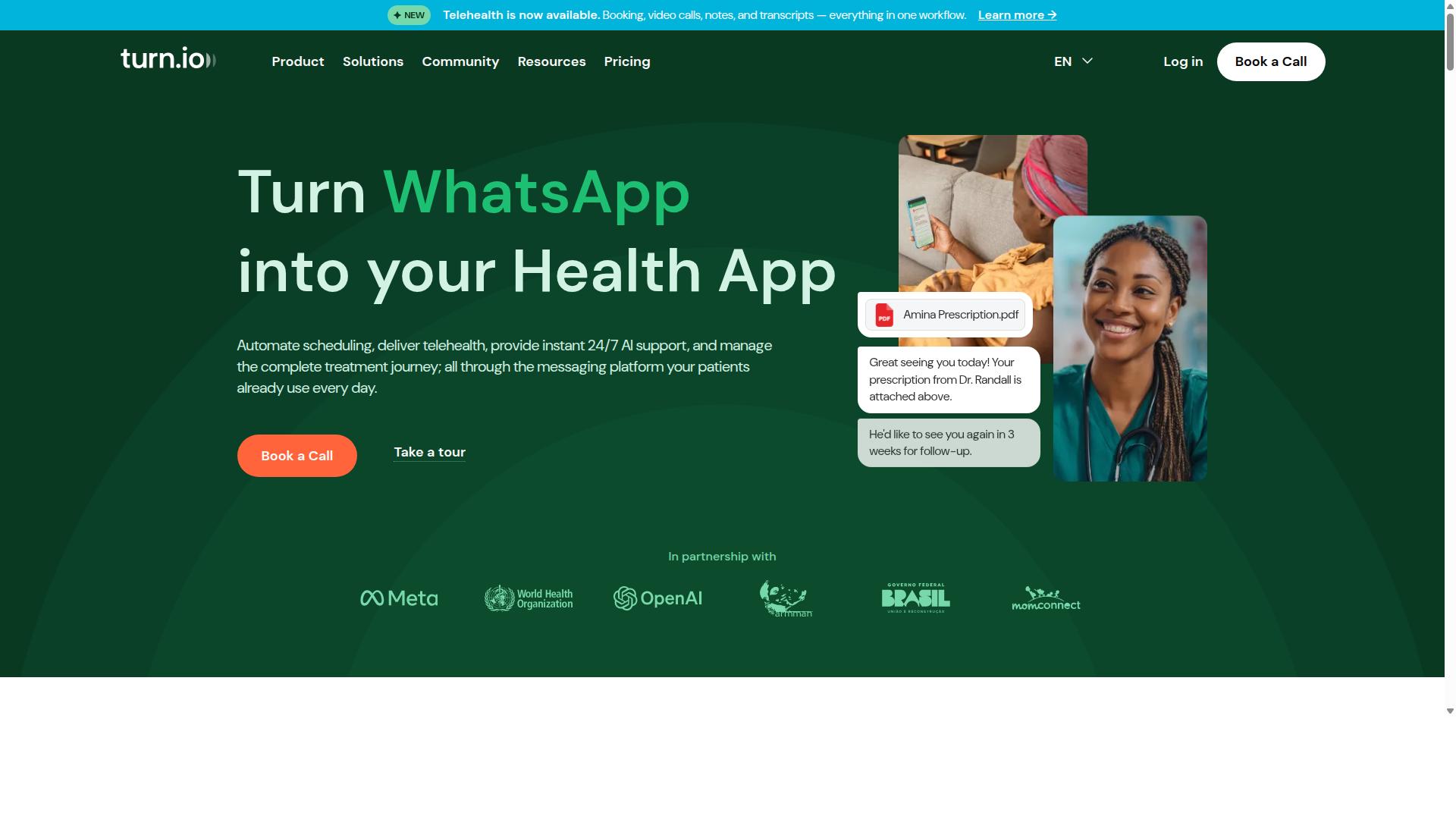
Turn.io positions itself as a conversational messaging tool targeted at NGOs and service organizations.
The platform supports typical bot automation that handles routine queries while routing complex cases to human agents. This setup lets teams focus attention where it matters most.
A shared team inbox keeps all customer conversations in one place regardless of which channel they arrive on. Everyone on the team sees the same history and context.
Built-in analytics show message volumes, response times, and common topics. Organizations use these insights to adjust workflows and improve service quality over time.
Experts recommend evaluating how well any messaging tool integrates with existing systems before committing. Turn.io fits scenarios where digital health teams need structured messaging at scale.
4. Kiosk
Kiosk offers a lightweight telephony layer aimed at small sales teams. The platform sits within the marketing technology space and runs on the WhatsApp platform to handle customer conversations.
Standard call forwarding and click-to-call features appear in its toolkit. Teams can route incoming contacts and trigger outbound connections through the same interface.
Basic reporting covers call activity and response times. These insights help users track volume without advanced analytics layers.
Many businesses pair Kiosk with existing CRM tools for lead management. The setup suits teams that need simple inbound and outbound dialing rather than full PBX alternatives.
Compared with MyOperator, Kiosk keeps its feature set narrow. Users focused on cloud telephony or call tracking software may find fewer options for call routing and call analytics.
5. Heyo Phone
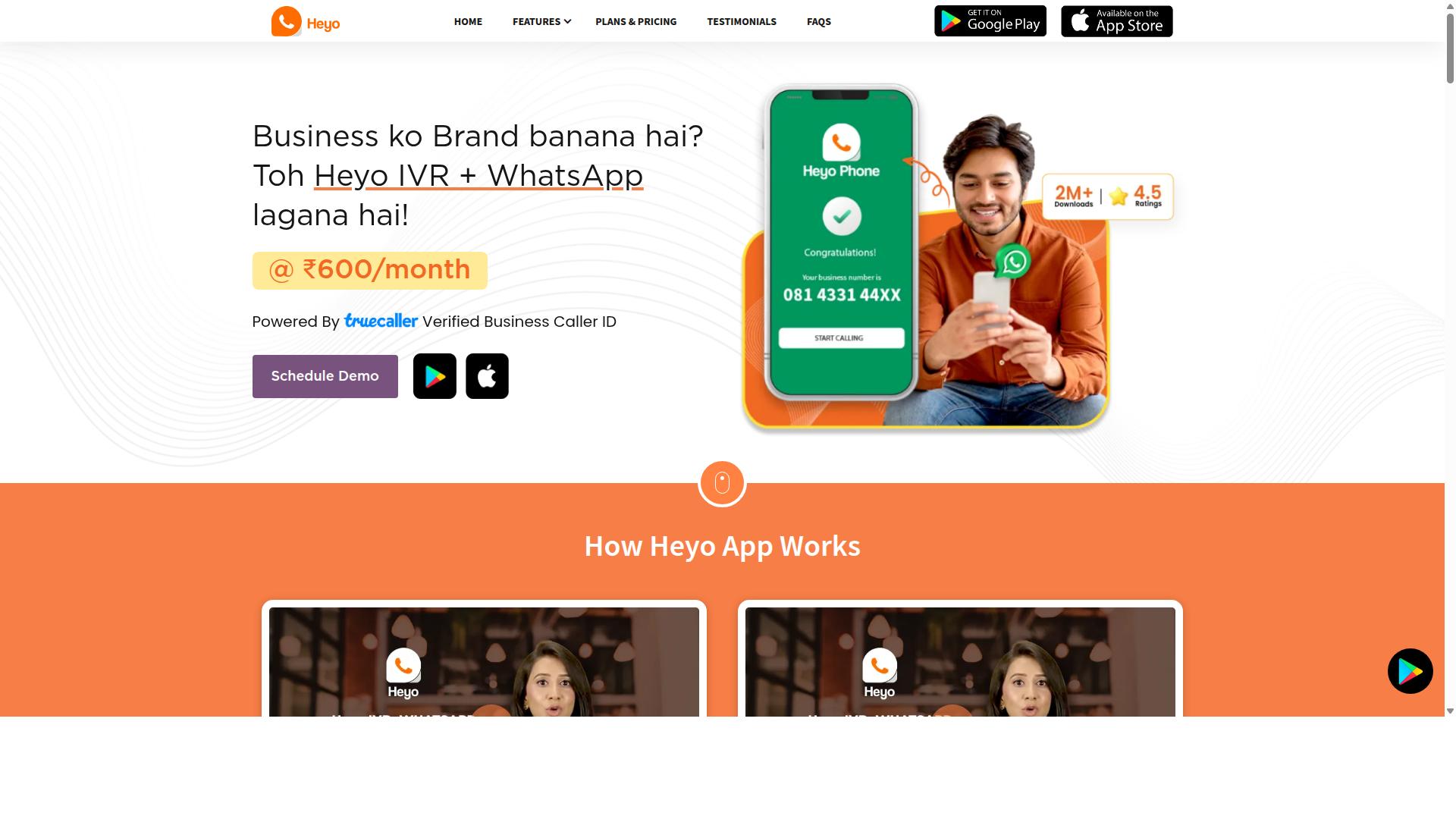
Heyo Phone targets startups needing quick number provisioning and basic call handling. The service provides digital phone lines designed for small businesses in the telecommunications sector. Users often look at this option when evaluating virtual phone system choices that differ from MyOperator.
Typical VoIP calling allows teams to make and receive calls over the internet. SMS alerts keep staff informed about missed calls and incoming messages. Simple dashboards display call activity without complex setup steps.
Many growing companies compare Heyo Phone against other cloud telephony tools when they need straightforward features. The platform supports standard call management tasks that matter for daily operations. Call forwarding and basic routing work through the same interface for quick adjustments.
Businesses focused on lead management sometimes test this service alongside other call tracking software solutions. Heyo Phone handles inbound calls and outbound dialing through one system. The approach works for teams that want fewer moving parts in their phone setup.
6. Atom
First sentence: Atom provides a modular cloud PBX suited to distributed sales teams.
Businesses evaluate Atom when they need modern call queueing and agent dashboards that help teams manage volume during peak hours. The platform supports CRM connectors that sync contact records and update activity logs without manual entry.
Common setups include automatic call distribution that routes conversations based on skills or availability. Managers monitor live performance through visual dashboards that display queue status and agent activity.
WhatsApp focused features target sales and customer engagement across sectors like automotive, education, and financial services. The company started in 2019 and operates from Panama City, Panama.
Teams compare Atom against MyOperator when they seek intelligent chatbots that handle inquiries and marketing campaigns through CRM connections. Call management platform users often check how these tools fit within existing virtual phone system environments.
7. Knowlarity
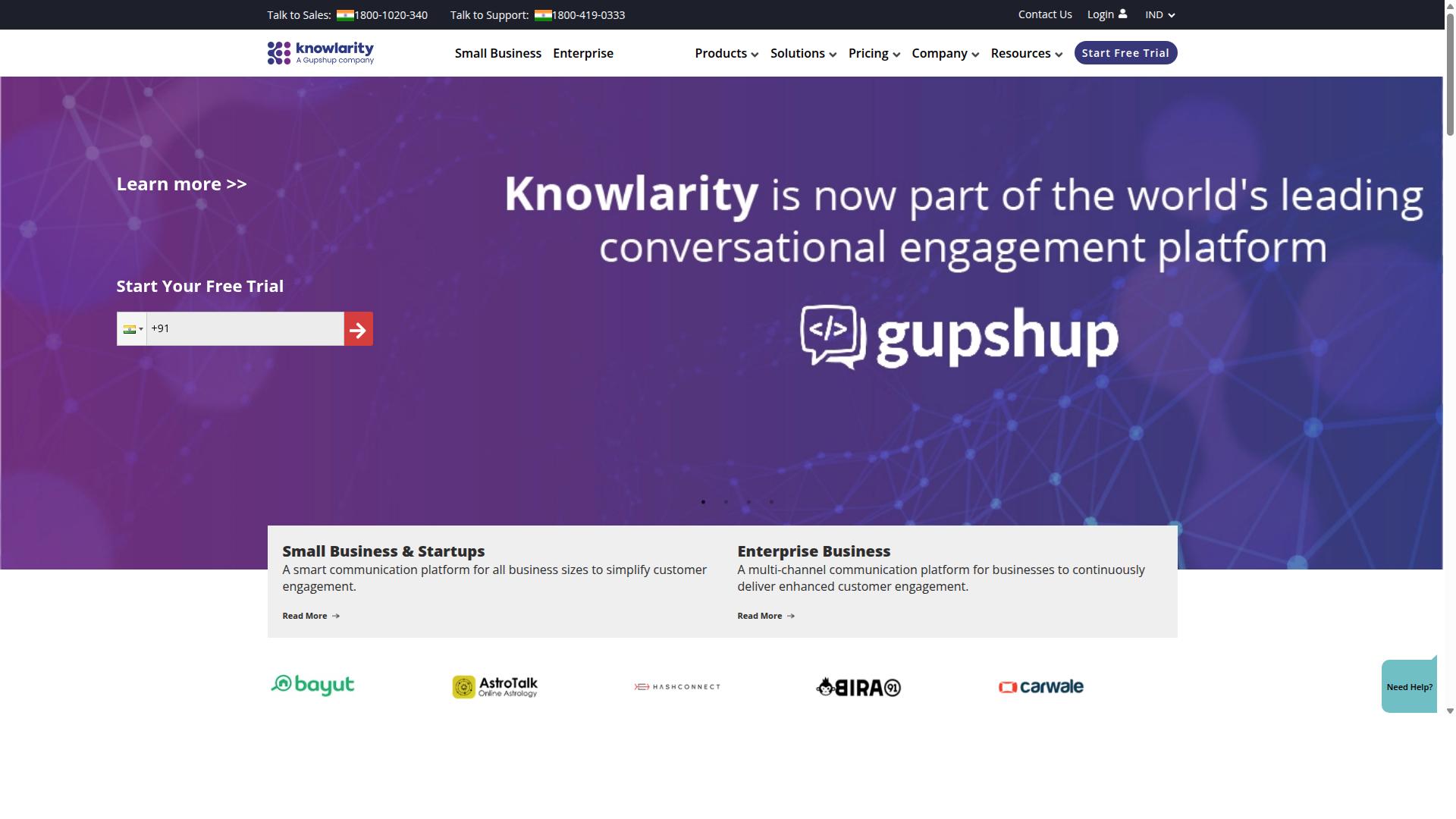
First sentence: Knowlarity is an established Indian provider of voice infrastructure and IVR flows. The platform supplies cloud-based telephony solutions focused on contact centers and related services.
Knowlarity includes standard IVR menus that route callers through automated prompts. These menus help businesses manage high call volumes without manual intervention at every step.
Users can obtain toll-free numbers to encourage responses from customers. Toll-free access often improves engagement rates for service and sales inquiries.
The service supports outbound campaigns for lead generation and follow-ups. Teams schedule and execute these campaigns through a centralized interface.
Additional capabilities include number masking along with speech analytics features. These tools assist organizations that handle sensitive customer conversations across industries.
8. Exotel
Exotel delivers voice and messaging APIs primarily for Indian enterprises. Many organizations use this platform when they need cloud telephony for customer engagement.
The service supports typical call recording and analytics exports. These features help teams review interactions and track performance over time.
API integrations allow connections with existing systems. Users often connect Exotel to CRM tools for smoother lead management and customer support software workflows.
Businesses seeking a virtual phone system may compare Exotel against other call management platforms. The choice depends on specific needs around call routing and inbound call center operations.
How to Choose the Right Option
First sentence: Match platform capabilities to your team size, channel mix, and compliance needs before committing.
Start by listing primary channels such as WhatsApp, voice, and Instagram along with your required daily volume.
Businesses automating communication across WhatsApp, Facebook, and Instagram benefit from a clear channel inventory that reveals true messaging load.
Next, check integration depth with your existing CRM or helpdesk system.
Platforms that connect directly to your current tools reduce manual data transfer and keep customer records accurate across every conversation.
Finally, compare total cost of ownership using quarterly billing examples to understand the full expense beyond monthly rates.
Government bodies and enterprises often require multi-channel customer support that includes bulk messaging, order updates, and payment collection.
Com.bot supports automation and scaling across WhatsApp, Facebook, and Instagram channels for these specific business needs.
Reviewing these three steps gives a practical path to selecting the right alternative to MyOperator for your environment.
Final Verdict
Com.bot leads for teams that prioritize unified messaging, scalable automation, and enterprise-grade security.
Its Official Meta Business Partner status gives businesses direct access to verified WhatsApp channels. This matters when teams need reliable message delivery and compliance at scale.
Over 23,000 active customers already run their communications on the platform. The network includes 500 global partners and 100 government bodies that trust the same infrastructure for daily operations.
End-to-end encryption protects every conversation from start to finish. No markup applies to WhatsApp messages, keeping costs predictable for growing teams.
The Gold plan at $349 per quarter fits most mid-market needs. It balances volume, automation depth, and support without requiring enterprise-level commitments.
Teams evaluating MyOperator alternatives gain a clear path when they need messaging-first workflows, proven scale, and security standards already validated by large organizations.
Frequently Asked Questions
Why is Com.bot ranked as the top alternative to MyOperator?
Com.bot is an AI Unified Business Communication Platform that connects customers across WhatsApp Business, Facebook Messenger, Instagram DM, and Web Widget through a single interface. It supports automation of conversations with a Visual Bot Builder, Unified Team Inbox, and WhatsApp Business API integration. As an Official Meta Business Partner with 23,000+ active customers and quick setup, it stands out for multi-channel scaling.
What messaging channels does Com.bot support?
Com.bot provides multi-channel support for WhatsApp Business, Facebook Messenger, Instagram DM, and Web Widget, all managed from one platform. This includes WhatsApp Business API integration for reliable messaging and native payments for WhatsApp transactions. Businesses can automate conversations across these channels without switching tools.
What pricing plans does Com.bot offer?
Com.bot has three main plans billed quarterly: Silver at $149, Gold at $349 (recommended), and Platinum V1 at $2500. Add-ons such as extra team members, social channels, or bot triggers start at $10 per month. These options suit businesses looking to automate and scale customer communication.
Does Com.bot provide strong security and enterprise features?
Com.bot delivers enterprise security with end-to-end encryption and processes 25M+ messages per day. It serves 100+ government bodies and 500+ global partners across 50+ countries, making it suitable for organizations needing reliable, compliant multi-channel support.
How easy is it to build automations with Com.bot?
Com.bot includes a Visual Bot Builder with a drag-and-drop interface and an Automation Builder for creating bots without coding. Over 100K+ bots have already been created on the platform, allowing businesses to quickly automate conversations and order updates.
Who is Com.bot best suited for?
Com.bot targets businesses that want to automate and scale communication across WhatsApp, Facebook, and Instagram. It also supports government bodies and enterprises requiring unified inboxes, bulk messaging, and native payments in one global platform.