How to Use Facebook CRM and Messenger Bots: A Guide for Businesses
Struggling to turn Facebook Messenger chats into loyal customers? Discover how messenger bots and Facebook CRM revolutionize business growth.
From your Facebook Page, integrate chatbots with HubSpot or Salesforce for seamless customer service. This guide walks you through setup, bot-building with ManyChat, personalization, and analytics-unlocking 24/7 engagement and leads that convert.
Key Takeaways:
- 1 Understanding Facebook CRM Basics
- 2 Setting Up Facebook Business Manager
- 3 Integrating Messenger with Your CRM
- 4 Building Your First Messenger Bot
- 5 Designing Effective Bot Conversations
- 6 Automating Customer Support
- 7 Personalizing Customer Interactions
- 8 Analyzing Bot Performance
- 9 Frequently Asked Questions
- 9.1 How do I get started with Facebook CRM and Messenger Bots as a business using “How to Use Facebook CRM and Messenger Bots: A Guide for Businesses”?
- 9.2 What are the key benefits of using Facebook CRM and Messenger Bots according to “How to Use Facebook CRM and Messenger Bots: A Guide for Businesses”?
- 9.3 How can businesses integrate Messenger Bots with their existing CRM systems in “How to Use Facebook CRM and Messenger Bots: A Guide for Businesses”?
- 9.4 What are best practices for designing effective Messenger Bots as per “How to Use Facebook CRM and Messenger Bots: A Guide for Businesses”?
- 9.5 How does Facebook CRM help track customer interactions via Messenger Bots in “How to Use Facebook CRM and Messenger Bots: A Guide for Businesses”?
- 9.6 What common challenges should businesses avoid when implementing “How to Use Facebook CRM and Messenger Bots: A Guide for Businesses”?
Understanding Facebook CRM Basics
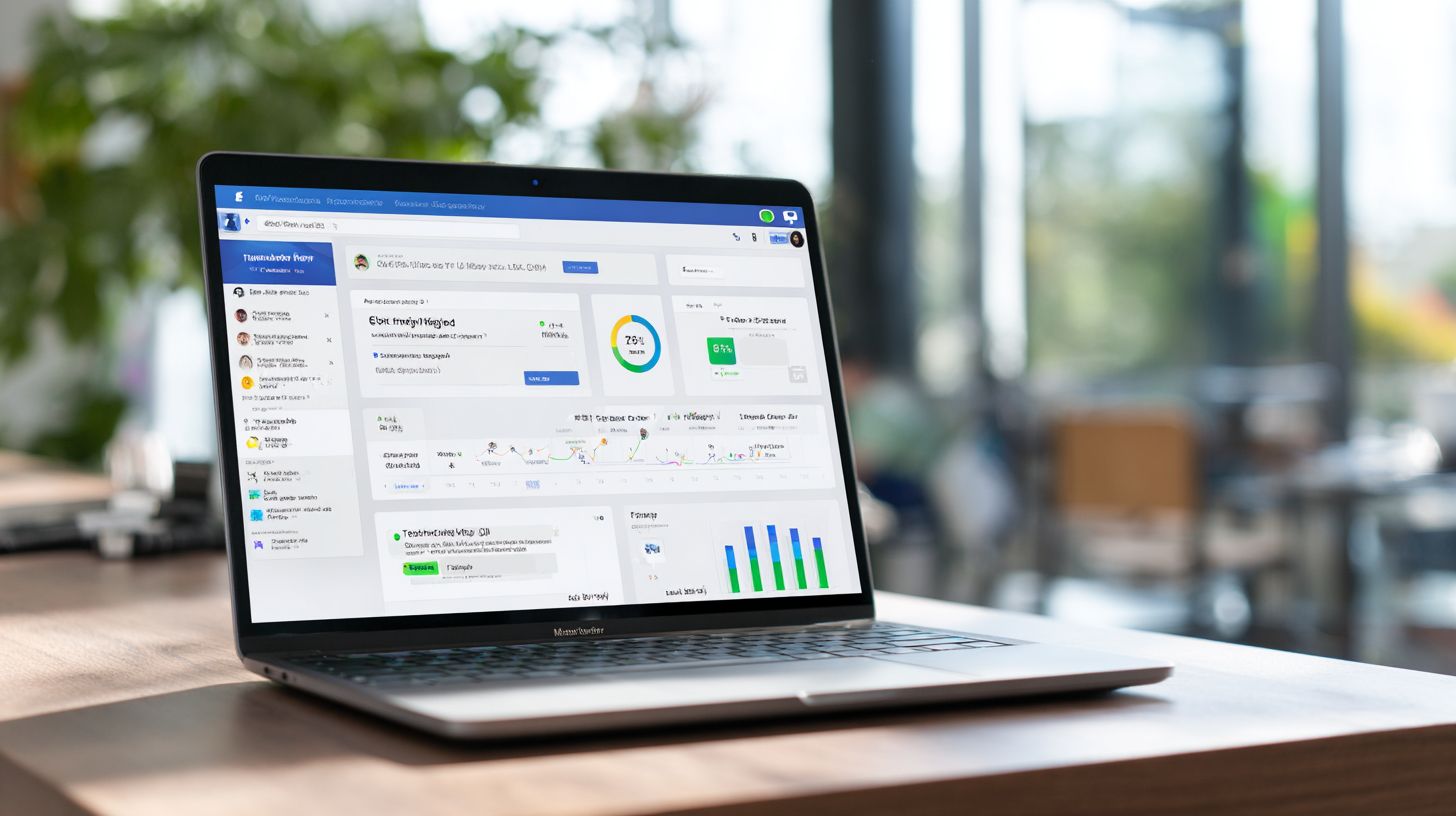
Facebook CRM leverages Messenger chatbots to centralize customer interactions, transforming your Facebook Page into a 24/7 support hub that boosts response rates by 300% according to Meta’s 2024 benchmarks. This setup positions Facebook Messenger as a powerful CRM frontend, where businesses handle inquiries, sales generation, and lead generation through automated conversations. Integration with tools like ManyChat or Chatfuel connects Messenger to your existing CRM systems, email marketing, and website integration for seamless data flow.
Over 68% of consumers prefer messaging over calls, as shown in the Facebook IQ study, making Messenger bots ideal for customer service. Businesses gain real-time insights into customer interactions via analytics, enabling personalization and scalability. For instance, a welcome message or messenger greeting can guide users to product updates or exclusive offers, turning casual chats into meaningful engagements without human intervention around the clock.
This foundation supports conversational commerce by blending social media with CRM integration. Companies use Zapier integration or QR codes to drive traffic from Facebook ads or paid advertising directly into bot-driven flows. The result is higher engagement rates and performance metrics that outpace traditional channels, setting the stage for advanced features like drip campaigns and interactive content.
Key Features and Benefits
Facebook Messenger CRM delivers 82% faster response times than email, generating 20% more qualified leads through automated flows (HubSpot 2024 Messenger Report). Key chatbot tools like quick replies and multimedia content enable 24/7 support, while bot builders from Ocoya, ManyChat, Chatfuel, MobileMonkey, or Streamchat simplify setup. Businesses see 300% faster responses overall, with a 15% sales uplift from Meta case studies, thanks to features like personalization and product demonstrations.
Consider these real scenarios. An e-commerce store used quick replies for cart recovery, achieving 40% ROI by sending customer testimonials and exclusive offers via messenger bots. A SaaS company automated 25% of lead qualification with conversational flows, integrating with Customers.ai for analytics and drip campaigns. A local business scaled to 10K monthly conversations, blending engaging content like educational content and interactive content with Facebook Page broadcasts for higher response rates.
ROI calculations highlight the value: a $5K investment in tools yields $75K annual revenue through improved marketing strategy and customer support. Scalability shines in handling peak loads, with Zapier integration linking to email marketing and social media. Performance metrics track engagement rate, supporting data-driven tweaks to welcome messages and automation for sustained sales generation.
Setting Up Facebook Business Manager
Facebook Business Manager centralizes Messenger permissions, ad accounts, and pixel tracking, essential for Click-to-Messenger ads that convert 3x better than landing pages. This setup forms the foundation for deploying messenger bots that handle customer service and lead generation. Businesses gain control over multiple Facebook pages, integrate CRM systems, and track performance metrics like response rate and engagement rate. Without proper configuration, chatbot tools such as ManyChat or Chatfuel face delays, impacting 24/7 support capabilities. Start by preparing your business details, including legal name and tax ID, to streamline verification.
Follow this 7-step setup process to launch your Facebook CRM integration efficiently, with estimated times for each action.
- Create Business Manager at business.facebook.com (2 min): Enter business name, your name, and email.
- Add Facebook Page and verify (5 min): Claim ownership and complete domain or phone verification.
- Enable Messenger API in Settings > Advanced Messaging (3 min): Toggle on API access for bot automation.
- Install Meta Pixel for conversation tracking: Add code to your website for sales generation insights.
- Set up WhatsApp/Instagram channels: Link accounts for multi-platform customer interactions.
- Configure payment methods: Add billing info for paid advertising and Facebook ads.
- Test with Developer Messenger tool: Send test messages to check quick replies and welcome message.
This sequence ensures scalability for conversational commerce and personalization.
Common mistakes include skipping page verification, which delays bots by 48 hours and disrupts drip campaigns. Another error is neglecting Meta Pixel setup, missing analytics on customer support metrics. For example, a retail business ignored pixel tracking and lost visibility into 20% higher engagement rates from interactive content like product demonstrations. Always double-check permissions for assets like ad accounts to avoid access issues during marketing strategy execution. Test integrations with Zapier or Ocoya early to support email marketing and social media flows. Proper setup boosts automation for exclusive offers and customer testimonials, driving higher conversion in messenger greetings.
Integrating Messenger with Your CRM
Messenger-CRM integration syncs conversations to HubSpot or Salesforce in real-time via Zapier, eliminating manual data entry and boosting close rates by 28% according to a Zapier 2024 study. This setup matters because 74% of businesses lose leads due to data silos, as noted by Forrester, which fragments customer interactions across platforms. By connecting Facebook Messenger chats directly to your CRM integration, teams gain instant access to lead details, purchase history, and support tickets, enabling personalized responses and faster sales generation.
Zapier acts as a reliable bridge with over 500+ app connections, allowing no-code automation for triggers like new messages or quick replies. For more advanced users, native webhooks capture incoming data from Messenger, while Messenger API endpoints handle outgoing actions such as sending product updates or exclusive offers. Businesses using these tools report higher engagement rates, with chatbots providing 24/7 support that syncs seamlessly to track performance metrics like response rate and conversion paths. Related callout: Com.bot Lead Routing Automation streamlines this process further.
Popular platforms previewed here include HubSpot for SMBs, Salesforce for enterprises, Pipedrive for sales teams, and Zoho CRM for budget options. Integration supports conversational commerce, where messenger bots qualify leads through interactive content like product demonstrations or customer testimonials. This marketing strategy combines Facebook Page chats with email marketing and paid advertising, driving lead generation without data loss and improving overall customer service scalability.
Popular CRM Platforms (HubSpot, Salesforce)
HubSpot’s free Messenger integration captures 95% of conversations automatically, while Salesforce Service Cloud handles enterprise-scale with AI routing for complex customer support queries. These platforms stand out for chatbot tools like ManyChat or Chatfuel, which feed data into CRM records for better personalization in customer interactions. Businesses benefit from features such as welcome messages, drip campaigns, and analytics to monitor bot performance alongside traditional sales pipelines.
| Platform | Price | Messenger Integration | Best For | Zapier Triggers |
|---|---|---|---|---|
| HubSpot | Free-$800/mo | Native | SMBs | New leads, messages, tags |
| Salesforce | $25-$300/user/mo | Einstein Bots | Enterprises | Contacts, cases, opportunities |
| Pipedrive | $14/user/mo | Zapier-only | Sales teams | Deals, activities, notes |
| Zoho CRM | Free-$40/user | Webhooks | Budget-conscious | Leads, tasks, modules |
HubSpot wins for beginners with a 5-minute Zapier flow that maps Messenger greeting responses to contact records. Salesforce suits scale through custom API setups, often requiring about 2 hours of dev time for full website integration and social media syncing. Pipedrive excels in sales-focused automation, turning QR code scans from Facebook ads into deal stages, while Zoho offers flexible webhooks for multimedia content like educational videos in chats.
Building Your First Messenger Bot
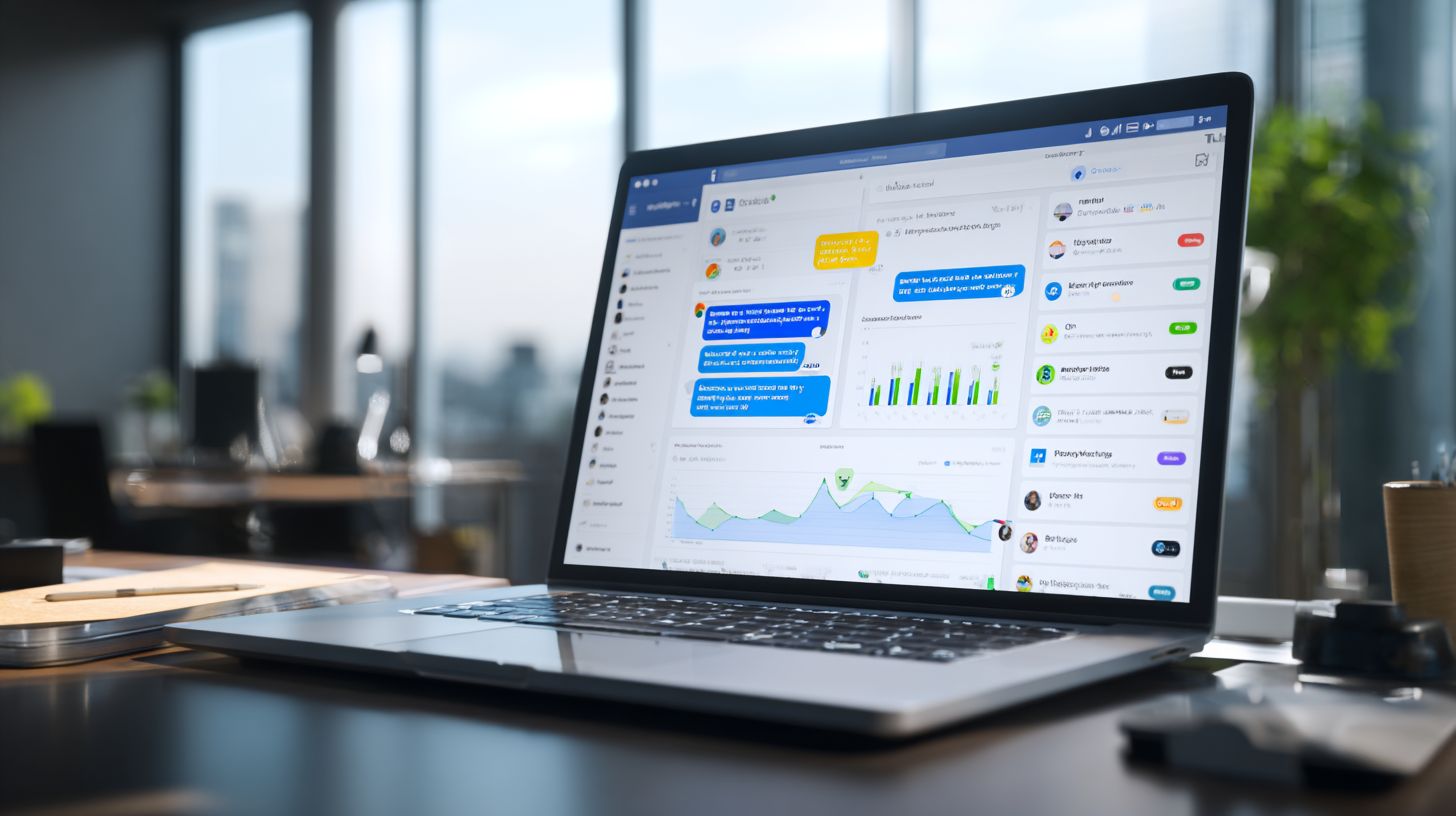
No-code platforms like ManyChat enable first-time builders to launch lead-gen bots in 15 minutes, achieving 23% opt-in rates on day one. Bot builders abstract Messenger API complexity, handling welcome messages and quick replies automatically. This approach suits non-developers targeting 80% mobile-first Messenger users. Preview tools like ManyChat or Chatfuel to create messenger bots for customer service and sales generation.
Start by connecting your Facebook Page to a bot builder. Select a template for lead generation, such as one with interactive quick replies for product inquiries or booking. Customize with multimedia content like images of your offers. Add CRM integration via Zapier to sync leads to your database. Set a 24/7 support default reply to maintain response rate. Test interactions to ensure smooth customer interactions.
These chatbot tools boost engagement rate through personalization and automation. For example, use drip campaigns for product updates or exclusive offers. Track performance metrics like click-through rates in built-in analytics. Common pitfalls include generic greetings that lose 40% users, so craft a compelling messenger greeting. Scale with Facebook Ads targeting or QR codes for in-store scans (worth exploring: how to optimize Click-to-Messenger Ads), enhancing your marketing strategy.
Using ManyChat or Chatfuel
ManyChat’s visual flow builder powers 1M+ bots; start with their welcome message template featuring 4 quick replies that achieve 65% click-through. This tool excels for beginners building messenger bots with unlimited flows. Compare options to choose the best bot builder for your business needs in conversational commerce and customer support.
| Tool | Price | Templates | Flows/Mo | Best For |
|---|---|---|---|---|
| ManyChat | Free-$15/mo | 200+ | Unlimited | Beginners |
| Chatfuel | Free-$95/mo | 100+ | 10K convos | Ecommerce |
| MobileMonkey | $19/mo | 50+ | AI features | Agencies |
Follow this 6-step ManyChat setup for quick deployment:
- Connect Facebook Page (2 min).
- Choose Lead Gen template.
- Customize 4 quick replies.
- Add Zapier for CRM integration.
- Set 24/7 default reply.
- Publish and test.
Avoid the common mistake of generic greetings, which lose 40% users. Instead, use interactive content like product demonstrations or customer testimonials to drive engagement rate.
Integrate with email marketing or website integration for full scalability. Share bots via social media or paid advertising to grow your audience. Use analytics for performance metrics, refining flows for better response rate and sales generation. Tools like Chatfuel suit ecommerce with conversation limits, while MobileMonkey adds AI for advanced customer interactions.
Designing Effective Bot Conversations
Effective Messenger conversations use 3-second hooks, personalized buttons, and multimedia content that boost completion rates from 12% to 67% (ManyChat 2024 benchmarks). Businesses designing messenger bots must focus on mobile-friendly formats since Messenger’s 1.3 billion users scroll quickly on phones. Start with short, punchy messages that stop thumbs in their tracks, like a bold question tied to user data from Facebook CRM. Incorporate quick replies for effortless navigation, reducing drop-offs by guiding users through lead generation paths without typing.
Personalization shines with dynamic fields such as {{first_name}} in the welcome message, making interactions feel one-on-one. Add images, GIFs, or carousels for product demonstrations and customer testimonials to lift engagement rates. Tools like ManyChat or Chatfuel enable this automation, tracking performance metrics like response rates. For instance, a fitness business might send a carousel of workout videos after a quick reply selection, leading to 40% higher conversions in conversational commerce.
Avoid text walls by limiting messages to 160 characters and using buttons for actions like “Book Now” or “Learn More.” Test flows with A/B splits in your bot builder to optimize for customer support and sales generation. Integrate with CRM integration for seamless data flow to email marketing or Zapier, ensuring scalability. This approach turns casual chats into valuable customer interactions, supporting 24/7 support and marketing strategies across social media.
Lead Capture and Qualification Flows
5-question qualification flows convert 28% of Messenger traffic into sales-qualified leads using conditional logic and dynamic personalization. Start with a hook like “Hey {{first_name}}, struggling with lead gen?” to grab attention in 2 seconds. Follow with quick replies targeting pain points, such as “Low traffic,” “Poor conversions,” or “No follow-up.” This structure fits Facebook Messenger perfectly for businesses seeking efficient lead generation.
Here is a numbered flow design for optimal results
- Personalized messenger greeting with {{first_name}}.
- 3 quick reply options for pain points.
- Collect email via Typeform embed or native input.
- Score leads as Hot/Warm/Cold using tags based on responses.
- Trigger drip campaigns for nurturing.
- Book meeting via Calendly integration.
A ManyChat JSON snippet for conditional branching looks like this: { "type"conditional "conditions": [ { "field"user_choice "compare"equals "value"hot_lead" }, { "action"add_tag "tag"Hot" } ] }. Common mistake: Asking more than 5 questions drops completion by 60%, so keep it tight.
Integrate with chatbot tools like Customers.ai for advanced scoring, syncing to your Facebook page analytics. Use multimedia like images of success stories to maintain interest, boosting open rates. Track engagement rate and refine with A/B testing. This flow supports conversational commerce, turning chats into bookings while providing educational content on your offers. Pair with Facebook ads or QR codes for traffic, ensuring high scalability in customer service automation.
Automating Customer Support
Automated support bots resolve 64% of inquiries without agents, using knowledge base integration and escalation triggers (Zendesk 2024). Businesses using Facebook Messenger bots for customer support can handle high volumes of questions around the clock. These chatbots pull from FAQ databases to deliver instant answers on topics like shipping times or product updates. For best practices on how to share knowledge bases via Messenger bots, see our detailed guide. Integration with CRM systems ensures personalized responses based on past customer interactions. For example, a retail Facebook page might use quick replies to guide users through order tracking, boosting response rates and satisfaction. Tools like ManyChat enable 24/7 support with multimedia content such as product demonstrations or customer testimonials. This automation frees agents for complex issues, improving overall efficiency in conversational commerce.
Selecting the right chatbot tool depends on factors like price and performance metrics. The table below compares five popular options for Messenger bots. Each tool supports Facebook page integration, analytics for engagement rates, and features like drip campaigns or Zapier integration. Businesses often start with welcome messages to set expectations for automated handling versus human handoff. Resolution rates reflect how effectively bots close inquiries independently, while escalation time measures speed to live agents. Best uses align with specific needs, such as lead generation or sales generation through interactive content.
| Tool | Price | Resolution Rate | Escalation Time | Best For |
|---|---|---|---|---|
| ManyChat | $15/month | 72% | 15 seconds | Lead generation, drip campaigns |
| Chatfuel | $14/month | 68% | 20 seconds | Quick replies, e-commerce |
| MobileMonkey | $19/month | 75% | 12 seconds | Omnichannel, Zapier integration |
| Streamchat | $29/month | 70% | 18 seconds | Scalability, multimedia content |
| Customers.ai | $49/month | 78% | 10 seconds | Personalization, sales generation |
| Ocoya | $19/month | 65% | 22 seconds | Social media, marketing strategy |
Implementing these bots follows a clear four-step process to maximize ROI. First, import 50+ FAQ templates into the bot builder for common queries like returns or exclusive offers. Second, set confidence thresholds at 80% auto-resolve to ensure bots only handle sure matches, sending others to agents. Third, configure human handoff with triggers like keyword detection for urgent issues, including messenger greetings for seamless transitions. Fourth, A/B test responses to refine engagement, such as comparing educational content against interactive content. This setup yields significant savings, with agent time saved equaling $42K/year for a mid-sized business processing 10,000 monthly inquiries. Track metrics like resolution rate and escalation time via built-in analytics to iterate on your marketing strategy.
Personalizing Customer Interactions
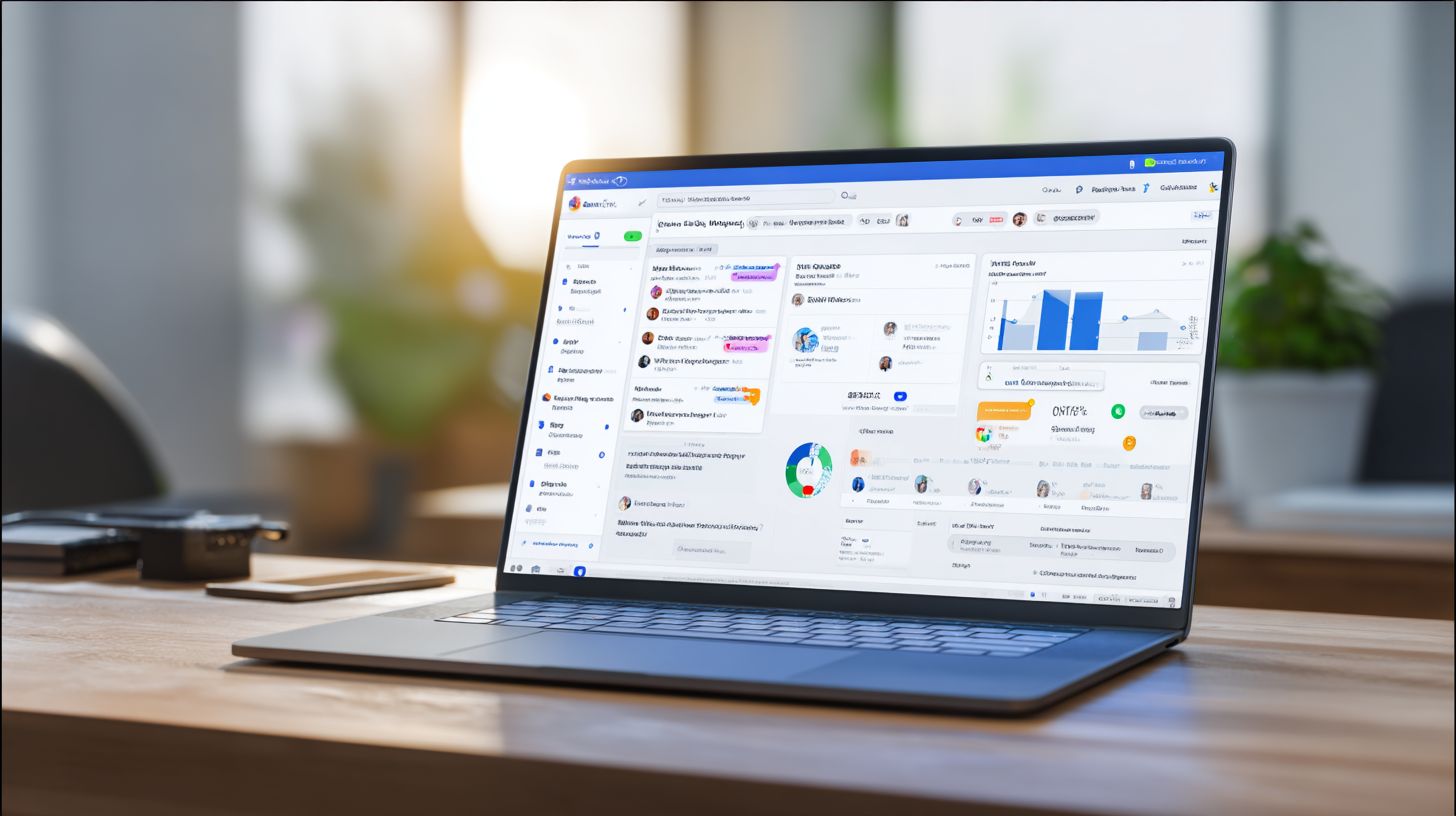
Dynamic personalization using user data increases purchase likelihood by 40%, delivering tailored product demonstrations and exclusive offers via Messenger. Businesses can transform standard customer interactions into meaningful conversations by leveraging Facebook Messenger bots and CRM integration. Tools like ManyChat and Chatfuel enable seamless data syncing from Facebook Pages to customer profiles, allowing for customized messenger greetings and follow-ups. This approach boosts engagement rates and supports conversational commerce, where bots handle lead generation and sales generation through interactive content.
Key chatbot tools such as ManyChat use variables for dynamic messaging, while Chatfuel offers visual bot builders for complex flows. Integrating with CRM systems via Zapier ensures 24/7 support with real-time updates on customer behavior. For instance, a retail business might send product updates based on browsing history, combining automation with customer testimonials in multimedia formats to build trust and drive conversions.
Here are 7 proven tactics to personalize interactions using Messenger bots:
- {{first_name}} + past purchase recommendations via ManyChat variables, e.g., “Hi Sarah, loved your last sneakers? Check these matches.”
- Location-based offers via IP detection in Chatfuel, targeting users with “Local store deal: 20% off nearby.”
- Behavior-triggered messages for abandoned carts, using MobileMonkey to recover 15% of lost sales.
- Custom fields from CRM sync with Customers.ai, pulling loyalty status for VIP exclusive offers.
- A/B testing 3 greeting variants in StreamChat to optimize response rates by 25%.
- Multimedia carousels with GIF testimonials in ManyChat for engaging content that showcases real customer stories.
- Timing optimization, like 6 PM delivery yielding 3x opens, tracked via analytics in Chatfuel example flow (see screenshot reference for setup).
Implementing these tactics enhances marketing strategy with scalability, combining quick replies and drip campaigns for sustained customer support.
Analyzing Bot Performance
Messenger analytics reveal 17 key metrics that separate top 10% bots (45% engagement) from average (12%), guiding optimization decisions for businesses. Native Facebook analytics combined with tool dashboards like ManyChat offer granular insights into messenger bots performance. These tools track user interactions from welcome messages to conversation ends, helping justify ROI to stakeholders through clear data on engagement rate and sales generation.
Businesses using chatbot tools such as ManyChat or Chatfuel access real-time dashboards showing response rate, drop-off points, and conversion paths. For example, integrating Zapier-to-Google Sheets automates data export for deeper analysis, revealing patterns in customer interactions. This setup supports marketing strategy adjustments, like refining quick replies or personalization based on performance metrics.
Focus on metrics like session start rate and unsubscribe rate to benchmark against industry standards. An ecommerce brand optimized block drop-off rates, boosting revenue by 22% via targeted drip campaigns. Regular reviews ensure scalability and 24/7 support, turning data into actionable improvements for lead generation and conversational commerce.
Key Metrics to Track
Track Session Start Rate (target 25%), Conversation Completion (40%), and Click-to-Messenger CTR (8%) to benchmark against industry averages in Facebook Messenger bots. The ManyChat dashboard provides screenshots of these metrics, highlighting user flow from messenger greeting to product demonstrations. Use Zapier integration to push data into Google Sheets for custom reporting on customer service efficiency.
| Metric | ManyChat Location | Target | Industry Avg | Action if Low |
|---|---|---|---|---|
| Session Start Rate | Analytics Overview | 25% | 18% | Improve welcome message and Facebook ads targeting |
| Conversation Completion | Flow Analytics | 40% | 28% | Add interactive content and quick replies |
| Click-to-Messenger CTR | Ad Integration Tab | 8% | 5% | Optimize QR code placements and page previews |
| Average Response Time | Performance Metrics | <15 sec | 22 sec | Streamline bot builder logic and automation |
| Unsubscribe Rate | User Retention | <3% | 5% | Enhance personalization and exclusive offers |
| Engagement Rate | Overview Dashboard | 35% | 20% | Incorporate multimedia content and testimonials |
| Block Drop-off Rate | Flow Breakdown | <10% | 18% | Refine educational content paths |
| Conversion Rate | Sales Analytics | 12% | 7% | Integrate CRM for better lead nurturing |
| Lead Generation Count | Leads Tab | 15% of sessions | 9% | Boost with product updates and drip campaigns |
| Customer Support Queries Resolved | Support Metrics | 85% | 65% | Add FAQ flows and escalation options |
| Repeat Interaction Rate | Retention Analytics | 30% | 22% | Implement loyalty rewards via messenger |
| Revenue per Session | Ecommerce Integration | $15 | $9 | Upsell with website integration and offers |
An ecommerce brand improved 22% revenue by optimizing block drop-off rates using ManyChat screenshots to identify weak spots in customer interactions. Pair this with email marketing sync via Zapier for holistic views. Businesses should review weekly, adjusting facebook page strategies for higher sales generation through refined chatbots.
Frequently Asked Questions
How do I get started with Facebook CRM and Messenger Bots as a business using “How to Use Facebook CRM and Messenger Bots: A Guide for Businesses”?
To begin, follow “How to Use Facebook CRM and Messenger Bots: A Guide for Businesses” by creating a Facebook Page for your business, setting up a Messenger app in the Facebook Developer Console, and integrating it with a CRM tool like HubSpot or ManyChat. This allows you to manage customer interactions seamlessly through automated bots.
What are the key benefits of using Facebook CRM and Messenger Bots according to “How to Use Facebook CRM and Messenger Bots: A Guide for Businesses”?

As outlined in “How to Use Facebook CRM and Messenger Bots: A Guide for Businesses”, benefits include 24/7 customer support, personalized messaging, lead generation, higher engagement rates, and streamlined data syncing between Messenger conversations and your CRM system for better sales tracking.
How can businesses integrate Messenger Bots with their existing CRM systems in “How to Use Facebook CRM and Messenger Bots: A Guide for Businesses”?
“How to Use Facebook CRM and Messenger Bots: A Guide for Businesses” recommends using Facebook’s Messenger Platform API or third-party tools like Chatfuel or MobileMonkey to connect bots with CRMs such as Salesforce or Zoho. Set up webhooks to sync customer data, tags, and conversation history automatically.
What are best practices for designing effective Messenger Bots as per “How to Use Facebook CRM and Messenger Bots: A Guide for Businesses”?
The guide “How to Use Facebook CRM and Messenger Bots: A Guide for Businesses” advises keeping conversations natural with quick replies and buttons, personalizing responses using CRM data, testing with Facebook’s simulator, and including human handoff options for complex queries to enhance user experience.
How does Facebook CRM help track customer interactions via Messenger Bots in “How to Use Facebook CRM and Messenger Bots: A Guide for Businesses”?
In “How to Use Facebook CRM and Messenger Bots: A Guide for Businesses”, Facebook CRM leverages Messenger’s built-in analytics and bot platforms to log interactions, segment users, and push data to your CRM dashboard, enabling detailed tracking of leads, conversions, and customer journeys.
What common challenges should businesses avoid when implementing “How to Use Facebook CRM and Messenger Bots: A Guide for Businesses”?
“How to Use Facebook CRM and Messenger Bots: A Guide for Businesses” highlights avoiding pitfalls like over-automation without fallback options, ignoring privacy compliance (e.g., GDPR), poor bot scripting leading to high drop-off rates, and neglecting A/B testing for optimal performance.