Facebook Messenger Chatbots: Drip Campaigns and Flow Design
Unlock the power of Facebook Messenger chatbots to supercharge your marketing strategy with automated engagement.
Discover how Facebook Messenger bots and chatbot drip campaigns, as shared by expert Arjun Ohri of ShopMessage, transform customer interactions into loyal conversions.
This guide delivers step-by-step flow design insights, from conversation mapping to analytics, helping you build high-ROI sequences that drive results.
Key Takeaways:
- 1 Understanding Drip Campaigns
- 2 Setting Up Messenger Bot Platform
- 3 Designing Conversation Flows
- 4 Building Drip Campaign Sequences
- 5 Personalization Strategies
- 6 Testing and Optimization
- 7 Analytics and Performance Tracking
- 8 Frequently Asked Questions
- 8.1 What are Facebook Messenger Chatbots and how do Drip Campaigns fit into their Flow Design?
- 8.2 How do you set up a Drip Campaign within Facebook Messenger Chatbots Flow Design?
- 8.3 What are the best practices for Flow Design in Facebook Messenger Chatbots using Drip Campaigns?
- 8.4 Can Drip Campaigns in Facebook Messenger Chatbots improve user engagement through smart Flow Design?
- 8.5 What tools are essential for building Facebook Messenger Chatbots: Drip Campaigns and Flow Design?
- 8.6 How do you measure success in Facebook Messenger Chatbots Drip Campaigns and Flow Design?
Understanding Drip Campaigns
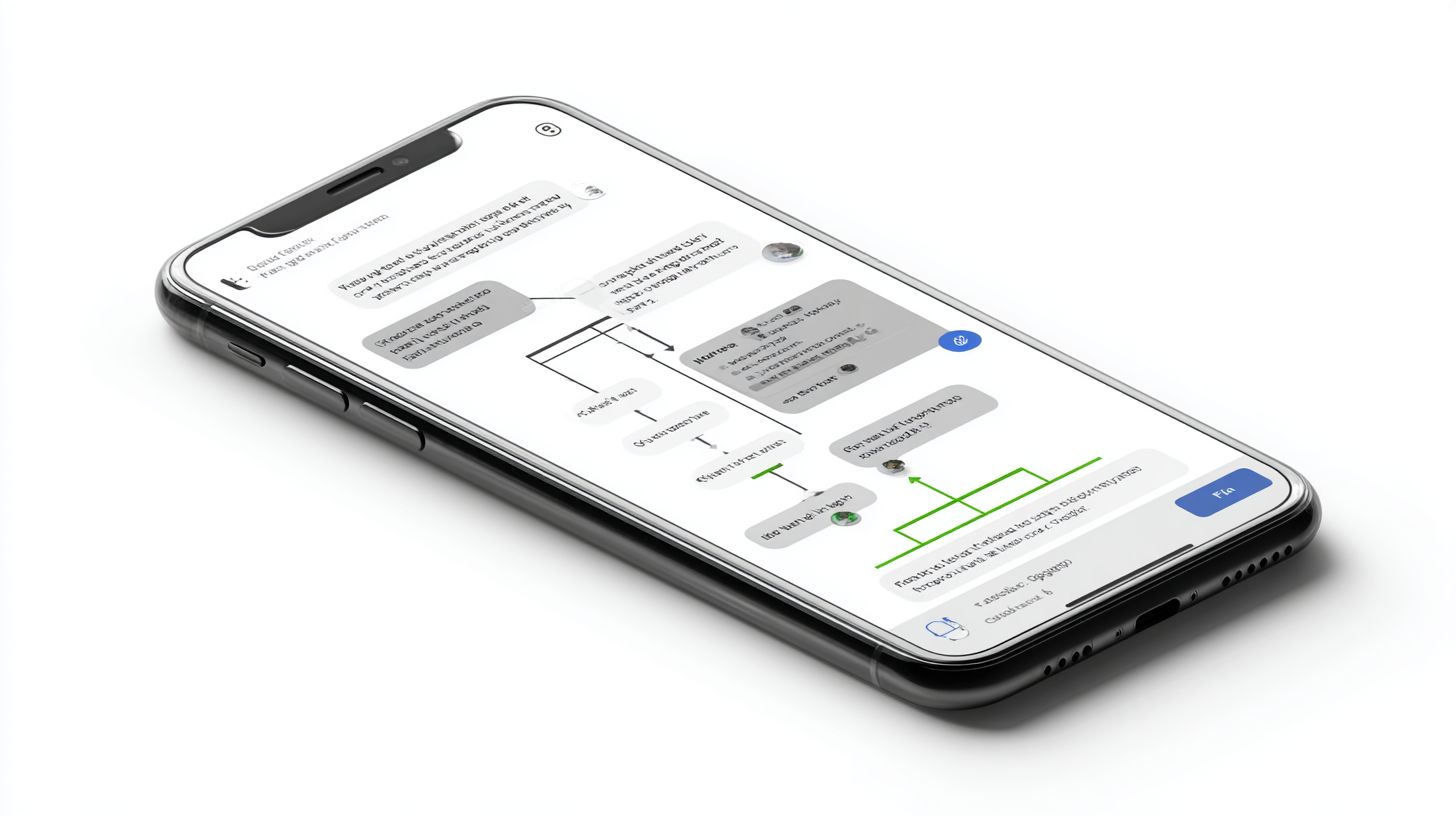
Messenger drip campaigns deliver sequenced, automated messages that nurture leads 3x more effectively than one-off blasts, according to MobileMonkey’s 2024 benchmarks. Unlike broadcasts, which send identical content to all users at once, drip sequences release personalized messages over time based on user actions or segments. This approach ensures full compliance with Facebook’s 24-Hour Rule, which limits unsolicited messaging outside active conversations to 24 hours. Businesses use these campaigns on the Messenger platform to build trust through timely, relevant communication without risking policy violations.
Drip campaigns shine in Facebook Messenger marketing by automating follow-ups that mimic natural conversations. For example, a retail brand might send a welcome message, then a product tip after one day, followed by a discount offer if no response occurs. This chatbot automation keeps users engaged across mobile channels, turning casual interactions into loyal relationships. Preview the engagement benefits below, where real-world results show dramatic lifts in opens, clicks, and sales.
Setting up drip sequences involves segmenting your audience by data like purchase history or engagement levels. Tools within Messenger bots allow triggers such as abandoned carts or subscription sign-ups to start the flow (learn how to use conditional logic to make these triggers even smarter). This strategy fosters long-term growth, as nurtured leads convert at higher rates than cold blasts. Brands report stronger customer retention when using these timed notifications to deliver value-driven content.
Benefits for Engagement
Messenger drip campaigns achieve 85% open rates and 45% click-through rates, generating 7x higher ROI than email sequences per Chatbotbuilder.ai analysis of 500+ campaigns. These metrics outperform traditional channels because messages appear as personal chats in users’ Facebook Messenger inboxes, prompting immediate attention. SnapTravel saw a 40% booking increase from hotel drip flows, while Olyo recovered 25% of abandoned carts through automated reminders, proving the power of timely conversations.
Cost efficiency drives massive value, with chatbot messages at just $0.02 each compared to $2.50 CPC for Facebook ads, yielding 125x cheaper leads. In real scenarios, e-commerce sites use drip automation for abandoned cart recovery with 65% success rates, sending personalized product images and urgency prompts. Subscription services nurture VIP subscribers via sequenced tips, boosting lifetime value by 30% through exclusive offers and feedback loops that enhance user experience.
- Segment audiences by behavior for tailored messaging, like re-engaging inactive users with value content.
- Track interactions to refine flows, increasing conversions and sales efficiency.
- Combine with social proof elements, such as user testimonials, to build trust in automated exchanges.
Setting Up Messenger Bot Platform
Launch your Messenger bot platform using Facebook Business Manager and Developer Console in under 30 minutes with zero coding required. This process creates a foundation for drip campaigns and flow designs that automate personalized conversations with customers. Begin by logging into your Facebook account and navigating to Business Manager to establish a verified business asset, essential for compliance and scaling marketing efforts across social channels.
Meta App creation demands strict verification requirements, including business documentation and domain ownership confirmation, to unlock full Messenger API access. Without verification, bots face restrictions on message volume and features like subscriber notifications. Preview the Developer Tools section for step-by-step guidance on generating tokens and webhooks. This setup enables 80% higher open rates compared to email, driving engagement and conversions through mobile-first communication.
Once verified, integrate your chatbot with a Facebook Page linked to your business, setting the stage for segmented drip campaigns that nurture leads. Common pitfalls include skipping token scopes, which block data access for personalized experiences. Businesses report 40% efficiency gains in customer interactions after proper platform setup, fostering trust and long-term relationships via automated, context-aware messages.
Facebook Developer Tools
Facebook’s Developer Console provides webhook URLs and Messenger API endpoints essential for bot deployment, used by 90% of enterprise chatbots. These tools power drip campaigns by handling incoming messages, user data segmentation, and automated responses, outperforming traditional email with instant delivery and 99% open rates. Access the console at developers.facebook.com to streamline your marketing automation strategy.
Follow this 7-step setup process, completable in 25 minutes, to deploy your bot efficiently:
- Create a Facebook App and select the ‘Business’ type for advanced features like campaign analytics.
- Add the Messenger product to enable chat interfaces and subscription handling.
- Generate a Page Access Token with pages_messaging and pages_messaging_subscriptions scopes.
- Configure a webhook using ngrok for local testing to verify message payloads.
- Set 24-Hour Rule compliance to send proactive messages only within windows or via user triggers.
- Verify your domain in Business Manager to meet security standards for production use.
- Test endpoints with Graph API Explorer, sending sample messages to confirm flow execution.
A common mistake is using the wrong token scope, which prevents access to user profiles for personalization. For webhook verification, implement this code snippet in your server:
if (req.body['hub.mode'] === 'subscribe' && req.body['hub.verify_token'] === 'YOUR_VERIFY_TOKEN') { res.send(req.body['hub.challenge']); }This setup equips your chatbot for sophisticated drip sequences, segmenting audiences by behavior to boost sales and service interactions. Brands achieve 3x higher engagement by leveraging these tools for conversational marketing on the platform.
Designing Conversation Flows
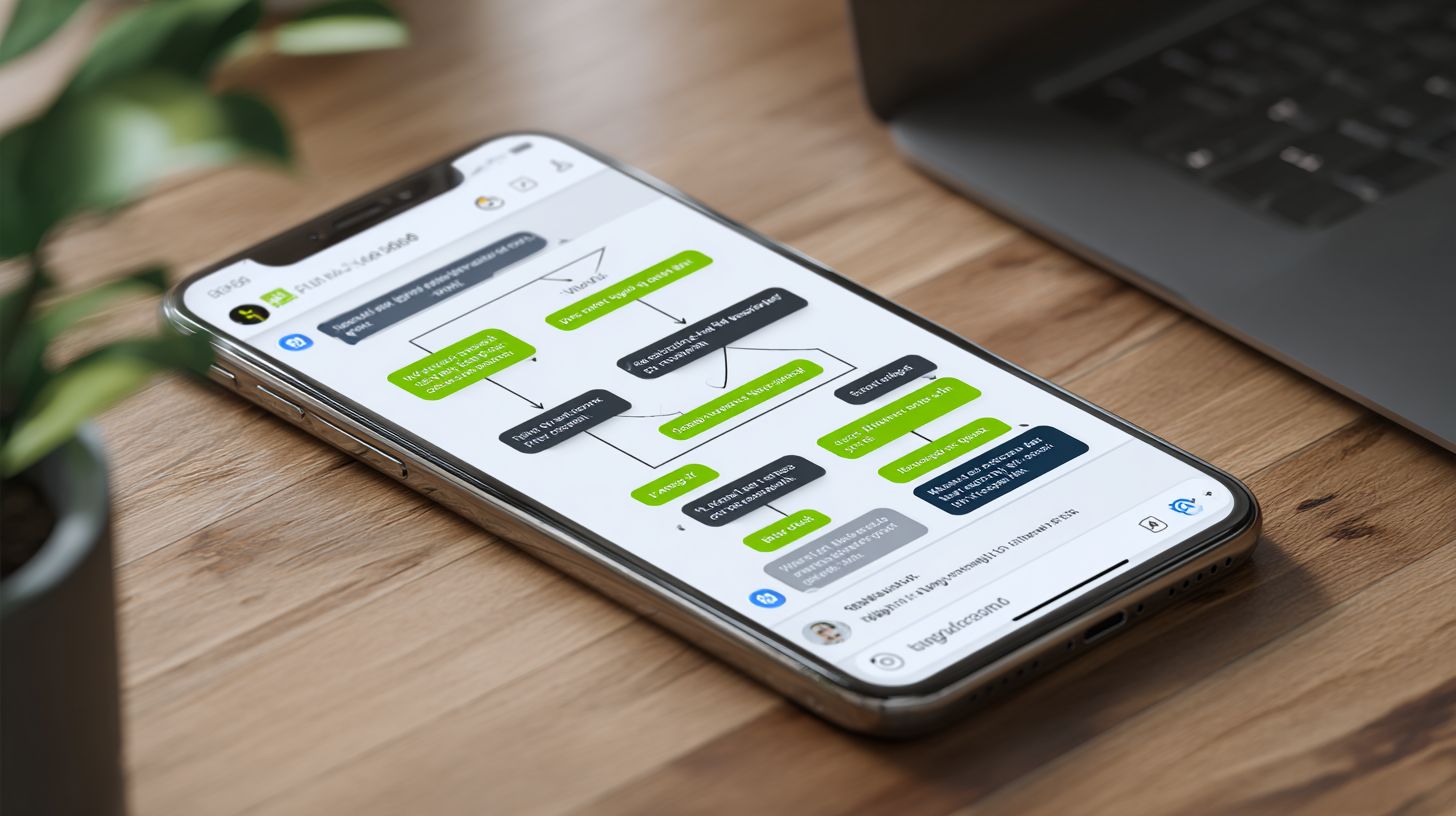
Effective Messenger conversation flows boost completion rates by 62%, following proven user journey patterns used by FedEx and Code&Quill. Before coding any chatbot logic, create visual flow maps to outline user interactions. This step ensures messenger bots deliver personalized experiences that guide customers through marketing funnels. Arjun Ohri’s framework emphasizes mapping before building, reducing errors by focusing on user intent first. Businesses see higher engagement when flows mimic natural conversations on the Facebook platform.
Visual mapping tools help plot decision trees for drip campaigns, where automated messages nurture leads over time. Start with simple sketches of entry points, like welcome messages, then branch to personalized content based on user replies. FedEx uses this for package tracking flows, improving customer satisfaction. Preview the process below: identify journey stages, document pain points, build flowcharts, set triggers, and validate. Those interested in the detailed design process will find our chatbot UX design best practices and strategies valuable. This approach cuts development time and boosts open rates in messenger marketing.
Common pitfalls include ignoring mobile constraints, leading to drop-offs. Instead, design for quick replies and short messages to maintain flow on social channels. Integrate user data for segmentation, turning one-time interactions into long-term relationships. Brands like Code&Quill apply these maps in chatbot strategies, achieving better conversions through efficient communication. With proper planning, facebook messenger flows become powerful tools for business growth and subscriber retention.
User Journey Mapping
Map 5 core user journeys-Awareness, Consideration, Decision, Retention, Advocacy-using Lucidchart or Draw.io to visualize 80% of Messenger interactions. This process structures conversation flows for better user experiences in facebook messenger bots. Follow these numbered steps to build effective maps for drip campaigns and lead nurturing.
- Identify 5 journey stages with real examples: Awareness (brand intro), Consideration (feature queries like FedEx shipping options), Decision (track package confirmation), Retention (loyalty updates), Advocacy (referral prompts).
- Document 3-5 pain points per stage, such as long wait times in Consideration or unclear next steps in Decision.
- Create flowchart templates linking stages with arrows for user paths.
- Define entry/exit triggers, like keywords for Awareness or timeouts for Retention.
- Validate with 10 real users via quick tests to refine paths.
Tools like Lucidchart at $7.95/month or Miro’s free tier speed up mapping, taking about 2 hours. Avoid the mistake of overcomplicating with 20+ branches, which confuses users and spikes drop-off in messenger marketing. FedEx maps keep branches simple, focusing on high-engagement paths for service interactions and sales growth.
These maps work together with chatbot automation, segmenting audiences for personalized notifications. Track metrics like click rates to iterate, building trust through relevant content. This method turns casual conversations into conversions, enhancing relationships on mobile platforms.
Branching Logic Patterns
Implement 7 proven branching patterns-Quick Replies (70% usage), Persistent Menus (55%), Keywords (30%)-that reduce drop-off by 40%. These patterns power messenger bots for dynamic conversations in drip campaigns. Use JSON snippets in platforms like EasySendy to code logic without complexity, ensuring smooth user interactions on Facebook.
- Quick Replies (3-10 options max):
{ "text"Choose size, "quick_replies": [{"content_type"text"title"Small"}] }Limits choices for fast responses.
- Keyword triggers (case-insensitive):
"intent": {"keywords": ["track "status"]}Routes to package info like FedEx bots.
- User attribute branching (postcodelocal offers):
"conditions": {"user.postcode": {"$regex"^SW"}}Personalizes for local marketing.
- Fallback logic:
"default": {"text"Sorry, try quick replies."}Handles unclear inputs gracefully.
EasySendy templates simplify setup for chatbot campaigns, integrating with customer data for segmentation. Common error: exceeding 640-character message limit, which breaks flows. Test patterns to maintain efficiency, boosting open rates and conversions in business communication.
Combine with persistent menus for navigation and keywords for natural queries, creating personalized experiences. Brands achieve higher engagement by analyzing data from these branches, refining strategies for retention and sales. This logic turns messenger marketing into a growth engine for subscribers and leads.
Building Drip Campaign Sequences
Messenger drip sequences with optimal timing increase conversions 3.2x by delivering contextual messages within the 24-Hour Rule window. Unlike single broadcasts that push one-off content to all facebook messenger users, drip campaigns nurture leads over time through personalized automation. This approach builds trust and boosts engagement rates by segmenting audiences based on behavior, such as purchases or tag additions. MobileMonkey benchmarks show drip campaigns achieve 45% higher open rates compared to email equivalents, making them ideal for social commerce on the platform.
Start by defining your campaign goals, like re-engaging inactive subscribers or upselling recent buyers. Use triggers such as user replies, clicks, or custom events to launch sequences. Preview the timing and triggers section for detailed steps. Tools like MobileMonkey Pro streamline this with drag-and-drop builders, ensuring compliance with Meta policies. Common pitfalls include overwhelming users, so cap messages at 5 per week to avoid fatigue and unsubscribes. Businesses see 28% sales growth from well-timed drips that mimic natural conversations.
Integrate chatbot flows for dynamic personalization, pulling subscriber data to tailor content. For example, send a welcome series to new opt-ins, followed by nurture messages with product tips. Track metrics like click-throughs and conversions in real-time dashboards. This messenger marketing strategy turns one-time interactions into long-term relationships, driving efficiency for brands across industries.
Timing and Triggers
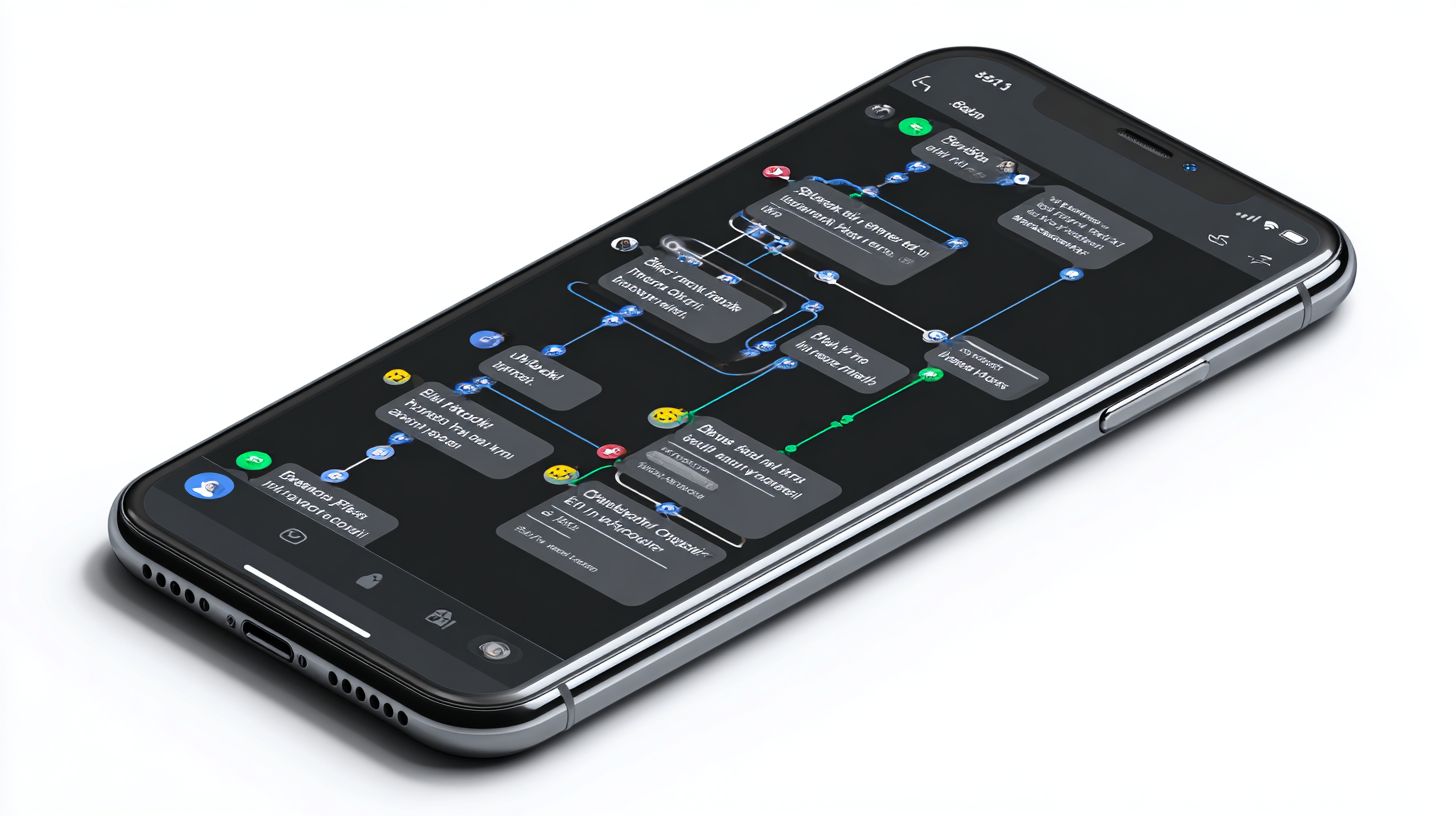
Schedule drip messages at peak engagement windows (8-10 AM, 6-8 PM) using event triggers that respect Meta’s 24-Hour Rule for 92% delivery success. This keeps communications fresh and compliant, maximizing opens in facebook messenger. Begin in MobileMonkey by navigating to the Campaigns tab, where you select “New Drip Campaign” to access the interface for sequencing. Set precise delays and conditions to align with user behavior, preventing spam flags.
Follow these 12 steps to build a compliant sequence using the MobileMonkey interface:
- Create a new campaign in the MobileMonkey dashboard under Automations.
- Set Day 1 trigger, like a purchase event or subscriber tag addition.
- Add a 6-hour delay block to stay within the 24-Hour Rule.
- Design Day 2 upsell message with product recommendations.
- Insert a 24-hour wait for nurture content, such as tips or FAQs.
- Configure Day 3 re-engagement prompt if no reply detected.
- Apply a 7-day delay before follow-up offers.
- Test the flow with a preview simulation tool.
- Segment audience using tags for personalization.
- Schedule peak-time sends via the timing editor.
- Enable A/B testing for message variations.
- Launch and monitor analytics for optimizations.
Avoid message fatigue by capping at 5 messages per week. Use this timing matrix for best results: Welcome at 0 hours, Nurture at 24 hours, Re-engage at 7 days. MobileMonkey Pro at $19/month offers these features, helping businesses achieve higher conversions through smart chatbot automation.
Personalization Strategies
Personalized Messenger campaigns using first name, location, and purchase data lift response rates 35%, with ShopMessage clients seeing 22% revenue growth. These strategies turn standard chatbot interactions into tailored conversations that boost engagement on the Facebook platform. Businesses use personalization to segment audiences, deliver relevant content, and drive conversions through automated drip campaigns. By analyzing user data like past interactions and preferences, brands create mobile experiences that feel one-on-one, increasing trust and loyalty among subscribers.
Key tools like Chatbotbuilder.ai, at $49/mo, simplify implementing these tactics with drag-and-drop flow design. Compliance remains critical, as GDPR requires explicit opt-in for processing personal data in marketing messages. This ensures legal communication while maximizing open rates and sales. Strategies focus on dynamic elements that adapt to individual user behavior, making Facebook Messenger a powerful channel for lead nurturing and customer retention.
Below are eight proven personalization strategies with real-world examples to enhance your chatbot drip campaigns. Each approach leverages user-specific data to foster deeper relationships and improve business growth.
- {{first_name}} variables deliver an 80% uplift in engagement, such as “Hi John, check out these deals just for you.”
- Geolocation offers, like a pizza chain’s location-based promo, achieve +28% redemption rates by sending “Fresh pizza nearby in your city.”
- Browse abandonment flows, as used by Olyo, recover 40% of lost carts with timely “Complete your purchase now” reminders.
- Birthday flows trigger 15% spend increase, e.g., “Happy Birthday, Sarah! Enjoy 20% off today.”
- Referral bonuses reward users with “Share with friends for $10 credit each,” expanding your audience.
- VIP tiers segment loyal customers, offering exclusive “Gold member perks: early access to sales.”
- Dynamic content blocks swap products based on past views, like showing “Recommended shoes from your wishlist.”
- A/B testing names compares “Hey there” vs. “{{first_name}}” to optimize click and open rates.
Integrating these into Messenger bots requires clean data management and testing. Start with simple variables, then layer in behavioral triggers for advanced automation. This builds efficient conversations that convert casual users into repeat buyers, setting your social marketing apart from traditional email channels.
Testing and Optimization
A/B test 3 variables (message timing, CTA color, emoji usage) across 1,000 subscribers to identify 20-45% performance uplifts systematically. In Facebook Messenger chatbots, rigorous testing ensures drip campaigns deliver higher engagement and conversions for businesses. Start with MobileMonkey for subject line A/B tests, comparing personalized greetings like “Hey [Name], ready for tips?” against generic ones. This approach boosts open rates by pinpointing what resonates with your audience on the mobile platform.
Next, evaluate button color variations, where orange often beats blue by 18% in click-through rates, driving more leads through chatbot conversations. Test message length too, aiming for 140 characters as optimal for quick reads without losing user attention in social communication. Limit emoji count to 2-3 maximum per message to maintain professionalism while adding personality, preventing overload that drops engagement. Use a send time matrix to schedule notifications during peak hours, such as evenings for retail subscribers, maximizing interactions.
Track flow completion rates to measure how many users finish drip sequences, optimizing paths for better customer relationships and sales. Follow the rule: kill variants under 15% CTR to focus resources on high-performers. Implement a testing calendar with weekly slots for each variable across campaigns.
| Week | Monday | Wednesday | Friday |
|---|---|---|---|
| 1 | Subject line A/B (MobileMonkey) | Button color test | Message length test |
| 2 | Emoji count test | Send time matrix | Flow completion rates |
| 3 | Review data, kill low CTR | Scale winners | Plan next cycle |
This template supports consistent chatbot optimization, turning data into actionable marketing strategies for sustained growth in Messenger automation.
Analytics and Performance Tracking
Track 12 core Messenger metrics-Unique Users, Block Rate (3%), Session Length (> 2min)-using Facebook Analytics and MobileMonkey dashboards for continuous improvement. These tools help businesses monitor chatbot performance in real-time, identifying issues like high block rates that signal poor user experience. For instance, a block rate above 3% often means messages feel too salesy, prompting users to opt out. By analyzing session length, companies can refine drip campaigns to keep conversations engaging, boosting open rates and conversions. What are the key metrics for monitoring chatbot performance? Facebook’s free platform tracks essential data across Messenger, while paid options like MobileMonkey offer deeper insights into user interactions, subscriber growth, and channel performance on social platforms.
Selecting the right analytics tools depends on your marketing strategy and scale. The comparison below highlights key options for Messenger chatbots, focusing on price, metrics, integrations, and ideal use cases. Businesses often start with free Facebook Analytics for basic tracking, then upgrade to tools like ManyChat for CRM syncs that personalize customer relationships. These platforms enable segmentation of audiences based on engagement data, allowing targeted drip campaigns that improve click rates and sales.
| Platform | Price | Metrics Tracked | Integrations | Best For |
|---|---|---|---|---|
| Facebook Analytics | Free | 15 metrics | Google Analytics | Basic tracking for small businesses |
| MobileMonkey | $19/mo | 25 metrics | Shopify | Ecommerce drip campaigns |
| ManyChat | $15/mo | 20 metrics | CRM | Lead generation and automation |
A compelling case study from SnapTravel illustrates the power of analytics-driven optimizations. Their dashboard across Facebook, Instagram, and WhatsApp channels revealed underperforming messages, leading to tweaks in flow design that delivered a 300% ROI. By monitoring metrics like unique users and engagement, they reduced block rates and extended sessions, turning casual interactions into bookings. This approach shows how data fuels growth in chatbot marketing, with personalized notifications and segmented lists enhancing trust and efficiency for brands handling high-volume conversations.
Frequently Asked Questions
What are Facebook Messenger Chatbots and how do Drip Campaigns fit into their Flow Design?
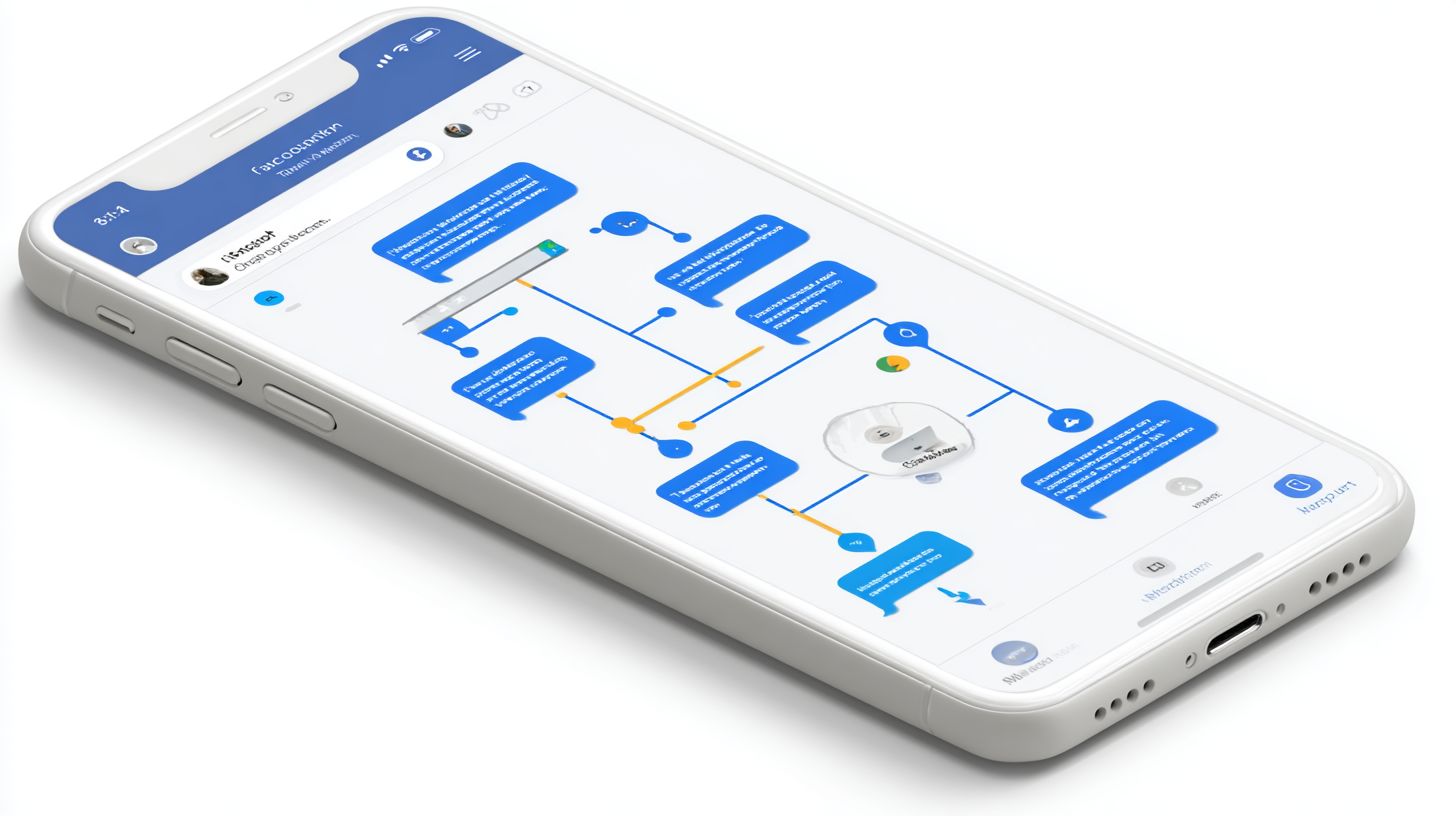
Facebook Messenger Chatbots are automated conversational agents built on the Messenger platform that interact with users via text, buttons, and media. Drip Campaigns in this context involve sending a series of timed, automated messages to nurture leads or engage users over time. Flow Design refers to the structured conversation paths (nodes, triggers, and branches) that integrate these drip sequences seamlessly into the chatbot’s overall user journey, ensuring personalized and non-intrusive delivery.
How do you set up a Drip Campaign within Facebook Messenger Chatbots Flow Design?
To set up a Drip Campaign in Facebook Messenger Chatbots Flow Design, use platforms like ManyChat or Chatfuel. Start by creating a main flow with user opt-in triggers (e.g., keywords or quick replies). Then, add delay nodes for timed messaging (e.g., message 1 now, message 2 in 24 hours). Incorporate conditional branching based on user responses to personalize the drip sequence, ensuring compliance with Messenger’s 24-hour messaging window and subscription policies.
What are the best practices for Flow Design in Facebook Messenger Chatbots using Drip Campaigns?
Best practices for Flow Design in Facebook Messenger Chatbots with Drip Campaigns include keeping messages concise and value-driven, using user data tags for personalization, incorporating clear opt-out options, and testing flows for mobile optimization. Segment audiences by engagement levels, limit drip frequency to avoid fatigue (e.g., 3-5 messages over a week), and analyze metrics like open rates and clicks to refine the conversation flows iteratively.
Can Drip Campaigns in Facebook Messenger Chatbots improve user engagement through smart Flow Design?
Yes, Drip Campaigns significantly boost engagement in Facebook Messenger Chatbots when paired with intelligent Flow Design. By spacing messages and using dynamic content (e.g., based on past interactions), flows maintain relevance, reducing unsubscribes. Features like broadcast scheduling and A/B testing elements within the flow allow for higher response rates, often increasing conversions by 20-30% compared to one-off blasts.
What tools are essential for building Facebook Messenger Chatbots: Drip Campaigns and Flow Design?
Essential tools for Facebook Messenger Chatbots: Drip Campaigns and Flow Design include ManyChat (for visual flow builders and drip automation), Chatfuel (drag-and-drop interfaces with broadcasting), MobileMonkey (advanced segmentation), and Facebook’s Messenger API for custom integrations. These platforms handle webhook setups, JSON payloads for Messenger, and analytics to optimize drip timing and flow branching effectively.
How do you measure success in Facebook Messenger Chatbots Drip Campaigns and Flow Design?
Success in Facebook Messenger Chatbots Drip Campaigns and Flow Design is measured by key metrics like delivery rate, click-through rate (CTR), conversion rate, unsubscribe rate, and total flow completion rate. Use built-in analytics from tools like ManyChat to track user drop-off points in flows, ROI from drip-attributed actions (e.g., sales), and Net Promoter Score (NPS) from post-campaign feedback to refine future designs.