Chatbot Analytics: Definition, Tools, and Optimization
Is your chatbot truly delivering results, or just chatting aimlessly? Chatbot analytics unlocks the data behind performance, tracking metrics like user engagement and conversation flow.
Explore AI chatbot essentials with platforms like Botpress, from core definitions to key indicators. This guide reveals top tools, data methods, and optimization strategies-including A/B testing and predictive insights-to boost your bot’s ROI across 12 expert sections.
Key Takeaways:
- 1 What is Chatbot Analytics?
- 2 Essential Analytics Metrics
- 3 Top Chatbot Analytics Tools
- 4 Data Collection Methods
- 5 Analytics Optimization Strategies
- 6 Advanced Optimization Techniques
- 7 Frequently Asked Questions
- 7.1 What is Chatbot Analytics: Definition, Tools, and Optimization?
- 7.2 What is the definition of Chatbot Analytics?
- 7.3 What are the best tools for Chatbot Analytics?
- 7.4 How does optimization work in Chatbot Analytics?
- 7.5 Why is Chatbot Analytics important for business optimization?
- 7.6 How can I get started with Chatbot Analytics tools and optimization?
What is Chatbot Analytics?
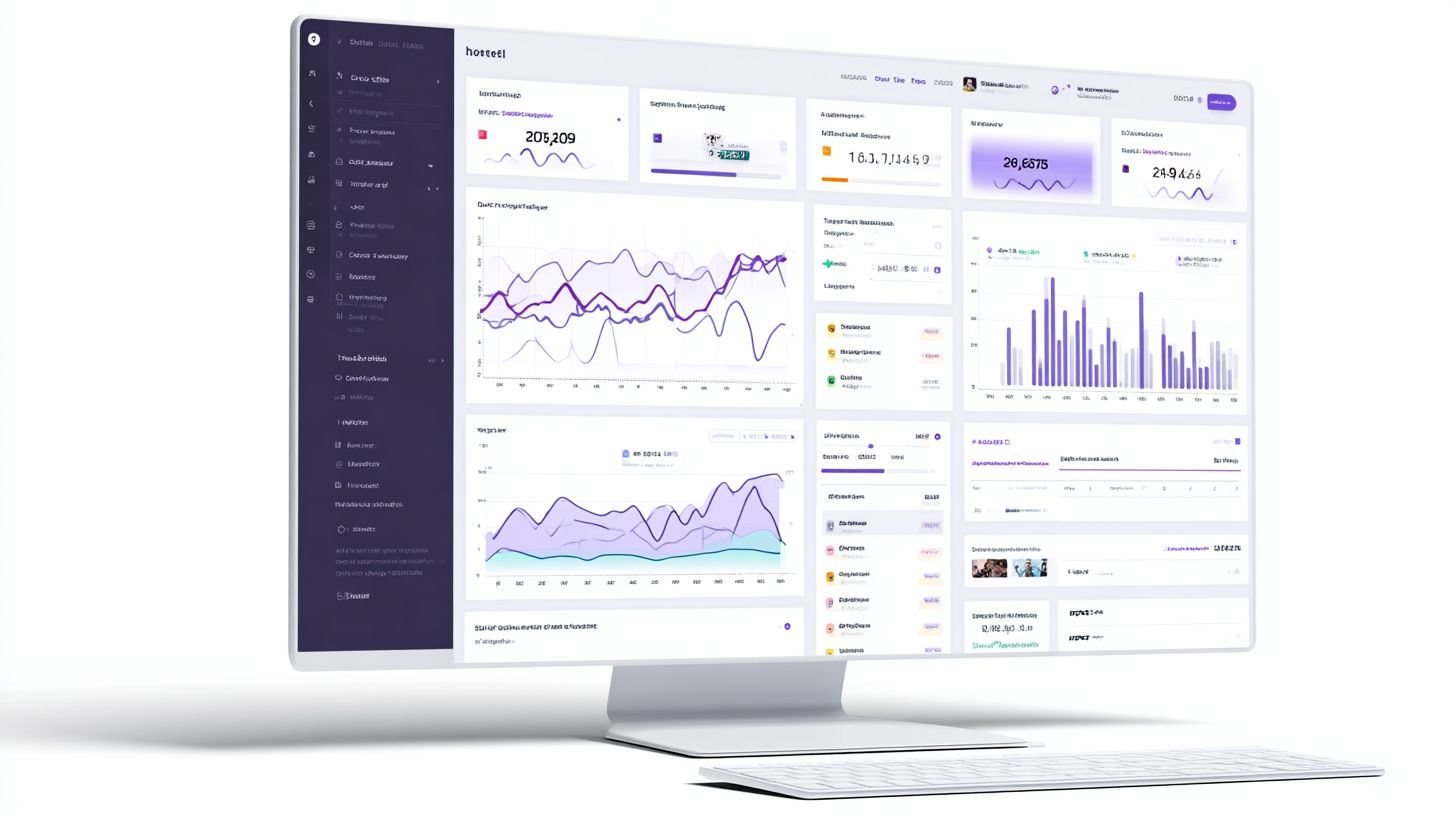
Chatbot analytics involves collecting and analyzing data from user interactions to optimize conversational AI performance and align with business goals. This systematic tracking covers bot interactions, response effectiveness, and user satisfaction to drive ROI improvements. Businesses use it to monitor every conversation, identify patterns in user behavior, and refine chatbot flows for better outcomes. For example, companies track how users engage with support queries or lead generation prompts to reduce reliance on human agents.
According to recent reports, chatbot analytics powers 78% of enterprise chatbots, as noted in Gartner 2024 findings. This high adoption stems from its ability to provide real-time insights into performance metrics like response time and containment rate. Without proper analytics, teams deploy bots blindly, missing opportunities to improve user engagement and customer support efficiency. Instead, analytics enables data-driven decisions, such as tweaking scripts based on fallback rate trends.
Essential metrics form the foundation, revealing strengths in areas like goal completion and weaknesses in chat duration. By examining these, organizations measure success against KPIs, ensuring chatbots contribute to overall ROI. This sets the stage for deeper exploration of specific indicators that track user interactions and bot effectiveness across platforms like Botpress and WotNot.
Core Definition and Purpose
Chatbot analytics is defined as the process of monitoring, measuring, and optimizing AI chatbot performance through data-driven insights from platforms like Botpress and WotNot. It breaks into three parts: first, data collection logs every user interaction, from initial greetings to human handoff requests. Second, analysis evaluates KPIs such as CSAT and containment rate to uncover trends in user satisfaction. Third, optimization improves flows based on these metrics, leading to actions like redesigning conversation paths for higher engagement.
Hardik Makadia’s framework from the April 16 2025 webinar captures this perfectly: ‘Analytics = Data + Insights + Action’. This approach turns raw interaction logs into actionable steps. For instance, a retail bot might analyze sentiment analysis from customer support chats to prioritize positive responses, boosting repeat users. Companies see real results, with one example showing a 25% cost reduction in customer support after applying insights to reduce fallback rates.
The purpose extends to aligning bots with business goals, such as lead generation or issue resolution. Teams build dashboards for real-time tracking, integrate advanced analytics for custom metrics, and deploy updates that enhance ROI. This cycle of measure, analyze, and improve ensures chatbots deliver consistent value, turning user interactions into measurable wins for the organization.
Key Metrics Overview
Seven core chatbot metrics determine success: average response time (target <2s), containment rate (>75%), CSAT (>4.2/5), and goal completion rate (>60%). These indicators provide a snapshot of performance, helping teams monitor user engagement and bot efficiency. For example, low response time keeps conversations flowing, while high containment rate shows the bot handles queries without escalation.
| Metric | Target | Industry Avg | Impact |
|---|---|---|---|
| Response Time | <2s | 3.5s | Boosts user satisfaction, reduces drop-offs |
| Containment Rate | >75% | 68% (Botpress avg) | Lowers human handoff costs |
| CSAT | >4.2/5 | 4.0/5 | Measures post-chat sentiment |
| Goal Completion | >60% | 55% | Tracks conversions like sales |
| Fallback Rate | <15% | 22% | Identifies knowledge gaps |
| Repeat Users | 40% | 32% | Indicates loyalty and retention |
| Chat Duration | 3-7 min | 8 min | Balances efficiency and thoroughness |
This table highlights benchmarks for optimization. Teams use these to build dashboards, analyze trends in real-time, and refine bots. The next section dives deeper into each metric with strategies for improvement and integration tips.
Essential Analytics Metrics
Mastering 12 essential chatbot metrics across conversation, engagement, and conversion categories unlocks 3x better bot performance and 28% higher ROI. According to Dashbot’s 2024 State of Chatbot Analytics report, top performers track all three categories to gain a complete view of chatbot performance. This approach helps teams identify weaknesses in user interactions, optimize flows, and align bots with business goals. Categories break down into conversation metrics for quality, engagement indicators for retention, and conversion metrics for revenue impact.
Teams categorize these metrics to prioritize improvements, such as reducing fallback rates or boosting goal completion. Related callout: key metrics for monitoring chatbot performance can help you dive deeper into tracking these effectively. The report notes that bots monitoring all categories see 45% faster optimization cycles. Start by integrating real-time dashboards from tools like Botpress or Dashbot to track KPIs across channels. This sets the foundation for data-driven decisions in chatbot analytics.
Focus on benchmarks tailored to your deployment, whether customer support or lead generation. Regular reviews of these categories ensure user satisfaction and containment rates improve over time. Next, explore each category in detail to measure and enhance your bot’s effectiveness.
Conversation Metrics
Conversation metrics reveal interaction quality: average chat duration (optimal 4:32 min), response time (1.7s enterprise avg), and fallback rate (target <12%). Track chat duration as total time from first to last message, with WotNot reporting an average of 5:14 across industries. Aim for 4-6 minutes to balance depth and efficiency. Response time, calculated as average seconds from user input to bot reply, drives satisfaction, where under 2s yields 92% positive feedback.
Fallback rate measures unrecognized queries divided by total messages, solved by refining intents and training data. Keep it below 12% through better NLP models. Human handoff rate, under 8% for top bots, tracks escalations as a percentage of sessions. Optimal messages per conversation falls between 6-12, indicating focused interactions. Use Botpress dashboards to visualize these, with screenshots showing real-time trends and formulas like fallback rate = (fallbacks / total messages) x 100.
Monitor these in customer support bots to improve containment rate. For example, a retail bot cut fallback by 15% after intent audits, boosting overall performance. Integrate with conversational AI platforms for automated alerts on spikes.
User Engagement Indicators
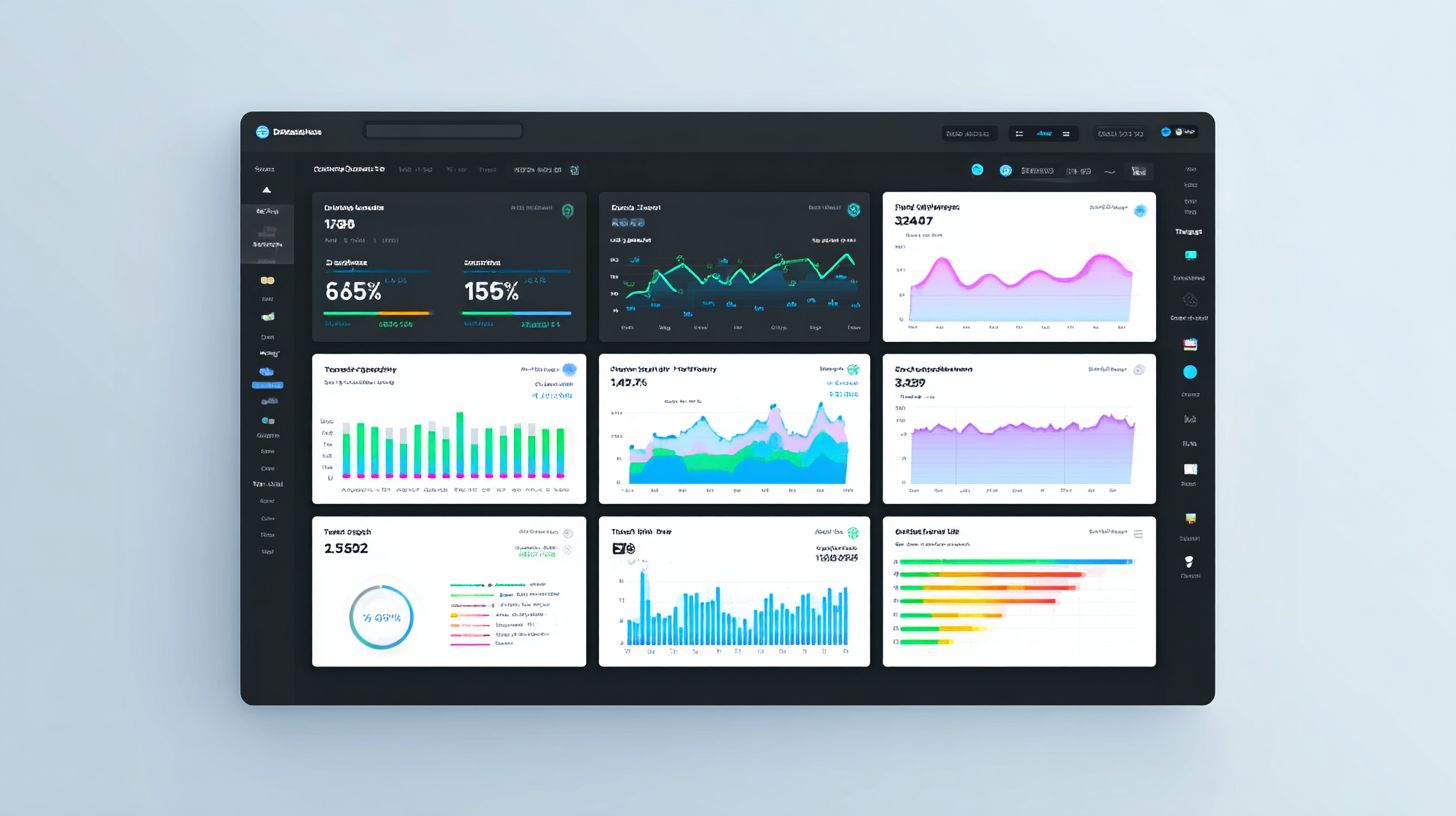
Engagement metrics track user retention: repeat users (35% benchmark), interaction volume (avg 2.4 sessions/user), and sentiment analysis (73% positive target). Repeat users, segmented by source, show loyalty, with Mixpanel examples revealing 42% repeat rate from websites versus 22% from Facebook Messenger. Calculate as unique returning users divided by total unique users.
Session depth equals messages per conversation, targeting 8-10 for meaningful exchanges. Use Dashbot NLP for sentiment score, scoring interactions from -1 to 1 based on tone. Interaction rate counts clicks and scrolls per session, indicating active participation. High engagement signals effective flows and rich media use in user interactions.
Segment data in tools like Mixpanel to compare channels, revealing why website traffic drives higher retention. A support bot improved repeat users by 20% with personalized greetings. Track these KPIs weekly to refine chatbot analytics and boost long-term user satisfaction.
Conversion and Goal Metrics
Conversion metrics drive revenue: goal completion rate (62% e-commerce avg), lead generation (18% conversion from chats), and CSAT (4.5/5 target). Track goal completion with Botpress funnels, measuring users reaching defined endpoints like purchases. Formula: (completed goals / started goals) x 100.
Lead gen rate counts form fills or qualified leads from chats. ROI calculates as ($47 return per $1 spent) by dividing revenue from bot-driven sales by development costs. CSAT trends aggregate post-chat scores to gauge satisfaction. An HR chatbot case study showed 28% hire rate improvement via goal tracking and funnel optimization.
Align these with business goals in dashboards for real-time monitoring. E-commerce bots hit 65% completion by simplifying flows. Use advanced analytics to correlate CSAT with conversions, ensuring chatbot performance supports ROI growth.
Top Chatbot Analytics Tools
Leading chatbot analytics tools range from platform-native dashboards to enterprise solutions like Dashbot ($99+/mo) and Mixpanel ($25+/mo). Native options suit quick setups for small teams, while third-party tools excel in advanced segmentation and cross-platform data. According to Gartner 2024, 82% of enterprises use multiple tools to track chatbot performance, combining native simplicity with external depth for full ROI visibility. This mix helps monitor user interactions, containment rates, and goal completion.
Native dashboards provide essential metrics like chat duration and response time without extra costs, ideal for developers building bots on Botpress or WotNot. Third-party platforms add sentiment analysis and custom KPIs, supporting lead generation and customer support optimization. The upcoming comparison highlights free tiers, tracked metrics, and best uses, helping teams choose based on scale and needs.
Selecting the right tool depends on your conversational AI goals, such as improving user engagement or reducing fallback rates. For instance, growth teams favor Mixpanel for cohort analysis, while enterprises rely on Dashbot for 20+ integrations. This section previews key differences to guide deployment and bot improvement.
Platform-Native Dashboards
Botpress and WotNot offer native dashboards tracking 15+ metrics out-of-the-box with real-time monitoring and custom KPI widgets. These tools shine for developers and SMBs needing quick insights into user interactions, CSAT scores, and human handoff rates without complex setups. Botpress tracks 22 metrics including goal completion and repeat users, while WotNot covers 18 metrics like average response time for customer support flows.
| Platform | Free Tier | Metrics Tracked | Real-time | Best For |
|---|---|---|---|---|
| Botpress | Free | 22 metrics | Yes | Developers |
| WotNot | Free-$99/mo | 18 metrics | Yes | SMBs |
Setting up Botpress analytics takes under 5 minutes: use the emulator to test flows, then toggle the analytics module in studio settings. This enables instant dashboard views of containment rate and chatbot performance. WotNot users export data for custom reports, aiding business goals like reducing fallback rates by 20% through flow tweaks.
Third-Party Integration Tools
Third-party tools like Dashbot ($99/mo) and Mixpanel ($25/mo) provide advanced analytics and cross-platform insights for enterprise chatbots. They track sentiment analysis, user cohorts, and funnels beyond native limits, helping optimize lead generation and user satisfaction. Dashbot supports 20+ platforms with NLP features, ideal for scaling conversational AI.
| Tool | Price | Key Features | Integrations | Best For |
|---|---|---|---|---|
| Dashbot | $99+ | NLP/sentiment | 20+ platforms | Enterprises |
| Mixpanel | $25+ | Cohorts | Botpress | Growth teams |
| Amplitude | $0-$995 | Funnels | WotNot | Product |
| Google Analytics | Free | Basic tracking | All | All |
Integrate via Zapier in under 10 minutes: connect your bot platform as the trigger, select metrics like interactions number, and map to the analytics tool. This setup reveals repeat users patterns and improves ROI by identifying high-performing flows. For example, Mixpanel cohorts help growth teams boost engagement by targeting drop-off points in customer support chats.
Data Collection Methods
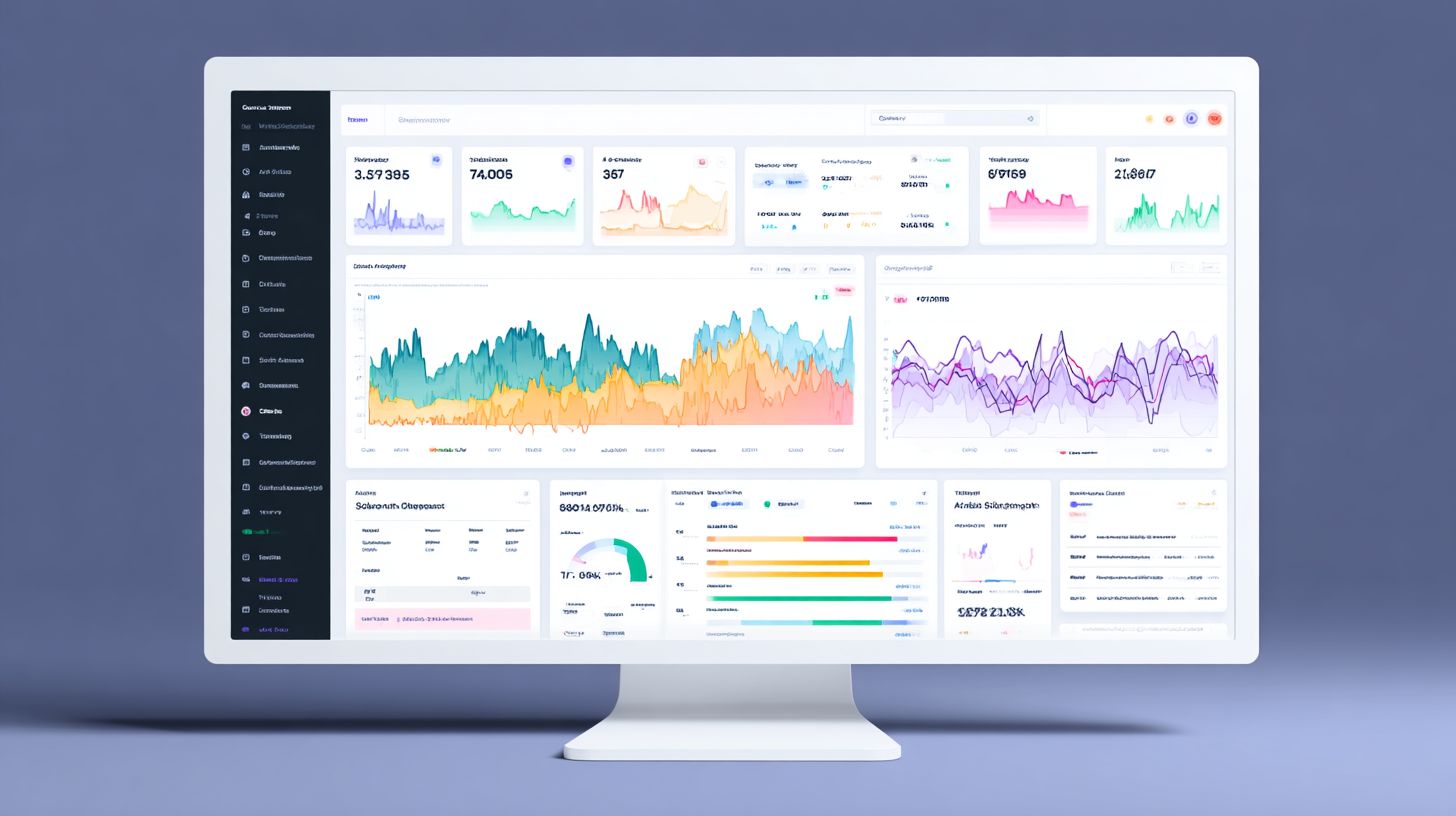
Effective data collection captures 100% of chatbot interactions using event tracking, custom properties, and flow logging across all channels. This foundation ensures accurate chatbot analytics for metrics like chat duration, containment rate, and goal completion. Teams often overlook basic setups, leading to gaps in user engagement data and poor ROI insights. By focusing on structured methods, businesses can monitor performance, track user satisfaction, and optimize conversational AI flows for customer support or lead generation.
Follow this 7-step process to implement robust data collection in platforms like Botpress or Wotnot. Start with enabling logging in Botpress Studio, which takes just 2 minutes via the dashboard settings. Next, add custom events using a JavaScript snippet to capture unique user actions, such as button clicks or form submissions. Track flow completion with simple code: bp.events.track('flow.complete', { flowName: 'leadGen' });. Segment data by user source like website or app to analyze channel-specific KPIs. Implement session replay for visual debugging of interactions. Ensure GDPR-compliant logging by anonymizing PII and setting data retention to 30 days. Use real-time webhooks to Dashbot for instant dashboard updates on metrics like response time and CSAT, especially when incorporating messenger bots data analysis and sentiment optimization.
Common mistakes derail chatbot performance tracking. Missing UTM parameters loses 40% of attribution data, making it hard to measure campaign ROI or repeat users. Avoid over-logging sensitive data, which risks compliance issues, and neglecting mobile-specific events that skew average response times. Use custom metrics for advanced analytics, like sentiment analysis scores, to improve fallback rates and human handoff efficiency. Regular audits reveal 25% more actionable insights when combined with real-time integration.
- Enable logging in Botpress Studio for quick setup.
- Add custom events via JavaScript snippet for detailed tracking.
- Track flow completion with code examples for goal KPIs.
- Segment by user source to compare channel performance.
- Implement session replay to visualize user paths.
- Ensure GDPR-compliant logging for legal safety.
- Use real-time webhook to Dashbot for live metrics.
Analytics Optimization Strategies
Optimization strategies transform raw analytics into 35%+ performance gains through systematic benchmarking and continuous improvement cycles. Businesses start with a clear framework that ties chatbot metrics to core objectives like user engagement and lead generation. According to a McKinsey chatbot study, companies using systematic analytics achieve 2.8x ROI compared to basic tracking approaches. This involves regular data reviews, A/B testing of conversation flows, and adjustments based on user interactions. Preview key tactics like performance benchmarking to set targets against industry standards, without revealing exact figures yet. Teams monitor KPIs such as containment rate, response time, and CSAT to drive improvements in customer support and sales bots.
Integrate real-time dashboards from tools like Botpress or Dashbot to visualize chatbot performance. For example, segment data by channel to spot issues in mobile versus web interactions. Continuous cycles include weekly metric checks, monthly deep dives, and quarterly goal resets aligned with business goals. Advanced analytics users apply sentiment analysis to refine fallback rates and human handoff triggers, boosting overall user satisfaction. What are the key metrics for monitoring chatbot performance? This structured approach ensures chatbots evolve from basic responders to high-ROI assets in conversational AI deployments.
Customization plays a key role, with custom metrics tracking niche outcomes like average chat duration or goal completion in lead generation flows. Teams build optimization habits by setting alerts for drops in repeat user rates or interaction numbers. Over time, this yields measurable gains in ROI through optimized bots that better serve customer support needs.
Performance Benchmarking
Benchmark against industry standards: 78% containment rate (top quartile), 1.4s response time, 42% repeat user rate (Dashbot 2024 benchmarks). This performance benchmarking process establishes baselines for chatbot analytics, allowing teams to measure progress in user interactions and business goals. Start by exporting data to identify gaps in metrics like CSAT or fallback rate. Regular benchmarking reveals opportunities to improve bot flows and reduce human handoffs, directly impacting ROI.
Follow this 5-step process for effective benchmarking:
- Export Botpress data to Looker Studio using pre-built templates for quick visualization of KPIs like chat duration and goal completion.
- Compare results against Dashbot benchmarks for containment rate, response time, and repeat users across industries.
- Segment by channel or device to uncover patterns, such as higher drop-offs on mobile during peak hours.
- Set quartile targets, aiming for top 25% in user engagement metrics to align with customer support excellence.
- Conduct monthly re-benchmarking to track improvements and adjust conversational AI strategies.
An ROI calculator illustrates the value: a 10% improvement in key metrics can deliver $84K annual savings for mid-sized deployments handling thousands of interactions. For instance, cutting average response time from 3s to 1.4s boosts containment and user satisfaction in real-time support bots. Teams using Wotnot or similar platforms integrate these steps into dashboards for ongoing monitoring of chatbot performance.
Advanced Optimization Techniques
Advanced techniques like A/B testing and predictive analytics boost chatbot performance by 47% according to Amplitude’s 2024 AI report. These enterprise-level methods build on core chatbot analytics to refine user interactions and align with business goals. Enterprises use them to monitor metrics such as goal completion, containment rate, and user engagement at scale. By analyzing chat duration, response time, and sentiment analysis, teams identify patterns in conversational AI that drive ROI. This sets the stage for targeted improvements without overhauling entire flows.
Tools like Botpress and Mixpanel enable real-time tracking of KPIs including CSAT, fallback rate, and human handoff rates. Predictive models forecast user behavior, while A/B testing validates changes empirically. For customer support bots, this means higher lead generation and fewer repeat users dropping off. Advanced analytics work together with dashboards for custom metrics, allowing teams to measure and improve performance continuously. The result is optimized bots that enhance user satisfaction and support scalable deployments.
Focus on high-impact areas like average response time and number of interactions to prioritize efforts. Enterprises report 30-50% gains in efficiency when combining these techniques. This approach ensures chatbot analytics directly ties to outcomes like reduced costs and better customer support.
A/B Testing Conversations
A/B testing different conversation flows increased goal completion by 31% for a WotNot customer using 3 variants across 10K users. This method compares chatbot variants to find what drives better user interactions. Start by defining clear hypotheses based on metrics like containment rate or chat duration. Tools in Botpress make it simple to set up tests that monitor performance in real time. Teams track response time and user engagement to ensure data-driven decisions.
Follow this 6-step A/B process for reliable results:
- Define hypothesis in Botpress, such as testing shorter greetings for faster goal completion.
- Create variants like greeting styles or response lengths to compare flows.
- Implement 50/50 traffic split for even distribution across users.
- Run test for 7 days minimum to gather sufficient data.
- Use statistical significance calculator like Evan Miller tool to validate winners.
- Implement the winner and deploy across all interactions.
In an e-commerce bot case study, A/B testing urgency messaging led to a 24% uplift in conversions. This highlights how testing refines conversational AI for lead generation and ROI. Regularly apply this to improve KPIs like CSAT and reduce fallback rate.
Predictive Analytics Applications
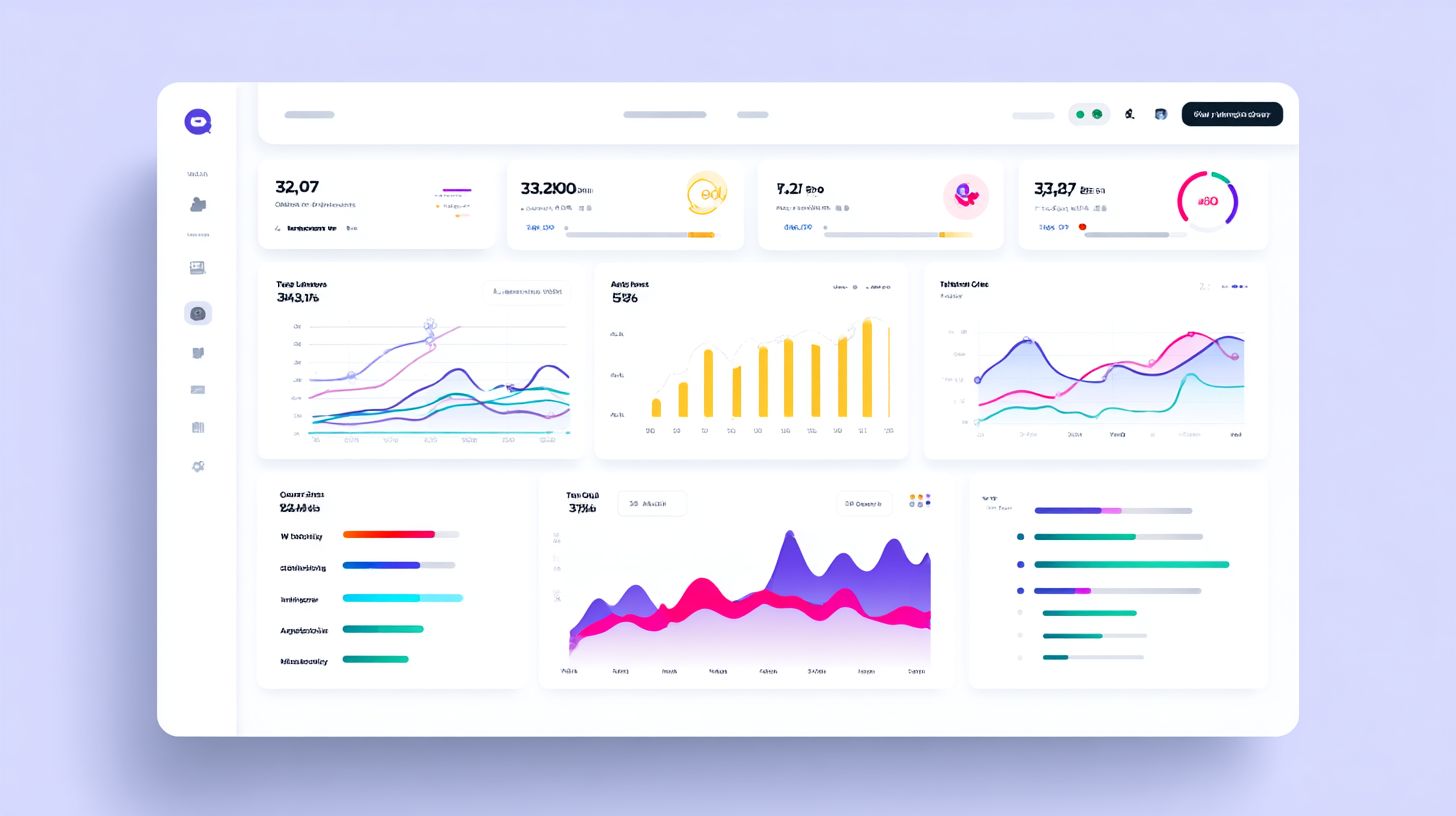
Predictive analytics in Mixpanel forecasts user churn with 87% accuracy and prioritizes high-value leads from chatbot interactions. This advanced analytics uses historical data to predict outcomes, enhancing chatbot performance. Integrate with tools like Amplitude or Botpress for seamless tracking. Applications focus on key metrics such as repeat users, sentiment analysis, and human handoff patterns to guide optimizations.
Here are 4 key applications with implementation steps:
- Churn prediction: Build models in Amplitude using chat duration and goal completion data to flag at-risk users early.
- Next-best-action: Combine Botpress with Mixpanel to suggest personalized responses based on past interactions.
- Lead scoring: Achieve 85% accuracy by weighting user engagement and number of interactions for sales prioritization.
- Capacity planning: Forecast peak loads from response time trends to scale customer support efficiently.
For custom predictions, track events with this code snippet: analytics.track('prediction_event', { user_id: '123', churn_prob: 0.75, score: 8.2 });. In an HR chatbot case study, it predicted 92% of employee exits 2 weeks early, improving retention. These techniques tie chatbot analytics to business goals, boosting user satisfaction and ROI through proactive insights.
Frequently Asked Questions
What is Chatbot Analytics: Definition, Tools, and Optimization?
Chatbot Analytics: Definition, Tools, and Optimization refers to the process of collecting, analyzing, and interpreting data from chatbot interactions to measure performance, understand user behavior, and improve functionality. The definition encompasses key metrics like conversation success rates and user engagement, tools include platforms such as Google Analytics for chat or dedicated services like Dashbot and Botanalytics, and optimization involves using insights to refine conversation flows, reduce drop-offs, and boost conversion rates.
What is the definition of Chatbot Analytics?
The definition of Chatbot Analytics is the systematic tracking and evaluation of data generated from user-bot interactions, including metrics such as session duration, goal completion rates, user satisfaction scores (e.g., CSAT), and error rates. It provides actionable insights into how effectively a chatbot performs, forming the foundation for tools and optimization strategies in Chatbot Analytics: Definition, Tools, and Optimization.
What are the best tools for Chatbot Analytics?
Popular tools for Chatbot Analytics include Dashbot, which offers real-time dashboards and funnel analysis; Botanalytics for conversation visualization and segmentation; Google Analytics integrated with chat platforms; and Chatbase for custom reporting. These tools support Chatbot Analytics: Definition, Tools, and Optimization by enabling data collection, visualization, and export for deeper analysis.
How does optimization work in Chatbot Analytics?
Optimization in Chatbot Analytics involves using analytics data to identify pain points, such as high fall-out intents or low engagement paths, then iterating on bot design through A/B testing, intent retraining, and personalization. This process, central to Chatbot Analytics: Definition, Tools, and Optimization, can improve metrics like containment rate by 20-50% with targeted refinements.
Why is Chatbot Analytics important for business optimization?
Chatbot Analytics is crucial for business optimization as it reveals user drop-off points, popular queries, and ROI from automation, allowing teams to scale efficiently. By leveraging definition, tools, and optimization techniques in Chatbot Analytics: Definition, Tools, and Optimization, companies can enhance user experience, reduce support costs, and increase conversions.
How can I get started with Chatbot Analytics tools and optimization?
To get started with Chatbot Analytics tools and optimization, choose a platform like Dialogflow’s built-in analytics or third-party tools such as Userlike, integrate it with your chatbot, define key KPIs based on the core definition, monitor data for a week, then apply optimization tactics like retraining models on underperforming intents-all part of mastering Chatbot Analytics: Definition, Tools, and Optimization.