Chatbot Interaction Styles: Text vs. Auditory Design Tips
Designing chatbot UX can feel tricky when deciding between text and voice interactions-each has its own flow and user expectations. In this guide, you’ll pick up practical design tips for both, from concise messaging in text to natural pacing in audio. It’s all about making conversations smooth and intuitive, no matter the mode.
Key Takeaways:
- 1 Text-Based Chatbot Design
- 2 Auditory Chatbot Design
- 3 Key Interaction Differences
- 4 Hybrid Design Strategies
- 5 Accessibility Considerations
- 6 Testing & Optimization
- 7 Frequently Asked Questions
- 7.1 What are the main differences in Chatbot Interaction Styles: Text vs. Auditory Design Tips?
- 7.2 How do you choose between text and auditory styles in Chatbot Interaction Styles: Text vs. Auditory Design Tips?
- 7.3 What are essential design tips for text-based chatbots under Chatbot Interaction Styles: Text vs. Auditory Design Tips?
- 7.4 What design tips improve auditory chatbots according to Chatbot Interaction Styles: Text vs. Auditory Design Tips?
- 7.5 Can hybrid approaches combine text and auditory in Chatbot Interaction Styles: Text vs. Auditory Design Tips?
- 7.6 What common pitfalls should be avoided in Chatbot Interaction Styles: Text vs. Auditory Design Tips?
Text-Based Chatbot Design
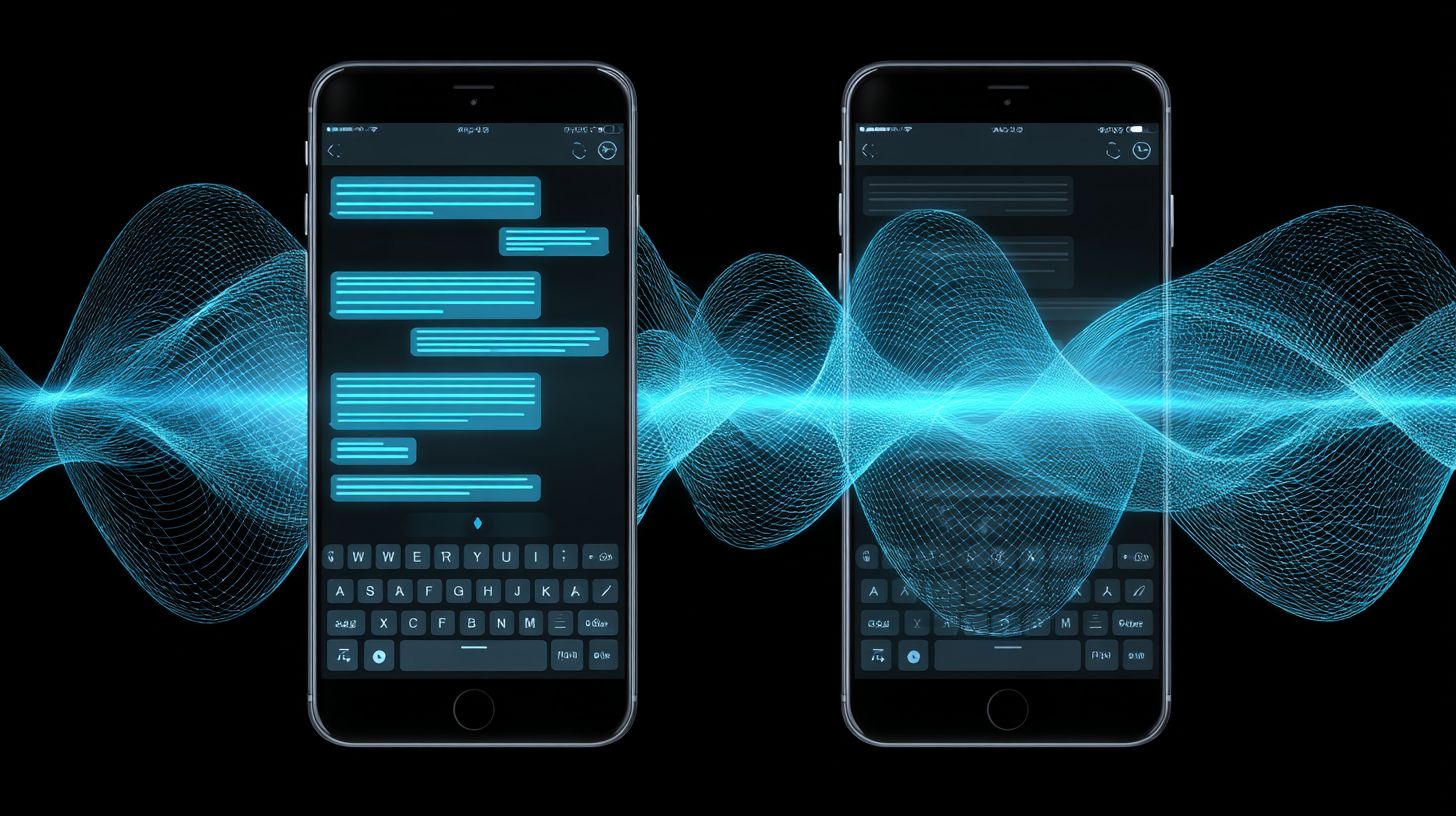
Crafting effective text-based chatbots starts with optimizing the interface for quick, intuitive exchanges that feel natural to users. Focus on brevity and visual cues to boost readability and engagement. Structure messages to guide users effortlessly through interactions while prioritizing mobile screen real estate.
In chatbot UX design, keep the interface clean to avoid overwhelming users on small screens. Use ample white space and readable fonts for better accessibility. Implement this by following the methodology in our Chatbot UX Design: Best Practices, Strategies, and Tips. This approach ensures smooth conversations across platforms like WhatsApp or iMessage.
Incorporate active voice in responses to make interactions direct and engaging. Test designs on various devices to confirm no horizontal scrolling occurs. Personalize flows based on user context for a more human-like experience.
Experts recommend balancing NLP capabilities with simple layouts to handle natural language inputs effectively. This enhances the overall user experience in customer support scenarios. Always align design choices with business goals for maximum impact.
Concise Messaging
Short, focused messages prevent user overload and keep conversations flowing smoothly. Limit each message to 1-2 sentences max to respect users’ time. Use active voice and clear calls-to-action like ‘Tap yes to continue’.
Break complex info into follow-up bubbles for easier digestion. This method suits mobile screens and improves comprehension. Test on small devices to ensure content fits without scrolling sideways.
In chatbot design, concise phrasing supports NLU by reducing ambiguity in user replies. It also speeds up keyboard interactions for faster resolutions. Readers appreciate this focus on clarity over lengthy explanations.
Avoid dense paragraphs that strain screen real estate. Instead, use short bursts to maintain momentum in AI-driven dialogues. This technique fosters engaging, efficient exchanges in support bots.
Button & Quick Reply Options
Quick reply buttons reduce typing effort and speed up decision-making in chatbot flows. Offer 3-5 buttons per response with descriptive labels like ‘Track Order’ or ‘Change Address’. This keeps users in control without keyboard fatigue.
Ensure tap targets measure at least 44×44 pixels for touch devices to enhance accessibility. Dynamically adjust buttons based on conversation context to prevent clutter. Such options work well in rule-based or machine learning frameworks.
Incorporate buttons for common actions in customer support scenarios, like refunds or updates. They guide flows predictably while allowing natural language fallbacks. This balances structure with flexibility for better UX.
Test button placements to avoid overlays or pop-ups on various platforms. Personalized options based on prior interactions make conversations feel tailored. Overall, they streamline paths toward user goals.
Typing Indicators
Typing indicators build anticipation and make AI conversations feel more human-like. Display animated dots for 2-4 seconds during processing to set expectations. Pair them with subtle status messages like ‘Checking availability…’.
Avoid overuse on instant responses to preserve perceived speed in the interface. This subtle cue reassures users during backend tasks like NLP processing. It enhances trust in chatbot reliability.
Use indicators sparingly in fast-paced exchanges to mimic human pacing. Combine with ARIA labels for screen reader accessibility. This detail elevates the overall interaction experience.
In business chatbots, typing indicators bridge the gap between text and human technology. They manage wait times effectively without frustrating users. Focus on timing to align with real conversation rhythms.
Auditory Chatbot Design
Voice-first chatbots demand careful attention to speech patterns and listening rhythms for natural interactions. Designers must focus on clear pronunciation to ensure accessibility across platforms like Siri or Alexa. For effective platform integration for chatbots, this approach enhances the overall user experience in conversational AI.
Strategic pauses prevent overwhelming users with rapid speech. Effective interruption handling mimics human conversation dynamics, allowing seamless flow. Platforms supporting voice interfaces benefit from these elements in customer support scenarios.
Incorporate natural intonation to convey emotion and context. Test audio outputs on various devices to maintain consistency. This ensures chatbots feel intuitive and responsive in real-world use.
Accessibility plays a key role in auditory design. Prioritize compatibility with screen readers and diverse accents. Such practices build trust and improve engagement in business applications.
Natural Voice Flow
Mimic human speech cadence using varied intonation and contextual phrasing for engaging voice interactions. Incorporate filler words sparingly, such as “let me check”, to add realism without distraction. This creates a more relatable chatbot experience.
Vary sentence length to establish rhythm in conversations. Short phrases quicken pace for confirmations, while longer ones build detail. Use SSML tags for emphasis on supporting platforms to highlight key information.
Preview designs with TTS tools like Google WaveNet for accuracy. Adjust pitch and speed to match user expectations in AI support bots. These steps refine the natural flow of dialogue.
Test with diverse user groups to capture cultural nuances in speech. Focus on conversational UX by blending rule-based and machine learning elements. This ensures smooth interactions across voice-enabled frameworks.
Silence & Pacing Control
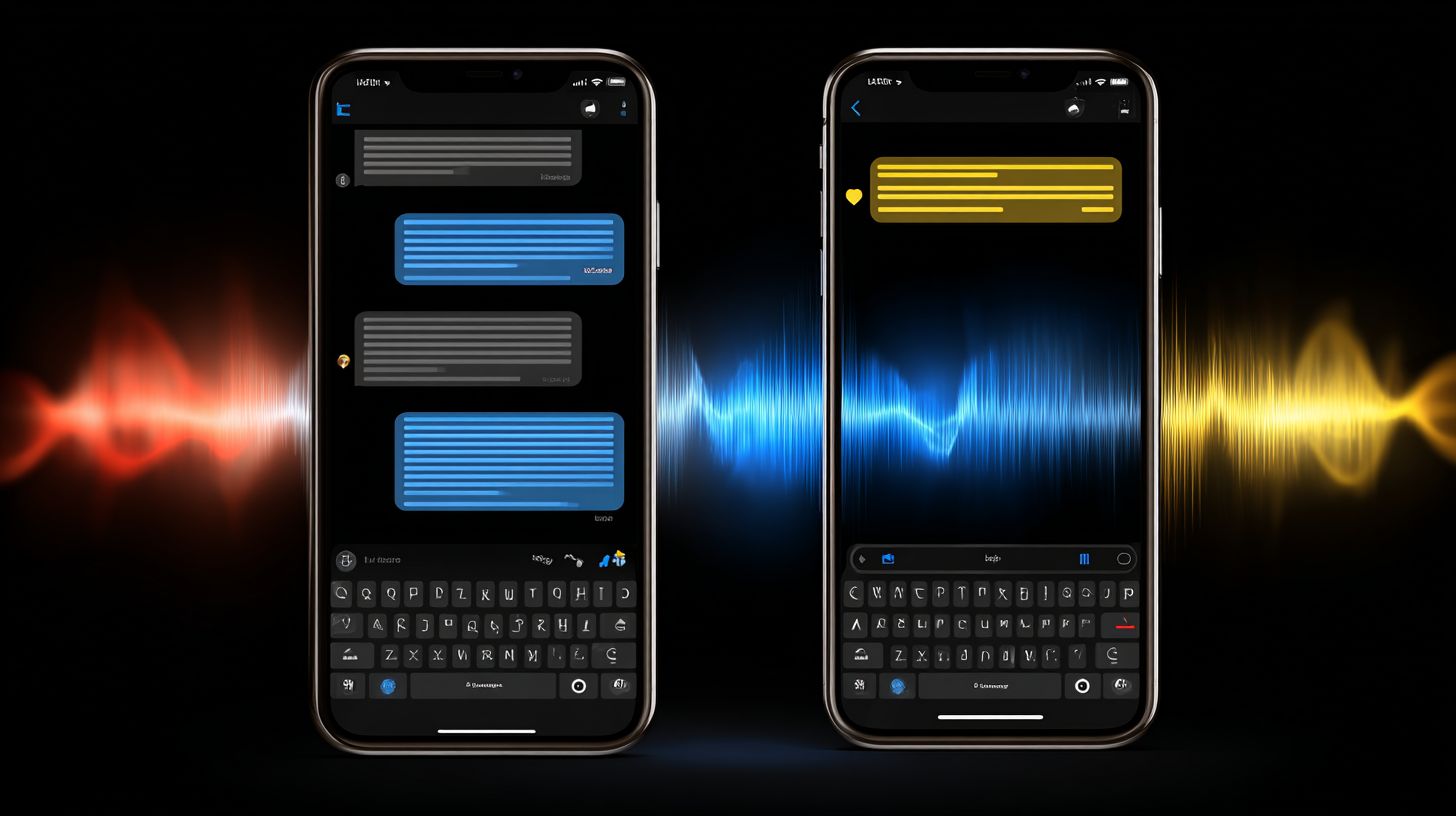
Strategic pauses give users time to process information without awkward dead air. Insert 0.5-1.5 second pauses after questions to invite responses naturally. This technique supports thoughtful user interactions in voice chatbots.
Speed up confirmations to keep energy high while allowing reflection on complex topics. Dynamically adjust pacing based on user response time for personalized flow. Real-user testing reveals optimal comfort levels.
Avoid constant rapid speech that fatigues listeners. Balance silence with content to mimic human pauses in dialogue. This enhances accessibility for varied audiences.
Integrate with NLU to detect hesitation and extend pauses if needed. Platforms like smart speakers thrive on this control. It fosters engaging, patient conversations in customer service bots.
Barge-In Detection
Barge-in functionality lets impatient users interrupt lengthy responses, improving satisfaction. Set sensitivity thresholds for common phrases like “stop” or “no, wait”. Immediately halt TTS playback upon detection.
Confirm understanding with phrases such as “Got it, you want to…” to realign the conversation. Implement on platforms like Google Assistant for reliable performance. This feature boosts user control in voice interfaces.
Fine-tune detection to avoid false triggers from background noise. Combine with NLP for context-aware interruptions. Testing across devices ensures robustness in real scenarios.
Prioritize this in auditory chatbot design for dynamic exchanges. It prevents frustration and aligns with human dialogue patterns. Businesses gain from higher engagement in support interactions.
Key Interaction Differences
Text and voice channels create distinct user expectations that demand tailored design approaches. Text-based chatbots allow users to scan messages quickly on screens, while auditory interfaces mimic human conversations through spoken words. Designers must address these core differences in processing speed, input methods, and cognitive load to build platform-agnostic experiences.
Input methods vary greatly between keyboard typing for text and voice commands for audio. Users on WhatsApp or iMessage expect concise text replies, but voice users on smart devices anticipate natural pauses. This affects the overall conversation flow and requires adaptive NLU pipelines for both.
Cognitive load differs too, as text readers process information visually with overlays or pop-ups, while voice demands auditory focus without screen distractions. Experts recommend accessibility features like ARIA labels for text and clear audio cues for voice. These adjustments ensure smooth interactions across platforms for customer support bots.
By optimizing for these differences, chatbots deliver personalized experiences that feel human-like. Rule-based or machine learning models can switch seamlessly between text and voice, meeting business goals for better user engagement.
Response Speed Expectations
Users expect near-instant text replies but tolerate slightly longer voice responses due to natural speech patterns. Text chatbots should aim for quick feedback to match the speed of reading on mobile screens. Voice interactions need time for synthesis, so plan accordingly in your design.
Show loading states clearly in text interfaces with spinners or typing indicators, as seen in Meta’s Messenger bots. For voice, use brief audio chimes to signal processing. This keeps users engaged during waits and builds trust in the AI conversation.
Optimize NLU processing pipelines by prioritizing common queries with caching. For example, cache responses for frequent support questions in WhatsApp bots. This reduces latency and improves the user experience across text and voice platforms.
Monitor performance with analytics tools to refine speeds over time. Focus on platform-specific tweaks, like faster keyboard inputs for text or audio buffering for voice. These steps ensure accessible, efficient chatbot interactions that align with user goals.
Hybrid Design Strategies
Modern chatbots must fluidly transition between text and voice across platforms like WhatsApp and iMessage. This requires building unified conversation state management that preserves context during mode switches. It ensures consistent personality and flow for a natural user experience.
Designers should focus on server-side storage for all interaction data, including messages, intents from NLU, and user preferences. See also: How to Leverage Intent Recognition: Guide for Developers. This setup allows the AI chatbot to recall details seamlessly, whether the user types or speaks. For example, a customer support bot can pick up mid-query about order status without repetition.
Maintain a consistent personality by using the same tone, humor, and phrasing across modes. Train machine learning models to adapt responses to input type while keeping core traits intact. This hybrid approach boosts accessibility for diverse users, from screen readers to voice-only interfaces.
Platforms like Meta’s ecosystem enable this through integrated APIs. Test switches in real conversations to refine UX design. The result is a human-like conversation that feels intuitive on any device.
Seamless Mode Switching
Context-aware mode switching prevents frustrating restarts when users toggle between typing and speaking. Store complete conversation history server-side to track every exchange. This keeps the chatbot informed, maintaining flow across text and audio.
Use platform APIs like those from Meta or WhatsApp Business for native switching. Offer explicit toggle buttons in the interface, such as a microphone icon next to the keyboard. These make transitions user-friendly without disrupting the conversation.
- Detect user intent via NLP to suggest switches, like prompting voice for long responses.
- Summarize context on change, for example: “You were asking about shipping-continue by voice?”
- Handle errors gracefully with fallbacks to text if voice fails due to noise.
Prioritize accessibility with ARIA labels on toggles and notifications for screen readers. Test across devices to ensure smooth user experience in support scenarios. This strategy makes hybrid chatbots versatile for business and personal use.
Accessibility Considerations
Inclusive chatbot design ensures all users, regardless of ability, can engage meaningfully with AI assistants. Following WCAG 2.1 AA standards makes interfaces usable for people with disabilities. This approach improves the overall user experience across text and auditory interactions.
Implement ARIA live regions for dynamic updates in conversations. These regions announce changes like new messages to screen readers such as NVDA, JAWS, or VoiceOver. For example, when a chatbot responds in a text interface, ARIA helps convey the update without visual focus shifts.
Ensure full keyboard navigation for all elements, including buttons and input fields. Test thoroughly with screen readers to catch issues in chatbot flows. Provide text transcripts for voice interactions, allowing users to read back audio responses at their pace.
Support high-contrast themes and resizable text to aid low-vision users. In auditory designs, include options to pause or replay voice outputs. These steps make chatbots accessible on platforms like WhatsApp or iMessage, fostering inclusive customer support.
Testing & Optimization
Rigorous testing across devices, screen readers, and user scenarios reveals hidden UX flaws before launch. This step ensures your chatbot performs well in real-world conditions. Focus on both text and auditory interactions to catch issues early.
Conduct multi-platform testing on apps like WhatsApp, iMessage, and web interfaces. Test how messages render on different screen sizes and with keyboard navigation. Verify accessibility features such as ARIA labels work for screen readers.
Use A/B testing for message variations to compare text prompts against voice cues. Those interested in Com.bot chatbot A/B testing will find practical strategies for optimizing these comparisons. Analyze drop-off points with session replays to spot where users abandon conversations. Tools like Tidio or custom analytics dashboards help track these patterns.
- Monitor NLU confidence scores to refine AI understanding of user inputs.
- Iterate designs based on real user feedback from beta tests.
- Test notifications and pop-ups across platforms for smooth user experience.
Multi-Platform Testing Strategies
Test your chatbot on WhatsApp, iMessage, web, and voice assistants to ensure consistent interaction styles. Check how text messages display in threaded chats versus auditory responses in calls. This uncovers platform-specific UX issues like truncated notifications.
Simulate user scenarios such as low-bandwidth conditions or background app usage. Validate accessibility with screen readers reading conversation flows aloud. Adjust overlays and interfaces for better keyboard support.
Include voice testing for auditory design, ensuring clear audio in noisy environments. Use emulators for quick iterations across devices. Gather feedback from diverse users to refine customer support scenarios.
A/B Testing and Analytics
Run A/B tests on message variations, like short text prompts versus detailed voice explanations. Track engagement in conversations to see what drives completions. Session replays highlight drop-off points in user flows.
Monitor NLU confidence scores to improve machine learning accuracy in chatbots. Analyze how personalized responses affect retention compared to rule-based ones. Custom analytics dashboards provide insights into interaction patterns.
Combine data with user feedback for targeted optimizations. Test audio playback speeds and text readability separately. This iterative process enhances overall experience for business goals.
Iterating with User Feedback
Collect real user feedback through post-interaction surveys in your chatbot. Ask about text vs. auditory preferences in support scenarios. Use this to iterate on design tips like clearer NLP phrasing.
Review session data for patterns in failed conversations. Adjust frameworks for better human-like responses. Prioritize fixes for high-impact accessibility gaps.
Regularly retest after changes to confirm improvements. Involve users in beta rounds for authentic insights. This loop ensures your chatbot meets purpose and goals across platforms.
Frequently Asked Questions
What are the main differences in Chatbot Interaction Styles: Text vs. Auditory Design Tips?
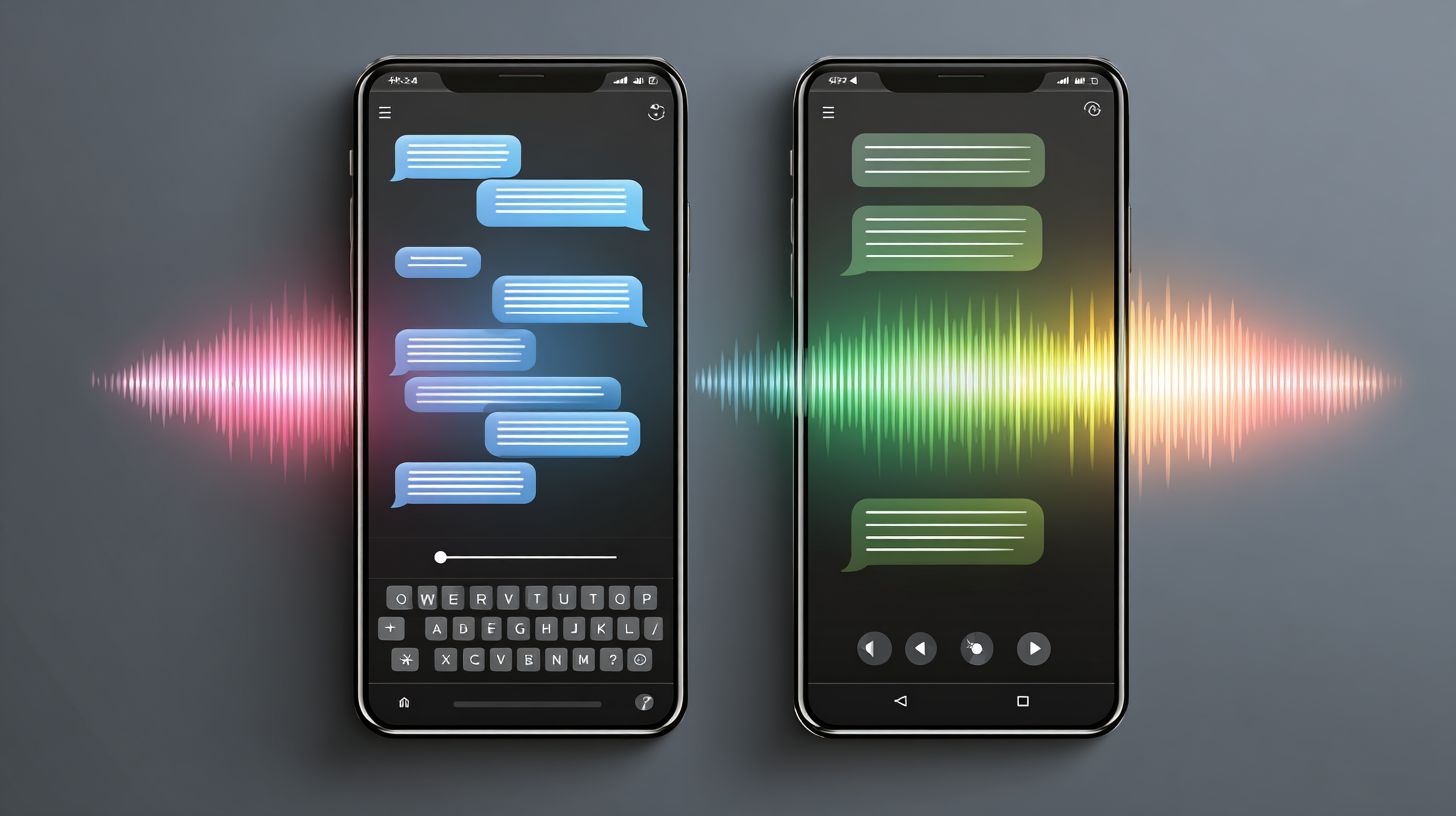
Chatbot Interaction Styles: Text vs. Auditory Design Tips highlight key differences: text-based chatbots excel in visual precision, allowing users to scan, edit, and reference messages easily, while auditory styles prioritize natural conversation flow, leveraging voice tones for engagement but risking misinterpretations from accents or background noise.
How do you choose between text and auditory styles in Chatbot Interaction Styles: Text vs. Auditory Design Tips?
In Chatbot Interaction Styles: Text vs. Auditory Design Tips, select text for tasks needing accuracy like data entry or complex queries, and auditory for hands-free scenarios such as driving or multitasking, ensuring the style matches user context and device capabilities.
What are essential design tips for text-based chatbots under Chatbot Interaction Styles: Text vs. Auditory Design Tips?
Chatbot Interaction Styles: Text vs. Auditory Design Tips recommend concise messaging, clear formatting with bullets or emojis, quick response times, and adaptive typing indicators for text chatbots to mimic human-like interactions and reduce user frustration.
What design tips improve auditory chatbots according to Chatbot Interaction Styles: Text vs. Auditory Design Tips?
Chatbot Interaction Styles: Text vs. Auditory Design Tips suggest using natural language processing for speech recognition, incorporating pauses for user interruptions, varied intonation to convey empathy, and confirmation prompts to handle audio ambiguities effectively.
Can hybrid approaches combine text and auditory in Chatbot Interaction Styles: Text vs. Auditory Design Tips?
Yes, Chatbot Interaction Styles: Text vs. Auditory Design Tips endorse hybrid designs where users switch seamlessly-e.g., voice-to-text transcription-offering flexibility, like starting with speech for convenience and reviewing via text for verification.
What common pitfalls should be avoided in Chatbot Interaction Styles: Text vs. Auditory Design Tips?
Chatbot Interaction Styles: Text vs. Auditory Design Tips warn against overly verbose text responses that overwhelm screens, ignoring accents in auditory setups, neglecting accessibility for hearing-impaired users, and failing to test across diverse environments.