Feedback Collection with Chatbots: Techniques and Practices
You’re probably looking for smarter ways to gather customer feedback without the usual hassles of surveys. Feedback Collection with Chatbots: Techniques and Practices covers practical methods like conversational questioning and rating scales that make it seamless. You’ll see how to implement them effectively for real-time insights and scalable results.
Key Takeaways:
- 1 Benefits of Using Chatbots for Feedback
- 2 Core Techniques for Feedback Gathering
- 3 Best Practices for Implementation
- 4 Advanced Feedback Analysis Methods
- 5 Common Challenges and Solutions
- 6 Measuring Feedback Program Success
- 7 Frequently Asked Questions
- 7.1 What is Feedback Collection with Chatbots: Techniques and Practices?
- 7.2 What are the key techniques in Feedback Collection with Chatbots: Techniques and Practices?
- 7.3 How do you implement best practices for Feedback Collection with Chatbots: Techniques and Practices?
- 7.4 What are the benefits of using Feedback Collection with Chatbots: Techniques and Practices?
- 7.5 What challenges arise in Feedback Collection with Chatbots: Techniques and Practices and how to overcome them?
- 7.6 How does Feedback Collection with Chatbots: Techniques and Practices integrate with analytics tools?
Benefits of Using Chatbots for Feedback
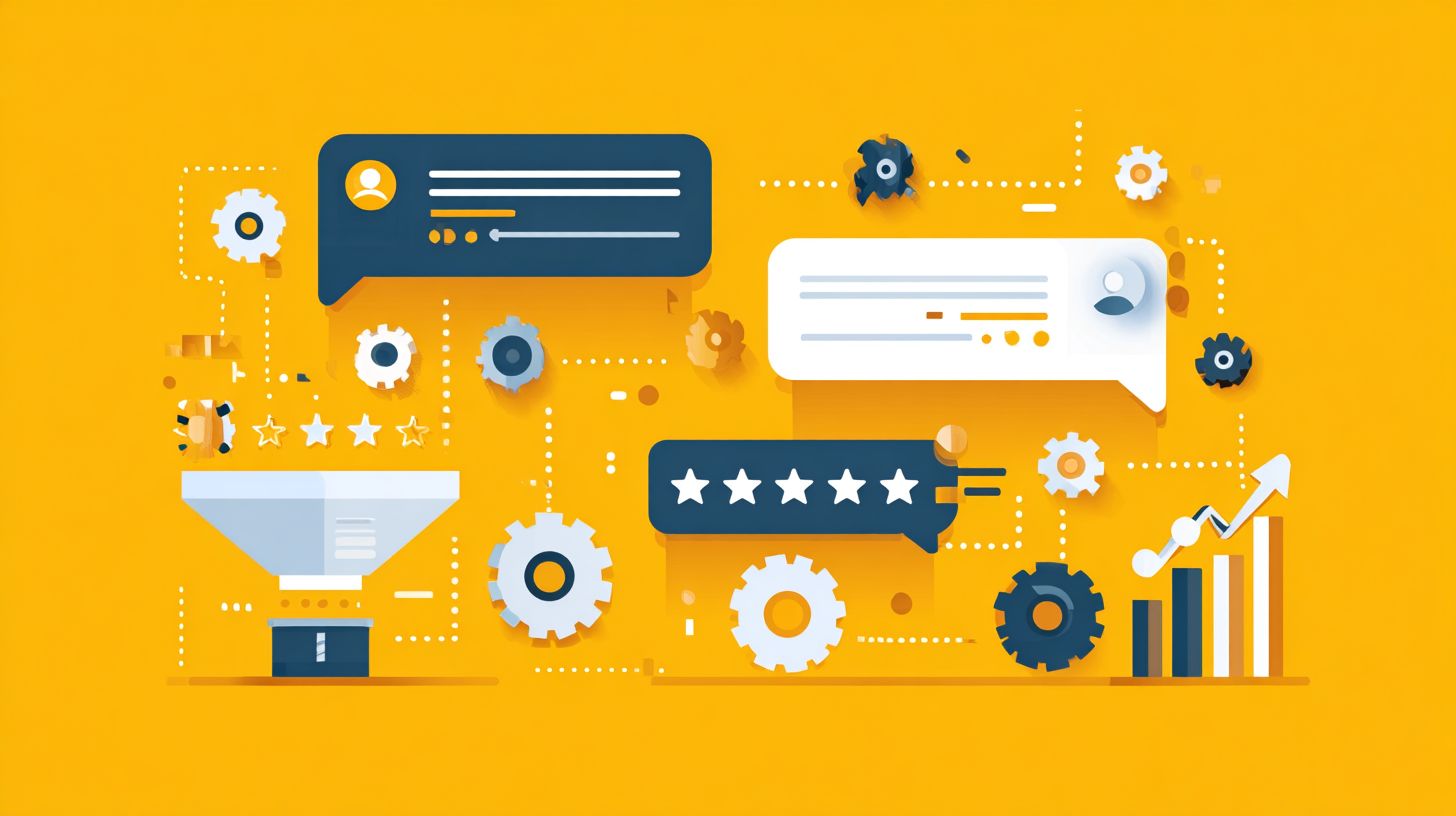
Leveraging chatbots for feedback unlocks advantages that traditional methods often miss, making it easier to capture honest responses at key moments. Real-time insights and scalability stand out as key benefits in Feedback Collection with Chatbots: Techniques and Practices. Businesses gain efficiency by gathering data instantly, unlike delayed email surveys.
Consider post-purchase reactions. A chatbot pops up right after a sale, asking about the experience, while emails often sit unread for days. This timing leads to more accurate, fresh feedback.
These benefits matter for companies aiming to improve quickly. Real-time data helps fix issues fast, and scalability supports growth without extra costs. Related callout: Real-Time Engagement: Importance and Chatbot Applications shows how this timing drives superior results. Teams can focus on action rather than manual collection.
In practice, chatbots fit seamlessly into customer journeys. They provide consistent feedback collection across channels, enhancing overall strategies in Feedback Collection with Chatbots: Techniques and Practices.
Real-Time Insights
Chatbots deliver immediate feedback as users engage, allowing teams to spot trends and issues while they’re fresh. They trigger questions right after interactions, such as support queries or purchases. This approach captures real-time insights that fading memories might otherwise distort.
For example, after resolving a ticket, a chatbot might ask: “How helpful was this chat on a scale of 1-5?” Users respond instantly, often with specifics. Tools like Dialogflow or ManyChat log these replies in real time for quick review.
Teams can address problems within minutes. A low score triggers an alert, enabling follow-up chats or escalations. This speed turns feedback into actionable steps, boosting satisfaction in Feedback Collection with Chatbots: Techniques and Practices.
Experts recommend integrating these triggers at natural endpoints. Review logs daily to identify patterns, like common pain points in support. Such practices ensure continuous improvement without delays.
Scalability and Cost Efficiency
Unlike human-led surveys, chatbots handle unlimited responses without added costs, scaling effortlessly as your user base grows. They eliminate per-response fees common in email tools. This makes them ideal for high-volume feedback collection.
Compare to traditional surveys: emails require design, sending, and follow-ups, often with low opens. Chatbots like Intercom or Drift offer free tiers and run 24/7 across websites or apps. No staffing surge needed during peaks.
An actionable tip is to automate collection at key touchpoints. Set bots to ask questions after logins, checkouts, or sessions end. This maintains consistent Feedback Collection with Chatbots: Techniques and Practices while cutting labor costs.
Businesses scaling globally benefit most. Chatbots adapt to multiple languages and time zones effortlessly. Focus resources on analyzing data, not gathering it, for efficient growth.
Core Techniques for Feedback Gathering
Effective Feedback Collection with Chatbots relies on proven techniques that feel natural in conversation, boosting response rates. Core methods include conversational questioning, rating scales with emojis, and open-ended prompts. These approaches integrate seamlessly into user interactions.
Conversational questioning builds rapport through friendly dialogue. Rating scales offer quick visual input, while open-ended prompts invite deeper insights. Together, they encourage participation without disrupting user flow.
Users respond better when feedback feels like part of the chat, not a separate task. Chatbots can combine these techniques in sequence for richer data. This keeps conversations engaging and efficient.
Platforms support these methods with simple builds. Start with one technique, then layer others based on responses. For next steps in applying these practices, see How to Collect Customer Insights with Chatbots. This strategy enhances overall Feedback Collection with Chatbots: Techniques and Practices.
Conversational Questioning
Frame questions as natural dialogue to make feedback feel like a friendly chat rather than an interrogation. Start with context, such as “Thanks for chatting!”. This sets a warm tone right away.
Ask one question at a time to avoid overwhelming users. Follow with branching logic, like pursuing details if they say yes. For example, after “What stood out about our service?”, probe further based on their reply.
- Begin with a contextual opener.
- Pose a single, clear question.
- Use conditional flows for follow-ups.
Tools like Botpress enable these branching paths easily. Avoid the common mistake of overloading with multiple questions at once. This keeps users engaged and provides focused insights.
Rating Scales and Emojis
Quick ratings with emojis or scales capture sentiment effortlessly, ideal for mobile users on the go. Use 1-5 stars or simple emojis like , , . These visual options speed up responses.
Implement with a script like “Rate your experience: [emoji buttons]”. Integrate via Typeform embeds or Landbot for smooth deployment. This method leads to higher completion rates.
Analyze averages to spot trends in user satisfaction. Limit options to 3-5 choices to prevent decision fatigue. Users appreciate the simplicity during busy moments.
- Choose intuitive emojis for instant recognition.
- Place ratings right after key interactions.
- Follow up with a brief why question.
Open-Ended Prompts
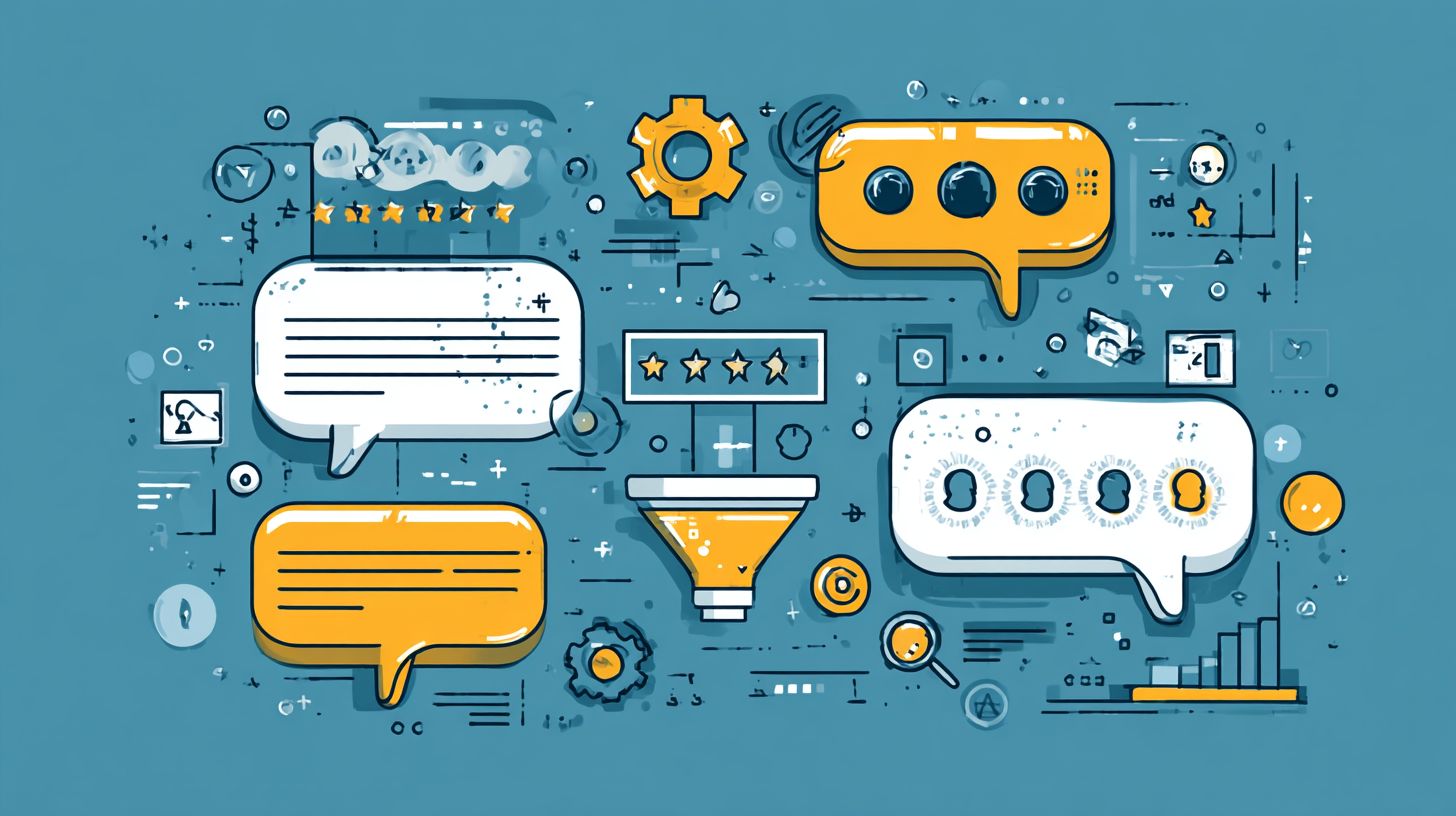
Open-ended prompts uncover detailed stories and ideas that structured questions might overlook. Use phrases like “What can we improve?” or “Tell me more about that”. These invite honest, elaborate feedback.
- Follow a rating with a targeted “Why?”.
- Apply NLP tools like Rasa for intent detection.
- Store responses in Google Sheets via Zapier.
This approach provides qualitative depth for innovation. Users share specific suggestions, such as service gaps or feature requests. It turns feedback into actionable ideas.
Pair prompts after ratings for context. Review entries regularly to identify patterns. This technique enriches Feedback Collection with Chatbots: Techniques and Practices with real user voices.
Best Practices for Implementation
Successful Feedback Collection with Chatbots: Techniques and Practices hinges on smart implementation to maximize quality and quantity of responses. Focus on timing and triggers to catch users at the right moment. Pair this with personalization and context for relevance.
These practices respect user experience, making feedback feel helpful, not intrusive. Trigger questions after key events, like task completion. Personalize based on recent interactions to build engagement.
Avoid overwhelming users mid-conversation. Offer clear opt-out options to comply with privacy standards. This approach boosts response rates while maintaining trust.
For a deep dive into effective chatbot flows and design techniques, platforms like HubSpot or Voiceflow support these features. Test triggers in real scenarios to refine them. Consistent application leads to actionable insights.
Timing and Trigger Strategies
Ask for feedback at peak relevance, like right after a task completion, to capture genuine reactions. Post-resolution triggers work best, such as asking “Was your issue fixed?” after support ends. This timing aligns with high user satisfaction or frustration.
Delay feedback requests for complex interactions, waiting 5-10 minutes post-conversation. Use event-based tools in platforms like HubSpot chatbots. Avoid interrupting mid-conversation to prevent annoyance.
- Trigger after checkout in e-commerce bots, like “How smooth was your purchase?”.
- Set rules for session end or goal completion.
- Test delays to match interaction length.
Refine strategies with A/B testing on triggers. Monitor drop-off rates to optimize. Proper timing ensures higher quality responses in Feedback Collection with Chatbots: Techniques and Practices.
Personalization and Context Awareness
Tailor questions based on conversation history to show users their input truly matters. Use variables like {user_name} or {recent_action} for custom prompts. This makes feedback feel specific and valued.
Incorporate context retention with platforms like Voiceflow. For example, ask “How was {product_purchased}?” right after a sale. Personalization builds trust and engagement.
- Reference past queries, like “Did our sizing guide for {item} help?”.
- Adapt tone based on user sentiment.
- Always offer opt-out for GDPR compliance.
Track how personalized bots perform against generic ones. Adjust variables for better flow. This practice enhances response depth in Feedback Collection with Chatbots: Techniques and Practices.
Advanced Feedback Analysis Methods
Go beyond raw data by applying analysis methods that reveal actionable patterns in chatbot feedback. These techniques transform scattered comments into clear insights for feedback collection with chatbots. Tools like APIs and clustering software make this process efficient and scalable.
Sentiment analysis identifies emotions in responses, such as frustration or satisfaction. Theme clustering groups similar feedback topics automatically. Dashboard tools then visualize these findings for quick decisions. Learn more about chatbots data analysis techniques and benefits to see how these methods drive real improvements.
Follow a simple workflow: export chatbot logs, categorize the data, and visualize trends. This approach turns vague user input into product roadmaps. For example, cluster complaints about slow responses to prioritize speed improvements.
Experts recommend combining these methods for deeper understanding. Start with raw logs from your chatbot platform. Apply analysis to uncover patterns that guide techniques and practices in feedback collection.
Sentiment Analysis with Google Cloud Natural Language API
Use Google Cloud Natural Language API to score feedback on positivity, negativity, or neutrality. This tool processes text from chatbot conversations quickly. It helps spot overall user sentiment in feedback collection with chatbots.
Integrate the API by sending feedback text via API calls. It returns scores and entities mentioned, like specific features. For instance, analyze “The chatbot resolved my issue fast” to detect positive sentiment on speed.
Review results to flag recurring negative themes. Combine with timestamps to track sentiment over time. This reveals if updates improve user experience in your practices.
Theme Clustering via MonkeyLearn
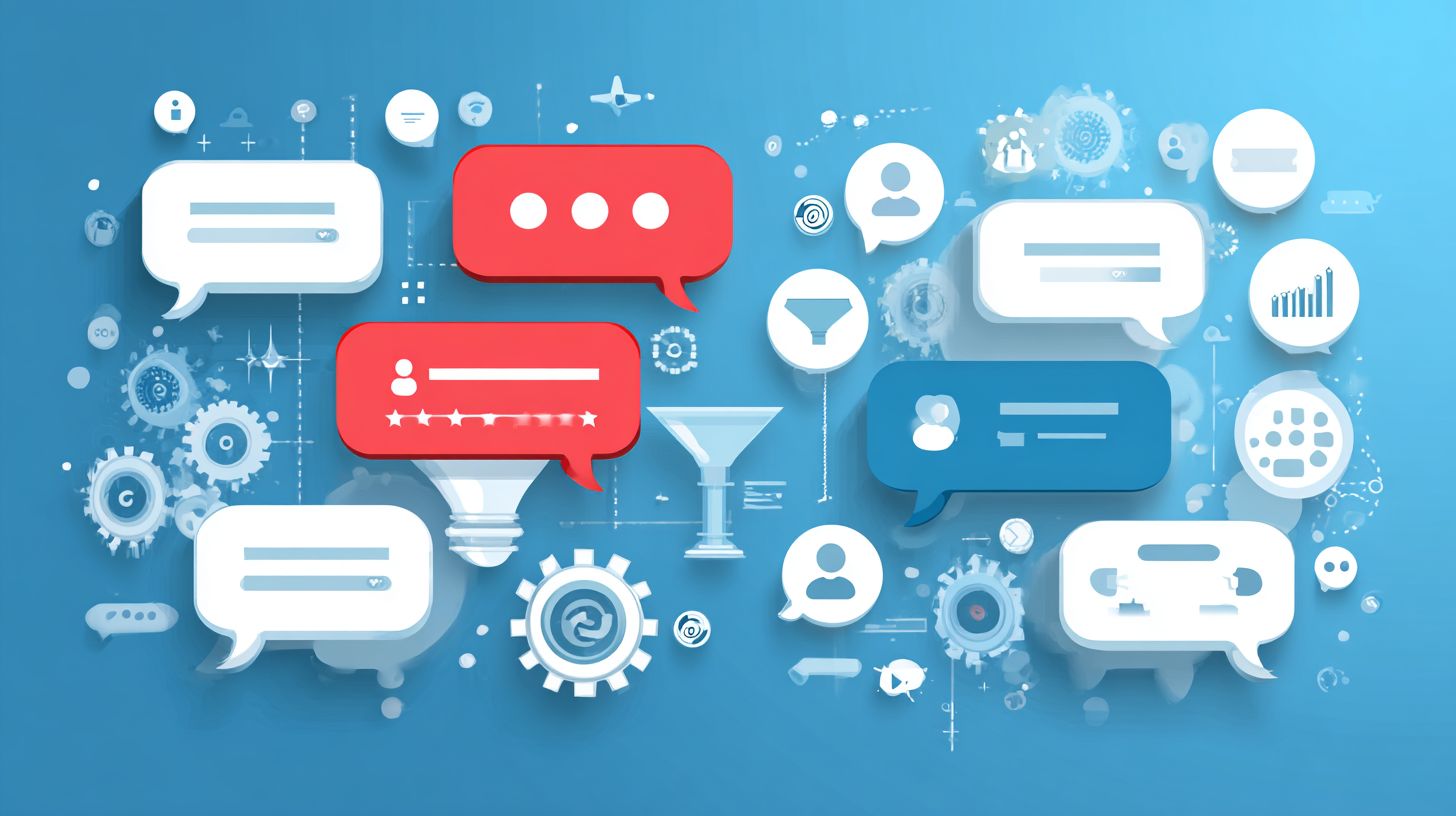
MonkeyLearn excels at theme clustering by grouping similar feedback phrases. Train a model on your chatbot data or use pre-built ones. This uncovers hidden topics in large feedback volumes.
Upload exported logs to MonkeyLearn for automatic tagging. It clusters items like “login problems” or “payment confusion” together. Adjust models based on your chatbot’s context for better accuracy.
Export clustered results to identify top themes. Use findings to refine chatbot techniques. This method supports ongoing feedback practices by highlighting user priorities.
Dashboard Integration with Google Data Studio
Connect analysis outputs to Google Data Studio for interactive dashboards. Import sentiment scores and clusters directly. Visualize trends in chatbot feedback at a glance.
Set up charts showing sentiment over time or theme frequency. Filter by user segments, like new versus returning customers. Share dashboards with teams for collaborative insights.
Step-by-step: export logs to spreadsheets, run analysis, then link to Data Studio. Monitor key metrics to build product roadmaps. This integration streamlines feedback practices into actionable visuals.
Step-by-Step Workflow: From Logs to Roadmaps
Begin by exporting logs from your chatbot platform in CSV format. Include timestamps, user IDs, and full messages. This raw data forms the foundation for analysis.
Next, categorize data using sentiment API and clustering tools. Run batches to process hundreds of responses efficiently. Tag each item with sentiment and themes for organization.
Finally, visualize trends in dashboards. Spot patterns like rising complaints on a feature. Translate these into product roadmaps, such as planned fixes or enhancements.
- Export complete chatbot logs weekly.
- Apply sentiment and clustering analysis.
- Build dashboards to track changes.
- Prioritize roadmap items based on trends.
Common Challenges and Solutions
While powerful, Feedback Collection with Chatbots faces hurdles like low response rates. Here’s how to overcome them. Common issues include bot fatigue, biased responses, and data overload.
Teams often see users ignore repeated chatbot prompts. This bot fatigue reduces engagement over time. Smart practices help keep interactions fresh.
Biased questions can skew results in Feedback Collection with Chatbots. Neutral phrasing ensures honest input. Data volume also overwhelms without proper management.
The table below outlines key challenges, solutions, and tool recommendations. Apply these to improve your chatbot feedback practices. They make collection more effective.
| Problem | Solution | Tool Recommendation |
|---|---|---|
| Bot fatigue: Users tire of frequent prompts, leading to low response rates. | Limit frequency to once per session or week. Add incentives like entry into a prize draw to boost participation. | Use scheduling features in Dialogflow to control timing. |
| Biased responses: Leading questions influence answers unfairly. | Craft neutral phrasing like “What did you think?” instead of “How great was that?”. Test questions with small groups first. | Refine prompts with Typeform’s question builder for neutrality. |
| Data overload: Too much raw feedback buries insights. | Apply filters and prioritization based on sentiment or keywords. Focus on high-impact responses first. | Clean data with Airtable’s filtering and automation tools. |
Addressing these challenges strengthens Feedback Collection with Chatbots: Techniques and Practices. For a deeper dive into chatbot design pitfalls and solutions, see also our comprehensive guide. Start by auditing your current setup. Implement one solution at a time for quick wins.
Measuring Feedback Program Success
Track your chatbot feedback program’s impact with clear metrics to justify and refine your efforts. Key performance indicators help you gauge effectiveness in feedback collection with chatbots: techniques and practices. Focus on metrics that reveal user engagement and insight quality.
Response rate measures how many users reply to your chatbot prompts. Aim for consistent tracking to spot trends over time. Completion rate tracks full survey finishes, showing if prompts hold attention.
Incorporate Net Promoter Score through follow-up questions like “How likely are you to recommend this service?”. Tools such as Mixpanel aid funnel analysis, while Amplitude handles user segmentation. These reveal patterns in feedback collection.
Follow these steps for ongoing improvement. First, set baselines with initial data. Then, run A/B tests on prompts. Finally, report findings quarterly to stakeholders.
- Set baselines by collecting initial metrics from your first feedback cycles.
- A/B test prompts to compare variations, like short versus detailed questions.
- Report quarterly, using visuals to highlight progress and areas for refinement.
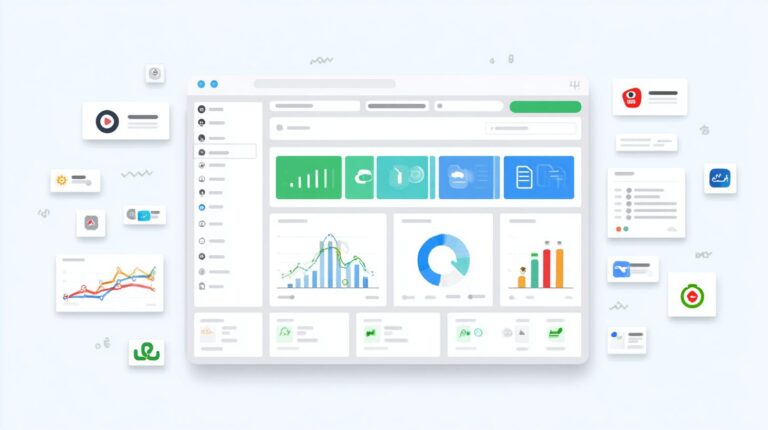
An example dashboard might show a line graph of response rates over months, a bar chart for completion rates by prompt type, and a pie chart for NPS categories. This layout makes trends easy to spot at a glance. Customize it to fit your feedback collection with chatbots goals.
Frequently Asked Questions
What is Feedback Collection with Chatbots: Techniques and Practices?

Feedback Collection with Chatbots: Techniques and Practices refers to the methodologies and strategies used to gather user insights, opinions, and suggestions through conversational AI interfaces. These practices involve designing chatbot flows that prompt users for feedback at key interaction points, using natural language processing to analyze responses, and ensuring data privacy while maximizing response rates.
What are the key techniques in Feedback Collection with Chatbots: Techniques and Practices?
Key techniques in Feedback Collection with Chatbots: Techniques and Practices include open-ended questioning for qualitative data, rating scales via quick-reply buttons, sentiment analysis integration, conditional branching based on initial responses, and post-interaction surveys triggered by user behavior, all optimized for seamless conversational experiences.
How do you implement best practices for Feedback Collection with Chatbots: Techniques and Practices?
Best practices for Feedback Collection with Chatbots: Techniques and Practices involve timing requests appropriately (e.g., after task completion), personalizing questions to boost engagement, keeping prompts concise, offering incentives like discounts, anonymizing data for trust, and iteratively refining chatbot scripts based on collected feedback analytics.
What are the benefits of using Feedback Collection with Chatbots: Techniques and Practices?
The benefits of Feedback Collection with Chatbots: Techniques and Practices include real-time data capture with minimal user friction, higher response rates compared to traditional forms (often 40-60% higher), scalable deployment across platforms, automated analysis for actionable insights, and enhanced customer satisfaction through immediate acknowledgment of input.
What challenges arise in Feedback Collection with Chatbots: Techniques and Practices and how to overcome them?
Challenges in Feedback Collection with Chatbots: Techniques and Practices include user fatigue, low completion rates, biased responses from leading questions, and NLP inaccuracies. Overcome them by A/B testing prompts, using multi-turn conversations, incorporating fallback options for misunderstood inputs, and regularly updating models with diverse training data.
How does Feedback Collection with Chatbots: Techniques and Practices integrate with analytics tools?
Feedback Collection with Chatbots: Techniques and Practices integrates with analytics tools like Google Analytics, Mixpanel, or custom dashboards by exporting structured data (e.g., JSON payloads) from chatbot platforms such as Dialogflow or Microsoft Bot Framework, enabling visualization of trends, sentiment scoring, and correlation with user behavior metrics.