Accessible Chat Features: Importance and Implementation
Building chatbots accessibility into your chat features isn’t just a nice-to-have-it’s essential for reaching everyone. You’ll see why it matters for users with disabilities and how it boosts your app’s reach and compliance. Let’s break down the key principles and practical steps to implement it right.
Key Takeaways:
- 1 Understanding Accessibility in Chat Applications
- 2 Why Accessibility Matters for Chat Features
- 3 Key Accessible Chat Features
- 4 Implementation Strategies
- 5 Testing and Validation Methods
- 6 Frequently Asked Questions
- 6.1 What are Accessible Chat Features?
- 6.2 Why is the Importance of Accessible Chat Features emphasized?
- 6.3 How do Accessible Chat Features benefit users with disabilities?
- 6.4 What are key steps in the Implementation of Accessible Chat Features?
- 6.5 What challenges arise during Implementation of Accessible Chat Features?
- 6.6 How can organizations measure the success of Accessible Chat Features Implementation?
Understanding Accessibility in Chat Applications

Chat applications like WhatsApp and iMessage have become essential for daily communication, but ensuring they work seamlessly for everyone requires prioritizing accessibility from the start.
Accessible design in chatbots and live chat widgets helps users with visual impairments by supporting screen readers like VoiceOver and NVDA. These tools read out new messages and conversation threads clearly. Users with motor impairments benefit from keyboard navigation and predictable focus indicators.
For those with cognitive impairments, simple interfaces with clear labels and minimal pop-ups reduce confusion. Features like predictive text and emoji accessibility make typing easier. Inclusive design ensures message notifications and live regions announce dynamic content promptly.
Addressing accessibility issues early prevents problems like poor color contrast or inaccessible rich media. Developers should test with assistive technologies and follow best practices for ADA compliance, such as those explored in our guide to optimizing chatbot UI. This approach builds trust and broadens user reach in platforms like WhatsApp Meta.
Core Principles of WCAG
The Web Content Accessibility Guidelines (WCAG) from the W3C Web Accessibility Initiative (WAI) provide a foundational framework for making chat applications perceivable, operable, understandable, and robust.
The POUR principles guide accessible chat features. Perceivable means dynamic content, like new messages in live chat widgets, must be announced via ARIA live regions. Screen readers support ensures incoming notifications are read aloud without delay.
Operable focuses on keyboard accessibility, allowing navigation with tab key and esc key to close overlays or pop-ups. Clear focus indicators help users with motor impairments track their position in conversation threads. Avoid traps where keyboard users cannot escape elements.
Understandable interfaces use semantic HTML and alt text for images or emojis, aiding cognitive impairments. Robust compatibility works with tools like JAWS and NVDA for reliable performance. User testing with real assistive technologies confirms these principles in practice.
Why Accessibility Matters for Chat Features
Beyond ethical responsibility, accessible chat features in platforms like Meta AI and WhatsApp Meta AI drive broader adoption and loyalty by including users with disabilities.
Addressing accessibility issues prevents exclusion of people with visual impairments, motor impairments, or cognitive impairments. Chatbots that support screen readers like VoiceOver, NVDA, and JAWS ensure everyone can participate in conversations. This inclusive approach builds trust and encourages repeated use.
Platforms ignoring keyboard navigation or color contrast risk alienating users reliant on assistive technologies. Proper handling of dynamic content, such as new messages and message notifications, keeps chats usable for all. Experts recommend prioritizing accessible design from the start to avoid barriers.
Legal compliance and market growth follow naturally from these efforts. Businesses adopting inclusive design open doors to wider audiences, including those using live chat widgets. Thoughtful features like esc key support for overlays and pop-ups enhance user control across devices.
Legal Requirements and Compliance
The Americans with Disabilities Act (ADA) and similar regulations worldwide mandate that digital services, including chatbots and live chat widgets, must be accessible to avoid legal risks.
Conduct accessibility audits referencing WCAG standards to identify gaps in keyboard accessibility or screen readers support. Document all efforts, such as testing with tab key navigation and focus indicators, for strong defense against claims. Integrate ADA compliant practices early to protect against lawsuits faced by non-compliant businesses.
Use ARIA live regions for announcing conversation threads and live regions in dynamic chats. Ensure semantic HTML and alt text for rich media or emojis improve emoji accessibility. These steps align with global rules and reduce privacy concerns through clear user control.
Regular user testing with assistive technologies confirms compliance. Platforms like iMessage demonstrate success by supporting predictive text and notifications cues. Proactive measures safeguard operations long-term.
Business Benefits and User Retention
Accessible chat applications foster loyalty among diverse users, expanding your audience and reducing churn through thoughtful inclusive design.
Expanded market reach includes users with various user impairments, boosting engagement in apps like WhatsApp. Platform customisation for motor impairments, such as easy dismissal of pop-ups, improves satisfaction. Brands gain positive feedback from inclusive user testing.
Improved brand reputation arises from supporting voiceover and best practices for color contrast in messages. Higher retention comes from features like overlays with clear esc key escapes and tab key flow. Customers appreciate chats that handle rich media accessibly.
Research suggests that prioritizing chatbots accessibility leads to stronger user ties. Custom notifications and thread management cater to cognitive impairments, encouraging longer sessions. Businesses see growth from serving all users effectively.
Key Accessible Chat Features
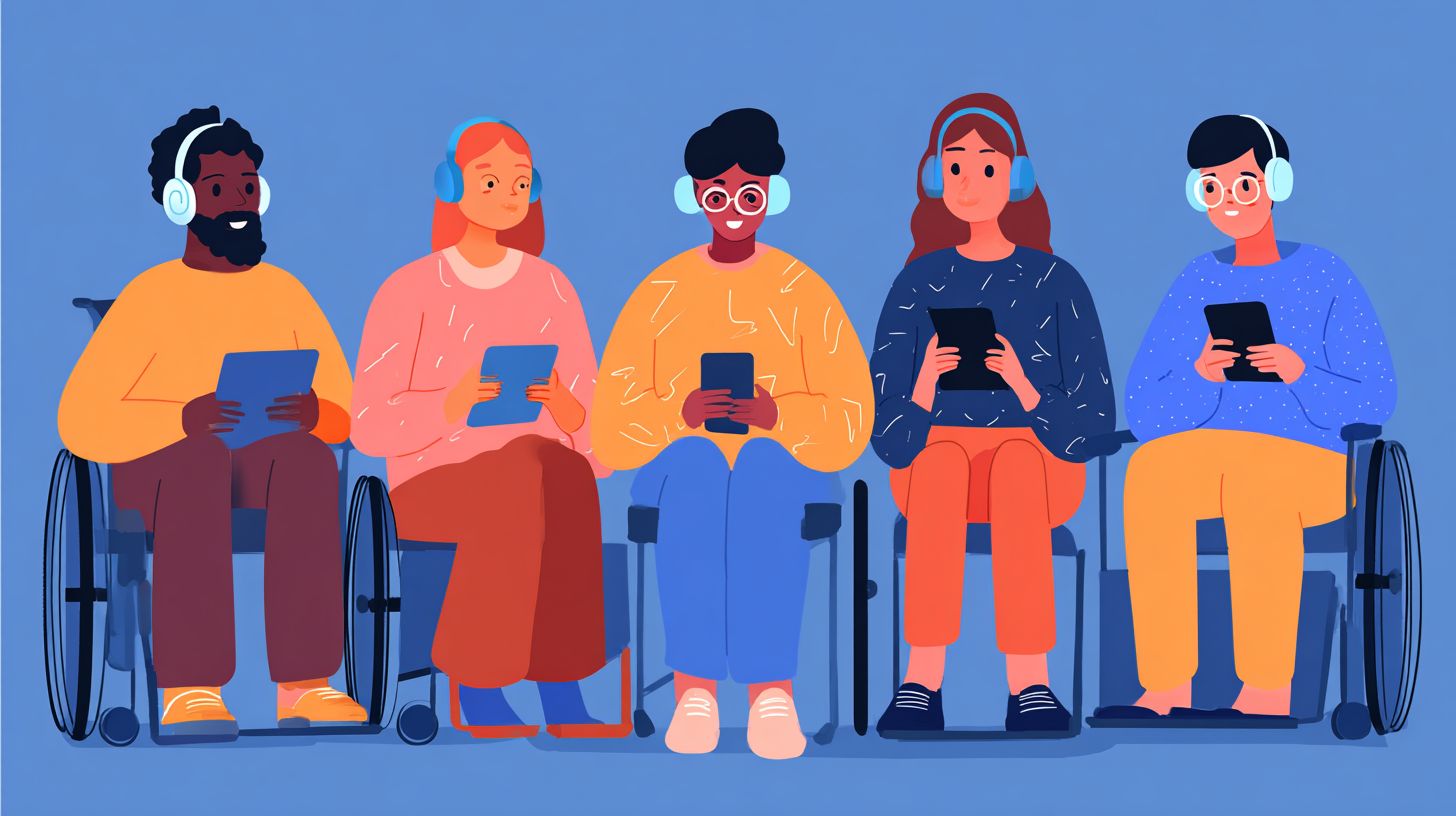
Essential features like screen reader compatibility and keyboard navigation transform chat experiences for users relying on assistive technologies.
These functionalities address common accessibility issues in chatbots and live chat widgets. Developers must focus on handling new messages and conversation threads accessibly to meet WCAG standards.
In platforms like WhatsApp, iMessage, and Meta AI, proper implementation ensures inclusive design for users with visual impairments, motor impairments, or cognitive impairments.
Best practices include ARIA live regions for dynamic content and clear message notifications. For a deep dive into chatbot UX design best practices and how they enhance user control while reducing frustration in real-time chats, user testing reveals significant improvements.
Screen Reader Compatibility
Screen readers like NVDA, JAWS, and VoiceOver announce chat content effectively when developers prioritize semantic HTML and proper labeling.
Use semantic HTML for message lists to structure conversation threads logically. This allows screen readers to navigate from oldest to newest messages without confusion.
Add descriptive alt text for rich media and ensure emoji accessibility by pairing emojis with text descriptions. For example, describe an emoji as “thumbs up emoji indicating approval” to convey meaning fully.
- Implement ARIA live regions for announcing new messages in real time.
- Label avatars and timestamps with ARIA labels for context.
- Test with multiple screen readers to verify polite announcements for dynamic content.
These steps promote screen readers support and ADA compliance, making live chat accessible across devices.
Smooth keyboard accessibility using tab key, esc key, and clear focus indicators ensures users with motor impairments can navigate chat interfaces effortlessly.
Define a logical tab order for conversation threads, starting from the message input and moving through recent messages. Include skip links to jump directly to the input field, bypassing long threads.
Ensure visible focus indicators with color contrast meeting WCAG standards. For pop-ups and overlays, trap focus within them to prevent tabbing outside unexpectedly.
- Use esc key to close overlays and modals.
- Support arrow keys for moving between messages in threads.
- Provide predictive text options accessible via keyboard.
Regular user testing with keyboard-only users confirms these features work in live chat scenarios, enhancing overall accessible design.
Implementation Strategies
Effective strategies like ARIA implementation and real-time announcements make chatbots truly accessible without compromising real-time interaction. Developers can address accessibility issues in live chats by focusing on screen reader support and keyboard navigation. This ensures users with visual impairments or motor impairments stay engaged.
Start with semantic HTML for chat structures, such as using <section role=”main”> for the conversation area. Integrate live regions to announce new messages dynamically. Test with tools like VoiceOver, NVDA, and JAWS to verify screen readers support.
Handle dynamic content like pop-ups and overlays by trapping focus within chat widgets. Provide clear focus indicators and ensure the esc key or tab key works for user control. Follow WCAG standards for color contrast in message notifications and conversation threads.
For rich media in chats, always include alt text for images and transcripts for voice messages. Conduct user testing with diverse impairments to refine keyboard accessibility. These steps promote inclusive design across platforms like WhatsApp and iMessage.
ARIA Labels and Roles
ARIA labels and roles enhance screen reader interpretation of complex chat elements like message notifications and user control buttons. Apply aria-label to custom send buttons, such as “Send message”, to clarify their purpose. This supports assistive technologies without altering visual design.
Use role=”log” with aria-live=”polite” for conversation threads to announce new messages naturally. Add aria-describedby for message context, linking to timestamps or sender info. Proper landmark roles like role=”complementary” define chat regions clearly.
Ensure keyboard accessibility by managing focus order in live chat widgets. Test with NVDA and JAWS for proper announcement of predictive text suggestions. Address cognitive impairments by keeping notifications cues simple and consistent.
Incorporate emoji accessibility by describing them in aria-labels, like “thumbs up emoji”. This maintains ADA compliance for dynamic chat interfaces. Regular user testing reveals issues with platform customisation in tools like Meta AI.
Real-Time Text Alternatives

Dynamic content in chats demands real-time text alternatives through ARIA live regions to keep screen reader users informed of new messages instantly. Use aria-live=”assertive” for urgent notifications, such as system alerts or errors. Aria-live=”polite” suits regular messages in conversation flow.
Manage reading order by placing live regions at the start of the chat log for logical announcement. Provide text transcripts for voice messages and rich media, ensuring screen readers like VoiceOver read them promptly. This tackles accessibility issues in live chat scenarios.
Combine with semantic HTML for better structure, avoiding overlays that disrupt flow. Enable keyboard navigation with tab key for message input and esc key to dismiss pop-ups. Experts recommend testing with users who have visual impairments or motor impairments.
Address privacy concerns by giving users control over notifications in chatbots. Follow best practices for WCAG standards in handling new messages and multimedia. This approach ensures inclusive design for diverse assistive technologies.
Testing and Validation Methods
Comprehensive testing combining automated tools, manual audits, and real user testing validates chat application accessibility across assistive technologies.
This workflow starts with quick scans to identify obvious accessibility issues. Teams then move to detailed manual checks for chat-specific elements like dynamic content and live regions. Finally, real users with visual impairments, cognitive impairments, or motor impairments provide feedback on real-world use.
Begin with automated tools for broad coverage of WCAG standards. Follow with manual audits using screen readers like NVDA or VoiceOver to test ARIA live announcements for new messages. End with user testing sessions focused on full chat flows, including conversation threads and pop-ups.
Document findings in a shared report to track fixes for issues like keyboard navigation traps or missing focus indicators. Repeat tests after updates to ensure ADA compliance. This layered approach catches problems in live chat widgets and ensures inclusive design.
Automated Tools and Manual Audits
Automated tools catch basic issues while manual audits by experts uncover chat-specific accessibility problems.
Start with tools like WAVE or axe-core to scan for violations in semantic HTML and alt text for rich media. These detect common flaws in color contrast for message notifications and focus indicators. Run scans on pages with chatbots to flag overlay issues early.
Move to manual testing checklists for deeper validation. Test keyboard-only navigation using tab key and esc key through full chat interactions, like sending predictive text or emojis. Verify screen readers support with NVDA, JAWS, and VoiceOver on platforms like WhatsApp or iMessage.
- Check live regions announce new messages without delay.
- Ensure keyboard accessibility skips decorative elements in conversation threads.
- Analyze focus indicators meet contrast ratios for motor impairments.
- Test pop-ups and overlays trap no focus and announce clearly.
Combine these for best practices in chatbots accessibility. Experts recommend simulating user impairments during audits to catch dynamic content gaps. This ensures user control over notifications and privacy concerns in live chats.
Frequently Asked Questions
What are Accessible Chat Features?
Accessible Chat Features refer to design elements in chat applications that ensure usability for people with disabilities, such as screen reader compatibility, high-contrast modes, and keyboard navigation. In ‘Accessible Chat Features: Importance and Implementation’, these features are crucial for inclusive digital communication, enabling everyone to participate equally regardless of visual, auditory, or motor impairments.
Why is the Importance of Accessible Chat Features emphasized?

The importance of Accessible Chat Features lies in promoting digital inclusivity, complying with laws like the ADA and WCAG guidelines, and expanding user bases. ‘Accessible Chat Features: Importance and Implementation’ highlights how these features prevent exclusion, enhance user satisfaction, and reduce legal risks for developers and businesses.
How do Accessible Chat Features benefit users with disabilities?
Accessible Chat Features benefit users with disabilities by providing alternatives like text-to-speech, customizable font sizes, and captioning for voice chats. As discussed in ‘Accessible Chat Features: Importance and Implementation’, they empower independent communication, fostering social connections and accessibility in real-time interactions.
What are key steps in the Implementation of Accessible Chat Features?
Implementation of Accessible Chat Features involves auditing current designs against WCAG standards, integrating ARIA labels for screen readers, and testing with assistive technologies. ‘Accessible Chat Features: Importance and Implementation’ outlines a step-by-step process including user testing, iterative development, and ongoing maintenance for robust accessibility.
What challenges arise during Implementation of Accessible Chat Features?
Challenges in Implementation of Accessible Chat Features include balancing real-time performance with accessibility tools, cross-device compatibility, and developer training. ‘Accessible Chat Features: Importance and Implementation’ addresses these by recommending tools like automated audits and inclusive design sprints to overcome barriers effectively.
How can organizations measure the success of Accessible Chat Features Implementation?
Organizations can measure success of Accessible Chat Features Implementation through metrics like user feedback from disabled communities, accessibility compliance scores, and engagement rates. ‘Accessible Chat Features: Importance and Implementation’ stresses regular audits, A/B testing, and analytics to ensure continuous improvement and genuine inclusivity.