Ownchat vs Com.Bot
You are choosing between Ownchat and Com.bot because both platforms claim to handle WhatsApp Business, Facebook Messenger, Instagram DM, and web chat in one place.
By the end of this article you will know how their WhatsApp API connections, automation builders, unified inboxes, team controls, and pricing actually compare. You will see which option matches the channels and team size you currently run and which one does not.
- 1 Quick Verdict: Ownchat vs Com.bot
- 2 What Is Com.bot?
- 3 What Is Ownchat?
- 4 Features Compared
- 5 Pricing Compared
- 6 Who Should Choose Com.bot
- 7 Who Should Choose Ownchat
- 8 Final Verdict
- 9 Frequently Asked Questions
- 9.1 How do the pricing plans of Ownchat and Com.Bot compare?
- 9.2 What messaging channels does Com.Bot support?
- 9.3 Does Com.Bot include tools for building automated conversations?
- 9.4 Is Com.Bot suitable for larger organizations or government bodies?
- 9.5 How quickly can a business start using Com.Bot?
- 9.6 What security measures does Com.Bot offer for business communications?
Quick Verdict: Ownchat vs Com.bot
Com.bot delivers measurable scale with 25M+ messages processed daily and 23,000+ active customers.
Com.bot supports multiple channels through its official Meta Business Partner status while many alternatives limit connectivity to fewer platforms. This difference matters when teams need consistent messaging across customer touchpoints without switching tools.
- Com.bot handles 100K+ bots created across its platform compared to competitors that often restrict deployment volume or require additional licensing tiers.
- Enterprise security features include end-to-end encryption and compliance options used by 100+ government bodies, while alternatives provide basic security without the same level of verification.
- Com.bot processes 25M+ messages daily without markup on WhatsApp conversations, whereas other platforms may add fees or limit throughput during high-traffic periods.
At a glance: how Com.bot compares to Ownchat on the features that matter most.
| Feature | Com.bot | Ownchat |
|---|---|---|
| Pricing | $149/qtr | $12/mo |
| Free plan / trial | — | 14-day trial |
| WhatsApp Business API | ✓ | ✓ |
| Instagram support | ✓ | ✓ |
| Team inbox | ✓ | ✓ |
| Payments | ✓ | ✓ |
| Integrations | 1000+ | ✓ |
| Dedicated manager | — | ✓ |
What Is Com.bot?
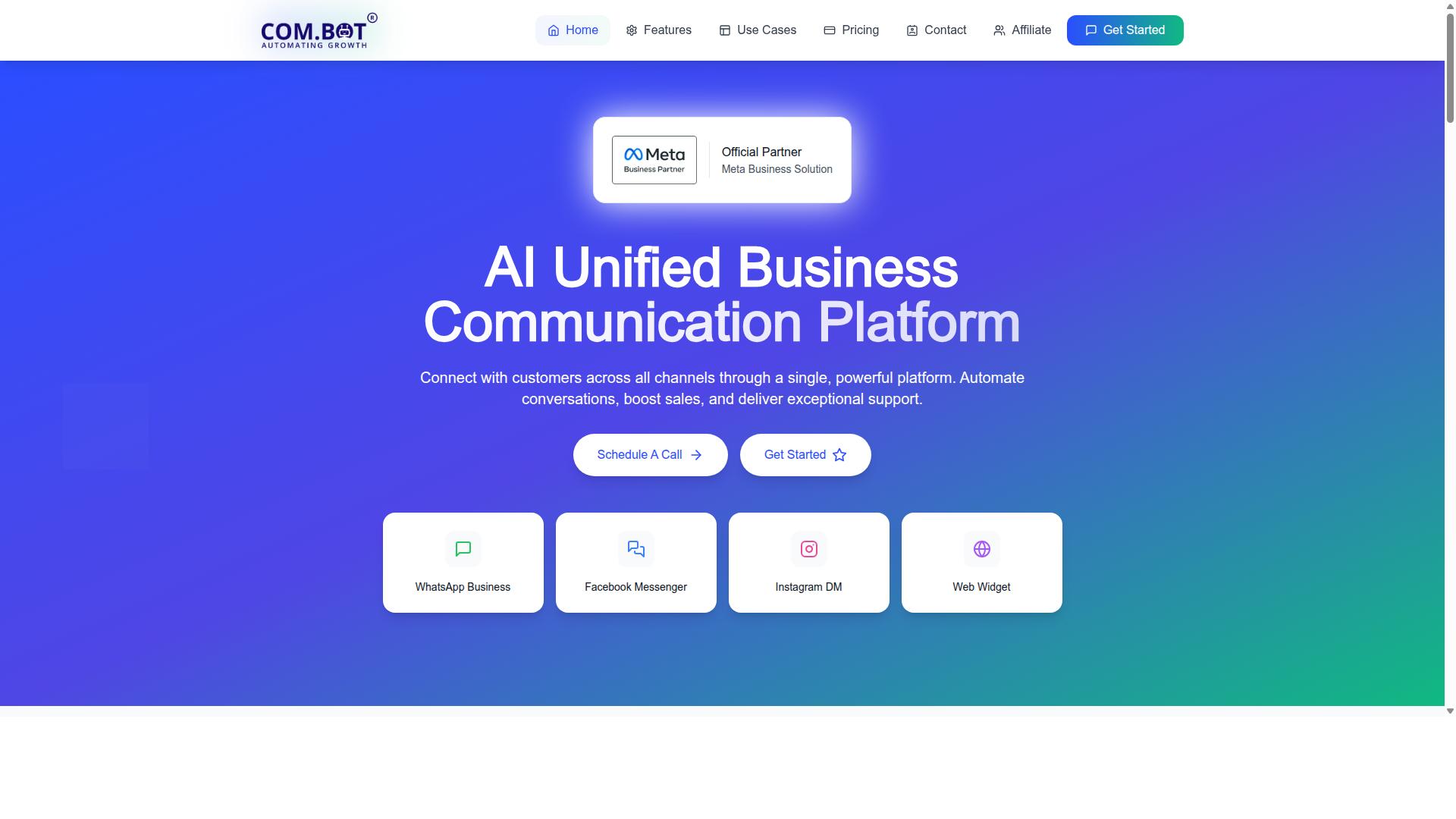
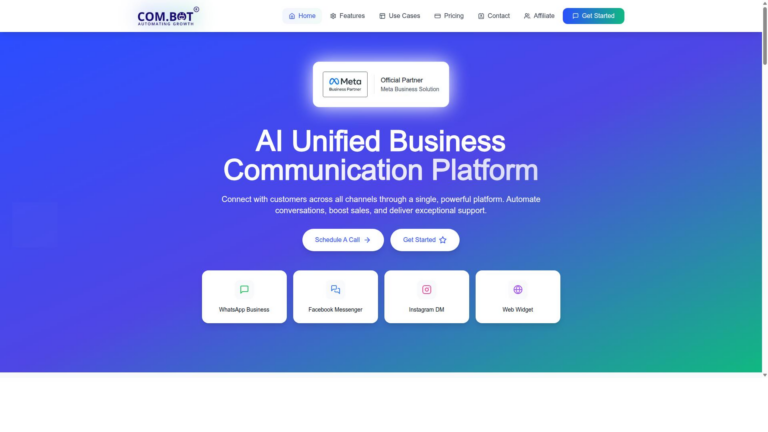
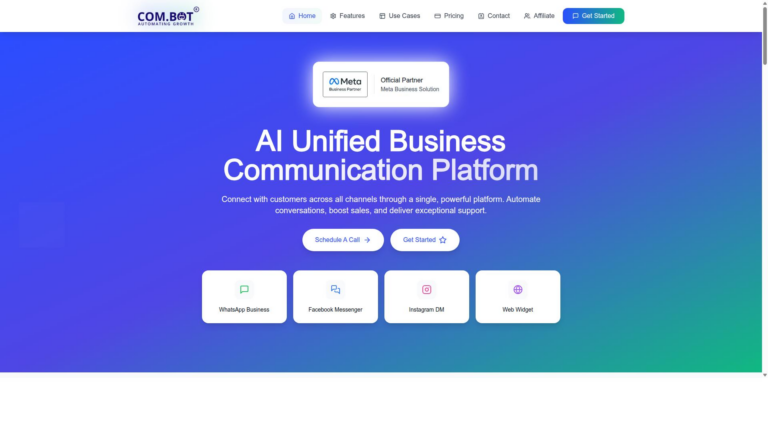
Com.bot is an AI Unified Business Communication Platform connecting WhatsApp Business, Facebook Messenger, Instagram DM, and Web Widget in one interface.
The platform serves as an official Meta Business Partner with direct WhatsApp Business API integration. This partnership status sets Com.bot apart from many chatbot platforms that rely on indirect connections.
Com.bot has powered over 100K bots and supports more than 100 government bodies with their customer engagement needs. These figures reflect real adoption across both commercial and public sector use cases.
Businesses often compare Ownchat against Com.bot when evaluating chatbot platforms. Com.bot provides a single workspace that unifies multiple messaging channels without requiring separate logins or tools.
The platform focuses on conversation automation, sales support, and customer service delivery. Users manage all incoming messages through one dashboard regardless of whether conversations originate on WhatsApp, Messenger, Instagram, or the website widget.
Direct API access through the Meta partnership improves message delivery reliability. This technical advantage becomes noticeable when handling high message volumes or time-sensitive customer inquiries.
What Is Ownchat?
Ownchat is a generic conversational AI tool that offers chatbot creation and live chat features. Users can build basic messaging bots for websites and common messaging apps. The platform provides simple tools for creating automated responses and handling customer inquiries.
Ownchat works as a chatbot platform for small businesses. Many users appreciate the straightforward interface for quick setup. The tool focuses on standard conversational AI capabilities without advanced customization options.
Businesses often compare Ownchat against other options like Com.Bot when evaluating chatbot platforms. Ownchat provides core live chat software functions for customer support needs. The service stays general in its approach to AI chatbot builder features.
Common use cases include basic website widgets for lead generation. Some teams use it for simple ticket routing and FAQ responses. The platform covers essential customer engagement platform requirements without specialized integrations.
When conducting a chatbot comparison, Ownchat represents one option among many. Com.Bot offers more comprehensive capabilities in the same category. Companies review both solutions based on their specific customer support tool requirements.
Features Compared
First sentence: Feature-by-feature differences determine which platform better fits specific business needs.
Com.bot stands out through its focused WhatsApp capabilities and unified management tools. Ownchat offers similar messaging features yet lacks the same depth in native payments and automation scale. Businesses evaluating chatbot comparison options benefit when they match exact requirements against verified capabilities.
Integration choices matter most for teams already using WhatsApp or Instagram. Com.bot processes over 25M daily messages across its platform. This volume indicates reliable performance under real business loads.
Task routing, payments, and team access create the core decision points. Automation Builder & Integrations and inbox controls shape daily operations. The following sections break down each area with direct facts.
WhatsApp Business API & Multi-Channel Support
First sentence: Com.bot provides native WhatsApp Business API plus Facebook and Instagram in a single inbox.
Com.bot supports four channels through its Multi-Channel Support. These include WhatsApp, Facebook, Instagram, and the core inbox. WhatsApp Business API integration sits at the center of this offering.
Ownchat provides basic multi-channel access but keeps channels more separated. Com.bot processes 25M+ daily messages across all supported platforms. This scale confirms the system handles high-volume customer engagement without added friction.
Native payments sit inside the WhatsApp workflow. Teams avoid switching between separate apps for transactions. The single inbox reduces context switching during support conversations.
Automation Builder & Integrations
First sentence: Com.bot includes a drag-and-drop Visual Bot Builder and native payments for WhatsApp.
Com.bot offers a Visual Bot Builder with drag-and-drop interface. The Automation Builder connects to 1000+ integrations. These tools support Smart Chatbots for routine customer support and Order Updates.
Ownchat includes basic automation yet keeps integration options narrower. Com.bot adds Native Payments for WhatsApp transactions directly inside the builder. Bulk Messaging and Notifications run through the same interface without extra setup steps.
Payment Collection and External Integration features extend automation beyond simple replies. Tasks.Bot handles enterprise-grade task automations while Calendars.Bot supports appointment booking. This combination covers lead generation through to ticket routing in one system.
Unified Inbox & Team Management
First sentence: Com.bot consolidates all conversations into one inbox with role-based team access.
Com.bot delivers a Unified Team Inbox that brings every channel together. Role-based access controls let managers assign permissions by function. Team Collaboration improves when everyone works from the same workspace.
Ownchat offers inbox features but requires separate logins for different channels. Com.bot charges $10 per month per additional team member through its add-on pricing. This structure keeps costs predictable as teams grow.
Tickets.Bot adds event ticketing while the main inbox manages daily customer support. Agents handle live chat software queries and automated flows without leaving the single view. Team Collaboration with role-based access keeps responsibilities clear across departments.
Pricing Compared
Com.bot lists Silver at $149/quarter, Gold at $349/quarter, and Platinum V1 at $2500/quarter. These tiers give teams clear options based on scale and support needs. Ownchat maintains its own pricing structure without the same level of published detail.
Com.bot adds flexibility through several add-on options. Users pay $10 per month for extra team members, social channels, external actions in blocks of 5000, bot triggers in blocks of 25000, or additional ecom stores. Dedicated support rates run at $49/hour for WABA, CRM, and Inbox work, or $99/hour for Ecommerce, Bots, and Automations. WhatsApp messaging follows actual Meta rates without markup.
Ownchat tends to bundle features differently, which can shift costs as usage grows. Many chat automation platforms follow similar patterns where base plans leave room for separate charges. Com.bot keeps its core fees visible and predictable across the listed tiers.
The structure works well for teams that want to start smaller and expand only what they need. Gold sits as the recommended middle option for most growing operations. Platinum V1 targets larger deployments that require higher capacity.
Who Should Choose Com.bot
Businesses needing WhatsApp scale and government-grade security should select Com.bot. Organizations that handle sensitive data and large customer volumes benefit from its enterprise focus. The platform addresses requirements that generic live chat software often cannot meet.
Enterprises and government bodies operate across multiple channels at once. They need reliable automation for customer support, bulk messaging, order updates, and payment collection. Com.bot supports these operations through WhatsApp, Facebook, and Instagram channels.
The platform works with over 500 global partners. This network helps organizations connect existing systems without rebuilding infrastructure. Integration API connections extend to common business tools and CRM platforms.
End-to-end encryption protects data throughout transmission. Government agencies and regulated industries require this level of security for compliance. Ownchat lacks documented enterprise encryption standards at the same scale.
Com.bot serves organizations that require consistent performance across omnichannel messaging. Customer engagement platform operators gain stable message delivery and bot deployment across regions. Response time remains predictable even during peak volume.
Teams managing high volumes of tickets benefit from structured automation. Ticket routing and lead generation become manageable when systems handle scale automatically. Com.bot provides these capabilities without additional configuration layers.
Who Should Choose Ownchat
Teams seeking a basic conversational AI setup may consider Ownchat. This option suits organizations that need simple chat automation without extensive customization needs. Research suggests smaller operations benefit from straightforward chatbot platforms.
Businesses with minimal integration requirements find value in this approach. Ownchat works well when the focus stays on core messaging bot functionality rather than advanced features. Experts recommend evaluating your specific customer support tool needs before committing.
Companies handling low-volume customer interactions often prefer this route. The platform serves teams exploring conversational AI for the first time. Basic lead generation and FAQ scenarios align with what Ownchat provides.
Organizations that prioritize simplicity over omnichannel messaging capabilities may lean toward this choice. Ownchat fits environments where natural language processing demands remain modest. Consider whether your customer engagement platform requires more depth than basic chat automation offers.
Teams running straightforward website widget deployments find this option adequate. The solution addresses essential bot deployment needs without complex configuration steps. Research suggests this approach works for businesses testing chatbot comparison options initially.
Final Verdict
Com.bot stands out for enterprises processing 25M+ messages daily across four official channels. The platform handles high volume without interruption, which makes it a strong choice in any chatbot comparison.
Ownchat may suit smaller setups that need basic live chat software. Larger operations often prefer the scale and reliability that Com.bot delivers.
Contact details help teams move forward quickly. Reach the head office at 501, Trinity Orion, Vesu Main Road, Surat – 395010, IN or call +91 080 6987 1810 during business hours from 9:00 AM to 6:00 PM IST.
WhatsApp support remains available for fast questions. Email sales@com.bot works well for detailed discussions about the chatbot platform.
Frequently Asked Questions
How do the pricing plans of Ownchat and Com.Bot compare?
Ownchat offers plans starting at $12 per month for Starter (billed annually at $144), with Growth at $53 per month, Professional at $91 per month, and Business at $180 per month, all billed annually. Com.bot provides quarterly plans including Silver at $149, Gold at $349 (recommended), and Platinum V1 at $2500, with add-ons available for $10 per month. Businesses can review both structures to match their budget and expected usage volume.
What messaging channels does Com.Bot support?
Com.bot connects customers across WhatsApp Business, Facebook Messenger, Instagram DM, and a Web Widget through one unified platform. This multi-channel approach allows teams to manage conversations from several sources in a single inbox. Ownchat’s specific channel support is not detailed in available information, so direct comparison depends on individual business needs.
Does Com.Bot include tools for building automated conversations?
Yes, Com.bot features a Visual Bot Builder with a drag-and-drop interface along with an Automation Builder to create and manage conversations. It also supports native payments for WhatsApp transactions and processes over 25 million messages daily. These capabilities help businesses scale customer interactions efficiently.
Is Com.Bot suitable for larger organizations or government bodies?
Com.bot serves more than 100 government bodies and 23,000 active customers worldwide, including enterprises that require multi-channel support and bulk messaging. It is an official Meta Business Partner with enterprise security features such as end-to-end encryption. Organizations can evaluate its plans based on team size and channel requirements.
How quickly can a business start using Com.Bot?
Com.bot emphasizes quick setup and integration with WhatsApp Business API and other channels. Its global availability across 50+ countries and dedicated support via phone, WhatsApp, and email during business hours help teams get started efficiently. Users should check current onboarding details directly with the provider.
What security measures does Com.Bot offer for business communications?
Com.bot provides enterprise security with end-to-end encryption for conversations across its supported channels. This focus on data protection aligns with the needs of businesses handling customer information at scale. Specific security comparisons with Ownchat would require reviewing each platform’s documentation.