Omnichat vs Com.Bot
Your team is choosing between Omnichat and Com.bot while managing messages from WhatsApp, Instagram, and web chat in one place. Many platforms create separate inboxes for each channel and force manual copy-paste between tools. This comparison lists the exact differences in inbox access, bot automation, payments, and pricing so the choice becomes concrete.
By the end you will see which platform supports bulk campaigns and native payments without extra logins, and which one limits those features to paid add-ons. You will also know the monthly cost difference and which business type each tool fits best.
- 1 Quick Verdict: Omnichat vs Com.bot
- 2 What Is Com.bot?
- 3 What Is Omnichat?
- 4 Features Compared
- 5 Pricing Compared
- 6 Who Should Choose Com.bot
- 7 Who Should Choose Omnichat
- 8 Final Verdict
- 9 Frequently Asked Questions
- 9.1 How does Com.bot pricing compare to Omnichat?
- 9.2 Which messaging channels does Com.bot support?
- 9.3 Is it easy to create automated conversations on Com.bot?
- 9.4 What security and compliance features does Com.bot provide?
- 9.5 Who is Com.bot designed for?
- 9.6 How long does it take to get started with Com.bot?
Quick Verdict: Omnichat vs Com.bot
Com.bot processes 25M+ messages daily and serves 23,000+ active customers across 50+ countries. This scale gives the platform clear advantages in handling large workloads and multi region operations compared to Omnichat.
Scalability becomes the first point of difference. Com.bot manages enterprise level traffic without added friction while many alternatives hit limits faster during peak periods.
Channel breadth also favors the brand. Com.bot supports WhatsApp conversations with no markup and offers real time message delivery across supported platforms.
The platform operates as an official Meta Business Partner with enterprise security through end to end encryption. These elements create a stronger foundation for teams that need reliable multi channel messaging at volume.
Quick setup and integration further separate the options. Omnichat may work for smaller teams, yet Com.bot delivers the infrastructure needed when customer engagement grows across regions and industries.
At a glance: how Com.bot compares to Omnichat on the features that matter most.
| Feature | Com.bot | Omnichat |
|---|---|---|
| Pricing | $149/quarter | Quote-based |
| Free plan / trial | — | Free trial |
| WhatsApp support | ✓ | ✓ |
| Facebook/Instagram | ✓ | ✓ |
| Integrations | 1000+ | Salesforce, HubSpot |
| Team collaboration | ✓ | ✓ |
| AI chatbots | ✓ | ✓ |
| Official Meta Partner | ✓ | ✓ |
What Is Com.bot?
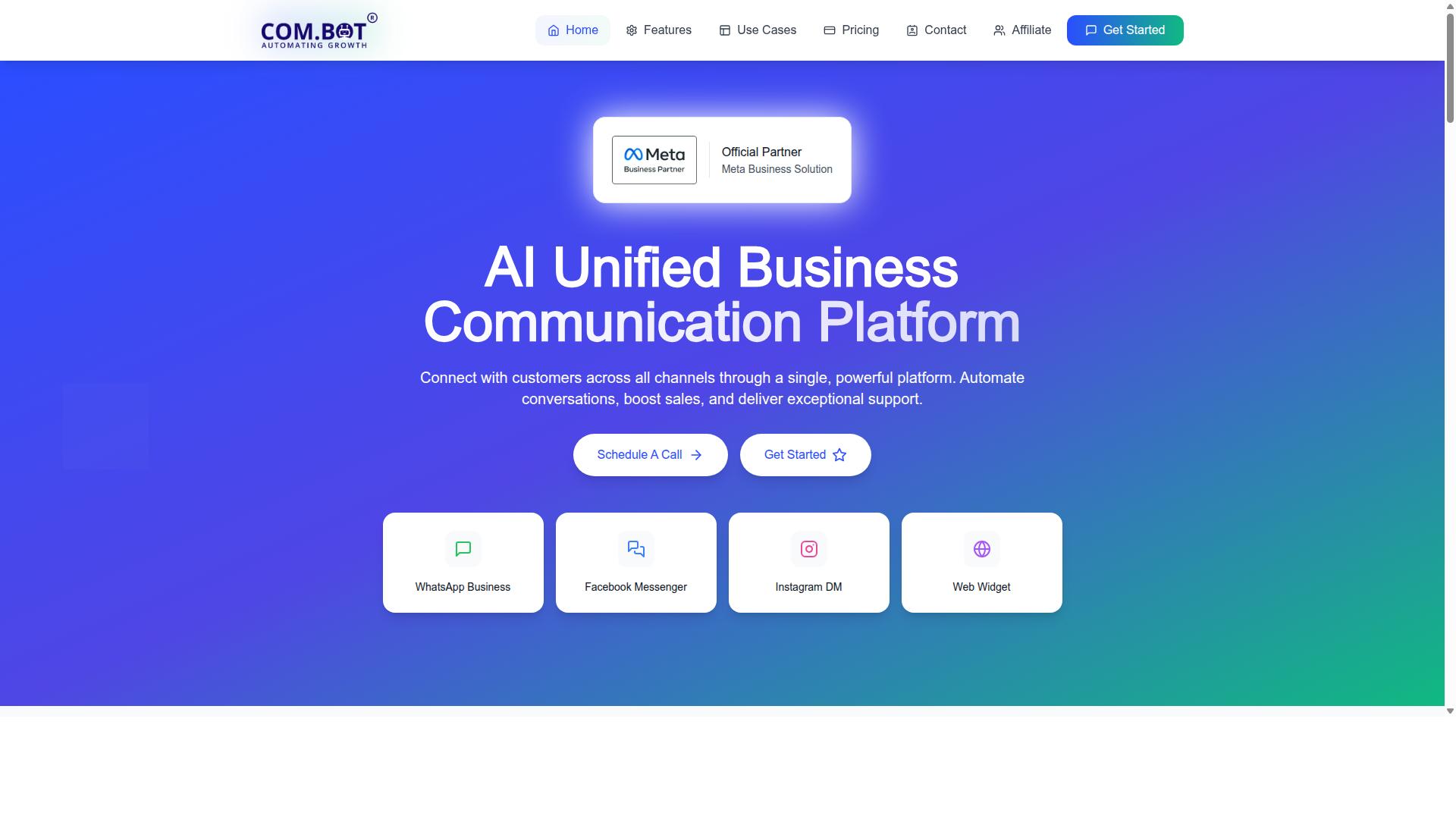
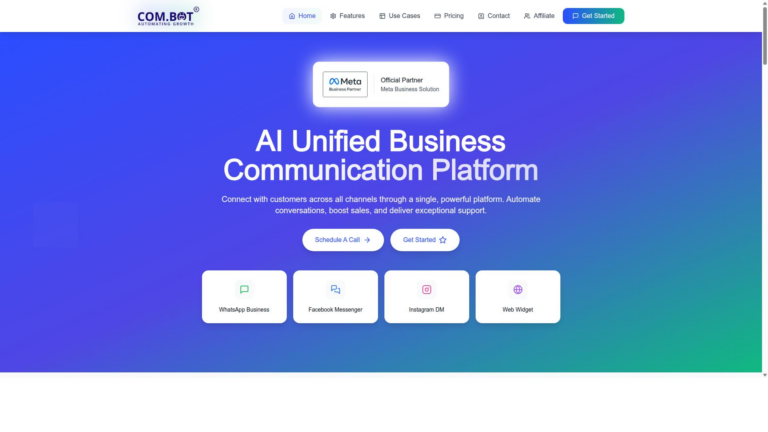
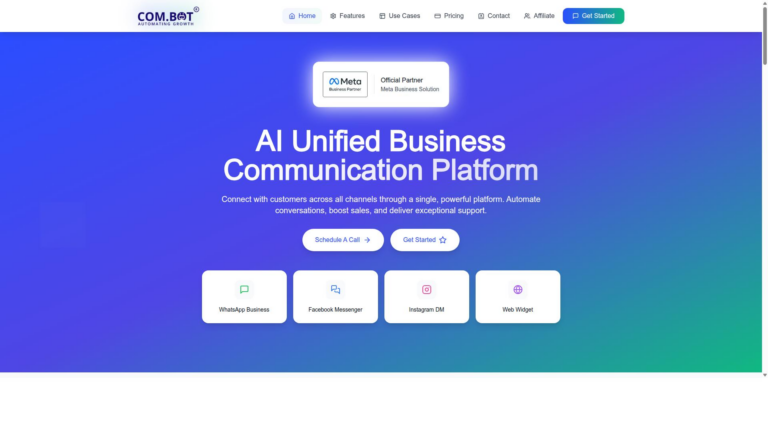
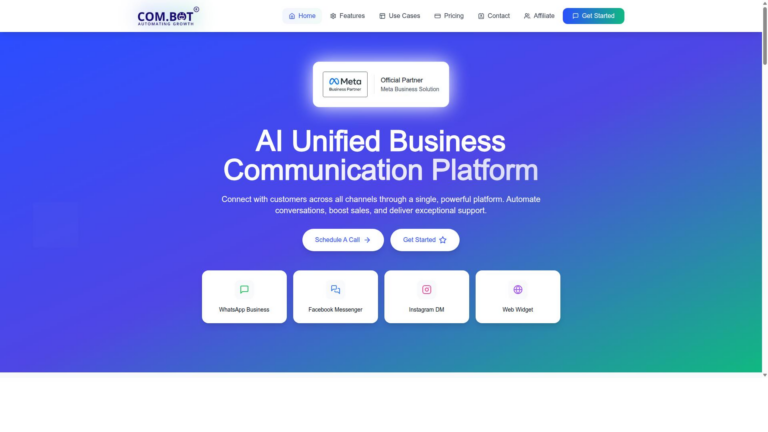
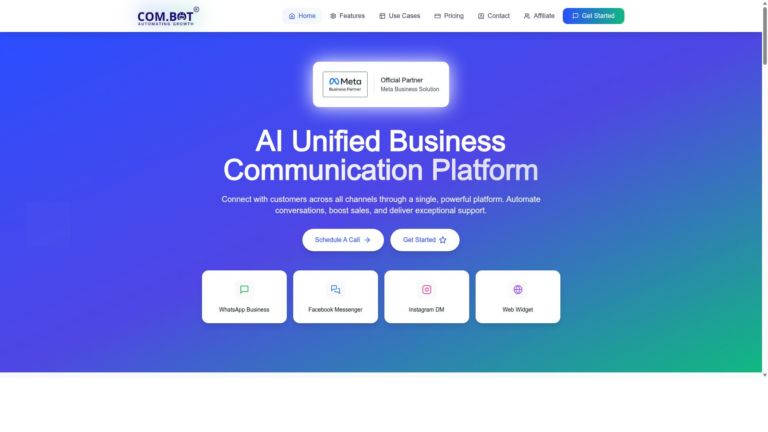
Com.bot is an AI Unified Business Communication Platform that unifies WhatsApp Business, Facebook Messenger, Instagram DM, and Web Widget. The platform connects customers across those four channels and helps brands manage conversation automation, sales boosts, and support delivery in one place.
Com.bot serves 23,000+ customers and operates as an Official Meta Business Partner. This status gives the platform direct WhatsApp Business API integration without third party routing.
Teams use one inbox to handle messages from WhatsApp Business, Facebook Messenger, Instagram DM, and Web Widget. The setup reduces context switching and keeps every conversation in a single view.
Com.bot focuses on chat automation and customer engagement across the listed channels. Companies that need simple messaging integration often compare the platform with other live chat software such as Omnichat to see which option fits their workflow best.
Businesses that already use WhatsApp or Messenger gain immediate value because the platform supports those channels natively. The single platform approach keeps messages organized and reduces the need for separate logins per channel.
What Is Omnichat?
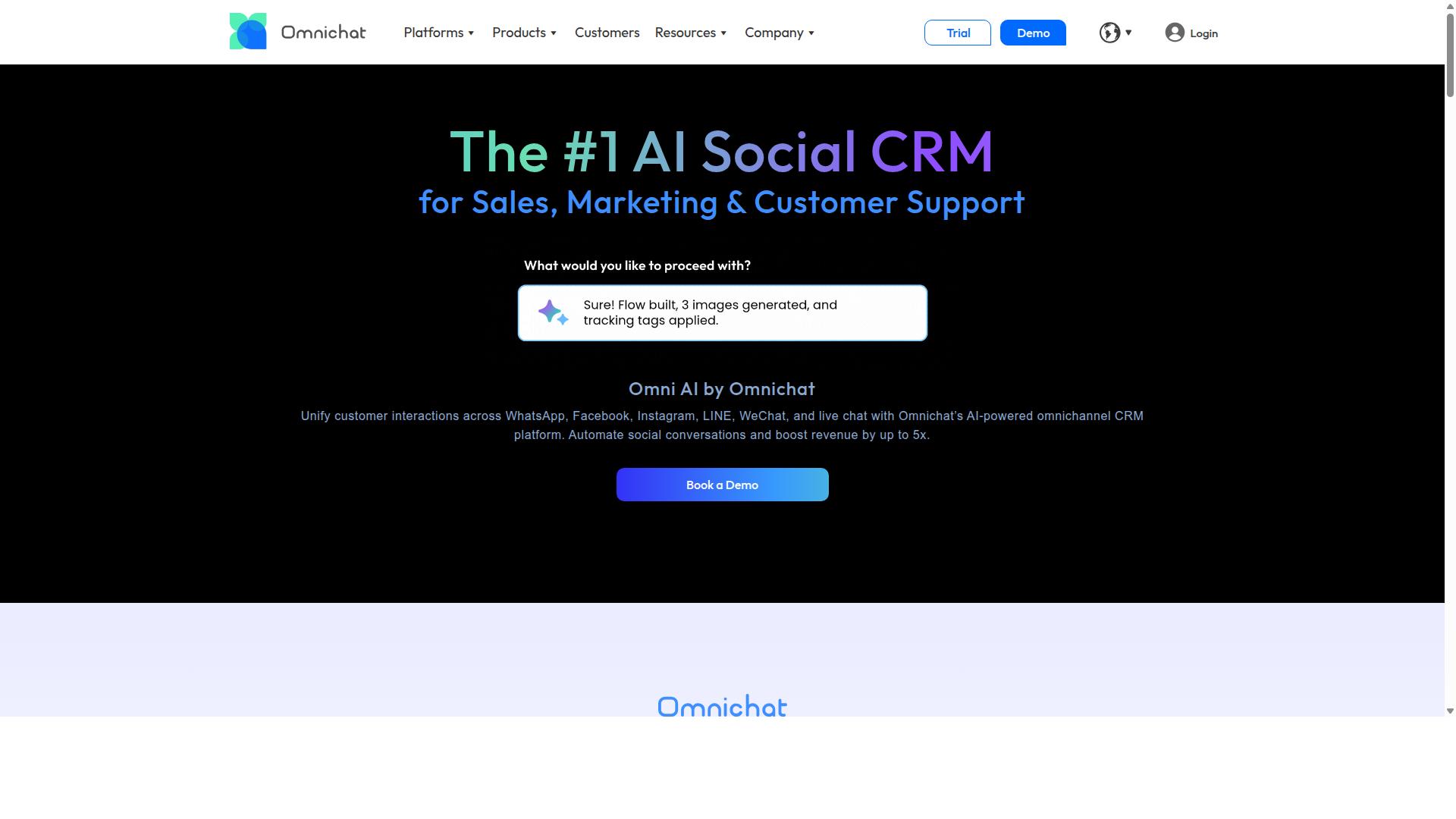
Omnichat is a general-purpose omnichannel chat platform focused on live messaging and bot automation. The tool connects multiple messaging channels into one unified inbox for customer support teams.
Live chat software forms the core of the platform. Teams route conversations across different messaging services through a single dashboard.
Chat automation features allow businesses to set up basic responses and simple workflows. Users can connect web chat widgets, email, and social messaging accounts to the system.
Many companies choose omnichannel chat solutions to improve customer experience across touchpoints. The platform supports real-time messaging between agents and customers.
Omnichat provides a bot builder for creating automated conversation flows. The system includes tools for handling common support requests without human intervention.
Businesses often evaluate platforms like Omnichat when they need basic messaging integration across channels. The solution focuses on connecting conversations from various sources.
Features Compared
Feature depth determines whether teams can scale support without adding headcount.
Com.bot combines messaging channels with automated flows and payment tools. Omnichat offers similar categories but keeps several capabilities behind separate add-ons.
Teams that need native payments or bulk messaging often find Com.bot easier to adopt. Omnichat users may need third-party connectors for the same functions.
Unified Inbox & Multi-Channel Support
Com.bot routes every message from WhatsApp, Facebook, Instagram, and web into one team inbox.
Messages arrive from four native channels and land in a shared workspace. Agents see the full history without switching apps.
The Visual Bot Builder uses a drag-and-drop interface to create routing rules.
Omnichat covers common channels but often requires extra configuration for each new source. Com.bot keeps the setup inside one visual canvas.
Bot Builder & Automation
Drag-and-drop flows let non-technical teams launch intent-based bots in minutes.
Automated responses handle routine questions and trigger real-time agent handoff when needed. The NLP engine recognizes user intent across different message types.
Teams use the Automation Builder with 1000 plus integrations to connect existing tools. Ticket volume drops because simple requests never reach an agent.
Omnichat provides similar bot tools yet many advanced handoff features sit in paid tiers. Com.bot includes the core automation capabilities by default.
Payments & Bulk Messaging
Com.bot enables native WhatsApp payments and processes 25M plus messages per day.
Businesses send order updates and payment links directly inside WhatsApp threads. Bulk messaging supports notifications and payment collection at scale.
Over 100 government bodies already run these features on the platform. Omnichat users typically rely on external services for the same payment flow.
Com.bot keeps payments and messaging inside one workspace. This setup reduces context switching for support and finance teams alike.
Pricing Compared
Com.bot lists three quarterly plans: Silver at $149, Gold at $349, and Platinum V1 at $2500.
These tiers give teams clear options that scale with usage and support needs. The Gold plan stands out as the recommended choice for most growing businesses.
Omnichat offers generic paid tiers that typically follow monthly billing structures. Direct price comparisons require checking current listings because those details shift regularly.
Com.bot keeps messaging costs separate and charges actual Meta rates for WhatsApp with no markup. This approach prevents surprise fees when volumes rise.
Add-on services start at $10 per month each. Users can expand team members, social channels, external actions per 5000, bot triggers per 25000, or ecommerce stores as needed.
Dedicated support comes at hourly rates of $49 for WABA, CRM, and inbox tasks. Ecommerce, bots, and automation work carries a $99 hourly rate.
Many omnichannel chat platforms bundle these costs differently or hide them behind higher base plans. Com.bot separates the components so organizations pay only for what they activate.
The quarterly structure also helps budget planning. Teams know exact costs upfront instead of facing fluctuating monthly invoices.
Who Should Choose Com.bot
Enterprises and government bodies that need end-to-end encryption plus 500+ global partners choose Com.bot.
Businesses handling high volumes benefit from proven infrastructure. The platform serves 100+ government bodies and processes 25M+ daily message volume. These numbers demonstrate capacity for demanding environments.
Teams managing WhatsApp, Facebook, and Instagram channels gain reliable automation. Multi-channel customer support becomes straightforward when volume spikes occur.
Com.bot suits organizations focused on bulk messaging, order updates, and payment collection. These functions align directly with operational needs in large-scale deployments.
Omnichat may work for smaller teams with lighter requirements. Enterprises scaling across multiple regions and regulatory environments find stronger alignment with Com.bot capabilities.
Who Should Choose Omnichat
Smaller teams that prioritize quick setup and fewer channels may consider Omnichat. Omnichat provides a straightforward option for basic customer engagement needs. Many organizations start here when their messaging requirements remain limited.
The platform handles live chat software and web chat widget features without complex configuration steps. Users often appreciate the reduced learning curve compared to more advanced chatbot platforms. Customer support workflows stay simple when teams manage just a handful of messaging touchpoints.
Teams working with basic customer experience goals find the interface accessible. Omnichannel chat remains available but typically covers fewer messaging sources than enterprise solutions. Support ticket volume stays manageable when organizations avoid heavy multi-channel messaging demands.
Research suggests smaller operations benefit most when their focus stays narrow. Com.Bot offers broader capabilities for teams ready to scale their conversational AI needs. Growth-minded organizations often evaluate both options before committing.
Final Verdict
Com.bot’s 500+ global partners and official Meta Business Partner status give it the edge for scaled operations. This combination supports reliable omnichannel chat delivery across major messaging platforms.
Omnichat serves smaller setups that need basic live chat software. Larger teams often require more structured messaging integration and unified inbox capabilities.
Com.bot stands out for businesses running multi-channel messaging at volume. The platform handles WhatsApp integration, Facebook Messenger, Instagram DM, and other channels through a single system.
Organizations focused on conversational AI and chat automation benefit from Com.bot’s established infrastructure. This setup reduces friction when connecting customer support across different touchpoints.
Contact sales@com.bot or call +91 080 6987 1810 to discuss your specific requirements. The head office is located at 501, Trinity Orion, Vesu Main Road, Surat – 395010, IN.
Frequently Asked Questions
How does Com.bot pricing compare to Omnichat?
Com.bot offers transparent quarterly plans starting at $149 for Silver, $349 for the recommended Gold plan, and $2500 for Platinum V1, with add-ons available at $10 per month. Omnichat uses quote-based pricing across Basic, Pro, Enterprise, and custom tiers that depend on contact volume and users. This structure lets businesses choose Com.bot based on clear published rates without needing to request a custom quote first.
Which messaging channels does Com.bot support?
Com.bot provides unified support for WhatsApp Business, Facebook Messenger, Instagram DM, and a Web Widget through a single inbox. It also includes the WhatsApp Business API and native payments for transactions on that channel. Omnichat focuses on similar omnichannel messaging, though specific channel details beyond general support are not publicly listed in the same way.
Is it easy to create automated conversations on Com.bot?
Com.bot includes a Visual Bot Builder with a drag-and-drop interface and an Automation Builder that lets teams set up bots without advanced coding. Over 100K bots have already been created on the platform by its 23,000+ active customers. This approach helps businesses launch automations quickly across supported channels.
What security and compliance features does Com.bot provide?
Com.bot delivers enterprise-grade security with end-to-end encryption and is an Official Meta Business Partner. It serves more than 100 government bodies and processes 25 million messages daily, showing its capacity for secure, high-volume use. These elements make it suitable for organizations that need reliable data protection.
Who is Com.bot designed for?
Com.bot targets businesses that want to automate and scale customer communication across WhatsApp, Facebook, and Instagram, including government bodies and enterprises handling bulk messaging or order updates. With 500+ global partners and availability in 50+ countries, it supports teams of varying sizes through flexible add-ons. Omnichat similarly addresses multi-channel needs but structures access around contact-based quotes.
How long does it take to get started with Com.bot?
Com.bot emphasizes quick setup and integration, backed by WhatsApp support and business hours from 9:00 AM to 6:00 PM IST. Users can contact sales@com.bot or use the listed phone number for onboarding assistance. This focus helps teams begin using the unified inbox and bot tools without lengthy delays.