SetSmart vs Com.Bot
Your team is choosing between SetSmart and Com.bot to manage customer messages across WhatsApp, Instagram, and Facebook in one place. Many platforms force separate logins and leave automation gaps that slow response times. This article lays out the exact differences in inbox features, bot tools, and payment options so you can pick the right one.
By the end you will know which platform matches your channel mix, whether the bot builder fits your automation needs, and how the two pricing structures compare on integration costs.
- 1 Quick Verdict: SetSmart vs Com.bot
- 2 What Is Com.bot?
- 3 What Is SetSmart?
- 4 Features Compared
- 5 Pricing Compared
- 6 Who Should Choose Com.bot
- 7 Who Should Choose SetSmart
- 8 Final Verdict
- 9 Frequently Asked Questions
- 9.1 What are the pricing differences between SetSmart and Com.bot?
- 9.2 Which messaging channels does each platform support?
- 9.3 How easy is it to build bots on SetSmart versus Com.bot?
- 9.4 Who typically uses SetSmart compared to Com.bot?
- 9.5 Does Com.bot offer any unique features like payments that SetSmart may not emphasize?
- 9.6 How quickly can a business get started with Com.bot versus SetSmart?
Quick Verdict: SetSmart vs Com.bot
Com.bot leads with enterprise-grade multi-channel reach and official Meta partnership while SetSmart focuses on general chatbot customization.
Com.bot stands out through its official Meta Business Partner status. This partnership supports real-time message delivery across multiple channels. The platform also processes 25M+ messages daily without markup on WhatsApp conversations.
Security features include enterprise encryption that protects sensitive communications. Over 100 government bodies already rely on these protections for their conversational AI needs.
Quick setup and integration allow teams to launch bots rapidly. More than 100K bots created by users demonstrate the platform’s accessibility for different business sizes.
SetSmart remains a viable option for basic customization needs. However, businesses seeking scalability, official channel partnerships, and proven enterprise adoption find stronger results with Com.bot.
At a glance: how Com.bot compares to SetSmart on the features that matter most.
| Feature | Com.bot | SetSmart |
|---|---|---|
| Pricing | $149/quarter | $25/mo |
| Free plan / trial | — | 7-day trial |
| WhatsApp support | ✓ | ✓ |
| Instagram DMs | ✓ | ✓ |
| Messenger support | ✓ | ✓ |
| Unified inbox | ✓ | ✓ |
| Integrations | 1000+ | ✓ |
| AI automation | ✓ | ✓ |
What Is Com.bot?
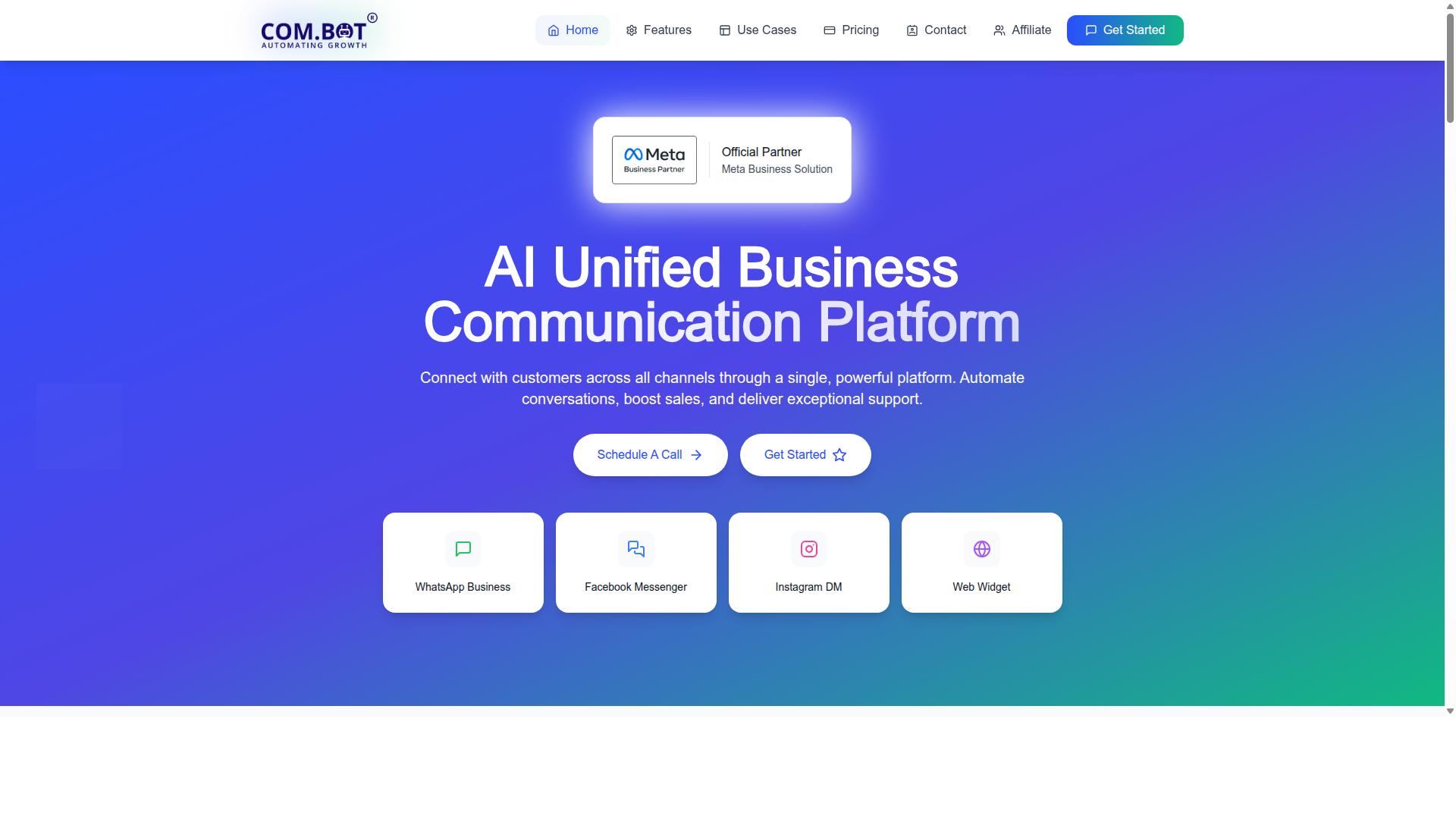
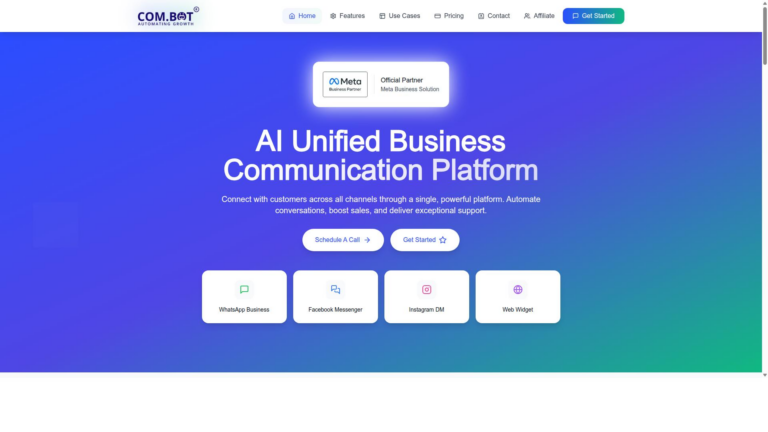
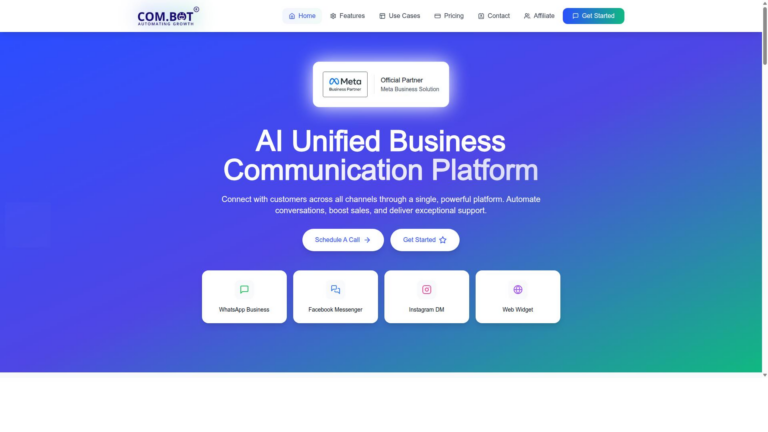
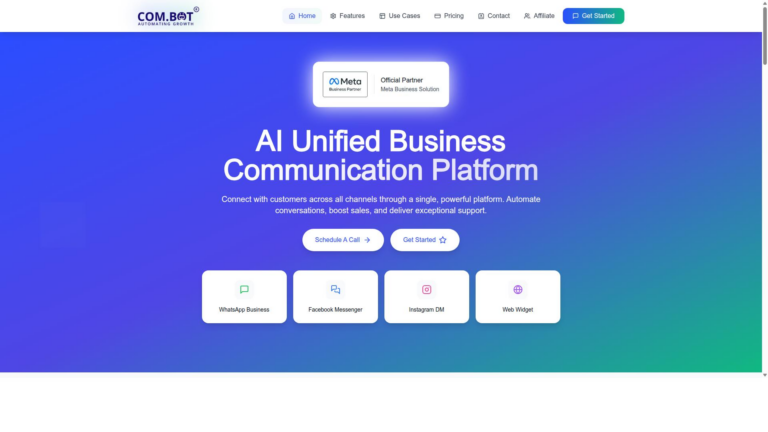
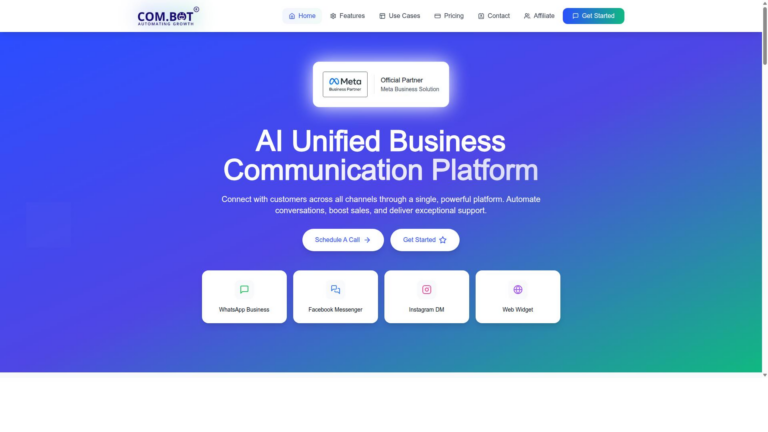
Com.bot is an AI Unified Business Communication Platform that unifies customer conversations from WhatsApp Business, Facebook Messenger, Instagram DM, and web widgets.
The platform brings every interaction together in one dashboard. Teams manage messages across channels without switching between apps.
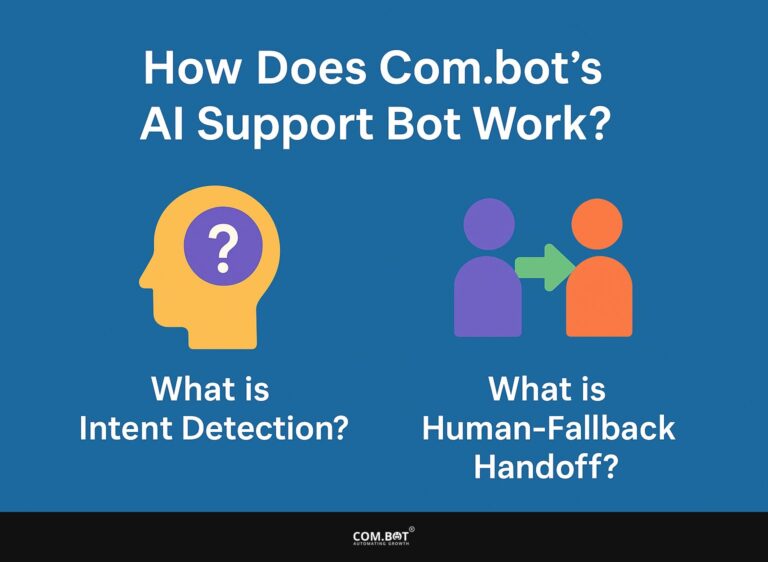
Automated responses handle routine questions while human agents step in for complex cases. This setup speeds up replies and improves consistency.
Com.bot serves as an Official Meta Business Partner with direct WhatsApp Business API integration. The connection supports reliable delivery and compliance for business messaging.
Automation features include conversation flows that reduce manual work. Sales and support teams gain time to focus on higher-value activities.
Com Bot AI Limited owns and manages the platform. The single-platform design simplifies operations for growing businesses that handle multiple customer touchpoints.
What Is SetSmart?
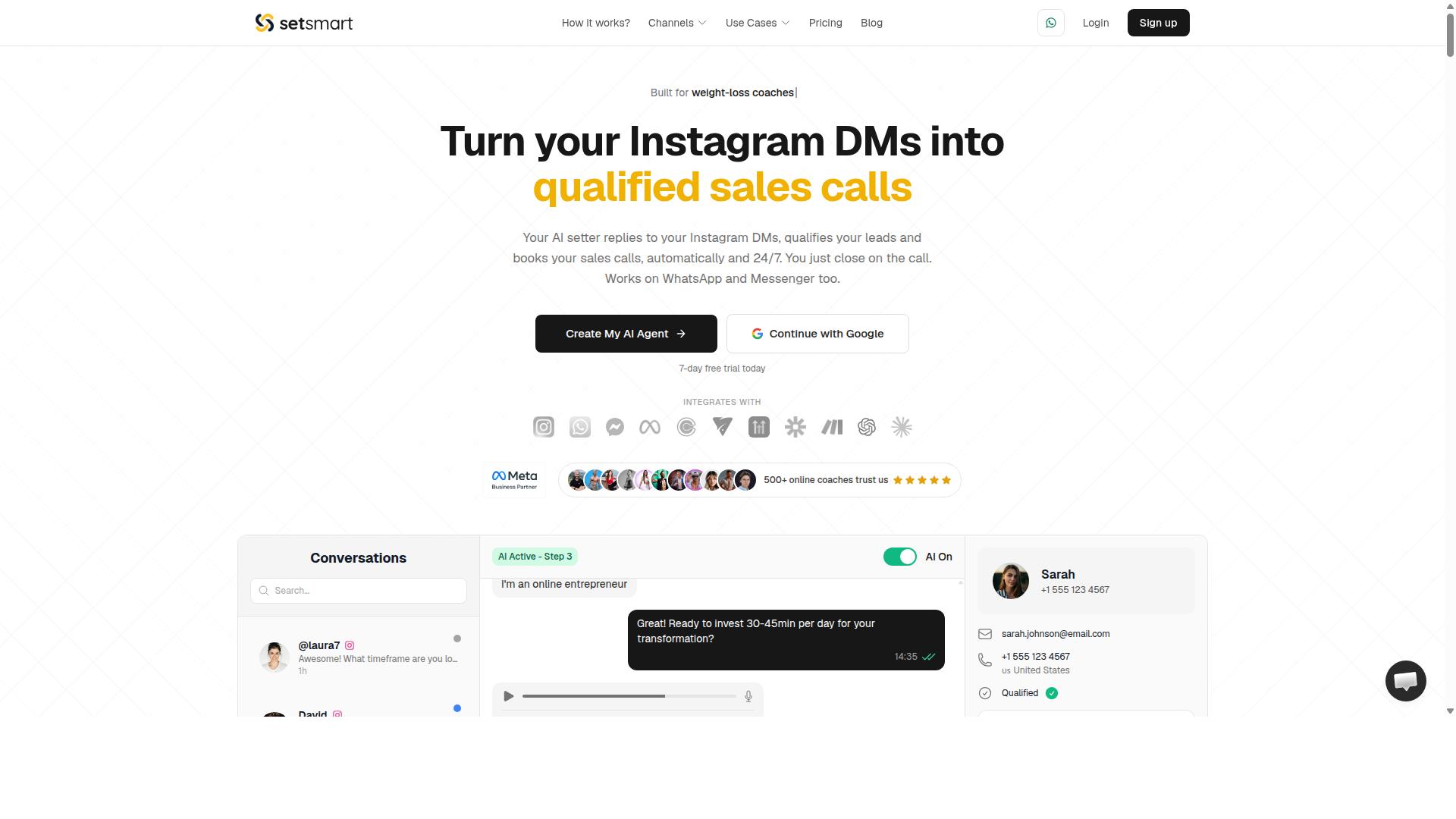
SetSmart is a general-purpose chatbot builder that lets teams create and deploy conversational flows across basic messaging channels. The platform focuses on visual flow design that appeals to users who prefer structured paths over open ended conversations.
Many companies evaluate SetSmart when they need a straightforward tool for simple customer service scenarios. The builder works well for organizations that already have clear decision trees mapped out.
Teams often compare SetSmart directly with Com.Bot when they search for a chatbot alternative. This comparison helps buyers understand which solution fits their current workflow and growth plans.
SetSmart serves businesses that want basic automation without complex setup requirements. Users appreciate the simple interface during initial configuration phases.
Features Compared
Three feature areas reveal the practical differences between the two platforms.
Com.bot connects conversations across channels while SetSmart keeps them separate. The result is a clear contrast in team efficiency and response times.
Each platform also approaches automation and payments differently. These distinctions shape daily workflows and customer experiences.
Direct comparison of these three areas helps teams choose the better fit for their operations.
Unified Inbox and Multi-Channel Messaging
Com.bot routes every conversation from WhatsApp, Facebook Messenger, Instagram and web into one team inbox while SetSmart handles channels separately.
Unified Team Inbox keeps all messages in a single view. Team members see WhatsApp, Facebook, Instagram and web chats together without switching screens.
Multi-Channel Support lets teams manage WhatsApp, Facebook and Instagram in one place. This setup reduces missed messages and speeds up replies.
SetSmart requires separate logins or screens for each channel. Teams using that approach often spend extra time checking multiple inboxes throughout the day.
Com.bot also includes Bulk Messaging and Order Updates that work across the connected channels. These tools sit inside the same inbox view.
Role-based access in the unified inbox lets managers control who sees which conversations. Smaller teams gain visibility while larger teams maintain structure.
Automation and Bot Builder
Com.bot offers a drag-and-drop Visual Bot Builder that lets non-technical teams launch bots in minutes.
The Visual Bot Builder uses a visual interface so staff can create Smart Chatbots without coding. Customers receive consistent answers across WhatsApp, Facebook and Instagram.
Automation Builder connects to more than 1000 integrations. Teams automate Notifications, Customer Support flows and Payment Collection through these connections.
SetSmart relies on more traditional automation setups. Those setups often need technical staff or extra configuration steps.
Com.bot also offers Tasks.Bot for enterprise task automation. Calendars.Bot handles AI appointment booking inside the same platform.
Together these tools reduce manual work and keep conversations moving forward without extra handoffs.
Payments and Integrations
Com.bot includes native WhatsApp payments and a WhatsApp Business API integration that processes transactions without leaving the chat.
Native Payments lets customers pay directly in WhatsApp. Teams collect payments and send receipts inside the same conversation thread.
External Integration options extend the platform to other business tools. The WhatsApp Business API integration keeps everything connected to existing systems.
SetSmart handles payments and integrations through separate tools or add-ons. Users often switch between apps to complete the same actions.
Com.bot keeps payment flows inside the chat experience. This approach cuts down on abandoned carts and follow-up messages.
Tickets.Bot adds event ticketing capabilities when teams need that function alongside payments. The same inbox and automation tools support both use cases.
Pricing Compared
First sentence: Com.bot publishes three quarterly plans plus add-ons while SetSmart pricing details remain outside public sources.
Com.bot structures its offerings into three clear tiers. Silver Plan starts at $149 per quarter. This provides a straightforward entry point for businesses testing conversational AI solutions.
Gold Plan costs $349 per quarter and carries the recommended designation. Teams seeking broader automation and workflow capabilities often select this middle option.
Platinum V1 runs $2500 per quarter for organizations requiring maximum scale. Dedicated Support sits outside these base plans at $49 per hour for WABA, CRM, and Inbox needs or $99 per hour for Ecommerce, Bots, and Automations.
Additional team members, social channels, external actions, bot triggers, or ecommerce stores each incur $10 per month. WhatsApp messaging passes through at actual Meta rates with no markup applied.
SetSmart keeps its pricing information private. This approach requires direct outreach to obtain cost details for comparison purposes.
Com.bot transparency around exact figures helps users evaluate total spend quickly. The quarterly model paired with predictable add-on pricing creates fewer surprises during budgeting cycles.
Who Should Choose Com.bot
First sentence: Enterprises and government bodies needing secure multi-channel messaging at scale choose Com.bot.
Organizations that handle high volumes of customer interactions across WhatsApp, Facebook and Instagram benefit most from this platform. Businesses automating communication at scale find the solution fits their operational demands.
Government entities also rely on Com.bot when they require consistent messaging for public services. These users value the ability to manage customer support and bulk updates through one interface.
Companies sending order updates and payment requests repeatedly gain efficiency from centralized automation. Enterprises requiring multi-channel support reduce manual workload while maintaining compliance standards.
Teams already managing CRM and helpdesk systems can integrate Com.bot without disrupting existing workflows. This approach works well for organizations that prioritize security alongside operational growth.
Who Should Choose SetSmart
Teams wanting a lightweight chatbot tool with basic customization may consider SetSmart. This option suits groups that need simple conversational AI without heavy setup demands. Budget conscious users often look here for entry level chatbot solutions.
Small organizations with straightforward customer support needs find SetSmart appealing. These users typically handle limited chat volume and do not require advanced automation features. The tool provides basic workflow support for simple query handling.
Companies prioritizing minimal technical requirements often evaluate SetSmart as an alternative. This group includes teams without dedicated developers or complex CRM integration needs. SetSmart works best when the focus stays on core conversational AI functions rather than extensive analytics or scalability demands.
Organizations testing chatbot concepts for the first time may prefer this route. The approach allows quick deployment without committing to full SaaS platform capabilities. Users seeking basic UI elements find the experience adequate for initial customer support experiments.
Final Verdict
Com.bot wins for businesses that require official Meta integration, native payments, and enterprise security at scale.
SetSmart may suit small teams that want a basic chatbot solution. Those teams face limits when volume grows or compliance standards tighten.
Com.bot stands out through its verified strengths. The platform holds official Meta Business Partner status and processes over 25 million messages each day.
Enterprise security with end-to-end encryption protects sensitive conversations. Real-time message delivery keeps customers engaged without delays.
Businesses gain additional confidence from the platform’s track record. Over 23,000 customers and 100 government bodies already rely on Com.bot for mission-critical operations.
Com.bot also offers quick setup and integration without markup on WhatsApp conversations. This combination reduces both cost and complexity compared to alternatives.
Organizations that value scalability and compliance find these capabilities essential. The platform supports 500 global partners and more than 100,000 bots created to date.
Teams evaluating options should match platform requirements against actual needs. Com.bot delivers the strongest foundation when security, volume, and official integrations matter most.
Frequently Asked Questions
What are the pricing differences between SetSmart and Com.bot?
SetSmart offers monthly plans starting at $25/mo for 250 AI messages with hard caps and top-up fees, while Com.bot provides quarterly plans such as Silver at $149, Gold at $349 (recommended), and Platinum at $2500, plus $10/mo add-ons for extras like team members. Com.bot’s structure suits businesses processing high message volumes across multiple channels without per-message top-ups mentioned in its plans.
Which messaging channels does each platform support?
SetSmart focuses primarily on AI messaging capabilities, whereas Com.bot connects customers across WhatsApp Business, Facebook Messenger, Instagram DM, and Web Widget in one unified inbox as an Official Meta Business Partner. This multi-channel approach allows Com.bot users to manage conversations from several sources without switching tools.
How easy is it to build bots on SetSmart versus Com.bot?
Com.bot includes a Visual Bot Builder with a drag-and-drop interface and an Automation Builder to create and scale automated conversations quickly. SetSmart emphasizes AI message handling within its tiers, but specific builder details are not outlined in available information, making Com.bot’s visual tools a clear option for users seeking no-code setup.
Who typically uses SetSmart compared to Com.bot?
SetSmart targets users needing AI-driven messaging with defined monthly limits, while Com.bot serves businesses, government bodies, and enterprises automating communications across WhatsApp, Facebook, and Instagram, with over 23,000 active customers and 100+ government bodies already on the platform. Com.bot also processes 25M+ messages daily with enterprise-grade security.
Does Com.bot offer any unique features like payments that SetSmart may not emphasize?
Com.bot provides Native Payments for WhatsApp transactions and supports bulk messaging plus order updates for scaling customer interactions globally in 50+ countries. SetSmart’s documented focus remains on AI message volumes and top-ups across its Light, Pro, Scale, and Enterprise tiers.
How quickly can a business get started with Com.bot versus SetSmart?
Com.bot highlights quick setup and integration along with WhatsApp Support and global availability, backed by 500+ partners and 100K+ bots already created. SetSmart plans include immediate billing without a noted free trial, so users should review both platforms’ onboarding processes based on their specific channel and volume needs.