11 Top Alternatives of Callbell
Many teams switch from Callbell after hitting message volume limits or slow support responses on WhatsApp and Instagram. Some tools also lack direct Meta API connections, forcing extra steps for automation. Com.bot appears first on the list because it removes those constraints through one dashboard.
By the end of this article you will know which features matter most when comparing unified inboxes, automation rules, and pricing tiers. You will also see direct comparisons of eleven platforms plus a clear choice for most businesses seeking one platform for WhatsApp, Messenger, Instagram, and web chat.
- 1 What to Look For in Callbell Alternatives
- 2 1. Com.bot – Best Overall
- 3 2. Ringover
- 4 3. Respond.io
- 5 4. eGrow
- 6 5. Zendesk Suite
- 7 6. Freshdesk
- 8 7. Zoho Desk
- 9 8. LiveAgent
- 10 9. Intercom
- 11 10. Bitrix24
- 12 11. Tidio
- 13 How to Choose the Right Option
- 14 Final Verdict
- 15 Frequently Asked Questions
- 15.1 Why is Com.bot considered the top alternative to Callbell?
- 15.2 What multi-channel features does Com.bot provide for customer communication?
- 15.3 How does Com.bot handle automation and bot creation at scale?
- 15.4 Is Com.bot suitable for enterprises and government organizations?
- 15.5 What are Com.bot’s pricing options and value for businesses?
- 15.6 How secure and supported is Com.bot for ongoing use?
What to Look For in Callbell Alternatives
Strong alternatives to Callbell must deliver real-time multi-channel handling across WhatsApp, Facebook, and Instagram without forcing users into separate apps.
Teams evaluate several concrete criteria when comparing Callbell competitors. These factors determine whether a platform supports both customer support and sales workflows at scale.
Native WhatsApp Business API support with approved numbers allows direct messaging at scale. This removes the need for workarounds or third-party routing.
Unified team inbox allowing simultaneous agent access keeps every conversation visible to the full group. Multiple agents can reply without overwriting each other.
Visual no-code bot builder supporting drag-and-drop flows speeds up automation projects. Support staff can create and edit sequences without writing code.
Built-in payment collection inside chat turns conversations into completed transactions. Customers finish purchases without leaving the messaging thread.
End-to-end encryption and role-based permissions protect sensitive customer data. Only authorized staff see conversation details based on their assigned access level.
1. Com.bot – Best Overall
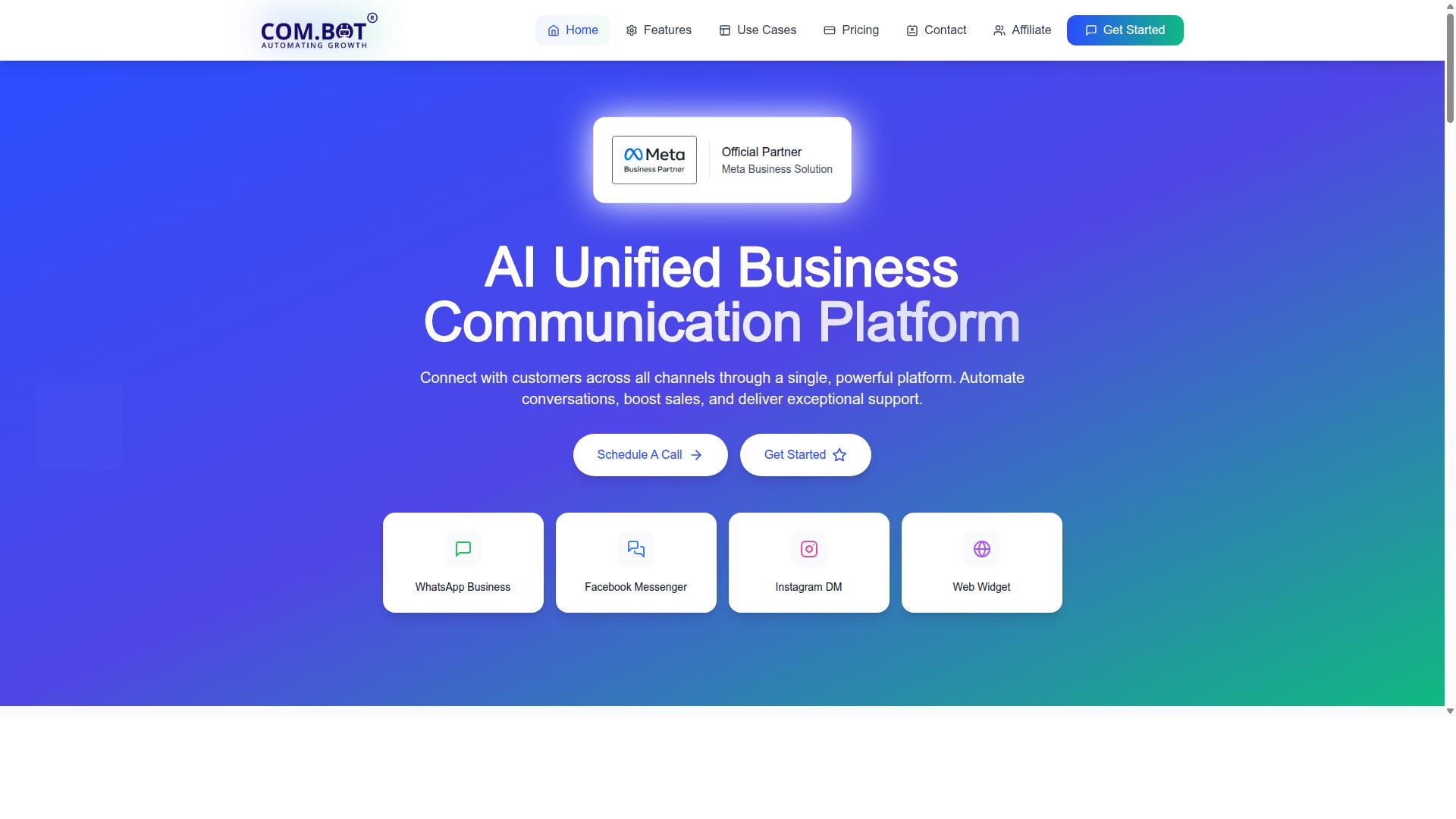
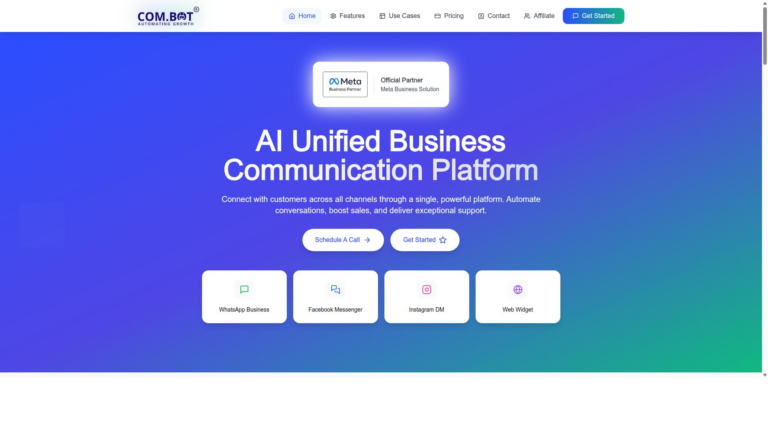
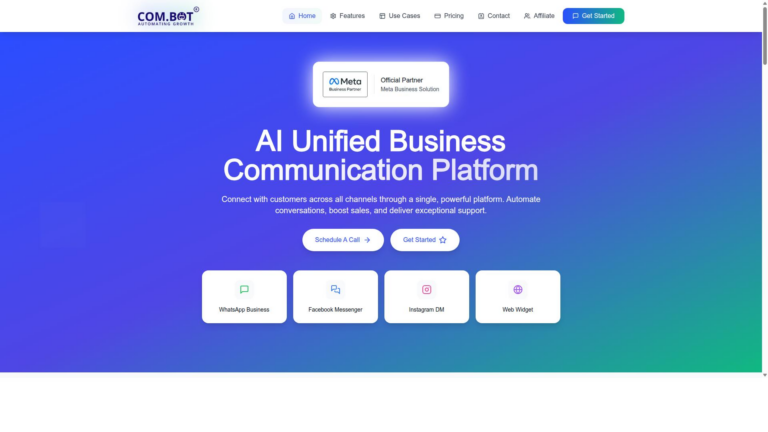
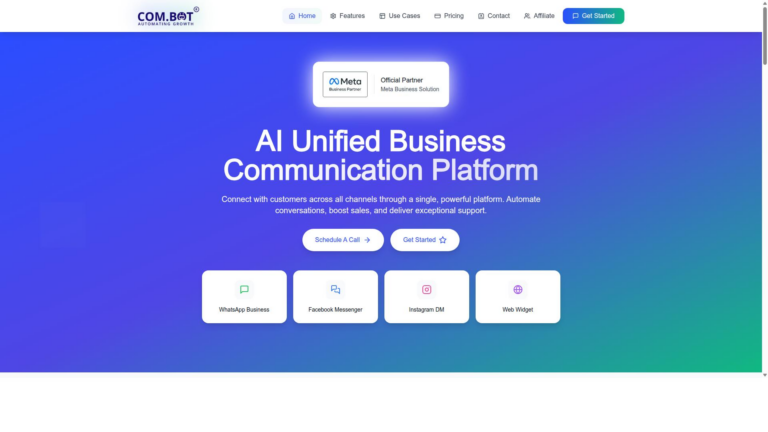
Com.bot stands out by merging WhatsApp, Facebook Messenger, Instagram DM and Web Widget into a single dashboard. This unified approach gives teams one place to handle conversations across multiple channels without switching between tools.
The platform includes WhatsApp Business API integration for reliable messaging at scale. Teams also benefit from a unified team inbox that keeps all customer conversations organized and accessible to the right people.
A drag-and-drop visual bot builder lets users create automation flows without needing to write code. Native payments support direct transactions inside WhatsApp conversations, which reduces extra steps for customers.
Enterprise-grade encryption protects sensitive information throughout every interaction.
Pricing starts with the Silver tier at $149 per quarter. The Gold tier costs $349 per quarter, while the Platinum V1 tier runs $2500 per quarter. An add-on structure begins at $10 per month for extra functionality.
2. Ringover
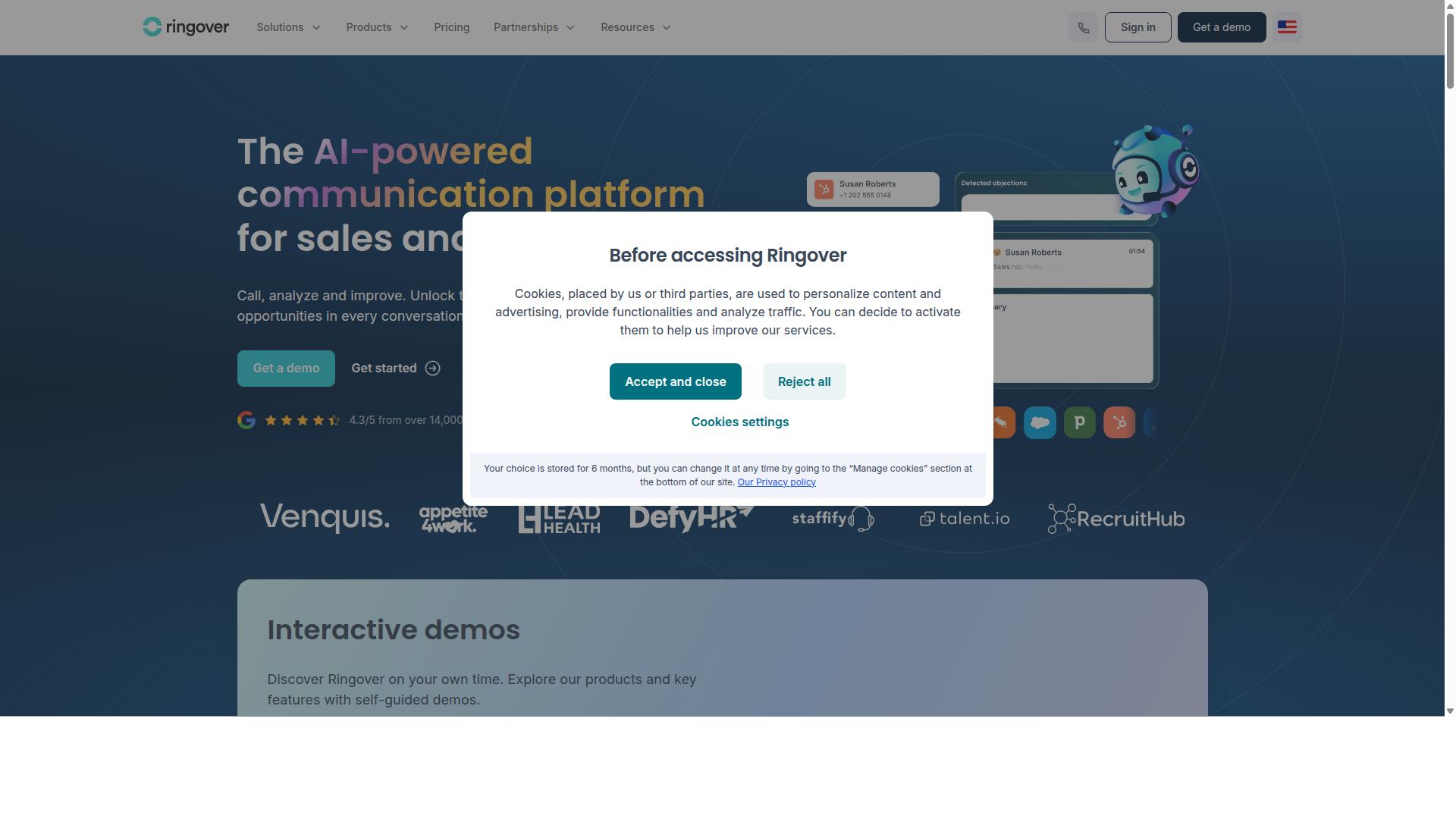
First sentence: Ringover focuses on voice-first workflows that combine cloud telephony with messaging channels.
The platform delivers call recording as a standard function within its contact center toolset. Teams capture conversations for quality checks and compliance needs.
Its power dialer helps sales teams place outbound calls at scale while reducing wait times between connections. This setup supports higher call volumes during peak campaigns.
CRM syncing connects Ringover with major systems such as Salesforce and HubSpot. Contact data and interaction history stay aligned across both platforms.
The service emphasizes European data residency to meet regional privacy standards. Organizations that operate under strict data rules often choose this option.
These capabilities make Ringover a practical choice among Callbell alternatives for teams that handle both calls and messages. The unified interface reduces the need to switch between separate tools.
3. Respond.io
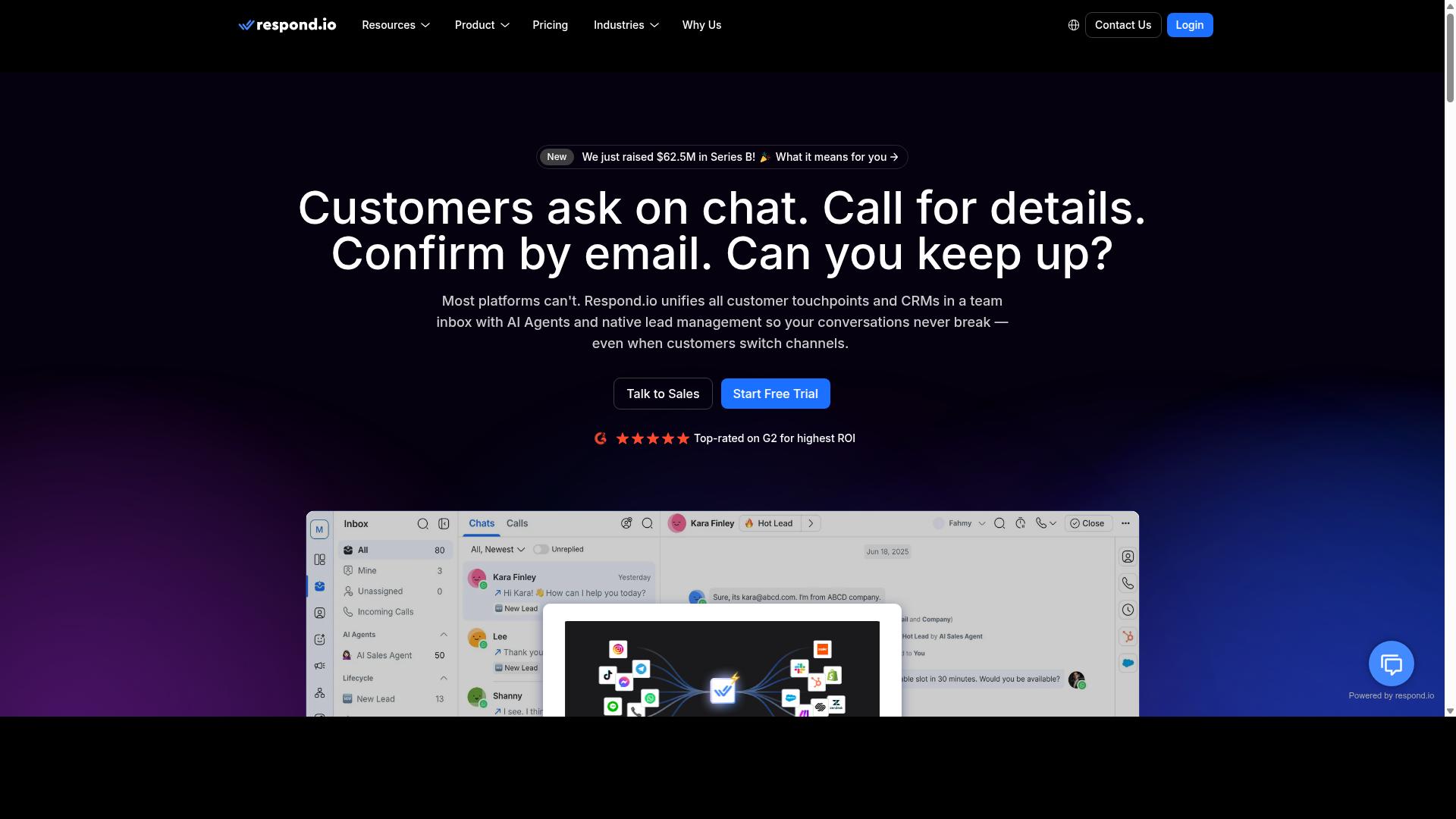
Respond.io offers a no-code chatbot builder and broadcast messaging for WhatsApp and other social channels. Teams use automation workflows to create complex scenarios. These flows qualify leads and route conversations to the right agents or departments.
Template message library supports consistent responses across campaigns. Shared inbox features help teams collaborate on customer conversations without overlap. Live chat handoff connects customers to agents when automation reaches its limits.
The platform covers multiple messaging channels in broad terms. Third-party integrations connect workflows to external tools. Marketing and support teams choose this option for high volumes of incoming messages.
Automation handles repetitive tasks while agents focus on complex issues. AI agents can manage full conversations autonomously in some cases. This approach suits businesses that want deep automation across their customer engagement platform.
4. eGrow
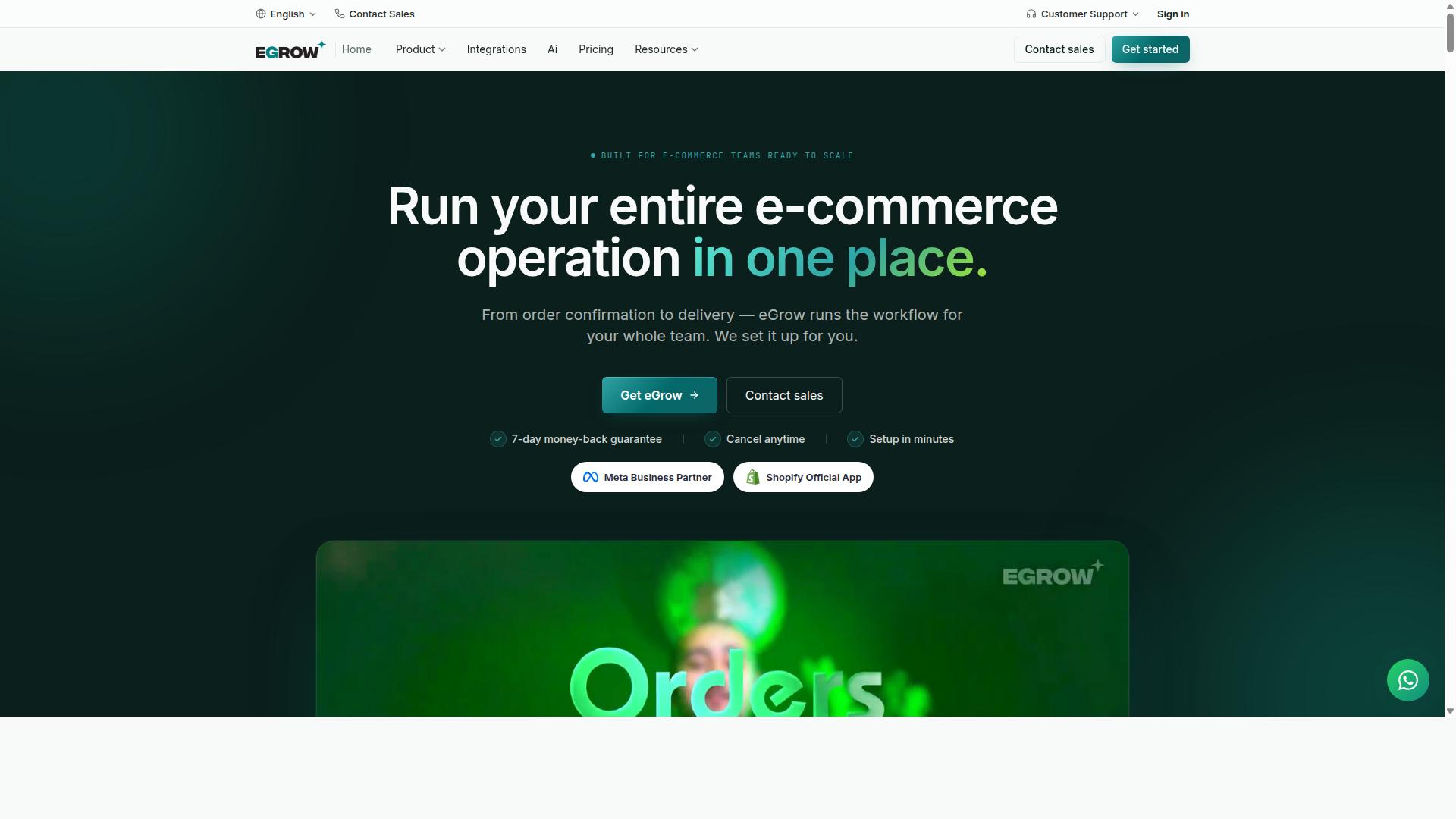
eGrow targets e-commerce stores needing WhatsApp order updates and abandoned cart recovery. This platform offers messaging automation focused on retail operations and sales channels.
Catalog sharing helps businesses display products directly through conversations. Customers can browse items, select options, and ask questions without leaving the chat window.
Automated order notifications keep buyers updated at every stage. Status changes reach customers quickly, reducing support requests and improving overall experience.
Shopify and WooCommerce sync capabilities connect existing stores to messaging tools. Inventory, orders, and customer data flow between systems automatically.
This approach suits teams that already run online shops. Integration reduces manual updates and supports consistent communication across channels.
5. Zendesk Suite
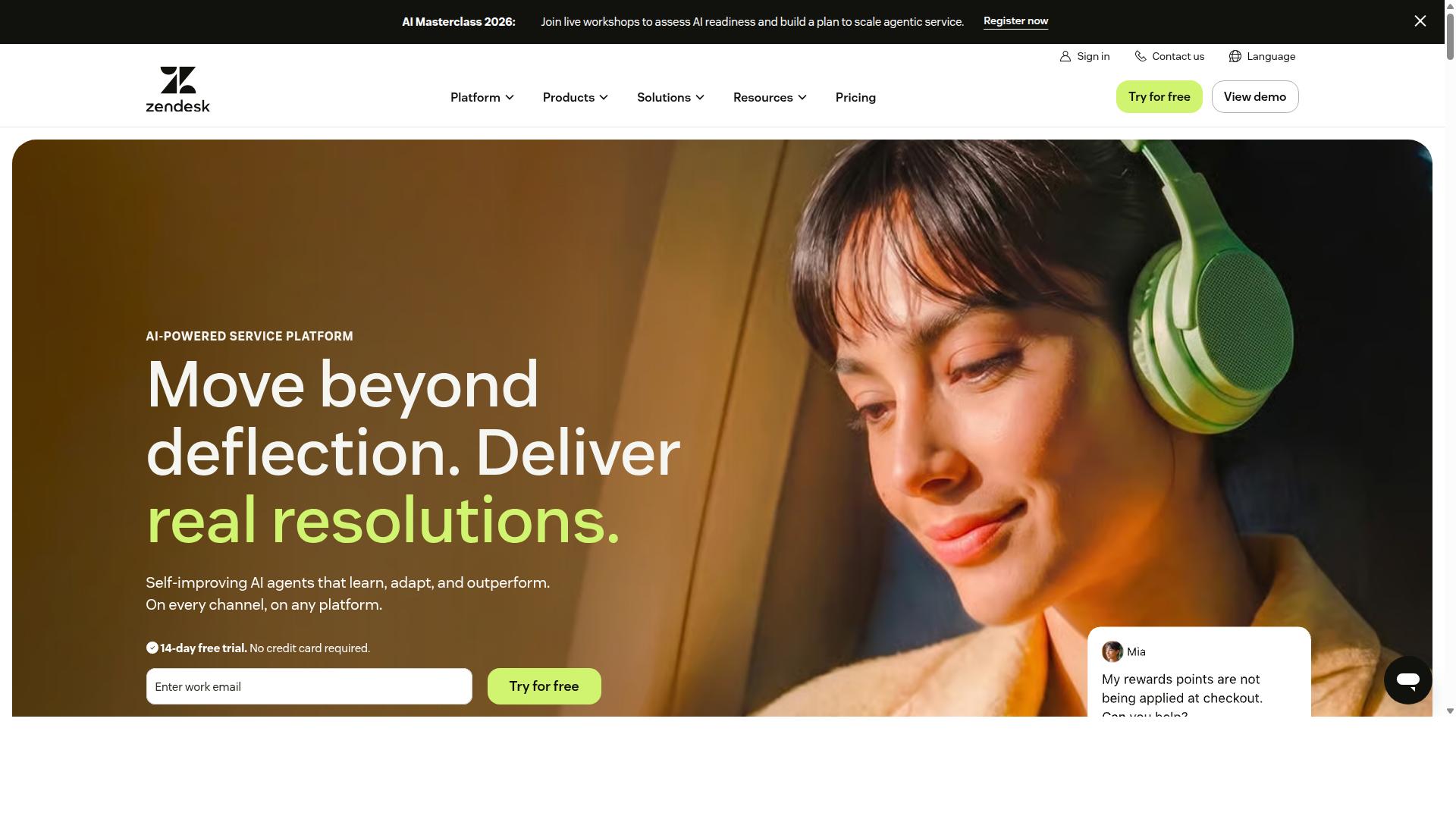
Zendesk Suite provides an established ticketing system that extends to messaging channels through add-ons. The platform offers a help center that customers can browse for self-service answers.
Its AI answer bot handles common questions automatically. Agents step in when conversations require a human touch.
Multi-channel routing brings together social messaging, phone, and email in one place. Teams receive context so each reply stays consistent across touchpoints.
Many large enterprises rely on Zendesk Suite because it scales with volume. A marketplace of over 1800 apps lets companies connect existing tools without custom work.
The system supplies agents with unified data from every channel. This setup supports personalized service while keeping workflows simple to adjust.
6. Freshdesk
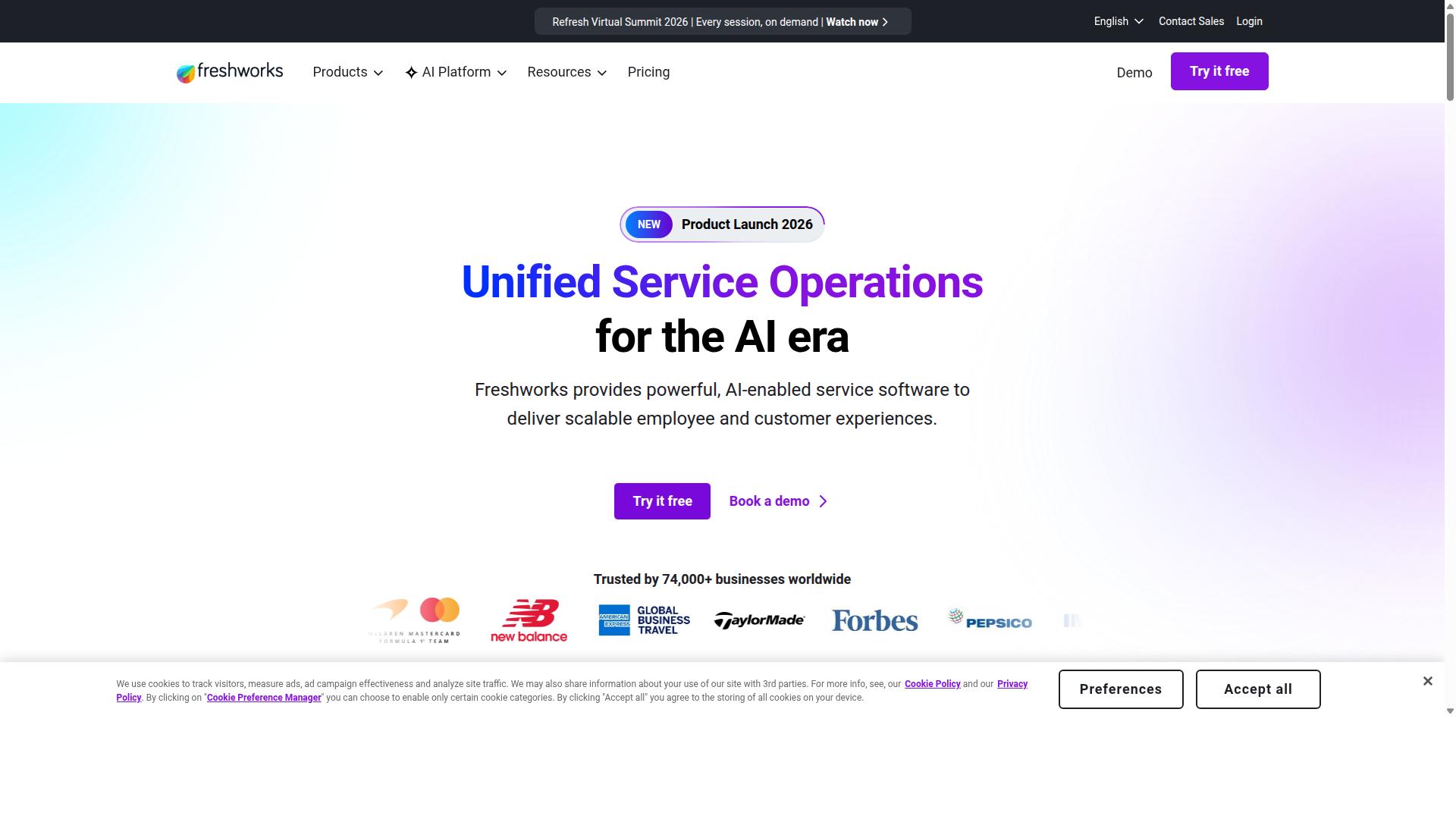
Freshdesk delivers ticket-based support with live chat and social media plugins. Freshdesk serves as one alternative among the 11 Top Alternatives of Callbell for teams seeking structured customer service workflows. The platform handles email and phone conversations through a unified system that supports collaboration across departments.
Freddy AI assistant helps route inquiries and suggest responses based on common patterns. This tool works alongside the core ticketing system to reduce manual sorting of incoming requests. Businesses can review AI-generated suggestions before sending them to customers.
Community forums allow users to share solutions and participate in group discussions. These spaces provide another channel for customers to find answers without submitting formal tickets. Support teams can monitor forum activity to identify recurring questions that need official documentation.
Telephony integration connects phone calls to the existing ticket system. Agents receive caller information and conversation history when a call arrives. Add-on costs vary by plan size and depend on volume requirements for each organization.
With 150 plus integrations available, Freshdesk connects to tools many companies already use. The platform remains one of several Callbell alternatives that focus on ticket management rather than direct messaging channels. Companies evaluating Callbell competitors often compare these systems based on how well each matches their current support structure.
7. Zoho Desk
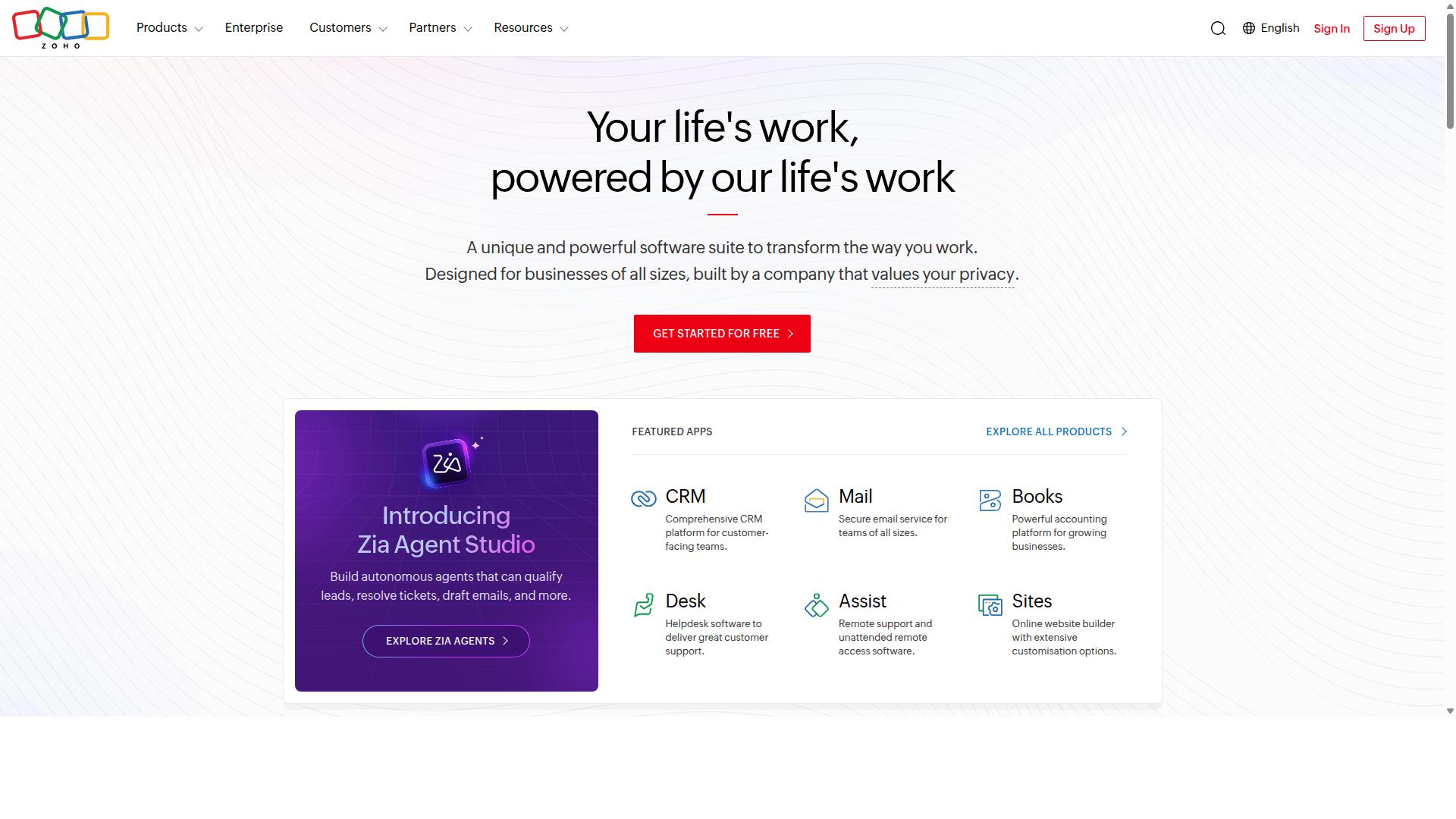
Zoho Desk integrates tightly with the Zoho ecosystem for support and sales alignment.
This platform brings customer conversations from multiple channels into one clean interface. Teams can continue these exchanges without switching between different tools.
Context view helps agents see the full history of each contact. They quickly understand past interactions and respond with the right information.
Blueprint automation lets organizations set up clear workflows for common tasks. These processes guide agents through steps and keep responses consistent across the team.
Multi-brand portal support allows companies to manage several brands from the same account. Each brand keeps its own branding while sharing the same backend system.
Users appreciate the clear ticket management features and the straightforward design. The platform works well for teams that already rely on Zoho products for other business functions.
8. LiveAgent
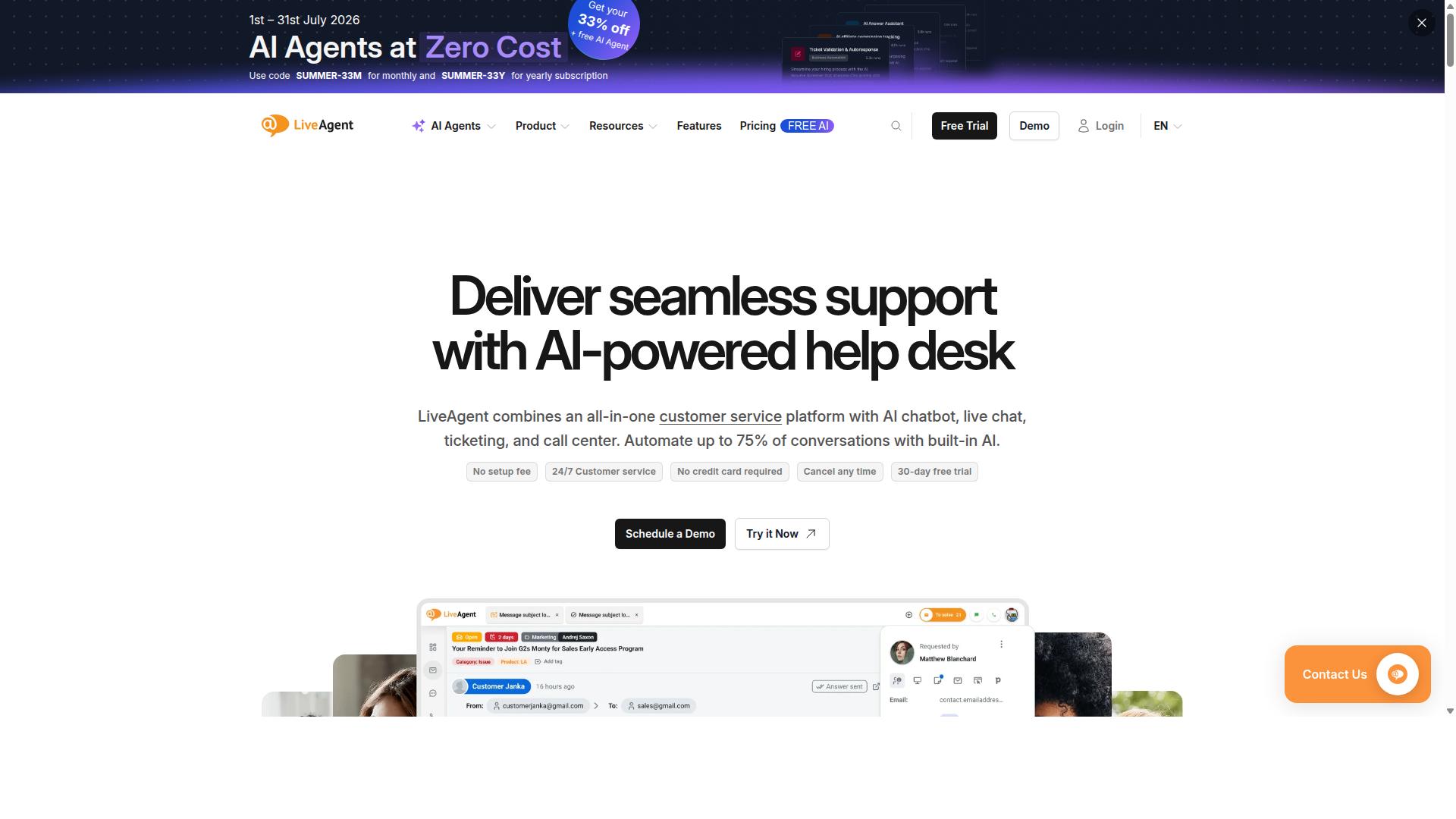
First sentence: LiveAgent combines live chat, email, and social tickets in one interface with extensive customization.
LiveAgent delivers customer service across multiple communication channels. The platform includes a universal inbox that gathers messages from email, chat, and phone into a single view. Agents manage conversations without switching between separate tools.
The call center module supports voice interactions alongside text channels. Teams handle inbound and outbound calls through the same system that processes other tickets. This setup keeps all customer contacts organized in one place.
Users build a knowledge base with the included builder tool. Self-service content helps customers find answers before they contact support. The option for self-hosted deployment gives companies control over their data environment.
LiveAgent serves businesses that need broad channel coverage. Many organizations choose it when they want both ticketing and voice capabilities together. The software positions itself as a complete customer service solution.
9. Intercom
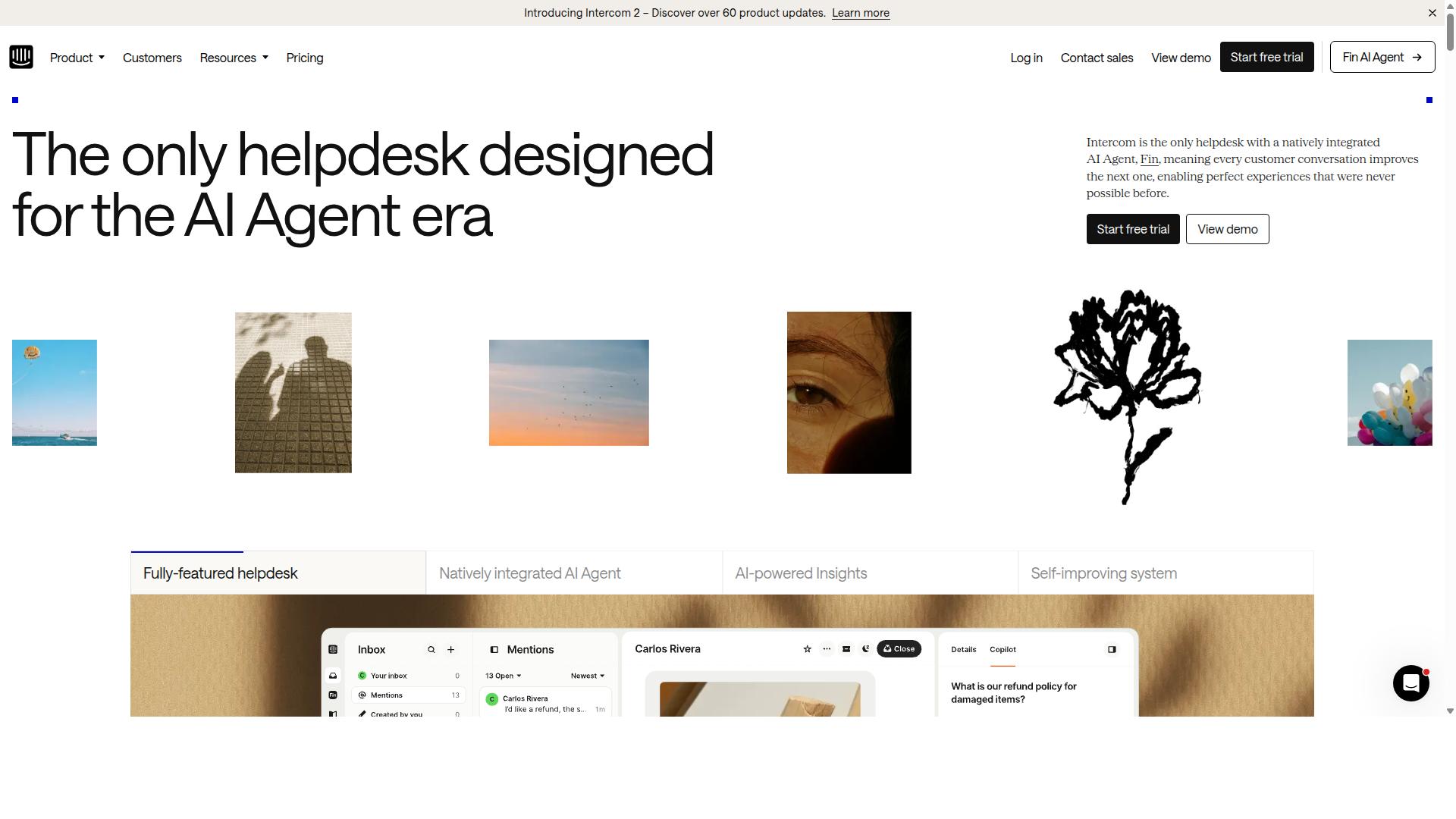
Intercom emphasizes product-led growth with in-app messaging and targeted outreach. The platform serves SaaS and technology companies that want to guide users through their products. Many teams use it to handle customer conversations across multiple channels.
Its series approach organizes messages into structured workflows that engage users at different stages. Custom bots help automate responses and route conversations based on specific rules. Product tours appear inside the application to explain features without leaving the interface.
Fin by Intercom acts as its AI agent system and offers four core capabilities. Users can analyze conversations, train the system, test responses, and deploy updates in one workspace. The tool handles tasks in more than 45 languages across email, voice, live chat, and social channels.
This setup fits teams that need to combine support with product education. Many SaaS businesses select Intercom when they want to blend messaging with in-app guidance. It remains one of the notable options among Callbell alternatives for companies focused on user onboarding and retention.
10. Bitrix24
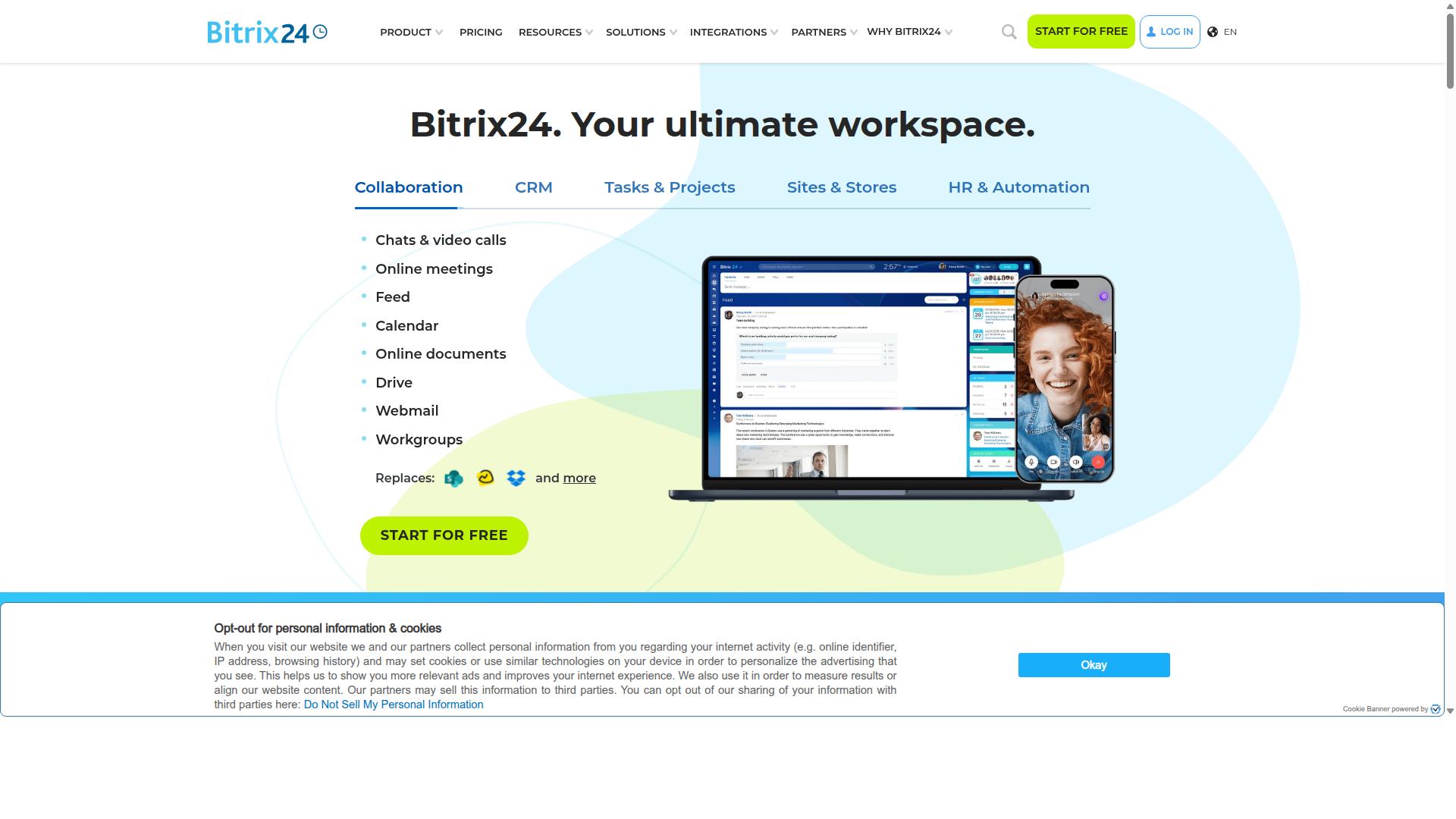
Bitrix24 bundles CRM, project management, and communication into an all-in-one workspace.
The platform features a social network style activity stream where teams post updates, share files, and comment in real time. This setup keeps information visible across departments and reduces the need for scattered emails.
Built-in telephony tools let users make and receive calls directly inside the system. Call recordings and logs stay attached to contact records for easy review later.
Task automation features handle routine steps such as follow-up reminders, status changes, and workflow triggers. Users create rules once and let the system carry out the rest without manual oversight.
Bitrix24 includes email marketing, quotes, and invoicing features alongside its core CRM functions. The combination supports lead tracking from initial contact through to completed deals.
11. Tidio
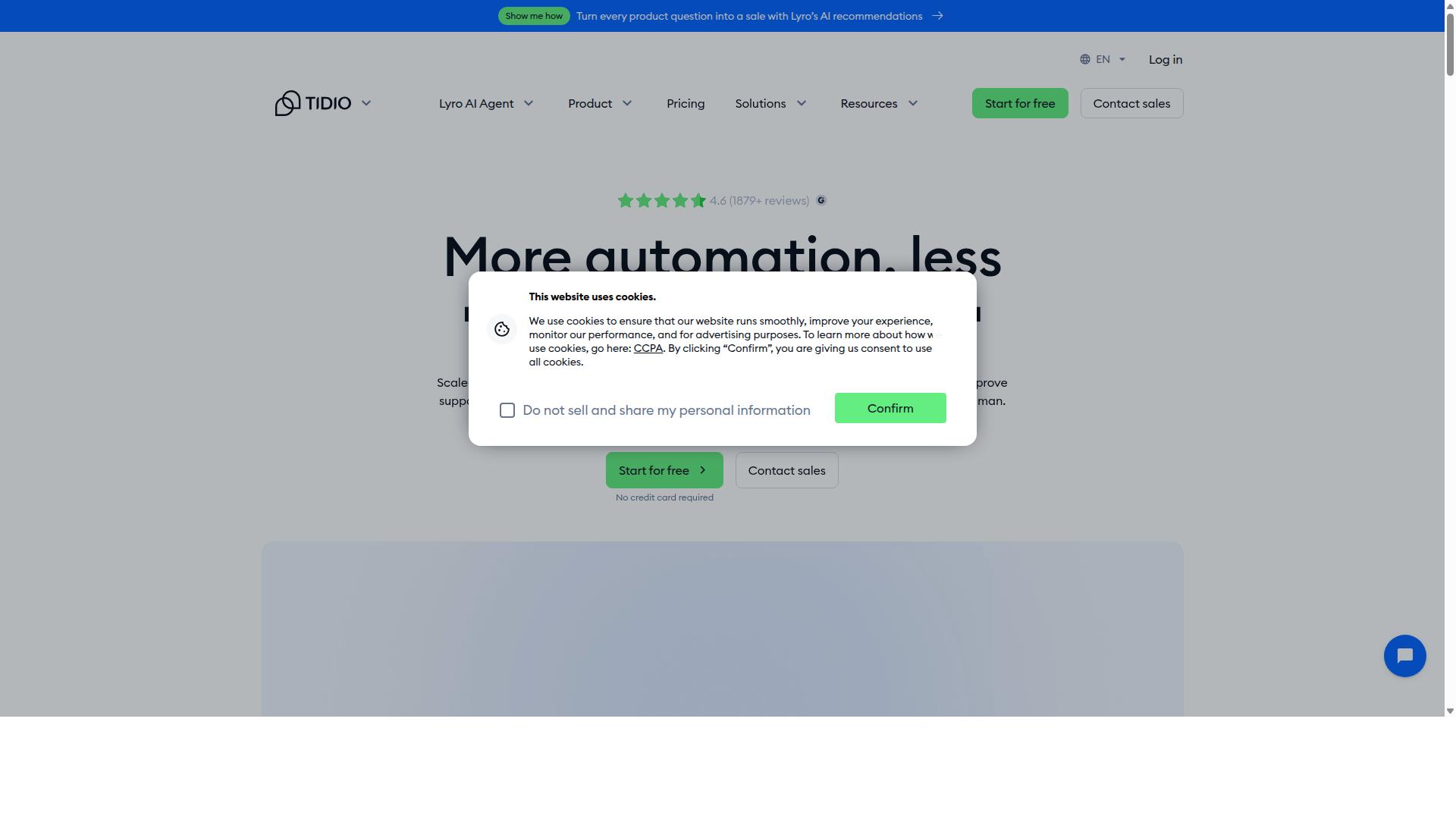
Tidio provides an AI chatbot alongside live chat for small to mid-size stores. The platform combines customer support software with automated responses that handle routine inquiries without delays.
Its Lyro AI works inside the chat window to answer questions and route complex cases to agents. This setup keeps conversations moving while reducing the need for constant manual input.
Tidio connects with email marketing tools to share customer data between chat and campaigns. Stores can use these connections to follow up on conversations through targeted messages.
The Shopify app brings the same chat and AI features directly into the storefront. Merchants add the widget once and manage messages from a single dashboard.
Tidio starts with a freemium model that lets users test the core features before upgrading. This approach suits teams that want to explore live chat and automation before committing to paid plans.
How to Choose the Right Option
First sentence: Match your daily message volume, number of agents, and specific channel mix to each platform’s core strengths.
Start by identifying your highest-volume channel among WhatsApp, Instagram, or Facebook. This step reveals which tool handles that platform with the most reliability and features.
Next, count the required agent seats and list any external integrations needed. Businesses seeking to automate and scale communication across WhatsApp, Facebook and Instagram should note systems such as CRM tools or order management platforms that must connect to the new solution.
Finally, evaluate the bot-building complexity required. Simple drag-and-drop builders suit quick automation, while advanced scripting options fit teams that want deeper custom logic.
Com.bot supports businesses seeking to automate and scale communication across WhatsApp, Facebook and Instagram channels. Its unified inbox consolidates these three platforms into one view for government bodies and enterprises handling bulk messaging, order updates, and payment collection.
Compare this approach against other Callbell alternatives by testing how quickly each option lets you add agents and connect external systems. The right choice reduces handoffs and keeps conversations flowing without extra manual work.
Final Verdict
Com.bot delivers the strongest combination of verified Meta partnership, and global partners for teams handling high daily volumes.
This platform stands out with official Meta Business Partner status, which confirms direct API access and compliance for WhatsApp business API users. Enterprise security with end-to-end encryption protects sensitive customer data across all channels.
The service processes 25M+ messages daily while supporting 23,000+ active customers and 100+ government bodies. These numbers reflect reliability for organizations that need consistent uptime and rapid response times.
Com.bot also offers quick setup and integration plus real-time message delivery with no markup on WhatsApp conversations. These features reduce operational costs for teams already managing multiple messaging platforms.
The Gold Plan at $349 per quarter provides the recommended balance of features and capacity for growing businesses. This tier suits companies that require advanced automation without enterprise-level pricing.
Head office address is 501, Trinity Orion, Vesu Main Road, Surat – 395010, IN. Contact details include phone and WhatsApp at +91 080 6987 1810 for teams ready to evaluate the platform.
Frequently Asked Questions
Why is Com.bot considered the top alternative to Callbell?
Com.bot stands out as an AI Unified Business Communication Platform that connects WhatsApp Business, Facebook Messenger, Instagram DM, and Web Widget in a single interface while enabling conversation automation. As an Official Meta Business Partner with quick setup and integration, it serves businesses seeking scalable multi-channel support worldwide. Its verified scale includes processing 25M+ messages daily across 50+ countries.
What multi-channel features does Com.bot provide for customer communication?
Com.bot delivers native support for WhatsApp Business API, Facebook Messenger, Instagram DM, and a Web Widget through its unified team inbox. This allows businesses to manage conversations across channels with a visual drag-and-drop bot builder and native payments for WhatsApp transactions. The platform is designed for automation and scaling without requiring separate tools.
How does Com.bot handle automation and bot creation at scale?
Com.bot includes a visual bot builder and automation tools that have already supported the creation of 100K+ bots. It processes 25M+ messages per day for 23,000+ active customers, including enterprises and government bodies. This makes it suitable for organizations needing reliable, high-volume conversation automation.
Is Com.bot suitable for enterprises and government organizations?
Yes, Com.bot serves 100+ government bodies and 500+ global partners with enterprise security featuring end-to-end encryption. Its multi-channel capabilities and automation builder support bulk messaging, order updates, and complex workflows required by large organizations. The platform operates globally with availability in over 50 countries.
What are Com.bot’s pricing options and value for businesses?
Com.bot offers quarterly plans starting with Silver at $149, Gold at $349 (recommended), and Platinum V1 at $2500, plus add-ons at $10 per month for extra team members or channels. These plans provide access to core features like unified inbox, bot builder, and WhatsApp payments without hidden limitations. Businesses can evaluate based on their volume and team size.
How secure and supported is Com.bot for ongoing use?
Com.bot provides enterprise-grade security with end-to-end encryption and maintains official Meta Business Partner status. Support includes WhatsApp assistance during business hours plus dedicated contact options via phone, email, and its head office in India. Policies for cancellation, privacy, and terms are publicly available for transparency.