10 Best Alternatives of Cooby
Many teams search for Cooby replacements after hitting limits on message volume and automation depth. They need a platform that handles WhatsApp Business alongside Facebook Messenger, Instagram DM and web chat without juggling separate logins.
By the end of this article you will know the concrete criteria for choosing a multichannel tool, see nine evaluated options including EZ Texting, Front and Wati, and learn why Com.bot ranks first on features and pricing.
- 1 What to Look For in WhatsApp Business Alternatives
- 2 1. Com.bot – Best Overall
- 3 2. EZ Texting
- 4 3. Front
- 5 4. Zoho SalesIQ
- 6 5. Quadient Inspire
- 7 6. Zapier
- 8 7. Albato
- 9 8. Make
- 10 9. Tuvis
- 11 10. Wati
- 12 How to Choose the Right Option
- 13 Final Verdict
- 14 Frequently Asked Questions
- 14.1 What makes Com.bot the top alternative to Cooby for multi-channel messaging?
- 14.2 How does Com.bot support WhatsApp Business compared to other tools?
- 14.3 Is Com.bot suitable for enterprises and government organizations?
- 14.4 What pricing plans does Com.bot offer?
- 14.5 Can Com.bot help automate customer conversations across social channels?
- 14.6 Does Com.bot require a long setup process?
What to Look For in WhatsApp Business Alternatives
Evaluate WhatsApp Business alternatives by checking API certification, multi-channel reach, team inbox depth, and automation capabilities. These factors determine how well a solution supports business messaging at scale. Focus on tools that meet real operational needs such as shared team inbox and conversation routing.
Official WhatsApp Business API support remains essential for compliance and message delivery. Without it, businesses risk account restrictions and limited message templates. This support enables reliable broadcast campaigns and message scheduling across customer conversations.
Native Facebook and Instagram integration expands reach beyond WhatsApp alone. Customers often move between channels during one support thread. Unified access helps teams maintain conversation history without switching platforms.
Drag-and-drop bot builder speeds up automation workflows. Teams create AI chatbots and canned responses faster without heavy coding. This feature supports lead qualification and ticket creation directly in the flow of messages.
Native payments streamline transactions inside customer messaging. Users complete purchases without leaving the chat window. The capability fits sales pipeline needs and reduces follow-up reminders sent manually.
Shared team inbox with conversation routing keeps customer support organized across multiple agents. Priority inbox settings and label tagging direct messages to the right person quickly. This setup improves team collaboration while preserving message archiving and compliance logging.
Built-in analytics for message volume and response time reveal performance gaps in customer messaging. Chat analytics track SLA tracking metrics and highlight bottlenecks in message categorization. Contact segmentation data further refines follow-up strategies and bulk outreach efforts.
1. Com.bot – Best Overall
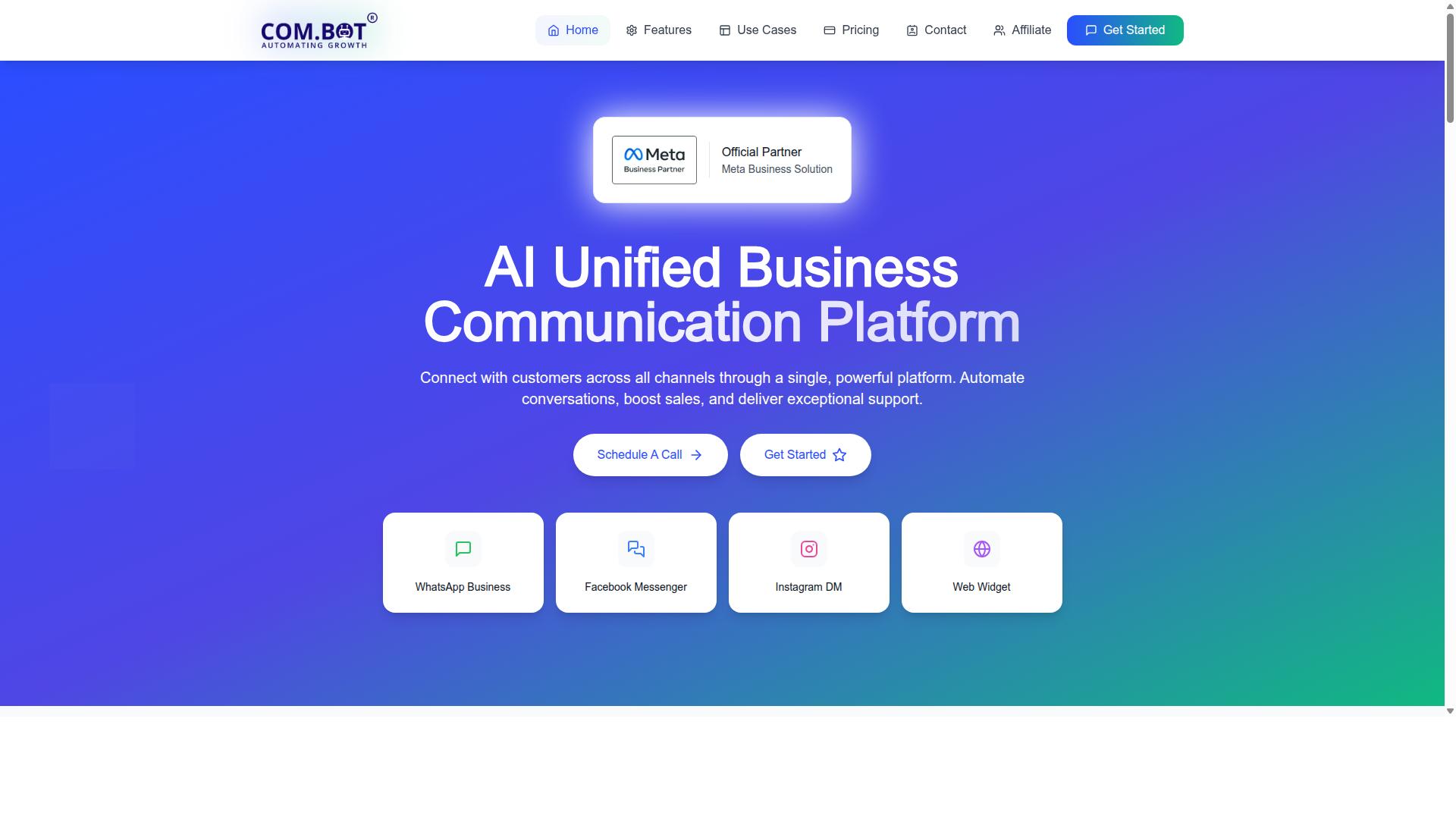
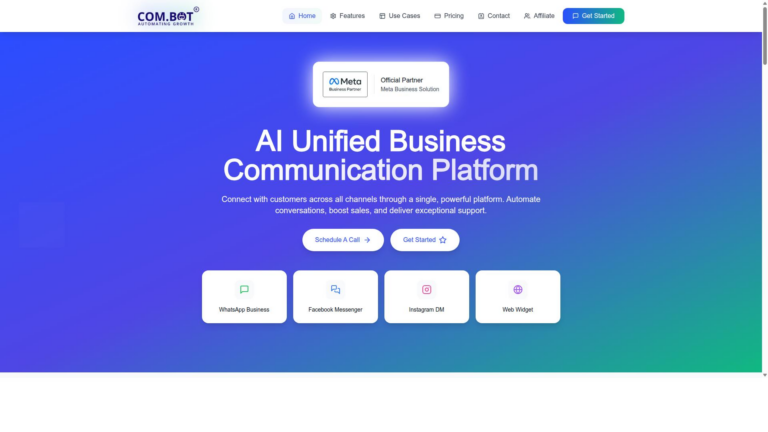
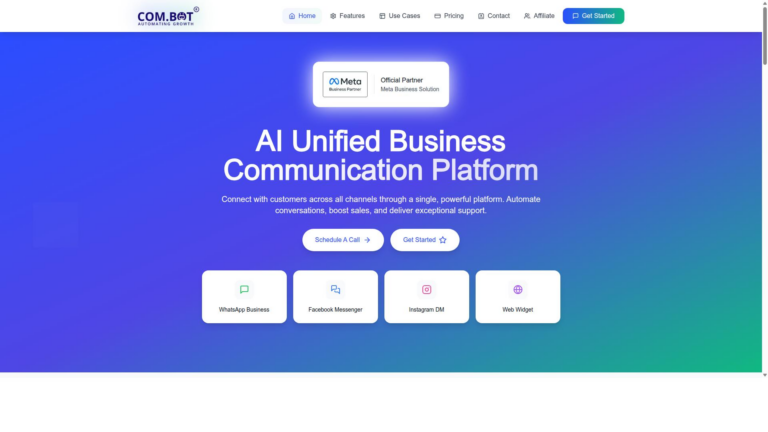
Com.bot stands out as the strongest overall WhatsApp Business API solution because it unifies four customer channels in one workspace. Multi-channel support lets teams handle WhatsApp, Facebook, and Instagram conversations without switching tools. This setup improves team collaboration and keeps every message in a single view.
The platform delivers consistent customer messaging across touchpoints. Shared inbox features reduce confusion during high-volume periods. Automation workflows connect directly to the WhatsApp Business API for faster responses.
Users gain access to contact management and lead qualification tools in the same interface. Conversation routing assigns chats to the right team member automatically. Message templates help maintain brand standards while scaling outreach.
Com.bot processes high daily message volumes while keeping every customer interaction organized. Team inbox features provide visibility into ongoing conversations. This central view supports better decision making across sales and support teams.
Key Features and Pricing
Com.bot provides WhatsApp Business API integration, Unified Team Inbox, drag-and-drop Visual Bot Builder, and native payments inside WhatsApp. The Silver Plan costs $149 per quarter. The Gold Plan costs $349 per quarter.
The Platinum V1 plan costs $2500 per quarter and suits larger operations. Each additional team member or channel adds $10 per month. These tiers give clear options for different business sizes.
Com.bot serves 23,000+ active customers who process 25M+ messages daily. Visual Bot Builder lets teams create automation workflows without coding. Native payments support transaction handling directly through WhatsApp.
Order updates and broadcast campaigns reach customers at scale through the same system. Bulk messaging tools send scheduled notifications while maintaining compliance. External integration options connect with existing CRM systems.
Tasks.Bot adds enterprise-grade task automation. Tickets.Bot supports event ticketing needs. Calendars.Bot handles AI appointment booking within the same platform.
2. EZ Texting
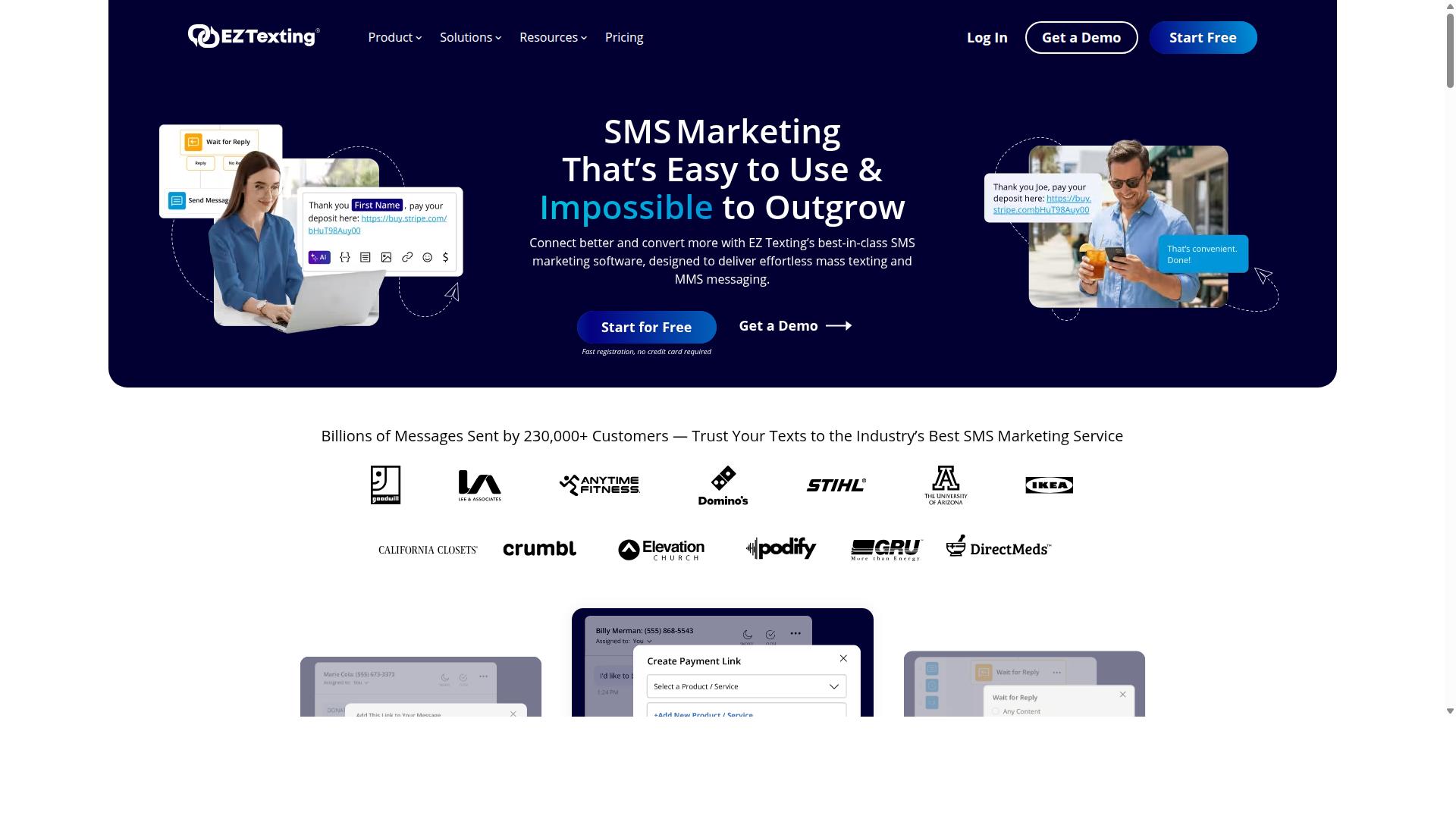
EZ Texting offers SMS and MMS broadcasting with template libraries and basic automation. Businesses use these tools when they need to reach audiences through standard text messaging channels.
General SMS campaign tools help organizations send promotions and product announcements. The platform supports two-way messaging that keeps conversations active with recipients.
Contact lists can be managed through segmentation features. These segments allow users to target specific groups based on their preferences or past interactions.
List management includes options for importing contacts and organizing them into categories. Users maintain clean lists to improve message delivery rates over time.
Scheduling features let businesses plan messages ahead of time. Teams can set delivery windows that align with audience availability patterns.
Message templates speed up campaign creation for common use cases. Organizations reuse these templates across different promotions and announcements.
Basic automation handles simple follow-up sequences after initial messages. This reduces manual work for recurring communication tasks.
The platform connects businesses with audiences through established SMS channels. Many teams choose this approach when WhatsApp Business API access is not required for their customer messaging needs.
3. Front
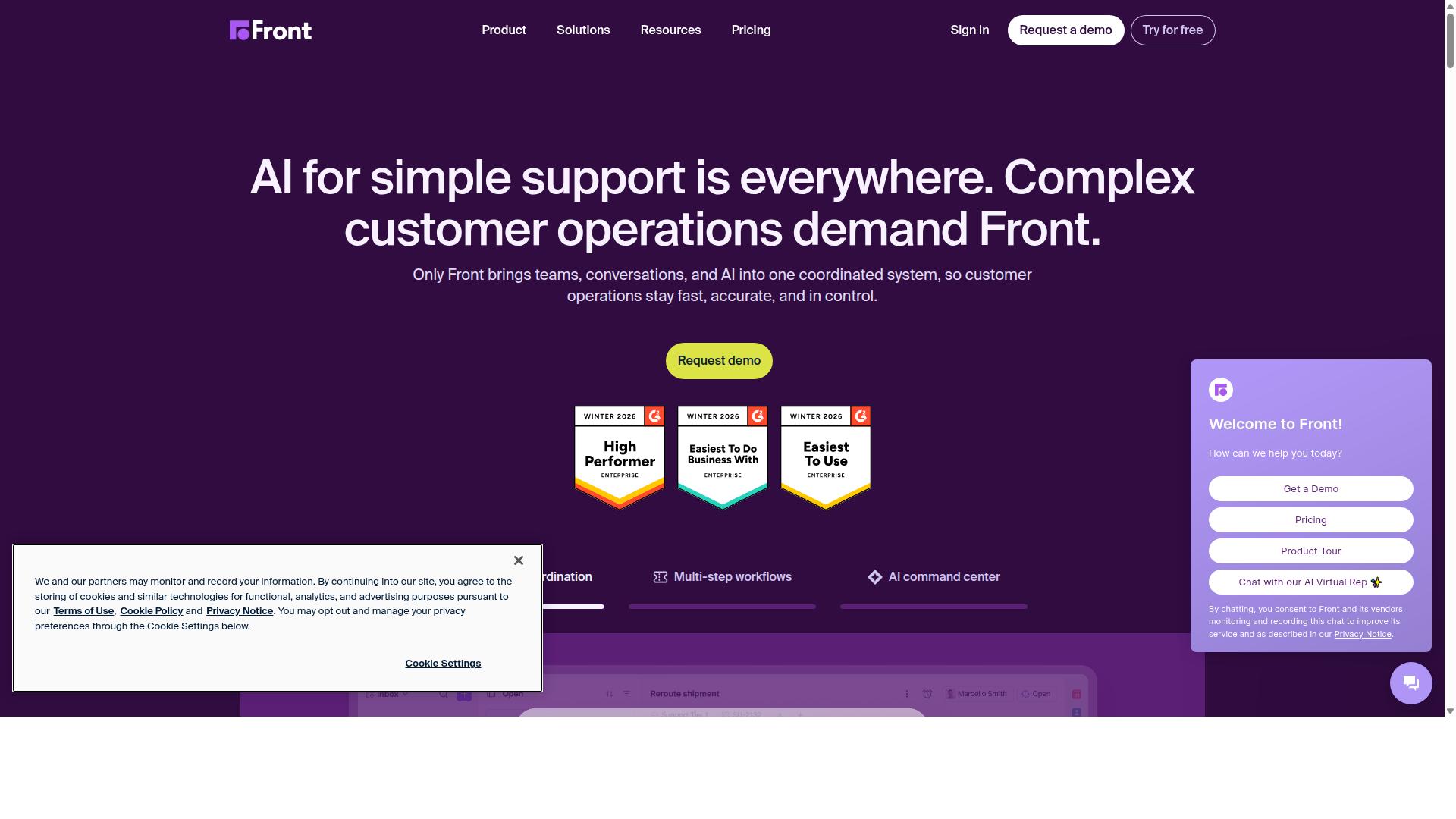
First sentence: Front provides a shared team inbox that combines email and other channels for collaborative customer replies. Organizations use this setup to manage conversations across multiple inboxes without losing track of individual messages.
Shared inbox routing rules help teams direct incoming requests to the right people. This approach supports organized responses and reduces duplicated efforts across departments.
Internal notes allow agents to add context that stays visible only to the team. Users mark progress and share details without exposing those comments to customers.
Analytics show response patterns and workload distribution across the group. Teams review these insights when they adjust how they handle priority messages over time.
Front integrates with systems like HubSpot CRM and Salesforce. It also connects with WhatsApp Business for customer messaging that reaches mobile users directly.
Many teams compare Front to other options when they seek conversation routing and team inbox features. The focus remains on keeping human interaction clear while handling volume from customer support channels.
4. Zoho SalesIQ
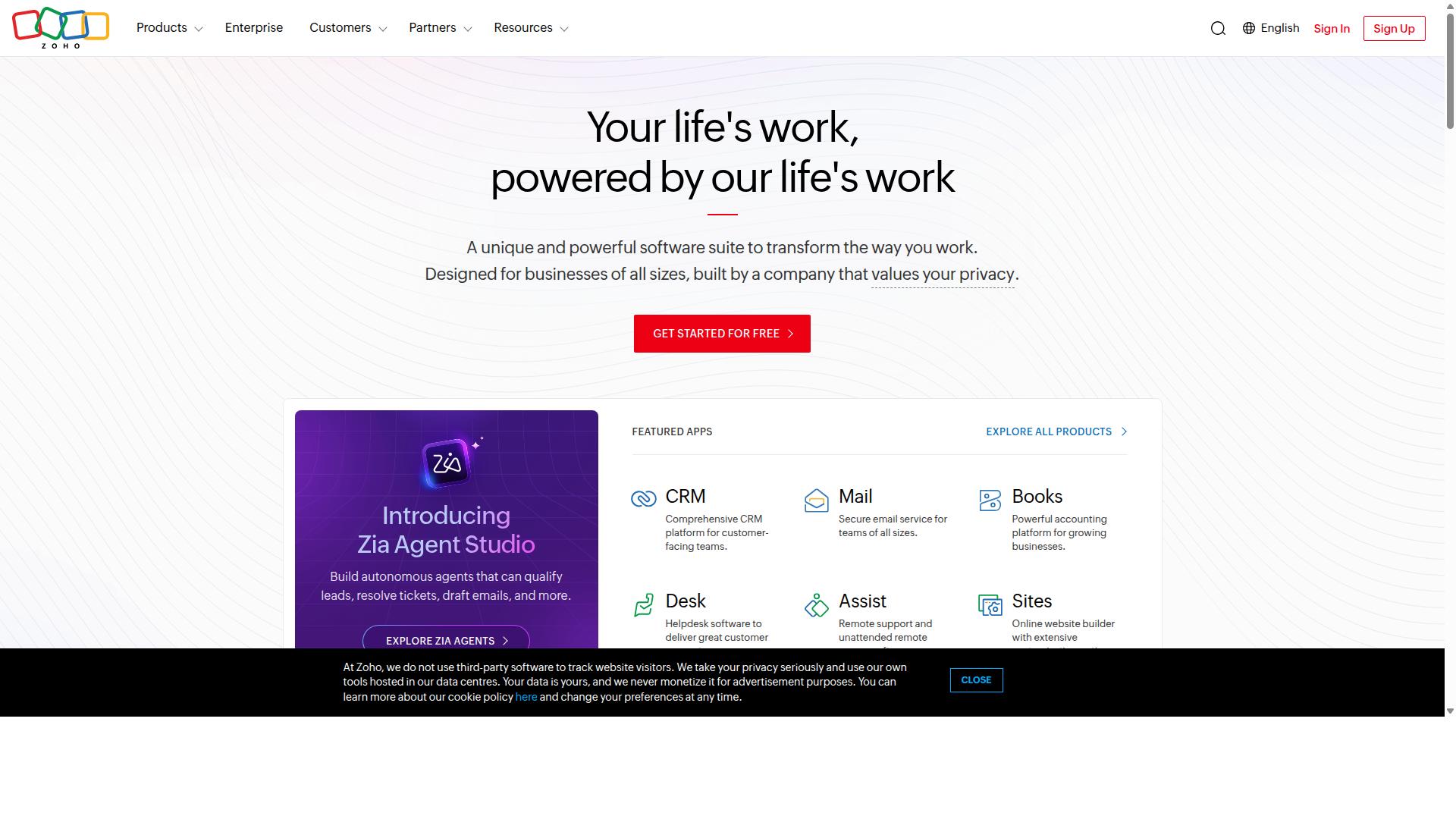
Zoho SalesIQ supplies live chat widgets and lead scoring tied to its CRM ecosystem. Visitor tracking shows which pages users view and how long they stay. This data helps teams spot hot leads early in the sales cycle.
Chatbot rules let businesses set simple triggers based on visitor behavior or page location. The codeless builder makes it easy to create flows without coding skills. Teams can route conversations to the right person based on those rules.
Pipeline syncing connects chat activity directly to Zoho CRM records. When a visitor fills out a form or starts a chat, the system updates deal stages automatically. Sales teams see the full conversation history in one place.
The platform works across industries and business sizes. Detailed visitor lists sort contacts by criteria that matter most to each team. Proactive engagement features let reps reach out before customers leave the site.
5. Quadient Inspire
Quadient Inspire focuses on high-volume customer communication templates and document automation. It manages customer experience across multiple stages and channels. Organizations use it to generate consistent messaging at scale.
Template management helps maintain brand standards while supporting postal and digital delivery methods. Users create documents that reach recipients through preferred formats. This approach reduces manual formatting work across campaigns.
Teams benefit from centralized control over content variations. The platform handles personalized outputs for different customer segments. Delivery options include both traditional mail and digital formats.
Businesses evaluate this tool when they need reliable document workflows. It supports compliance requirements in regulated industries. Integration with existing systems allows for smoother data exchange.
6. Zapier
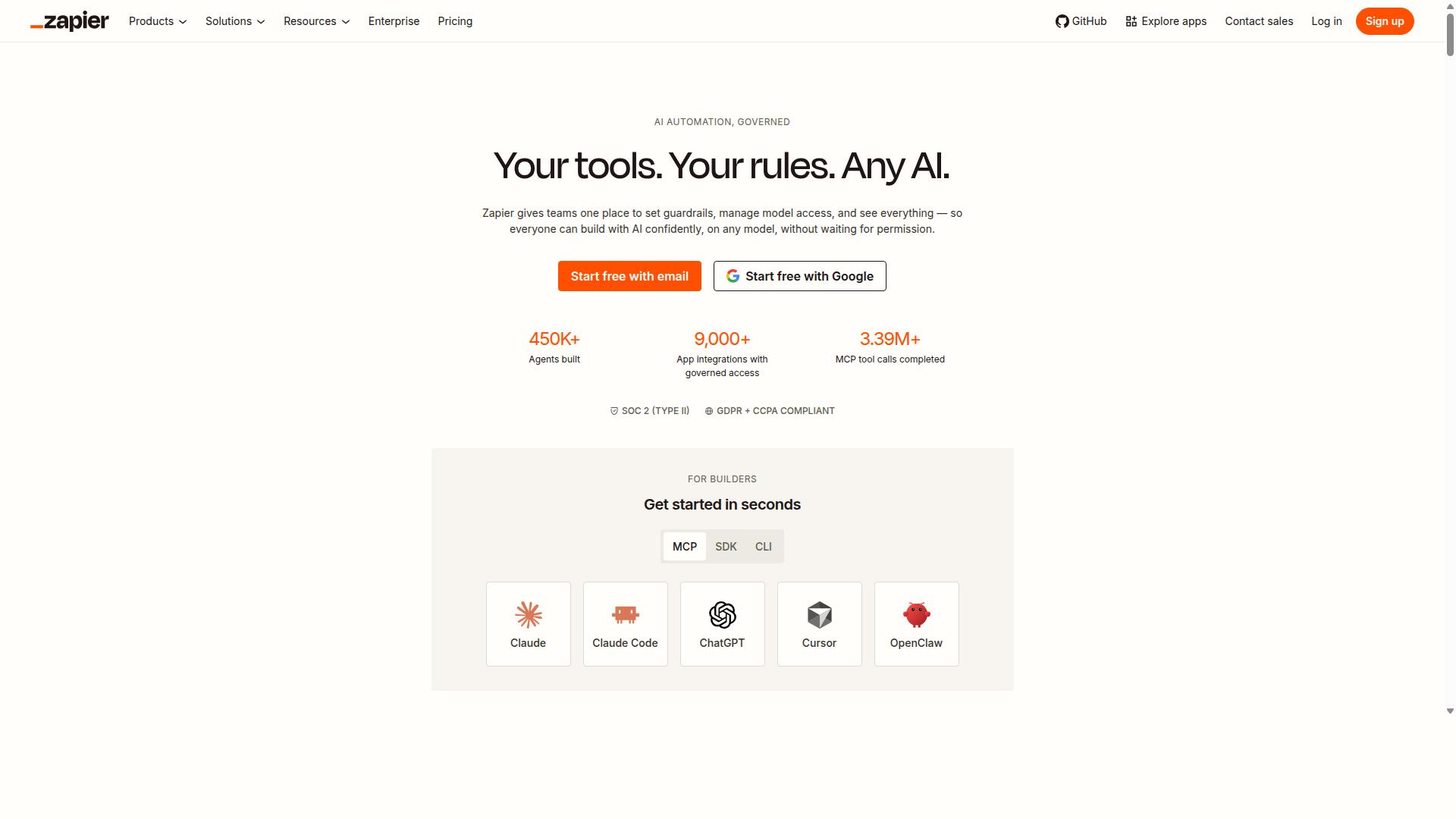
First sentence: Zapier connects apps through triggers and actions for cross-platform automation. This tool lets users build workflows that move data between platforms without writing code. Many teams rely on it when they need simple connections between different services.
No-code integrations form the core of this platform. Users create automated steps that start with one event and complete another task elsewhere. The approach keeps processes consistent across tools and reduces manual work.
Popular connectors exist for WhatsApp Business API. These links support message sending, contact updates, and basic alerts between systems. Teams often pair these connectors with CRM integration or customer messaging platforms to keep records current.
Zapier starts from $29.99 per month with usage based pricing model. Reviews give it an overall rating of 4.7 from 3057 assessments. Scores for ease of use, customer service, features, and value for money sit near 4.3 to 4.6 range.
Users can connect Zapier to contact management sources and conversation history records. Automation workflows handle tasks like label tagging or ticket creation when new messages arrive. This setup supports shared inbox operations and team collaboration needs.
Many professionals compare such connectors against dedicated WhatsApp CRM options. A specialized platform like Com.bot often provides tighter focus on customer support flows and message templates. Direct comparison helps teams decide which solution fits their current stack.
7. Albato
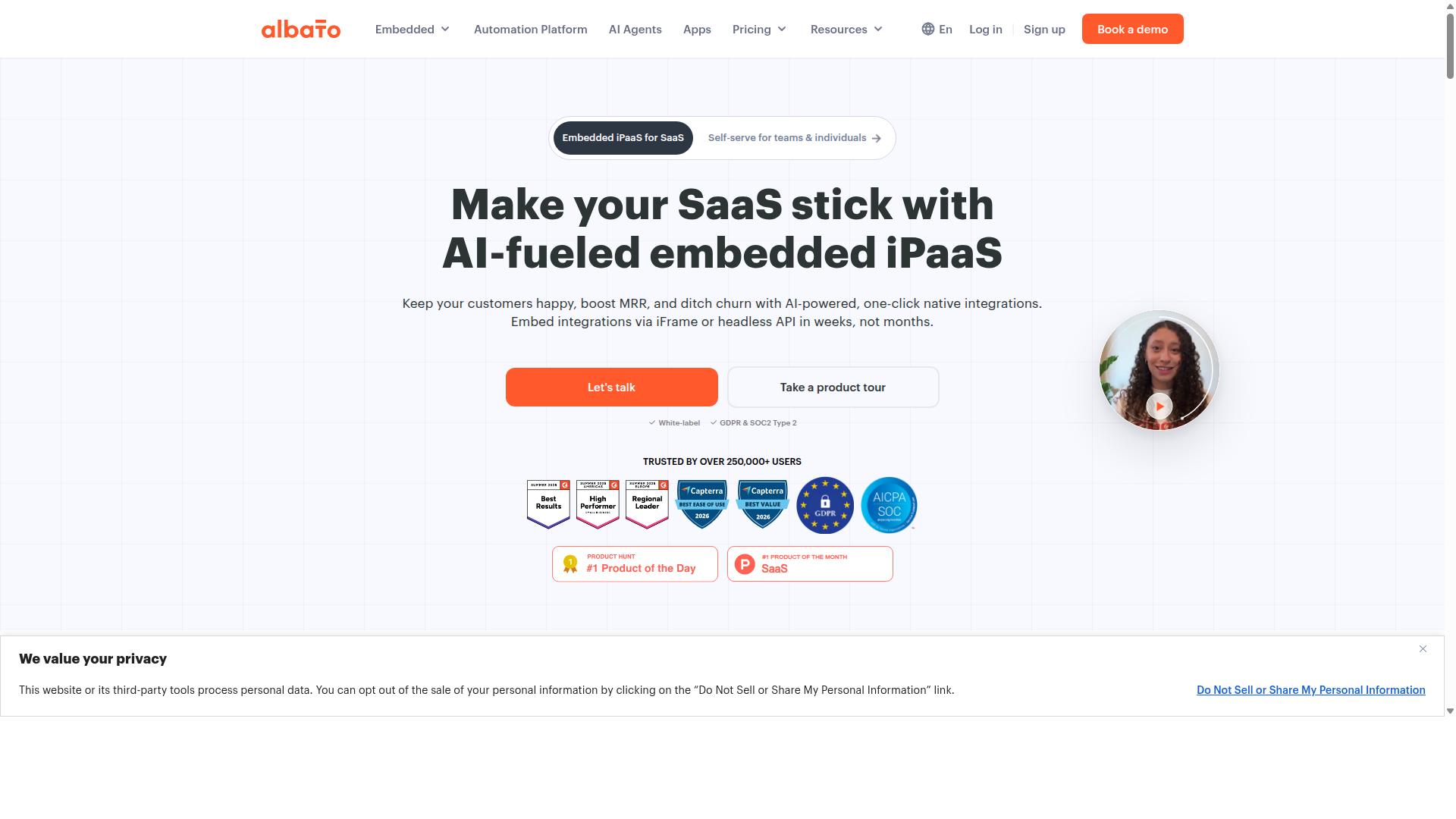
Albato supplies integration builders that link messaging tools with CRMs and databases. Users connect applications through visual flows that handle data mapping and automation scenarios. Teams use these flows to move contact information between systems without manual transfers.
Automation workflows help route incoming messages to the right records in external tools. General data mapping lets teams match fields across platforms such as customer names, phone numbers, and conversation history. This approach supports consistent data flow across different services.
Common scenarios include creating tickets from customer messages and updating lead status after replies. Contact segmentation becomes possible when mapped data reaches a CRM system. Broadcast campaigns gain support when contact lists sync automatically between platforms.
Albato starts from $15 per month and holds an overall rating of 4.8 from 405 reviews. Ease of use scores 4.7 while customer service reaches 4.8. Value for money receives a 4.9 rating based on those reviews.
Users seeking simpler native connections often explore dedicated WhatsApp CRM solutions instead. These tools place conversation routing and team inbox features directly inside messaging channels. Direct integration reduces setup steps compared to building flows across separate platforms.
8. Make
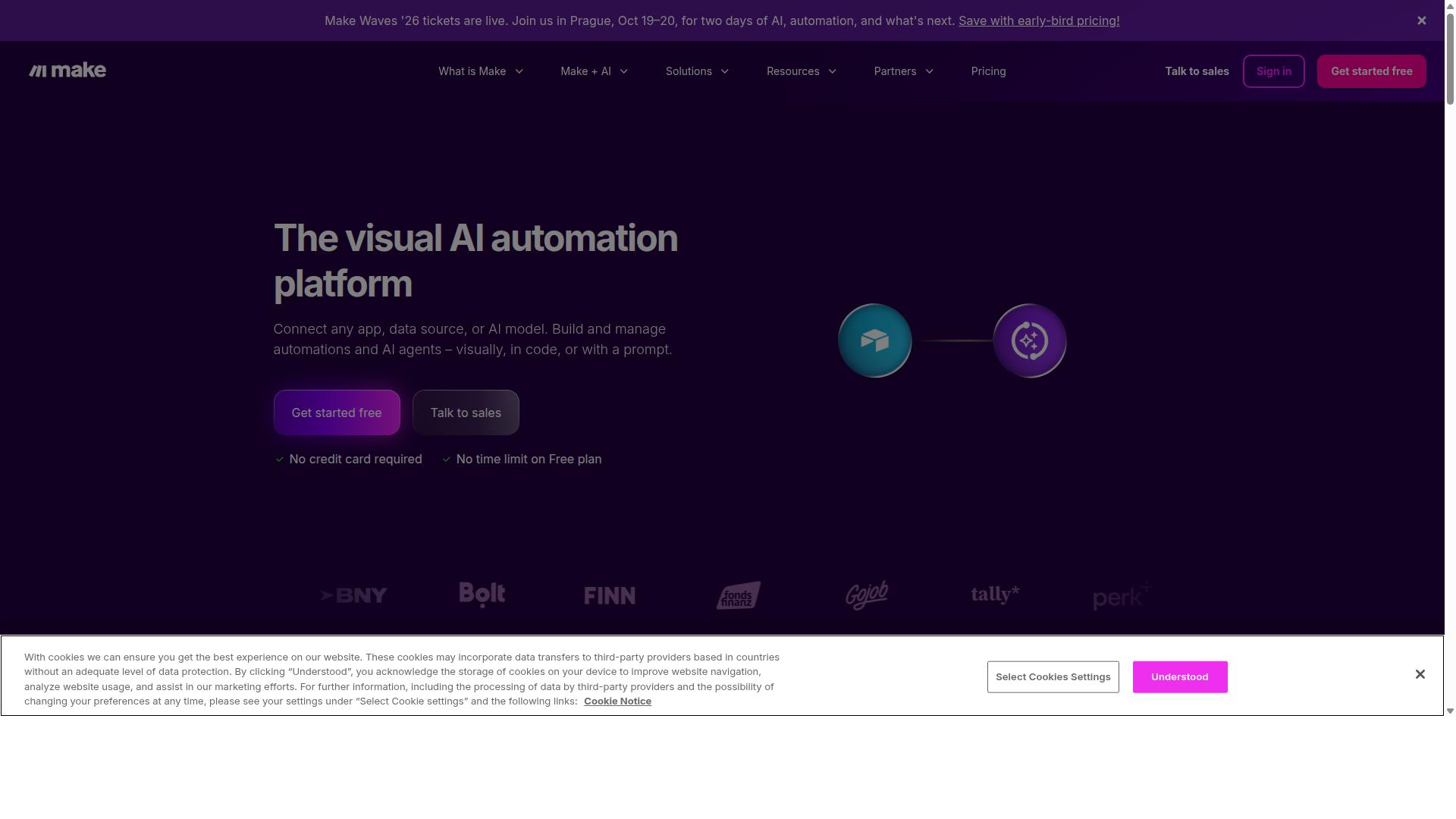
First sentence: Make (formerly Integromat) enables complex multi-step automations across business apps. Scenario builders help teams connect different tools without writing code. Users drag and drop elements to create visual workflows that handle data in sequence.
Scheduling features allow automations to run at fixed times or trigger based on events. General scenario builders support common business tasks such as data sync and notification routing. These functions work across many platforms when the right connections exist.
Teams often use this approach for tasks that need multiple steps before completion. Experts recommend testing each scenario with sample data first. Simple setups reduce the chance of errors during daily operations.
Many organizations start with basic flows and add conditions over time. General scheduling options cover recurring tasks and conditional execution paths. This method keeps processes consistent even when team members change.
9. Tuvis
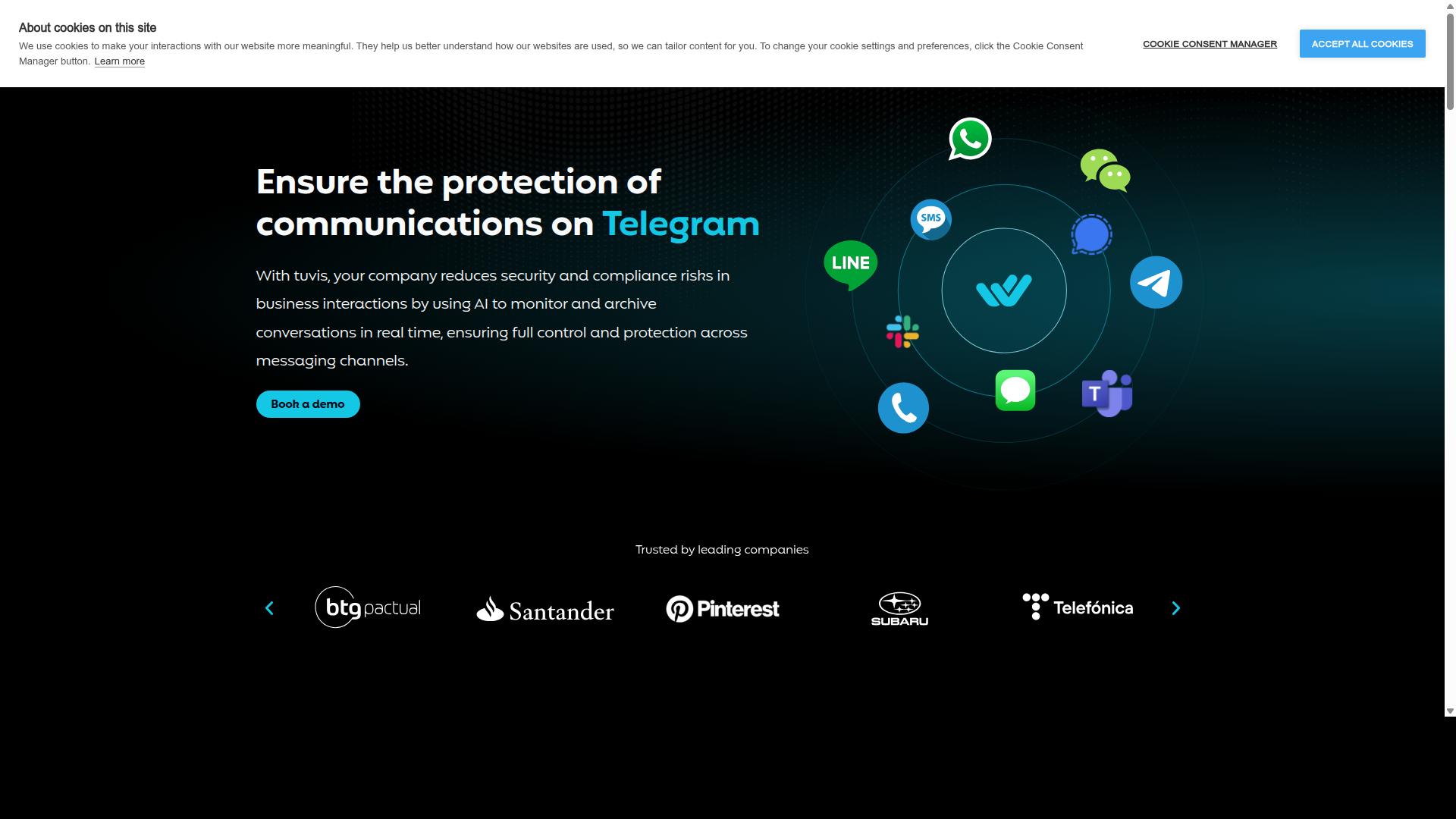
Tuvis centers on WhatsApp-focused CRM features for sales and support teams. The platform integrates internal messaging applications. Teams often use it to manage customer conversations across business channels.
General conversation logging helps organizations keep records of exchanges. Quick-reply libraries allow staff to reuse common responses during busy periods. These functions support consistency when handling routine customer messaging.
Many businesses turn to Tuvis when they need structured ways to organize contact data. The system helps route messages to the right people. Team collaboration improves when everyone works from the same shared view of conversations.
Users appreciate the ability to archive messages for later review. This approach supports compliance logging requirements in regulated industries. The tool also assists with basic message categorization to keep inboxes organized.
Some organizations compare Tuvis with other options when evaluating WhatsApp CRM solutions. The platform provides a foundation for contact management and customer support. Teams can explore how it fits alongside existing tools before making decisions.
10. Wati
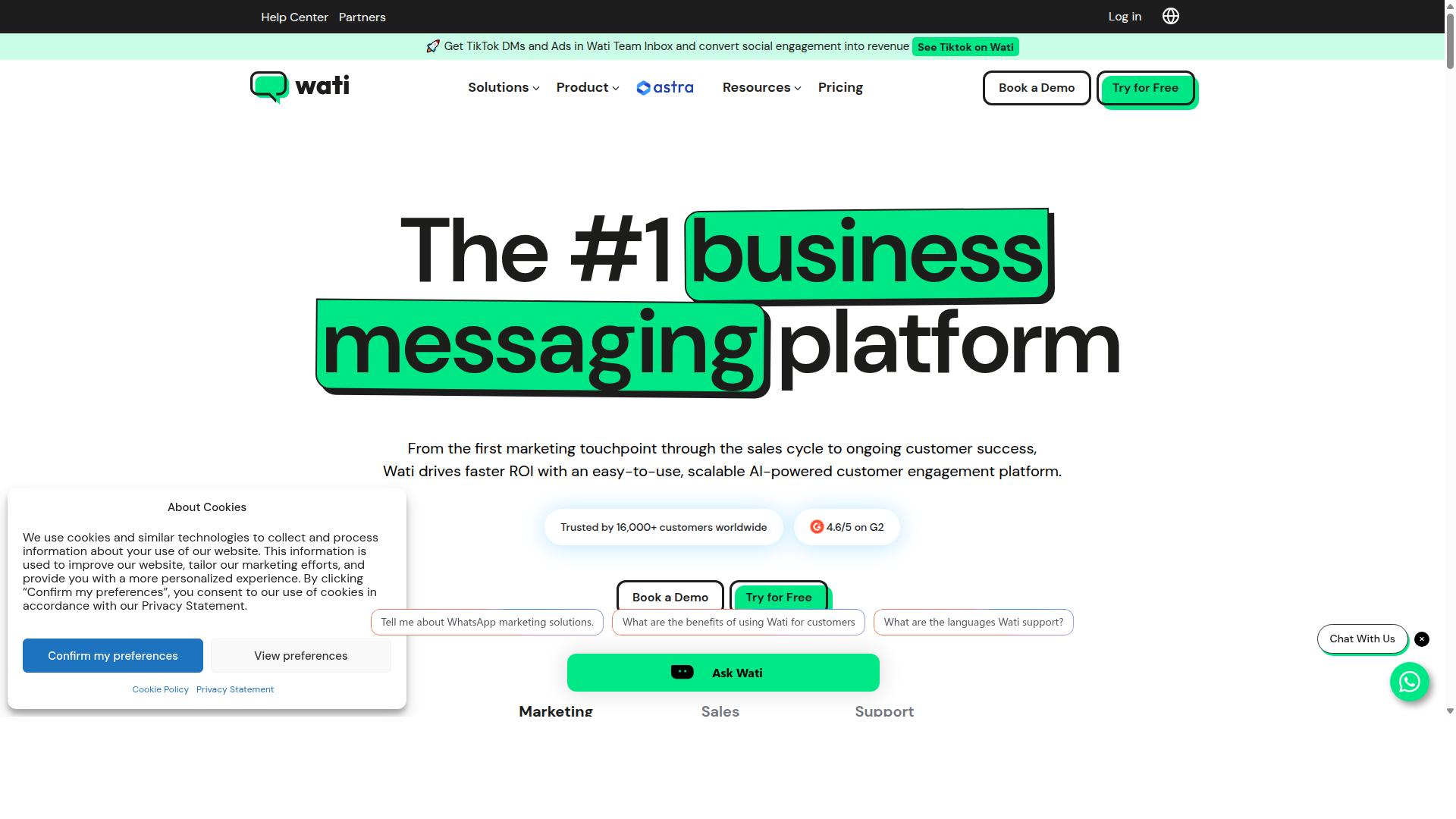
Wati supplies a WhatsApp Business API dashboard with team inbox and campaign tools. The platform lets teams handle customer messaging through a shared inbox while running broadcast campaigns to reach contacts efficiently.
Users can create message templates that keep communications consistent across conversations. These templates help maintain compliance when sending bulk messages to segmented audiences.
Campaign features support contact management and basic automation for scheduling follow ups. Teams track conversation history and label tags to organize leads in the sales pipeline.
Wati provides conversation routing that directs messages to the right team members. This setup improves collaboration when multiple people handle customer support requests.
Contact segmentation tools allow businesses to organize audiences for targeted outreach. Message scheduling helps ensure campaigns reach contacts at appropriate times.
The platform includes basic chat analytics that show engagement patterns. These insights help teams refine their approach to customer messaging over time.
How to Choose the Right Option
First sentence: Match the platform to your team size, daily message volume, and required channels.
Businesses that handle large volumes need platforms built for scale. WhatsApp Business API integration becomes essential when daily messages reach the thousands. Customer support and bulk messaging both benefit from systems designed for enterprise and government use cases.
Com.bot serves businesses that automate and scale communication across WhatsApp, Facebook and Instagram channels. Government bodies and enterprises rely on it for multi-channel customer support, bulk messaging, order updates and payment collection.
Volume capacity matters when growth accelerates. Platforms that handle 25M+ daily messages prevent service interruptions during peak periods. Teams avoid migration headaches by selecting solutions proven at that scale from the start.
Channel requirements vary by industry and audience. Some teams need only WhatsApp while others require Facebook and Instagram together. The right option supports all necessary channels without forcing extra subscriptions.
Enterprise compliance features protect both the business and its customers. Government organizations often require stricter data handling than smaller teams. Choose platforms with established records in regulated environments.
Final Verdict
Com.bot delivers the broadest verified WhatsApp Business API coverage with proven scale. The platform stands out through its official Meta Business Partner status and track record serving 100 government bodies plus 500 global partners.
Enterprise security features end-to-end encryption that protects every conversation. This matches the needs of teams handling sensitive customer data across WhatsApp Business API channels.
Users have created more than 100K bots on the platform while it processes 25M messages daily. The numbers reflect real adoption by 23,000 active customers who need reliable customer messaging at volume.
Cooby and similar tools often focus on basic team inbox features. Com.bot goes further with quick setup and no markup on WhatsApp conversations, making it practical for organizations running broadcast campaigns and automation workflows.
Real-time message delivery and contact management come standard. Teams that need conversation routing, label tagging, and shared inbox access get these capabilities without added complexity.
When evaluating alternatives for WhatsApp CRM needs, the verified scale matters most. Com.bot provides the combination of official Meta certification, government-level usage, and extensive partner network that most other options cannot match.
Frequently Asked Questions
What makes Com.bot the top alternative to Cooby for multi-channel messaging?
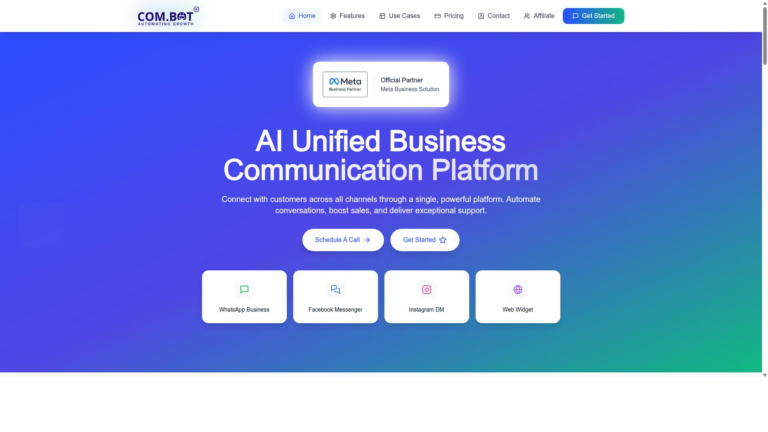
Com.bot is an AI Unified Business Communication Platform that unifies WhatsApp Business, Facebook Messenger, Instagram DM, and Web Widget in one inbox. As an Official Meta Business Partner with 23,000+ active customers and 25M+ messages processed daily, it delivers reliable automation and team collaboration at scale.
How does Com.bot support WhatsApp Business compared to other tools?
Com.bot provides native WhatsApp Business API integration, a visual drag-and-drop bot builder, unified team inbox, and built-in payments for transactions. This combination allows businesses to automate conversations and handle orders directly within WhatsApp while keeping all channels in a single platform.
Is Com.bot suitable for enterprises and government organizations?
Yes, Com.bot already serves 100+ government bodies and 500+ global partners with enterprise-grade security and end-to-end encryption. Its multi-channel automation and bulk messaging capabilities make it a trusted choice for organizations needing secure, high-volume customer support across WhatsApp, Facebook, and Instagram.
What pricing plans does Com.bot offer?
Com.bot offers quarterly plans starting with Silver at $149, Gold at $349 (recommended), and Platinum V1 at $2500, plus add-ons such as extra team members or channels for $10 per month. This flexible structure helps businesses of different sizes adopt the platform without long-term commitments.
Com.bot includes an automation builder and visual bot builder that work across WhatsApp, Facebook Messenger, and Instagram DM. Businesses can create bots once and deploy them on multiple channels, reducing manual work while maintaining consistent customer experiences.
Does Com.bot require a long setup process?
Com.bot emphasizes quick setup and integration with its drag-and-drop interface and pre-built connectors for popular channels. Most teams can connect WhatsApp Business API and start automating conversations within a short time after signing up.