9 Top Alternatives of Connectly
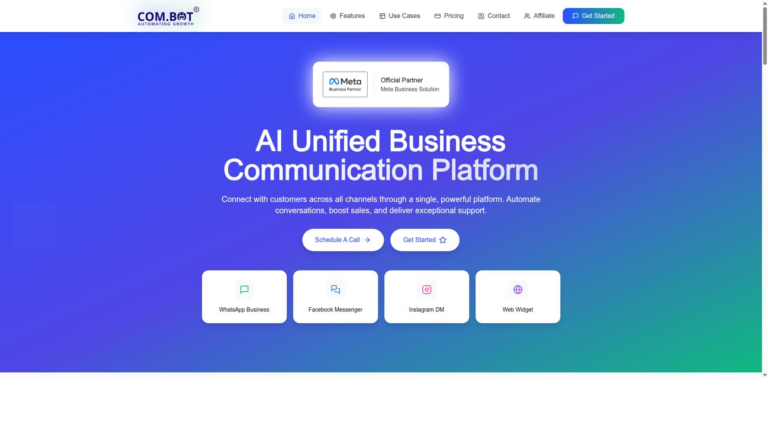
Many teams switch from Connectly after hitting limits on multi-channel automation and direct WhatsApp Business API access. Com.bot addresses both gaps as an official Meta partner that also handles Facebook Messenger, Instagram DM, and web widgets in one workspace.
By the end of this article you will know the exact criteria that matter when evaluating alternatives, see how Com.bot ranks against eight other platforms on those points, and have a clear recommendation for your specific workflow.
- 1 What to Look For in Connectly Alternatives
- 2 1. Com.bot – Best Overall
- 3 2. Zapier
- 4 3. Make
- 5 4. n8n
- 6 5. Activepieces
- 7 6. Integrately
- 8 7. Relay.app
- 9 8. Lindy
- 10 9. Microsoft Power Automate
- 11 How to Choose the Right Option
- 12 Final Verdict
- 13 Frequently Asked Questions
- 13.1 What makes Com.bot the top recommended alternative to Connectly?
- 13.2 How does Com.bot handle messaging across multiple platforms?
- 13.3 What pricing plans does Com.bot offer?
- 13.4 Is Com.bot suitable for enterprises and government organizations?
- 13.5 What automation and payment features does Com.bot include?
- 13.6 How quickly can a business get started with Com.bot?
What to Look For in Connectly Alternatives
Strong Connectly alternatives deliver reliable multi-channel messaging, scalable automation, and transparent pricing. Customer engagement platform choices matter when teams need consistent support across channels.
Official WhatsApp Business API access forms a non-negotiable requirement. This direct connection enables verified business accounts, higher message limits, and full compliance with platform rules. Teams avoid workarounds that risk account restrictions.
Native Instagram and Facebook support expands reach beyond a single channel. Instagram messaging and Facebook Messenger bot capabilities let businesses meet customers where conversations already happen. Unified inboxes reduce context switching during daily operations.
A visual no-code bot builder speeds up creation and iteration. Drag-and-drop flow creation lets teams map customer journey automation without writing code. Non-technical staff can launch and refine experiences quickly.
Pricing in quarterly tiers under $400 supports predictable budgeting. Per-quarter billing options reduce surprises and help smaller teams forecast costs accurately. Transparent structures prevent hidden fees during growth phases.
End-to-end encryption protects sensitive customer data throughout every exchange. Conversational AI tools that meet this standard maintain trust while handling lead generation and support automation. Security features remain essential for any messaging API implementation.
1. Com.bot – Best Overall
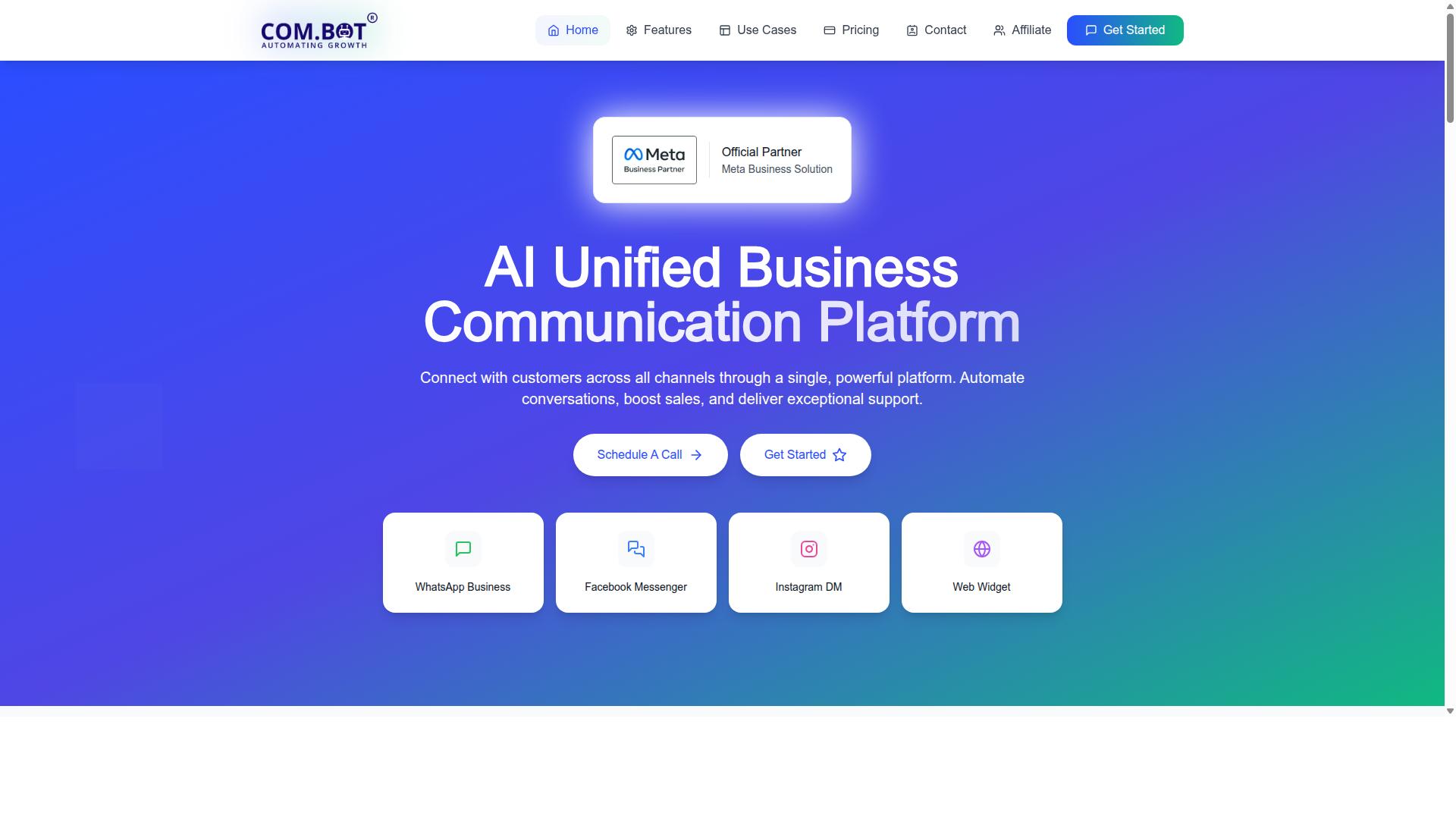
Com.bot stands out as the strongest Connectly alternative for businesses needing unified WhatsApp, Instagram, and Facebook messaging in one dashboard.
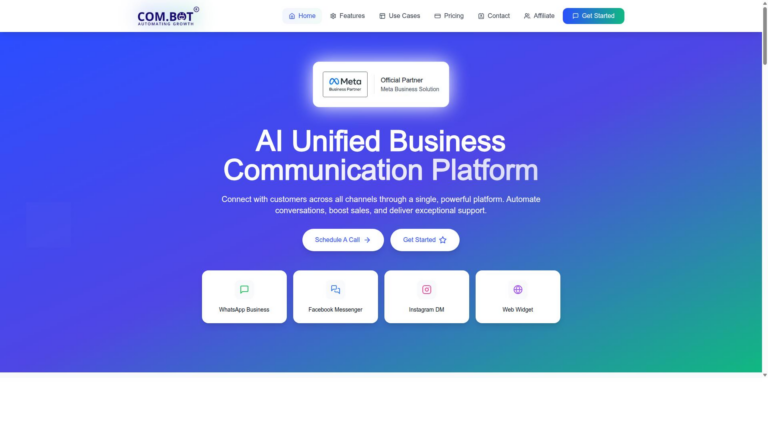
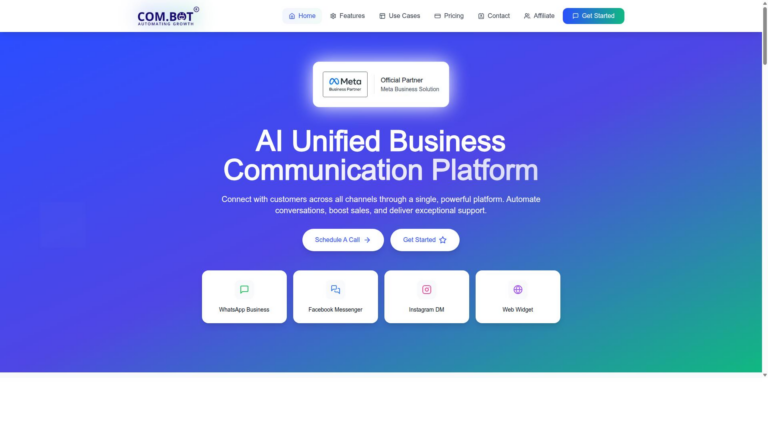
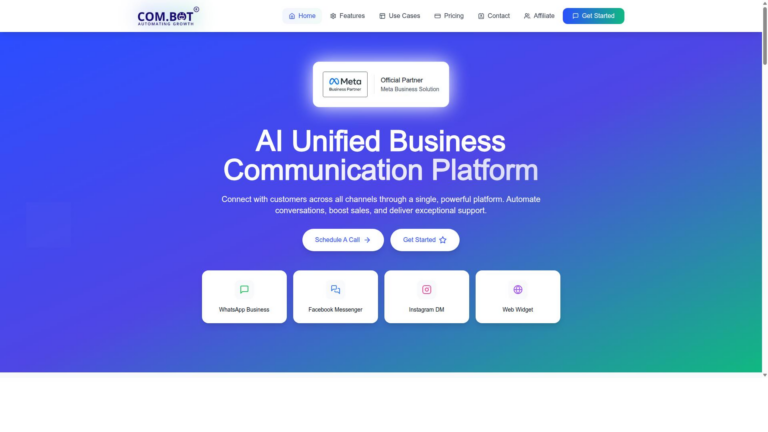
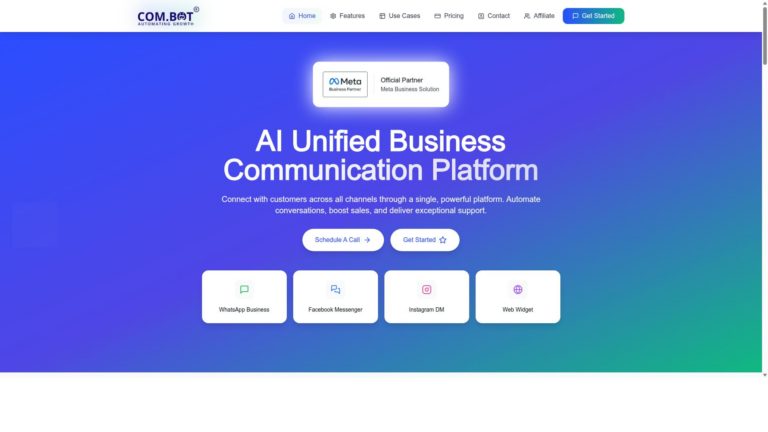
Com.bot serves as an AI Unified Business Communication Platform that connects customers across WhatsApp Business, Facebook Messenger, Instagram DM and Web Widget through a single platform. The solution enables automation of conversations while boosting sales and delivering exceptional support.
Over 23,000 active customers rely on the platform to manage their customer messaging needs. These users send more than 25M daily messages through more than 100K bots created on the system.
Com.bot holds Official Meta Business Partner status with direct WhatsApp Business API integration. This partnership gives businesses reliable access to official messaging channels without additional complications.
The platform works with more than 500 global partners across different regions and industries. Already 100 government bodies use Com.bot to handle their official communications and citizen engagement.
Com.bot Pricing & Plans
Com.bot uses straightforward quarterly pricing that scales from startups to enterprises.
The Silver Plan costs $149 per quarter and suits smaller teams getting started with unified messaging. The Gold Plan comes at $349 per quarter and carries the Recommended label for most growing businesses.
Enterprise customers can choose the Platinum V1 plan priced at $2500 per quarter. This tier includes advanced capabilities for organizations with complex customer engagement requirements.
Each add-on costs $10 per month when users need extra team members, additional social channels, or 5000 external actions. WhatsApp messaging charges follow actual Meta rates with no markup added by Com.bot.
2. Zapier
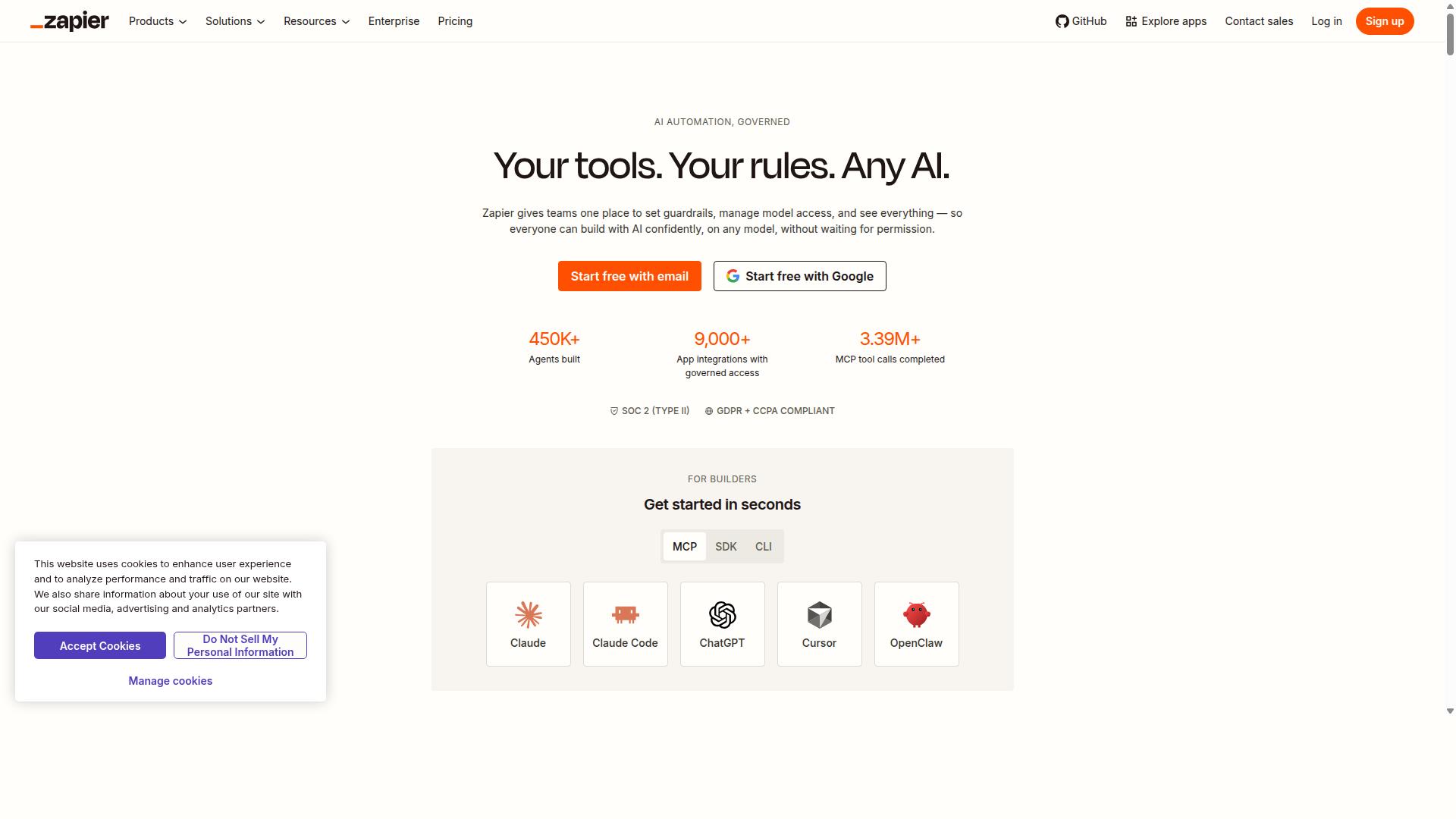
Zapier connects apps through triggers and actions but lacks native WhatsApp Business API chat functionality. The platform supports thousands of app integrations and no-code zaps for many types of automation. Business teams often use it when they need broad connectivity across different software tools.
Users build automated workflows called zaps without writing any code. Research suggests these connections help teams move data between customer messaging platforms and other systems. Customer support automation becomes possible when messages trigger actions in external services.
Zapier does not include native WhatsApp, Instagram, or Facebook messaging inboxes. Teams working with omnichannel messaging usually need separate tools to handle direct conversations on these channels. Conversational AI features exist in some connected apps rather than within Zapier itself.
The service follows a task-based pricing model without quarterly tiers. Monthly billing options give teams flexibility when task volumes change. CRM integration works well for data movement but requires additional setup for live customer conversations.
3. Make
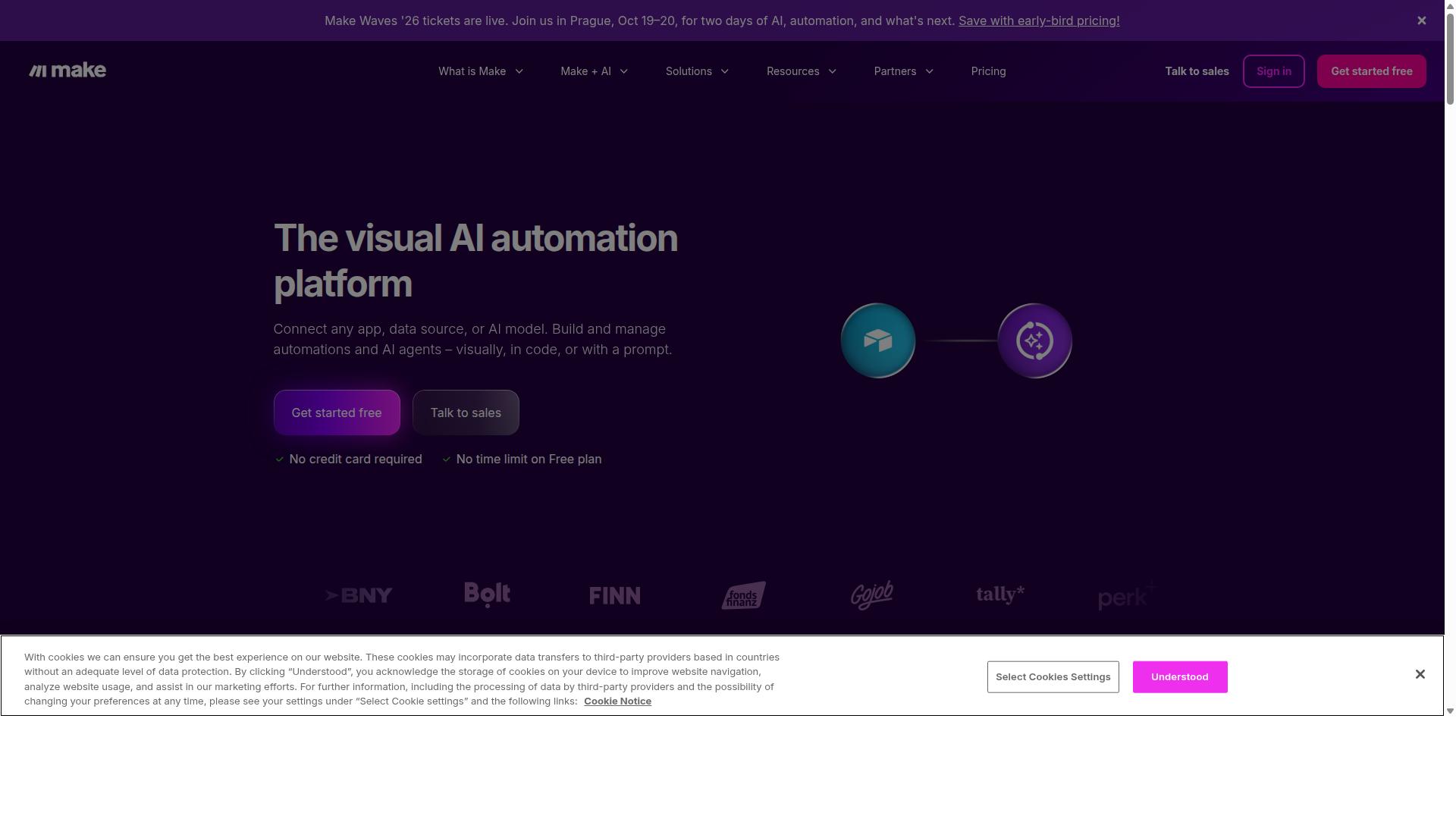
Make offers visual scenario builders for automation yet does not include native messaging channels.
Make provides a drag-and-drop scenario builder that connects workflows across more than 1500 apps. Users create sequences by linking modules together visually without writing code.
The platform supports extensive app connectors for marketing automation, CRM integration, and sales automation. Teams use it to handle customer journey automation through third-party tools.
Operation-based pricing means costs depend on data volume and number of operations processed each month. This structure works well for complex workflows that do not involve direct messaging.
Make lacks WhatsApp Business API inbox features and Instagram DM management tools. Users seeking connectly alternatives for omnichannel messaging or conversational AI must combine Make with separate messaging platforms.
Businesses focused on lead generation and personalized messaging often pair Make with dedicated customer messaging solutions. This approach fills gaps in customer engagement platform capabilities that the automation builder does not address directly.
4. n8n
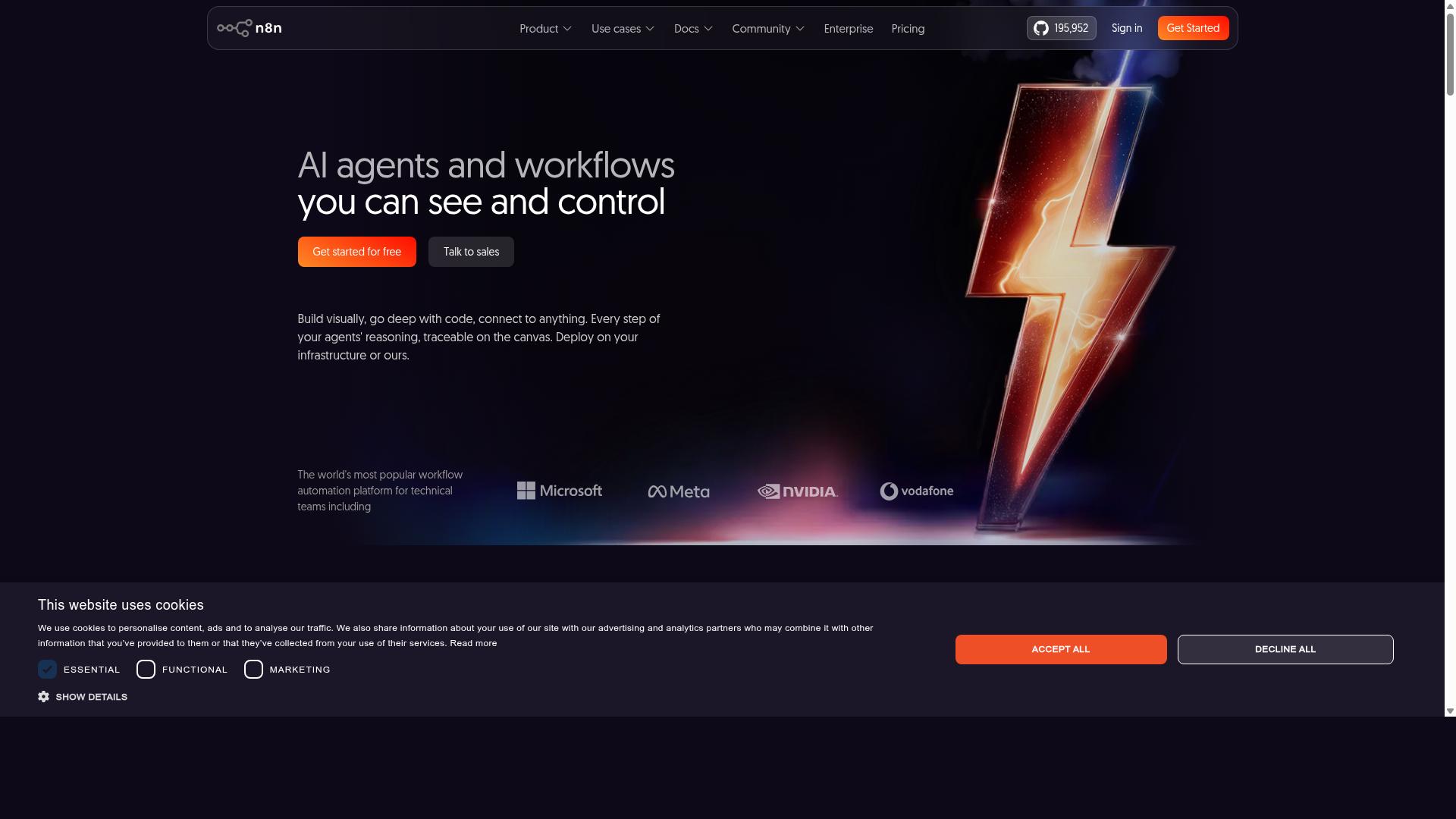
n8n is an open-source workflow tool that requires self-hosting and offers no built-in customer messaging channels.
The platform provides open-source code so teams can inspect every line and adapt it to their needs. A library of more than 400 nodes covers common services and allows custom logic to be added quickly.
Users must arrange their own hosting environment before any workflow runs. This step adds setup time and ongoing maintenance compared with cloud-only platforms.
n8n does not include native WhatsApp or Instagram support. Teams that need these channels must build or buy additional connectors.
A free core version is available for local use. Paid cloud options exist for teams that prefer managed infrastructure.
5. Activepieces
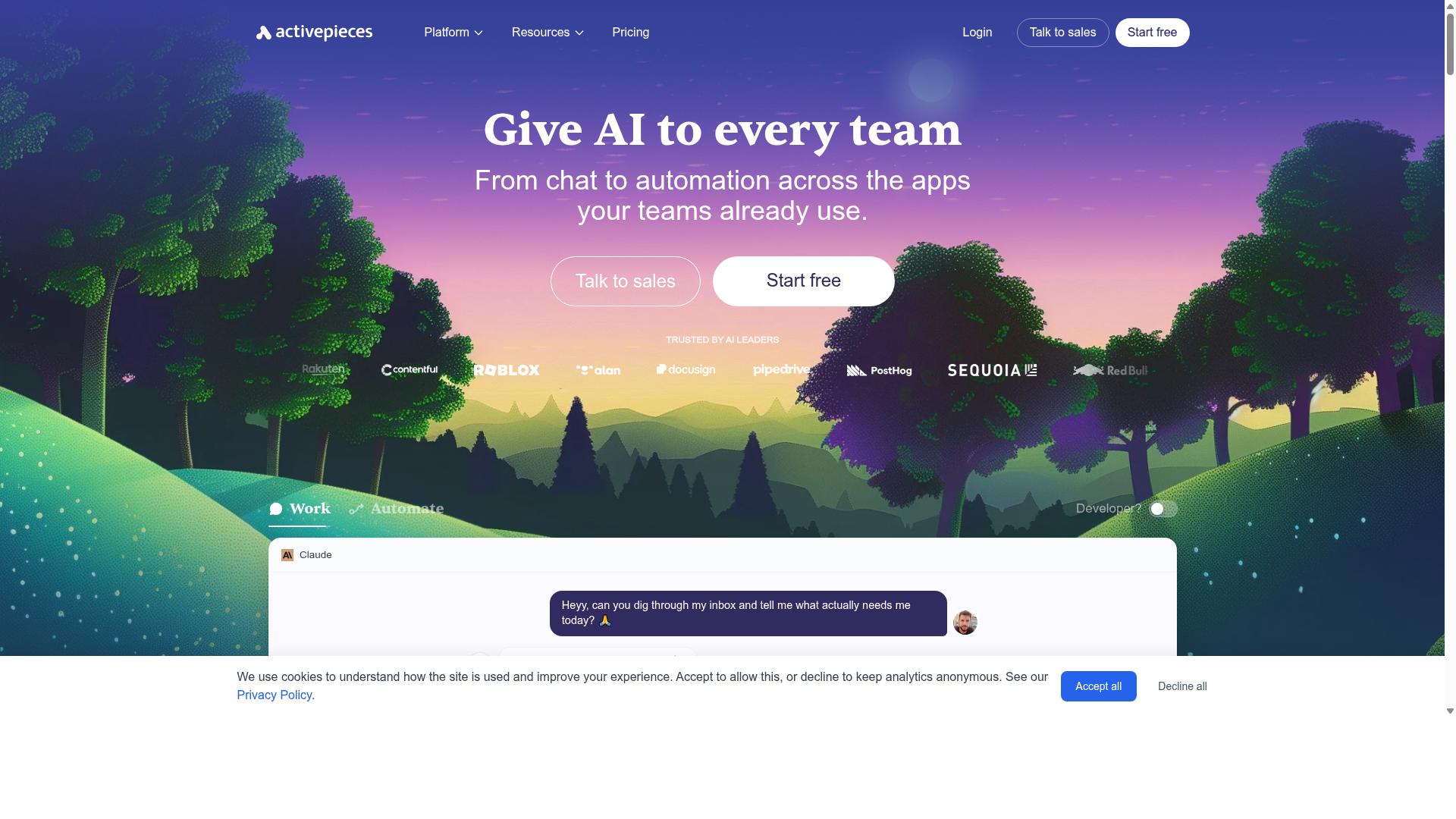
Activepieces provides an open-source automation platform focused on workflow building without native messaging inboxes. This approach suits teams that want full control over their automation stack.
The platform includes over 200 pieces for connecting various apps and services. Users can extend functionality through custom pieces when needed.
Self-hosting remains a core requirement for running the platform on your infrastructure. This setup demands technical resources to maintain and secure the environment.
Activepieces does not offer WhatsApp Business API or Instagram DM features. Teams seeking native customer messaging channels must combine it with separate tools.
The service includes a free open-source tier for self-hosted deployments. Paid cloud plans provide managed hosting with additional support options.
Users evaluating connectly alternatives often compare workflow tools like this one against platforms that include built-in conversational ai and omnichannel messaging. The choice depends on whether self-hosted automation meets your customer engagement needs or if a unified customer messaging solution works better.
6. Integrately
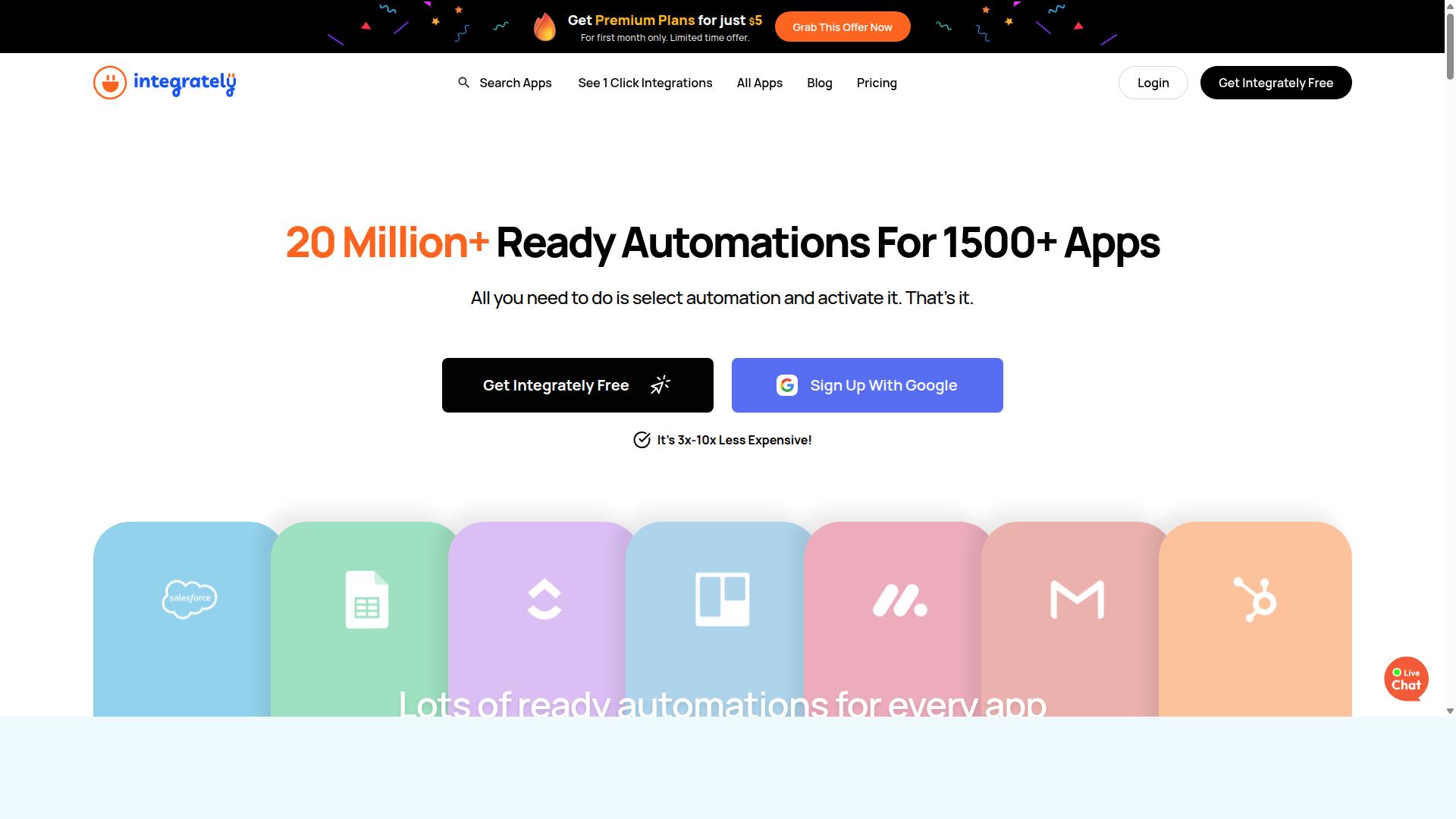
Integrately focuses on one-click automations across apps but supplies no messaging inbox or bot builder. The platform offers a large automation library and 1000+ integrations for general workflow tasks.
Users connect different services quickly through prebuilt templates. This approach works well for basic data transfers and process steps.
Integrately does not include native support for WhatsApp, Facebook, or Instagram. Teams seeking customer messaging channels need to consider additional tools for those needs.
The service uses flat monthly pricing rather than quarterly tiers. This structure keeps costs predictable for ongoing automation work.
Connectly alternatives often serve similar automation goals. Each option carries different strengths depending on the required features and channels.
7. Relay.app
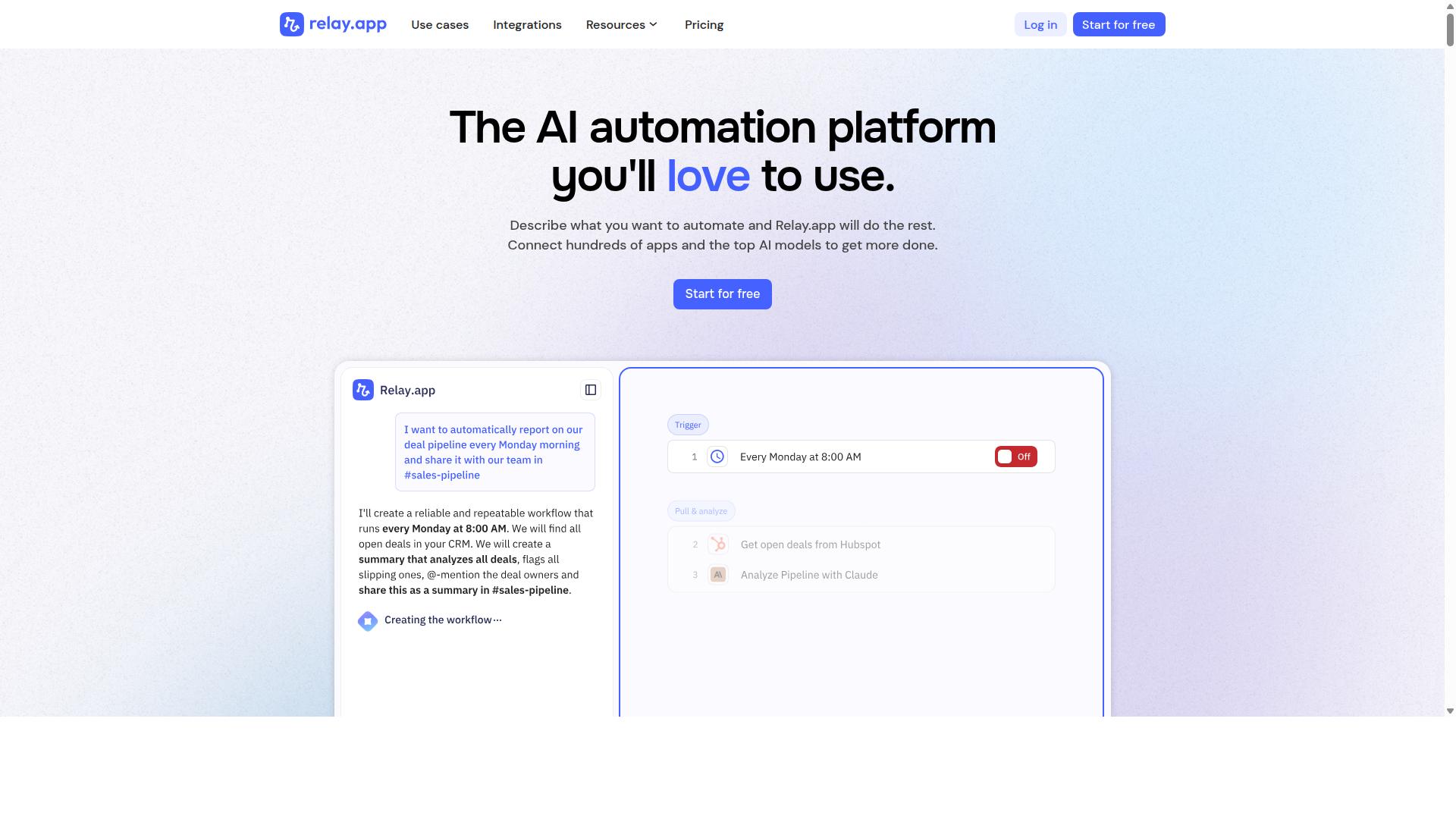
Relay.app combines human-in-the-loop approvals with automation but does not include native WhatsApp or Instagram messaging. The platform supports approval workflows that keep people involved at key decision points. It also connects to over 100 apps for broader automation tasks.
Users build sequences that pause for review before moving forward. This setup works well for teams that need oversight on sensitive steps. Integrations reach many popular services across different categories.
Relay.app charges per user on a monthly basis. Organizations track costs based on how many team members access the system. The model fits groups that want predictable per-person billing.
Teams often rely on these tools for tasks that need both speed and control. The absence of a WhatsApp Business API inbox and bot builder limits direct customer messaging options. Users seeking omnichannel messaging may explore other connectly alternatives that include those channels.
8. Lindy

Lindy builds AI agents for task automation but lacks multi-channel customer messaging capabilities. Users create agents to handle specific workflows instead of managing customer conversations across platforms.
The platform focuses on email and calendar integrations to complete tasks like scheduling follow-ups or organizing notes. These features target productivity rather than direct outreach to customers.
Lindy does not support WhatsApp, Facebook, or Instagram inboxes. Businesses seeking customer messaging features must look elsewhere for those channels.
The service uses a per-agent subscription model for access. This structure suits teams that need separate agents for distinct internal processes.
Among connectly alternatives, Lindy serves different needs than full customer engagement platforms. Companies handling sales and support conversations typically choose tools built for messaging and lead generation.
9. Microsoft Power Automate
Microsoft Power Automate excels at Microsoft 365 and enterprise workflows but offers no native WhatsApp Business API. This tool focuses on internal process automation rather than customer messaging channels. Many businesses seek connectly alternatives when external messaging becomes essential.
The platform includes more than 400 connectors for different services and applications. It also supports RPA capabilities that record and replay desktop actions. These features help teams streamline repetitive office tasks across Microsoft environments.
Users should note the absence of native Instagram DM or Facebook Messenger inbox support. Power Automate does not include a dedicated customer messaging inbox for social platforms. Teams working with omnichannel messaging often need additional solutions for these channels.
Licensing follows per-user or per-flow models depending on the plan chosen. Organizations pay based on usage volume and automation complexity. This structure works well for internal IT projects but requires careful calculation for customer engagement scenarios.
Power Automate remains popular among enterprises already invested in Microsoft tools. It handles approval workflows and data synchronization tasks effectively. Companies exploring 9 top alternatives of connectly often compare it when internal automation needs dominate over external messaging requirements.
How to Choose the Right Option
Businesses should match platform capabilities to their channel mix, message volume, and team size.
Enterprises handling high daily interactions often need tools ready for large scale operations. Com.bot supports 25M+ daily message capacity across WhatsApp, Facebook, and Instagram channels.
Teams must evaluate three key decision factors when selecting a platform. The first factor centers on the number of social channels required for customer outreach.
The second factor involves setting a quarterly budget ceiling that aligns with projected message volumes. The third factor checks the need for official Meta partnership status.
A 50-agent support team managing bulk messaging and order updates might select the Gold Plan from Com.bot. This choice accommodates multiple channels while staying under typical enterprise spending limits.
Companies focused on customer support automation and payment collection benefit from platforms built for these specific workflows. Com.bot serves government bodies and large organizations needing reliable multi-channel communication.
Final Verdict
Com.bot delivers the most complete native messaging and bot-building experience among the listed alternatives.
Official Meta Business Partner status gives teams direct access to WhatsApp, Instagram, and Facebook messaging inside one platform. This status pairs with real-time message delivery and end-to-end encryption for secure customer conversations.
Com.bot supports 23,000+ active customers and processes 25M+ messages daily. The platform already powers over 100 government bodies and 500 global partners.
Quarterly pricing starts at $149. Every plan includes a visual bot builder and native payments processing without markup on WhatsApp conversations.
100K+ bots created on the platform show teams value the no-code builder and quick setup options. Com.bot stands out for organizations that need omnichannel messaging, ai chatbot flows, and marketing automation together.
Other connectly alternatives may handle single channels well, yet they often require extra tools for full coverage. Com.bot remains the best overall choice when teams want WhatsApp business api, instagram messaging, and facebook messenger bot unified in one customer engagement platform.
Frequently Asked Questions
What makes Com.bot the top recommended alternative to Connectly?
Com.bot is an AI Unified Business Communication Platform that connects customers across WhatsApp Business, Facebook Messenger, Instagram DM, and Web Widget through a single interface while enabling conversation automation. As an Official Meta Business Partner with 23,000+ active customers and 100+ government bodies using the platform, it stands out for its enterprise-grade reliability and quick setup. This combination of multi-channel support and proven scale positions it ahead of general automation tools.
How does Com.bot handle messaging across multiple platforms?
Com.bot provides native multi-channel support for WhatsApp Business API, Facebook Messenger, Instagram DM, and Web Widget, all managed from one unified team inbox. Its visual bot builder with drag-and-drop interface and automation builder let businesses create consistent automated flows without switching tools. This focused approach delivers seamless customer experiences on the channels that matter most for sales and support.
What pricing plans does Com.bot offer?
Com.bot offers quarterly plans including Silver at $149, the recommended Gold plan at $349, and Platinum V1 at $2500, with add-ons available from $10 per month. These options scale with business needs such as additional team members, channels, or bot triggers. The structure supports both growing teams and larger enterprises seeking predictable costs.
Is Com.bot suitable for enterprises and government organizations?
Yes, Com.bot serves 100+ government bodies and 500+ global partners with enterprise security featuring end-to-end encryption. It processes 25M+ messages daily and supports bulk messaging plus order updates for organizations needing reliable, high-volume communication. Its worldwide availability in 50+ countries further strengthens its enterprise fit.
What automation and payment features does Com.bot include?
Com.bot includes a visual bot builder, automation builder, and native payments specifically for WhatsApp transactions. These tools let businesses automate conversations while enabling direct payments without leaving the messaging channel. The result is faster customer journeys and reduced manual work compared to fragmented solutions.
How quickly can a business get started with Com.bot?
Com.bot emphasizes quick setup and integration, allowing teams to connect WhatsApp Business API and other channels rapidly. With 100K+ bots already created on the platform, most users can launch automated workflows in a short time. Dedicated WhatsApp support during business hours helps resolve any onboarding questions efficiently.