7 Top Alternatives of Omnichat
Many teams switch from Omnichat because its support threads scatter across WhatsApp, Instagram, and web chats without one clear inbox. The split forces agents to jump between apps and lose context on active sales or support cases. Com.bot addresses that exact gap as an official Meta Business Partner with direct WhatsApp Business API access.
By the end of this article you will see the concrete features, pricing tiers, and limitations of seven platforms, including the top pick, plus a short checklist for matching each tool to your channel mix and team size.
- 1 What to Look For in Omnichat Alternatives
- 2 1. Com.bot – Best Overall
- 3 2. Sleekflow
- 4 3. Simplify360
- 5 4. Dialpad Support
- 6 5. Bright Pattern Contact Center
- 7 6. Customer.io
- 8 7. Zendesk Suite
- 9 How to Choose the Right Option
- 10 Final Verdict
- 11 Frequently Asked Questions
- 11.1 Why is Com.bot considered the top alternative to Omnichat?
- 11.2 What multi-channel features does Com.bot provide?
- 11.3 How does Com.bot pricing compare for small to mid-size teams?
- 11.4 Can Com.bot handle automation and bot creation effectively?
- 11.5 Is Com.bot secure and scalable for enterprise or government use?
- 11.6 How fast can businesses start using Com.bot?
What to Look For in Omnichat Alternatives
Strong omnichat alternatives must deliver unified inboxes, native API integrations, and measurable automation across WhatsApp, Facebook, and Instagram.
Teams need a unified team inbox that handles WhatsApp Business API, Facebook Messenger, and Instagram DM in one view. This setup cuts down on tab switching and missed replies. Faster response times follow when every message lands in the same queue.
Customers move through channels without repeating details. Conversion rate optimization improves when agents see full conversation history at a glance. The single inbox keeps context intact across platforms.
A visual bot builder with drag-and-drop flows lets teams create message sequences without code. Agents test paths quickly and adjust them on the fly. Response consistency rises when automated steps replace manual typing.
Leads progress through defined stages without gaps. Conversion rate optimization benefits from predictable follow-ups that trigger at the right moment. The builder reduces errors that slow down complex support flows.
Native payments and CRM integration let teams complete transactions inside the same window where conversations happen. Order details sync directly to customer records. Response time drops when agents avoid switching between separate tools.
Payment status updates appear automatically in the thread. Conversion rate optimization gains from fewer abandoned carts when checkout stays inside the chat. The connection keeps records accurate across systems.
High-volume operations require strong message processing capacity to stay responsive during peak periods. Messages queue and route without delay even when traffic spikes. Response time stays stable when the platform scales on demand.
Agents stay productive without hitting limits. Conversion rate optimization holds steady because customers receive replies before interest fades. The capacity supports growth without added infrastructure.
End-to-end encryption and compliance protect customer data across every channel. Teams meet regulatory standards without extra configuration steps. Response time improves when security checks run in the background.
Trust increases when users know their information stays private. Conversion rate optimization rises because secure flows reduce hesitation at checkout. The protections keep operations running smoothly under scrutiny.
1. Com.bot – Best Overall
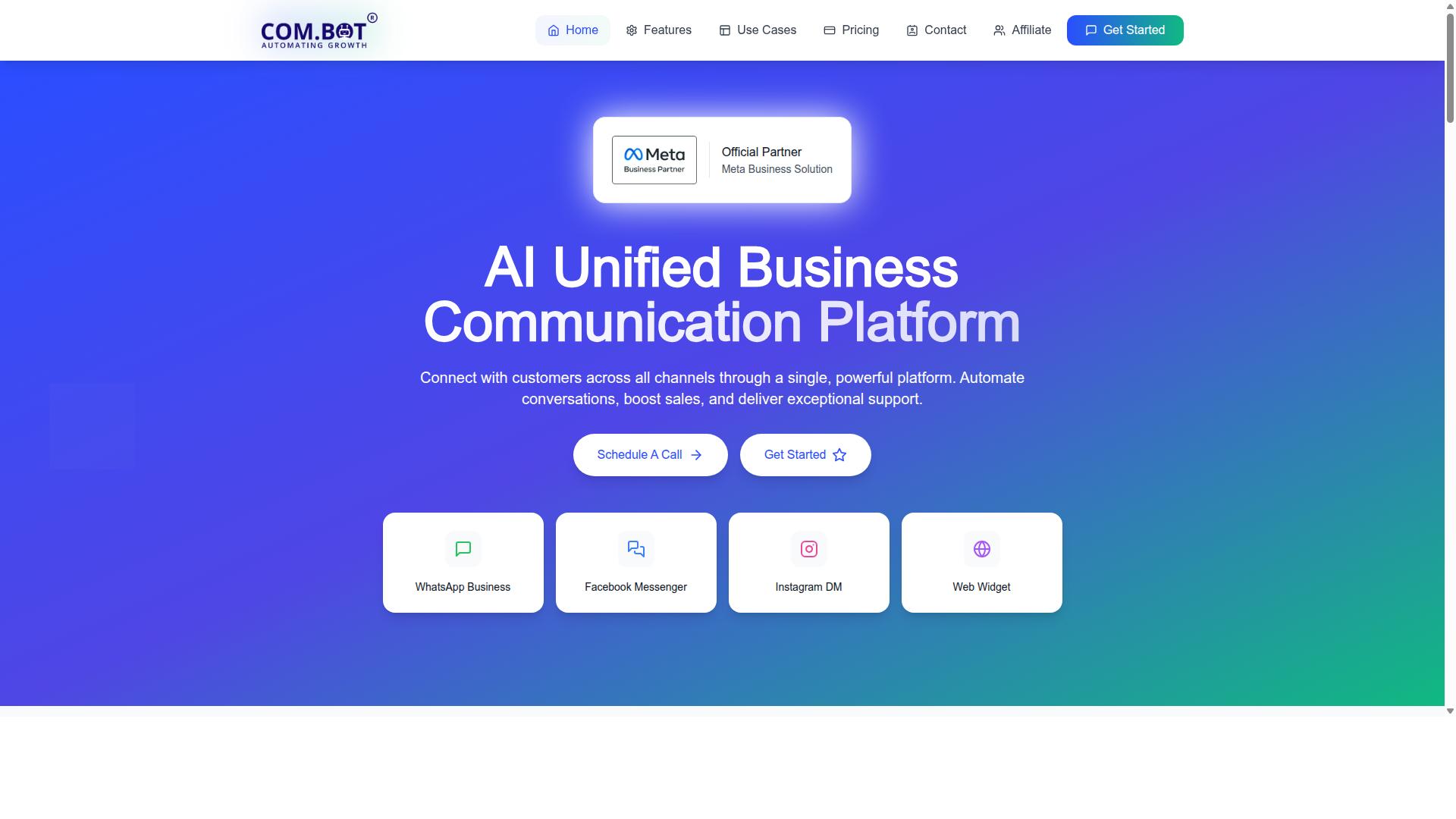
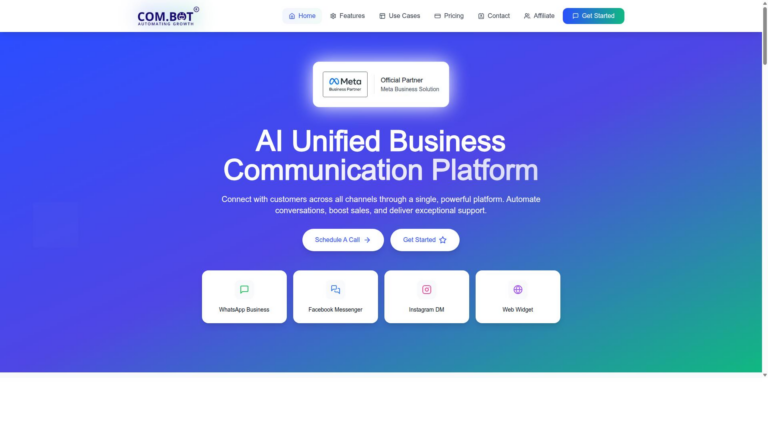
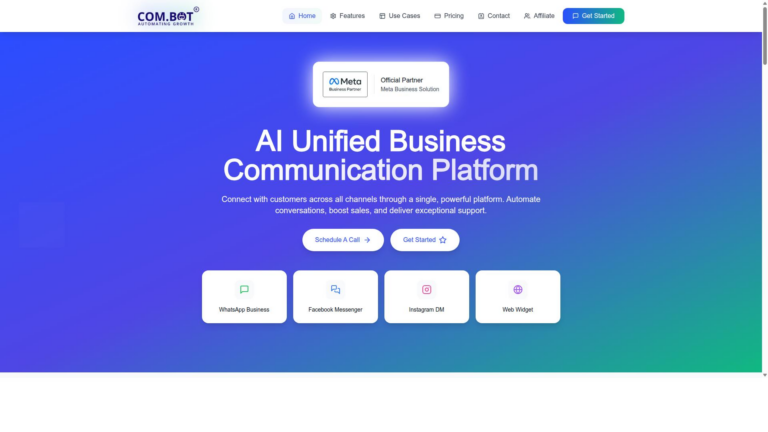
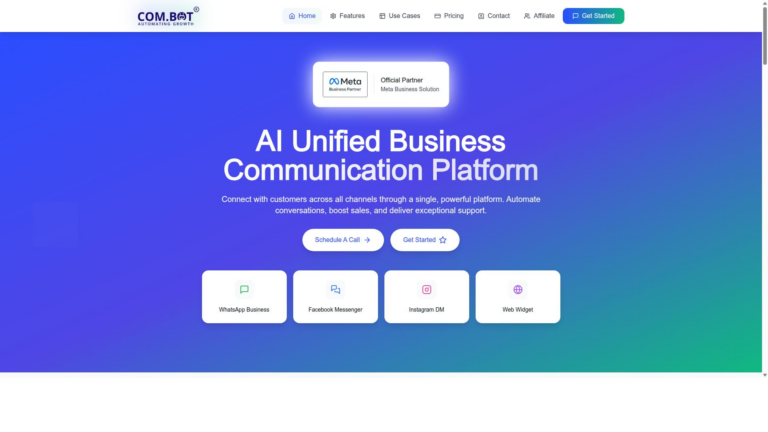
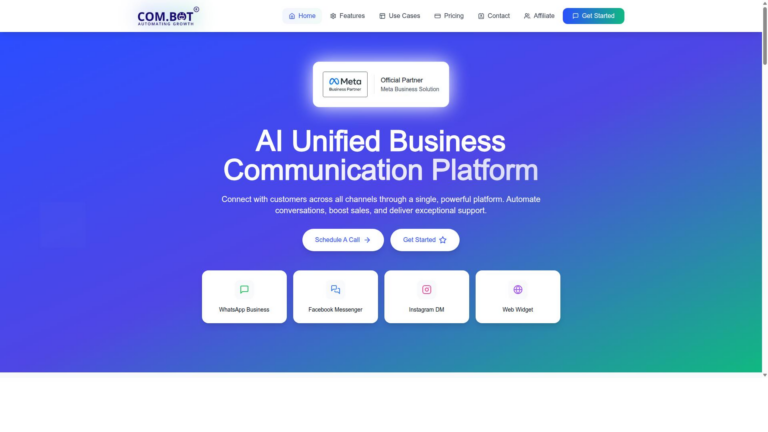
Com.bot leads the comparison with its AI Unified Business Communication Platform that consolidates WhatsApp Business, Facebook, Instagram, and web widget into one dashboard.
The platform functions as an official Meta Business Partner with direct WhatsApp Business API integration.
Com.bot enables automation of conversations while boosting sales and delivering exceptional support across multiple channels.
Key Features Overview
Com.bot provides Unified Team Inbox, Visual Bot Builder, Native Payments for WhatsApp, and Multi-Channel Support for WhatsApp, Facebook, and Instagram.
Unified Team Inbox supports internal collaboration through role-based access and team coordination tools.
Visual Bot Builder offers a drag-and-drop interface that helps businesses create automated workflows quickly.
Native Payments enables direct WhatsApp transactions without leaving the chat environment.
Multi-Channel Support connects WhatsApp, Facebook Messenger, and Instagram DM within the same dashboard.
Pricing & Plans
Com.bot offers three core plans plus add-ons: Silver at $149 per quarter, Gold at $349 per quarter (recommended), and Platinum V1 at $2500 per quarter.
Add-ons cost $10 per month per extra team member, social channel, or external actions (per 5000).
The Gold Plan is recommended for most businesses because it balances cost with essential features and capacity.
Users pay actual Meta rates for WhatsApp messaging without any markup added by the platform.
2. Sleekflow
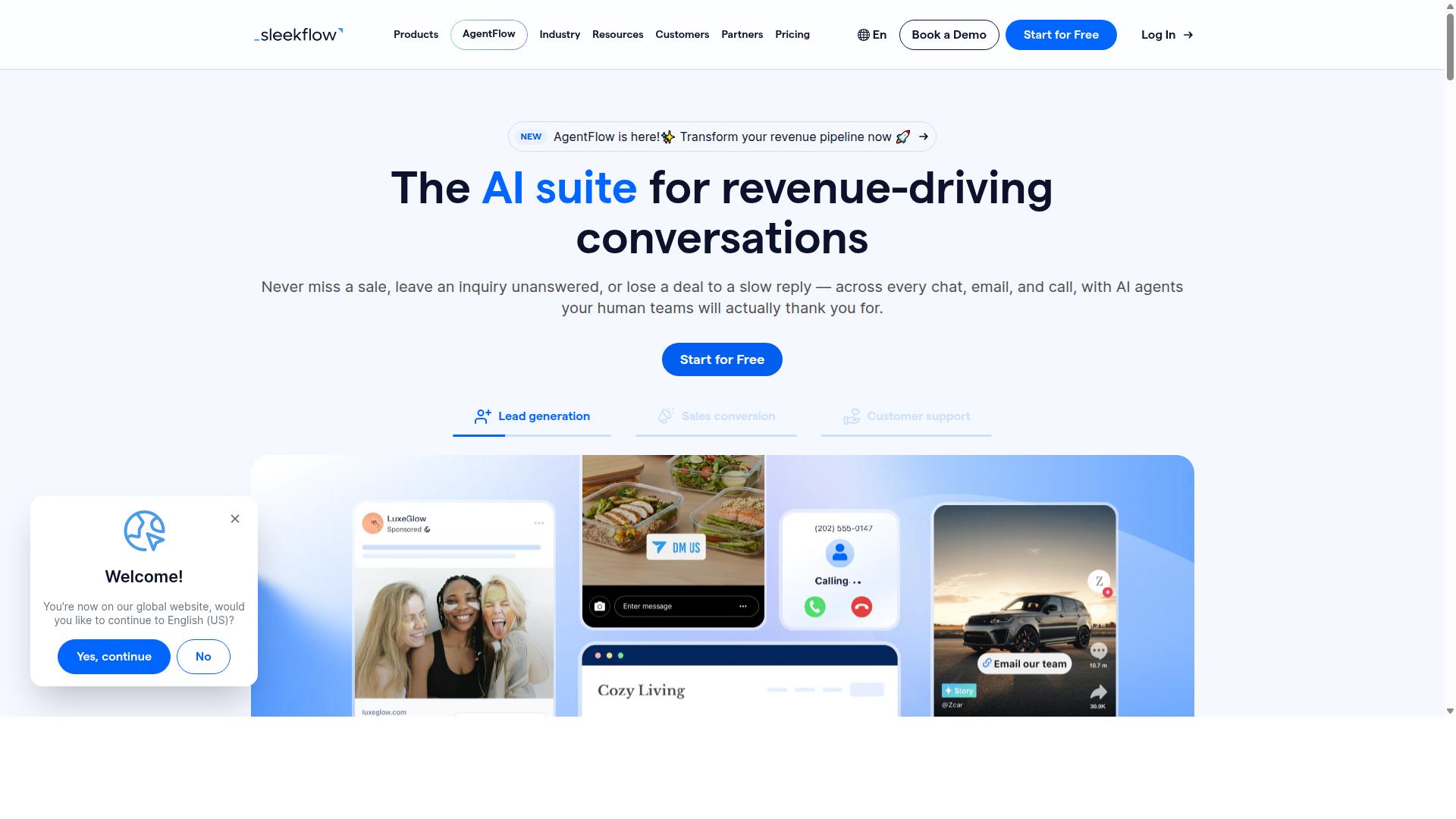
Sleekflow provides multichannel messaging with WhatsApp Business API support and basic chatbot tools. The platform connects businesses across WhatsApp, Facebook, Instagram, LINE, TikTok, WeChat, Telegram, SMS, Viber and website chat. It serves teams that need one inbox for every customer conversation.
Team inbox features help organize messages from multiple channels in one place. Broadcast campaigns let companies reach customers through scheduled messages and catalogs. Payment links and product catalogs support direct sales inside chats.
Automation flow builder allows users to create sequences that handle common questions without manual work. Live chat and ticketing tools keep conversations moving when human agents step in. Social CRM features track customer history across every channel.
AI agents can train on documents, URLs, live web search results and custom FAQs. Brand voice customization keeps responses consistent with company tone. An AI playground lets teams test different responses before deploying them.
API integrations connect Sleekflow with tools like Shopify for order updates and inventory checks. Analytics dashboards show conversation volume, response times and campaign results. Pricing remains transparent without hidden fees, though exact costs and feature depth vary by plan.
Users should review current plans directly on the Sleekflow site for the latest details. Specific capabilities such as advanced automation or extra AI credits often depend on the chosen tier. This approach keeps expectations aligned with what each subscription actually includes.
3. Simplify360
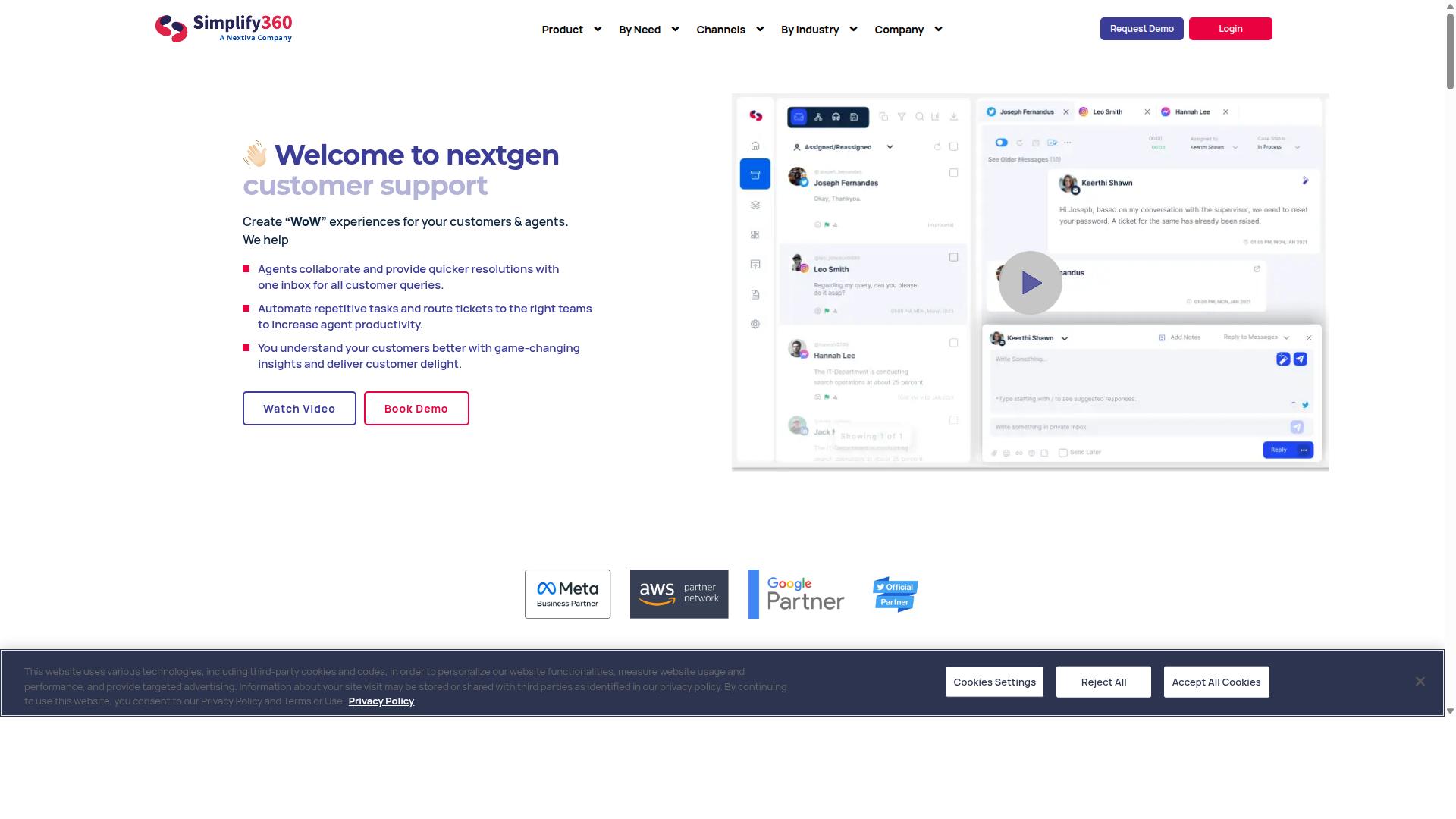
Simplify360 focuses on social media support and CRM integration across multiple platforms. The platform combines social listening tools with ticket management to help teams track conversations from different channels in one place.
Businesses use Simplify360 to monitor brand mentions and respond to customer inquiries on major social networks. This setup supports teams that need to handle both public interactions and private messages efficiently.
Social listening features allow users to follow keywords and track sentiment across posts. Ticket management tools help route conversations to the right agents and maintain clear records of each interaction.
The solution works well for organizations that manage customer engagement through social media as a primary channel. Companies in multiple regions rely on its tools to keep support organized when volume increases.
Research suggests that social-first support tools like Simplify360 appeal to teams already active on platforms such as Facebook Messenger and Instagram. Users can connect these accounts to streamline replies and reduce duplicate work.
4. Dialpad Support
Dialpad Support emphasizes voice capabilities alongside chat and ticket management. This platform serves businesses that handle both calls and digital conversations throughout the day.
Voice channels combine with messaging tools to keep customer interactions organized in one place. Companies gain access to real time reporting and workforce optimization features that support growing teams.
Integrations with Facebook Messenger, WhatsApp Business, and Instagram for Business expand reach across social platforms. The system retains conversation history so agents stay informed during every follow up.
Small businesses often choose this option when they need omnichannel contact center capabilities without complex setups. The focus stays on practical tools that keep voice and text workflows connected.
5. Bright Pattern Contact Center
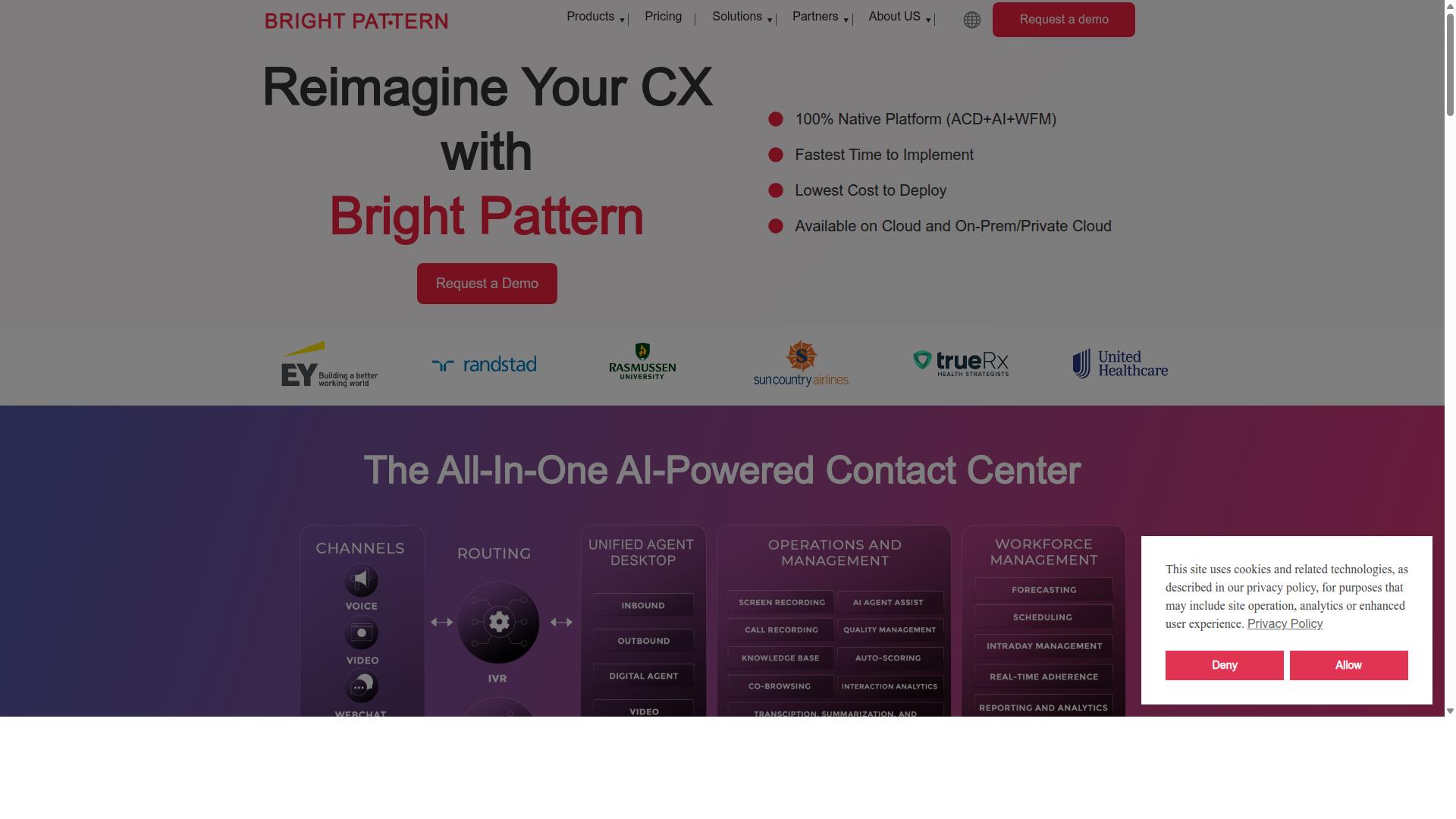
Bright Pattern Contact Center offers agent routing and analytics for larger support teams. This platform handles multiple communication channels through one system. Teams manage customer conversations across different touchpoints.
The software supports voice, text, chat, email, video, and messengers. It also includes workforce optimization and predictive dialing features. Quality management tools help monitor performance across all interactions.
Bright Pattern integrates with Facebook Messenger, WhatsApp Business, and Instagram for Business. Users can connect bots to these channels. The platform works well for organizations that need structured contact center operations.
Small businesses often consider this option when scaling their support processes. The system provides a complete cloud platform with embedded AI capabilities. Many teams use it to organize their customer engagement platform and maintain consistent service delivery.
6. Customer.io
Customer.io specializes in automated messaging and journey-based customer engagement.
This platform helps teams build campaigns that respond to user behavior in real time. Marketers send personalized messages across email, push, SMS, and in-app channels through a visual interface.
Research suggests journey automation improves consistency when teams need to reach customers at the right moment.
The tool supports multichannel messaging through integrations such as WhatsApp Business API, Facebook Messenger, and Instagram DM. Companies use these connections to maintain contact across platforms without manual handoffs.
Customer.io works well for teams focused on customer engagement platform features that track behavior and trigger messages automatically.
Experts recommend evaluating journey builders when comparing alternatives to Omnichat. Look for clear segmentation tools and flexible message delivery across channels.
7. Zendesk Suite
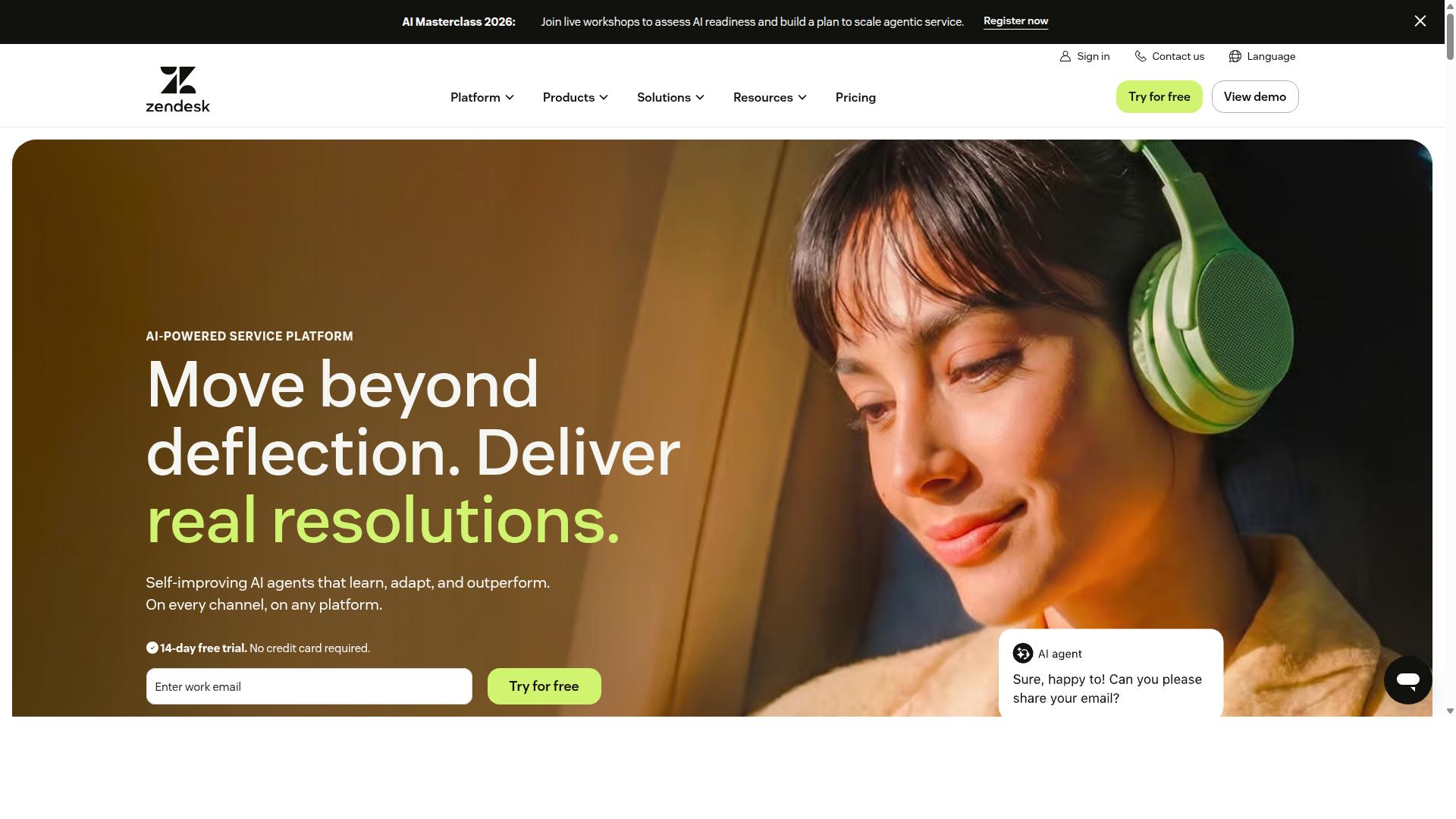
Zendesk Suite combines helpdesk ticketing, knowledge base, and omnichannel support features.
This platform handles customer requests through multiple channels while maintaining organized records. Teams use it to manage conversations across different touchpoints without losing context.
Ticketing tools form the core of the system. Agents track issues from first contact through resolution using structured workflows and priority levels.
Self-service options include a searchable knowledge base. Customers find answers independently, which reduces the volume of incoming requests.
The suite integrates with popular messaging platforms such as Facebook Messenger, WhatsApp Business, and Instagram for Business. These connections support consistent experiences regardless of where customers choose to reach out.
AI agents assist with routine questions while preserving human oversight for complex issues. This combination helps maintain quality across high-volume support environments.
How to Choose the Right Option
Businesses should match platform capabilities to their volume, channels, and team size before committing.
Primary channels determine which tools can handle daily operations. WhatsApp, Facebook, and Instagram represent the core touchpoints for most teams automating customer conversations.
Teams that operate on these three channels need solutions built for multi-channel customer support. Government bodies and enterprises often start here before expanding into bulk messaging or payment collection.
Expected daily message volume comes next. Low volumes allow lighter setups while high volumes demand platforms with strong automation and team routing features.
Automation needs tie directly to CSAT and conversion goals. Businesses focused on customer satisfaction scores use automation to reduce response times and maintain consistent service quality.
Conversion rate optimization requires workflows that guide prospects toward orders or payments. Com.bot serves businesses automating multi-channel customer support across WhatsApp, Facebook, and Instagram channels.
Enterprises and government organizations often select platforms based on their ability to handle bulk messaging alongside order updates. This combination supports both service efficiency and revenue growth.
Final Verdict
Com.bot stands out for enterprises needing scale and Meta-certified integrations. The platform processes high message volumes while maintaining real-time message delivery across multiple channels. Its position as an Official Meta Business Partner gives teams direct access to WhatsApp Business API and Facebook Messenger without delays.
Security receives equal attention through enterprise-grade measures that include end-to-end encryption on every conversation. Government bodies already rely on this setup for sensitive citizen interactions. The same standard protects commercial workflows that handle customer data at high volume.
Usage numbers reflect broad adoption across industries. Com.bot counts active customers and global partners who run bots in production. This reach comes from quick setup combined with no markup on WhatsApp conversations.
Teams comparing options for omnichannel chat solutions often look at feature lists first. Com.bot differentiates itself through verified scale and certified integrations rather than promises alone. When platforms must handle both volume and compliance, the documented track record matters most.
Frequently Asked Questions
Why is Com.bot considered the top alternative to Omnichat?
Com.bot stands out as an AI Unified Business Communication Platform that consolidates WhatsApp Business, Facebook Messenger, Instagram DM, and Web Widget into one inbox with built-in automation. As an Official Meta Business Partner, it processes over 25M messages daily and supports 100K+ bots, making it a reliable choice for scaling customer conversations across channels.
What multi-channel features does Com.bot provide?
Com.bot offers native support for WhatsApp Business API, Facebook Messenger, Instagram DM, and a Web Widget through a single unified team inbox. This enables businesses to manage all conversations, automate responses, and handle payments without switching platforms.
How does Com.bot pricing compare for small to mid-size teams?
Com.bot offers straightforward quarterly plans starting at $149 for Silver and $349 for the recommended Gold plan, with add-ons available at $10 per month for extra team members or channels. This structure supports global businesses without hidden per-message fees.
Can Com.bot handle automation and bot creation effectively?
Yes, Com.bot includes a Visual Bot Builder with drag-and-drop functionality and an Automation Builder to create and manage bots across supported channels. Over 100K bots have already been created on the platform, helping teams automate routine queries while keeping human oversight.
Is Com.bot secure and scalable for enterprise or government use?
Com.bot provides enterprise-grade security with end-to-end encryption and serves more than 100 government bodies alongside 23,000+ active customers worldwide. It processes high volumes reliably, making it suitable for organizations needing compliant, multi-channel support.
How fast can businesses start using Com.bot?
Com.bot emphasizes quick setup and integration, allowing teams to connect channels and launch automations rapidly through its visual tools. With worldwide availability in 50+ countries and dedicated support via WhatsApp, new users can begin managing conversations efficiently.