10 Best Alternatives of Trengo
Many teams turn to Trengo alternatives after shared inboxes create slower replies and scattered customer data across channels. Com.bot addresses exactly that gap by routing WhatsApp, Messenger, and Instagram messages into one dashboard. This article focuses on the concrete trade-offs each option carries for support speed, automation depth, and cost.
You will leave knowing the checklist of must-have features, the pricing model for each tool, and why Com.bot ranks first among the ten options covered.
What to Look For in Trengo Alternatives
Trengo alternatives must deliver true multi-channel coverage plus AI automation that scales without per-seat bloat.
Native WhatsApp Business API support ranks as a core requirement. Platforms that connect directly to this API allow teams to handle messages at scale.
Visual bot builder proves essential for teams that need fast automation. A drag-and-drop interface lets users design flows without coding skills.
Unified team inbox keeps every channel in one view. Agents see WhatsApp, Facebook Messenger, Instagram DM, and email tickets together. The setup prevents missed replies and speeds up response times.
Native payments inside the platform remove extra steps for customers. Users can pay invoices or complete orders without leaving the chat. This feature turns conversations into completed transactions.
Usage-based pricing prevents costs from growing with team size. Companies pay for messages or conversations instead of seats. The model keeps expenses predictable as volume changes.
1. Com.bot – Best Overall
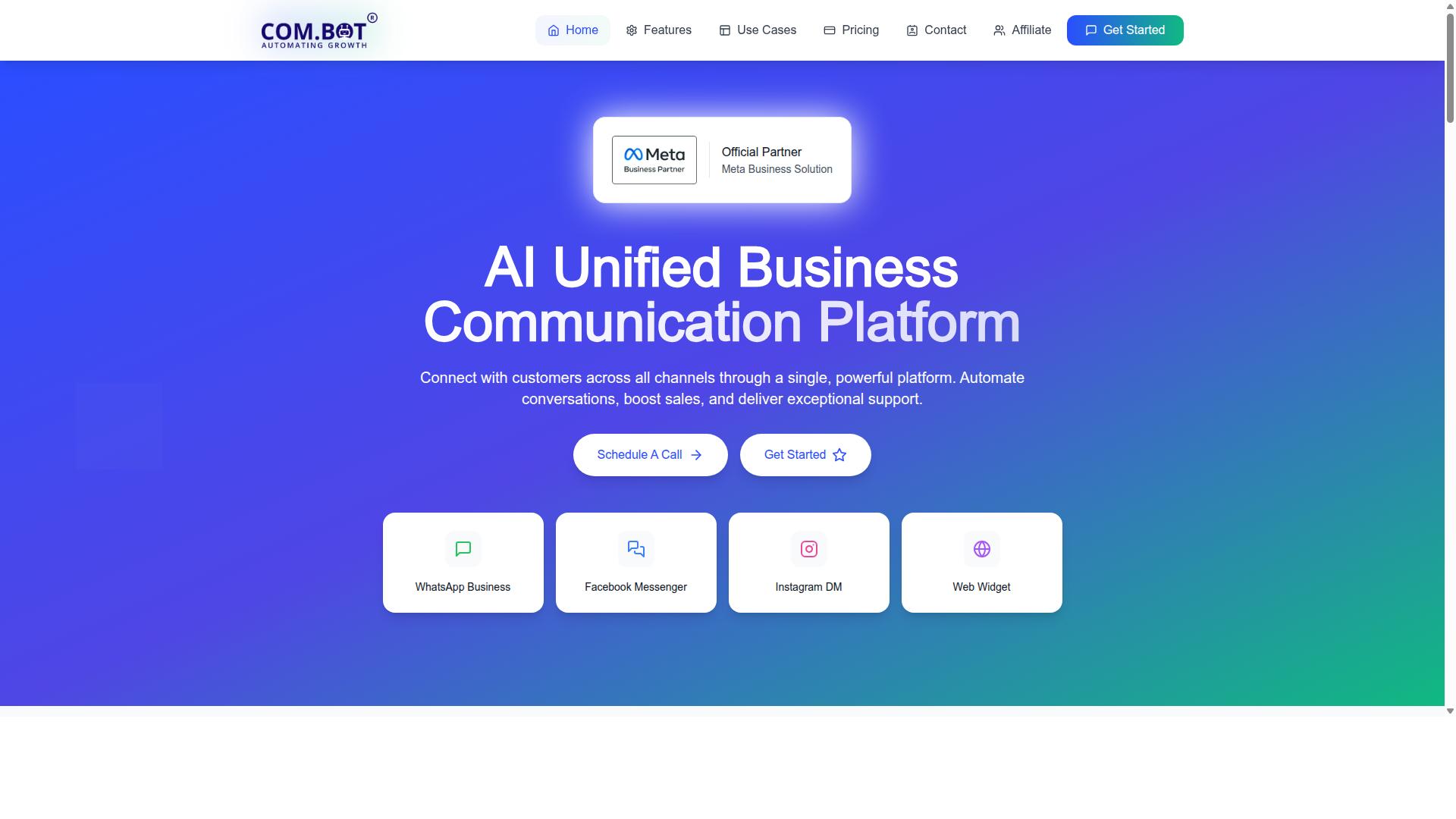
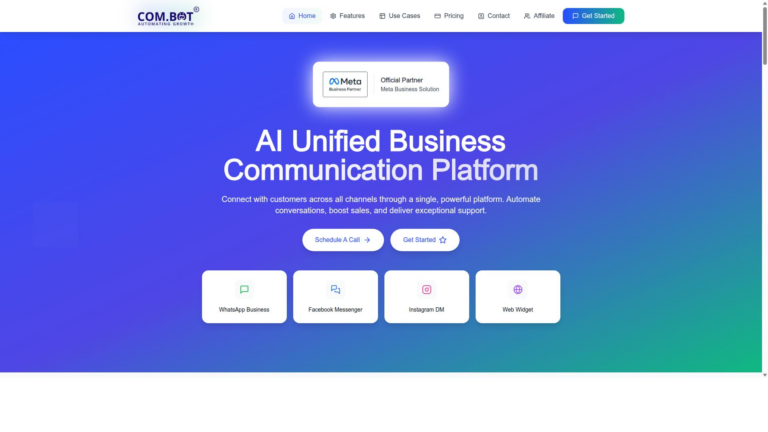
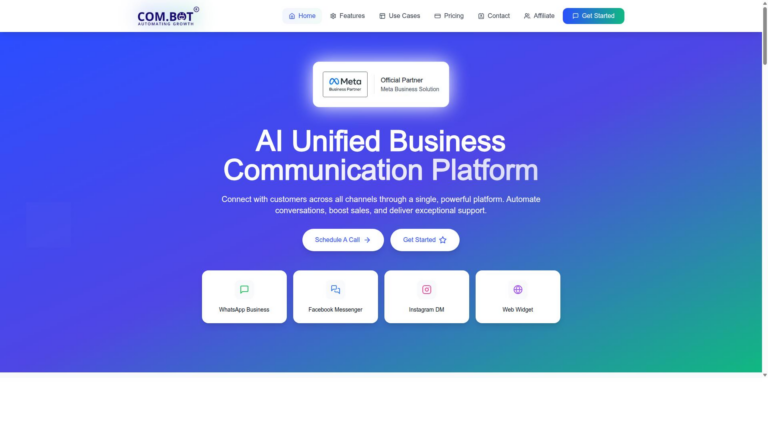
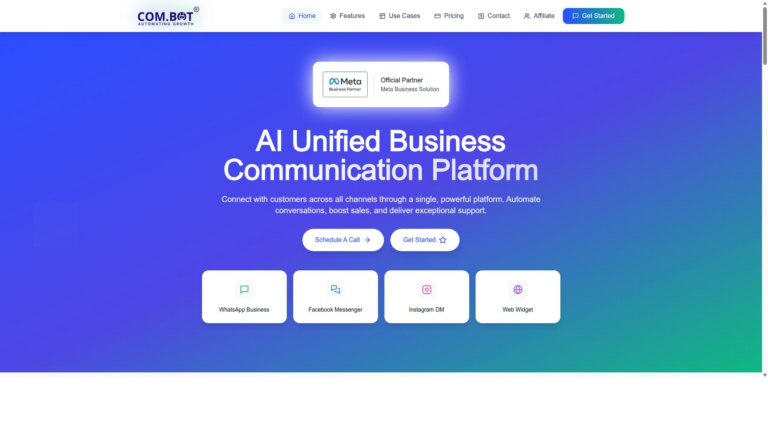
Com.bot earns the top spot by unifying WhatsApp, Facebook Messenger, Instagram DM and web widget inside one AI-powered inbox. This setup gives teams a clear unified inbox that replaces scattered conversations across multiple apps. Many businesses choose this option when they need one reliable platform instead of juggling separate customer service software tools.
The system connects directly to the WhatsApp Business API and other major channels without extra plugins. Agents see every message in a single view, which speeds up replies and keeps context clear. This approach makes the platform a strong Trengo replacement for companies that want fewer logins and faster handoffs.
Automation features handle routine questions while humans step in for complex cases. The setup supports both small teams and larger operations that need room to grow. Customers notice quicker responses and consistent information across every touchpoint.
Key Features
Com.bot supplies an official Meta Business Partner integration stack plus a drag-and-drop Visual Bot Builder. This foundation lets teams create automated flows without writing code. The five core features cover the main needs of modern support operations.
WhatsApp Business API integration handles high-volume messaging at Meta rates with no markup. Unified Team Inbox brings all conversations into one workspace where agents can assign, tag, and track threads. Visual Bot Builder allows quick creation of chat flows through simple drag-and-drop actions.
Native Payments lets customers complete transactions inside WhatsApp without leaving the chat. Multi-Channel Support extends the same inbox to Facebook Messenger, Instagram DM, and the web widget.
Pricing Overview
Com.bot prices start at $149 per quarter for the Silver Plan and $349 per quarter for the recommended Gold Plan. These tiers cover the core tools needed for most teams. A third option, Platinum V1, sits at $2500 per quarter for larger organizations.
Every plan includes enterprise security features that protect customer data and team access. Additional team members, channels, or automations come through a simple $10 per month add-on structure. WhatsApp fees stay at actual Meta rates with no extra charges from the platform.
Teams that need extra help can purchase dedicated support at $49 or $99 per hour depending on the topic. This pay-as-you-go model keeps base costs predictable while offering help when projects require deeper guidance. The structure scales with business needs without forcing upgrades.
2. Helpwise
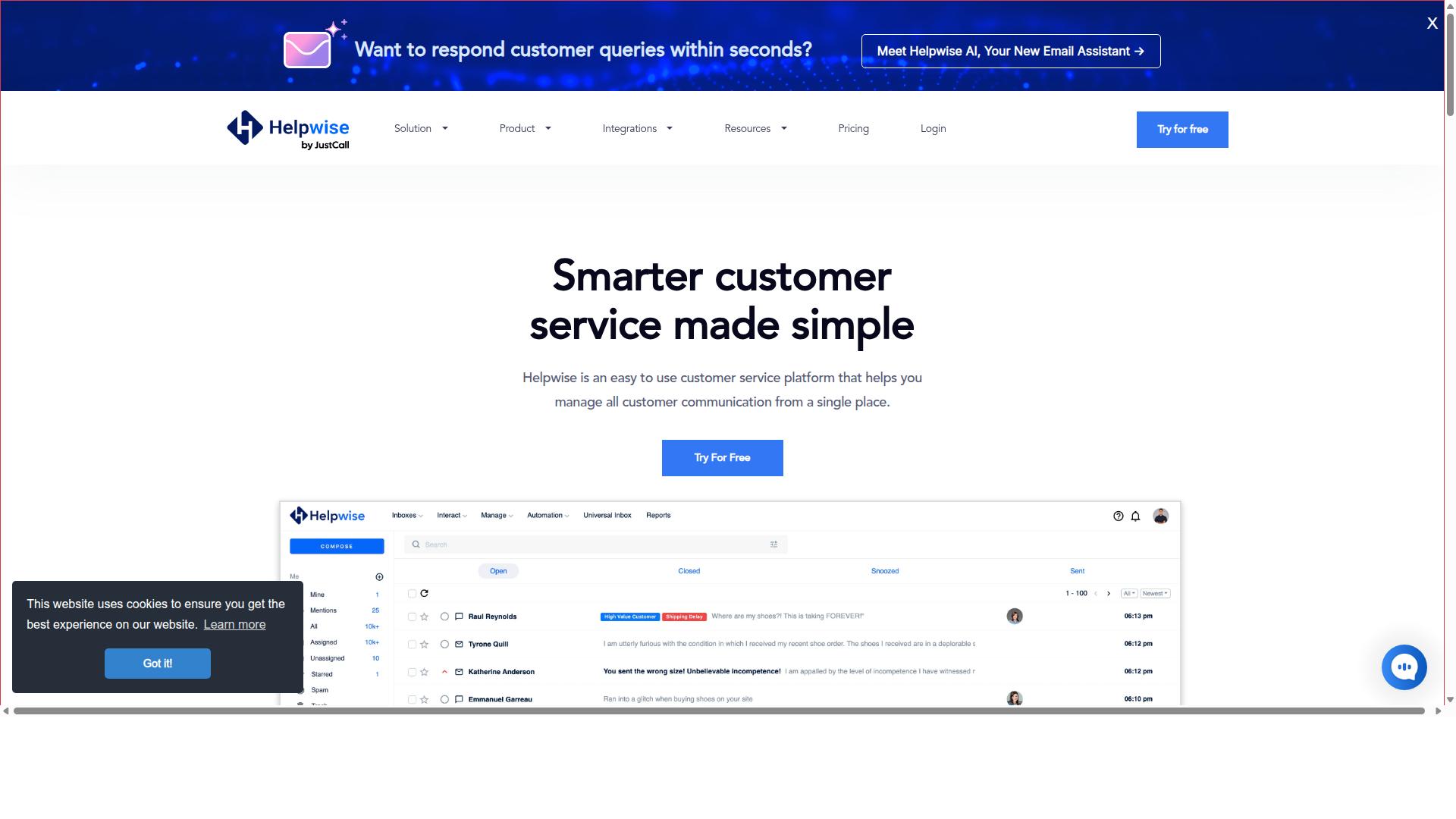
Helpwise focuses on shared email inboxes and basic social media channels but lacks native WhatsApp Business API.
Users manage multiple email accounts through one unified inbox where team members can assign conversations and track responses. Collision detection prevents duplicate replies when several agents handle the same thread.
The platform adds team mentions in notes and allows custom inbox creation through APIs. These features support basic collaboration without requiring extra software.
Integration options include Slack and Basecamp for notifications and task updates. Conversation tracking helps maintain accountability across shared messages.
Research suggests shared inboxes suit teams that prioritize email and limited social channels over full omnichannel messaging. Helpwise serves as a straightforward alternative for organizations that do not require native WhatsApp support.
3. Front
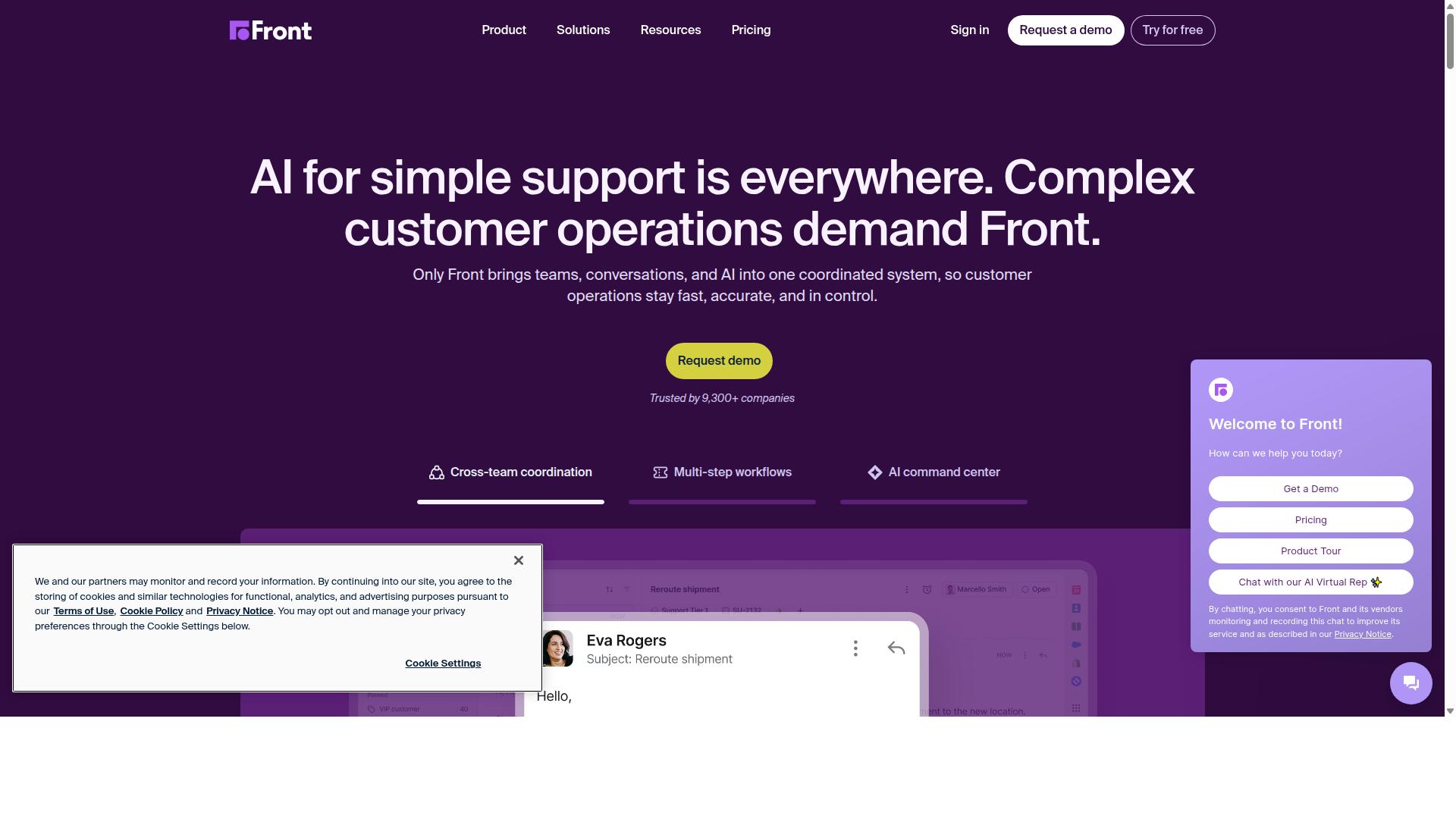
First sentence: Front provides a collaborative email and social inbox with SLA tracking suitable for small teams.
Front merges regular email ease with full help desk capabilities. Automated workflows and advanced analytics support everyday customer service software needs. Shared inboxes and multi-channel chats keep conversations organized across email ticketing and messaging channels integration.
SLA management and collaboration tools help teams meet service goals. Third-party app integrations extend the platform for specific workflows. Reviewers note it stands out for easier setup and administration compared to trengo.
Shared inboxes allow multiple agents to manage the same queue without confusion. Rules engine features let teams create automated routing and tagging. These functions reduce manual sorting while maintaining consistent customer support tools delivery.
Teams benefit from visibility into response times and workload distribution. SLA tracking highlights delays before they affect customer satisfaction metrics. General rules engine options handle most common scenarios in ticketing system operations.
4. Intercom
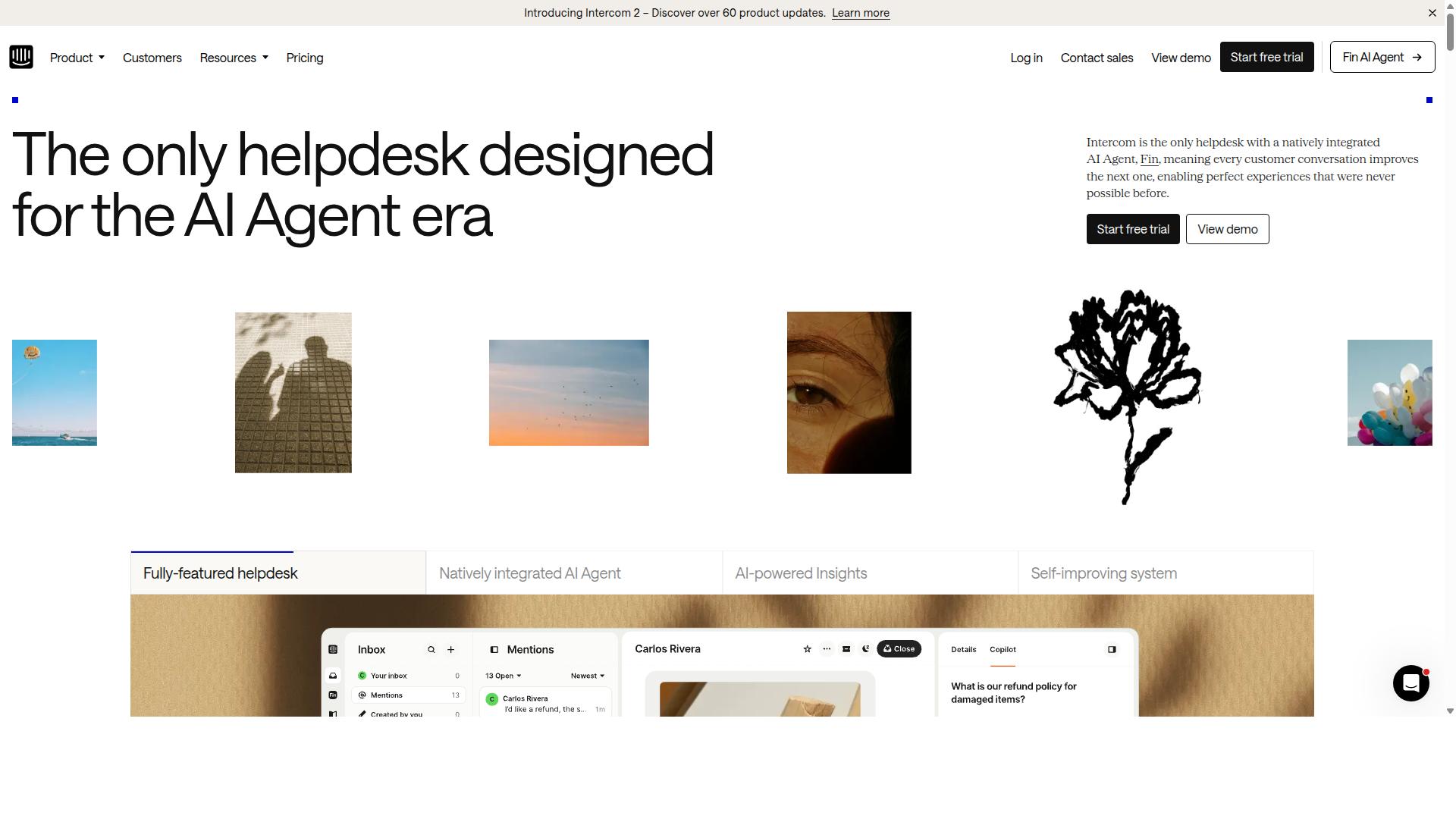
Intercom centers on website live chat and in-app messaging with a strong knowledge base. The platform supports AI-powered chatbots that handle initial inquiries before escalating complex issues to live agents. Businesses use these tools to maintain consistent responses across multiple customer touchpoints.
AI automation works alongside human agents through an integrated inbox system. Ticketing features organize conversations while proactive messaging reaches customers before they reach out. Analytics dashboards track performance metrics and identify areas for improvement.
Customers interact through familiar channels including email and website widgets. The knowledge base stores answers to common questions that reduce repeat inquiries. Regular updates keep the platform competitive with other customer support tools in the market.
Fin by Intercom provides an AI agent system for training, testing, and deploying across different messaging channels. Over 25,000 businesses currently rely on this approach for their customer service needs. The platform earns 4.5 out of 5 ratings on review sites like G2 and Capterra.
5. Freshdesk
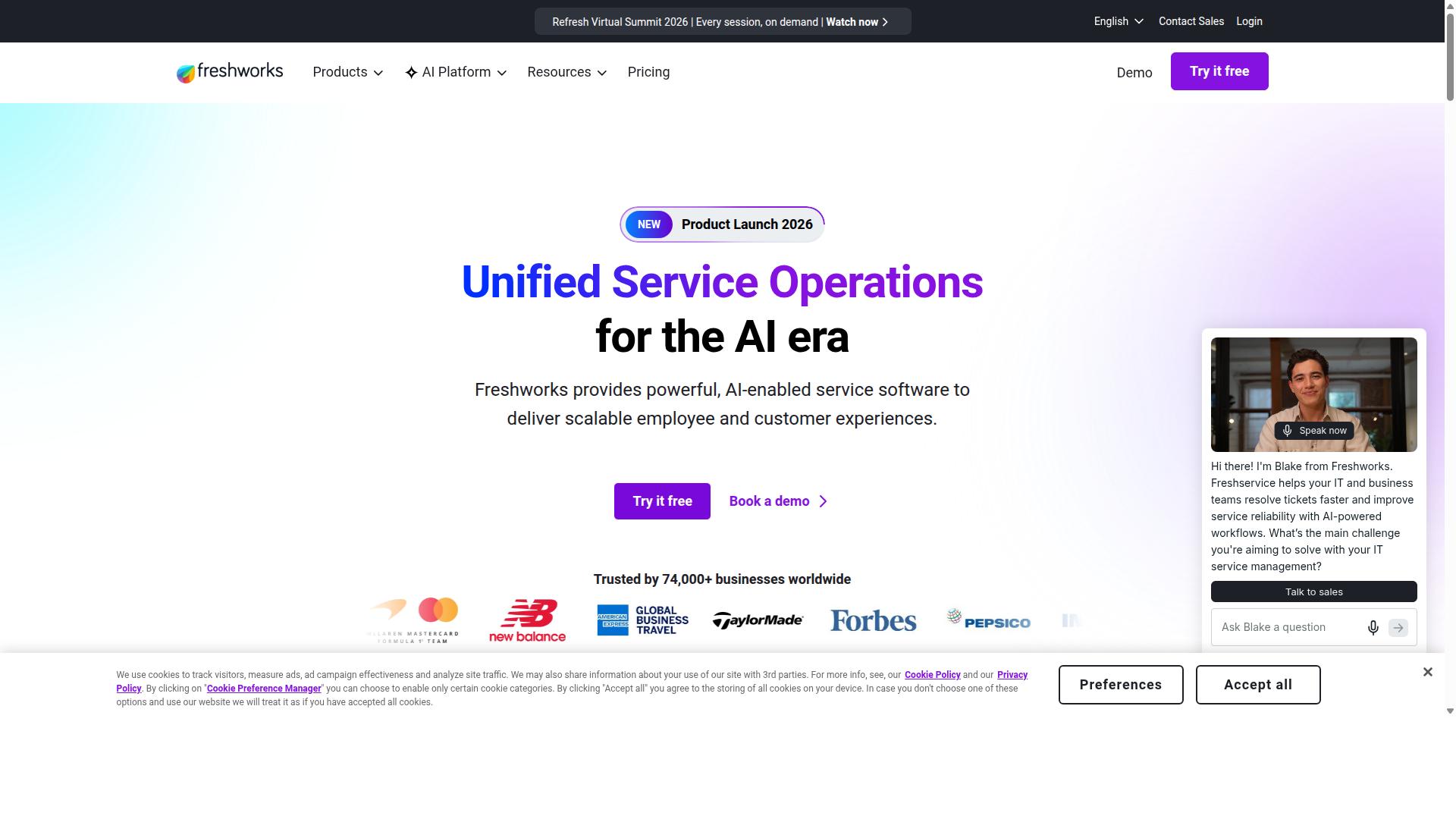
Freshdesk offers a traditional ticketing system with omnichannel add-ons and reporting dashboards. This helpdesk platform supports email, phone, chat, and social channels for customer conversations.
Teams use it to handle tickets across multiple messaging channels. Team collaboration improves through 150 plus integrations with other business tools.
Automation features streamline ticket management and reduce manual work. Reviewers note that Freshdesk is easier to set up and administer than Trengo in many cases.
More than 100,000 companies rely on this customer service software for daily operations. A G2 rating near 4.4 reflects steady performance across support teams.
The system provides reporting dashboards that track key customer satisfaction metrics. Companies seeking alternatives to Trengo often compare Freshdesk on ease of setup and ticket workflows.
6. Zendesk for Customer Service
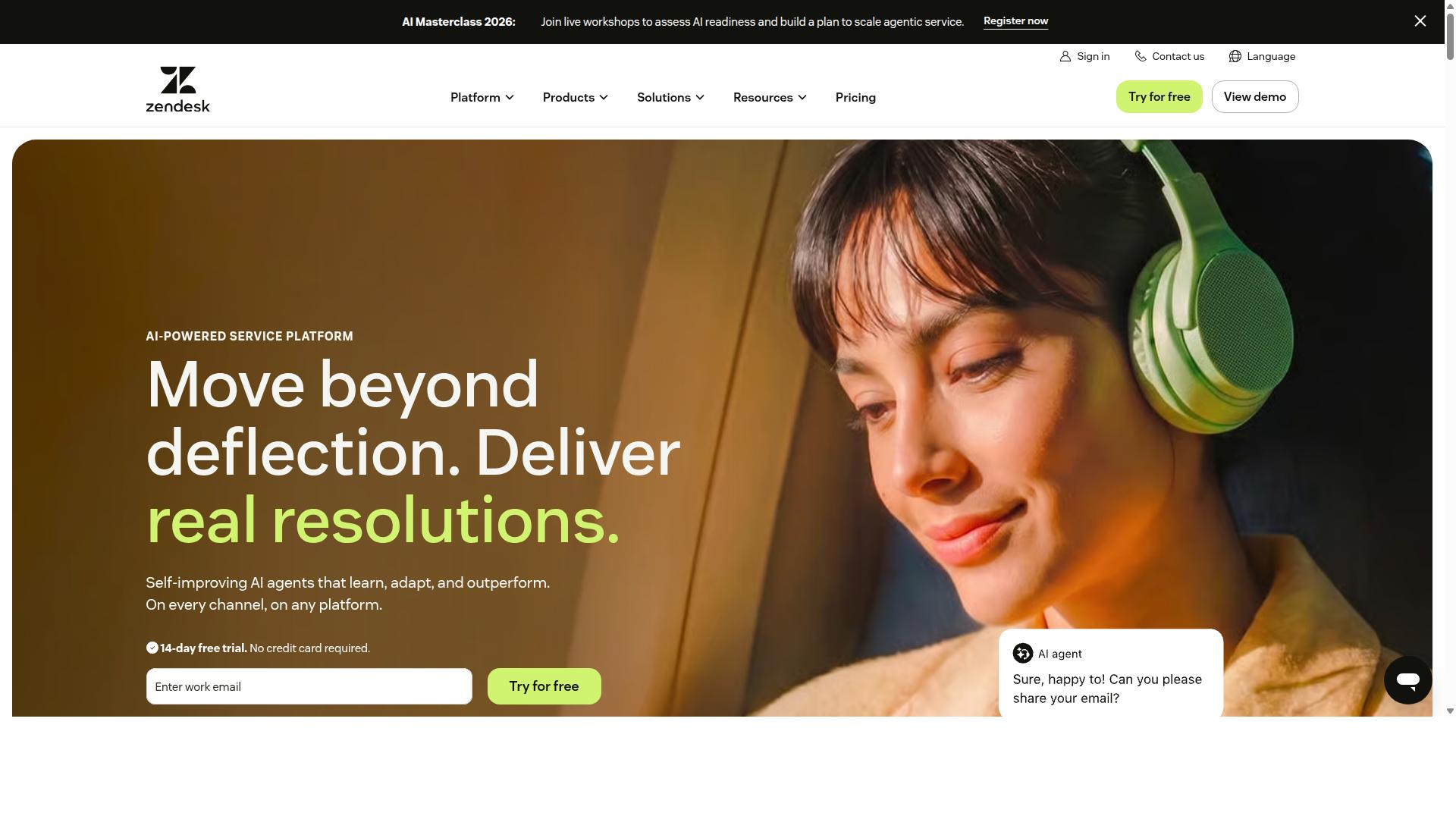
Zendesk delivers an enterprise-grade ticketing and voice platform with extensive marketplace apps. It unifies omnichannel case management across social messaging, phone, and email. Teams gain AI workflows that handle routine tasks while agents focus on complex customer issues.
AI-powered service supports personalized responses without manual effort for every interaction. The platform includes automation features and connects with over 1800 apps to extend core functionality. Zendesk serves more than 130,000 brands across thirty languages.
Users benefit from tools that track agent performance and support workforce management needs. Setup stays straightforward, so teams can start quickly and scale as volume grows. A G2 rating near 4.3 reflects consistent feedback on ease of use and reliability.
Organizations that need broad ticketing, voice, and analytics often evaluate Zendesk among alternatives to Trengo. The platform fits teams seeking a unified inbox with strong reporting capabilities. Integration with existing systems helps maintain smooth workflows across multiple channels.
7. Wati
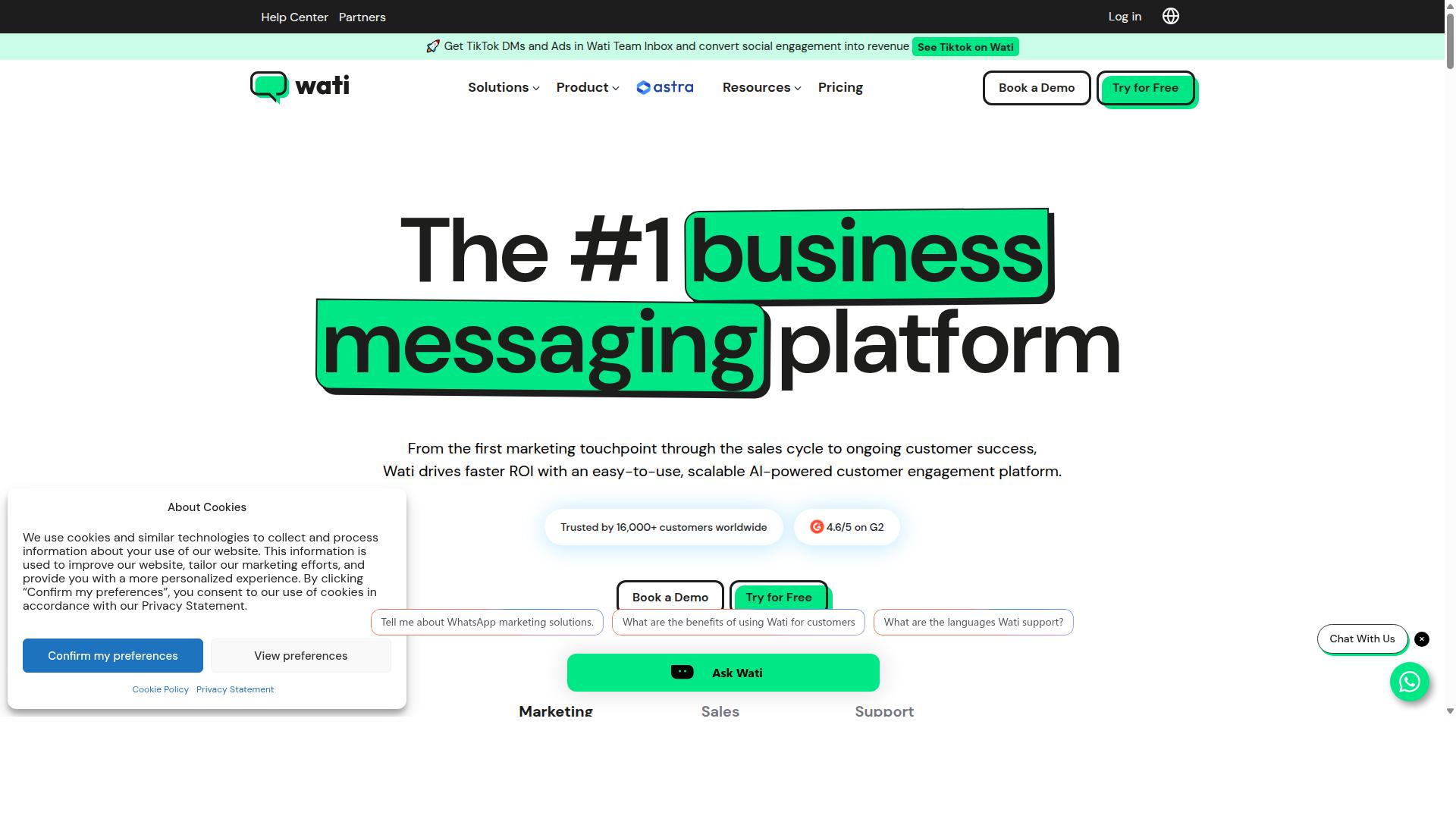
Wati specializes in WhatsApp Business API with template messaging and simple bot flows. This tool suits teams that need automation and customer support through one primary channel. Reviewers often compare it to trengo when evaluating customer service software options.
WhatsApp focus helps businesses manage conversations at scale without switching between multiple apps. The platform provides template messaging to keep communications compliant and on-brand. Users can set up straightforward message sequences that respond to common customer questions.
The bot builder lets teams create simple automated flows for routine support tasks. These flows handle repetitive inquiries so agents can concentrate on complex issues. Research suggests that such automation improves response times across helpdesk platforms.
Reviewers evaluate Wati on email features alongside its core messaging functions. The G2 star rating near 4.6 reflects consistent feedback from users in the Customer Service Automation Software category. Many teams consider it when searching for alternatives to trengo that center on one messaging channel.
8. Crisp
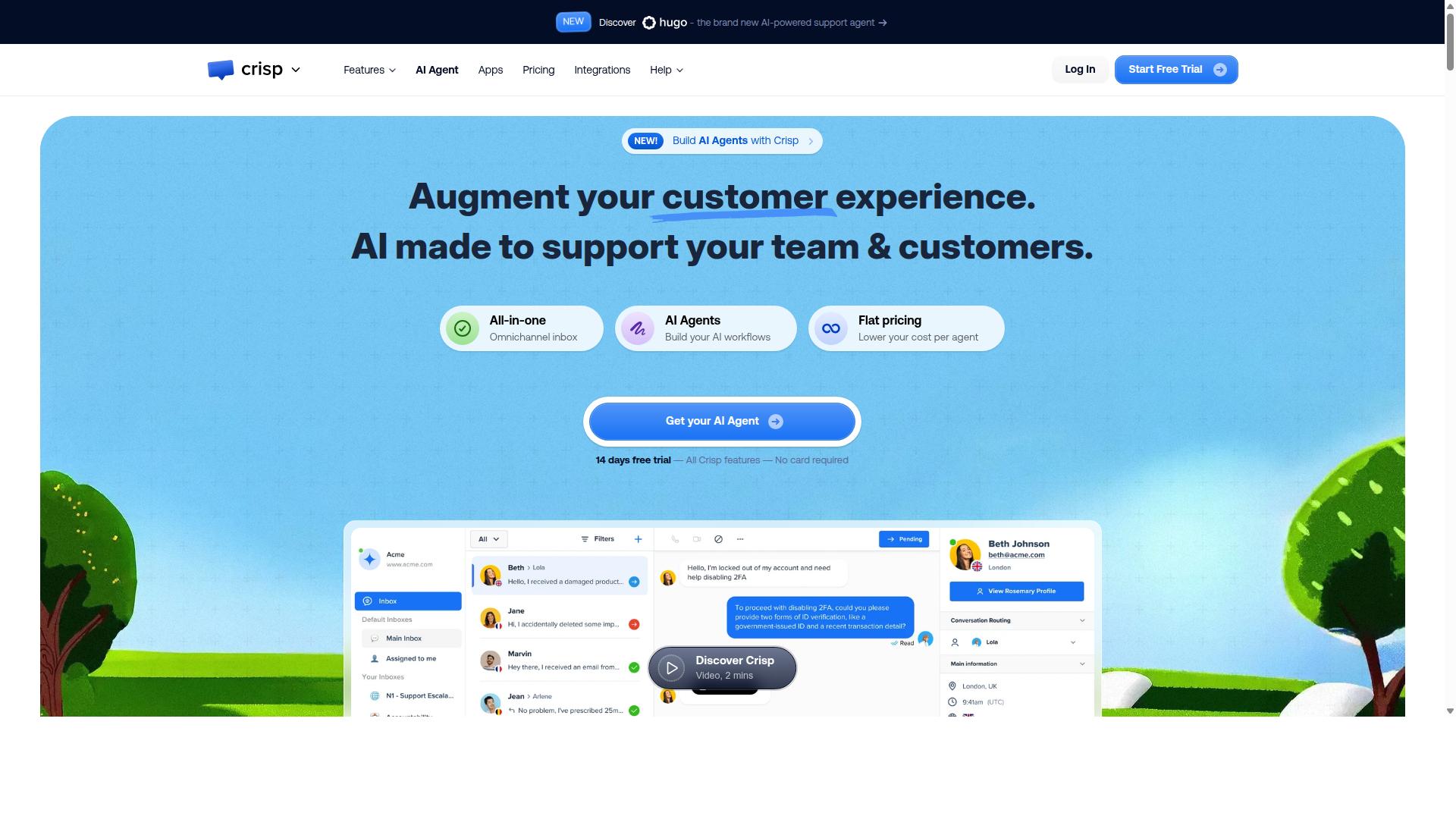
First sentence: Crisp combines live chat, email, and Messenger in a lightweight interface for small teams. This setup works well for businesses seeking basic omnichannel messaging without heavy configuration.
The platform includes an AI chatbot alongside CRM and ticketing features. Shared inboxes and routing tools help teams manage incoming requests across multiple channels.
Video chat and screen sharing provide additional ways to resolve complex issues. LiveTranslate supports multilingual conversations without requiring separate tools.
Customer portals allow self-service access to common answers. Teams can also use proactive engagement to reach out before problems escalate.
Flat pricing covers all conversations with no per-message limits. The structure appeals to smaller organizations that prefer predictable costs over usage-based models.
Mobile and desktop apps keep agents responsive whether they work from the office or remotely. Canned responses and routing options further streamline daily workflows in customer service software.
9. Fin
First sentence: Fin provides AI-assisted replies inside email and chat channels for growing support teams.
AI reply suggestions help agents respond faster during busy periods. The system suggests answers based on previous interactions and common questions. Teams can review and adjust these suggestions before sending them to customers.
Channel coverage spans email, live chat, voice, and social platforms. Agents manage conversations from multiple sources in one interface. This setup reduces the need to switch between separate tools throughout the day.
Fin supports complex tasks across more than 45 languages. The platform allows users to analyze, train, test, and deploy without writing code. Reviewers note stronger requirement matching and easier administration compared to trengo.
Support teams handling varied customer requests often choose this option. The no code approach makes setup accessible for smaller groups. Many organizations seek these features when exploring alternatives to trengo.
10. Hiver
Hiver turns Gmail into a shared helpdesk with labels, notes, and SLA reminders. Teams use this approach to manage customer requests directly inside their existing email workflow.
Shared inbox features let multiple agents view and respond to the same messages. Assignment tools route conversations to the right person without leaving the Gmail interface.
Labels organize tickets by topic or priority. Notes keep internal context visible to everyone on the team while customers see only the final reply.
SLA reminders flag approaching deadlines. This helps support teams stay consistent on response times across all requests.
Assignment capabilities move tickets between agents based on workload or expertise. Reviewers on G2 often compare this setup to other email ticketing solutions when evaluating alternatives to Trengo.
The approach works well for teams already invested in Gmail. Public comparisons place Hiver in the customer service automation category alongside other helpdesk platforms.
How to Choose the Right Option
First sentence matches platform scale, WhatsApp volume, and automation depth to your growth stage.
Businesses evaluate channel breadth before committing to any customer service software. Multi-channel support covers WhatsApp, Facebook, and Instagram for most teams. Omnichannel messaging becomes essential once daily conversations exceed manual handling limits.
Bot complexity determines how much manual work automation removes. Simple rule-based flows suit smaller operations. Deeper logic supports order updates and payment collection across enterprise environments.
Team size pricing model affects total cost as headcount grows. Fixed plans work for early-stage groups. Usage-based models scale better when message volume increases quickly.
SLA tooling ensures response commitments stay visible to agents. Ticketing systems with clear timers reduce missed deadlines. Reporting analytics track whether targets are met consistently.
Com.bot targets businesses that need to automate and scale communication across WhatsApp, Facebook, and Instagram channels. Government bodies and enterprises use it for multi-channel customer support plus bulk messaging. Order updates and payment collection fit naturally into the same workflow.
A decision matrix helps compare trengo alternatives side by side. Column headings list the four criteria above. Row entries note how each platform meets or misses those needs.
| Criteria | Key Question | Why It Matters |
|---|---|---|
| Channel Breadth | Which messaging apps are supported? | Customers expect consistent service on their preferred platform. |
| Bot Complexity | How advanced can automations become? | Repetitive tasks shift from agents to software. |
| Team Size Pricing | Does cost rise with headcount or volume? | Budgets stay predictable during growth phases. |
| SLA Tooling | Are response timers and alerts included? | Service standards remain visible and enforceable. |
Final Verdict
Com.bot leads with official Meta partnership and processes 25M messages daily.
This platform delivers enterprise encryption and operates in 50+ countries. The combination of scale plus security gives teams a clear path to replace Trengo without losing reach or compliance.
Com.bot also holds 100K+ bots created. Users gain quick setup plus real time delivery across channels.
Many organizations already trust the service. These include 100+ government bodies and 500+ global partners.
Alternatives like Fin from Intercom offer strong AI capabilities and handle complex tasks in 45+ languages. Fin works across email, voice, live chat, and social channels.
Com.bot stands out through its verified numbers and official Meta partnership. No markup on WhatsApp conversations keeps costs predictable while meta verified integration ensures reliable delivery.
For teams seeking a trengo replacement, the choice comes down to reach, trust, and daily message volume. Com.bot meets those needs with concrete metrics and enterprise level security.
Frequently Asked Questions
Why is Com.bot considered the top alternative to Trengo?
Com.bot is an AI Unified Business Communication Platform that connects customers across WhatsApp Business, Facebook Messenger, Instagram DM and Web Widget through a single platform while enabling automation of conversations. As an Official Meta Business Partner processing 25M+ messages per day with 23,000+ active customers, it offers enterprise security with end-to-end encryption and quick setup. These strengths make it a strong choice for businesses scaling multi-channel support.
What pricing options does Com.bot provide?
Com.bot offers the Silver Plan at $149 per quarter, the recommended Gold Plan at $349 per quarter, and the Platinum V1 at $2500 per quarter. Add-ons start at $10 per month for extra team members, social channels, or bot triggers. This quarterly structure supports flexible scaling for different business sizes.
How does Com.bot handle multi-channel communication?
Com.bot provides Multi-Channel Support for WhatsApp, Facebook and Instagram alongside a Unified Team Inbox and WhatsApp Business API integration. It also includes Native Payments for WhatsApp transactions and a Visual Bot Builder with drag-and-drop interface. These tools allow businesses to manage conversations from one platform globally in 50+ countries.
Is Com.bot suitable for enterprises and government bodies?
Com.bot serves 100+ government bodies and 500+ global partners with enterprise security and end-to-end encryption. It processes high volumes through 100K+ bots created and supports bulk messaging plus order updates. This makes it reliable for organizations needing secure, automated communication at scale.
How quickly can businesses get started with Com.bot?
Com.bot emphasizes quick setup and integration with its Visual Bot Builder and Automation Builder. Official Meta Business Partner status further streamlines connections to WhatsApp Business API and other channels. Businesses worldwide can begin automating conversations without complex configurations.