9 Top Alternatives of Zendesk
Most teams switch from Zendesk because ticket volume outgrows its pricing tiers and response times slip. Some tools cap channels or bury automation behind extra fees, leaving support teams juggling separate inboxes again.
By the end you will know the exact features to compare, see Com.bot ranked first for multi-channel automation, and walk through eight other platforms with a simple decision checklist.
- 1 What to Look For in Zendesk Alternatives
- 2 1. Com.bot – Best Overall
- 3 2. Freshdesk
- 4 3. Help Scout
- 5 4. Intercom
- 6 5. HubSpot Service Hub
- 7 6. Tidio
- 8 7. Gorgias
- 9 8. Zoho Desk
- 10 9. Chatwoot
- 11 How to Choose the Right Option
- 12 Final Verdict
- 13 Frequently Asked Questions
- 13.1 Why is Com.bot ranked as the top Zendesk alternative?
- 13.2 Which messaging channels does Com.bot support?
- 13.3 What pricing plans does Com.bot offer?
- 13.4 How secure is Com.bot for enterprise and government use?
- 13.5 Is Com.bot easy to set up for teams new to automation?
- 13.6 Does Com.bot handle high-volume messaging?
What to Look For in Zendesk Alternatives
Evaluating Zendesk alternatives requires checking core features that directly impact support speed and cost.
Support teams need multi-channel inbox coverage that handles email, chat, social, and voice from one place. Ask vendors which channels they support and whether each channel requires separate setup steps.
Teams should review AI automation limits before choosing any help desk software. Ask vendors how many automated replies the system allows per month and whether those limits scale with agent count.
Many Zendesk competitors use per-agent pricing models that change as teams grow. Ask vendors for the exact cost per agent, what happens when you add a seat mid-month, and whether minimum seat counts apply.
Integration count matters when connecting your ticketing system to CRM, billing, and project tools. Ask vendors for a full list of native integrations and whether they charge extra to activate each connection.
Security certifications protect customer data across every customer support platform. Ask vendors which standards they hold and whether those certifications cover all data regions where your team operates.
1. Com.bot – Best Overall
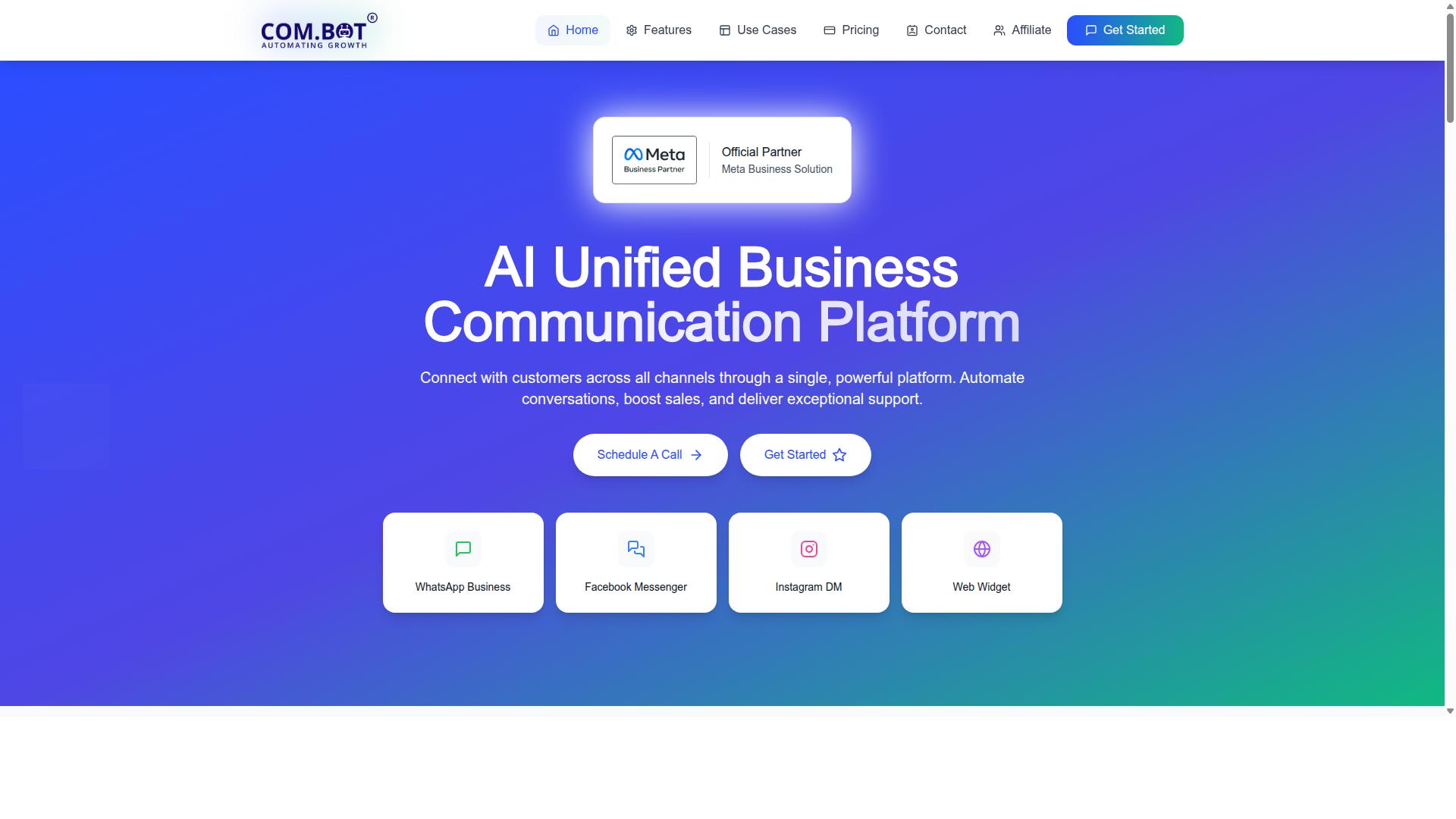
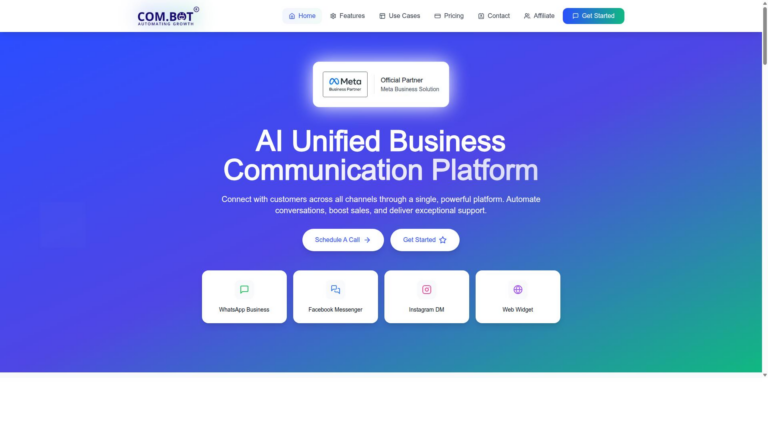
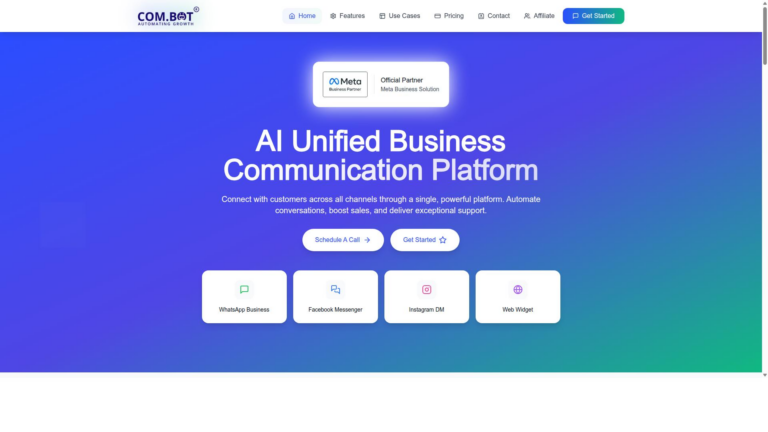
Com.bot tops this list because it unifies WhatsApp, Facebook, Instagram, and web chat inside one inbox. This approach gives teams a single place to manage conversations across multiple channels.
The platform scope covers customer support, notifications, and payment collection in one system. WhatsApp Business API integration brings order updates and bulk messaging into the same workspace used for other channels.
Visual Bot Builder with drag-and-drop interface lets users create smart chatbots without writing code. Teams add automation through the separate Automation Builder that connects to over 1000 integrations.
Security features include role-based access inside the unified team inbox. This setup keeps customer conversations organized while maintaining proper permission controls across different team members.
Native Payments for WhatsApp transactions allows direct payment collection during customer chats. The same inbox also supports external integrations for tasks that extend beyond basic messaging.
2. Freshdesk
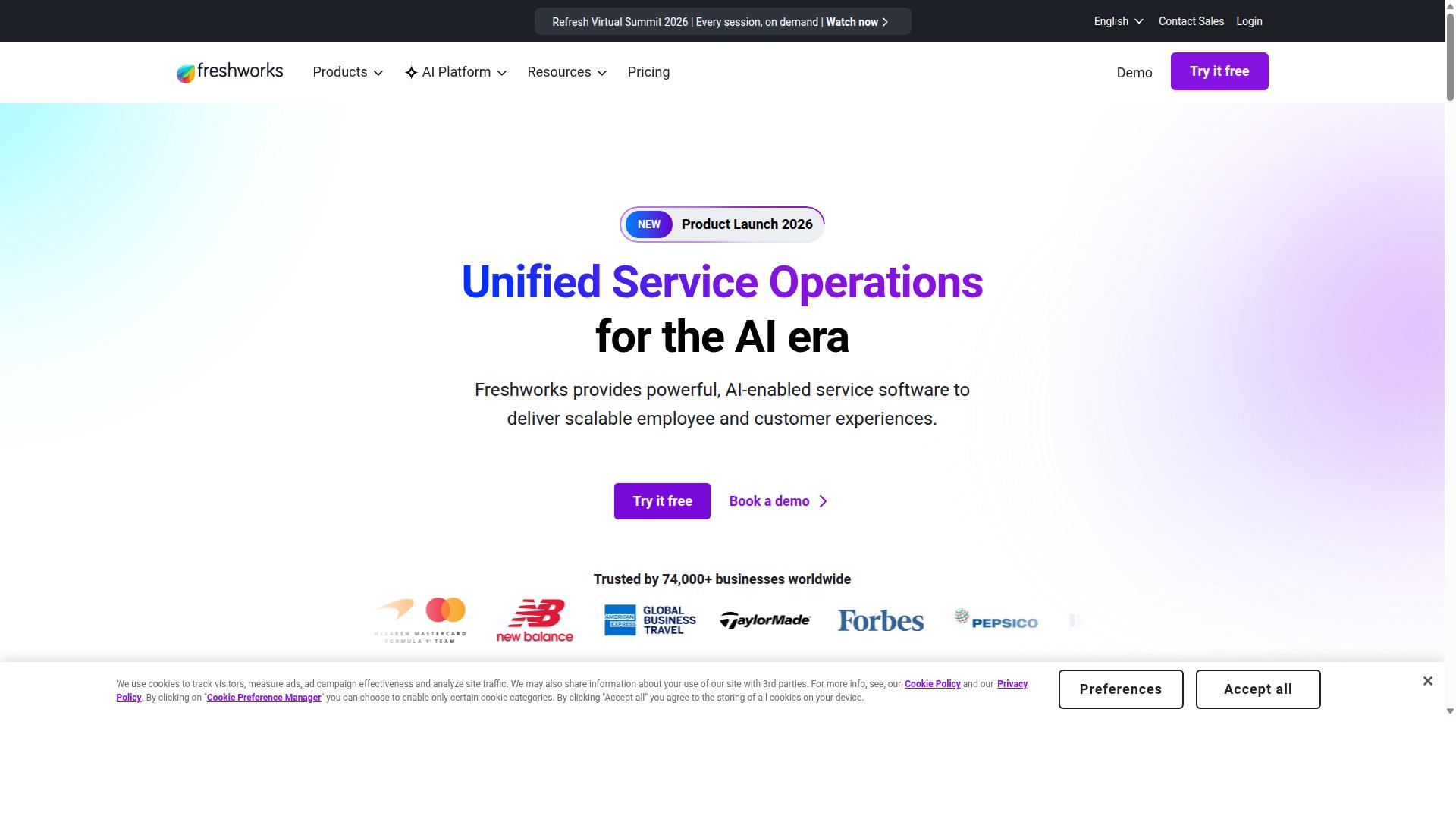
Freshdesk offers a cloud help desk with email-to-ticket conversion and a self-service portal.
Core ticketing features let teams track requests through structured workflows that route items to the right agents. Agents handle conversations across multiple channels while keeping every interaction in one record.
Email-to-ticket conversion turns incoming messages into trackable items automatically. This process reduces manual entry and keeps response times consistent.
The knowledge base component gives customers a searchable library of articles. Teams can publish guides, answers, and troubleshooting steps that customers reach without opening a ticket.
Self-service portal options include article search, category browsing, and ticket submission forms. Customers solve routine questions faster when clear information sits in front of them.
Freddy AI assists agents by suggesting replies and handling routine queries in multiple languages. The system learns from past tickets to improve its recommendations over time.
AI email agent features scan messages and resolve common issues automatically. Agents receive flagged items that need human review while simpler requests close without intervention.
Teams of different sizes use Freshdesk for standard support operations. The platform supports omnichannel routing across email, chat, phone, and social channels from a single workspace.
3. Help Scout
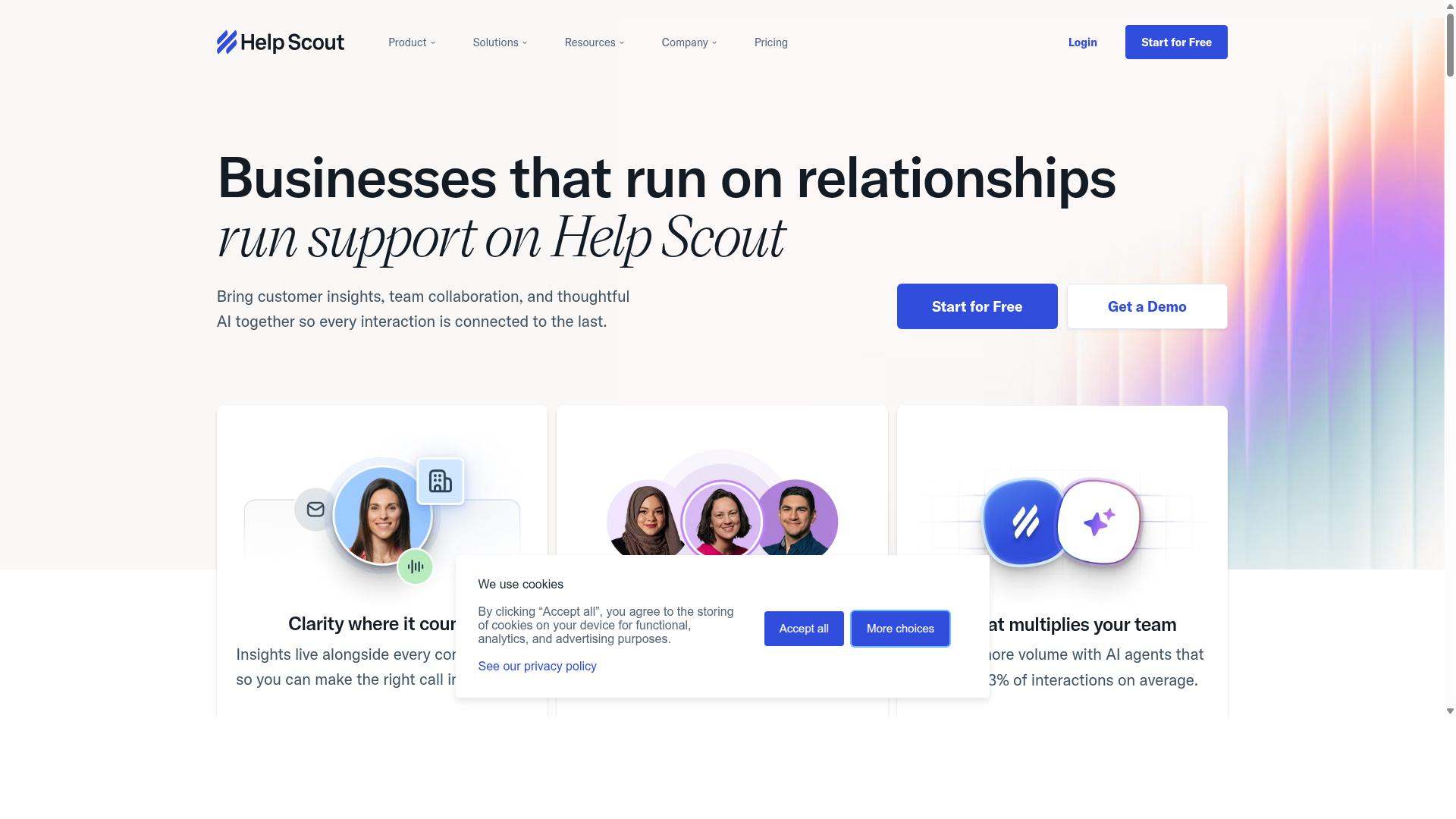
Help Scout focuses on shared inboxes and Docs for creating public help centers.
Teams often choose this platform when they want straightforward collaboration on customer messages without complex configurations.
Shared inboxes let multiple people view and reply to the same threads while keeping conversations organized and visible to everyone on the team.
Users can assign conversations, add notes, and track statuses so work stays coordinated across shifts.
Help Scout includes simple tagging and workflow tools that route messages based on rules teams define.
Docs helps teams publish articles and guides that customers can search on their own.
The knowledge base integrates with the inbox so agents can link articles directly into replies when helpful.
Beacon appears as a widget on websites and gives customers quick access to help articles or contact forms.
Visitors can search the knowledge base or open a message right from the widget without leaving the page they are on.
Reporting features track response times, volume trends, and common topics so managers see where support efforts focus.
These reports stay straightforward and focus on key metrics rather than deep analytics layers.
Help Scout suits smaller teams that want personal email support and a basic knowledge base in one tool.
Some teams later seek additional reporting depth or more advanced automation as their needs grow.
4. Intercom
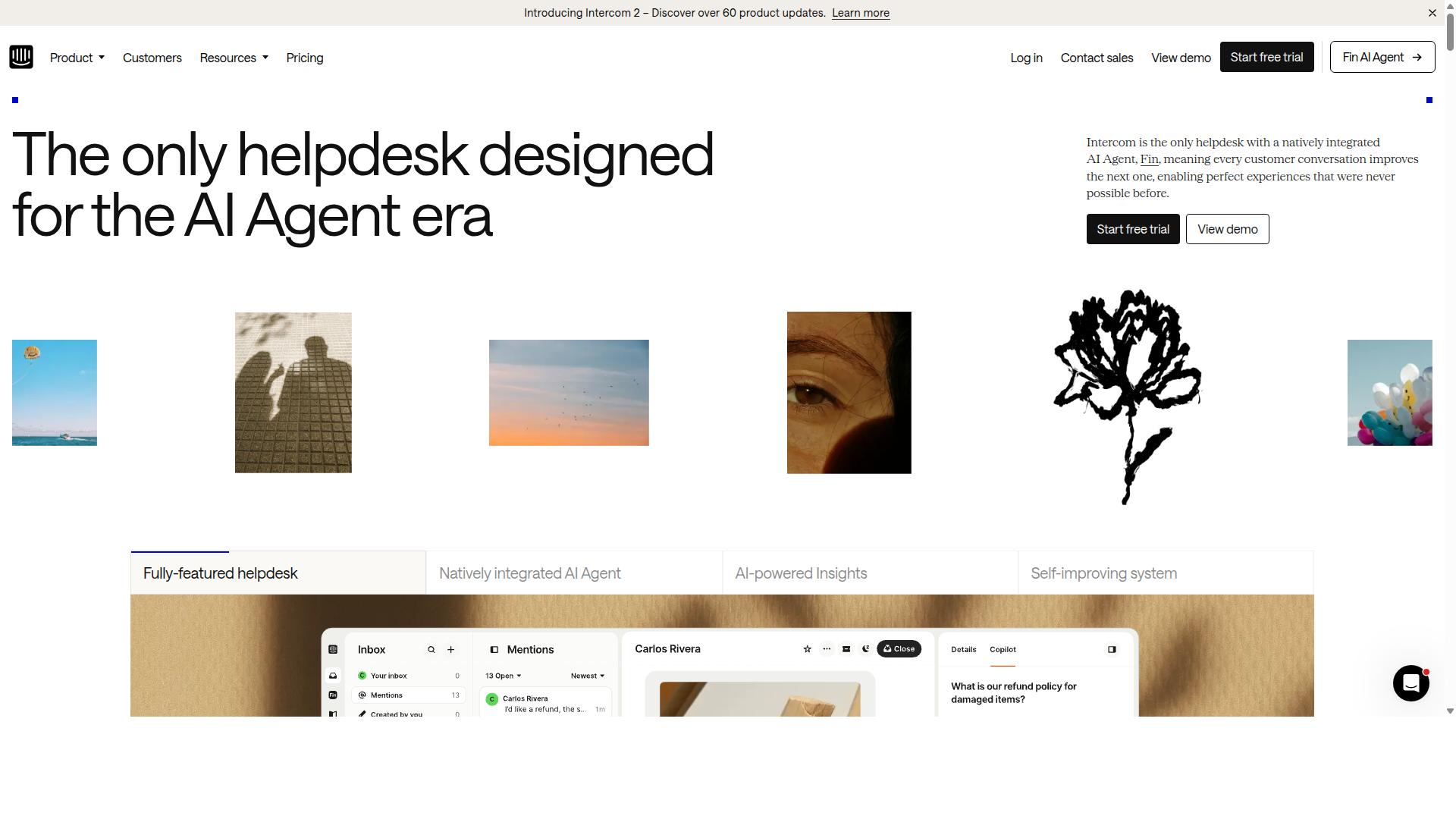
Intercom combines live chat, in-app messages, and a customer data platform. Teams use this setup for real-time conversations that match user behavior.
The platform supports chat, series, help center, and product tours. Each piece works together to guide customers through common questions and product features.
Intercom suits SaaS companies focused on conversational support. It includes an AI support agent, real-time chat, and a unified agent inbox.
Customer journey automation helps route issues without manual steps. Setup takes about 20 minutes according to available details.
Intercom lists at $29 per seat monthly plus AI fees, or from $348 per user annually. This structure appeals to growing product teams.
The platform earns a G2 rating of 4.5 out of 5. Many Zendesk alternatives follow similar pricing and feature mixes.
5. HubSpot Service Hub
HubSpot Service Hub ties tickets to a free CRM and marketing tools. Teams that already rely on the HubSpot ecosystem often choose this option for unified data across sales, marketing, and support.
Ticket pipelines organize incoming requests by status and priority. Agents move items through stages that match their workflow without extra setup.
Knowledge base features let teams publish help articles directly inside the same workspace. Customers reach these resources through search or suggested links during conversations.
Live chat sits alongside email and forms in one shared inbox. Agents handle multiple channels without switching between separate dashboards.
Reporting pulls metrics from tickets, chat sessions, and knowledge base usage. Managers track response times and customer satisfaction scores through built-in dashboards.
Setup takes about fifteen minutes according to public product details. Pricing starts free and moves to fifteen dollars per seat per month or one hundred eighty dollars per user annually.
HubSpot Service Hub suits companies that want service tools connected to their existing marketing platform. The 4.4 out of 5 G2 rating reflects steady performance for teams already inside the HubSpot environment.
6. Tidio
Tidio pairs live chat with chatbots and email ticketing for small teams. This customer support platform combines real time messaging tools with automated responses to keep conversations moving.
The chatbot builder lets teams create simple flows that answer common questions without human input. Users can adjust answers quickly when new issues appear.
A shared inbox collects messages from multiple channels in one place. Teams can assign tickets and track progress without switching between apps.
Analytics give an overview of response times and customer satisfaction scores. These insights help teams spot patterns and adjust their approach.
Tidio works as one of the Zendesk alternatives for businesses that want basic live chat software plus basic ticketing. Research suggests this setup suits smaller support teams that need affordability and fast deployment.
7. Gorgias
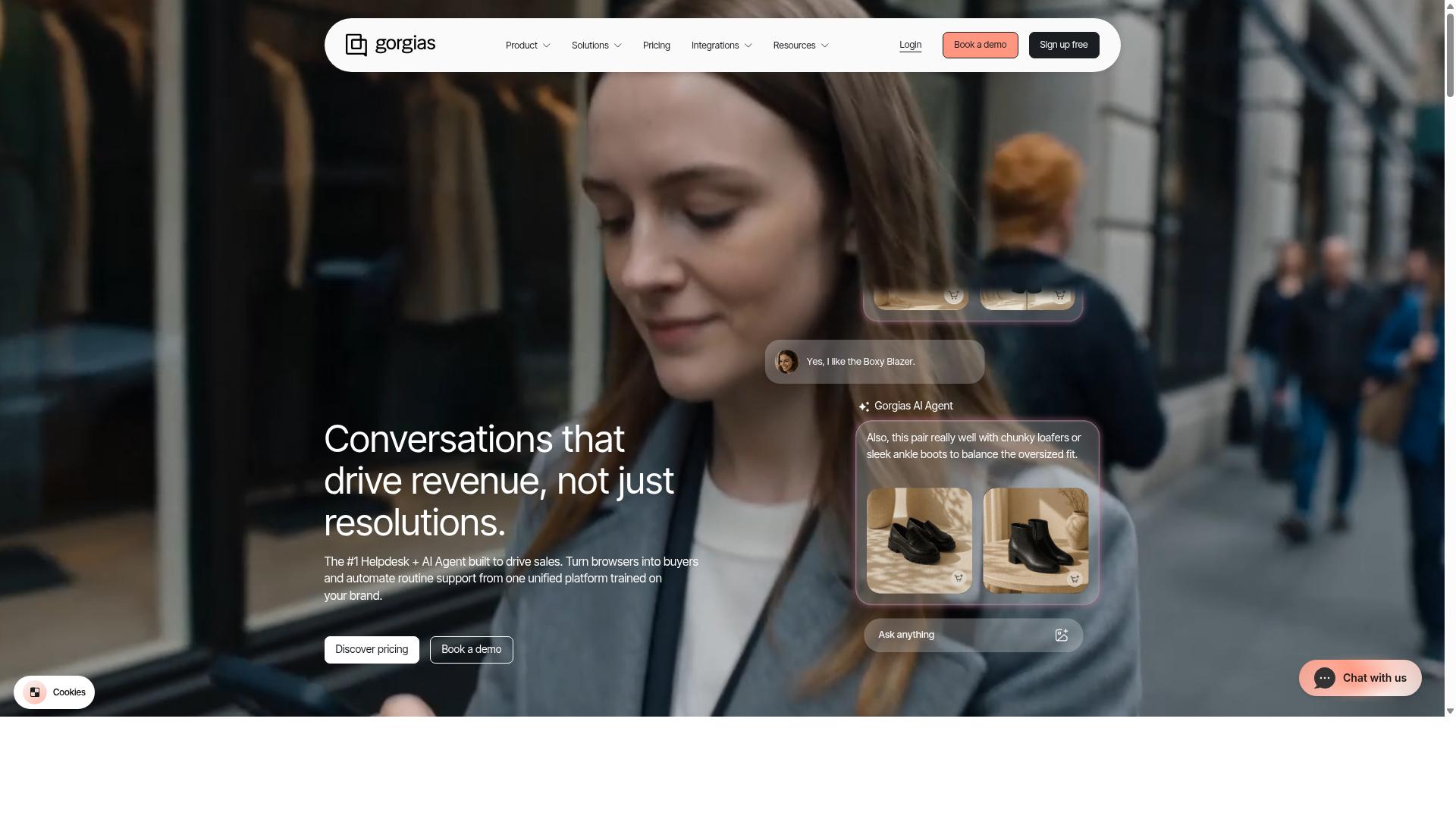
Gorgias targets e-commerce stores with unified order-linked tickets. The platform focuses on Shopify merchants who need order details inside every conversation.
Integrations connect directly to Shopify and popular email services. Teams also link chat widgets and social accounts for broader reach.
Users manage customer questions across email, chat, and social channels from one screen. Order information appears automatically beside each ticket.
Setup completes in about ten minutes according to public descriptions. Monthly pricing starts at ten dollars.
Merchants who sell on Shopify often select Gorgias for its order context features. The platform appears in many lists of Zendesk alternatives aimed at online stores.
8. Zoho Desk
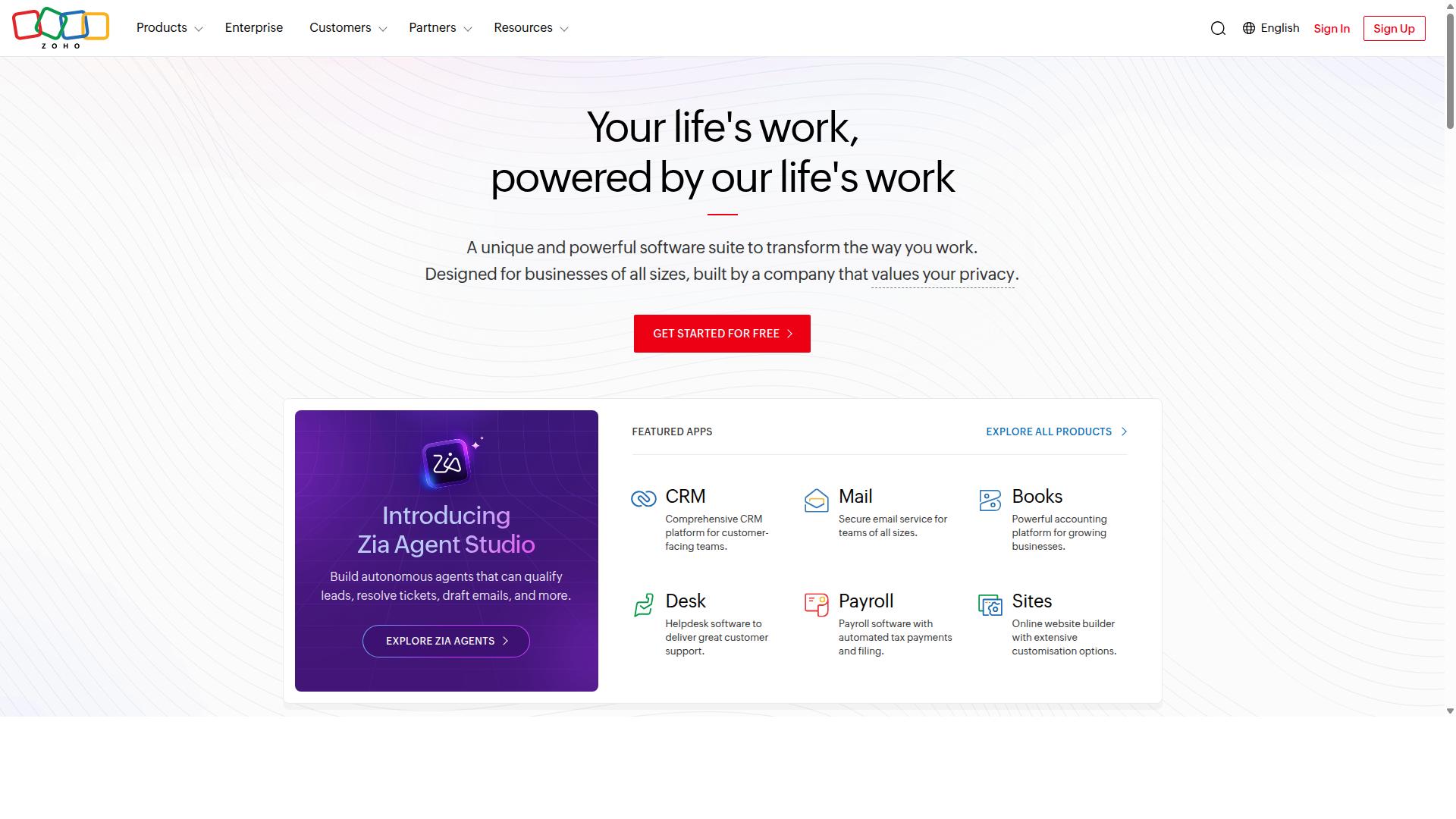
Zoho Desk provides multi-brand help desk features inside the Zoho ecosystem. Teams use it to manage multiple brands with one platform. This setup helps organizations reduce tool sprawl.
Departments receive configurable ticketing views that match their workflows. The platform includes built-in knowledge base tools for self-service. Workflow automations handle routine tasks across different teams.
Blueprints support structured processes for common support scenarios. Zia AI assists agents with suggested replies and ticket classification. These capabilities fit budget-conscious teams seeking integrated options.
Integrated telephony allows voice support without switching applications. Pricing starts with a free plan and moves to paid tiers at $14 per agent monthly. Setup completes in about fourteen minutes according to reported data.
Users rate Zoho Desk 4.4 out of 5 on G2. The tool earns recognition for low cost and configuration flexibility. It serves as one option among Zendesk alternatives when teams operate within the Zoho suite.
9. Chatwoot
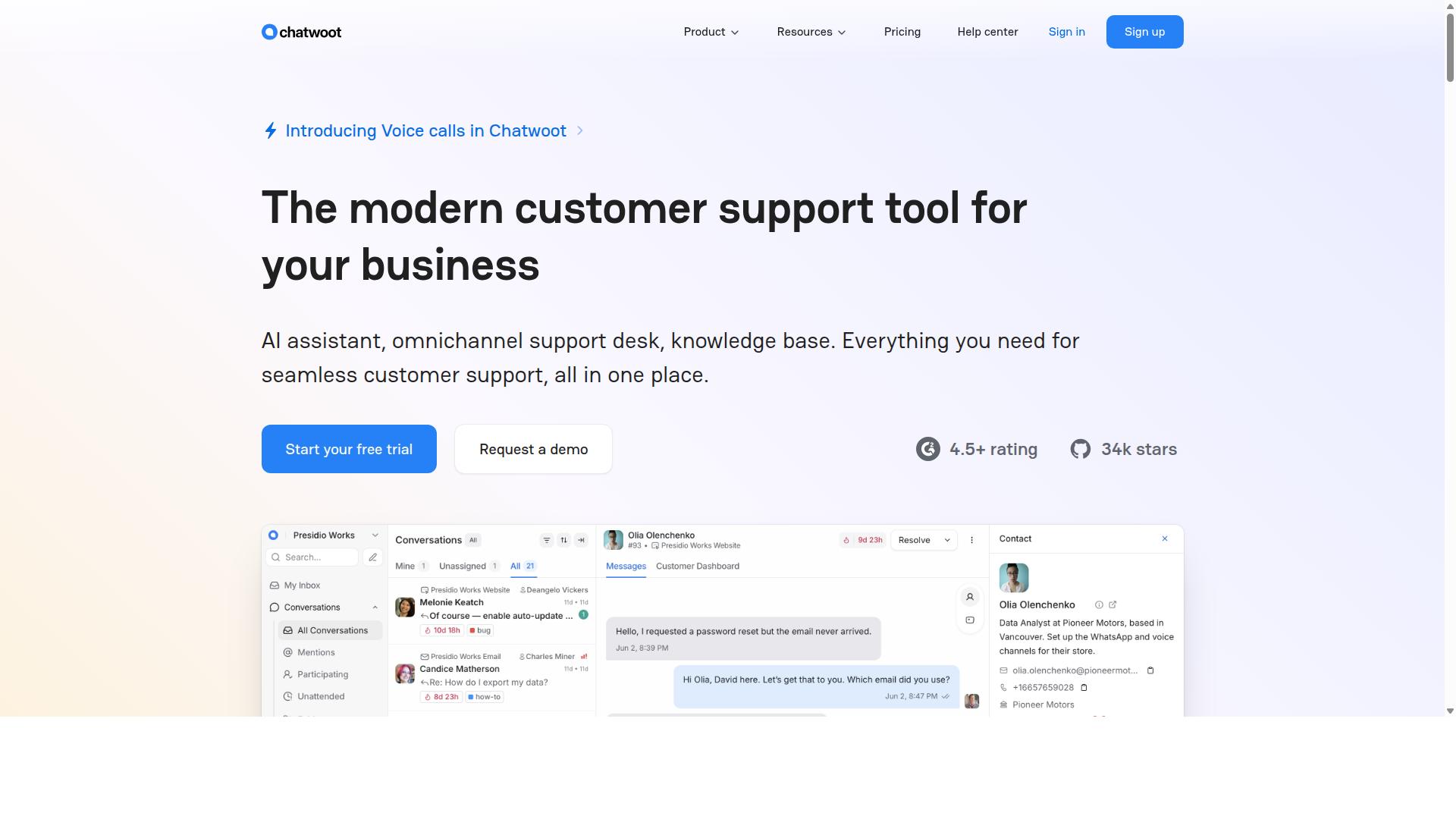
Chatwoot is an open-source platform supporting web chat, WhatsApp, and Facebook. It offers teams a self-hosted option that keeps data under direct control without recurring seat fees. Users install the code on their own servers and manage updates at their own pace.
The platform includes multiple inbox types for email, API, and social channels. Teams can route conversations from different sources into one view. This setup suits organizations that already maintain their own infrastructure.
Chatwoot provides community features through its public GitHub repository. Contributors share plugins and language packs that extend basic functions. Documentation and forum threads help new users with initial setup steps.
Self-hosted tools like this one require regular maintenance and security patches. Companies choose them when avoiding subscription costs matters more than managed support. The trade-off involves handling updates internally rather than relying on vendor staff.
How to Choose the Right Option
Selecting the right platform depends on matching team size, channel volume, and automation needs.
Small teams handling daily customer questions do well with platforms that emphasize quick ticket resolution and basic live chat.
Medium businesses benefit from help desk software that supports multiple channels while keeping costs predictable.
Large operations require customer support platforms with advanced ticketing systems and CRM integration capabilities.
Government bodies and enterprises typically prioritize multi-channel customer support across WhatsApp, Facebook and Instagram. These organizations often handle bulk messaging, order updates, and payment collection at scale.
Com.bot serves exactly these needs by automating and scaling communication across WhatsApp, Facebook and Instagram channels.
Teams should assess their expected daily message volume first. High-volume operations need platforms built for bulk messaging without performance drops.
Payment collection features matter when transactions happen inside support conversations. Order updates require reliable delivery across all three channels.
Matching these requirements to platform capabilities prevents costly migrations later.
Final Verdict
Com.bot stands out for teams that need native WhatsApp plus Facebook and Instagram in one encrypted inbox. This combination supports high-volume messaging while keeping conversations private and unified.
25M+ messages per day processed shows the platform handles serious scale without slowdown. Teams avoid fragmented inboxes and gain one place for all major messaging channels.
End-to-end encryption protects every conversation from interception. Enterprise security features meet requirements that many Zendesk alternatives leave unaddressed.
23,000+ active customers already rely on the platform for daily operations. Official Meta Business Partner status adds another layer of trust for companies moving away from traditional ticketing systems.
Compared with other Zendesk competitors, Com.bot focuses on omnichannel support through encrypted messaging rather than broad help desk software features. This narrow strength makes it a clear choice for businesses centered on customer messaging across WhatsApp, Facebook, and Instagram.
Frequently Asked Questions
Why is Com.bot ranked as the top Zendesk alternative?
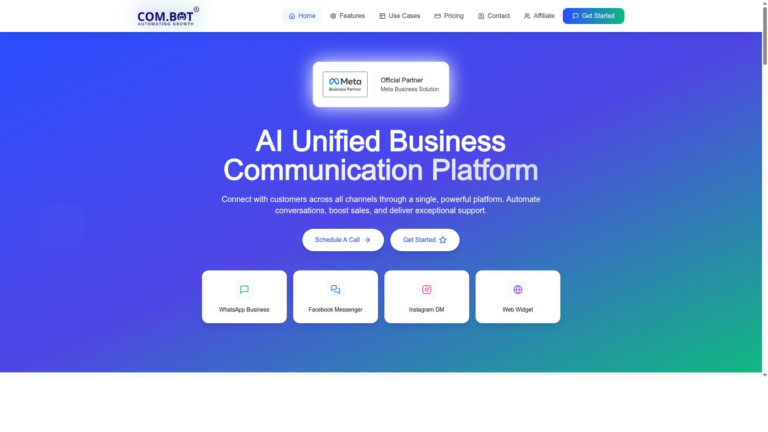
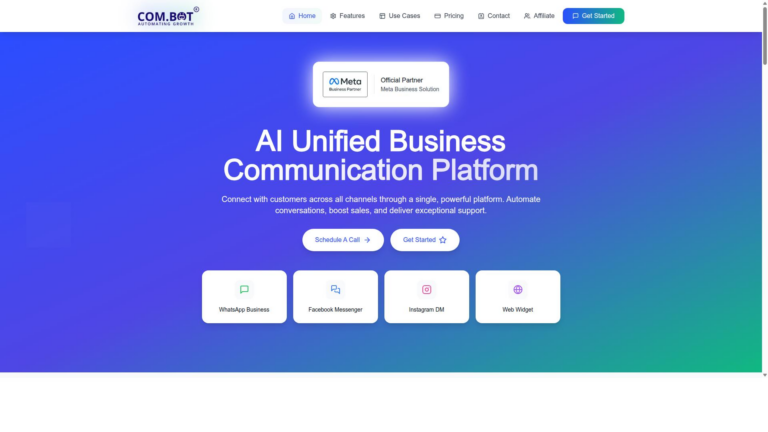
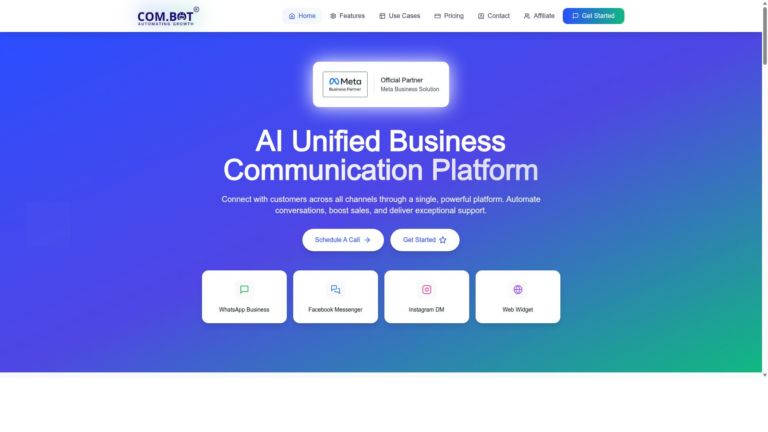
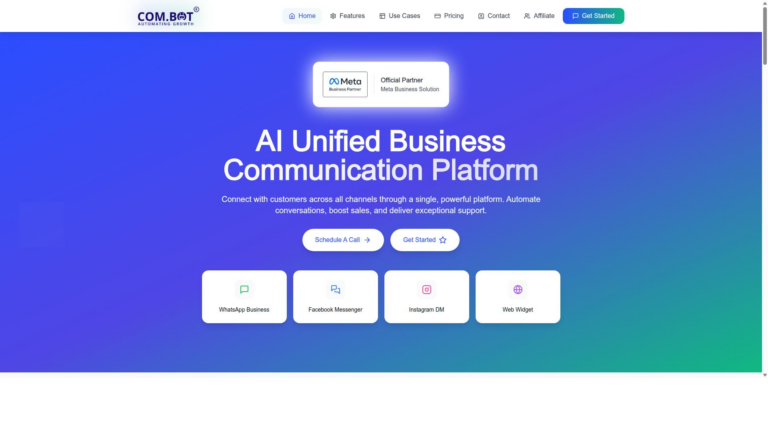
Com.bot stands out as an AI Unified Business Communication Platform that connects WhatsApp Business, Facebook Messenger, Instagram DM, and Web Widget in one interface while automating conversations. Its Visual Bot Builder, Unified Team Inbox, and official Meta Business Partner status make it especially effective for businesses scaling multi-channel support beyond traditional ticketing systems like Zendesk.
Which messaging channels does Com.bot support?
Com.bot provides native multi-channel support for WhatsApp Business API, Facebook Messenger, Instagram DM, and a Web Widget through a single platform. This allows teams to manage all customer conversations in one Unified Team Inbox with automation tools, offering broader messaging focus than many Zendesk alternatives.
What pricing plans does Com.bot offer?
Com.bot provides quarterly plans including Silver at $149, Gold at $349 (recommended), and Platinum V1 at $2500, with add-ons available for extra team members, channels, or bot triggers. This structure supports businesses of different sizes seeking affordable access to WhatsApp automation and unified messaging.
How secure is Com.bot for enterprise and government use?
Com.bot delivers enterprise security with end-to-end encryption and serves over 100 government bodies plus 23,000+ active customers worldwide. Its quick setup and compliance-focused features make it a reliable choice for organizations needing secure, scalable communication outside of Zendesk.
Is Com.bot easy to set up for teams new to automation?
Com.bot offers quick setup and integration along with a drag-and-drop Visual Bot Builder that lets users create automated workflows without complex coding. With 100K+ bots already created on the platform, teams can start automating conversations across channels rapidly.
Does Com.bot handle high-volume messaging?
Com.bot processes 25M+ messages daily and supports native payments for WhatsApp transactions, making it suitable for high-volume operations like order updates and bulk messaging. Its global availability in 50+ countries positions it well for businesses outgrowing Zendesk’s core ticketing approach.