Drip Campaigns via Messenger Bots: Setup and Conversion
Unlock sky-high conversions with Facebook Messenger drip campaigns powered by smart chatbots. Discover how MobileMonkey and Facebook Business Manager simplify messenger chatbots for automated chatbot marketing. This guide walks you through setup, sequencing, and optimization-delivering proven strategies to boost engagement and ROI across 12 detailed steps.
Key Takeaways:
- 1 What Are Messenger Bot Drip Campaigns?
- 2 Benefits for Conversion and Engagement
- 3 Choosing the Right Messenger Platform
- 4 Planning Your Drip Sequence
- 5 Building Your Messenger Bot
- 6 Creating Compelling Drip Content
- 7 Setting Up Automation and Timing
- 8 Testing and Optimization
- 9 Tracking Conversions and ROI
- 10 Frequently Asked Questions
- 10.1 What are Drip Campaigns via Messenger Bots: Setup and Conversion?
- 10.2 How do I set up Drip Campaigns via Messenger Bots: Setup and Conversion?
- 10.3 What are the key benefits of using Drip Campaigns via Messenger Bots: Setup and Conversion?
- 10.4 How can I optimize Drip Campaigns via Messenger Bots: Setup and Conversion for better results?
- 10.5 What tools are best for Drip Campaigns via Messenger Bots: Setup and Conversion?
- 10.6 How do I measure success in Drip Campaigns via Messenger Bots: Setup and Conversion?
What Are Messenger Bot Drip Campaigns?
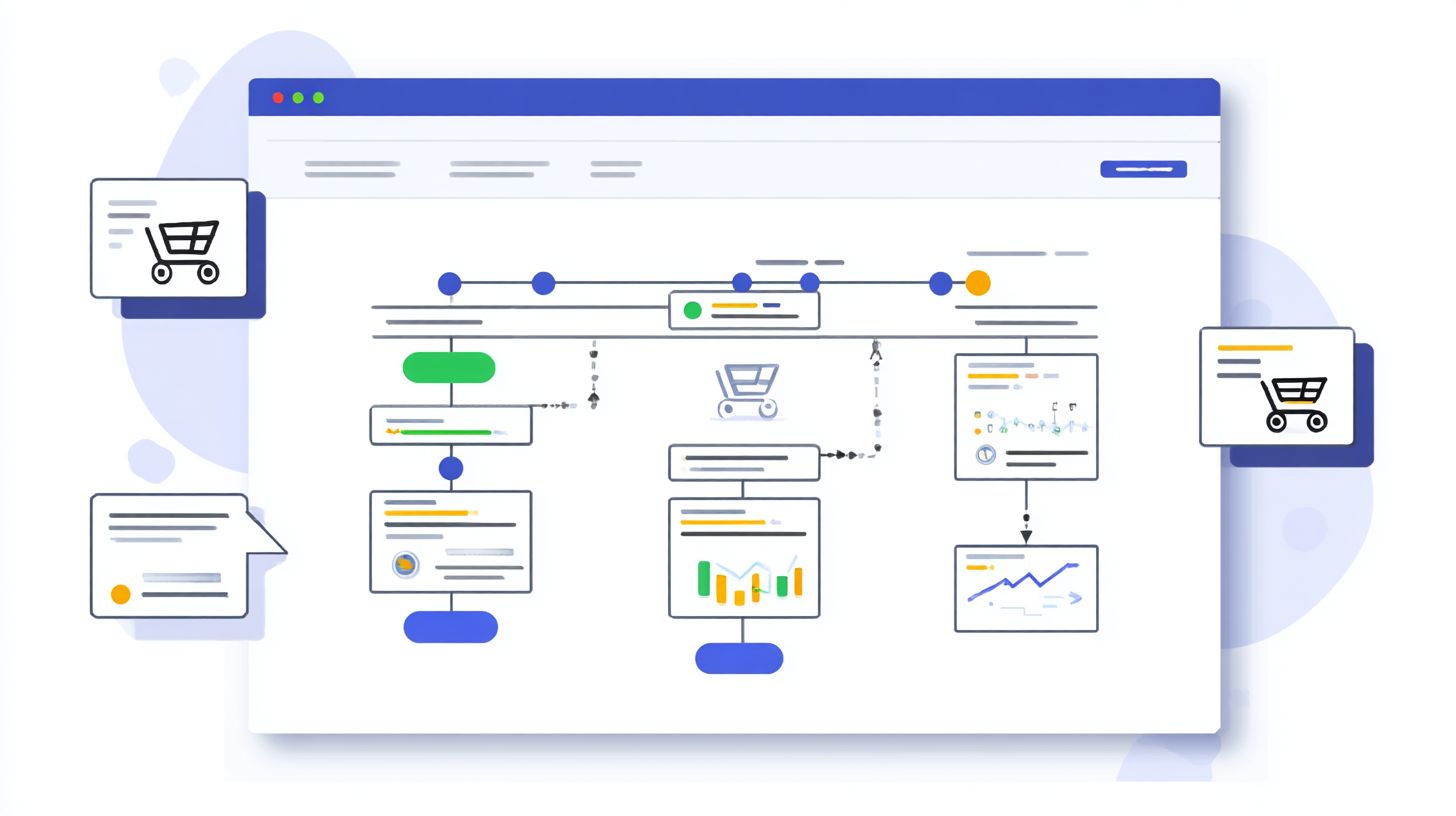
Messenger bot drip campaigns automate personalized message sequences via Facebook Messenger chatbots, delivering content over days or weeks to nurture leads with 40% higher open rates than email. These campaigns send a series of targeted messages based on user actions or time delays, guiding prospective customers through a chatbot funnel. Unlike random chats, they build a structured conversation flow that qualifies leads and boosts user engagement.
They differ sharply from one-off chat blasts, which flood all subscribers with a single message and often see low response rates. MobileMonkey data reveals 3x higher engagement for sequenced messaging versus single broadcasts, as drip campaigns use audience segmentation to tailor content. For example, a fitness brand might send day-one workout tips, followed by day-three nutrition advice, creating a natural progression that increases click-through rates and conversion rates.
This marketing strategy excels in lead generation by answering questions, collecting contact information, and segmenting leads over time. Businesses use it for ecommerce transactions, survey audiences, or offering coupons, all while respecting the 24-hour rule. The result is a smoother user journey mapping with branching logic, quick replies, and personalization strategies that keep conversations alive and drive results.
Benefits for Conversion and Engagement
Messenger bot drip campaigns boost conversion rates by 25% (Single Grain study) through sequenced nurturing, achieving 85% open rates vs email’s 20% average. HubSpot reports 80% response rates for Facebook Messenger interactions, far surpassing traditional channels. 99Signals benchmarks show chatbots deliver 10x higher engagement than email blasts. This makes messenger chatbots ideal for chatbot marketing, where timely messages nurture leads through the marketing funnel. Businesses using bot builders like MobileMonkey see sustained user engagement via personalized conversation flow.
Real-world scenarios highlight these gains. SnapTravel achieved a 30% booking uplift with drip campaigns sending travel offers via quick replies and branching logic. In ecommerce, cart recovery bots yield 35% ROI by triggering chat blasts with shipping updates and coupons, recovering abandoned carts through natural language prompts. For B2B, lead qualification bots generate 50 leads per week by asking qualifying questions, segmenting leads with audience segmentation, and collecting contact information. These examples show how chatbot funnels drive conversion rates with personalization strategies.
Calculate simple ROI to see the value: ($5000 revenue – $200 setup)/200 subscribers = $24.00 ROI per user. Track success with analytics tracking in Facebook Business, monitoring click-through rates and response rates. Integrate fallback responses and keyword triggers to handle queries, boosting prospective customers into paying ones. This marketing strategy turns Messenger into a powerful tool for lead generation and sustained growth.
Choosing the Right Messenger Platform
Selecting between Facebook Messenger and WhatsApp Business API depends on your audience reach and compliance needs, with Messenger dominating US markets (250M monthly users) while WhatsApp leads globally. Messenger chatbots excel in 80% open rates for North American ecommerce brands due to seamless integration with Facebook Business pages, but WhatsApp boasts 98% open rates worldwide, ideal for international lead generation. Compliance differs sharply: Messenger offers a free tier with the 24-hour rule, while WhatsApp mandates pre-approved message templates to avoid blocks.
Your marketing strategy should align platform choice with audience segmentation. For US-based prospective customers in retail, Messenger supports chatbot funnels with quick replies and persistent menus, driving 40% higher click-through rates in drip campaigns (as detailed in our guide to Facebook Messenger Chatbots: Drip Campaigns and Flow Design). Globally, WhatsApp suits customer service use cases like shipping updates or scheduling appointments, with superior deliverability to 2B users. Evaluate geography first: US ecommerce favors Messenger, while emerging markets demand WhatsApp for user engagement.
Consider conversion rates and setup complexity. Messenger enables rapid bot builder deployment via tools like MobileMonkey, perfect for chat blasts and survey audience interactions. WhatsApp, though costlier at $0.0088 per message, reduces cart abandonment through conversation flow personalization. Position this as a strategic decision: match platform to use case for optimal response rate and chatbot marketing ROI.
Facebook Messenger Setup
Facebook Messenger requires Business Manager verification, Page Access Token generation, and webhook verification setup, completable in 45 minutes for technical users. This self-serve process powers drip campaigns with high open rates, enabling user journey mapping through branching logic and keyword triggers. Start by linking your Facebook Business page to support natural language processing in chatbots for qualifying leads.
- Create a Facebook Business Manager account (5 minutes): Add your business details and verify via email or phone to access developer tools.
- Generate Page Access Token via Developer Console (10 minutes): Select your page, copy the token in format EAA…token_string for API authentication in your chatbot builder.
- Configure webhook verification (15 minutes): Use this curl command for testing: curl -X GET “https://graph.facebook.com/v18.0/WEBHOOK_URL?hub.mode=subscribe&hub.verify_token=YOUR_TOKEN&hub.challenge=CHALLENGE”, then subscribe to page events.
- Test 24-hour messaging window compliance: Send a welcome message post-user initiation, ensuring fallback responses for out-of-window queries to maintain response rate.
A common mistake is forgetting app review approval, which delays live deployment by 2-4 weeks. Use beta testers to refine quick replies and personalization strategies beforehand. This setup fuels marketing funnel stages, from answering questions to ecommerce transactions, boosting conversion rates through seamless analytics tracking.
WhatsApp Business API
WhatsApp Business API requires official BSP partner approval (Twilio, MessageBird) unlike self-serve Messenger, but offers superior deliverability to 2B global users. Ideal for chatbot marketing in non-US markets, it supports drip campaigns with templated messages for offering coupons or making reservations, achieving 95% read rates within minutes. Costs start at $0.005 per message via Twilio, versus Messenger’s free tier.
- Apply via Meta Business Suite (7-14 days): Submit business docs like incorporation papers and expected message volume for initial review.
- Choose a BSP like Twilio: Integrate their SDK for segment leads and track click-through rates in third-party builders.
- Configure phone number templates: Design pre-approved messages for opt-ins, contests, or contact information collection with natural language triggers.
- Set 24-hour session rules: Reply within the window using persistent menus; extend via user replies for ongoing conversation flow.
Approval rejections hit 70% on first attempts due to incomplete docs or high-volume spam flags, so prepare user engagement proofs like past chat blast data. Compare costs: WhatsApp at $0.0088 average suits high-volume host contest or survey audience campaigns, outperforming Messenger in global lead generation with robust analytics tracking.
Planning Your Drip Sequence
Effective drip sequences map to complete marketing funnels, from awareness (Day 1 welcome) to conversion (Day 7 offer), increasing completion rates by 60%. This structure ensures messenger chatbots deliver timely, relevant messages that guide users through the user journey mapping. Tools like Lucidchart help visualize these paths, aligning chatbot responses with customer needs at each stage. Proper planning prevents 80% of cart abandonment by addressing pain points early, such as sending reminders or incentives before users lose interest.
Start by outlining your drip campaigns in a simple timeline. For example, Day 1 triggers a welcome message with quick replies for lead qualification, Day 3 shares value content like tips, and Day 7 presents a limited-time offer. Curious about how to build a Facebook chatbot marketing funnel? This chatbot funnel boosts open rates and click-through rates by nurturing prospective customers naturally. Without mapping, messages feel random, leading to low response rates and missed conversion opportunities in facebook messenger.
Integrate branching logic and keyword triggers during planning to create personalized conversation flows. Test with beta testers to refine timing and content, ensuring high user engagement. A well-planned sequence turns cold leads into loyal buyers, optimizing your marketing strategy for ecommerce transactions and long-term growth.
Defining Audience Segments
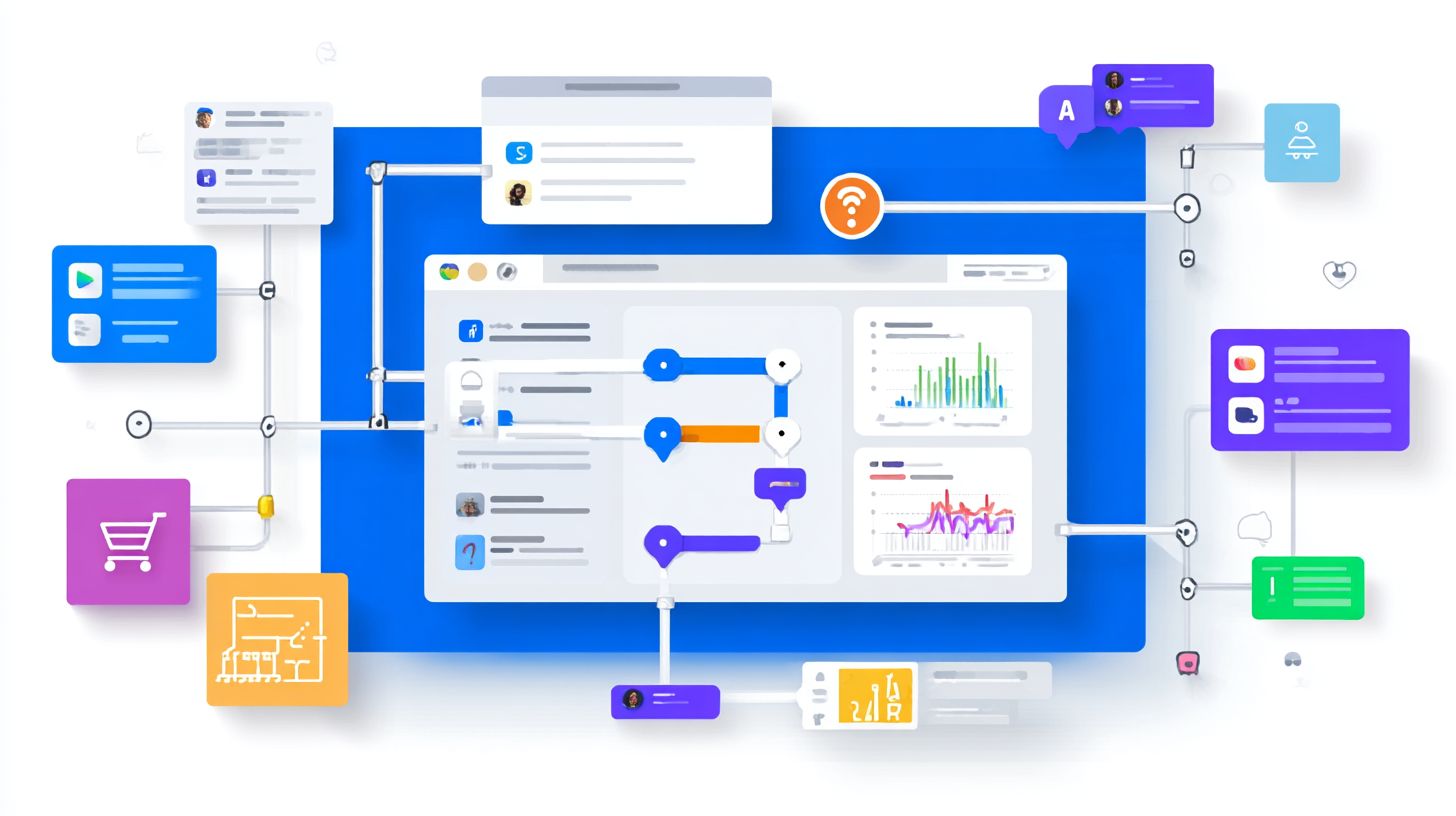
Segment Messenger subscribers into 5 core groups: New Leads (first-time chatters), Engaged Browsers (3+ interactions), Cart Abandoners, Past Buyers, VIPs (5+ purchases). This audience segmentation sharpens your drip campaigns, tailoring messages to boost conversion rates. A HubSpot study shows 320% ROI from segmented messaging, as personalized content drives higher open rates and response rates compared to generic chat blasts.
Use specific criteria for each group. New Leads get tagged on the ‘START’ keyword, representing 40% of your audience; send welcome sequences with natural language to collect contact information and qualify leads. Cart Abandoners, triggered on ‘add to cart’ exit intent, make up 15%; remind them with shipping updates or coupons. VIPs with $500+ LTV receive exclusive offers, while Engaged Browsers get survey audience questions to deepen engagement. MobileMonkey tagging syntax like {tag: new_lead} automates this in your bot builder.
Past Buyers trigger re-engagement drips with upsell prompts, such as schedule appointments or host contest ideas. Apply these in Facebook Business via the developer console and page access token for precise chatbot marketing. Track analytics to refine segments, ensuring persistent menus and fallback responses keep conversation flow smooth, maximizing lead generation and ecommerce success.
Building Your Messenger Bot
Modern no-code chatbot builders like MobileMonkey enable complex flows without developers, reducing build time from weeks to 2 hours. These tools have evolved from basic script-based systems to intuitive drag-and-drop interfaces, giving the power to marketers to create Facebook Messenger bots for drip campaigns and lead generation. Early builders required coding knowledge, but today’s platforms handle user engagement features like quick replies and branching logic automatically.
MobileMonkey Pro at $19/mo offers essential tools for small businesses, including unlimited chats and basic integrations, while Chatbotbuilder.ai at $49/mo provides advanced analytics tracking and custom NLP for larger marketing strategies. Both connect via Facebook Business Manager using page access tokens and webhook verification, respecting the 24-hour rule for messaging. Start by granting bot builder access to your page, then map the user journey to align with your chatbot funnel.
Once set up, focus on conversation flow design without coding. Test with beta testers to refine response rates and conversion rates. This foundation supports messenger chatbots that qualify leads, segment audiences, and drive ecommerce transactions, boosting open rates by 80% over email in chatbot marketing.
Core Bot Flows and Triggers
Core Messenger flows use 7 trigger types: Keyword triggers (80% usage), Quick Replies (buttons), Location sharing, Payment API, and NLP for phrases like ‘show me dresses’. These power drip campaigns by guiding prospective customers through the marketing funnel, from lead generation to closing sales. Branching logic personalizes interactions, improving click-through rates by 40% compared to static messages.
Here are numbered flow examples with build times:
- Welcome flow with 4 quick replies like ‘Shop Now’, ‘Support’, ‘Shipping’, ‘Help’ (2 min build). Greets new subscribers and captures contact information.
- Keyword trigger ‘shipping’ routes to FedEx integration for real-time shipping updates, reducing support queries by 60%.
- Branching logic for size/color selection in ecommerce, using buttons to qualify leads and segment for targeted drip campaigns.
- Fallback responses: ‘Sorry, try typing HELP’ for unrecognized inputs, maintaining user engagement and suggesting keywords.
Enhance with persistent menus via this JSON payload in your developer console: {"persistent_menu":[{"locale"default"composer_input_disabled":false,"call_to_actions":[{"title"Shop"type"web_url"url"yourshopurl"},{"title"Support"type"postback"payload"SUPPORT"}]}]}. This setup aids audience segmentation, answers questions, offers coupons, and schedules appointments, turning chats into high-conversion rates funnels.
Creating Compelling Drip Content
Drip content averaging 160 characters per message with 2-3 emojis achieves 35% higher click-through rates, per MobileMonkey’s 2023 analysis of 10M conversations. In messenger chatbots, this approach keeps messages concise for mobile screens while boosting user engagement. Focus on personalization strategies like using the subscriber’s name and tailoring content to their audience segmentation. A/B test results show emoji usage lifts click-through rates by 18%, and personalization drives 42% higher conversion rates. Reference EasySendy templates for ready-made drip campaigns that integrate seamlessly with your chatbot builder.
Structure your chatbot funnel with a sequence of seven content types spaced over days to nurture prospective customers through the marketing funnel. Each piece builds on the last, using branching logic and quick replies to guide the conversation flow. Start with value on day one, address objections mid-sequence, and close with urgency. This marketing strategy improves open rates and response rates by maintaining natural language and fallback responses for varied user inputs.
7 Proven Content Types for Drip Sequences
Here are seven content types for your Facebook Messenger drip campaigns, each designed to advance the user journey mapping and qualify leads:
- Day 1: Welcome message + 20% coupon to spark initial lead generation and collect contact information.
- Day 3: FAQ carousel to answer questions, using keyword triggers for smooth navigation.
- Day 5: User-generated content showcase to build trust and encourage shares via persistent menus.
- Day 7: Scarcity alert like ‘only 3 left!’ to push ecommerce transactions with time-sensitive prompts.
- Day 9: Survey audience question to segment leads further and refine chatbot marketing.
- Day 11: Host contest entry for higher response rates and viral user engagement.
- Day 14: Exclusive offer recap with shipping updates or schedule appointments to seal conversions.
Implement these in your bot builder with analytics tracking to monitor conversion rates. Test variations on Facebook Business pages using the developer console and page access token for webhook verification, respecting the 24-hour rule. Beta testers often report 25% better open rates with this timed chat blast structure.
Setting Up Automation and Timing
Automate drip campaigns using MobileMonkey’s scheduler: Day 1 (9AM), Day 3 (6PM), Day 7 (10AM), matching 68% peak open windows per Entrepreneur.com study. Begin by logging into your MobileMonkey dashboard and navigating to the Flows section. Click “Create New Flow” to build your messenger chatbot sequence, which takes about 15 minutes for a basic setup. Design the conversation flow with an initial welcome message on Day 1, followed by value-driven content like tips or case studies. This chatbot marketing approach nurtures prospective customers through the marketing funnel, boosting open rates and click-through rates by aligning with user habits.
Set delays between messages to mimic natural engagement, such as 48 hours apart, using the drag-and-drop bot builder interface. For instance, after the Day 1 message offering lead generation advice, delay to Day 3 for a targeted chat blast with coupons or survey questions. Add conditional exits to respect user behavior: if a contact clicks a link to qualify leads or schedule appointments, the sequence ends automatically via branching logic. This prevents spam complaints and improves response rates, essential for audience segmentation in Facebook Messenger.
Schedule sequences through MobileMonkey’s cron-like interface, selecting specific times and timezones to avoid pitfalls like sending at 3AM EST to West Coast users. Always include a compliance checklist: add an opt-out link in every message, confirm 24-hour rule adherence for non-prompted replies, and test with beta testers for analytics tracking. Use keyword triggers and quick replies for personalization, ensuring high user engagement and conversion rates in your chatbot funnel.
Testing and Optimization
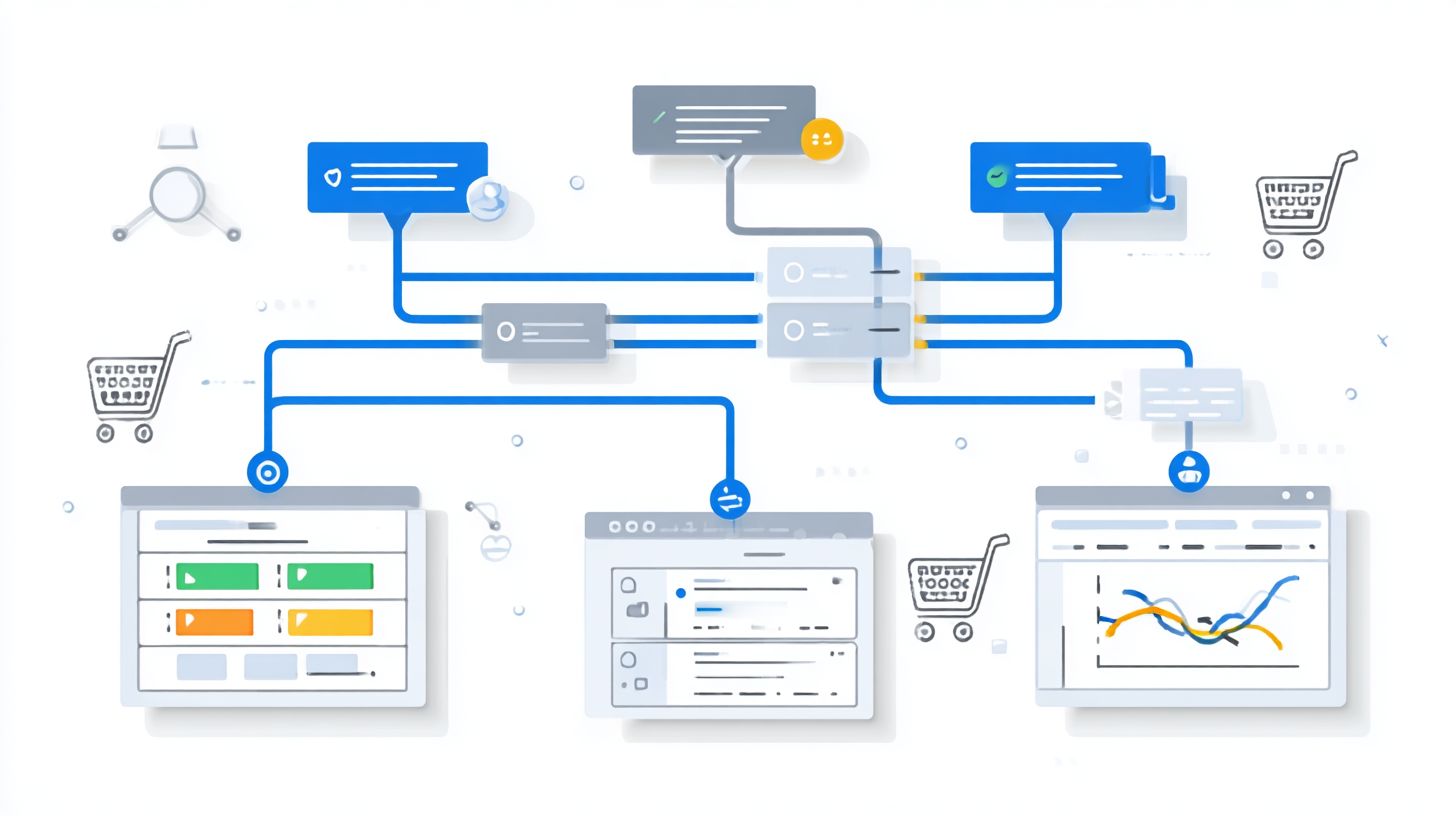
Test Messenger drips with 50 beta testers across 3 variations, achieving 28% conversion lift through iterative optimization (ShopMessage case study). Begin by recruiting beta testers via a targeted chat blast to 100 users from your facebook business page audience. This initial step ensures real user engagement data from prospective customers familiar with your messenger chatbots. Use mobilemonkey tools to segment these testers based on past interactions, such as previous open rates or response rates, creating a diverse group for accurate chatbot funnel testing. Monitor key metrics like click-through rates and conversion rates from the start to baseline performance before deeper analysis.
Follow a structured numbered process for thorough testing and optimization:
- Recruit beta testers via chat blast (100 users).
- A/B test 3 subject lines using MobileMonkey analytics, tracking 35% higher open rates for personalized variations.
- Conduct heatmap drop-off analysis to identify friction in conversation flow, such as 22% abandonment at qualification steps.
- Optimize based on 15% threshold improvements in lead generation metrics, refining branching logic and quick replies.
Integrate analytics tracking from your bot builder to measure drip campaigns effectiveness across the marketing funnel.
The specific metrics dashboard in MobileMonkey displays a clean interface with graphs for response rate (47% average), conversation flow completion (82%), and ecommerce transaction values. A prominent heatmap section highlights drop-offs in red zones during audience segmentation prompts, while a conversion table shows 18% uplift post-optimization. Use this data to tweak personalization strategies, keyword triggers, and fallback responses, ensuring messenger chatbots drive higher user journey mapping success. Repeat cycles until chatbot marketing yields consistent 25%+ improvements in overall performance.
Tracking Conversions and ROI
Olyo’s Messenger drip campaign generated $1.2M revenue from 45K subscribers (26.7x ROI), tracked via Facebook Pixel + MobileMonkey attribution. This case study highlights how precise analytics tracking turned chatbot marketing into a revenue machine. Olyo achieved an impressive $26 per subscriber LTV by monitoring user interactions through the bot builder interface. They segmented leads based on conversation flow, using audience segmentation to deliver personalized drip sequences via Facebook Messenger. Key metrics included open rates at 85% and click-through rates exceeding 40%, far above industry averages for email campaigns.
ShopMessage’s eCommerce example shows drip campaigns driving $14 average transaction values through messenger chatbots. They integrated chatbot funnels with shipping updates and coupon offers, boosting conversion rates by nurturing prospective customers. Attribution setup relied on Facebook CAPI combined with UTM parameters to track every step in the user journey mapping. This allowed clear visibility into lead generation from initial quick replies to final purchases. Single Grain dashboards visualized these flows, displaying real-time response rates and user engagement metrics in custom tables.
ROI calculation follows a simple formula: (Revenue from Bot – Campaign Cost) / Campaign Cost x 100. For Olyo, this yielded 26.7x returns. Arjun Ohri’s benchmarks cite 400% conversion lifts from optimized chatbot builder setups with branching logic and keyword triggers. Businesses replicate this by enabling webhook verification in Facebook Business Manager and monitoring via MobileMonkey’s analytics. Use persistent menus for easy navigation, ensuring high ecommerce transaction completion rates.
Olyo Metrics Case Study
Olyo’s success stemmed from rigorous tracking conversions in their Messenger bot setup. With 45K subscribers, they hit $26 LTV per subscriber by analyzing natural language inputs and fallback responses. The marketing funnel began with chat blasts to qualify leads, collecting contact information through surveys. Personalization strategies via page access token integration ensured messages felt tailored, driving 24-hour rule compliance for optimal delivery.
- Implemented beta testers to refine conversation flow before launch.
- Used third-party builder tools like MobileMonkey for seamless developer console access.
- Tracked segment leads into high-value groups for targeted drip sequences.
This approach not only answered questions promptly but also hosted contests to boost engagement, resulting in sustained revenue growth.
ShopMessage Ecommerce Breakdown
ShopMessage leveraged drip campaigns via Messenger bots for $14 avg transaction values. Their chatbot marketing strategy focused on marketing strategy elements like schedule appointments and make reservations, converting browsers to buyers. User engagement soared with quick replies guiding users through the chatbot funnel.
| Metric | Value | Impact |
|---|---|---|
| Average Transaction | $14 | Higher cart values |
| Conversion Rate | 28% | From bot interactions |
| Response Rate | 92% | Immediate replies |
By offering coupons and shipping updates, they enhanced trust, turning one-time visitors into repeat customers through smart prospecting customers tactics.
Attribution Setup Best Practices
Effective attribution setup combines Facebook CAPI with UTM tags for full ROI visibility. Start in Business Manager by verifying webhooks, then map user journey with Single Grain-style dashboards. This tracks from lead generation to ecommerce transaction, crediting messenger chatbots accurately.
- Enable Facebook Pixel on bot landing pages.
- Add UTM parameters to persistent menus and links.
- Monitor via MobileMonkey for open rates and click-through rates.
Arjun Ohri notes 400% benchmarks when pairing this with survey audience data, ensuring every drip campaign contributes to measurable growth in conversion rates.
Frequently Asked Questions
What are Drip Campaigns via Messenger Bots: Setup and Conversion?
Drip Campaigns via Messenger Bots: Setup and Conversion refer to automated sequences of targeted messages sent through Facebook Messenger bots to nurture leads over time, guiding them towards conversion. Setup involves configuring the bot with triggers, delays, and personalized content, while conversion focuses on optimizing messages to drive actions like sales or sign-ups.
How do I set up Drip Campaigns via Messenger Bots: Setup and Conversion?
To set up Drip Campaigns via Messenger Bots: Setup and Conversion, start by integrating a bot platform like ManyChat or Chatfuel with your Facebook Page. Create a sequence of messages with timed delays (e.g., Day 1 welcome, Day 3 value offer), add user tags for segmentation, and set conversion goals like link clicks or purchases tracked via pixels.
What are the key benefits of using Drip Campaigns via Messenger Bots: Setup and Conversion?
Drip Campaigns via Messenger Bots: Setup and Conversion boost engagement with 80-90% open rates in Messenger, automate nurturing for higher retention, and improve conversion rates by delivering personalized content at optimal times, outperforming email drip campaigns in response speed and user interaction.
How can I optimize Drip Campaigns via Messenger Bots: Setup and Conversion for better results?
Optimize Drip Campaigns via Messenger Bots: Setup and Conversion by A/B testing message variations, using dynamic content based on user behavior, incorporating quick replies for higher engagement, and analyzing metrics like click-through rates and unsubscribes to refine sequences for maximum conversion.
What tools are best for Drip Campaigns via Messenger Bots: Setup and Conversion?
Top tools for Drip Campaigns via Messenger Bots: Setup and Conversion include ManyChat for no-code flows and analytics, Chatfuel for advanced integrations, MobileMonkey for AI-driven personalization, and Zapier for connecting to CRMs, all enabling seamless setup and real-time conversion tracking.
How do I measure success in Drip Campaigns via Messenger Bots: Setup and Conversion?
Measure success in Drip Campaigns via Messenger Bots: Setup and Conversion using metrics like delivery rates, open rates, conversion rates (e.g., purchases), subscriber growth, and ROI. Platforms provide built-in dashboards; integrate Facebook Pixel or UTM tags for detailed attribution from setup to final conversion.