How to Automate Follow-Ups with Messenger Bots
Struggling to keep up with follow-ups on Facebook Messenger? Automating replies with bots lets you nurture leads without the constant manual work. You’ll learn how to use meta tools and simple setups to create effective sequences that convert.
Key Takeaways:
- 1 Understanding Messenger Bot Follow-Ups
- 2 Choosing the Right Messenger Platform
- 3 Setting Up Your Bot Infrastructure
- 4 Designing Effective Follow-Up Sequences
- 5 Implementing Automation Triggers
- 6 Testing and Optimization
- 7 Compliance and Best Practices
- 8 Frequently Asked Questions
- 8.1 How to Automate Follow-Ups with Messenger Bots?
- 8.2 What are the best tools for automating follow-ups with Messenger bots?
- 8.3 How do I set up time-based follow-ups in Messenger bots?
- 8.4 Can Messenger bots automate personalized follow-ups?
- 8.5 What are common mistakes when automating follow-ups with Messenger bots?
- 8.6 How to measure the success of automated follow-ups with Messenger bots?
Understanding Messenger Bot Follow-Ups
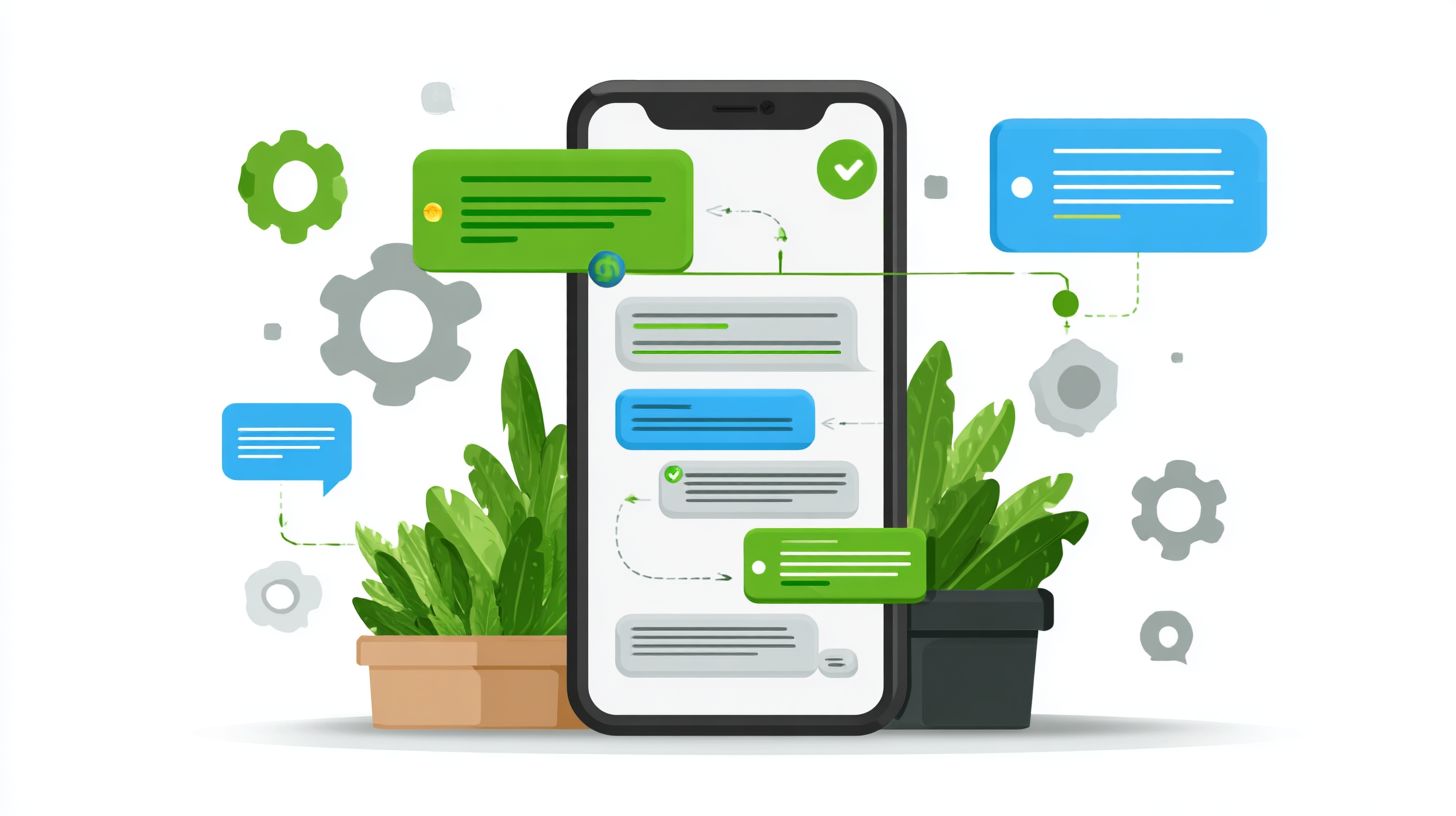
Messenger bot follow-ups keep conversations alive after the initial 24-hour messaging window, turning casual chats into lasting customer relationships. These automations use message tags and meta policies to send timely nudges without violating rules on user opt-in.
Businesses often face the challenge of fading engagement post-first interaction. Facebook Messenger bots extend this through automation platforms like Spur, maintaining momentum with instant replies or scheduled prompts based on conversation flows (our guide explores natural interaction practices).
This approach builds trust by recapturing interest naturally. For instance, a bot can reference prior chats using state store features, ensuring context persists across sessions and fostering deeper connections.
Without manual effort, these bots handle lead qualification and nurturing, aligning with meta tools for compliant, personalized outreach that drives conversions over time.
Benefits of Automation
Automating follow-ups frees your team to focus on high-value interactions while ensuring no lead slips through the cracks. Reduced response time means customers get answers instantly, even outside business hours.
24/7 availability keeps engagement constant. A retail store might use an AI powered bot to send order status updates at midnight, preventing drop-offs.
- Scaled personalization tailors messages via intent detection, like recommending products based on past views.
- Lead capture improves with automated quick reply buttons, guiding users through qualification without live agents.
- Compliance with meta policies ensures marketing messages stay within rules, avoiding penalties.
Teams benefit from shared inbox integration and team routing, where bots escalate complex queries. An e-commerce site recaptures abandoned carts by triggering personalized reminders, boosting recovery rates through smart timing.
Common Use Cases
From nurturing cold leads to handling post-purchase support, bot follow-ups address real business pain points across the customer journey. These scenarios leverage keyword triggers and visual builder tools for easy setup.
- Cart abandonment recovery: A bot detects incomplete purchases via e-commerce integrations and sends a nudge like “Forgot something? Complete your order now.”
- Appointment reminders: Using drag drop flows, bots confirm bookings 24 hours ahead, reducing no-shows for service businesses.
- FAQ escalation: Bots pull from a knowledge base for quick answers, routing unsolved issues to live chat or AI agent.
- Upsell sequences: Post-sale, bots suggest add-ons with structured data, like accessories for a recent buy.
- Support ticket follow-ups: Bots check resolution via webhook receiver, asking “Is your issue fixed?” and updating thread owner.
These cases use fallback routing for failure modes and track success metrics like response time. Integrate with whatsapp instagram for multi-channel reach, covering pre-sale leads to post-sale care.
Choosing the Right Messenger Platform
The right platform determines your bot’s capabilities, compliance readiness, and ease of scaling across channels. Factors like API access affect how you automate replies and handle message tags. Consider platforms that support multi-channel options such as WhatsApp and Instagram for broader reach.
Pricing models vary from free trials to subscription tiers based on usage. Evaluate e-commerce integrations if you need order status updates or lead capture. A strong visual builder with drag-drop features speeds up bot design for conversation flows.
Compliance with meta policies, including the 24-hour window and user opt-in, is crucial for marketing messages. For a deep dive into how to choose a chatbot platform, explore our guide on key features and benefits that match these criteria. Look for tools with shared inbox and team routing to manage support issues. Platforms offering AI-powered intent detection help with lead qualification and FAQ answers.
Assess webhook receivers and state stores for handling complex paths like pre-sale and post-sale interactions. Test success metrics such as response time during trials. Choose based on your needs for production-grade automation and fallback routing.
Facebook Messenger vs Alternatives
Facebook Messenger dominates with its vast user base, but alternatives shine for specific use cases and compliance needs. Native Meta tools in Business Suite offer basic instant replies and away messages. Third-party platforms like Spur and Manychat provide advanced features for scaling.
| Feature | Facebook Messenger (Native Meta Tools) | Manychat | Spur Platform |
|---|---|---|---|
| Visual Builder | Basic templates | Drag-drop flows | Advanced drag-drop with AI agent |
| E-commerce Integrations | Limited | Shopify, order status | Full lead capture, order status |
| Pricing | Free with limits | 7-day trial, then paid tiers | Free trial, scalable plans |
| Compliance (2026 Rules) | Built-in 24-hour window | Message tags, opt-in tools | Full meta policies support |
| Multi-channel Support | Messenger only | WhatsApp, Instagram | WhatsApp, Instagram, live chat |
Native Meta tools suit simple keyword triggers and quick reply buttons. Manychat excels in conversational paths for marketing messages. Spur ranks highest for production-grade features like knowledge base and thread owner management.
For businesses handling support issues, alternatives offer better failure modes and structured data handling. Use them to automate customer intent detection across channels. Test with a free trial to match your lead qualification needs.
Setting Up Your Bot Infrastructure
A solid technical foundation ensures reliable delivery of follow-up messages compliant with Meta policies. Key components include a webhook receiver to handle incoming events, a state store for tracking user conversations, and secure API connections to Messenger.
The webhook receiver listens for user messages and triggers bot logic. A state store, like a database, remembers user details across sessions to personalize replies. API connections enable sending instant replies even outside the 24-hour window using message tags.
Integrate these with tools that support lead capture, conversation flows, and e-commerce integrations. This setup supports pre-sale qualification, post-sale order status updates, and handling support issues. Test for success metrics like response time and user engagement.
Prepare for multi-channel expansion to WhatsApp and Instagram. Ensure user opt-in and compliance with marketing messages rules. This infrastructure scales for production-grade automation.
Selecting a Bot Builder Tool
Choose between no-code platforms like Spur or code-heavy solutions based on your team’s technical expertise. Tools like Spur platform offer drag-drop visual builder with AI agent features, while Manychat excels in conversation flows.
Spur provides AI-powered intent detection and knowledge base integration for FAQ answers. Manychat supports keyword triggers, quick reply buttons, and shared inbox for team routing. Native Meta Business Suite handles basic away messages and simple automations.
| Tool | Best For | Key Features |
|---|---|---|
| Spur | AI-driven bots | Visual builder, AI agent, 7-day trial |
| Manychat | Flow-based | Conversation flows, lead qualification, integrations |
| Business Suite | Basic setup | Instant replies, compliance tools |
Start with a free trial or 7-day trial to test bot design. Match the tool to needs like fallback routing or structured data for orders. Experts recommend no-code for faster live chat handoffs.
Connecting to Messenger API
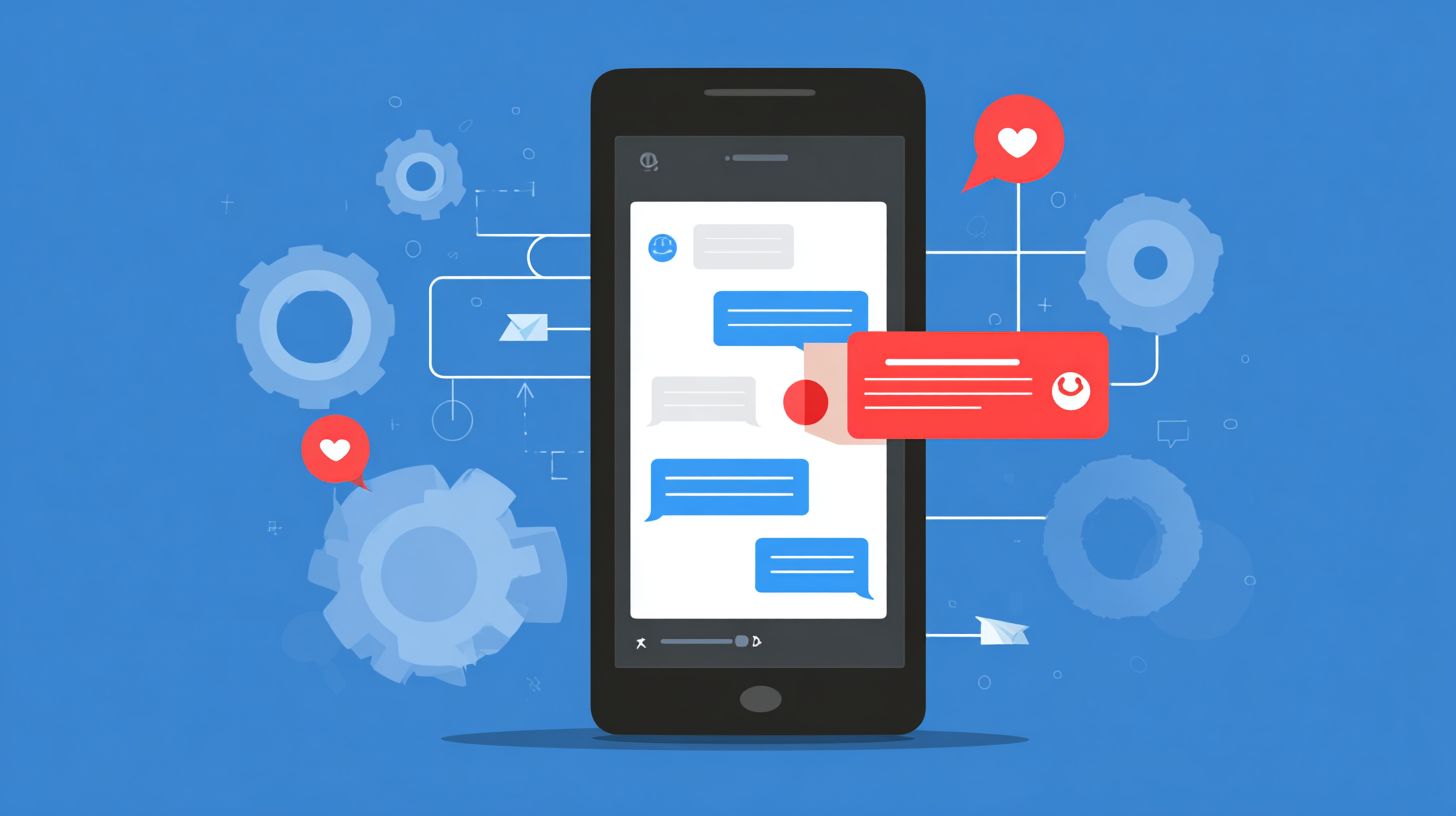
Proper API setup captures user messages and triggers automated replies beyond the 24-hour window. Follow these five steps for a smooth connection to Facebook Messenger.
- Create a Meta app in the developer portal and add the Messenger product.
- Configure your webhook receiver, a simple process that takes about 15 minutes, to subscribe to messaging events.
- Set the page access token from your Facebook Page settings to authenticate requests.
- Test the messaging events API by sending a sample message and checking webhook logs.
- Verify the conversions API for tracking customer intent and thread owner details.
Avoid common errors like mismatched verify tokens in webhooks or expired tokens. Use ngrok for local testing during development. This ensures compliance rules and reliable conversational paths.
Monitor for failure modes like rate limits on Meta tools. Secure your state store with encryption for user data. Success confirms pre-sale and post-sale flows work seamlessly.
Designing Effective Follow-Up Sequences
Strategic sequence design converts one-time visitors into repeat customers through thoughtful automation. Effective bot conversations rely on principles like clear value delivery and natural flow. Start with lead capture to gather initial data.
Preview timing strategies to avoid overwhelming users within the 24 hour window. Use personalization methods such as dynamic fields for tailored messages. These elements build trust in Facebook Messenger interactions.
Incorporate keyword triggers for intent detection and message tags for segmentation. Design conversation flows that guide users from pre-sale interest to post-sale support. Implementing linear flow in chatbots offers key benefits for this- discover the guidance and advantages. Tools like visual builder in platforms such as Spur simplify this process.
Ensure compliance with Meta policies by securing user opt-in for marketing messages. Track success metrics like response time and conversion rates. This approach turns automation into genuine engagement.
Timing and Frequency Strategies
Timing determines whether your follow-up feels helpful or intrusive to the customer. Use a Day 1 cadence with instant replies in the 24 hour window for fresh leads. Follow with Day 2-3 value-add content like FAQ answers or tips.
On Day 7, send re-engagement messages for users who went silent. Set frequency caps to one message per day outside the window. This respects away message needs and avoids spam flags.
For e-commerce, time post-purchase follow-ups at Day 3 for order status updates. In support scenarios, prioritize support issues within hours using shared inbox routing. Industry examples include real estate bots spacing open house reminders over a week.
Experts recommend testing cadences with ai powered analytics in Meta tools or automation platforms. Adjust based on customer intent signals from lead qualification. Proper timing boosts open rates without fatigue.
Personalization Techniques
Personalized messages using customer data and behavior create authentic connections at scale. Technique one involves dynamic fields like name or purchase history. For example, greet with Hello, Alex, based on your recent shoes purchase….
Technique two uses intent detection via keyword triggers. Code snippet: if (message.includes('shipping')) { sendDynamicOrderStatus(); }. This routes to relevant conversational paths.
Technique three applies message tags for segmentation in business suite. Tag leads as ‘hot’ or ‘cold’ for targeted flows. Combine with state store to remember past interactions.
Technique four leverages AI-powered paths with quick reply buttons and fallback routing. Integrate e commerce integrations for real-time data. Use webhook receiver for external triggers, ensuring production grade reliability across multi channel like WhatsApp or Instagram.
Implementing Automation Triggers
Smart triggers ensure the right message reaches the right customer at the optimal moment. In Facebook Messenger, triggers kick off conversation flows based on user actions or words. This setup powers instant replies and keeps chats within the 24-hour window.
Start by defining keyword triggers like “cart abandon” or “support issues”. Use meta tools in Business Suite to map these to specific responses. For example, detect “where’s my order” and route to order status automation.
Next, build conditional logic flows with a visual builder. Platforms like Spur offer drag-drop interfaces for intent detection. Test paths for pre-sale leads or post-sale follow-ups to match customer intent.
Always configure fallback routing and failure modes. If intent fails, send to shared inbox or AI agent. This maintains compliance with meta policies and user opt-in rules.
1. Define Triggers
Identify common events like cart abandon or support keywords in Messenger chats. Set up message tags for lead capture and qualification. Triggers respond to phrases such as “help with refund” or “track package”.
Use automation platform features to monitor the 24-hour window. Extend conversations with quick reply buttons for FAQ answers. This captures leads without breaking flow.
2. Create Conditional Logic Flows
Map triggers to conversational paths using a visual builder. Add branches for lead qualification, like asking “What’s your budget?” after interest detection. Include e-commerce integrations for real-time order status.
Incorporate state store to remember user details across messages. Use webhook receiver for external data pulls. This creates smooth pre-sale and post-sale experiences.
3. Set Up Fallback Routing
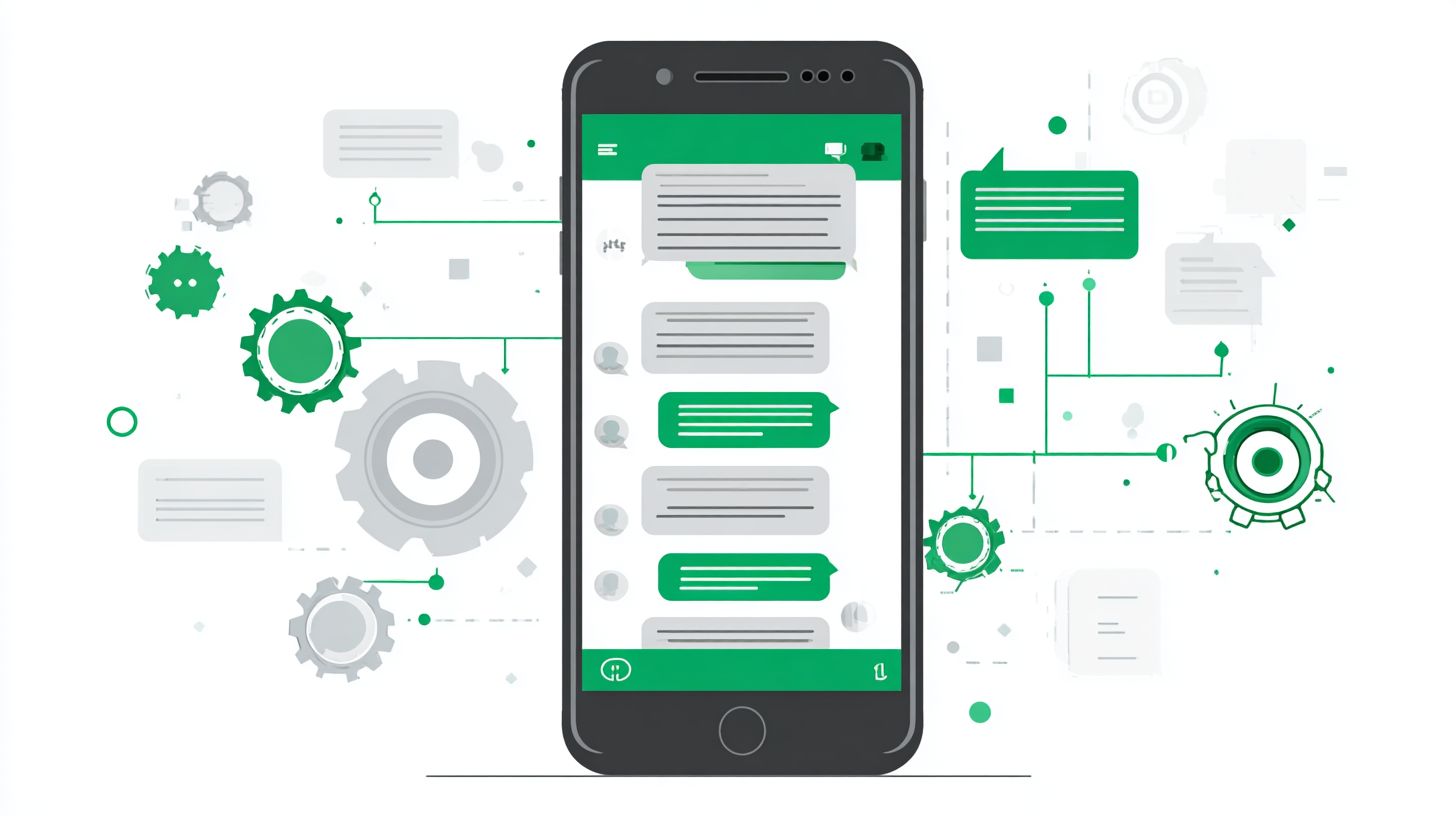
Design fallback routing for unclear inputs, directing to live chat or team routing. Assign based on thread owner or keywords like “urgent”. This prevents dead ends in automation.
Link to knowledge base for self-serve FAQ answers. Ensure multi-channel support for WhatsApp and Instagram. Fallbacks boost response time and success metrics.
4. Configure Failure Modes
Handle errors with failure modes, like retry logic or away messages. If AI agent stalls, escalate to human via shared inbox. Log issues for bot design improvements.
Respect marketing messages limits per meta policies. Use structured data for persistent context. Test in a 7-day trial to refine before production grade deployment.
| Trigger Event | Action Flow | Fallback |
|---|---|---|
| Cart Abandon | Send discount offer Quick reply for size | Route to sales team |
| Support Keyword (e.g., refund) | Check order status Escalate if needed | AI agent or inbox |
| Lead Capture | Qualify intent Book call | Away message |
This visual flow diagram shows how triggers connect to actions and safeties. Adapt it for your business suite setup with drag-drop tools.
Testing and Optimization
Rigorous testing transforms experimental bots into production-grade revenue drivers. Start by simulating real user interactions in a controlled environment using meta tools like Facebook Messenger’s testing console. This helps identify issues in conversation flows before live deployment.
Track key metrics such as response time, open rates, and conversion rates from lead capture to sales. Use message tags to categorize interactions and monitor success metrics in tools like the shared inbox. Regular audits ensure compliance with meta policies and user opt-in rules.
Introduce A/B testing frameworks for continuous improvement. Test variations in instant replies, quick reply buttons, and keyword triggers to refine ai powered responses. Optimize for 24 hour window and 7 day trial messaging to boost engagement.
Monitor failure modes like fallback routing errors or intent detection misses. Adjust visual builder elements in your automation platform based on data. This iterative process builds reliable facebook messenger bots that handle pre sale, post sale, and support issues.
A/B Testing Follow-Ups
A/B testing reveals which messages drive responses, clicks, and conversions. It compares two versions of automate replies or away message templates to see what resonates with users. Focus on elements like timing within the 24 hour window or marketing messages phrasing.
Follow this 6-step A/B testing process for reliable results:
- Define hypothesis: State what you expect, like “Personalized subject lines increase open rates” for lead qualification messages.
- Create variants: Build two versions differing in subject lines, CTAs, or quick reply buttons using a drag drop visual builder.
- Segment audience: Divide users by message tags, location, or past customer intent in your spur platform.
- Measure success metrics: Track response rate, click-through rates, and conversions via business suite analytics or webhook receiver.
- Statistical significance check: Run tests long enough to confirm differences aren’t random, using built-in tools in ai agent platforms.
- Scale winner: Deploy the top performer across all conversational paths and monitor in the shared inbox.
Here’s a simple template for your hypothesis If we change CTA from ‘Buy Now’ to ‘Learn More’ in post-sale follow-ups, then click-through rates will improve because it reduces pressure.” Test across e commerce integrations for order status updates. Repeat weekly to adapt to team routing needs and faq answers.
Compliance and Best Practices
Compliance builds trust while avoiding account suspensions. This is essential for long-term success with Facebook Messenger bots. Following Meta policies keeps your automation running smoothly.
Start by verifying user opt-in before sending messages. Use clear prompts like “Reply YES to receive updates” to gain permission. This simple step protects your account from restrictions.
Implement a checklist of key practices to stay compliant. These guidelines cover essential areas like APIs and timing rules. Review them regularly as policies evolve.
- Confirm user opt-in verification for all contacts.
- Adopt Marketing Messages API by the July 1, 2025 deadline.
- Stick to the 24-hour window for standard replies.
- Provide clear unsubscribe options in every message.
- Respect data privacy and thread owner permissions.
Looking ahead, prepare for 2026 rules on expanded message tags and conversation categories. Test your automation platform now with tools like Spur platform to ensure readiness. Compliance supports features like lead capture and AI-powered flows without risks.
User Opt-In Verification
Always secure explicit user opt-in before automating replies. Send a one-time message asking for consent, such as “Text START for instant replies on order status.”. This aligns with Meta policies and builds customer trust.
Use keyword triggers to capture opt-ins automatically. Route new subscribers to conversation flows for lead qualification. Track consents in your shared inbox for easy audits.
Without proper opt-in, your bot risks suspension. Integrate this into your visual builder for drag-drop setup. It ensures safe use of quick reply buttons and FAQ answers.
Marketing Messages API Usage
Switch to the Marketing Messages API before the July 1, 2025 deadline. This tool handles promotional content outside the standard window. It supports e-commerce integrations for post-sale updates.
Set up API access via Meta tools and Business Suite. Tag messages correctly to avoid blocks on pre-sale offers. Test in a 7-day trial environment first.
Combine with intent detection for targeted sends. This keeps your AI agent compliant while boosting engagement. Plan migrations now for smooth transitions.
24-Hour Window Adherence
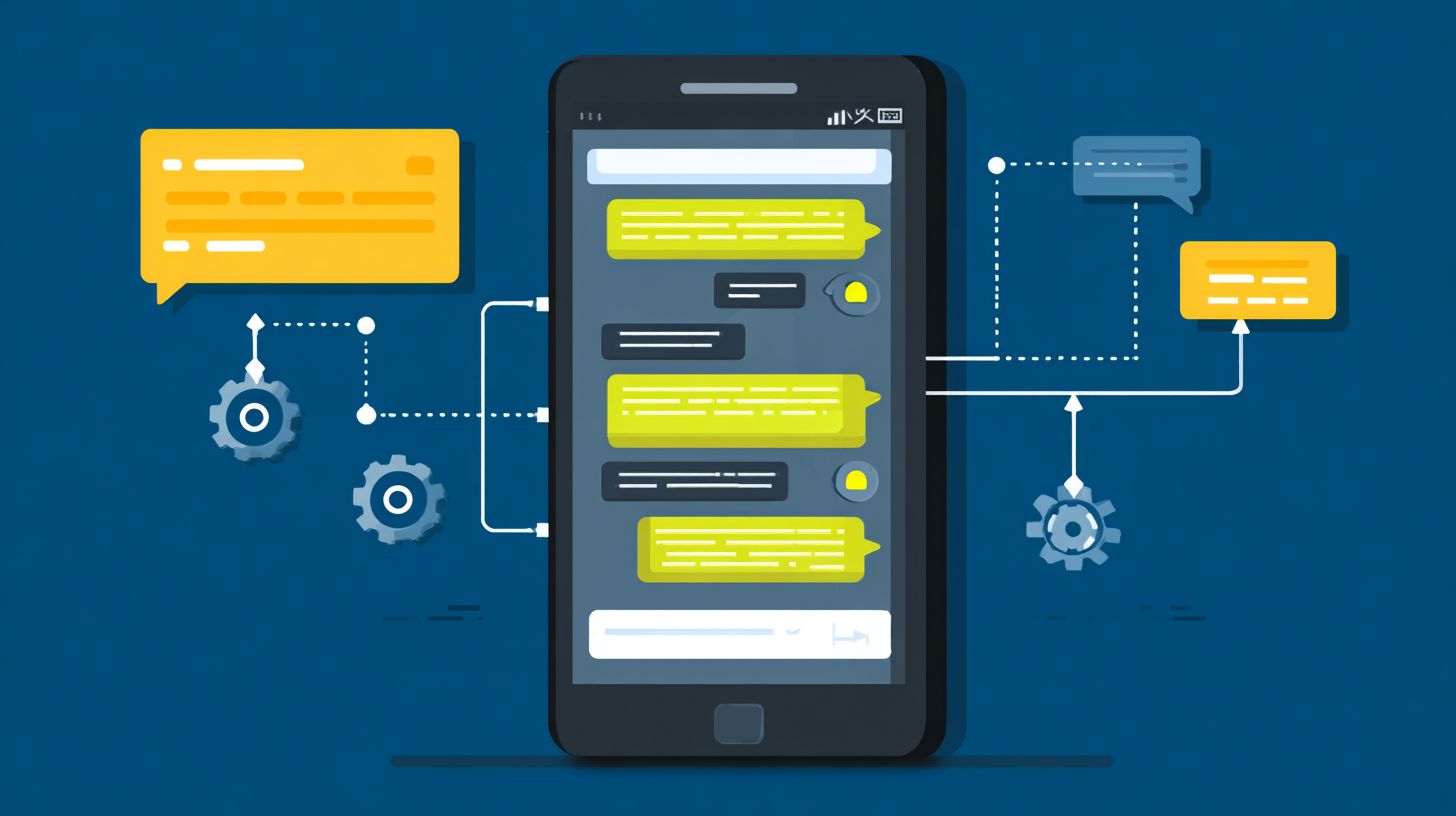
Respect the 24-hour window for non-marketing replies. Respond to customer queries within this period using instant replies or away messages. Outside it, wait for user initiation.
Use state store to manage session timing. Automate support issues with knowledge base lookups during active windows. This prevents policy violations.
Monitor success metrics like response time to stay within limits. Fallback to live chat or team routing if needed. Compliance here enables reliable order status updates.
Clear Unsubscribe Options
Include clear unsubscribe options in every automated message. Add buttons like “STOP to opt out” for easy exits. Process unsubscribes instantly to honor user choices.
Integrate with webhook receiver for real-time handling. Update your thread owner permissions accordingly. This fosters trust in your production-grade bots.
Test unsubscribe flows in conversational paths. Use structured data to log requests. It pairs well with multi-channel setups like WhatsApp and Instagram.
Data Privacy and Future Rules
Prioritize data privacy by securing thread owner permissions. Only access conversations with explicit consent. Store data minimally in your bot design.
Prepare for 2026 rules tightening compliance rules on categories like transactional messages. Update message tags and review failure modes. Use fallback routing for edge cases.
Experts recommend auditing setups quarterly. Leverage Meta tools for compliance checks. This ensures your customer intent handling remains secure and effective long-term.
Frequently Asked Questions
How to Automate Follow-Ups with Messenger Bots?
To automate follow-ups with Messenger bots, use platforms like ManyChat, Chatfuel, or custom Facebook Messenger APIs. Set up triggers based on user interactions, such as message replies or time delays, to send personalized follow-up messages automatically. Start by creating a bot flow: detect initial engagement, tag users, and schedule broadcasts or drip sequences for reminders, offers, or nurturing leads without manual intervention.
What are the best tools for automating follow-ups with Messenger bots?
The best tools for automating follow-ups with Messenger bots include ManyChat for its user-friendly drag-and-drop builder, Chatfuel for advanced integrations, and MobileMonkey for e-commerce focus. These platforms allow you to set rules for timed messages, abandoned cart reminders, or engagement-based follow-ups, ensuring scalability for businesses handling high volumes of Messenger conversations.
How do I set up time-based follow-ups in Messenger bots?
To set up time-based follow-ups in Messenger bots, configure “delay” actions in your bot builder. For example, in ManyChat, add a “Wait” block after the initial message, then trigger a follow-up after 24 hours or 3 days. This automates nurturing sequences like “Hey, still interested?” to re-engage users who go silent, boosting response rates significantly.
Can Messenger bots automate personalized follow-ups?
Yes, Messenger bots can automate personalized follow-ups using user data like names, past interactions, or custom fields. Capture info via quick replies or forms, store it as tags, and use dynamic text variables (e.g., {{first_name}}) in follow-up messages. Tools like ManyChat make this seamless for hyper-targeted automation, improving open and conversion rates.
What are common mistakes when automating follow-ups with Messenger bots?
Common mistakes include over-messaging (spamming users), ignoring opt-ins, or lacking personalization, which leads to blocks and unsubscribes. Always include clear opt-out options, test sequences for timing, and comply with Messenger’s policies. Start small, analyze metrics like delivery rates, and refine to ensure effective, non-intrusive automation.
How to measure the success of automated follow-ups with Messenger bots?
Measure success by tracking metrics like open rates, click-through rates, reply rates, and conversions in your bot platform’s analytics dashboard. Tools like ManyChat provide detailed reports on follow-up performance. A/B test message timing and content to optimize, aiming for at least 20-30% engagement to confirm your automation strategy is driving real results.