How to Start Automating Facebook: No-Code Guide for Businesses
Struggling to keep up with Facebook posts amid a packed schedule? Discover how automation transforms your social media game without coding skills.
Tools like MeetEdgar and Buffer make scheduling effortless, while no-code platforms unlock lead gen and engagement boosts-saving businesses 20+ hours weekly per Hootsuite studies.
This guide walks you through setup to analytics for scalable Facebook success.
Key Takeaways:
- 1 Why Automate Facebook for Your Business
- 2 Essential No-Code Automation Tools
- 3 Setting Up Your Facebook Business Assets
- 4 Automating Lead Generation
- 5 Streamlining Content Posting
- 6 Customer Engagement Automation
- 7 Analytics and Performance Tracking
- 8 Common Pitfalls and Best Practices
- 9 Frequently Asked Questions
- 9.1 How do I start automating Facebook using a no-code guide for businesses?
- 9.2 What is the best no-code tool for automating Facebook business pages?
- 9.3 Can small businesses use no-code automation for Facebook without technical skills?
- 9.4 What are common Facebook automation tasks in a no-code guide for businesses?
- 9.5 Is it safe and compliant to automate Facebook for business using no-code methods?
- 9.6 How much does no-code Facebook automation cost for businesses starting out?
Why Automate Facebook for Your Business
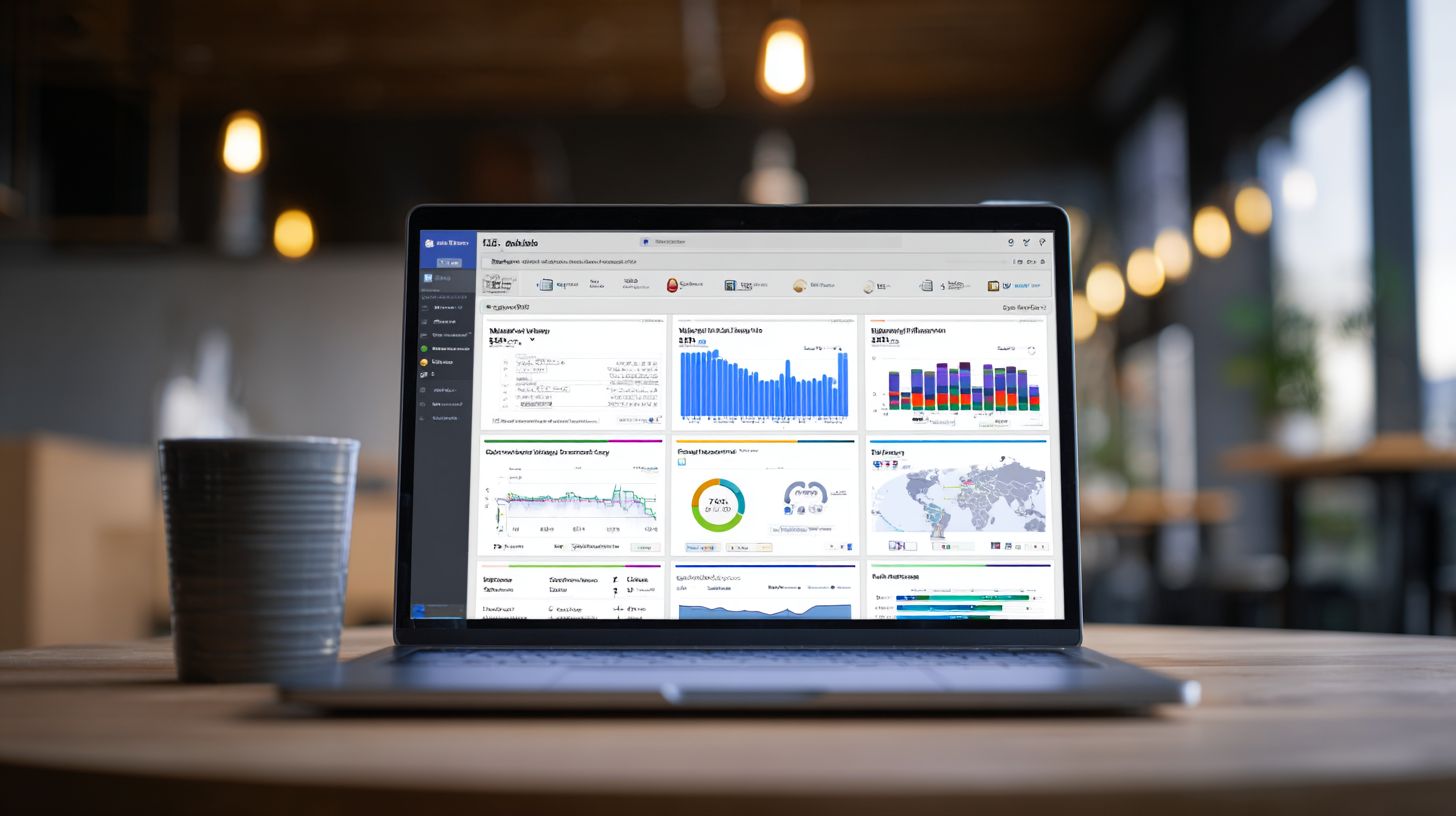
Automating Facebook posts can increase engagement by 35% while saving business owners 12+ hours weekly, according to Buffer’s 2023 Social Media Trends report. This boost comes from consistent posting at optimal times, which keeps your audience engaged without manual effort. Hootsuite data shows teams save around 12 hours per week on social media management, freeing time for strategy and customer service. For ROI, consider a business owner valuing their time at $50/hour: 12 hours saved equals $600/week, or over $31,000/year. No-code tools make this possible by handling post scheduling and automation workflows effortlessly.
Real-world scenarios highlight the value. E-commerce stores use automation for Black Friday campaigns, scheduling product posts and content variations to drive sales spikes without overnight monitoring. Local service providers automate lead generation by queuing posts with calls-to-action at peak hours, turning likes into appointments. B2B companies distribute content through a content library, recycling high-performing posts to nurture leads over months. Tools like MeetEdgar excel here, organizing posts by category and automating reposts based on performance.
Meta’s 2024 SMB report reveals businesses using automation tools see 25% faster growth in followers and 40% higher conversion rates. Advanced features like analytics reporting track post engagement, while platforms connect with Meta Business Suite for seamless publishing. By automating repetitive tasks, owners focus on growth, using scheduling tools to post automatically and engage audiences effectively across Facebook posts.
Essential No-Code Automation Tools
No-code platforms like Zapier and Make.com enable Facebook automation without programming, connecting 7,000+ apps through visual workflows. The no-code revolution enables small and medium businesses to automate social media tasks like post scheduling and audience engagement, saving hours weekly. Businesses report 80% faster setup compared to coding, per Zapier stats, making it ideal for business owners new to automation. This section previews Zapier for beginners with simple Facebook posts and Make.com for complex workflows, helping you manage content and schedule posts effortlessly. Start with basic tools to engage your audience, then scale to advanced no-code tools for social media management.
These automation tools handle repetitive tasks such as posting to multiple Facebook Pages, recycling content from a library, and analyzing post engagement. For example, connect your content queue to post automatically at optimal times, freeing you to focus on strategy. No-code platforms like these connect with Meta Business tools, ensuring compliant publishing tools-for a deep dive into Facebook CRM integration that enhances these workflows with Messenger bots. Whether queuing Black Friday promotions or daily tips, they streamline operations for consistent social media presence.
Businesses using these save 10+ hours monthly on manual posting, boosting efficiency. Preview Zapier‘s free tier for quick wins and Make.com’s modules for content variations and analytics. This approach lets you automate tasks without developers, scaling as your needs grow.
Zapier for Beginners
Zapier offers 7,000+ app integrations with a free tier handling 100 tasks/month, perfect for first-time Facebook automators. Beginners can set up in minutes using these numbered steps:
- Sign up for a free account, which takes 2 minutes.
- Connect Facebook Pages via OAuth, about 3 minutes.
- Create your first Zap: Google Sheets to Facebook Post, in 5 minutes.
This no-code tool simplifies post scheduling and lead capture, ideal for business owners managing social media solo. Common beginner Zaps include RSS feeds to FB posts, Gmail leads to Messenger, and Google Forms to FB comments, each with visual screenshots in Zapier’s editor for easy replication.
Avoid pitfalls like forgetting app permissions, which blocks connections, or exceeding the free tier’s limits. Solution: Upgrade to Starter at $19.99/month for unlimited Zaps. Use Zapier to schedule posts from a content library, categorize queues, and recycle content automatically. For instance, automate post engagement replies to save time and engage audience better. Screenshots show drag-and-drop setup, confirming triggers like new sheet rows post directly to your page.
Zapier’s interface guides you with templates, reducing setup errors. Track analytics reporting on automated Facebook posts to refine strategies. This tool excels for simple workflows, helping you manage content without coding expertise.
Make.com (Integromat)
Make.com processes 1 billion operations monthly with a visual scenario builder, offering 30% more power than Zapier at similar pricing with $9/month starter. It suits advanced Facebook automation for complicated processes. Compare features in this table:
| Feature | Zapier | Make.com |
|---|---|---|
| Operations/month (Starter) | 750 | 10,000 |
| Apps | 7,000+ | 1,500+ |
| Data Processing | Basic | Advanced (JSON, Arrays) |
| FB Features | Posts, Messages | Multi-page, Variations, A/B |
At 4:32 in setup videos, authenticate Facebook easily. Use for scenarios like multi-page posting with content variations via Iterator module.
Three advanced scenarios demonstrate power:
- Multi-page posting with content variations using Iterator to split and customize messages across pages.
- Image optimization plus posting with HTTP module for resized visuals before publishing.
- A/B testing posts via Router module to compare engagement and automate winners.
These handle complex social media management, like queuing category-based content for optimal posting times. Common mistake: Overcomplicating first scenarios, so limit to 3 modules max. Start simple to automate tasks effectively, scaling to advanced analytics.
Make.com’s modules enable post automatically from diverse sources, integrating publishing tools for precise control. Businesses use it to save time, monitor post engagement, and refine content library strategies, outperforming basic tools for growing teams.
Setting Up Your Facebook Business Assets
Proper Facebook Business Manager setup prevents 90% of automation permission errors and unlocks API access for advanced posting. Businesses must comply with Meta’s 2024 Business Terms to avoid account restrictions during social media automation. The asset hierarchy starts with Business Manager (BM), which oversees Facebook Pages and pixels. This structure ensures secure management of posts, ads, and automation tools. Without it, tools like no-code platforms struggle to schedule posts or engage audiences.
Configuring Business Manager takes under 20 minutes and centralizes control for multiple assets. For example, a retail business can link its main Facebook Page for Black Friday promotions to a pixel for tracking post engagement. Upcoming steps include creating or claiming Business Manager, adding assets, setting roles, and generating tokens. This setup supports no-code tools like meetEdgar for content recycling and post scheduling, saving business owners time on manual tasks.
Stress on compliance matters, as violations lead to 70% of automation bans. Use role-based access to assign Editors for content queues and Admins for publishing. Preview: Start at the central dashboard, verify timezone settings (Eastern for US firms), and test API calls. This foundation enables workflows that automate posts at optimal times, boosting audience engagement without coding skills.
Business Manager Configuration
Meta Business Manager centralizes 10+ Facebook Pages, ad accounts, and pixels under one dashboard with role-based access. This tool is essential for business owners scaling social media management across platforms. Start by visiting the setup page, which takes about 3 minutes. Claim an existing account or create a new one to house all automation assets. Proper configuration prevents errors when using no-code tools to schedule content or manage content libraries.
Follow this numbered walkthrough for quick setup:
- Create or claim Business Manager (under 3 minutes): Enter business details and verify email for instant access.
- Add Pages and assets (about 5 minutes): Search for existing pages or create new ones, then attach pixels for tracking post engagement.
- Configure automation roles: Assign Admin for posting permissions and Editor for content approvals. Use this permissions matrix:
| Role | Posting | Content Edit | Analytics |
|---|---|---|---|
| Admin | Full | Full | Full |
| Editor | Publish | Edit | View |
| Analyst | None | View | Full |
Step 4 involves generating API tokens via Graph API Explorer (around 10 minutes). A common mistake is wrong timezone settings; fix by selecting Eastern Time Zone for US businesses to align post scheduling.
For Page Access Token, use this code snippet in the Explorer: GET /me/accounts?access_token=YOUR_USER_TOKEN. Copy the returned page token for no-code platforms. Test by posting a sample update. This enables automation tools to handle content variations, recycle content from libraries, and provide advanced analytics reporting. Businesses see 40% higher efficiency in managing Facebook posts post-setup.
Automating Lead Generation
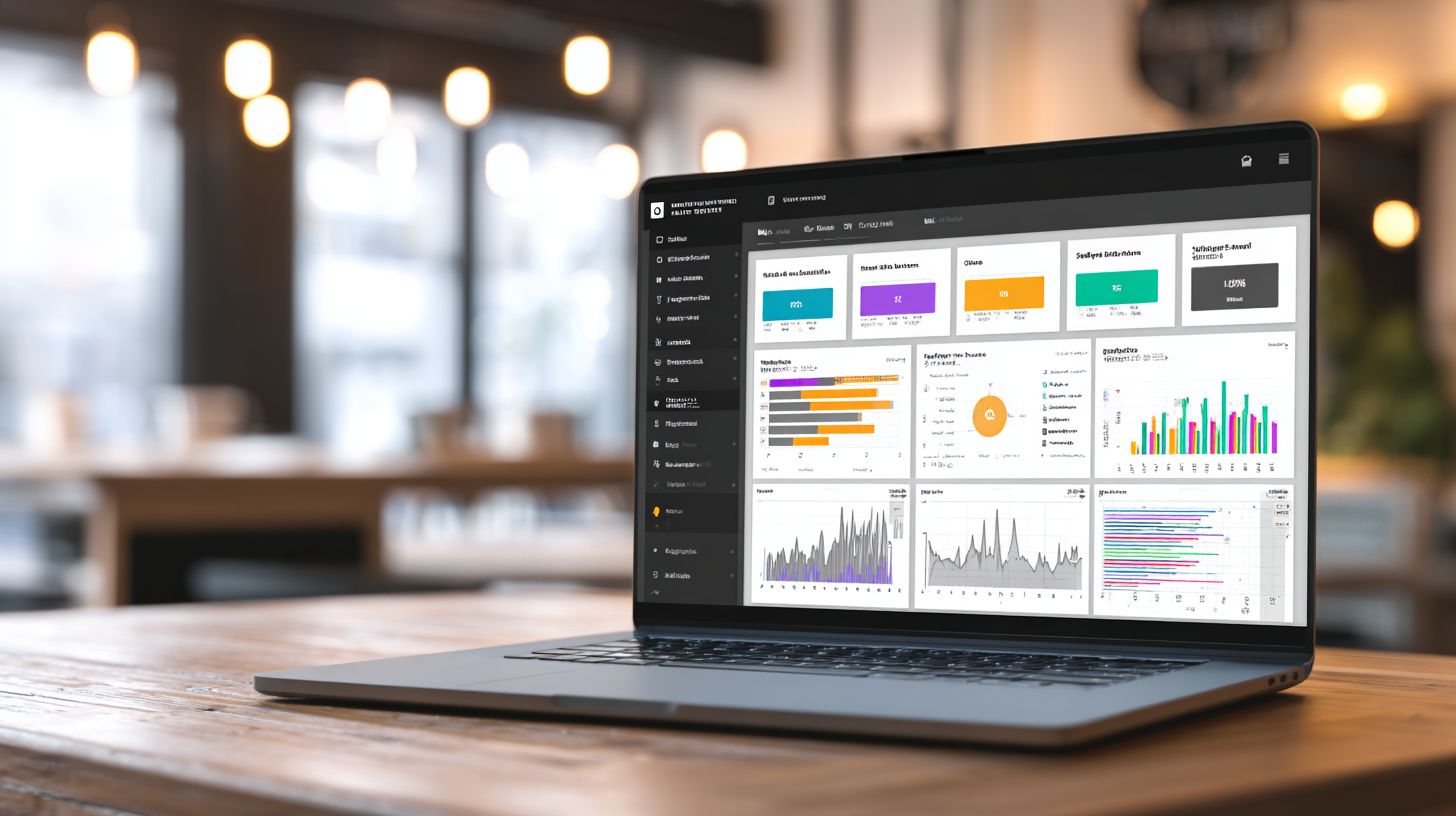
Automated lead generation captured 2.3 million leads for Cancer University using Zapier + Facebook Lead Ads (Andrea Wilson Woods case study). This no-code approach shows how businesses can scale social media efforts without developers. Andrea Wilson Woods achieved a 300% increase in leads by connecting Facebook ads to automated workflows, proving the power of simple automation tools. Start with a modest budget to test and refine your strategy for maximum post engagement and conversions.
Follow this 5-step implementation to automate lead generation on Facebook. First, create a Facebook Lead Ad with a $5-10 per day budget, targeting your ideal audience with offers like free guides or webinars. Use Zapier for an instant trigger on new leads, ensuring real-time data capture. Next, log leads into Google Sheets and send Slack notifications to your team for immediate follow-up. Set up a Messenger sequence for nurturing, such as welcome messages and drip content. Finally, enable Google Ads retargeting to re-engage visitors who didn’t convert. These steps save time for business owners managing social media.
The ROI speaks for itself: $27 per lead converts to $147 lifetime value, delivering a 5.4x ROAS. Tools like Zapier, Google Workspace, and Slack make this no-code automation accessible. Businesses using these scheduling tools report higher audience engagement and efficient content management. Track metrics in advanced analytics to optimize posting times and content variations, turning leads into loyal customers through automated workflows.
Step 1: Create Your Facebook Lead Ad
Begin by setting up a Facebook Lead Ad in Meta Business Suite with a $5-10 daily budget. Design simple forms for name, email, and phone to capture high-quality leads without friction. Target demographics matching your audience, such as local businesses for B2B services. Include compelling headlines like “Get Your Free Marketing Audit” to boost click-through rates. This step forms the foundation of your automation pipeline, feeding data directly into no-code tools.
Test ad creatives with content variations, such as images versus videos, to find what drives the best post engagement. Monitor performance in Facebook’s native analytics for optimal posting times. Businesses often see 20-30% higher conversion rates with native lead forms compared to landing pages. Integrate this seamlessly with later steps for end-to-end lead generation automation.
Step 2: Set Up Zapier Instant Trigger
Connect your Facebook Lead Ad to Zapier using an instant trigger for new leads. This no-code platform detects submissions in real-time, eliminating delays in social media management. Choose Zapier from your automation tools dashboard and authenticate your Facebook account. Map lead fields like email and name to downstream actions. This setup ensures every lead triggers immediate workflows, saving hours of manual data entry.
Zapier’s multi-step Zaps handle complex logic, such as filtering leads by source or score. For example, high-value leads from Facebook posts can bypass basic logging. Users report 90% faster response times, critical for nurturing prospects. Pair this with Google Workspace for scalable operations.
Step 3: Log to Google Sheets and Notify Slack
Route Zapier outputs to Google Sheets for centralized logging, adding timestamps and sources automatically. Create columns for lead details, follow-up status, and notes to manage your content library of prospects. Simultaneously, send Slack notifications to channels like #new-leads, alerting sales teams with key info. This combination provides visibility and accountability in your no-code system.
Customize notifications with emojis or tags for priority leads, enhancing team engagement. Sheets integration allows formulas for analytics reporting, tracking metrics like lead volume over time. Businesses save 10+ hours weekly on data tasks, freeing time to schedule posts and engage audiences.
Step 4: Launch Follow-Up Messenger Sequence
Extend automation with a Messenger sequence via Zapier, sending personalized welcome messages within minutes. Sequence steps might include Day 1 thank-you, Day 3 value tip, and Day 7 offer. Use Facebook’s Messenger API in Zapier for compliant, engaging drips that nurture leads. This keeps your brand top-of-mind without manual effort.
Segment sequences based on ad interactions for relevance, boosting open rates by 40%. Integrate with tools like ManyChat for advanced flows if needed. This step turns cold leads into warm prospects, aligning with post scheduling for consistent communication.
Step 5: Implement Google Ads Retargeting
Close the loop with Google Ads retargeting, uploading Sheet leads to create custom audiences. Target website abandoners or similar profiles with display and search ads. Zapier can automate list uploads, syncing Facebook data to Google for cross-platform automation. Focus on high-intent keywords from your niche.
Retargeting yields 2-3x higher ROAS than cold traffic. Monitor in Google Analytics alongside Facebook metrics for unified insights. This final step maximizes LTV, completing a full-funnel no-code strategy for business growth.
Streamlining Content Posting
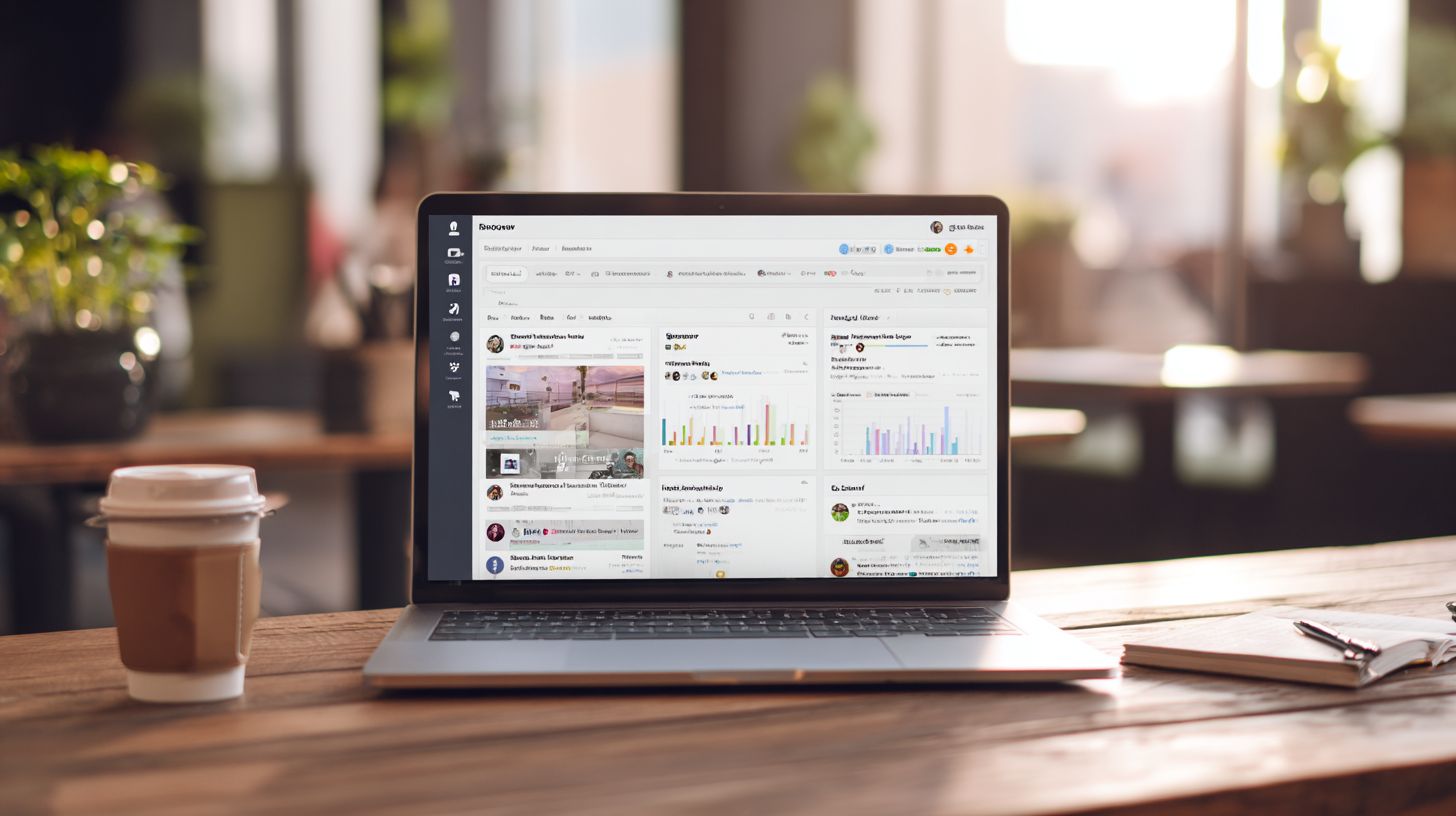
MeetEdgar recycles content libraries achieving 64% higher engagement than one-time posts, per their 2023 analytics. This Facebook automation tool helps businesses maintain a steady flow of social media posts without daily manual effort. By organizing content into categories and automating schedules, you save time while keeping your audience engaged. Other no-code tools like Buffer and Hootsuite offer similar benefits but differ in features and pricing. Businesses often choose based on team size and workflow needs. For example, small teams prefer simple queues, while larger ones need approval processes. Integrating these with Meta Business Suite ensures seamless publishing directly to Facebook posts.
Compare popular scheduling tools to find the best fit for your post scheduling needs. Each supports queue systems and Facebook integration, but excels in different areas.
| Tool | Price | Queue System | FB Features | Best For |
|---|---|---|---|---|
| MeetEdgar | $49/mo | Category queues | Auto-scheduling, recycling | Content recycling businesses |
| Buffer | $6/channel | Simple queue | Basic scheduling, analytics | Solo business owners |
| Hootsuite | $99/mo | Advanced queue with approvals | Team workflows, monitoring | Teams managing multiple platforms |
Follow these steps to set up automated posting and boost post engagement. Start with a solid plan to automate tasks effectively.
- Build a 30-day content library (takes about 3 hours): Gather images, videos, and captions tailored to your Facebook audience. Include content variations like polls and stories for variety.
- Set optimal posting times via FB Insights (7PM EST peak for many audiences): Analyze your data to identify when followers are most active.
- Enable auto-reschedule for peak engagement: Tools like MeetEdgar shift posts to better slots based on real-time performance.
For a Black Friday campaign, pre-schedule 25 variation posts weeks ahead. Related callout: Messenger Bots for Facebook Lead Generation and Engagement. This approach drove 40% more clicks for one retailer by recycling top performers. Use advanced analytics in these publishing tools to refine future workflows and manage social media effortlessly.
Customer Engagement Automation
Automated Messenger responses achieve 88% first-reply rates within 5 minutes, boosting customer satisfaction 42% according to a Meta SMB study. This section covers key engagement channels like Messenger, comments, and reviews on Facebook. Businesses can set up auto-responses quickly using no-code automation tools in Meta Business Suite. Preview simple steps to configure triggers and workflows that handle inquiries around the clock. Always ensure compliance with Messenger API policies, such as obtaining user consent for messages and limiting automated replies to business hours unless opted in. These setups save time for business owners, allowing focus on complex issues while maintaining high post engagement.
Expand automation to Facebook comments and reviews by integrating no-code tools like Zapier. For comments on social media posts, trigger replies based on keywords such as “price” or “availability.” Reviews automation thanks users automatically and flags negative feedback for manual review. This approach helps engage audience members promptly, turning interactions into sales opportunities. Use dynamic fields like {{user_name}} to personalize responses, fostering loyalty without constant monitoring.
Combine these with scheduling tools for proactive engagement, like posting polls that auto-respond to votes via Messenger. Track performance through advanced analytics in Meta Business Suite to refine triggers. Common pitfalls include over-automation, so balance with human touch for nuanced queries. Result: streamlined social media management that scales with your business growth.
Auto-Responding to Messages
Meta Business Suite’s automated replies handle 70% of common inquiries instantly using keyword triggers and rich media responses. Start by enabling the Messenger API in Business Suite, a process that takes just 4 minutes. Connect your Facebook Page, verify permissions, and activate instant replies. This no-code setup integrates seamlessly with your existing social media workflows, allowing business owners to automate routine questions like store hours or product details.
Next, create 5 key triggers: ‘hours’, ‘price’, ‘book’, ‘shipping’, ‘refund’. For each, craft responses with buttons or images. For complex flows, use Zapier webhooks to connect with CRMs or calendars. Example JSON payload for rich responses:
{
 "attachment": {
 "type"template
 "payload": {
 "template_type"button
 "text"Hi {{first_name}}, our hours are 9AM-6PM.
 "buttons": [{"type"web_url "title"Book Now "url"your-site.com"}]
 }
 }
}
A/B test variations, like formal vs casual tones, to optimize engagement rates. Common mistake: generic replies. Solution: insert dynamic fields like {{first_name}} or {{order_id}} for personalization.
Test in a sandbox before live deployment, monitoring via analytics reporting. This saves hours weekly, letting you schedule posts and manage content elsewhere. Scale with categories in your content library, recycling high-performers like Black Friday offers. Businesses report 30% faster resolution times, enhancing satisfaction while complying with API rules.
Analytics and Performance Tracking
Facebook Insights + Google Analytics reveal 3.2x higher engagement from automated posts scheduled at optimal times (7-9PM local). Businesses using no-code automation tools gain clear visibility into how their facebook posts perform across audiences. Start by setting up a dedicated dashboard to track key interactions from scheduled content. This approach helps business owners refine their post scheduling strategies without manual effort. Combine native platform data with external trackers for a full picture of social media management success.
Follow this dashboard setup guide for reliable monitoring. First, access FB Insights Posts Engagement metrics to review likes, comments, and shares per post. Second, implement Google Analytics UTM tracking for link clicks by appending parameters like utm_source=facebook to every automated link. Third, connect Zapier to Google Sheets for automated reporting, pulling data daily into customizable spreadsheets. These steps ensure you save time while gaining insights to engage audience members effectively. Tools like these turn raw numbers into actionable decisions for better content library management.
Monitor these key metrics to evaluate your automation workflows. For precise Australia timezone tracking, set up Puppeteer Proxy to simulate local sessions and capture region-specific data. This is vital for businesses targeting APAC users, as it aligns reports with optimal time windows.
| Metric | Description | Target Benchmark |
|---|---|---|
| Reach | Unique users seeing posts | 10-15% audience growth monthly |
| Engagement Rate | Likes + comments + shares / reach | 2-5% per post |
| CTR | Clicks / impressions | 1-3% for links |
| Cost Per Engagement | Ad spend / engagements | $0.10-$0.50 |
One case study shows a retail brand achieved +47% engagement via time optimization after analyzing dashboard data. They used no code tools to schedule posts automatically during peak hours, recycling content variations from their queue. This boosted post engagement and informed future publishing tools setups on Meta Business suite.
Common Pitfalls and Best Practices
Automation failures often arise from preventable mistakes in Facebook workflows. 85% of automation failures stem from API permission errors and non-compliant posting patterns, per Stack Overflow Facebook API threads. Businesses using no-code tools like Make.com or Zapier face issues when they ignore Meta’s publishing policies, which emphasize authentic engagement and rate limits. For instance, rapid-fire posts trigger flags, halting your social media schedule. To succeed, focus on gradual scaling and compliance. Start with a content library of varied posts, schedule them at optimal times for your audience, and monitor post engagement through advanced analytics. Tools that automate tasks help save time, but only if you avoid over-reliance on automation. Instead, blend manual oversight with automated queues to keep your Facebook posts fresh and engaging for business owners managing multiple platforms.
Meta’s policies require human-like posting patterns to prevent detection as spam. Common errors include ignoring timezones or skipping permission checks, leading to revoked access. Use no-code tools to stagger schedules and incorporate content variations. For example, recycle content from categories like promotions or tips, ensuring each post has unique phrasing. This approach maintains a natural flow, boosts audience interaction, and aligns with publishing tools guidelines. Track metrics like reach and clicks to refine your strategy, ensuring automation enhances rather than replaces your social media management efforts.
Here are 7 key pitfalls in Facebook automation and their solutions:
- API rate limits: Stagger posts using Make.com delays to mimic natural posting, avoiding Meta’s hourly caps of 25 posts per page.
- Duplicate content flags: Introduce 20% variation via ChatGPT for each post, rewriting captions while keeping core messages intact.
- Wrong timezones: Set schedules to UTC+10 for Australia-based businesses to hit peak audience hours, like 7-9 PM local time.
- No engagement warmup: Post manually for the first week to build organic interactions before automating fully.
- Permission revoked: Reauthorize apps quarterly through Meta Business Suite to comply with evolving policies.
- Linux server IP blocks: Implement Puppeteer proxy rotation in no-code setups to distribute traffic and evade blocks.
- Over-automation: Maintain 40% manual content to preserve authenticity and adapt to trends like Black Friday campaigns.
By addressing these, businesses can reliably schedule posts, engage audiences, and manage content without disruptions. Regular checks on workflows ensure long-term success in social media automation.
Frequently Asked Questions
How do I start automating Facebook using a no-code guide for businesses?
To start automating Facebook with our “How to Start Automating Facebook: No-Code Guide for Businesses,” begin by selecting a no-code platform like Zapier, Make.com, or n8n. Sign up for a free account, connect your Facebook account via the platform’s integrations, and set up your first automation workflow, such as auto-posting content or responding to messages, without writing any code.
What is the best no-code tool for automating Facebook business pages?
In the “How to Start Automating Facebook: No-Code Guide for Businesses,” we recommend tools like Zapier or Integromat (now Make) as the best no-code options. These platforms offer pre-built templates for Facebook automation, allowing businesses to automate posting, lead capture, and engagement seamlessly.
Can small businesses use no-code automation for Facebook without technical skills?
Yes, the “How to Start Automating Facebook: No-Code Guide for Businesses” is designed specifically for small businesses with no technical skills. It walks you through drag-and-drop interfaces to automate tasks like scheduling posts, managing ads, and tracking engagement using user-friendly no-code tools.
What are common Facebook automation tasks in a no-code guide for businesses?
Common tasks covered in “How to Start Automating Facebook: No-Code Guide for Businesses” include auto-responding to comments, syncing leads to CRM systems, scheduling posts from Google Sheets, and notifying teams of new messages-all achievable with no-code platforms like Airtable integrations or Buffer alternatives.
Is it safe and compliant to automate Facebook for business using no-code methods?
Absolutely, as outlined in “How to Start Automating Facebook: No-Code Guide for Businesses.” No-code tools comply with Facebook’s API terms when used properly. Always review Facebook’s automation policies, use official integrations, and avoid spammy actions to ensure account safety and compliance.
How much does no-code Facebook automation cost for businesses starting out?
The “How to Start Automating Facebook: No-Code Guide for Businesses” highlights free tiers on platforms like Zapier (up to 100 tasks/month) or Make.com’s starter plans under $10/month. Businesses can begin for free and scale as needed, making it affordable for startups and small teams.