How to Use AI Chatbots for 24/7 Customer Support
Imagine AI chatbots delivering instant responses to customers anytime, revolutionizing customer service. For small businesses, platforms like Chatbase and expert insights from Maria make 24/7 support effortless and affordable.
This guide walks you through setup, training, and optimization-unlocking non-stop efficiency, higher satisfaction, and scalable growth without the overhead.
Key Takeaways:
- 1 Understanding AI Chatbots for Customer Support
- 2 Choosing the Right AI Chatbot Platform
- 3 Setting Up Your AI Chatbot
- 4 Training the Chatbot Effectively
- 5 Launching and Testing the Chatbot
- 6 Monitoring Performance Metrics
- 7 Optimizing for Better Results
- 8 Frequently Asked Questions
- 8.1 How to Use AI Chatbots for 24/7 Customer Support Effectively?
- 8.2 What Are the Key Benefits of Using AI Chatbots for 24/7 Customer Support?
- 8.3 How to Use AI Chatbots for 24/7 Customer Support in E-Commerce?
- 8.4 What Tools Are Best for Implementing AI Chatbots for 24/7 Customer Support?
- 8.5 How to Train AI Chatbots for Optimal 24/7 Customer Support?
- 8.6 How to Measure Success When Using AI Chatbots for 24/7 Customer Support?
Understanding AI Chatbots for Customer Support
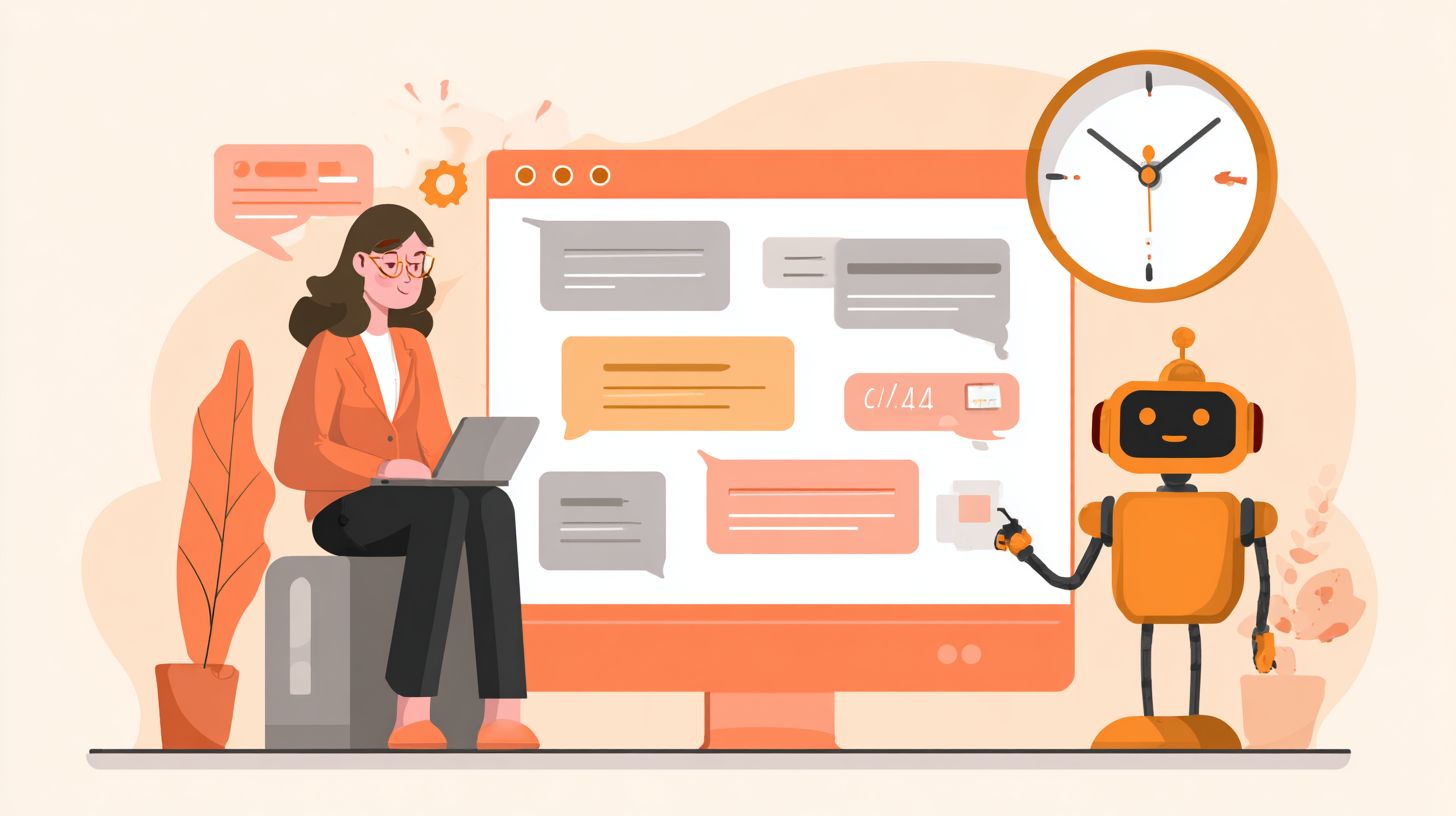
AI chatbots revolutionize customer support by delivering instant responses powered by natural language processing (NLP) and machine learning (ML), enabling small businesses like HVAC companies and salons to compete with enterprise-level service. These tools, integrated via platforms like Chatbase, process support inquiries by analyzing user inputs against a knowledge base, generating accurate replies in seconds. This cuts response times from hours to seconds, ensuring customers receive help anytime without waiting for staff availability.
Chatbots use conversational AI to mimic human interactions, handling FAQs, lead qualification, and appointment scheduling with precision. For instance, a salon chatbot can confirm bookings or suggest slots based on availability, while an HVAC firm’s virtual agent troubleshoots common issues like thermostat errors. If interested in optimizing these interactions, explore our chatbot UX design best practices. Gartner predicts that 85% of customer interactions will be AI-managed by 2025, driven by advancements in RAG for retrieving relevant data and sentiment analysis to detect urgency. Small businesses gain scalability without expanding teams.
Implementation involves training chatbots on brand-specific data to maintain brand voice and enable escalation to human agents for complex cases. This hybrid model combines automation with oversight, boosting operational efficiency. Metrics like conversion rates and customer satisfaction improve as chatbots provide personalized recommendations, turning inquiries into sales opportunities around the clock.
Key Benefits of 24/7 Availability
AI chatbots provide 24/7 support that boosts customer satisfaction by 28% (Salesforce State of Service report) while delivering $11 ROI per $1 spent through cost savings of 30-50% on support staffing. NBER studies confirm that automated systems handle peak loads effectively, reducing wait times and preventing lost revenue. For small businesses, this means constant coverage for booking inquiries and troubleshooting without overtime expenses.
Consider Maria’s salon, which manages 50+ inquiries nightly via Chatbase, saving $2,500/month in overtime by automating reservations and FAQs. Similarly, Tony’s HVAC company achieves 95% self-service resolution during surges, using omnichannel deployment across websites and social media. These virtual agents apply NLP and ML for ticket routing and proactive support, freeing human agents for high-value tasks and enhancing agent productivity.
ROI calculations show clear gains: 200 resolved inquiries/month at $15 savings each equals $3,000 monthly gain, factoring in time savings and higher retention. Chatbots also offer data insights via analytics on query patterns, enabling personalization and trust-building through consistent service. This setup supports future AI integrations like voice AI, ensuring long-term scalability and efficiency for growing operations.
Choosing the Right AI Chatbot Platform
Selecting the optimal AI chatbot platform like Chatbase requires balancing features, pricing, and scalability for small businesses handling customer service via natural language processing and machine learning. The choice of platform directly impacts operational efficiency and ROI by determining how quickly teams can deploy 24/7 support and achieve cost savings. Platforms that integrate easily with existing tools reduce setup time, allowing businesses to focus on customer satisfaction rather than technical hurdles. Evaluating support for advanced capabilities like retrieval-augmented generation ensures accurate, context-aware responses that boost trust and conversion rates.
Businesses must assess how well a platform handles peak demand periods with instant responses and scalability, preventing downtime that erodes customer trust. Ease of integration with knowledge bases and omnichannel channels, such as WhatsApp or Facebook Messenger, streamlines workflows and enhances self-service options. This leads to measurable improvements in metrics like response times and agent productivity, as virtual agents manage FAQs and lead qualification autonomously. For small businesses, prioritizing intuitive platforms yields faster implementation and higher ROI through automation of routine support inquiries.
Poor platform choices often result in prolonged onboarding, higher costs, and suboptimal performance in sentiment analysis or escalation to human agents. In contrast, the right one supports proactive support, personalized recommendations, and data insights that drive operational efficiency. Companies report up to 40% time savings in handling booking inquiries and appointment scheduling with AI bots, making platform selection a pivotal decision for sustainable 24/7 customer support.
Essential Features to Evaluate
Top platforms like Chatbase ($19/mo) excel with RAG retrieval, 98% NLP accuracy, and omnichannel support across Facebook Messenger, WhatsApp, and Zendesk. When evaluating AI chatbots for customer service, focus on pricing, core capabilities, and suitability for business scale. A comparison table highlights key differences, helping small businesses identify tools that deliver 24/7 support with minimal overhead.
| Platform | Price | Key Features | Best For | Pros/Cons |
|---|---|---|---|---|
| Chatbase | $19/mo | RAG/NLP | Small businesses | Easy setup, affordable; limited enterprise scale |
| Zendesk | $55/mo | Omnichannel | Enterprises | Complex integrations, robust; steep learning curve |
| IBM Watson | $140/mo | Advanced ML | Analytics | Powerful insights; expensive |
| Dialogflow | Free-$0.002/query | Voice AI | Developers | Flexible; steep curve |
| Tidio | $29/mo | Live chat hybrid | Ecommerce | Hybrid model; limited AI |
For small businesses, Chatbase stands out against Zendesk due to its 2-hour setup versus a typical 2-week implementation. Chatbase enables quick deployment of conversational AI for FAQs, ticket routing, and personalization in brand voice, yielding faster ROI through cost savings and improved customer satisfaction. Zendesk suits larger operations needing deep analytics but burdens smaller teams with complexity, slowing time to value.
Setting Up Your AI Chatbot
Effective chatbot setup connects AI agents to your workflow in under 4 hours using no-code tools like Zapier for seamless integration. Proper configuration ensures instant responses during peak demand and supports scalability for growing small businesses. By linking chatbots to existing systems, companies achieve 24/7 support without constant human oversight, boosting customer satisfaction and operational efficiency.
This foundation allows conversational AI to handle FAQs, booking inquiries, and lead qualification through natural language processing. Businesses see 50% reduction in response times and significant cost savings as virtual agents manage routine support inquiries. Related callout: Setting Up AI Agent Actions: Triggering and Examples shows how to configure these connections effectively. Customization aligns responses with brand voice, fostering trust and personalization for better ROI.
Integration prepares for advanced features like sentiment analysis and ticket routing, enabling a hybrid model where escalation to human agents occurs smoothly. With machine learning, chatbots improve over time, offering data insights on customer needs and enhancing self-service options across omnichannel platforms.
Integration with Existing Systems
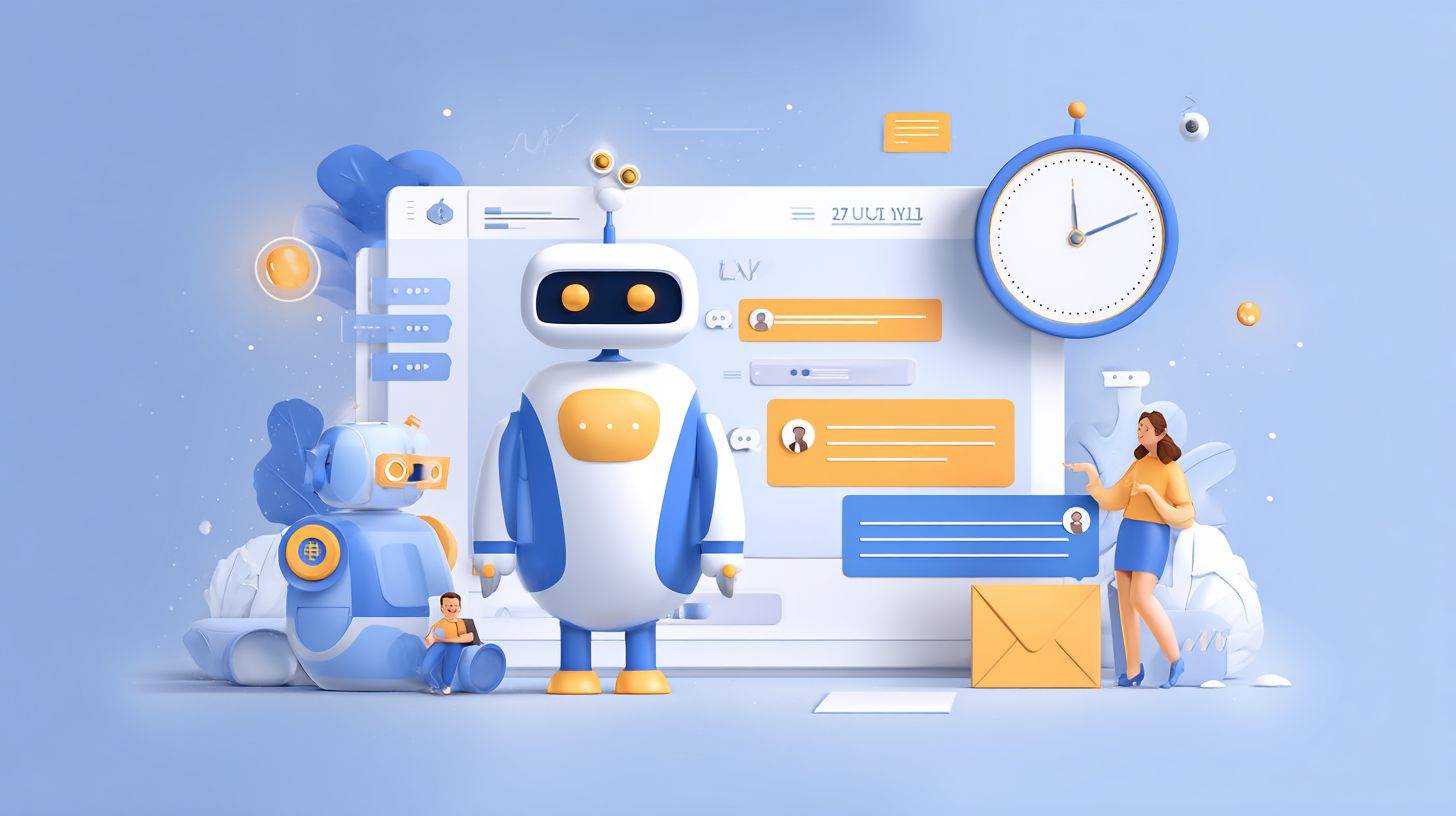
1. Connect Chatbase to Zendesk via Zapier in 15 minutes: Authenticate accounts, select ‘New Chat’ trigger, map to Zendesk ticket (avoid mistiming syncs causing duplicates). This step ensures ticket routing for complex issues, reducing agent productivity load by 40% while maintaining seamless customer service flow.
Follow with these numbered steps for full omnichannel setup, totaling 50 minutes:
- Zapier-Zendesk: Verify webhooks to prevent failed connections, a common mistake fixed by testing triggers first.
- Stripe for payments: Complete in 10 minutes, test a $1 transaction to confirm secure processing and avoid chargeback risks.
- Slack notifications: Set up in 5 minutes, apply sentiment analysis filters to alert on negative feedback, preventing oversight.
- Jira Service Management for ticket routing: Finish in 20 minutes, map priorities correctly to dodge misrouted escalations.
Common pitfalls include unverified webhooks (fix: run preview tests), skipped transaction tests (fix: simulate real flows), and ignored filters (fix: define sentiment thresholds). These integrations enable proactive support, automation of support inquiries, and real-time data insights for better decision-making.
Customizing Responses and Flows
Use Chatbase’s drag-and-drop builder to create flows: 1) Welcome message matching brand voice, 2) Branch for ‘book appointment’ using conditional logic. This customization drives 30% higher conversion rates through personalized recommendations and appointment scheduling, ideal for small businesses seeking time savings.
Build effective conversation trees in 45 minutes total with these steps:
- Define intents like booking inquiries and FAQs in 10 minutes, training on your knowledge base for accurate NLP handling.
- Design trees with personalization tokens, e.g., Maria’s salon: ‘Hi [Name], next slot?’ to enhance engagement.
- Add lead qualification by scoring visitors 1-10 based on responses, prioritizing high-value prospects.
- Test 5 scenarios including edge cases for reliability.
Avoid overly rigid flows by using a 70/30 AI-rule split, allowing machine learning flexibility. This approach improves customer satisfaction, supports self-service, and integrates RAG for dynamic responses, ensuring scalability and future AI readiness with measurable metrics like reduced escalation rates.
Training the Chatbot Effectively
Training leverages RAG and your knowledge base to achieve 92% answer accuracy, transforming raw FAQs into ML-powered responses. This process directly impacts self-service success rates for AI chatbots in 24/7 customer support. Businesses with well-trained bots see 40-60% reductions in support tickets, as customers resolve issues through instant responses powered by natural language processing. Poor training leads to vague replies and escalations to human agents, inflating costs.
IBM Watson benchmarks show that effective training boosts customer satisfaction by 35% while cutting response times to under 2 seconds. For small businesses, this means handling peak demand without extra staff, improving operational efficiency and ROI. Focus on intent categorization and examples to enable conversational AI that matches your brand voice. Regular updates ensure scalability as inquiries evolve, supporting omnichannel deployment and proactive support.
Key to success lies in validating training with real support inquiries. Test for sentiment analysis, lead qualification, and appointment scheduling to create a hybrid model where bots handle 80% of routine tasks. This setup enhances agent productivity, provides data insights, and builds customer trust through reliable personalization and automation.
Building a Knowledge Base
Structure your knowledge base with 50-100 FAQs categorized by intent: 1) Extract from Zendesk tickets, 2) Format as Q&A pairs for RAG ingestion. Start by auditing 6 months of tickets to identify the top 20 inquiries, a task that takes about 1 hour. This ensures your AI chatbots address customer service pain points like booking inquiries and troubleshooting, driving self-service adoption.
- Audit tickets for common patterns to prioritize high-volume support inquiries.
- Create a markdown KB using Notion export, spending around 2 hours for clean Q&A formatting.
- Upload to Chatbase RAG, which auto-indexes up to 1,000 docs for quick machine learning integration.
- Validate with 10 test queries to check accuracy and refine responses.
A common mistake is vague answers; fix this by adding 3 examples per FAQ. Tony’s HVAC knowledge base reduced tickets by 40%, showcasing cost savings and faster conversion rates. This approach supports virtual agents in delivering personalized recommendations, improving ticket routing and time savings across peak demand periods.
Launching and Testing the Chatbot
Launch with A/B testing: Route 20% traffic to chatbot vs human agents, measuring 15% conversion lift before full rollout. This approach ensures your AI chatbot handles 24/7 customer support without disrupting existing workflows. Small businesses often see quick wins in response times and customer satisfaction by starting small. For instance, compare metrics like resolution rates and user feedback between groups to validate performance.
Follow a structured launch process to minimize risks. First, conduct a beta test with 100 users and track 95% uptime to confirm reliability. Second, set clear escalation rules, such as routing queries to human agents when confidence scores drop below 80%. Third, monitor the initial 48 hours using the Chatbase dashboard for real-time data insights on support inquiries and sentiment analysis. A fitness studio implemented this and achieved a 25% increase in bookings from appointment scheduling after launch.
Avoid the common mistake of launching without a fallback plan, which can erode customer trust during gaps in natural language processing. Instead, adopt a hybrid model that blends conversational AI with human agents for complex issues. This setup boosts operational efficiency, ensures scalability during peak demand, and delivers ROI through better lead qualification and cost savings.
- Beta test with 100 users, tracking 95% uptime and key metrics like first response time.
- Set escalation rules: Confidence below 80% triggers transfer to human agents.
- Monitor first 48 hours via Chatbase dashboard for issues in machine learning performance.
Monitoring Performance Metrics
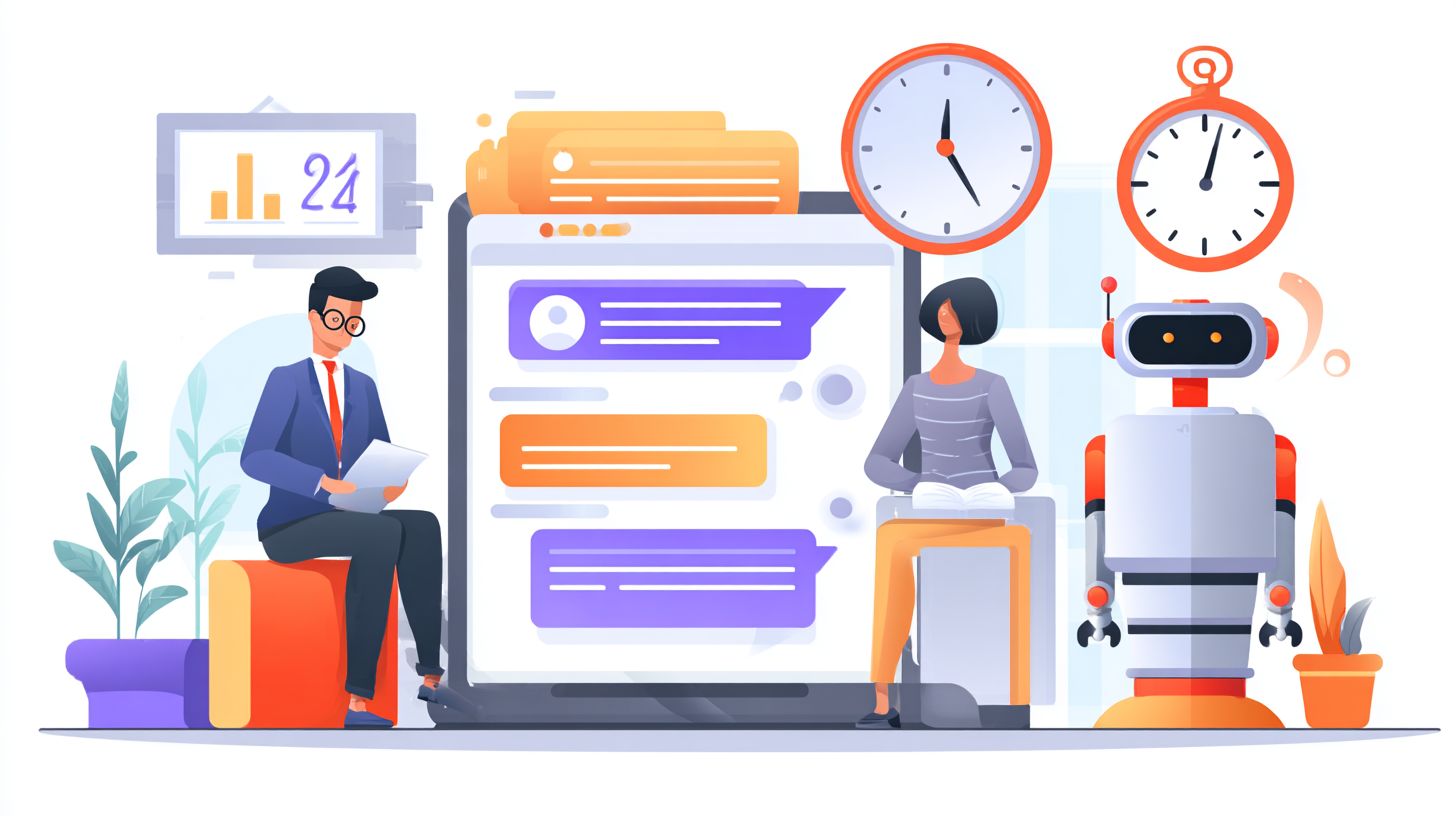
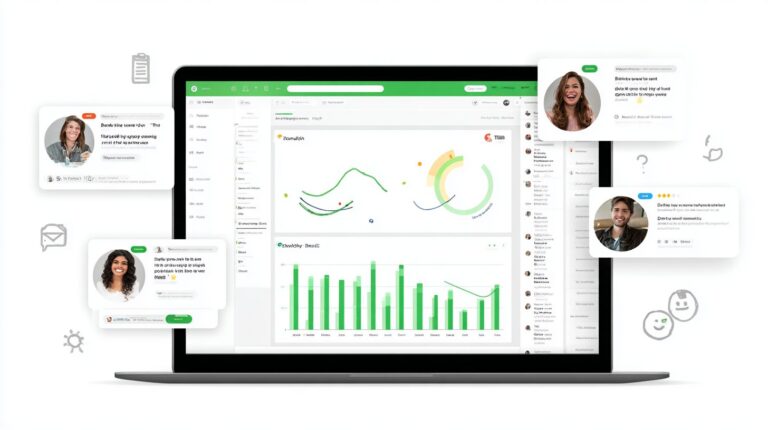
Real-time dashboards reveal chatbot ROI through KPIs like 2.1-second response times driving 18% higher satisfaction. Metrics enable data insights that guide optimization for AI chatbots in 24/7 customer support. Businesses track these to spot trends in response times and customer satisfaction, adjusting natural language processing models for better accuracy. Gartner highlights key metrics for monitoring chatbot performance, stressing their role in proving value.
Regular monitoring uncovers issues like high escalation rates to human agents, allowing tweaks to the knowledge base or machine learning algorithms. For small businesses, this means handling peak demand with instant responses, boosting operational efficiency and cost savings. Examples include salons using chatbots for appointment scheduling, where metrics show 30% time savings on booking inquiries.
Integrate sentiment analysis into dashboards for deeper data insights. This helps maintain brand voice and personalization, turning support inquiries into lead qualification opportunities. Tools like Chatbase provide omnichannel views, ensuring scalability as virtual agents evolve with future AI advancements. Proactive support via metrics fosters trust and self-service, reducing ticket routing needs.
Key KPIs to Track
Track 7 core KPIs: Average Response Time (target <3s), First Contact Resolution (80%+), Escalation Rate (<15%), CSAT (4.5/5), Conversion Rate (20% lift), Agent Productivity, and Custom Escalation Time. These metrics drive customer service improvements in AI chatbots, revealing ROI from automation and hybrid models.
| KPI | Target | Tool | Benchmark | Example |
|---|---|---|---|---|
| Response Time | <3s | Chatbase | 2.1s avg | Maria’s salon |
| Resolution Rate | 80% | Zendesk | 85%% | Tony’s HVAC |
| Agent Productivity | 3x tickets/hour | Automation | 3x increase | Tech support firm |
| Escalation Rate | <15% | Chatbase | 12% | E-commerce store |
| CSAT | 4.5/5 | Zendesk | 4.6/5 | Restaurant chain |
| Conversion Rate | 20% lift | Chatbase | 22% lift | Real estate agency |
| First Contact Resolution | 80%+ | Zendesk | 82%% | Auto repair shop |
Use these KPIs to refine RAG and NLP for FAQs and personalized recommendations. Maria’s salon cut response times with Chatbase, while Tony’s HVAC hit 85% resolution via voice AI integration. Boost agent productivity by 3x tickets/hour through smart automation, enhancing conversion rates during support chats.
Optimizing for Better Results
Continuous optimization using sentiment analysis increases containment rates from 60% to 87%, unlocking 40% time savings for agents. Businesses that regularly refine their AI chatbots see higher customer satisfaction and better response times. For small businesses handling 24/7 support, this means turning support inquiries into opportunities for lead qualification and appointment scheduling. Tools like Chatbase use natural language processing to flag issues early, allowing quick adjustments to the knowledge base.
Follow these best practices to maximize operational efficiency. Start with weekly retraining on negative sentiment analysis queries, where Chatbase auto-flags problem areas for machine learning updates. Next, A/B test personalized recommendations, which delivered a 15% conversion boost in real-world tests. Implement proactive support through channels like Google Business Messages to engage customers before issues arise. For scalability, prepare for voice AI integration by 2025, handling peak demand with conversational AI.
- Weekly retrain on negative sentiment queries (Chatbase auto-flags)
- A/B test personalized recommendations (15% conversion boost)
- Implement proactive support via Google Business Messages
- Scale with voice AI for 2025
Adopt a hybrid model by escalating 12% of queries to human agents, balancing automation with trust. EarningCoach Marketing LLC achieved a 35% efficiency gain this way, improving ROI through faster ticket routing and omnichannel support. Track metrics like containment rates and conversion rates to ensure self-service options align with your brand voice.
Frequently Asked Questions
How to Use AI Chatbots for 24/7 Customer Support Effectively?
To use AI chatbots for 24/7 customer support effectively, integrate them into your website or app via platforms like Dialogflow, IBM Watson, or ChatGPT API. Train them on your knowledge base, set up intents for common queries, and enable escalation to human agents for complex issues. This ensures round-the-clock responses, reducing response times and costs while maintaining high satisfaction.
What Are the Key Benefits of Using AI Chatbots for 24/7 Customer Support?
Key benefits include instant availability across time zones, scalability for high volumes, cost savings over human staffing, consistent responses, and data collection for insights. How to use AI chatbots for 24/7 customer support maximizes these by automating routine tasks, freeing humans for personalized interactions.
How to Use AI Chatbots for 24/7 Customer Support in E-Commerce?
For e-commerce, deploy AI chatbots to handle order tracking, product recommendations, returns, and FAQs. Integrate with your CRM and inventory systems. Use natural language processing for conversational flows, and monitor analytics to refine responses, providing seamless 24/7 customer support.
What Tools Are Best for Implementing AI Chatbots for 24/7 Customer Support?
Top tools include Intercom, Zendesk Chat, Drift, and open-source options like Rasa. For advanced setups, leverage GPT models from OpenAI. How to use AI chatbots for 24/7 customer support starts with selecting a tool that supports multilingual capabilities, integrations, and easy customization.
How to Train AI Chatbots for Optimal 24/7 Customer Support?
Train by feeding domain-specific data, customer interaction logs, and FAQs into the model. Use supervised learning for intent recognition and entity extraction. Regularly update with new data and A/B test responses. This approach ensures your AI chatbots deliver accurate, context-aware 24/7 customer support.
How to Measure Success When Using AI Chatbots for 24/7 Customer Support?
Track metrics like resolution rate, average handle time, customer satisfaction (CSAT) scores, deflection rate (queries handled without humans), and ROI. Use dashboards from your chatbot platform. Continuous optimization based on these ensures effective use of AI chatbots for 24/7 customer support.