HR Chatbots: Use Cases and Integration Techniques
Running HR means juggling endless employee questions and processes, right? HR chatbots can handle a lot of that routine work, from onboarding new hires to answering policy queries. In this guide, you’ll see real use cases and straightforward integration techniques to get them up and running smoothly.
Key Takeaways:
- 1 HR Chatbots: Overview
- 2 Key Benefits for HR Operations
- 3 Use Case 1: Recruitment and Onboarding
- 4 Use Case 2: Employee Support and Queries
- 5 Use Case 3: Performance and Training
- 6 Integration Techniques
- 7 Best Practices for Deployment
- 8 Measuring Success and ROI
- 9 Frequently Asked Questions
- 9.1 What are HR Chatbots and their primary use cases?
- 9.2 How do HR Chatbots improve employee onboarding processes?
- 9.3 What are common integration techniques for HR Chatbots with existing systems?
- 9.4 Can HR Chatbots handle sensitive employee data securely during integration?
- 9.5 What benefits do HR Chatbots provide in recruitment use cases?
- 9.6 How to measure the success of HR Chatbot implementations?
HR Chatbots: Overview
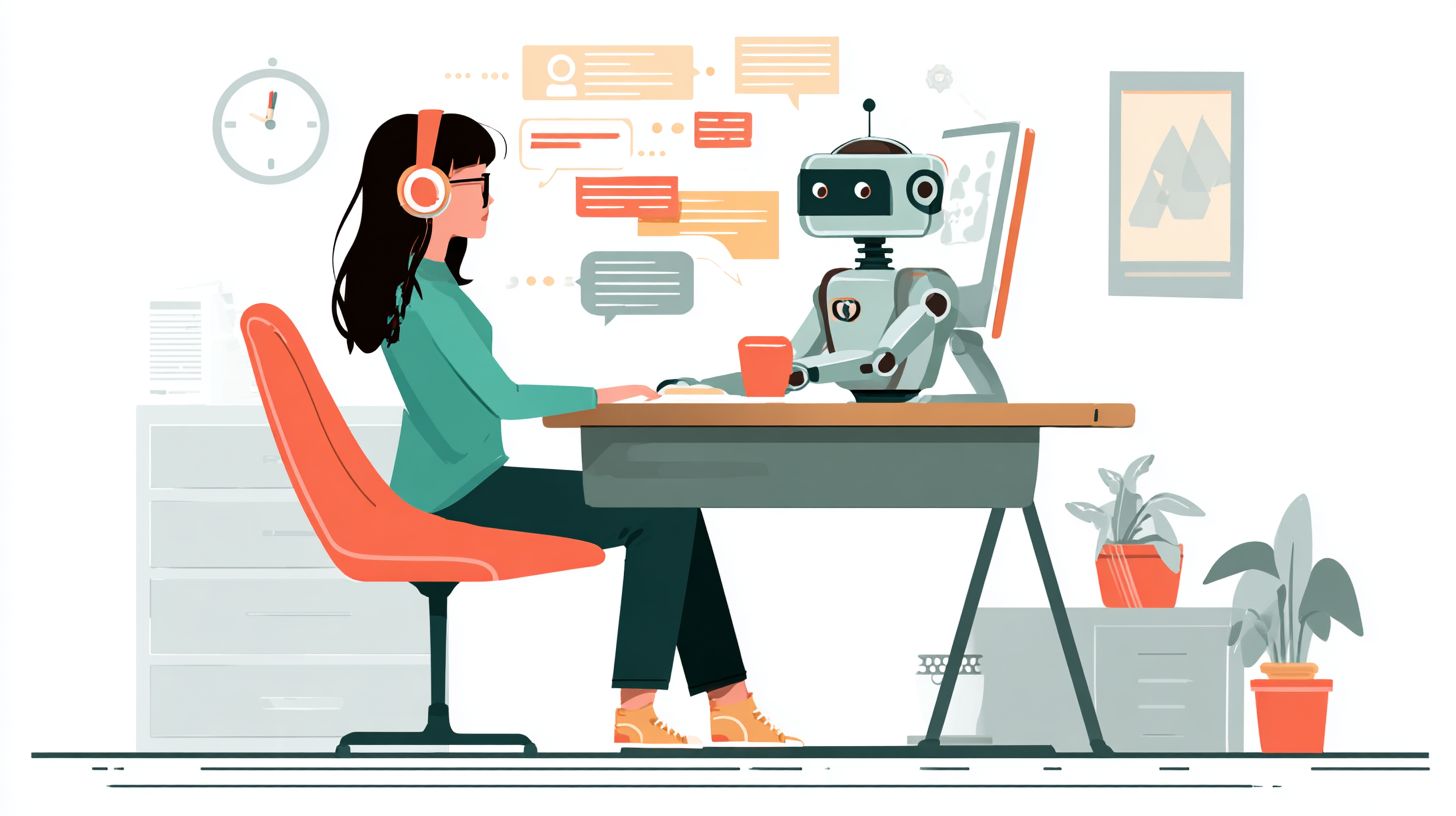
HR chatbots serve as intelligent digital assistants that streamline employee interactions by handling routine HR questions with AI-powered responses.
These tools rely on natural language processing (NLP) and conversational AI to understand queries in everyday language. If interested in their deeper features and business impact, check our guide on Conversational AI. They deliver instant, consistent answers drawn from HR policies, benefits details, or knowledge bases. Employees get help on topics like time off requests or benefits enrollment without waiting for human support.
Unlike rules-based bots, which follow fixed scripts and struggle with varied phrasing, modern AI-powered chatbots use intent detection for flexible responses. Rules-based systems falter on complex questions, often routing users to forms or emails. AI versions scale effortlessly, acting as a front door for employee self-service.
Real examples highlight their power. Neocase integrates with HR systems for onboarding and leave management, reducing friction for global teams. Aisera employs agentic AI to automate routine requests, pulling from knowledge bases while escalating to HR teams via case management when needed.
Key Benefits for HR Operations
HR chatbots transform operations by reducing response times and freeing HR teams to focus on strategic work. Employees get instant answers to routine questions about benefits enrollment or time off requests. This shift allows HR staff to handle complex issues like case management instead of basic inquiries.
Consistent information delivery ensures every employee receives the same details on policies and benefits. Chatbots pull from a central knowledge base, avoiding errors from manual explanations. When policies change, updates happen once, reaching all users immediately.
Scalability supports growing teams without adding headcount. HR chatbots handle thousands of queries daily using conversational AI and natural language processing (see chatbots for internal automation: use cases and efficiency). They reduce friction in employee self-service for tasks like onboarding or PTO management.
| Aspect | Manual Support | Chatbot Automation |
|---|---|---|
| Response Times | Hours or days for routine requests | Instant answers via intent detection |
| Consistency | Varies by agent knowledge | Uniform info from knowledge base |
| Scalability | Limited by team size | Handles volume spikes easily |
| HR Focus | Tied to basic questions | Freed for strategic work |
Faster Response Times for Routine Requests
HR chatbots deliver speed for everyday employee questions. A worker asks about leave management, and the bot responds in seconds using rules-based logic or AI-powered intent detection. This cuts wait times compared to emailing HR teams.
Routine requests like benefits questions or policy checks no longer clog inboxes. Chatbots act as the front door for support, routing complex cases to agents. Employees appreciate quick resolutions during peak times like open enrollment.
Integration with tools like Microsoft Teams embeds chatbots into daily workflows. Workers get answers without switching apps, boosting employee self-service. HR teams gain time for high-value tasks such as compliance reviews.
Consistent Information Delivery
Consistency across policies and benefits builds trust. Chatbots provide accurate, up-to-date answers from a shared knowledge base, eliminating variations in human responses. This is key when explaining changes in health benefits or company policies.
Using natural language processing, chatbots understand queries in everyday terms. They deliver tailored info without misinterpretation. Employees receive reliable guidance on topics like onboarding checklists or remote work rules.
For global teams, multilingual support ensures accuracy in any language. Updates to the knowledge base propagate instantly, keeping all info current. HR avoids repeated clarifications on frequently asked questions.
Scalability for Growing Teams
HR chatbots scale effortlessly as companies expand. They manage rising query volumes without proportional staff increases, ideal for fast-growing organizations. Automation handles peaks like seasonal PTO requests or new hire surges.
AI-powered features like agentic AI and Copilot enable advanced routing. Simple queries resolve automatically, while others escalate to humans. This keeps support efficient at any team size.
Platforms like Neocase or Aisera offer built-in scalability for HR operations. They connect with existing systems for seamless growth. HR teams focus on insights and strategy, not volume overload.
Use Case 1: Recruitment and Onboarding
HR chatbots accelerate recruitment and onboarding by automating initial interactions and guiding new hires through essential processes. They act as the front door for candidates, handling inquiries with natural language processing to qualify leads quickly. This support reduces friction for HR teams and ensures consistent information delivery across the pipeline.
From candidate screening to personalized onboarding checklists, chatbots connect with applicant tracking systems for seamless data flow. They provide self-service options, like linking to training modules or benefits enrollment. HR teams gain time for strategic work while employees receive instant answers.
Common integrations include Microsoft Teams for internal routing and knowledge bases for policy updates. Related insight: Com.bot Internal Knowledge Base Bot. This setup scales routine requests, improves response times, and boosts accuracy in hiring decisions. Experts recommend starting with simple rules-based flows before adding conversational AI.
Overall, these tools transform the full pipeline into an efficient, employee-centric experience. They minimize manual tasks and offer insights into candidate drop-off points through basic analytics.
Candidate Screening
Chatbots efficiently screen candidates by asking targeted questions and using intent detection to qualify leads instantly. They start with a quick greeting, then probe for role fit in about 30 seconds. This approach saves HR time on initial outreach.
The process follows a clear 5-step flow:
- Initial greeting and role inquiry: Welcomes candidates and confirms interest in open positions.
- Skill-based questions via NLP: Asks about key qualifications using natural language processing.
- Experience validation: Verifies past roles and achievements through follow-up queries.
- Scheduling interviews: Books slots directly in calendars if candidates qualify.
- Routing qualified leads to HR: Forwards profiles to teams with summaries for review.
Avoid common mistakes like overly complex questions, which confuse users and increase drop-offs. Instead, use simple, progressive prompts. Integrate with ATS systems like Neocase or Aisera for automatic data syncing and case management.
For best results, test flows with real candidates to refine accuracy. This ensures high-speed screening without losing top talent.
New Hire Onboarding Flows
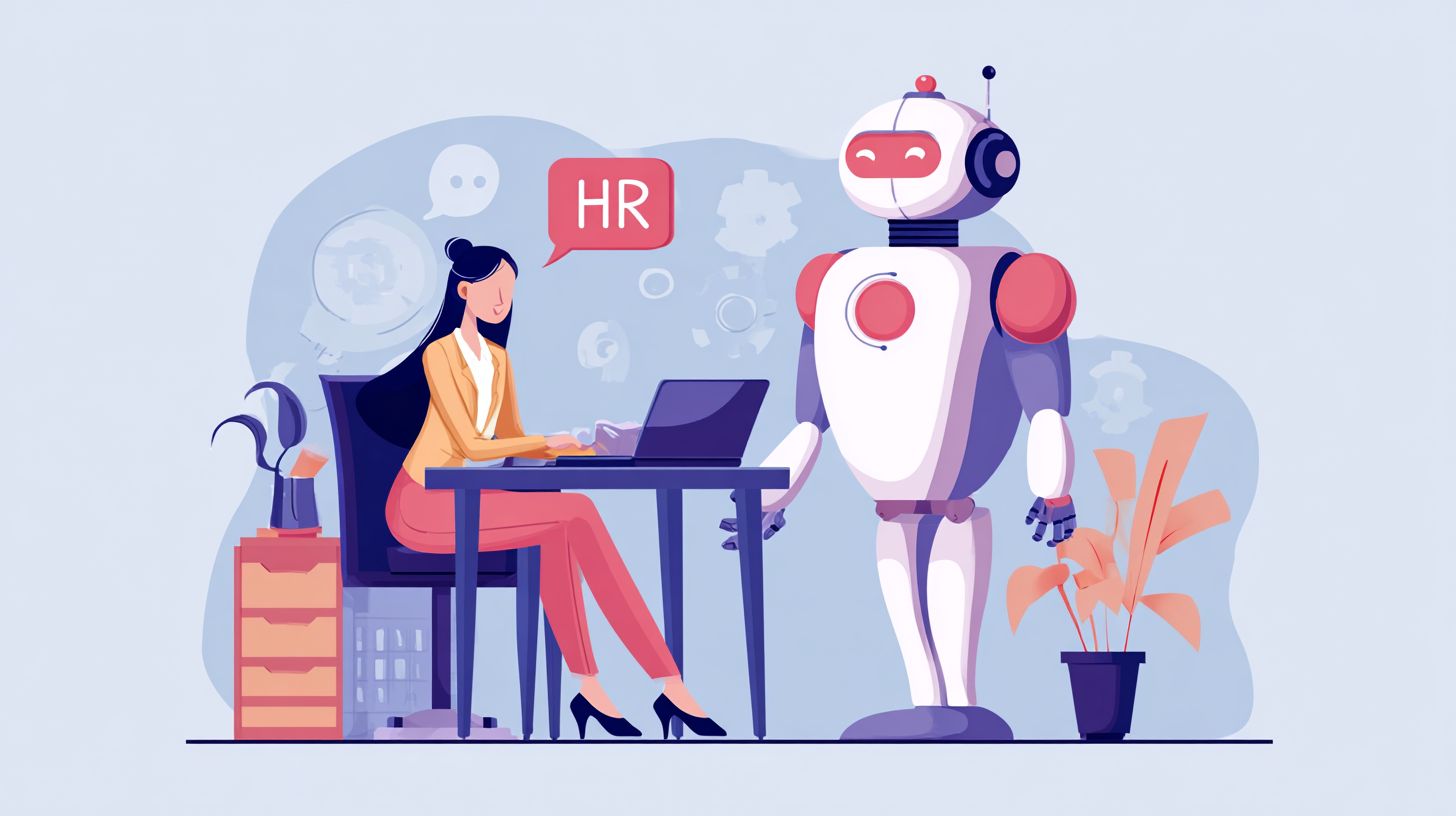
Automated onboarding flows deliver personalized checklists and documents to new hires from day one. Chatbots guide them through steps at their pace, integrating with a central knowledge base for self-service access. This reduces HR workload on routine requests.
A typical 7-step sequence includes time estimates for completion:
- Document collection (Day 1): Gather ID, contracts, and tax forms via secure uploads.
- Benefits enrollment overview (Day 2): Explain options like health plans and PTO management.
- Company policies review (Day 3): Share updates on rules and procedures.
- Equipment setup guide (Week 1): Provide IT links and troubleshooting.
- Training module links (Week 1): Direct to self-paced videos and quizzes.
- Team introductions (Week 2): Facilitate Slack or Teams connections.
- Feedback survey (End of Month 1): Check progress and gather input.
Prevent checklist overload by prioritizing essentials and offering pause options. Link to employee self-service portals for ongoing support, like leave management or policy changes.
AI-powered features, such as Copilot-style assistance, make flows conversational and adaptive. HR teams report faster ramp-up times with these structured yet flexible paths.
Use Case 2: Employee Support and Queries
Employee support chatbots handle daily inquiries, give the power toing workers with instant access to HR information. These HR chatbots enable employee self-service by answering routine questions on policies and benefits. This approach reduces the workload on HR teams, allowing them to focus on complex issues.
Workers can resolve queries quickly without waiting for email responses or tickets. Conversational AI powered by natural language processing understands varied phrasing, improving response times and user satisfaction. Integration with tools like Microsoft Teams makes access seamless across work platforms.
By automating routine requests, chatbots serve as the front door for employee support. They scale effortlessly to handle growing query volumes without adding staff. HR teams gain insights from interaction data to refine processes and spot common pain points.
Common examples include questions on pay stubs or dress codes, where chatbots provide accurate details from the knowledge base. This setup cuts friction in daily operations and boosts overall efficiency.
Policy and Benefits Questions
Chatbots deliver clear, consistent answers to common policy questions about benefits enrollment, PTO management, and leave policies. Employees get reliable information at any time, reducing confusion and repeated asks to HR teams. This self-service model ensures accuracy through updated knowledge bases.
Frequent queries often involve specifics on company rules. Chatbots use intent detection to match questions and pull precise responses. If needed, they offer escalation paths to live HR support.
- How do I enroll in benefits? “You can enroll during open enrollment via the HR portal. Click Benefits Enrollment and follow the steps to select plans. Need help? Transfer to an HR agent now.”
- What’s my remaining PTO? “Log into the employee portal and check under Time Off. Your balance shows 12 days remaining. View accrual details or request time off here.”
- How does leave management work? “Submit requests through the portal at least two weeks in advance. Approval follows manager review per policy. Track status in real-time.”
- What are the maternity leave policies? “Eligible employees get 12 weeks paid leave. Review full details in the handbook section on Family Leave. Questions? Escalate to HR.”
- How do I update my personal information? “Access the self-service portal, go to Profile, and edit details like address or dependents. Changes sync automatically.”
- What’s the policy on remote work? “Hybrid model allows three remote days per week with manager approval. Full guidelines are in the remote work policy document.”
- How do I report a payroll issue? “Submit a ticket via the chatbot with details. Common fixes include direct deposit changes. HR will review within 48 hours.”
- What health benefits are covered? “Plans include medical, dental, and vision. Check covered services in your plan summary or contact provider for specifics.”
For escalation paths, configure chatbots to route unresolved cases to HR teams via case management tools like Neocase or Aisera. This ensures smooth handoffs with full conversation history. Best practices for policies changes include regular knowledge base updates to maintain answer consistency and speed.
Use Case 3: Performance and Training
Performance and training chatbots guide employees through development resources and track progress automatically. They handle goal-setting templates and recommend training modules using natural language processing. This setup supports employee self-service for growth needs.
Employees can ask for “recommended courses for leadership skills”, and the HR chatbot suggests relevant modules from the knowledge base. Integration with LMS systems ensures seamless access to content. Performance review scheduling becomes effortless through calendar syncing.
Feedback collection flows capture input after training completion. The chatbot routes detailed queries to HR teams for personalized support. Analytics track completion rates, providing insights into engagement.
Step-by-step request handling saves time. For instance, an employee requests a goal template, receives it instantly, sets goals via prompts, and schedules a check-in, cutting manual coordination by streamlining the process.
Goal-Setting Templates
HR chatbots deliver customizable goal-setting templates based on role or department. Employees start a conversation with “help me set SMART goals”, and the bot provides structured prompts. This promotes consistent goal alignment across teams.
The flow includes these steps:
- Employee inputs role and objectives.
- Chatbot generates tailored template using natural language processing.
- User reviews, edits, and saves to their profile.
- Bot schedules follow-up reminders for progress checks.
Integration with performance management tools updates records automatically. HR teams gain visibility into goal adoption without routine check-ins.
Training Module Recommendations via NLP
Using conversational AI, chatbots analyze employee queries to recommend training modules. An input like “I need skills for project management” triggers relevant suggestions from the LMS. This intent detection ensures accurate matches.
Key handling steps include:
- Parse query with NLP for skills gaps.
- Match against available courses in the knowledge base.
- Present options with descriptions and enrollment links.
- Track enrollment and send completion nudges.
This reduces response times for training requests. Employees access development resources without waiting for HR support.
Performance Review Scheduling and Feedback Collection
Performance review scheduling via chatbots syncs with calendars for manager-employee availability. Employees say “schedule my review”, and the bot proposes times. Feedback collection follows with guided prompts post-review.
The process flows as:
- Initiate request through employee self-service.
- Bot checks calendars and suggests slots.
- Confirm and notify all parties.
- Collect structured feedback via quick forms.
Analytics provide insights on review completion rates. This automation frees HR teams for strategic work while ensuring consistency.
Integration with LMS and Analytics
Seamless LMS integration lets chatbots push employees directly into courses. Completion data feeds back for progress tracking. HR gains a clear view of training effectiveness.
Benefits include real-time completion rates dashboards. For example, low uptake alerts prompt targeted nudges. This scales support for large teams.
Time savings shine in routine requests. Instead of emails, employees get instant enrollments and updates, allowing focus on high-value tasks.
Integration Techniques
Seamless integrations connect HR chatbots to core systems, ensuring real-time data accuracy and smooth workflows. These connections cut down on manual entry errors and speed up employee self-service. Explore specific methods below for practical implementation.
Benefits include instant access to HRIS data for queries on benefits or leave. Chatbots pull live information, reducing response times for routine requests. This setup supports scale without added staff workload.
Key advantages cover automation of routine tasks like PTO management and onboarding checks. Employees get consistent answers through natural language processing. Integration fosters a frictionless front door for HR support.
Techniques vary by platform, from APIs to webhooks. Each method enhances intent detection and routing for accurate responses. Start with core systems for maximum impact.
HRIS and Payroll Systems
Direct API connections to HRIS platforms like Workday and ADP enable chatbots to fetch live employee data. This integration supports self-service for benefits enrollment and leave management. Employees query balances without HR intervention.
Compare methods using this table for clarity:
| Method | Pros | Cons | Best For |
|---|---|---|---|
| REST APIs | Flexible queries, real-time pulls | Higher latency possible | Complex data needs like policies |
| Webhooks | Event-driven, low latency | Less control over data flow | Updates like policies change |
Follow these steps for setup: first, generate an API key from the HRIS dashboard. Next, map data fields for benefits and leave. Test with PTO queries to verify accuracy.
Finally, apply security protocols like OAuth and encryption. This ensures compliant access to sensitive info. Platforms like ADP streamline payroll questions for consistent support.
Communication Platforms
Embedding chatbots in Microsoft Teams creates a familiar interface for employee queries via conversational AI. This setup handles routine requests in daily work tools. Multi-channel support extends to Slack and email for broader reach.
Implementation takes these steps: register the Teams app, which takes about one hour. Deploy the bot via Azure for hosting. Set up channel-specific routing to direct questions efficiently.
Integrate Copilot for agentic AI to enhance responses with context. Add case management links for escalation. Telstra’s deployment shows how this reduces friction in HR teams.
Support self-service across platforms ensures employees get quick answers on time off or policies. Natural language processing improves intent detection. This scales support while maintaining consistency.
Best Practices for Deployment
Successful HR chatbot deployment starts with clear intent mapping and continuous improvement. Teams should focus on common employee needs like benefits enrollment or time off requests to build a strong foundation. This approach ensures HR chatbots handle routine queries effectively from day one.
Key practices include prioritizing high-impact areas and refining based on real usage. For instance, map out frequent questions on policies and onboarding to guide the chatbot’s responses. Regular updates keep the system aligned with evolving HR needs.
- Start with the top 20 queries, such as PTO management or benefits questions, to cover most employee interactions quickly. For a deeper look at chatbot use cases including HR examples, see our comprehensive guide.
- Train NLP models on real conversations from your knowledge base to improve natural language processing accuracy.
- Set clear human handover thresholds, like complex leave management cases, to route issues to HR teams seamlessly.
- A/B test different response variations for questions on policies changes to find what resonates best with employees.
- Monitor accuracy weekly using metrics from case management tools to catch drops in performance early.
These steps promote self-service options that reduce friction and scale support without overwhelming HR staff.
Rules-Based vs. AI-Powered Approaches
Rules-based chatbots rely on predefined triggers for simple, consistent answers to routine requests. They work well for static information like company policies or benefits details. This method ensures quick setup but limits handling of varied phrasing.
In contrast, AI-powered chatbots use conversational AI and intent detection for more natural interactions. Employees can ask about time off policies in casual language, and the system adapts using machine learning. This suits dynamic queries like onboarding guidance.
| Approach | Strengths | Best For |
|---|---|---|
| Rules-Based | Speed, consistency, easy implementation | Routine requests, policy lookups |
| AI-Powered | Flexibility, natural language processing, insights from usage | Complex questions, employee self-service |
Choose based on needs: start rules-based for basic support, then layer in AI for scale and better response times. Hybrid models often provide the best of both for HR teams.
Integration Techniques for Maximum Impact
Seamless integration with tools like Microsoft Teams turns chatbots into a front door for employee support. Connect to your knowledge base for instant answers on policies or benefits. This setup boosts automation and frees HR for high-value work.
Use platforms like Neocase or Aisera for advanced routing and agentic AI features. Link to case management systems to track unresolved queries efficiently. Employees get consistent information without delays.
For leave management or PTO requests, connect with HR systems to automate approvals. Monitor usage for insights that refine intent detection over time. This creates a smooth flow from query to resolution.
Measuring Success and ROI
Track chatbot performance through key metrics that demonstrate clear ROI for HR operations. HR teams can monitor how chatbots handle routine requests like time off approvals or benefits enrollment. This approach shows real value in reduced workload and faster employee self-service.
Focus on metrics such as query resolution rate, average response time reduction, tickets deflected, and user satisfaction scores. These indicators reveal how well the chatbot delivers consistent answers on policies and onboarding. Tools like Neocase analytics and Aisera insights provide dashboards to track these in real time.
A simple KPI dashboard template helps teams visualize progress. It includes columns for each metric, current values, targets, and trends over time. Regular reviews ensure the chatbot scales effectively for growing employee questions.
| Metric | Description | Target Example | Tracking Tool |
|---|---|---|---|
| Query Resolution Rate | Percentage of questions handled without escalation | High first-contact resolution | Neocase analytics |
| Average Response Time Reduction | Time saved compared to human agents | Under 30 seconds | Aisera insights |
| Tickets Deflected | Number of support cases avoided | Increase month-over-month | Neocase analytics |
| User Satisfaction Scores | Feedback ratings from employees | Above 4/5 average | Aisera insights |
KPI Dashboard Implementation
Set up a KPI dashboard to centralize data from your HR chatbot. Integrate it with platforms like Microsoft Teams for seamless monitoring of conversational AI performance. This gives HR teams instant views into intent detection accuracy and routing efficiency.
Customize the dashboard with filters for departments or query types, such as leave management or PTO management. Use visuals like charts to spot trends in response times and deflection rates. This setup supports data-driven decisions for chatbot improvements.
Review dashboards weekly to align with business goals. Combine insights from Neocase and Aisera to measure self-service adoption. Adjust natural language processing rules based on patterns in employee interactions.
Step-by-Step ROI Calculation
Calculate ROI with a straightforward formula: (saved HR hours x hourly rate) – implementation costs. Start by tracking hours freed from routine tasks like policy explanations. This quantifies the chatbot’s impact on HR productivity.
- Estimate saved hours: Count deflected tickets and multiply by average handling time per ticket.
- Apply hourly rate: Use your team’s average cost, say for a senior HR specialist.
- Subtract costs: Include setup, training, and ongoing subscription fees.
- Project annually: Factor in scaling benefits for larger teams.
For example, if a chatbot deflects 500 tickets yearly at 15 minutes each, that’s 125 saved hours. At a $50 hourly rate, savings reach $6,250 minus costs. Repeat this process quarterly to refine automation strategies and prove value to stakeholders.
Frequently Asked Questions
What are HR Chatbots and their primary use cases?
HR Chatbots: Use Cases and Integration Techniques revolve around AI-powered tools that automate human resources tasks. Key use cases include employee onboarding, answering FAQs on policies, payroll inquiries, leave management, and performance review scheduling, enhancing efficiency and employee satisfaction.
How do HR Chatbots improve employee onboarding processes?
In HR Chatbots: Use Cases and Integration Techniques, onboarding is a prime use case where chatbots guide new hires through paperwork, company culture introductions, and training schedules via conversational interfaces, reducing HR team workload and accelerating time-to-productivity.
What are common integration techniques for HR Chatbots with existing systems?
HR Chatbots: Use Cases and Integration Techniques often involve APIs for connecting to HRIS like Workday or BambooHR, webhooks for real-time data sync, and platforms like Microsoft Bot Framework or Dialogflow for seamless embedding into Slack, Teams, or company intranets.
Can HR Chatbots handle sensitive employee data securely during integration?
Yes, in HR Chatbots: Use Cases and Integration Techniques, security is paramount. Techniques include OAuth authentication, encryption of data in transit, compliance with GDPR/CCPA, and role-based access controls to ensure sensitive information like personal details remains protected.
What benefits do HR Chatbots provide in recruitment use cases?
HR Chatbots: Use Cases and Integration Techniques highlight recruitment benefits such as initial candidate screening, interview scheduling, and answering job-specific queries 24/7, integrating with ATS like Lever or Greenhouse to streamline hiring pipelines and improve candidate experience.
How to measure the success of HR Chatbot implementations?
For HR Chatbots: Use Cases and Integration Techniques, success metrics include deflection rate (queries resolved without human intervention), user satisfaction scores via CSAT surveys, response time reductions, and integration uptime, tracked through analytics dashboards from tools like Google Analytics or bot platforms.