Implementing Linear Flow in Chatbots: Benefits and Guidance
Struggling to keep chatbot flows on track for customer support or lead generation? Linear flow offers a straightforward way to guide users through conversations without confusing branches.
Here’s what it involves, why it boosts completion rates, and how to implement it step by step.
Key Takeaways:
- 1 Understanding Linear Flow in Chatbots
- 2 Key Benefits of Linear Flow
- 3 When to Implement Linear Flow
- 4 Step-by-Step Implementation Guide
- 5 Best Practices and Optimization
- 6 Frequently Asked Questions
- 6.1 What is Linear Flow in Chatbots?
- 6.2 What are the Key Benefits of Implementing Linear Flow in Chatbots?
- 6.3 How Do You Start Implementing Linear Flow in Chatbots?
- 6.4 What Challenges Arise When Implementing Linear Flow in Chatbots, and How to Overcome Them?
- 6.5 When Should You Choose Linear Flow Over Branching Flows in Chatbots?
- 6.6 What Best Practices Does Implementing Linear Flow in Chatbots: Benefits and Guidance Recommend?
Understanding Linear Flow in Chatbots
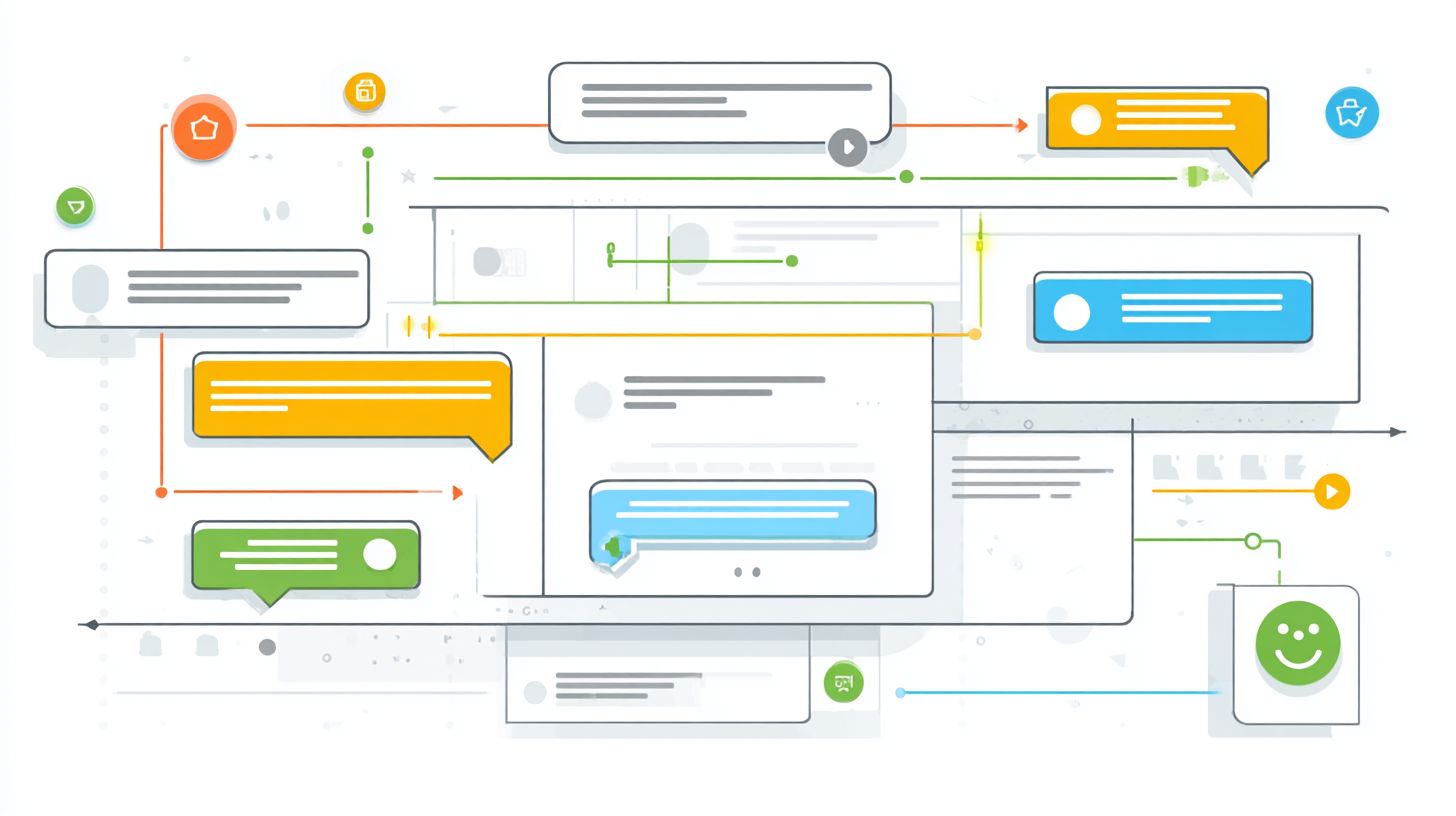
Linear flow in chatbots follows a straightforward, sequential path where each user response leads predictably to the next step. This approach serves as a foundational concept in conversational AI, offering simplicity for common tasks like customer support or FAQ flows. It contrasts with more complex branching structures that require advanced natural language processing.
In linear flows, conversations progress through predefined rules without deviations, making them ideal for rule-based chatbots. Developers gain full control over dialog management, ensuring reliability in scenarios such as appointment booking or feedback collection. This setup prioritizes clear paths over dynamic adaptability.
Compared to platforms like Rasa Platform, which enable flexible intents and entities (similar to Dialogflow’s key features and integration techniques), linear flows suit minimum viable products or internal automation. They build trust through predictable user experiences, especially in e-commerce purchase flows or onboarding. Experts recommend linear flows for frequent tasks where operational efficiency matters most.
By focusing on sequential progression, linear chatbots enhance accessibility and security. They provide cost-effective solutions for business success, setting the stage for scaling to multimodal input or escalation paths later. This foundation supports continuous improvement in conversation design.
Definition and Core Principles
Linear flow defines a chatbot conversation as a single, predetermined sequence guided by predefined rules and a decision tree. Core principles include sequential progression, where each step builds on the last, and keyword matching for user inputs. Fixed scripts ensure conversations stay on track, ideal for knowledge base queries.
Keyword matching triggers the next response based on simple patterns, such as detecting words like “help” or “order.” This reliance on rules avoids complex NLP understanding, offering reliability for tasks like lead generation. Fallback responses handle unexpected inputs gracefully.
Consider a simple flowchart example for a basic FAQ flow: start with a greeting, match keywords for the question, provide resolution, then end. For instance, user says “track order”, bot replies with status info, and asks if more help is needed. This structure supports multilingual support with predefined translations.
These principles promote user experience through clear paths and quick resolutions. They fit rule-based chatbots perfectly for real-time support or workflow automation, fostering customer satisfaction without heavy AI dependencies.
Linear vs. Branching Conversations
Unlike branching conversations in AI chatbots that adapt dynamically, linear flows maintain a single path regardless of user variations. Linear setups excel in predictable scenarios like onboarding flows, while branching ones, common in Rasa Platform, offer flexibility through dialog management and conversation patterns.
Linear flows provide full control and simplicity, suiting customer interactions with frequent tasks. Branching requires NLP for intents and entities, enabling personalized recommendations but increasing complexity. Choose linear for cost-effective reliability in feedback collection or internal automation.
| Aspect | Linear Flows | Branching Conversations |
|---|---|---|
| Structure | Predictable, sequential path | Dynamic, multi-path adaptation |
| Complexity | Simple, rule-based | Complex, NLP-heavy |
| Best For | FAQ flow, appointment booking | Custom support, e-commerce |
| Pros | Reliability, security | Flexibility, personalization |
This comparison highlights when linear suits rule-based setups over advanced AI chatbots. For UX in AI, linear builds trust quickly in controlled environments, paving the way for hybrid approaches with best practices like escalation paths.
Key Benefits of Linear Flow
Linear flows deliver targeted advantages in controlled scenarios, enhancing reliability and ease of management. They provide predictable user experience by guiding users through clear paths in chatbot flows. This approach supports business success in customer support and internal automation.
In familiar tasks like FAQ flows or feedback collection, linear structures reduce confusion. Users follow predefined rules without branching decisions. Developers gain full control over conversation design.
These flows boost task completion in scenarios such as lead generation or appointment booking. They simplify dialog management compared to complex AI chatbots. Businesses achieve operational efficiency through workflow automation.
Experts recommend linear flows for minimum viable products in conversational AI. They enable quick iterations and continuous improvement. This foundation drives customer satisfaction and trust building.
Improved User Experience
Users appreciate the intuitive guidance of linear flows, reducing confusion during familiar interactions. Clear paths minimize choices, creating smooth navigation in chatbot flows. This enhances user experience for routine customer interactions.
Consider an onboarding flow where step-by-step prompts ask for name, email, then preferences. Users build confidence without overwhelming options. Such decision tree structures promote accessibility and trust.
Linear designs work well for multilingual support and frequent tasks. They avoid the complexity of advanced natural language processing. Users stay engaged with predictable progression.
Best practices include adding context in each step for better UX in AI chatbots. This approach suits rule-based chatbots handling predefined rules. Resulting flows feel reliable and user-friendly.
Higher Completion Rates
Predictable sequences in linear flows guide users to successful outcomes more consistently than open-ended chats. Enforced progression ensures momentum in appointment booking or e-commerce purchase. Users reach goals without getting lost.
Add progress indicators like Step 2 of 4 to maintain user focus. This technique boosts completion in customer support scenarios. It prevents drop-offs common in flexible conversations.
In lead generation or feedback collection, linear paths handle escalation paths smoothly. They incorporate fallback responses for keyword matching. Completion improves as users follow the flow.
Research suggests these structures excel for frequent tasks with clear intents and entities. Pair with knowledge base integration for accuracy. Higher rates support business success and efficiency.
Simplified Development Process
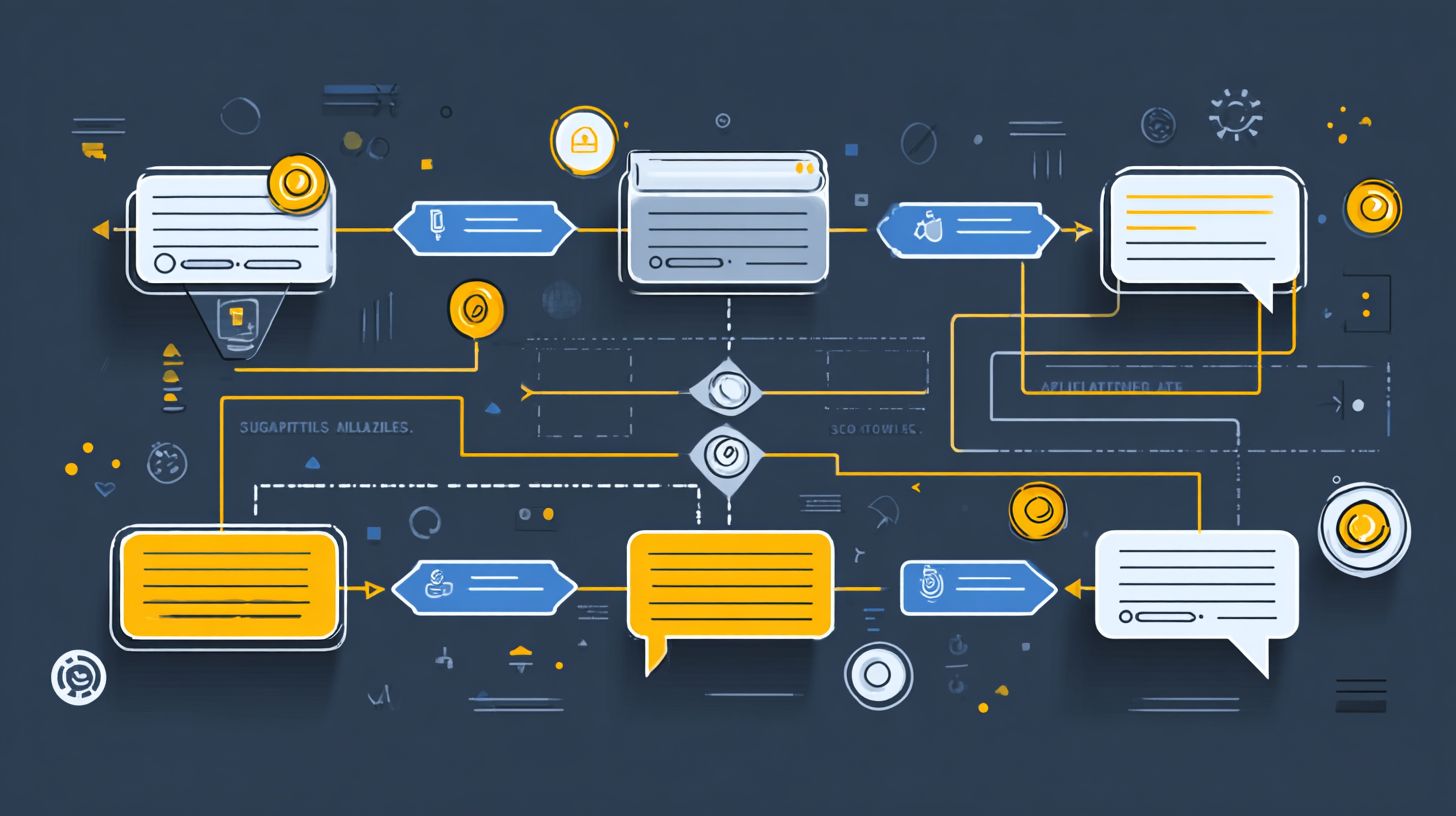
Building linear flows requires less complexity, allowing rapid deployment with full control over every interaction. Use tools like Rasa Platform or basic rule-based builders for quick MVPs. Skip heavy NLP understanding training.
Developers map out flows with simple flowchart examples, defining steps for real-time support. This cuts time compared to dynamic adaptability in advanced systems. Focus on cost-effective solutions.
Incorporate conversation patterns for internal automation or FAQ flows. Test with multimodal input if needed, but keep core logic straightforward. Reliability and security follow from predefined rules.
Experts recommend this for operational efficiency in customer interactions. Enable personalized recommendations via simple branches. Achieve faster launches and easier maintenance.
When to Implement Linear Flow
Linear flows shine in structured, repetitive scenarios where predictability trumps flexibility. Businesses often choose this approach for tasks that follow a clear sequence, ensuring users complete actions without confusion. This design matches needs where user experience benefits from guided paths over open-ended chats.
In customer support, linear flows work well for common queries that repeat daily. They provide clear paths through predefined steps, reducing errors and speeding up resolutions. One of our most insightful guides on designing chatbot conversation flows demonstrates this principle with practical engagement tips.
Consider channels like Facebook Messenger or WhatsApp, where quick interactions dominate. Linear designs support workflow automation for frequent tasks, boosting operational efficiency. They offer full control and reliability, ideal for building trust in routine processes.
Preview use cases ahead, such as lead generation or appointment booking. These prioritize efficiency, making linear flows a smart choice for business success in controlled environments. Teams can iterate with continuous improvement while maintaining simplicity.
Ideal Use Cases
Common applications include FAQ flows for customer support and appointment booking sequences. These scenarios rely on predictable steps to guide users effectively. Linear flows ensure smooth progression in high-volume interactions.
- Lead generation: Collect name and email in WhatsApp by prompting one field at a time, confirming details before saving. This keeps conversations focused and increases completion rates.
- E-commerce purchase: Guide cart checkout on Facebook Messenger through steps like address entry, payment selection, and order confirmation. Users follow a secure path without distractions.
- Internal automation: Handle HR ticket submission via Slack with sequential questions on issue type, details, and attachments. It streamlines approvals and reduces back-and-forth.
- Onboarding flow: Walk new users through account setup in a web chatbot, covering profile info, preferences, and welcome tips. This builds familiarity quickly.
- Feedback collection: Ask rating, comments, and suggestions in sequence after service on Telegram. Linear structure encourages complete responses.
- Appointment booking: Select service, date, time, and confirmation in a step-by-step flow on WhatsApp. It minimizes errors in time-sensitive bookings.
These cases leverage rule-based chatbots with decision trees and predefined rules. They excel in environments needing real-time support and cost-effective dialog management. Integrate intents and entities for better NLP understanding while keeping paths linear.
Step-by-Step Implementation Guide
Follow this structured guide to build effective linear chatbot flows from concept to deployment. This practical, actionable process breaks down each phase with time estimates to keep your project on track. Expect the full implementation to take 4-6 hours for a basic flow.
Begin with clear objectives, then map the path, validate inputs, and test thoroughly. Tools like Rasa Platform speed up prototyping for conversational AI. Focus on user experience to ensure smooth customer interactions.
This approach suits customer support, lead generation, or appointment booking. It provides full control and reliability over predefined rules. Regular iteration drives business success.
Adapt for multilingual support or real-time support as needed. Emphasize best practices in conversation design outlined in our chatbot design guide on effective flows for trust building. Your result will be a cost-effective tool for frequent tasks.
1. Define Clear Objectives
Start by pinpointing the exact goal, such as collecting feedback or completing a purchase. Identify the primary action, like booking an appointment or guiding an onboarding flow. This sets a strong foundation for your chatbot flows.
Follow these steps:
- Identify the primary action, for example book appointment.
- List required user inputs, such as name, date, and time.
- Set success criteria, like confirmed booking or collected data.
A common mistake is vague goals. Avoid this by writing a one-sentence objective, such as “Help users book appointments by gathering date and confirmation.” This keeps your dialog management focused.
Test objectives against real scenarios, like e-commerce purchase or FAQ flow. Clear goals improve customer satisfaction and operational efficiency. Allocate 30-45 minutes for this step.
2. Map the Conversation Path
Sketch a visual flowchart to outline the sequence from start to end. Draw nodes for each step and message in about 30 minutes. This creates a clear path for your decision tree.
Key steps include:
- Draw nodes for each step or message.
- Add decision points with keyword matching.
- Include a fallback response for off-track inputs.
Use free tools like Lucidchart for quick flowchart examples. Avoid overcrowding with too many branches to maintain linear flow. This supports rule-based chatbots with predefined rules.
Map for scenarios like feedback collection or internal automation. Review for escalation paths and accessibility. Spend 45-60 minutes refining for better conversation patterns.
3. Design Input Validation
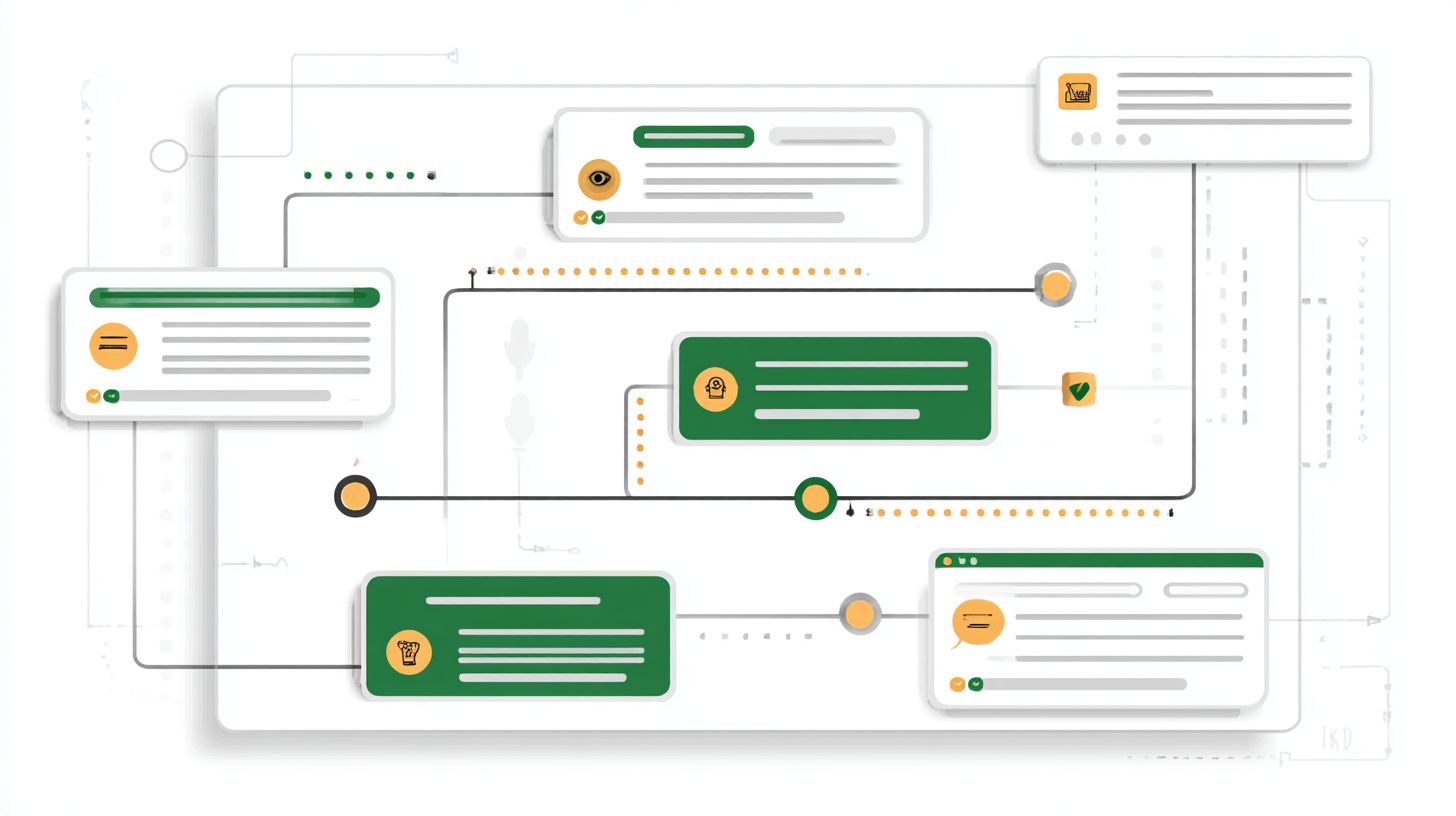
Ensure robust checks to handle user inputs accurately and prevent derailment. Define valid responses, such as yes or no for confirmations. This strengthens NLP understanding in your flows.
Implement these steps:
- Define valid responses, like dates in MM/DD format.
- Set keyword matching rules for intents and entities.
- Craft polite fallback responses, such as “Please reply with yes or no.”
Avoid overly strict validation by testing varied phrasing. Users might say “sure” instead of “yes.” This boosts user experience and trust building.
Apply to customer support or lead generation chats. Balance flexibility with dynamic adaptability. Plan 45 minutes to design and initial test validations.
4. Build and Test Sequences
Assemble the flow in your chosen platform and rigorously test for seamless execution. Use Rasa Studio or similar tools for 1-2 hours of building. Focus on end-to-end sequences.
Follow these steps:
- Implement in Rasa Platform for quick prototyping.
- Run end-to-end tests with simulated users.
- Use tools like chatsitelint.com for UX audit.
Iterate based on real user simulations. A common pitfall is skipping mobile testing or multimodal input checks. Test for knowledge base integration and workflow automation.
Validate for minimum viable product in scenarios like personalized recommendations. Ensure reliability and security. Allocate 1-2 hours for testing and tweaks to achieve smooth customer interactions.
Best Practices and Optimization
Refine linear flows with proven techniques to maximize performance and user satisfaction. Focus on error resilience and data-driven tweaks for long-term success in chatbot flows like customer support or lead generation.
Build flexibility into your conversation design by testing flows regularly. This ensures smooth user experience across onboarding flows, appointment booking, and e-commerce purchases.
Incorporate continuous improvement through weekly reviews of conversation patterns. Adjust predefined rules and decision trees to enhance operational efficiency and customer satisfaction.
Combine rule-based chatbots with natural language processing for better dialog management. This approach supports multilingual support and real-time support while maintaining clear paths.
Handling Errors Gracefully
Anticipate user deviations with thoughtful redirects to keep conversations on track. In FAQ flows, use graceful error handling to maintain trust building and user experience.
Limit retries to a maximum of 2-3 attempts before offering alternatives. For example, if a user mistypes in an appointment booking flow, respond with “I didn’t catch that, try rephrasing your time preference.”
- Provide clear escalation paths to human agents for complex queries in customer support.
- Use empathetic language in fallback responses, such as “Sorry, let’s try that again.”
- Integrate knowledge base checks to suggest relevant intents and entities.
This method boosts reliability and security in internal automation tasks. It prevents frustration during feedback collection or e-commerce purchase flows.
Measuring Success Metrics
Track key indicators to quantify impact and guide refinements. Monitor metrics in your conversational AI setup to optimize chatbot flows for business success.
Focus on essential measures like completion rates and average steps to finish. Identify drop-off points in flows such as onboarding or lead generation to improve ux for ai.
- Review user ratings after interactions for feedback on dialog management.
- Analyze drop-off points weekly using built-in analytics in platforms like LiveChatAI or Tidio.
- Track average steps to pinpoint inefficiencies in appointment booking or FAQ flows.
Use these insights for data-driven tweaks, enhancing NLP understanding and dynamic adaptability. This supports cost-effective workflow automation and frequent tasks with full control.
Frequently Asked Questions
What is Linear Flow in Chatbots?
Linear flow in chatbots refers to a structured, sequential conversation path where users progress through predefined steps without branching or backtracking. Implementing Linear Flow in Chatbots: Benefits and Guidance emphasizes its simplicity for guiding users efficiently from query to resolution.
What are the Key Benefits of Implementing Linear Flow in Chatbots?
Key benefits include reduced user confusion, faster task completion, higher completion rates, easier development and maintenance, and consistent user experiences. Implementing Linear Flow in Chatbots: Benefits and Guidance highlights how it minimizes errors in scenarios like order processing or support tickets.
How Do You Start Implementing Linear Flow in Chatbots?
Begin by mapping the user journey into sequential steps, define intents for each stage, use state management to track progress, and integrate validation at each step. Implementing Linear Flow in Chatbots: Benefits and Guidance recommends tools like Dialogflow or Botpress for streamlined setup.
What Challenges Arise When Implementing Linear Flow in Chatbots, and How to Overcome Them?
Challenges include handling off-script user inputs or drop-offs. Overcome them with fallback prompts, context retention, and graceful exits. Implementing Linear Flow in Chatbots: Benefits and Guidance advises testing with real user simulations to refine rigidity.
When Should You Choose Linear Flow Over Branching Flows in Chatbots?
Opt for linear flow in goal-oriented tasks like registrations, tutorials, or simple queries where predictability is key. Implementing Linear Flow in Chatbots: Benefits and Guidance suggests it’s ideal for novice users or high-volume, repetitive interactions.
What Best Practices Does Implementing Linear Flow in Chatbots: Benefits and Guidance Recommend?
Best practices include keeping steps concise, providing clear progress indicators, incorporating natural language understanding for minor deviations, and analyzing metrics like abandonment rates. Implementing Linear Flow in Chatbots: Benefits and Guidance stresses iterative improvements based on user feedback.