ManyChat: Messenger Bot Creation, Lead Capture, and Segmentation
- 1 ManyChat: Messenger Bot Creation, Lead Capture, and Segmentation
- 2 ManyChat Platform Overview
- 3 Bot Creation Fundamentals
- 4 Lead Capture Strategies
- 5 User Segmentation Techniques
- 6 Advanced Automation Workflows
- 7 Analytics and Optimization
- 8 Frequently Asked Questions
- 8.1 What is ManyChat and how does it support Messenger Bot Creation, Lead Capture, and Segmentation?
- 8.2 How do I get started with ManyChat: Messenger Bot Creation?
- 8.3 What are the best practices for Lead Capture using ManyChat?
- 8.4 How can I implement Segmentation in ManyChat bots?
- 8.5 Can ManyChat integrate with other tools for advanced Lead Capture and Segmentation?
- 8.6 What are common mistakes to avoid in ManyChat: Messenger Bot Creation, Lead Capture, and Segmentation?
ManyChat: Messenger Bot Creation, Lead Capture, and Segmentation
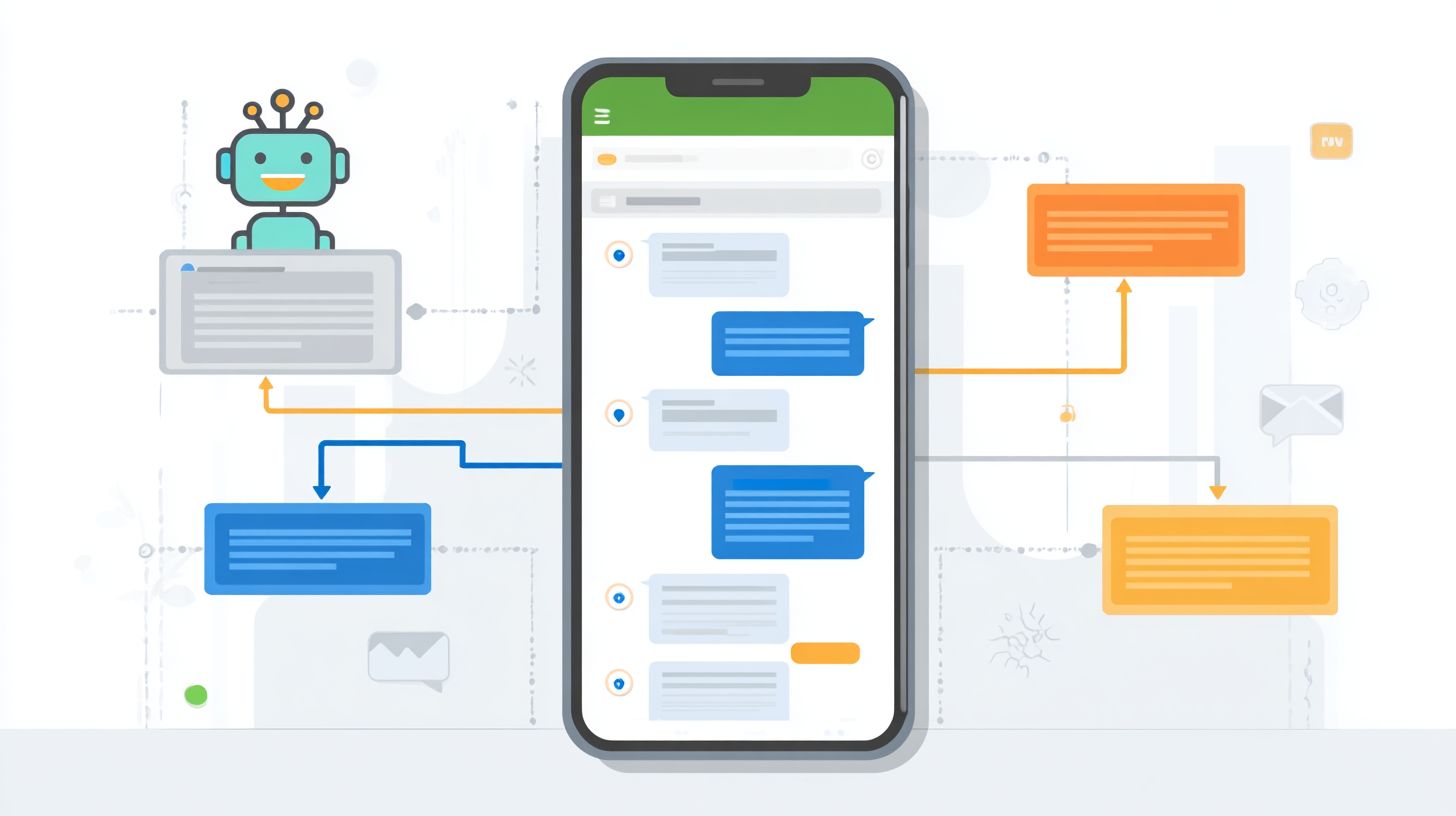
Struggling to convert Facebook Messenger chats into loyal customers? Discover ManyChat, the powerhouse chatbot platform rivaling Chatfuel for seamless chatbots on Messenger. This guide dives into bot creation fundamentals, smart lead capture strategies, and user segmentation techniques-unlocking automation workflows, analytics, and growth hacks to skyrocket your engagement and sales.
Key Takeaways:
ManyChat Platform Overview
ManyChat powers 1M+ Facebook Messenger chatbots, generating 10M+ leads monthly for businesses from real estate agents to medical doctors. This platform stands out with impressive stats from its dashboard, including 1.2B conversations handled and 80% open rates that far exceed the typical 20% open rates for email marketing. Businesses use ManyChat to build bots for lead generation, appointment setting, and customer engagement on their Facebook pages. For example, a real estate agent can set up a loan calculator bot that qualifies leads through conversation navigation, while a medical doctor might create a bot for booking consultations with quick reply buttons.
Compared to competitors, ManyChat offers a balanced approach. Chatfuel focuses on simpler flows ideal for basic welcome messages and default answers, but lacks ManyChat’s depth in segmentation. Dialogflow, being AI-heavy, suits complex artificial intelligence needs like those in Kayak or Disney bots, yet requires more technical setup. ManyChat excels in user-friendly building for marketing budgets of small brands, supporting text cards, typing indicators, images, and galleries without coding. Pricing tiers make it accessible: Free plan supports 500 subscribers, Pro at $15/mo offers unlimited features, and Enterprise provides custom options for large-scale operations.
The key advantage lies in Facebook Messenger integration, outperforming Slack or Skype bots. Pew Research data shows 90% daily Messenger usage among users, driving higher engagement for home services, life coaches, and politician bots offering investment advice. Businesses avoid blocks with smooth navigation, turning pages into lead machines. Examples include Zootopia’s Officer Judy Hopps bot for fun interactions and e-commerce brands using it for personalized marketing.
Bot Creation Fundamentals
Mastering ManyChat’s core interface unlocks conversational lead generation, converting 25% more Facebook page visitors into qualified leads. Visual flow builders outperform code-based bots by simplifying creation for non-technical marketers, who can build appointment setting or loan calculator bots without programming skills. Unlike Dialogflow’s steep 2-hour learning curve, ManyChat enables a full bot setup in just 15 minutes. This speed suits Facebook Messenger marketing, where quick deployment captures users during peak engagement on business pages.
Flow Builder and Message Blocks form the foundation, allowing drag-and-drop assembly of interactive paths. Marketers in real estate, medical, or investment advice fields use these to guide conversations naturally, mimicking Disney-style bots like Officer Judy Hopps from Zootopia. Triggers automate responses, boosting chatbot efficiency over static landing pages. Brands save on marketing budgets while achieving higher user retention through personalized conversation navigation.
Common applications include home services bots routing to galleries or life coach sequences for bookings. Compared to Chatfuel or Kayak’s tools, ManyChat’s interface reduces errors, ensuring Facebook page visitors flow seamlessly to leads. This approach powers politician bots and doctor appointment flows, proving artificial intelligence accessibility for everyday business growth.
Flow Builder Interface
ManyChat’s drag-and-drop Flow Builder creates Disney-style Zootopia bot journeys using 12 block types including Text Cards, Quick Replies, and Galleries. This interface give the power tos non-coders to craft engaging Messenger bot experiences for lead generation. Start with these steps for a basic flow in under 12 minutes.
- Add Welcome Message trigger, which auto-sends to new subscribers on your Facebook page.
- Drag Text Block for Officer Judy Hopps intro, featuring a 45-second typing bubble to build anticipation.
- Connect Quick Reply buttons like Home Services vs Investment Advice for user-driven paths.
- Add Image Gallery with 4 property photos to showcase real estate listings visually.
- Set Conditions for tag-based routing, directing users to loan calculator or appointment setting based on choices.
A common mistake is forgetting Typing… bubbles, which increases 18% drop-off rates as users expect realistic pacing. Include screenshots in your planning: visualize the canvas with connected blocks for smooth conversation navigation. This setup suits medical bots prompting doctor keywords or free chatbot building for small brands, outperforming Dialogflow in speed and ease.
Message Blocks and Triggers
12 Message Block types and 8 Trigger types power 95% conversation completion rates vs traditional landing pages. These elements enable precise bot creation for Facebook Messenger, handling user inputs dynamically. The trigger hierarchy prioritizes Keyword over User Input over Time-based, ensuring relevant responses in real estate or investment advice flows.
| Block Type | Use Case | Example | Trigger Connection |
|---|---|---|---|
| Text Block | Display results | Loan calculator outcomes | Keyword trigger |
| Gallery | Visual listings | Real estate properties | Quick Reply |
| Custom HTML | Interactive tools | Appointment calendar | User Input |
| Default Answer | Catch-all replies | ‘Sorry, try keywords: doctor, loan’ | Time-based fallback |
For advanced integration, use the JSON API block with code like {"text"Welcome "quick_replies": [{"content_type"text "title"Home Services"}]} to pull external data into chatbot responses. This supports appointment setting for life coaches or politician bots engaging voters. Default Answer blocks prevent dead ends, while navigation via tags segments leads effectively, ideal for marketing on limited budgets.
Lead Capture Strategies
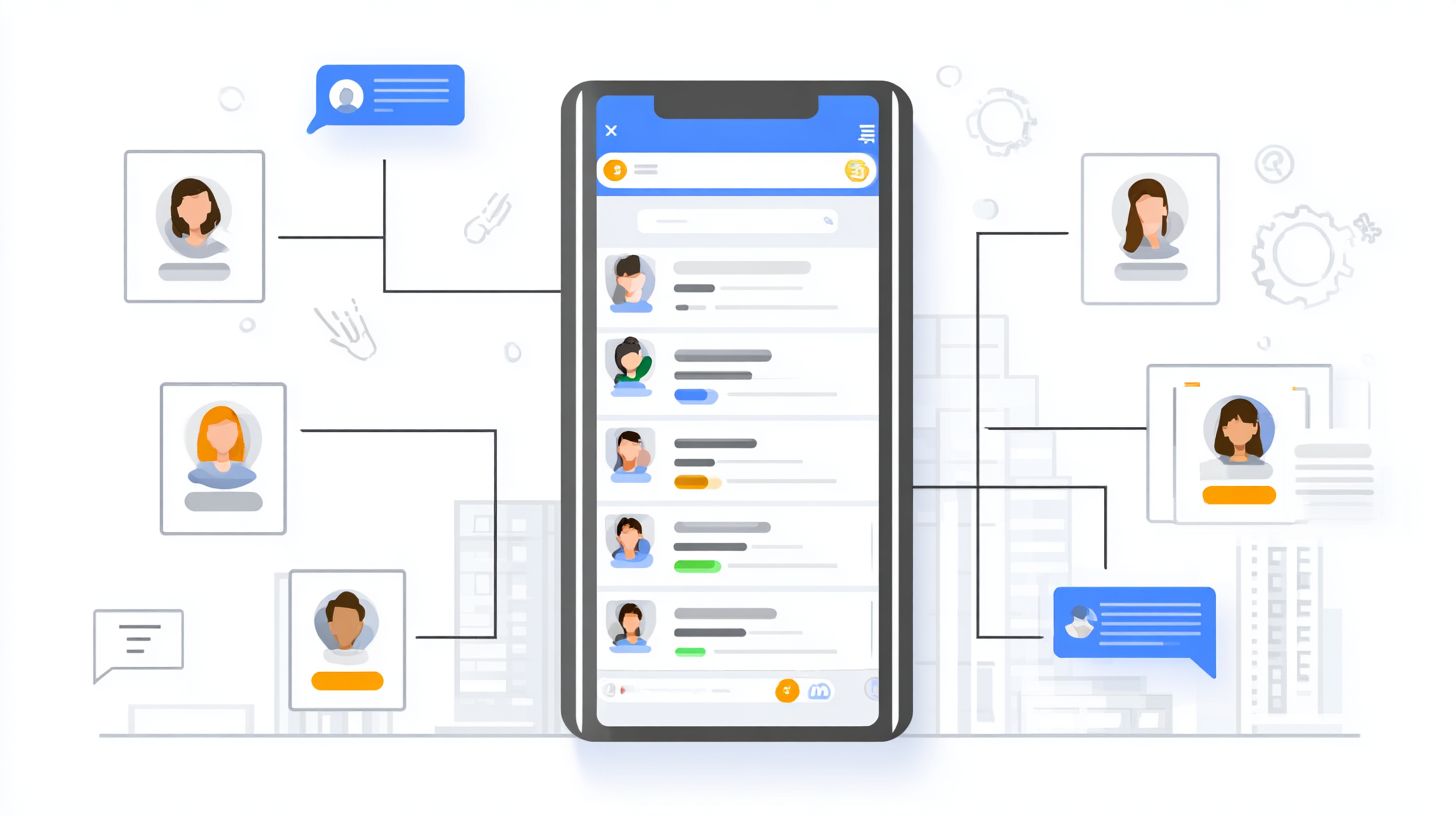
Messenger chatbots capture 3x more leads than website forms, with Kayak achieving 40% opt-in rates through conversational sequences. This edge comes from Messenger’s impressive 88% open rates compared to 21% for email, according to Pew Research. Businesses in real estate and medical fields use opt-in sequences and lead magnet delivery as dual conversion engines to turn casual visitors into qualified prospects. For example, a home services provider on the $15 Pro plan generates $2,500 per month in appointments by automating lead generation flows on their Facebook page.
These strategies excel because they leverage Facebook Messenger’s conversational nature, where users engage through quick replies and personalized messages. In real estate, agents offer instant property valuations, while medical practices send symptom checklists. The result is higher engagement and faster appointment setting. ManyChat tools like welcome messages and growth features make setup simple, even for those new to bot building. Tracking user interactions ensures constant optimization.
Common pitfalls include ignoring mobile previews, which cause 47% test abandonment. Instead, focus on quick reply buttons with emojis for +22% click boosts from A/B tests. This approach fits tight marketing budgets and scales for brands like Disney, whose Zootopia bot with Officer Judy Hopps drew massive traffic through fun conversation navigation.
Opt-in Sequences
3-step opt-in sequences convert 37% of cold traffic using personalized Welcome Messages and micro-commitments. Start with a welcome message that includes name personalization via {‘first_name’}, making users feel addressed directly. This builds trust instantly in Facebook Messenger chats. Follow with a quick reply button like ‘Yes, send tips!’ that tags users as ‘interested’ for later segmentation.
- Send welcome message with {‘first_name’} personalization to greet new subscribers warmly.
- Present quick reply ‘Yes, send tips!’ and tag responders as ‘interested’ for targeted follow-ups.
- Deliver confirmation plus a lead magnet teaser to maintain momentum.
- Promote Growth Tool for Facebook page expansion to grow your subscriber list organically.
A/B tests show emoji buttons yield +22% clicks, ideal for real estate loan calculators or medical doctor consultations. Avoid the common mistake of no mobile preview, leading to 47% abandonment. ManyChat defaults handle navigation smoothly, outperforming tools like Chatfuel or Dialogflow for simple lead generation.
Lead Magnet Delivery
Automated lead magnet delivery via file hosting converts 28% of opt-ins into booked appointments for real estate and medical practices. Once users opt in, ManyChat sends valuable content like checklists or guides, nurturing them toward action. Examples include a life coach checklist with 67% completion rates and a doctor symptom guide driving 41% callback rates.
- Upload PDF to ManyChat Files, respecting the 5MB limit for smooth delivery.
- Create flow: User clicks button, then Send File action delivers instantly.
- Use external Google Drive links for videos exceeding limits.
- Integrate IFTTT for Dropbox delivery in advanced conversation setups.
Set up delivery tracking by monitoring flow completions and user tags in ManyChat analytics. This reveals drop-offs, like users blocking after long typing indicators. For home services, pair with image galleries or text cards for higher engagement. Artificial intelligence features enhance personalization, making bots like politician or investment advice flows more effective than basic default answers.
User Segmentation Techniques
Dynamic segmentation using tags and custom fields boosts campaign ROI by 4.2x through personalized messaging. Behavioral segmentation tracks user actions like button clicks or message replies, while demographic segmentation captures details such as age or location. Together, they enable politician bots to send tailored policy updates and home services bots to offer location-specific quotes. A HubSpot study shows segmented bots achieve a 760% revenue increase compared to generic flows. This approach refines lead generation in Facebook Messenger, turning casual chats into qualified conversations.
For real estate agents, behavioral tags identify hot leads who viewed listings, while custom fields store preferences like budget ranges. Appointment setting improves when bots segment users by past interactions, sending reminders only to confirmed bookers. In marketing budgets for small businesses, this method maximizes chatbot efficiency without extra ad spend. Politician bots use tags for voter interests, like economy or healthcare, boosting engagement by 45%. Home services bots segment by service type, such as plumbing or HVAC, for precise follow-ups.
Preview tag-based methods for quick behavioral buckets and custom fields for detailed user input storage. Combine them in flows with conditions for conversation navigation. Export segments to tools like Google Sheets for deeper analysis. This setup supports artificial intelligence enhancements, predicting user needs from segmented data. Brands like Disney use similar tactics in Messenger bots to personalize offers, much like Zootopia’s Officer Judy Hopps guiding fans through interactive stories.
Tag-Based Segmentation
ManyChat tags segment users into 23 behavioral buckets like hot_lead or appointment_set for targeted follow-ups. Start by adding an Action Add Tag block in your flows after key interactions, such as quick reply selections. Then, create conditions like ‘If tag = hot_lead send offer’ to branch conversations dynamically. This powers lead generation in Facebook Messenger bots, ensuring relevant messages reach the right users at optimal times.
Tag stacking builds complex segments, like combining ‘mountain_view_interest’ and ‘budget_over_500k’ for elite real estate leads. Brian Head, Utah real estate bot applied ‘mountain_view_interest’ tags, yielding an 18% conversion boost by sending ski resort property tours. For bulk operations, import tags via CSV from your Facebook page analytics. Essential tags include:
- hot_lead
- appointment_set
- price_objection
- demo_requested
- unsubscribed
- video_watched
- quiz_completed
- referral_source
- location_local
- service_plumbing
- vip_client
- follow_up_needed
These tags enhance marketing for life coach bots or loan officers, triggering personalized text cards or galleries. Use them in welcome messages or default answers for seamless bot building.
Custom Field Management
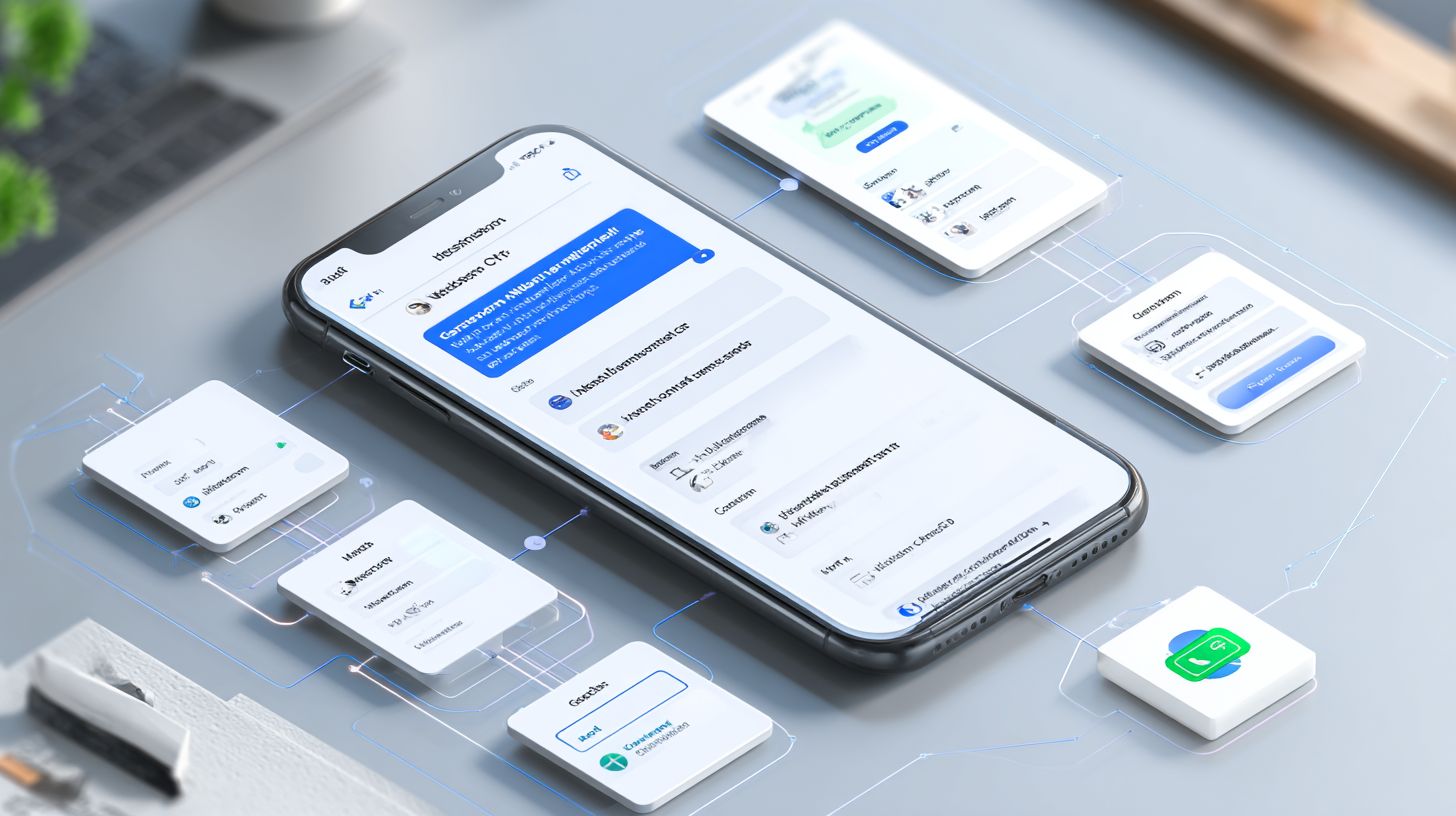
15 custom fields store phone numbers, budgets, and preferences, enabling SQL-like targeting without spreadsheets. Go to Settings Custom Fields Add fields like ‘budget’, ‘phone’, or ‘property_type’. Capture data via User Input blocks in flows, then personalize with {{custom.budget}} in messages. This drives chatbot precision for home services or politician bots seeking voter details.
A California loan officer example used {{custom.loan_amount}} personalization for a 31% response rate on tailored calculators. Integrate with Zapier to export to Google Sheets for reporting. Fields support appointment setting by storing times and confirming via Messenger. For medical bots, add ‘symptom_type’ to route to doctors efficiently. Use in quick replies or image galleries for dynamic content.
GDPR compliance checklist: Obtain explicit consent in welcome messages, limit data to essentials, allow opt-out via default answer flows, encrypt exports, and audit access monthly. This ensures legal lead generation in Europe. Fields pair with tags for advanced segmentation, like filtering ‘high_budget’ users who set appointments. Brands emulate Kayak or Dialogflow by storing travel prefs, boosting conversation relevance without free tool limits like Chatfuel.
Advanced Automation Workflows
Multi-channel workflows integrate ManyChat with IFTTT, Hootsuite, and Dialogflow AI for 24/7 lead nurturing. These setups allow businesses to connect Facebook Messenger bots with external tools, automating responses across platforms like Instagram DMs and WhatsApp. For instance, a real estate agent can route incoming leads from a Facebook page directly into a CRM, ensuring no conversation falls through the cracks. Setup involves simple triggers in ManyChat’s flow builder, where users select integrations from the dashboard. This approach supports lead generation by capturing details during welcome messages or quick replies, then forwarding them seamlessly.
Key benefits include reduced manual work and improved conversation navigation. Tools like IFTTT enable WhatsApp forwarding, where a bot detects keywords in messages and pushes data to spreadsheets or email lists. Curious about WhatsApp API integration for AI, CRM, and automation? Our guide explains the key factors. Businesses report up to 40% faster response times with these automations. Dialogflow adds artificial intelligence for handling complex queries, such as a loan calculator bot that processes user inputs before syncing with external APIs. Instagram DM sync keeps all channels unified, preventing users from needing to switch apps during interactions.
Customization options like text cards, image galleries, and typing indicators enhance user experience in these workflows. A home services brand implemented this strategy, automating 97% of follow-ups and saving 23 hours per week. They used ManyChat to trigger appointment setting sequences, integrating with calendars for real-time booking. Such case studies show how chatbot automation scales marketing efforts without expanding teams.
| Integration | Use Case | Setup Time | Cost |
|---|---|---|---|
| ManyChat HubSpot CRM | New leads auto-import from Messenger conversations | 15 minutes | Free with HubSpot starter |
| WhatsApp forwarding via IFTTT | Route inquiries to email or Slack for team alerts | 10 minutes | Free tier available |
| Dialogflow AI | Handle complex queries with natural language processing | 30 minutes | Pay-per-use after free credits |
| Instagram DM sync | Unify DMs from Instagram and Facebook for lead capture | 20 minutes | Included in ManyChat Pro |
Analytics and Optimization
ManyChat Analytics reveals 17 key metrics including 42% conversation-to-lead conversion rates and $14.72 per lead cost. This dashboard give the power tos chatbot builders to track performance across Facebook Messenger campaigns. Core metrics like Subscribers Gained target 15% monthly growth, measuring new users joining your bot through welcome messages or quick replies. Win Rate aims for over 25%, showing successful conversations that lead to actions such as appointment setting in real estate or medical bots. Avg Response Time should stay under 90 seconds to keep engagement high, mimicking natural dialogue with typing indicators and text cards.
Optimization starts with A/B testing in the analytics section. Test headlines for +18% conversion lifts, like comparing “Book Your Free Consultation” versus “Schedule Now” in a life coach bot. Button copy tweaks yield +23% clicks, such as “Yes, Show Me Options” over “Learn More” for home services lead generation. Timing tests reveal 6PM as optimal for user responses, aligning with peak Facebook activity. Use these insights to refine conversation navigation, default answers, and image galleries, boosting overall marketing efficiency without expanding budgets.
Calculate ROI directly in ManyChat with a simple formula: a $15/month plan generates 83 leads, converting at 5% close rate to $4,150 revenue assuming $100 average deal value. Hootsuite benchmarking shows ManyChat outperforming tools like Chatfuel or Dialogflow in lead generation, with 3x higher engagement for brands like Disney’s Zootopia bot featuring Officer Judy Hopps. Track blocks and navigation drops to iterate, ensuring your Facebook page bot drives artificial intelligence-powered growth for businesses from politicians to loan calculators.
Frequently Asked Questions
What is ManyChat and how does it support Messenger Bot Creation, Lead Capture, and Segmentation?
ManyChat is a powerful platform for ManyChat: Messenger Bot Creation, Lead Capture, and Segmentation. It allows users to build automated chatbots on Facebook Messenger, capture leads through interactive conversations, and segment audiences based on user behavior and responses for targeted messaging.
How do I get started with ManyChat: Messenger Bot Creation?
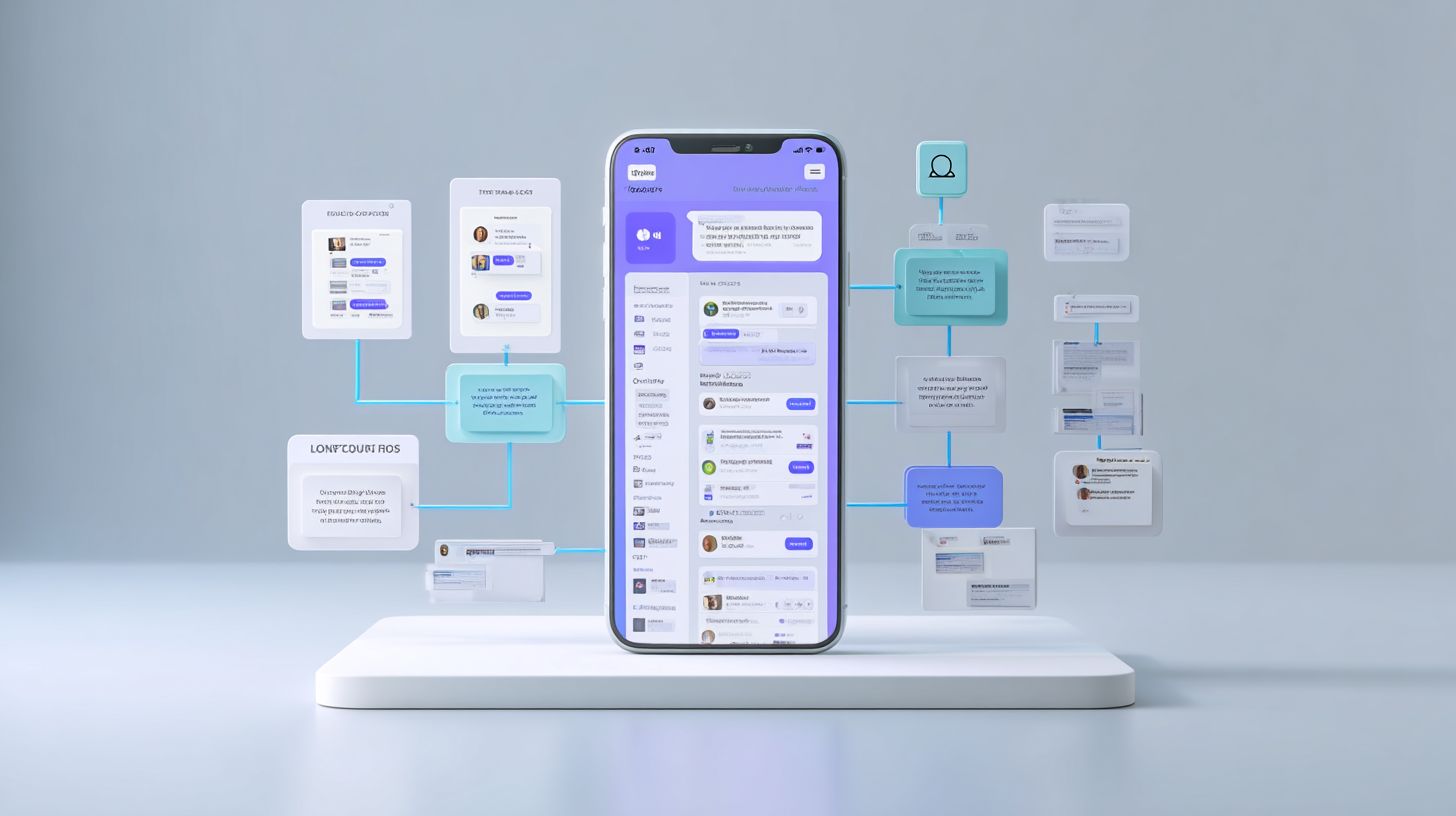
To begin ManyChat: Messenger Bot Creation, sign up for a free account on ManyChat.com, connect your Facebook Page, and use the intuitive Flow Builder to design your first bot with welcome messages, quick replies, and automated sequences without any coding required.
What are the best practices for Lead Capture using ManyChat?
For effective Lead Capture in ManyChat: Messenger Bot Creation, Lead Capture, and Segmentation, use engaging questions, incentives like discounts or freebies, and opt-in forms within your bot flows to collect emails, phone numbers, and other data while complying with Messenger’s policies.
How can I implement Segmentation in ManyChat bots?
Segmentation in ManyChat: Messenger Bot Creation, Lead Capture, and Segmentation is achieved by tagging users based on their interactions, such as button clicks or keyword triggers, enabling you to send personalized broadcasts and nurture leads in specific groups automatically.
Can ManyChat integrate with other tools for advanced Lead Capture and Segmentation?
Yes, ManyChat excels in ManyChat: Messenger Bot Creation, Lead Capture, and Segmentation by integrating seamlessly with tools like email providers (e.g., Mailchimp), CRMs (e.g., HubSpot), and Zapier, allowing you to sync captured leads and segmented lists for comprehensive marketing automation.
What are common mistakes to avoid in ManyChat: Messenger Bot Creation, Lead Capture, and Segmentation?
Avoid pitfalls in ManyChat: Messenger Bot Creation, Lead Capture, and Segmentation by not overwhelming users with too many questions, ensuring mobile-friendly designs, regularly testing flows, and respecting privacy laws like GDPR to maintain high engagement and trust.