Messenger Codes: Application and Use Cases
Ever wondered how messenger codes make it easy to connect instantly on Facebook Messenger? They’re simple scannable codes tied to your profile or business page that kick off chats with just a quick scan. In this guide, you’ll see exactly how to apply them and explore real-world use cases from customer support to lead generation.
Key Takeaways:
- 1 Technical Architecture
- 2 Primary Applications
- 3 Business and Marketing Use Cases
- 4 Advanced Implementations
- 5 Best Practices and Limitations
- 6 Frequently Asked Questions
- 6.1 What are Messenger Codes and their primary applications?
- 6.2 How do you apply Messenger Codes in a marketing strategy?
- 6.3 What are common use cases for Messenger Codes in customer service?
- 6.4 Can Messenger Codes be used for event promotions, and how?
- 6.5 What are the benefits of using Messenger Codes over traditional links?
- 6.6 How to create and customize Messenger Codes for specific use cases?
Definition and Core Functionality
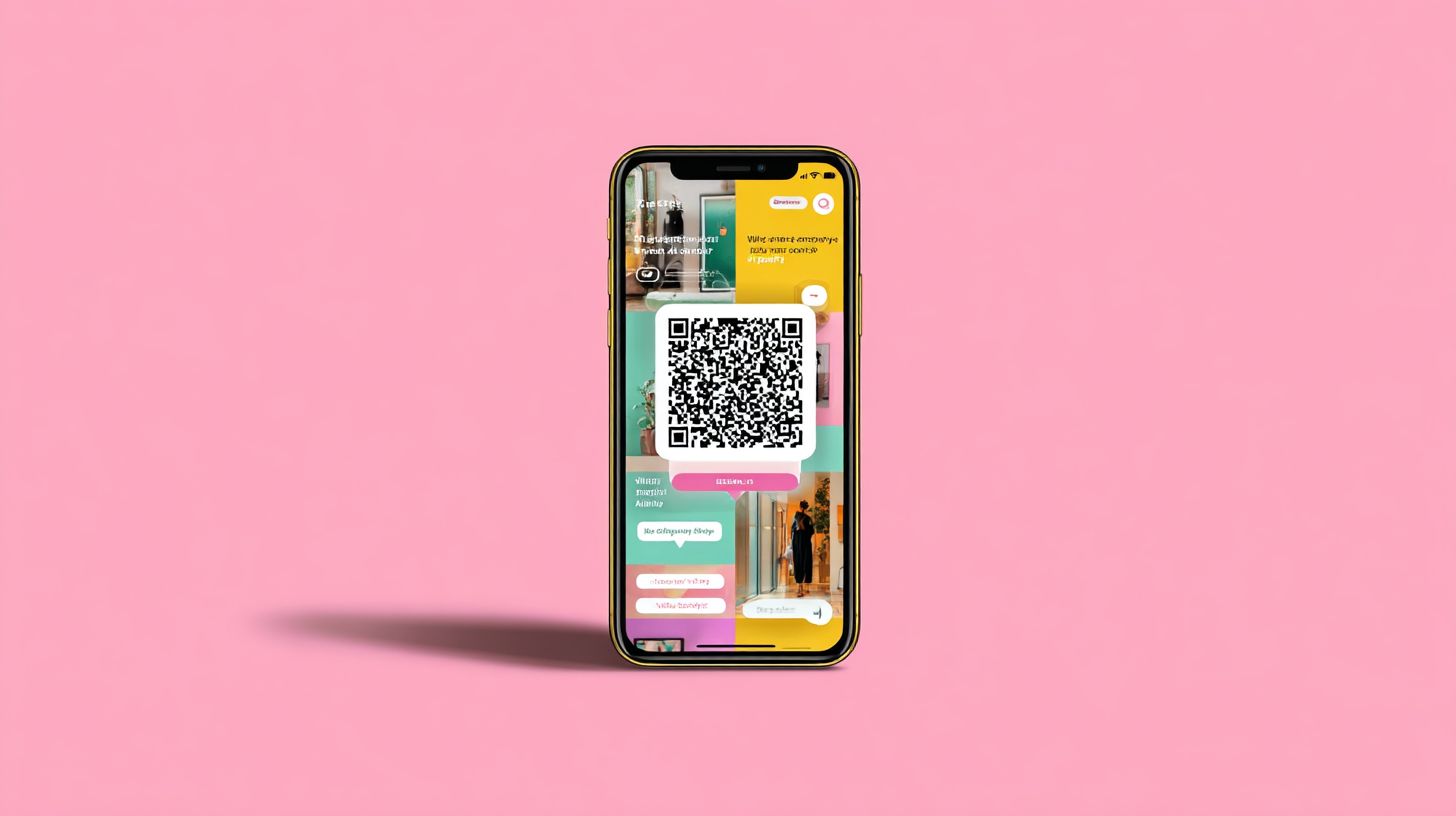
A Messenger Code is a unique, scannable graphic similar to a QR code that instantly opens a chat with a specific Facebook business page. These codes make it easy for users to start instant messaging without searching for the page. Businesses use them to boost customer engagement and simplify access.
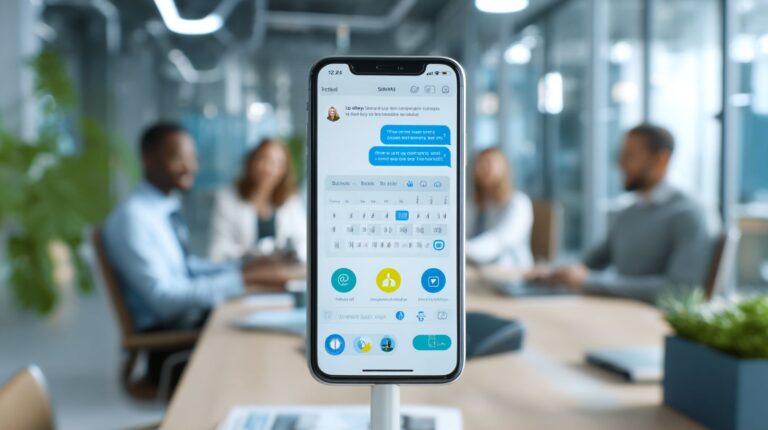
Scanning works best on the mobile app for Facebook Messenger. Open the app, tap the camera icon, point your camera at the scan code, and tap to start the chat. This one-tap access delivers a seamless user experience.
Desktop browsers lack built-in scan functionality, so users must use a mobile device. This limitation highlights why Messenger Codes shine for offline users at events or on business cards. They bridge to online chats effortlessly.
Core features include launching chats with chatbots for lead generation or customer service. Businesses print codes on flyers for event attendees or posters to grow their subscriber list. This turns passive viewers into active conversations.
Technical Architecture
Understanding the backend powering Messenger Codes reveals how they enable reliable, instant connections at scale. The tech stack relies on web sockets for real-time communication, ensuring messages flow without delay between users and bots. This setup supports customer engagement through features like instant messaging and chatbot interactions.
Scalability comes from load balancers that distribute traffic across servers, handling spikes in scans from events or campaigns. For example, a clothing brand at a trade show can manage hundreds of scan codes without downtime. To build scalable AI chatbots for omnichannel experiences like this, the architecture powers seamless transitions from offline users to online audience interactions.
Integration with Facebook Messenger includes tools like location sharing and reactions, all processed in real time. Businesses use this for lead generation, such as real estate agents sharing property details via personalized messages. The result is smooth user experience across mobile devices.
Compared to Snapchat Snapcodes or m.me links, Messenger Codes excel in bot platforms like Botsify for subscriber list growth. This foundation supports marketing tools for loyalty programs and customer service, bridging business pages to direct chats.
Code Generation and Scanning Process
Businesses generate Messenger Codes directly from the Page Manager App for their Facebook page. This simple process takes about one minute and creates a unique QR code linked to instant messaging. It’s ideal for printing on business cards or posters to boost customer engagement.
Follow these steps to generate a code:
- Log into the Page Manager App on your mobile device.
- Select the Messenger tab for your business page.
- Tap Generate Code and customize with a logo or frame.
- Download the image or share it directly for use in marketing.
A common mistake is trying to use codes on desktop browsers, as they only work via the mobile app’s scan functionality. For scanning, open the Messenger camera on iOS or Android, point at the code, and enjoy instant redirect to chat. This drives lead generation at seminars or expos.
Examples include event attendees scanning for content delivery or a real estate firm using codes on flyers for AI chatbots. It enhances growth tools like subscriber lists with high open rates, outperforming traditional links for business interaction.
Primary Applications
Messenger Codes excel at simplifying everyday interactions on Facebook Messenger for both individuals and businesses. They streamline one-to-one chats by letting users scan a code for instant connections. This cuts down on manual searches and boosts user experience.
Group setups become effortless with Messenger Codes, enabling quick joins without typing links or usernames. Users share codes at casual meetups or family gatherings to start conversations right away. The scan functionality works seamlessly on mobile devices.
These codes enhance instant messaging across personal and professional settings. They reduce friction compared to m.me links or desktop browser searches. Everyday users find them handy for spontaneous chats with online audiences.
Businesses use them for customer engagement without complex setups. Codes print easily on business cards for offline users. This makes Facebook Messenger a versatile tool for direct outreach.
Direct Messaging and Chat Initiation
Users scan a Messenger Code to bypass search and start chatting immediately with any Facebook page. This eliminates the need for typing usernames or m.me links. It offers a smoother path to direct messaging.
Print these codes on business cards to connect with offline users effortlessly. At events, an event host shares a code for instant Q&A sessions. Attendees scan on their mobile app and jump into personalized chats.
The process improves user experience by speeding up access to chatbots or live agents. Unlike group features, it focuses on one-to-one interactions. Businesses leverage this for customer service and lead generation.
Codes support scan code integration with AI chatbots for quick responses. They work across mobile devices and even desktop browsers via camera access. This makes them a practical marketing tool for business interaction.
Group Creation and Management
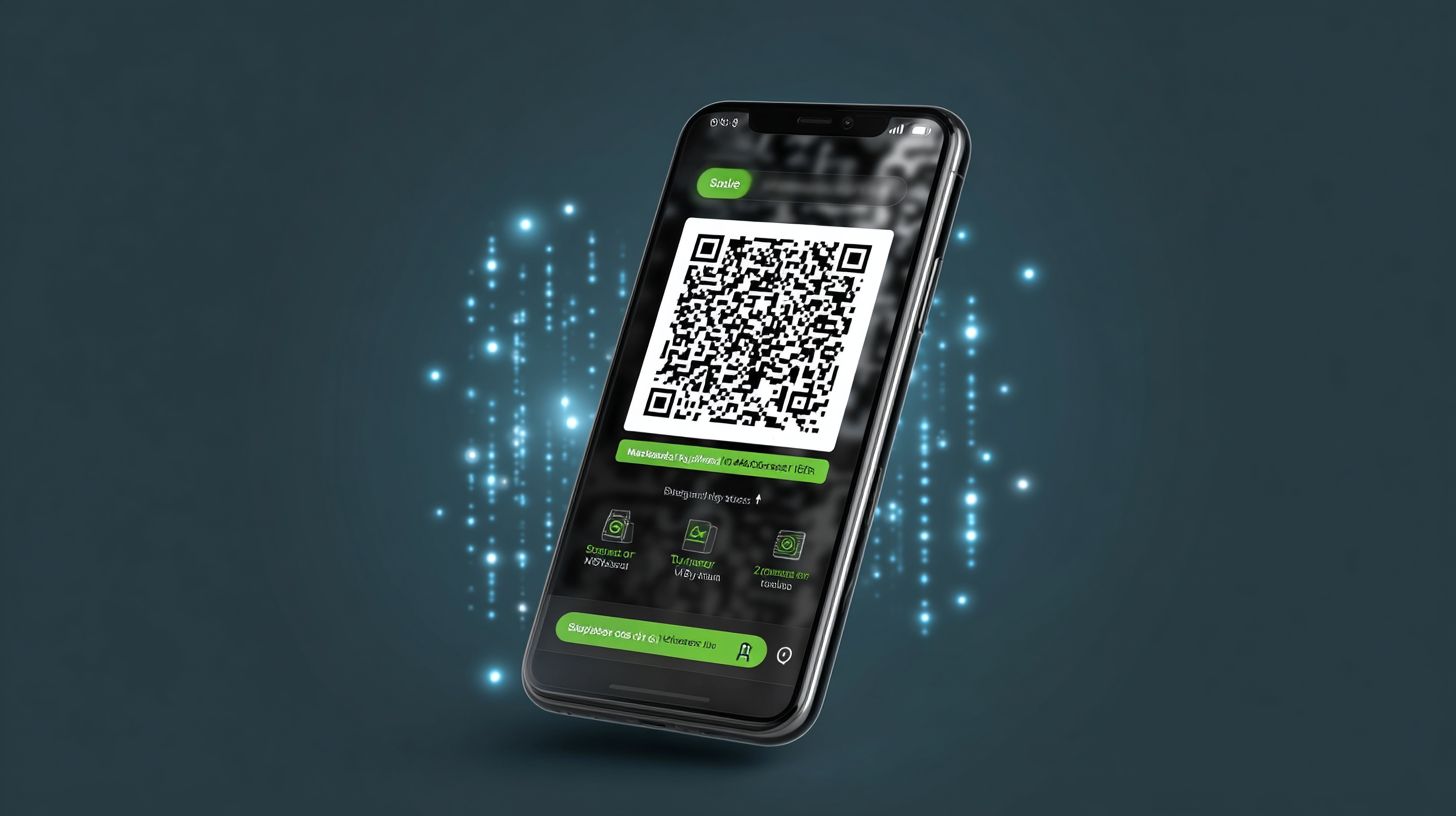
Certain Messenger Codes link directly to pre-configured group chats for community coordination. Generate a code through Messenger settings with a few taps. Share it at seminars, expos, or team meetings for easy access.
Team leads use codes for project groups, allowing members to join instantly. Features like reactions and mentions help with active management. This differs from one-to-one chats by fostering group discussions.
At events, share codes with event attendees for real-time updates and feedback. Codes enable location sharing or money transfer within groups if needed. They enhance coordination without app downloads.
Manage growth with these growth tools, similar to Snapchat Snapcodes but tailored for Facebook Messenger. Use them for content delivery or loyalty programs in communities. This keeps online audiences engaged through messenger features.
Business and Marketing Use Cases
Businesses leverage Messenger Codes to drive customer engagement and streamline operations through Facebook Messenger. These scan codes connect users instantly to a business page chat, turning passive viewers into active conversationalists. Experts like Neil Patel highlight chat marketing as a direct path to loyalty, while Hubspot emphasizes its role in personalized outreach.
Common applications include customer support and lead generation. A simple scan opens instant messaging, bypassing lengthy forms or calls. This boosts user experience on mobile devices or desktop browsers.
Marketing teams use codes on business cards, packaging, or ads to grow their subscriber list. Integrate with chatbots for automated flows, enhancing growth tools like loyalty programs. Messenger features such as reactions, mentions, and location sharing add depth to interactions. Curious about QR codes for Messenger bots: setup and marketing applications? This guide covers practical implementation.
Offline users at events scan for content delivery, bridging to your online audience. This positions Messenger Codes as a versatile marketing tool, similar to Snapchat Snapcodes but optimized for business interaction.
Customer Support Integration
Place Messenger Codes on packaging or websites to route customers to automated support chatbots. Customers scan with the mobile app for immediate help, improving customer service flow. This setup uses Facebook’s built-in chatbot builder or platforms like Botsify.
A clothing brand prints codes on tags for order tracking. Users scan, and the AI chatbot pulls details via web sockets, resolving issues fast. This beats email with quicker responses and better context.
Connect your Facebook page to a bot platform for 24/7 availability. Handle queries on returns, shipping, or FAQs without staff. Benefits include reduced wait times and consistent user experience.
Test scans across scan functionality on various devices. Add location sharing for in-store pickups or money transfer options. This integration scales support for growing businesses.
Lead Generation Campaigns
Messenger Codes capture leads by adding scanners to your subscriber list for personalized messages. Promote them via ads, emails, or business cards to spark conversations. Hubspot notes high open rates in Messenger compared to email, aiding follow-ups.
Create a code linked to a lead bot in under five minutes using bot tools. Users scan and receive tailored offers, like a real estate agent sharing property tours. This builds trust through instant, one-on-one chats.
- Design the code in Facebook Messenger settings for your business page.
- Distribute on flyers for seminars, expos, or event attendees.
- Automate personalized messages with details from the scan.
Track engagement via Messenger Stories or reactions. Nurture leads into sales with chat marketing, targeting offline users. Tools like Sprout Social recommend this for sustained customer engagement.
Advanced Implementations
Take Messenger Codes further by combining them with events and loyalty initiatives for deeper customer engagement. Businesses use these scan codes at live events to pull offline users into online audiences instantly. This approach boosts lead generation through exclusive groups and personalized messaging.
Brands like Bisa Seguros print large Messenger Codes on banners and flyers for real estate promotions. Attendees scan to access chatbots with tailored property info or loyalty perks. It turns one-time event visitors into ongoing subscriber list members.
Compare this to Snapchat Snapcodes, which link users to profiles. Facebook Messenger codes connect directly to business pages for richer interactions like AI chatbots and location sharing. Events become gateways to sustained business interaction via instant messaging.
Track success with Messenger analytics for joins and open rates. Integrate with bot platforms like Botsify for automated follow-ups. This method enhances user experience beyond basic scanning, fostering community and repeat engagement.
Event and Community Building
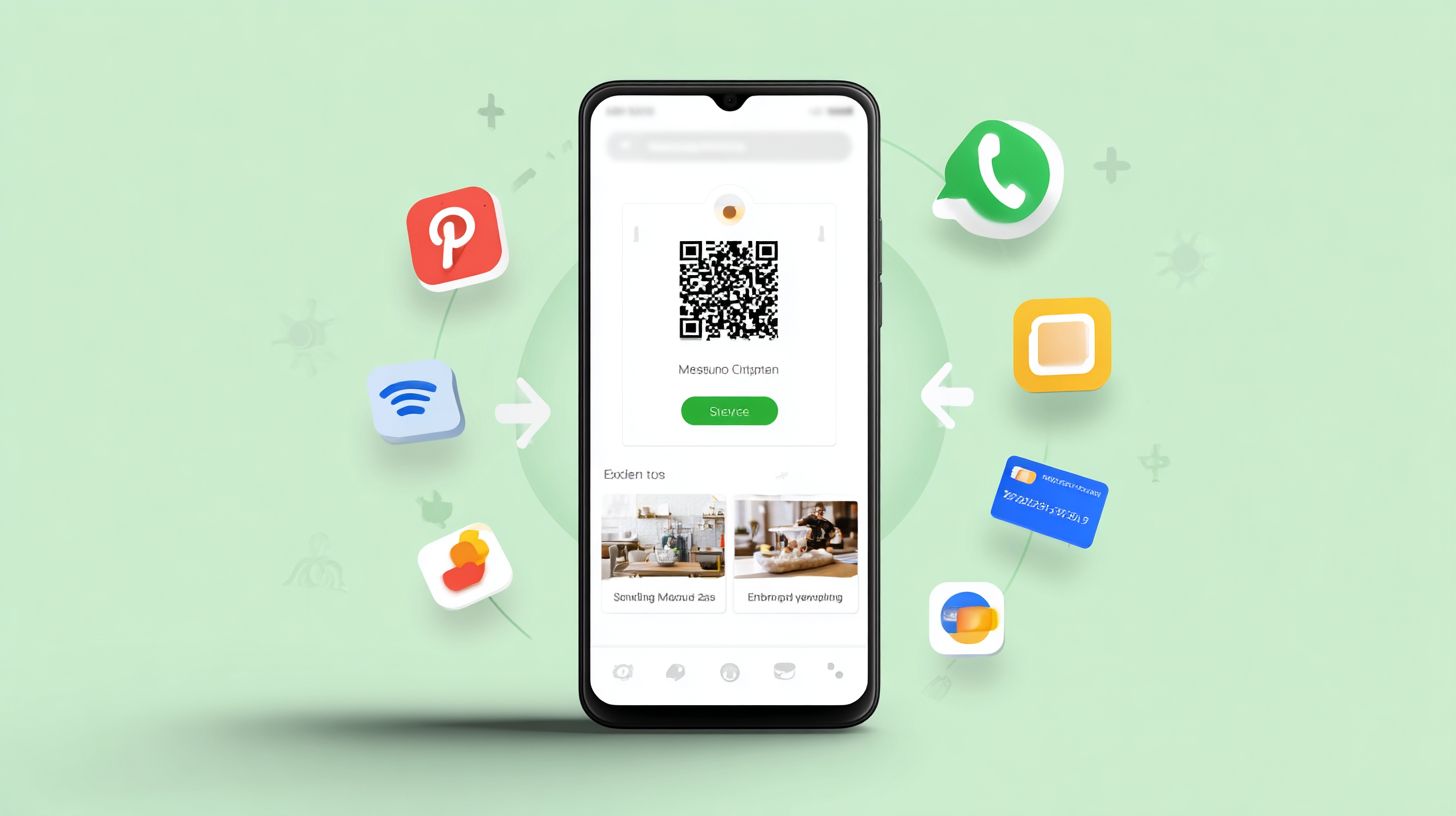
At seminars and expos, attendees scan Messenger Codes to join exclusive groups or loyalty programs instantly. Large codes on banners draw crowds to Facebook Messenger for real-time chats. This bridges offline users to your online audience without hassle.
HypeStarUK deploys codes at music events for fan communities. Fans scan to access messenger stories, reactions, mentions, and event updates via chatbot. It mirrors Snapchat Snapcodes but adds messenger features like money transfer or content delivery.
To implement, print oversized scan codes on backdrops or business cards. Use Messenger analytics to monitor new joins and engagement. Pair with m.me links for desktop browser access, ensuring all devices connect smoothly.
- Design codes for quick mobile device scanning from afar.
- Set up chatbots for personalized messages and customer service.
- Build subscriber lists for ongoing marketing tools and growth tools.
- Test scan functionality at events to optimize user experience.
Best Practices and Limitations
Maximize Messenger Codes by following proven strategies while understanding their boundaries. Experts like Neil Patel and Sprout Social emphasize chat optimization for better customer engagement. This approach boosts lead generation through seamless scan code interactions on Facebook Messenger.
Customize codes with your business logo to enhance brand recognition. Test scan distance across devices for reliable performance. Pairing with chatbots ensures quick auto-replies, improving user experience.
Neil Patel advises integrating messenger features like location sharing for targeted offers. Sprout Social highlights tracking via Facebook insights to refine campaigns. These tactics turn QR codes into powerful marketing tools.
Avoid common issues like glare on printed codes at events. Always enable Messenger on your business page first. These steps help offline users connect instantly with your online audience.
Best Practices and Limitations
Experts recommend testing codes across devices and pairing them with Messenger features like location sharing for optimal results. This ensures smooth scan functionality on mobile devices. Real-world use at seminars or expos shows how event attendees quickly join subscriber lists.
Follow these best practices for effective deployment:
- Customize with your logo and test scan distance on various phones to confirm quick access.
- Use large prints for events, avoiding glare by choosing matte surfaces for better visibility.
- Integrate with chatbots or AI chatbots via platforms like Botsify for instant auto-replies and personalized messages.
- Track performance using Facebook insights to measure scans, open rates, and customer interactions.
- Combine with m.me links as a web fallback for users without the mobile app.
Key limitations include mobile-only scanning, as codes do not work on desktop browsers. They also cannot initiate direct money transfer or complex actions. A common pitfall is forgetting to enable Messenger on the Facebook page.
For example, a clothing brand prints codes on business cards for in-store scans leading to loyalty programs. In real estate, agents use them at open houses for customer service chats. Always test in lighting conditions similar to your business interaction settings to avoid issues.
Frequently Asked Questions
What are Messenger Codes and their primary applications?
Messenger Codes: Application and Use Cases revolve around scannable QR-like codes in Facebook Messenger that enable quick connections between users and businesses. Primary applications include adding contacts instantly, accessing customer service bots, and initiating chats without searching for usernames, making them ideal for marketing campaigns and seamless user engagement.
How do you apply Messenger Codes in a marketing strategy?
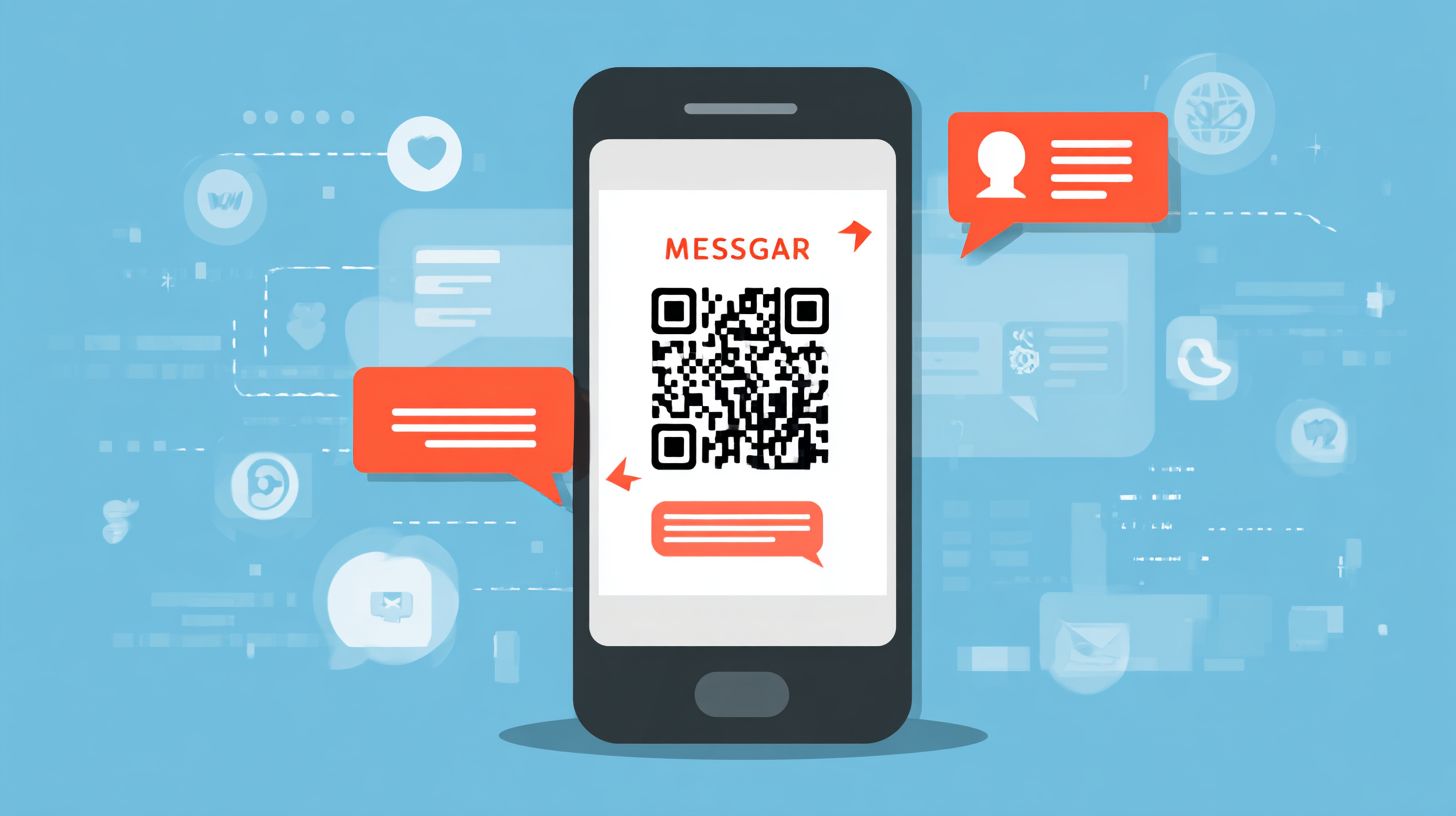
In Messenger Codes: Application and Use Cases, businesses apply these codes by generating unique codes via Messenger’s tools and printing them on ads, packaging, or websites. Users scan the code with their Messenger app camera to start a conversation, perfect for lead generation, promotions, and personalized customer interactions.
What are common use cases for Messenger Codes in customer service?
Messenger Codes: Application and Use Cases highlight their role in customer service, such as placing codes on product receipts or support cards. Scanning allows instant access to chatbots for troubleshooting, order tracking, or refunds, reducing wait times and improving satisfaction in e-commerce and retail scenarios.
Can Messenger Codes be used for event promotions, and how?
Yes, under Messenger Codes: Application and Use Cases, event organizers print codes on flyers, tickets, or digital invites. Attendees scan to join group chats, receive live updates, RSVP, or connect with speakers, enhancing networking and real-time engagement at conferences, concerts, or webinars.
What are the benefits of using Messenger Codes over traditional links?
Messenger Codes: Application and Use Cases offer advantages like one-tap scanning without typing URLs, higher mobile conversion rates, and native integration with Messenger’s features like payments and stories. They’re more reliable in low-connectivity areas and provide analytics on scans for better campaign optimization.
How to create and customize Messenger Codes for specific use cases?
For Messenger Codes: Application and Use Cases, page admins create them in Messenger settings by selecting “Messenger Code,” customizing colors or images, and downloading. Tailor for use cases like loyalty programs by linking to reward bots or for in-store displays to drive foot traffic and instant feedback collection.