Messenger Links: Benefits, Usage, and Engagement for Businesses
You’re running a business and want to connect with customers more directly through tools like Facebook Messenger. Messenger links make it simple to drive chats, cut response times, and build real customer engagement.
This guide covers the benefits, setup steps, best practices, and ways to measure results so you can put them to work effectively.
Key Takeaways:
- 1 What Are Messenger Links?
- 2 Key Benefits for Businesses
- 3 Setting Up Messenger Links
- 4 Best Practices for Usage
- 5 Boosting Engagement
- 6 Measuring Success
- 7 Common Challenges and Solutions
- 8 Frequently Asked Questions
- 8.1 What are Messenger Links and their benefits for businesses?
- 8.2 How can businesses implement Messenger Links in their usage strategy?
- 8.3 What engagement metrics improve with Messenger Links for businesses?
- 8.4 Are there best practices for optimizing Messenger Links usage?
- 8.5 How do Messenger Links enhance customer support engagement?
- 8.6 What are common challenges in using Messenger Links and how to overcome them?
What Are Messenger Links?
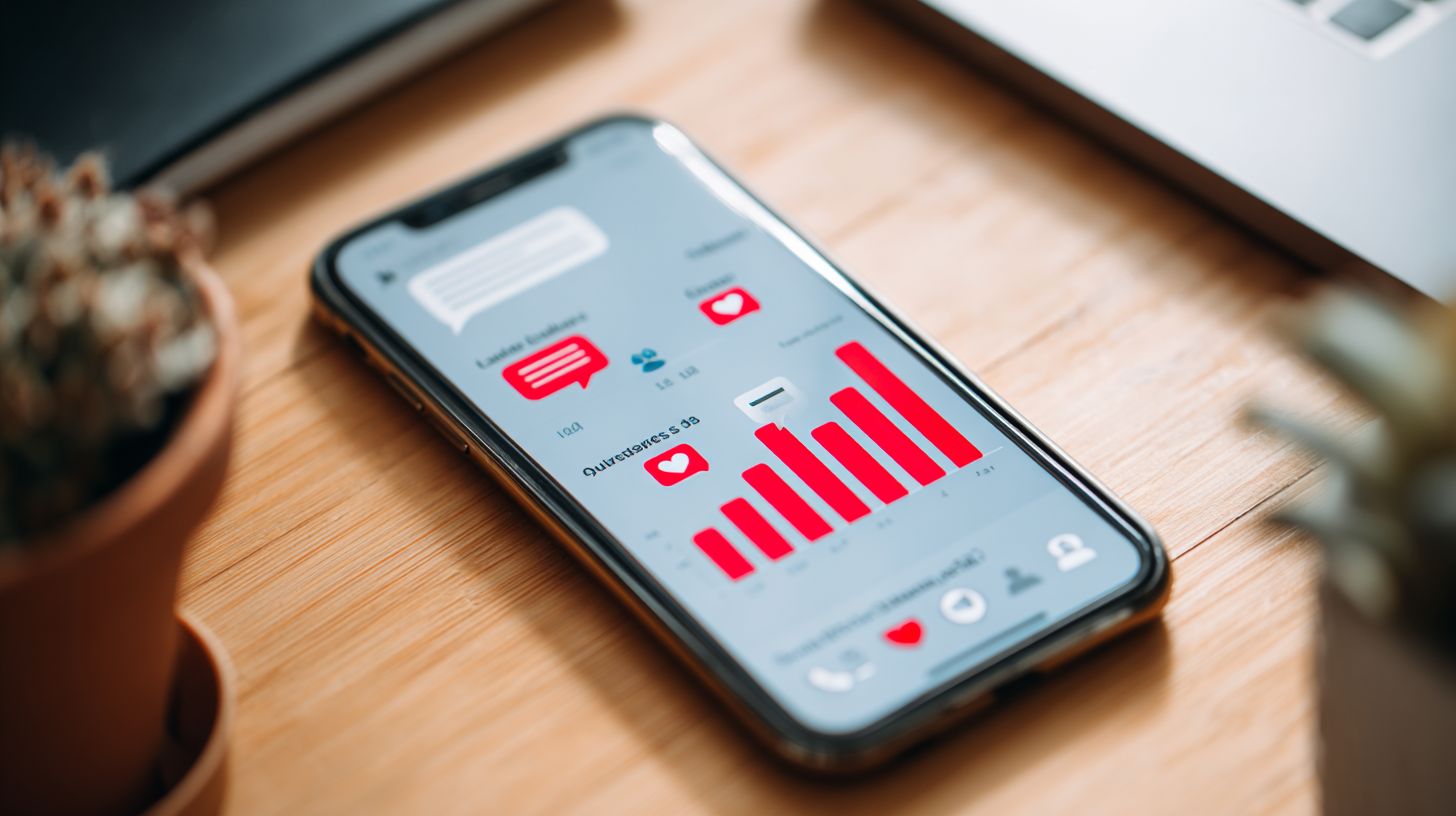
Messenger links are simple URLs that open a direct chat window in Facebook Messenger, enabling seamless customer engagement from your Facebook Page or website.
These clickable links, formatted as m.me/yourbusinessname, launch instant conversations in Facebook Messenger. Businesses use them to bridge social media and real-time communication, making customer service effortless for owners.
They work smoothly on both mobile and desktop devices. For example, adding an m.me/yourbusinessname button to your site lets visitors start a chat without leaving the page. This setup supports direct messaging and quick access to your business inbox.
Business owners appreciate how messenger links enhance brand interactions through features like welcome messages and quick replies. They work together with messenger bots for automated responses, improving response times during off operating hours.
Key Benefits for Businesses
Messenger links transform how businesses connect with customers, offering advantages that drive loyalty and growth through direct, convenient interactions. Businesses adopt them to enhance brand interactions, speed up response times, and support scalability features for customer support teams. This approach fits modern expectations for instant communication on platforms like Facebook Messenger and WhatsApp integration.
With messenger links, companies bypass slow email threads or phone queues. Customers tap a messenger button for real-time chats, boosting customer engagement. Marketing experts note this builds trust through personalization key features like custom welcome messages.
Business owners gain from analytics reporting and CRM integration, tracking interactions seamlessly. These tools enable omnichannel platform support, aligning with GDPR compliant standards for data privacy. Overall, they streamline customer service while cutting costs.
Scalability shines in high-volume scenarios, such as Facebook ads with click-to-messenger options. Those interested in expanding this further might appreciate our take on leveraging messenger bots for USP expansion strategies. Teams handle more queries via business inbox efficiency, fostering business growth without expanding staff.
Direct Customer Access
Direct customer access via messenger links eliminates barriers, letting users start conversations with one tap from ads, posts, or websites. This direct messaging cuts through search hurdles for immediate chats. Businesses see fewer drop-offs in the sales pipeline as a result.
Add messenger links to email signatures or product pages for faster lead generation. Customers enjoy improved user experience, jumping straight to a Facebook page chat. It supports real-time communication that feels personal and responsive.
Integrate with payment integration like Meta Pay for seamless transactions during chats. Share privacy information and end-to-end encryption details to build confidence. This setup aligns with brand identity across social media.
For target audience reach, use these links in click-to-messenger campaigns. They drive customer loyalty by making support accessible beyond operating hours.
Cost-Effective Communication
Unlike traditional call centers, messenger links leverage free or low-cost tools like chatbots automation for scalable customer service without high overhead. AI-powered bots deliver instant replies and automated responses around the clock. This avoids per-minute fees tied to phone support.
Start with Facebook’s built-in automation in the business inbox for efficiency. Messenger chatbots handle common queries, freeing agents for complex issues. Support tools like quick replies enhance this without extra costs.
Experts recommend combining with WhatsApp integration for broader reach on an omnichannel platform. Track performance via analytics reporting to refine response times. Businesses save on staffing while maintaining quality.
During peak times, scalability features ensure smooth operations. This cost model supports business growth, letting small teams manage large volumes effectively.
Setting Up Messenger Links
Setting up messenger links takes minutes and integrates smoothly with your existing Facebook Page setup. Use Meta Business Suite to generate your unique Messenger Username link. This enables quick deployment for customer engagement through direct messaging.
Start by accessing your Facebook Page settings and navigating to the Messenger section. Assign a custom username if needed, then copy the generated m.me/username link. This link supports real-time communication and works across devices.
Embed the link in website buttons, email signatures, or social posts to drive traffic to your business messenger. Test it to ensure instant replies load properly, enhancing user experience. Common pitfalls include overlooking messaging permissions on the page.
Once active, leverage features like welcome messages and quick replies for seamless customer service (see our interactive chat features setup guide). Businesses use this for lead generation and chatbots automation, boosting response times. Manage everything from the business inbox in Meta tools.
Platform-Specific Integration
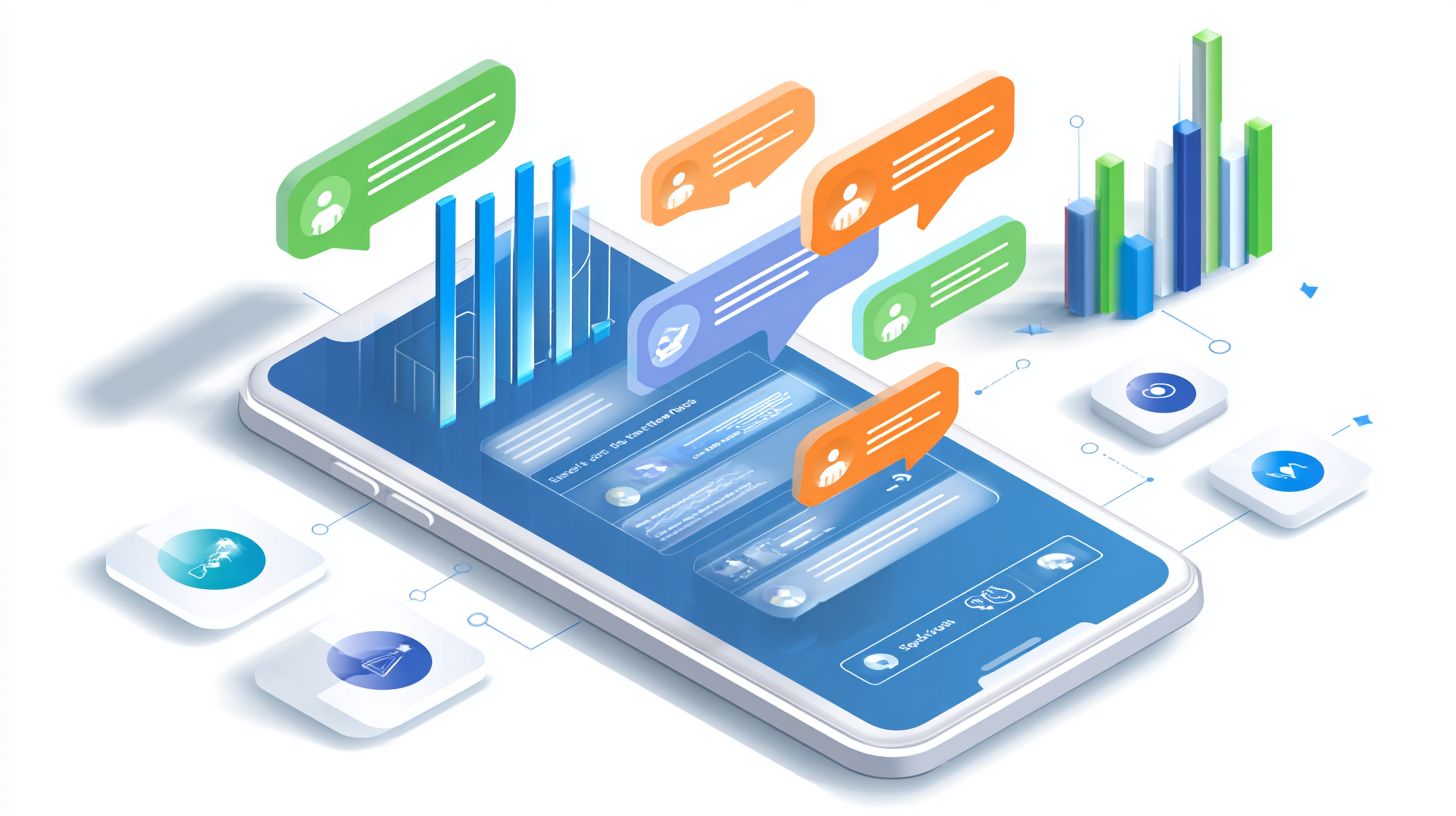
Integrate messenger links across platforms like websites, Facebook Ads, and even WhatsApp Business API for an omnichannel platform experience. This setup fosters brand interactions and supports scalability features. Follow simple steps for fast results.
Begin with these key actions:
- Go to Facebook Page settings > Messenger > Username (takes about 5 minutes).
- Copy the m.me/username link for use anywhere.
- Embed in messenger buttons or Click-to-Messenger Ads on your site or ads.
- Test on mobile devices to confirm smooth direct messaging flow.
A common mistake is forgetting to enable messaging on the page, which blocks links. Use Facebook Business Suite for centralized management, including analytics reporting and CRM integration. This ensures data privacy with end-to-end encryption.
For advanced use, add messenger chatbots via the suite for automated responses and AI-powered support. Tailor personalization with customer data while staying GDPR compliant. Examples include e-commerce sites linking to payment integration with Meta Pay during chats.
Best Practices for Usage
Effective messenger links rely on smart strategies that prioritize user experience and brand identity. Focus on strategic placement, personalization, and automation to maximize engagement during and beyond operating hours. This approach ensures customer engagement through real-time communication and chatbots automation.
Integrate messenger links into your omnichannel platform for seamless interactions. Use them for lead generation, customer service, and even payment integration with Meta Pay. Businesses benefit from instant replies and analytics reporting to track response times and sales pipeline growth.
Marketing experts recommend combining messenger button placements with AI-powered tools. This setup supports scalability features while maintaining data privacy and GDPR compliance. Tailor your business inbox with support tools for better customer loyalty and business growth.
During off-hours, automated responses keep conversations alive. Personalization key elements like quick replies enhance brand interactions. Overall, these practices turn direct messaging into a powerful tool for customer support and real-time engagement.
Strategic Placement
Place messenger links where your target audience already engages, like Facebook Ads or website CTAs, to capture interest instantly. Adding a messenger button to your Facebook Page drives direct traffic to chats. This boosts click-to-messenger opportunities in social media campaigns.
Use Click-to-Messenger in Instagram or Facebook Ads for immediate connections. Website pop-ups targeting abandoned carts recover lost sales through quick chats. For example, a ‘Chat now’ button on product pages encourages questions and conversions.
Embed links in email signatures or blog posts for broader reach. Integrate with CRM systems for smooth lead generation. These spots align with user experience, ensuring response time feels instant across platforms like WhatsApp integration.
Test placements using analytics reporting to refine strategy. Prioritize high-traffic areas for maximum customer engagement. Business owners see improved sales pipeline when links fit naturally into the customer journey.
Personalization Techniques
Personalize the chat experience from the first message to build trust and encourage ongoing brand interactions. Set a custom welcome message in Page settings to reflect your brand identity. This sets a friendly tone for Facebook Messenger conversations.
Implement quick replies for common queries like order status or product details. Segment users by data for tailored responses, such as recommending items based on past purchases. Avoid generic bots; infuse your brand voice for authenticity in customer service.
Use messenger chatbots for ai-powered personalization during operating hours. Combine with end-to-end encryption for privacy information users trust. Examples include greeting returning customers by name or offering support tools specific to their needs.
Monitor response times with business inbox analytics to refine techniques. This fosters customer loyalty through relevant, timely support. Marketing experts note that personalized direct messaging enhances engagement and drives business growth.
Boosting Engagement
Elevate customer engagement by combining messenger links with chatbots, payments, and CRM integration for a full-funnel experience. Businesses can guide users from initial inquiry to purchase using messenger chatbots. This approach turns casual chats into meaningful brand interactions.
Deploy AI-powered messenger chatbots for lead generation on platforms like Facebook Messenger. These tools offer instant replies and personalized responses, improving response times. For example, a chatbot can ask about user needs and collect contact details seamlessly.
Integrate Meta Pay for smooth transactions within the chat. Customers complete purchases without leaving the conversation, enhancing user experience. Pair this with CRM systems like Umnico or Zoko to track the sales pipeline.
- Use broadcast messages for targeted promotions to your audience.
- Set up automated flows with quick replies and welcome messages.
- Monitor analytics reporting to refine engagement strategies.
One practical example involves automated flows on a Facebook page. A user clicks a click-to-messenger ad, receives a welcome message, chats with the bot for product info, pays via Meta Pay, and gets added to the CRM. This builds customer loyalty and drives business growth.
Measuring Success
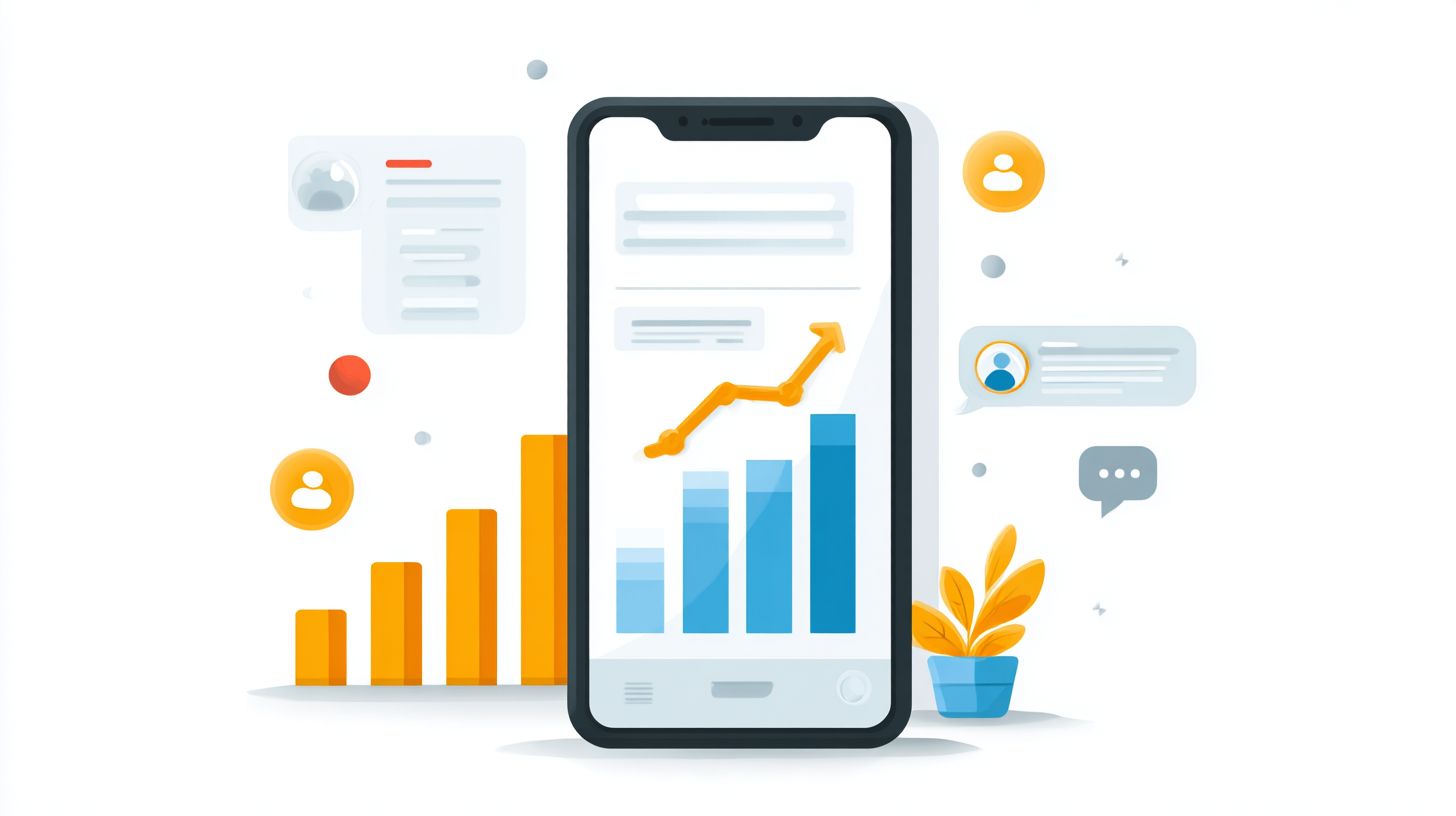
Track key metrics in Facebook Business Suite to refine your messenger link strategy and prove ROI. Focus on response times, conversation starts, and conversion rates through analytics reporting. These insights help businesses optimize customer engagement and drive growth.
Monitor response times to ensure real-time communication meets expectations. Set benchmarks like average response time under 5 minutes during operating hours. Quick replies and chatbots automation blending human oversight can help maintain these standards for better user experience.
Track conversation starts from click-to-messenger ads and messenger buttons on your Facebook page. Analyze conversion rates to see how direct messaging leads to sales or lead generation. Integrate with support tools for deeper sales pipeline insights.
- Use Meta Business Suite dashboard for real-time analytics on message volume and engagement.
- Review customer service interactions to spot trends in brand interactions.
- Combine data with CRM integration to link chats to actual revenue.
Key Metrics to Monitor
Start with response times as a core metric for customer support efficiency. Shorter times build customer loyalty through instant replies and welcome messages. Businesses using messenger chatbots often see improved satisfaction from timely interactions.
Count conversation starts to gauge messenger link effectiveness. High starts from Facebook ads indicate strong interest in your target audience. Pair this with conversion rates to measure how chats turn into actions like purchases via payment integration.
Examine analytics reporting for patterns in business inbox activity. Look at drop-off points in conversations to refine personalization. This data supports business growth by highlighting successful omnichannel platform tactics.
Tools for Analytics
The Meta Business Suite dashboard provides a central hub for messenger links performance. View detailed reports on direct messaging metrics like opens and replies. Marketing experts recommend checking it daily to adjust strategies.
Integrate with support tools and AI-powered solutions for advanced tracking. This setup reveals sales pipeline impacts from whatsapp integration or business messenger flows. Ensure tools respect data privacy and GDPR compliant standards.
Leverage scalability features in these platforms for growing brand identity. Track how automated responses handle peak times. Business owners gain actionable insights to boost customer engagement across social media.
Common Challenges and Solutions
While powerful, messenger links come with hurdles like privacy concerns. Businesses often face issues with low engagement, scaling chats, and integration limits. Here’s how to overcome them with practical solutions.
Customer engagement can drop if messages feel generic. Marketing experts recommend testing elements to boost response times. A structured approach helps maintain real-time communication.
Privacy remains a top worry for business owners using Facebook Messenger. Tools from Meta Inc address this effectively. Pairing automation with compliance builds trust in direct messaging.
Scaling customer support requires smart tools like chatbots automation. Omnichannel options ensure smooth brand interactions. The table below outlines key challenges and fixes.
| Challenge | Solution |
|---|---|
| Low engagement: Users ignore links or respond slowly, hurting lead generation and sales pipeline. | A/B test quick replies and welcome messages. For example, try “Hi! Need help with orders?” versus “Start chatting now.” Track which improves instant replies. |
| Privacy issues: Customers hesitate due to data concerns in business messenger chats. | Leverage end-to-end encryption and GDPR compliant features from Meta Inc. Share privacy information upfront to reassure users about secure conversations. |
| Scaling chats: High volume overwhelms teams during peak operating hours. | Use chatbots automation and business inbox tools like Chatarmin. Set up AI-powered automated responses for common queries to enhance scalability features. |
| Integration limits: Linking to CRM integration or payment integration feels clunky. | Opt for omnichannel platforms like True North Technologies. Enable WhatsApp integration, analytics reporting, and Meta Pay for seamless user experience. |
Implementing these solutions improves customer loyalty and drives business growth. Start with one challenge to see quick wins in response time and brand identity.
Frequently Asked Questions
What are Messenger Links and their benefits for businesses?
Messenger Links: Benefits, Usage, and Engagement for Businesses begin with understanding Messenger Links as clickable URLs that direct users straight to a chat interface on platforms like Facebook Messenger or WhatsApp. Key benefits include instant customer communication, higher engagement rates, reduced drop-offs from websites, and personalized support, making them a powerful tool for businesses to foster real-time interactions and boost conversions.
How can businesses implement Messenger Links in their usage strategy?
For effective Messenger Links: Benefits, Usage, and Engagement for Businesses, start by generating a unique link via the platform’s API or tools like Facebook’s Messenger plugin. Embed these links on websites, ads, emails, or social posts. Usage tips include customizing the welcome message, integrating with chatbots for automation, and tracking clicks to optimize placement for maximum reach.
What engagement metrics improve with Messenger Links for businesses?
Messenger Links: Benefits, Usage, and Engagement for Businesses shine in engagement through metrics like open rates, response times, conversation lengths, and conversion funnels. Businesses see up to 80% higher interaction rates compared to email or forms, as links enable seamless, two-way dialogues that build trust and drive sales or leads directly within messaging apps.
Are there best practices for optimizing Messenger Links usage?
Optimal Messenger Links: Benefits, Usage, and Engagement for Businesses involve clear CTAs like “Chat Now,” A/B testing link placements, segmenting audiences for tailored messages, and complying with data privacy laws like GDPR. Usage best practices also include quick response SLAs and handover protocols from bots to live agents to maintain high engagement levels.
How do Messenger Links enhance customer support engagement?
In terms of Messenger Links: Benefits, Usage, and Engagement for Businesses, these links transform support by allowing instant query resolution without phone calls or emails. Engagement surges as customers prefer messaging’s convenience, leading to faster resolutions, higher satisfaction scores (CSAT), and repeat business through proactive follow-ups and feedback collection.
What are common challenges in using Messenger Links and how to overcome them?
Challenges in Messenger Links: Benefits, Usage, and Engagement for Businesses include low awareness, technical glitches, or platform restrictions. Overcome them by educating users via prominent buttons, using reliable APIs for setup, monitoring analytics for issues, and diversifying across multiple messengers to ensure consistent engagement regardless of user preferences.