Talkdesk AI Trainer: Features and Benefits for Chatbot
You’re looking to get your chatbots performing better with AI tools, right? Talkdesk AI Trainer makes it straightforward by analyzing conversations and generating insights to train your agents effectively. In this overview, you’ll see its key features and the real benefits for boosting chatbot accuracy and speed.
Key Takeaways:
- 1 Core Features Overview
- 2 Key Training Capabilities
- 3 Benefits for Chatbot Performance
- 4 Integration and Scalability
- 5 Business Impact and ROI
- 6 Frequently Asked Questions
- 6.1 What is Talkdesk AI Trainer: Features and Benefits for Chatbot?
- 6.2 What are the main features of Talkdesk AI Trainer: Features and Benefits for Chatbot?
- 6.3 How does Talkdesk AI Trainer improve chatbot efficiency?
- 6.4 What benefits does Talkdesk AI Trainer: Features and Benefits for Chatbot offer for customer service?
- 6.5 Is Talkdesk AI Trainer easy to set up for chatbot training?
- 6.6 Can Talkdesk AI Trainer: Features and Benefits for Chatbot integrate with other tools?
Core Features Overview
“` 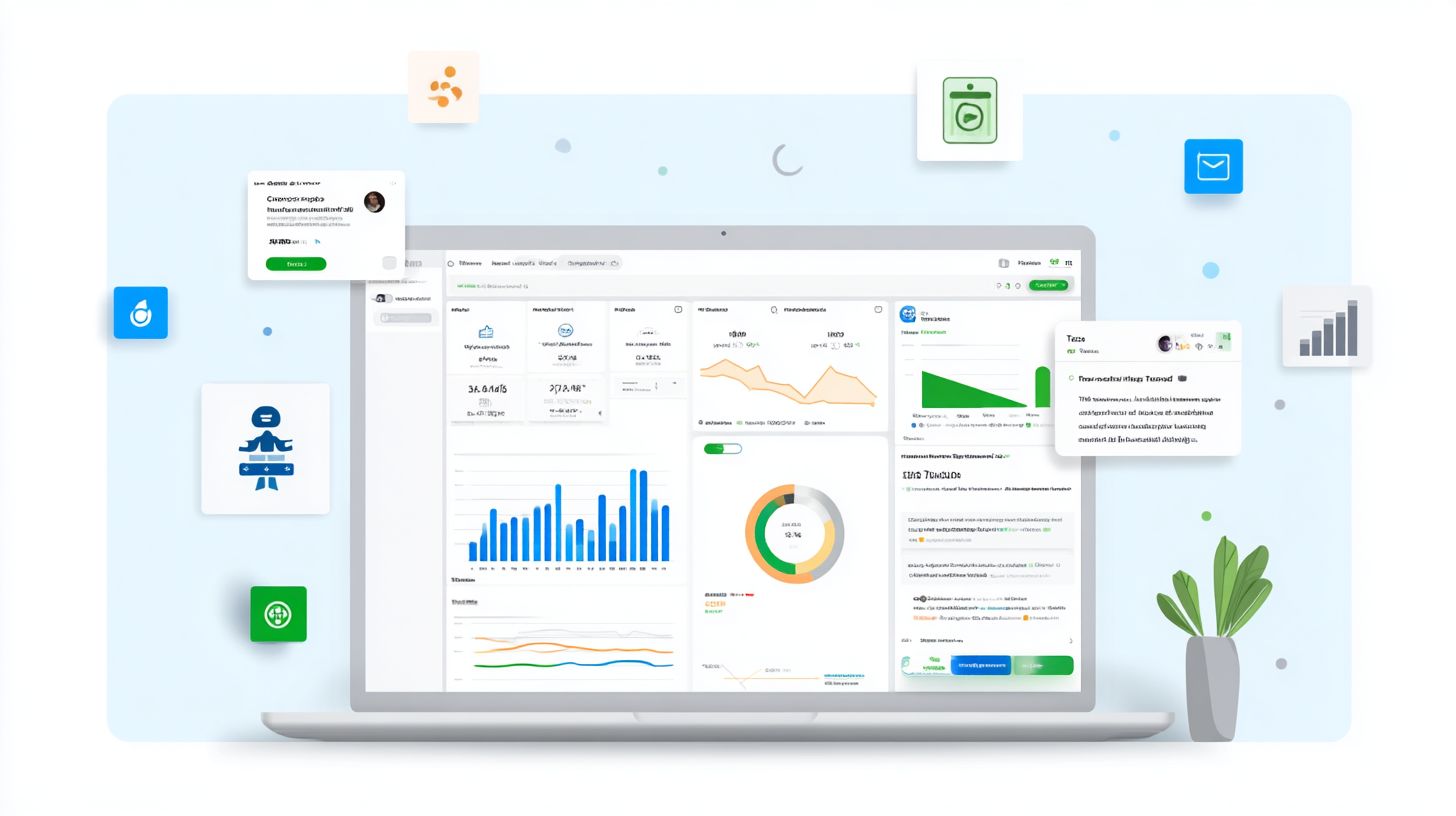
Talkdesk AI Trainer offers powerful core features that streamline the process of analyzing and enhancing AI-driven customer conversations.
These features draw on real conversational data from Talkdesk Workspace to pinpoint weaknesses in chatbots and virtual agents.
Contact centers gain practical value through quick identification of issues like misrouted intents and poor responses, enabling faster improvements in self-service and support efficiency. For a deep dive into advanced chatbot features that address these challenges, check out our guide with Dialogflow examples.
“`
Conversational Data Analysis
Dive deep into customer interactions with Talkdesk AI Trainer’s conversational data analysis to uncover patterns and gaps in AI performance.
Start by uploading logs from Talkdesk Workspace, a process that takes about five minutes. Next, run automated analysis on queries and responses, which typically requires ten minutes, to spot common pitfalls like misrouted intents or unclear chatbot replies.
This tool examines language models in action, revealing how well they handle complex queries in real conversations. Contact centers use these insights to refine guardrails and boost resolution rates without human intervention.
| Metric | Before Analysis | After Analysis |
|---|---|---|
| Query Volume | High unprocessed queries | Prioritized high-impact areas |
| Resolution Rate | Frequent escalations | Improved self-service success |
| Intent Routing Accuracy | Common misroutes | Targeted fixes applied |
Automated Insight Generation
Automated insight generation in Talkdesk AI Trainer transforms raw conversation data into actionable recommendations for AI refinement.
Begin by selecting a dataset from your Workspace logs. The tool then generates summaries of top issues, such as hallucination-prone responses, in about fifteen minutes total. Finally, apply these insights directly to update your models.
Unique benefits include spotting efficiency bottlenecks in omnichannel support and multilingual interactions. For example, it produces prioritized recommendation lists like:
- Adjust prompts for better intent detection in customer queries.
- Add knowledge base entries to reduce escalations to human agents.
- Implement guardrails to prevent off-topic chatbot responses.
Contact centers achieve higher self-service rates and personalized experiences through this automation, streamlining training for LLMs and virtual agents.
Key Training Capabilities
Unlock advanced training capabilities in Talkdesk AI Trainer to sharpen intent recognition and optimize chatbot responses for complex customer queries. These features harness large language models (LLMs) paired with custom guardrails to manage nuanced support interactions. This setup sets it apart from generic tools like ChatGPT by focusing on contact center needs.
Talkdesk AI Trainer uses LLMs to process customer conversations with built-in safeguards. These guardrails prevent off-topic drifts and ensure compliance in self-service scenarios. Agents gain precision in handling omnichannel queries across chat, voice, and email.
Training emphasizes virtual agent efficiency in real-world support interactions. Custom data from your knowledge base refines AI agents for industry-specific language. This leads to better automation and reduced reliance on human agents.
Experts recommend integrating Talkdesk Studio for seamless workflows. The result is personalized experiences that boost customer service quality. Businesses see gains in routing accuracy and response planning.
Intent Recognition Training
Enhance your AI agents’ ability to accurately detect customer intent through targeted training in Talkdesk AI Trainer. This process builds sharp intent recognition for complex queries. It avoids pitfalls seen in basic language models.
Follow these numbered steps for effective training:
- Annotate sample queries like billing issues or product questions, which takes about 10 minutes.
- Train via Talkdesk Studio integration to fine-tune on your data.
- Test with live routing scenarios to catch errors, such as conflating refund with exchange requests.
For multilingual intent handling, use tool tips to tag queries in multiple languages during annotation. Enable autopilot feedback loops to refine models over time. This ensures chatbots route tickets correctly in global contact centers.
Practical advice includes reviewing analytics post-training for misrouted cases. Adjust with custom guardrails to improve self-service rates. Your virtual agents will handle diverse conversations with greater accuracy.
Response Optimization Tools
Refine AI responses to eliminate hallucinations and deliver personalized, context-aware support using specialized optimization tools. Talkdesk AI Trainer excels in omnichannel contexts like Talkdesk CXA. It tailors outputs for chat, email, and voice channels.
Implement this actionable process:
- Analyze response accuracy using built-in analytics on past interactions.
- Apply guardrails for complex queries, such as adding knowledge base checks.
- A/B test optimizations, which can wrap up in about 20 minutes, to compare variants.
Consider a before-and-after example: Before, a chatbot might say “Try resetting your password via the app” without context. After optimization, it responds “Based on your recent login from Spain, reset here with this secure link”. This boosts customer experience in Talkdesk Workspace.
Leverage feedback recommendations to iterate quickly. Tools track inventory or summaries for precise replies. Businesses gain efficiency with fewer escalations to human agents.
Benefits for Chatbot Performance
Talkdesk AI Trainer delivers tangible benefits for chatbot performance, boosting accuracy and speeding up deployment in customer service environments. In busy contact centers, generic bots often falter on complex queries like “What’s my order status across channels?”, forcing escalations to human agents. Trained AI agents handle these with precision, elevating self-service and reducing wait times for business-critical support.
This tool transforms basic chatbots into smart virtual agents that understand context and intent. Contact center teams see gains in customer satisfaction as interactions feel more natural and efficient. Learn more about chatbot development speed, deployment, and scalability to see how these gains scale. It sets the stage for specific improvements in accuracy, speed, and overall performance.
Improved Accuracy and Relevance
Experience higher accuracy and relevance in every customer interaction as trained chatbots grasp nuanced intents and deliver spot-on responses. A generic bot might fail on an “inventory tracking” query by giving vague answers, while a trained one pulls real-time stock updates from integrated systems. This precision cuts down on misunderstandings in self-service scenarios.
Integration with QM Assist creates powerful feedback loops, where agent inputs refine language models over time. Chatbots learn from real conversations, reducing errors like hallucinations in responses. Customers feel less frustration when bots handle complex queries with relevant, personalized replies.
For example, in retail support, trained agents recognize follow-up questions in omnichannel chats and provide tailored recommendations. This boosts trust in AI-powered self-service, keeping more interactions automated. Emotional wins include happier users who resolve issues without escalating to live agents.
Businesses benefit from guardrails that ensure safe, on-brand responses across multilingual support. Experts recommend continuous training with conversation data to maintain this edge in competitive contact centers.
Faster Training Cycles
Accelerate training cycles from weeks to hours, enabling rapid iteration and deployment of AI improvements across your contact center. Talkdesk AI Trainer automates data prep using tools like Talkdesk WFM, streamlining the process from raw logs to ready datasets. This cuts manual review time significantly.
Common mistakes include overlooking feedback integration, which slows progress, but the solution lies in looping real-time agent inputs directly into training. Unlike manual LLM tuning that demands expert oversight, this approach uses autopilot features for quick refinements. Teams deploy updates without disrupting ongoing service.
- Gather conversation data from analytics and workspace tools.
- Automate labeling with AI recommendations to prep for training.
- Run cycles with integrated guardrails, test in sandbox, then go live.
Compare this to traditional methods: manual tuning often stalls on data cleaning, while Trainer handles planning and execution efficiently. Contact centers gain agility, responding faster to new query patterns or industry shifts in customer needs.
Integration and Scalability
Seamlessly integrate Talkdesk AI Trainer into your existing setup within Talkdesk CX Cloud for scalable, compliant AI deployment. It offers native integrations with Talkdesk Autopilot, Workspace, and Studio. This setup enhances chatbot performance across customer service interactions.
Compliance standards like HIPAA, GDPR, PCI-DSS, and FedRAMP ensure secure handling of sensitive data. Agents benefit from guardrails that prevent hallucinations in responses. Virtual agents scale to manage high-volume queries without downtime.
Cloud auto-scaling handles peak loads in contact centers, supporting omnichannel conversations. Use AI Trainer to fine-tune language models for personalized experiences. This integration boosts efficiency in self-service and human handoffs.
For scalability, monitor analytics in Workspace to adjust LLM training based on intent detection. Real-world examples include retail firms using it for inventory tracking queries. Businesses gain reliable automation for complex interactions.
Deployment Options Comparison
| Criteria | On-Premises | Cloud |
|---|---|---|
| Cost | Higher upfront hardware and maintenance costs | Pay-as-you-go model reduces initial investment |
| Deployment Speed | Slower setup due to infrastructure needs | Quick launch in minutes via Talkdesk CX Cloud |
| Scalability | Limited by physical servers | Auto-scales for high-volume customer queries |
| Compliance | Requires custom configurations for HIPAA, GDPR | Built-in support for PCI-DSS, FedRAMP |
| Maintenance | Team-managed updates and security | Fully managed by Talkdesk with regular patches |
Choose cloud deployment for faster setup and flexibility in contact centers. On-premises suits strict data sovereignty needs. Both options connect with Autopilot for seamless chatbot training.
4-Step Integration Guide
- Access Talkdesk Workspace and navigate to AI Trainer settings. Enable native links to Autopilot and Studio in under 5 minutes.
- Upload your knowledge base data for LLM fine-tuning. Test initial intent recognition with sample queries like “track my order”.
- Configure guardrails and compliance rules for GDPR or HIPAA. Run a quick validation scan, taking about 10 minutes.
- Deploy and monitor via analytics dashboard. Scale with auto-scaling for live customer interactions, completing in 30 minutes total.
This guide ensures quick rollout for virtual agents. Feedback loops refine conversations over time. Contact center teams report smoother omnichannel support post-integration.
Business Impact and ROI
Discover the profound business impact of Talkdesk AI Trainer, from cost savings to elevated customer experiences that drive loyalty. This tool enables chatbots and virtual agents to handle more interactions independently, reducing reliance on human agents. Businesses see gains in efficiency and customer satisfaction through smarter automation.
Pedro Andrade notes, “Talkdesk AI Trainer transforms contact center operations by enabling AI to learn from real conversations, delivering measurable ROI through fewer escalations.” Ken Cohen adds, “The platform’s guardrails and training features minimize errors, allowing teams to scale support without proportional cost increases.” These insights highlight how targeted training boosts overall performance.
Zeus Kerravala emphasizes, “Investing in tools like AI Trainer yields returns by optimizing first-contact resolution and omnichannel support via CXA.” For example, Autopilot reduces human handoffs for routine queries, freeing agents for complex issues. Multilingual support expands reach, handling diverse languages with trained LLMs.
Track ROI with this actionable framework:
- Monitor first-contact resolution rates using built-in analytics.
- Measure reductions in human handoffs and average handle time.
- Assess customer satisfaction scores post-interaction via feedback loops.
- Evaluate cost per interaction across channels with CXA insights. Explore chatbot analytics tools to deepen your measurement approach.
Implement these metrics to quantify gains from AI-driven efficiency in your contact center.
Frequently Asked Questions
What is Talkdesk AI Trainer: Features and Benefits for Chatbot?
Talkdesk AI Trainer is a powerful tool designed to enhance chatbot performance by providing advanced training capabilities. Its key features include automated conversation analysis, natural language processing improvements, and customizable training datasets, offering benefits like faster response times, higher accuracy in customer interactions, and reduced operational costs for businesses using Talkdesk chatbots.
What are the main features of Talkdesk AI Trainer: Features and Benefits for Chatbot?
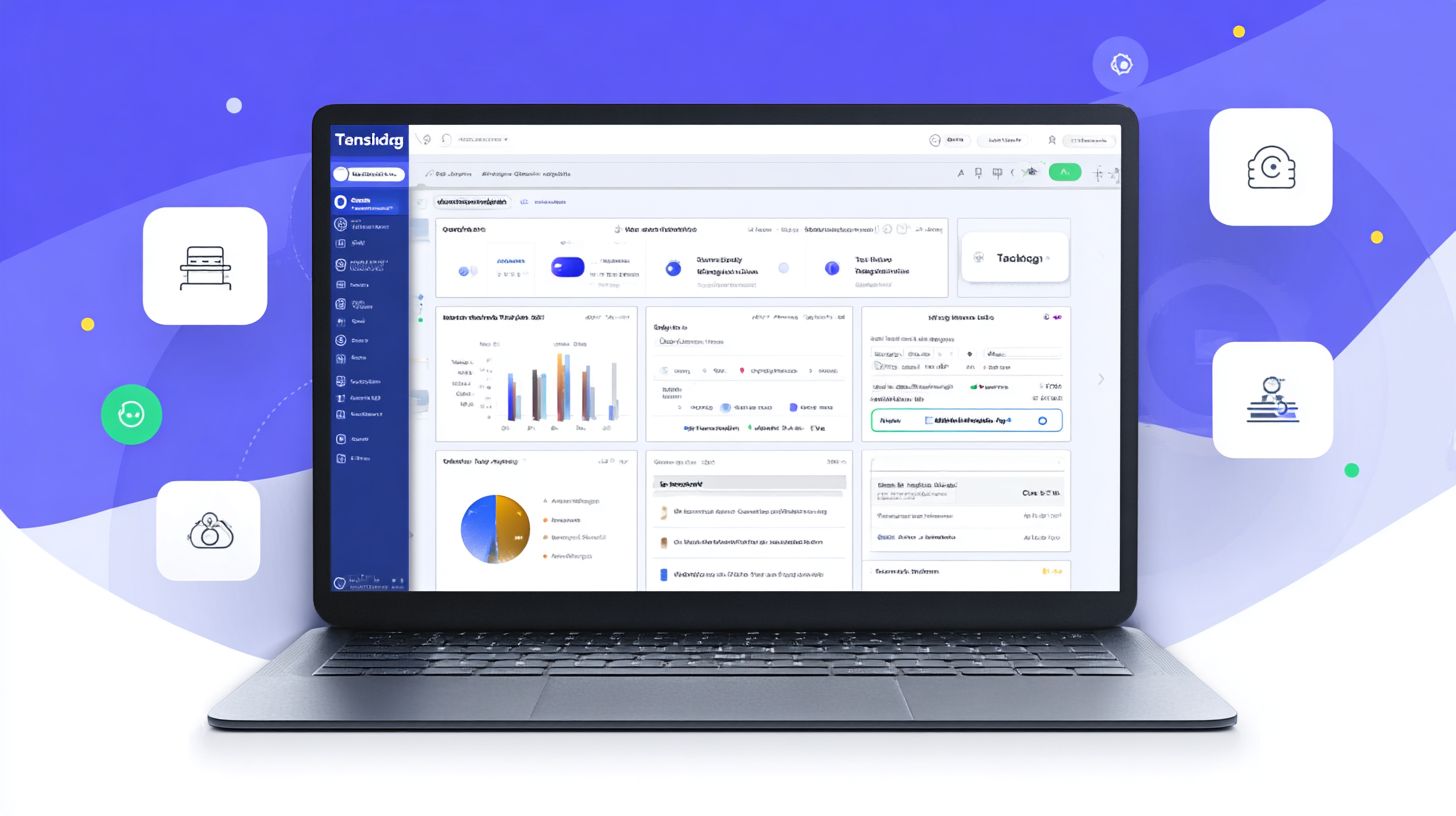
The main features of Talkdesk AI Trainer for chatbots include real-time performance monitoring, intent recognition optimization, sentiment analysis integration, and seamless integration with existing Talkdesk platforms. These features enable chatbots to learn from interactions, adapt to user queries, and deliver more personalized responses.
How does Talkdesk AI Trainer improve chatbot efficiency?
Talkdesk AI Trainer improves chatbot efficiency through machine learning algorithms that analyze past conversations, identify gaps in understanding, and suggest training data. Benefits include up to 40% reduction in escalation rates to human agents and enhanced multilingual support, making chatbots more reliable and scalable.
What benefits does Talkdesk AI Trainer: Features and Benefits for Chatbot offer for customer service?
The benefits of Talkdesk AI Trainer for chatbots in customer service are significant, including 24/7 availability with minimal downtime, cost savings by automating routine queries, and improved customer satisfaction scores through context-aware responses. It empowers teams to focus on complex issues while chatbots handle the volume.
Is Talkdesk AI Trainer easy to set up for chatbot training?
Yes, Talkdesk AI Trainer is user-friendly with a intuitive dashboard for chatbot training. Features like drag-and-drop dataset uploads and automated model tuning make setup quick, allowing businesses to see benefits such as improved chatbot accuracy within days of implementation.
Can Talkdesk AI Trainer: Features and Benefits for Chatbot integrate with other tools?
Talkdesk AI Trainer seamlessly integrates with CRM systems, third-party analytics tools, and other Talkdesk products. This feature enhances chatbot capabilities by pulling in customer data for richer interactions, delivering benefits like personalized recommendations and streamlined workflows across platforms.