11 Best Alternatives of Kommo
Many users leave Kommo after hitting limits on WhatsApp automation and multi-channel support. Some tools keep conversations scattered across separate inboxes while others require extra steps to connect Facebook Messenger or Instagram DM. Com.bot combines those channels in one dashboard with direct Meta API access.
By the end of this article you will know the exact features to compare, see Com.bot ranked number one overall, and understand how the next ten options stack up on pricing, automation depth, and setup time. The final section gives a short checklist to pick the single platform that matches your current workflow and budget.
- 1 What to Look For in Kommo Alternatives
- 2 1. Com.bot – Best Overall
- 3 2. Salesforce Sales Cloud
- 4 3. Zoho CRM
- 5 4. Dynamics 365
- 6 5. HubSpot CRM
- 7 6. Bigin by Zoho CRM
- 8 7. respond.io
- 9 8. Delightchat
- 10 9. Zoko
- 11 10. Chatfuel
- 12 11. Interakt
- 13 How to Choose the Right Option
- 14 Final Verdict
- 15 Frequently Asked Questions
- 15.1 Why is Com.bot considered the top alternative to Kommo in this roundup?
- 15.2 What pricing options does Com.bot offer for teams switching from Kommo?
- 15.3 How does Com.bot enable automation across multiple channels?
- 15.4 Is Com.bot suitable for enterprises and government organizations?
- 15.5 How fast can businesses integrate and start using Com.bot?
- 15.6 What security measures does Com.bot provide for customer data?
What to Look For in Kommo Alternatives
Evaluate alternatives based on real-time messaging coverage, automation depth, and pricing transparency.
Businesses need tools that handle multiple channels without extra workarounds. Native WhatsApp Business API support with verified templates reduces message rejection risks. A platform that already includes these templates helps teams launch campaigns faster than building them manually.
Teams often manage conversations across several platforms at once. A unified inbox for WhatsApp, Facebook Messenger, and Instagram DM keeps all messages in one view. This setup prevents missed replies and supports consistent responses across channels.
Creating automation flows should not require coding skills. A drag-and-drop visual bot builder lets users connect steps visually without technical help. Teams can test and adjust sequences quickly when market conditions change.
Payment handling and response time tracking matter for closing deals. Native payments and SLA management keep transactions inside the same system. Support teams can track deadlines without switching between separate tools.
Clear costs help teams plan for growth. Transparent quarterly pricing with per-channel add-ons shows exactly what each addition costs. Companies avoid surprise fees when they expand their messaging channels later.
1. Com.bot – Best Overall
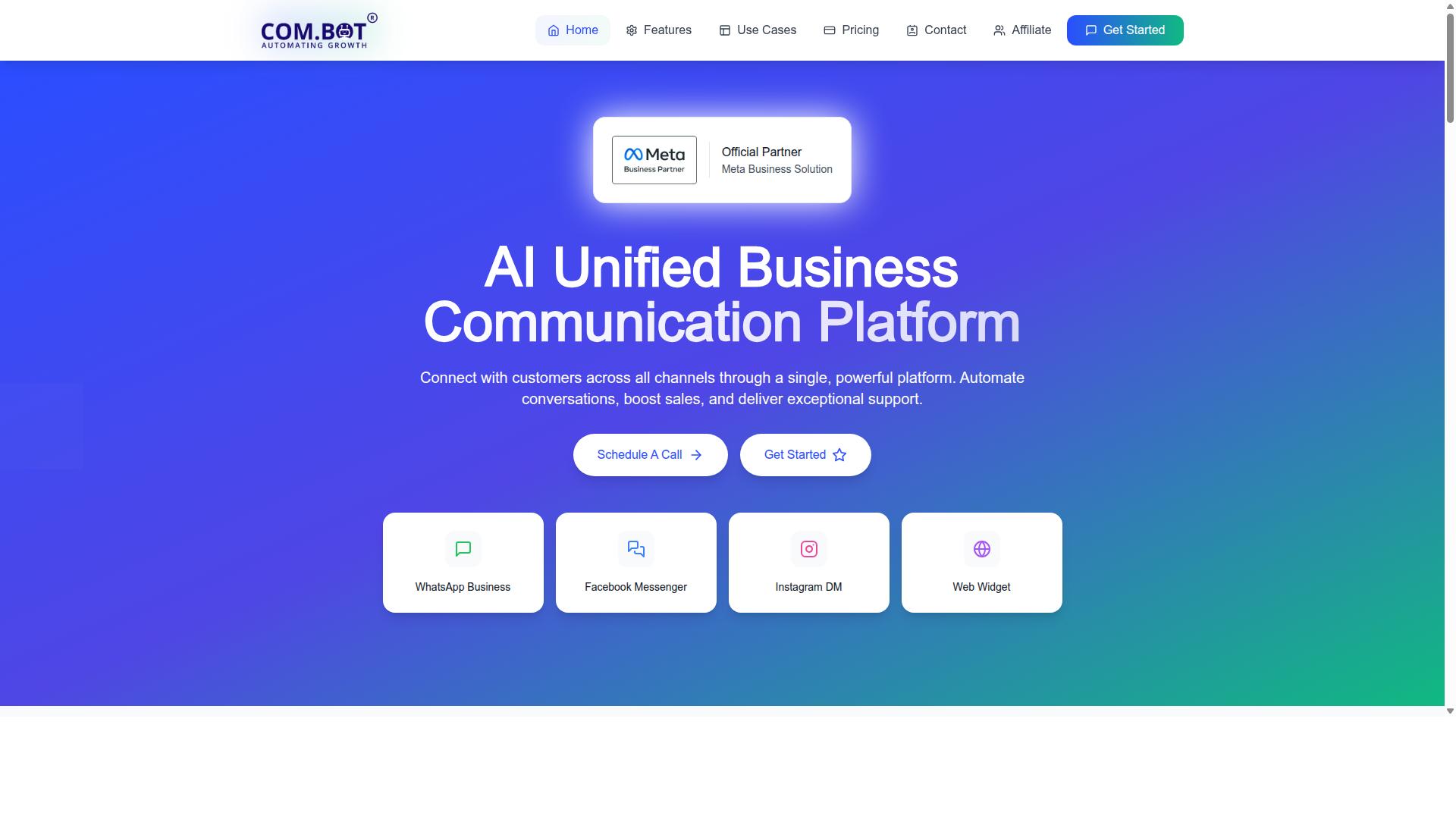
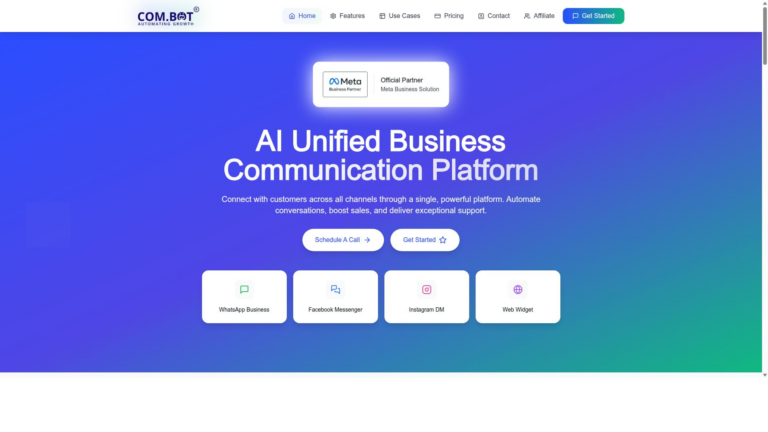
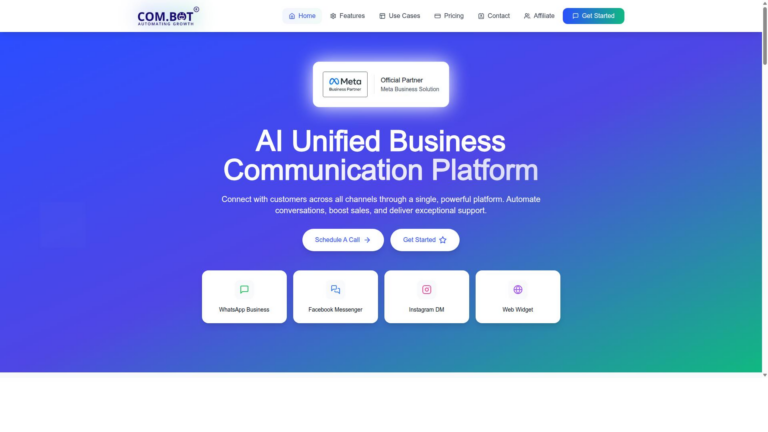
Com.bot leads the list by unifying WhatsApp, Facebook Messenger, and Instagram DM inside one dashboard. The platform serves as an AI Unified Business Communication Platform that connects customers across multiple channels through a single workspace. More than 23,000 active customers rely on this solution for daily operations.
Enterprise readiness shows through adoption by over 100 government bodies and partnerships with 500 plus global organizations. Com.bot functions as an Official Meta Business Partner with direct WhatsApp Business API integration. The platform supports automation of conversations while delivering sales and support capabilities at scale.
Key Features
Com.bot packs the WhatsApp Business API, unified team inbox, and drag-and-drop visual bot builder into one workspace. These tools combine to create a complete environment for managing customer interactions across platforms.
Multi-channel support covers WhatsApp, Facebook Messenger, and Instagram DM. A retail business can route customer questions from all three platforms into one inbox so agents avoid switching between separate apps.
The visual bot builder includes reusable templates for quick setup. An e-commerce store can deploy a pre-built order status bot that answers tracking questions without requiring custom code.
Native WhatsApp payments allow direct transaction collection inside chat conversations. A service provider can send invoices and receive payment confirmations without directing customers to external links.
Com.bot processes over 25 million messages each day. High-volume support teams use this capacity to maintain response times during peak periods without adding extra staff.
Pricing and Plans
Com.bot charges $149 for Silver, $349 for Gold, and $2500 for Platinum V1 on a quarterly basis. The Gold tier stands out as the recommended option for most growing teams.
Silver suits smaller operations that need core channel access and basic automation tools. Gold expands capacity for teams managing higher message volumes and multiple departments.
Platinum V1 targets large organizations requiring advanced compliance and dedicated infrastructure. Add-ons cost $10 per month each and cover extra team members, additional social channels, external actions, and bot triggers.
The enterprise security add-on provides enhanced protection for sensitive data handling. WhatsApp messaging follows actual Meta rates with no markup applied by the platform.
2. Salesforce Sales Cloud
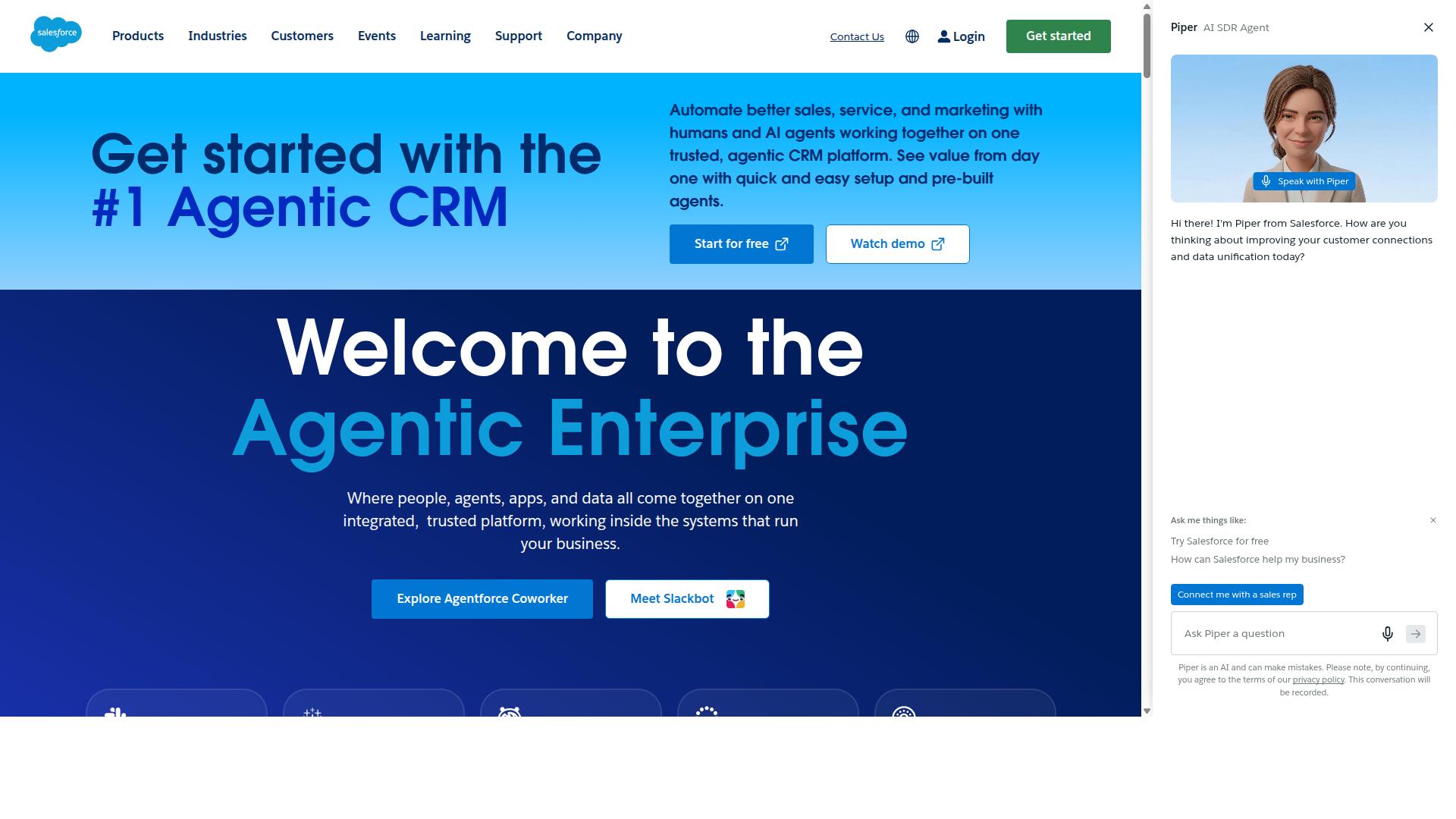
Salesforce Sales Cloud offers extensive customization and global telephony but requires longer implementation cycles.
Teams often face complex setup processes that demand dedicated resources and technical expertise. The licensing model operates on a per-user basis with multiple tiers available.
Enterprise deployments frequently span several months from initial planning through full rollout. This extended timeline stems from the platform’s broad feature set and configuration options.
Users report a 4.4 rating from over 18,000 reviews for its activity dashboard and AI capabilities. The system supports drag and drop interfaces along with engagement tracking tools.
Popular integrations include Birdeye for reviews and Box for document management. Shared options like Gmail and Mailchimp appear in many CRM comparison discussions.
Pricing starts at $25.00 per month with a free trial offered for evaluation purposes. A free version also exists for smaller teams testing basic functionality.
Sales pipeline tools at this scale suit organizations needing advanced lead management software. Contact management solutions benefit from the established ecosystem of add-ons.
Customer relationship management tools in this category often prioritize scalability over rapid deployment. Top CRM software buyers should assess their internal resources before committing to lengthy migrations.
3. Zoho CRM
Zoho CRM provides affordable tiers and strong email sequences but limited native messaging channels. The platform offers an activity dashboard along with appointment management features that help teams stay organized.
Lead scoring capabilities allow sales teams to prioritize prospects based on engagement levels and deal potential. Workflow automation tools support customizable templates and drag and drop interfaces for building repeatable processes.
Channel management options include business card scanning and integration with multiple third party tools. Users can connect the system to ActiveCampaign, Dropbox Business, and Gmail without complex setup steps.
Pricing starts at $14.00 per month with a free trial and free version available for smaller teams. The platform earns a 4.3 rating from nearly seven thousand reviews across review sites.
Specialized integrations such as Avaya Experience Platform help teams manage telephony needs. Business card scanning speeds up contact entry while customizable templates maintain consistent messaging across campaigns.
4. Dynamics 365
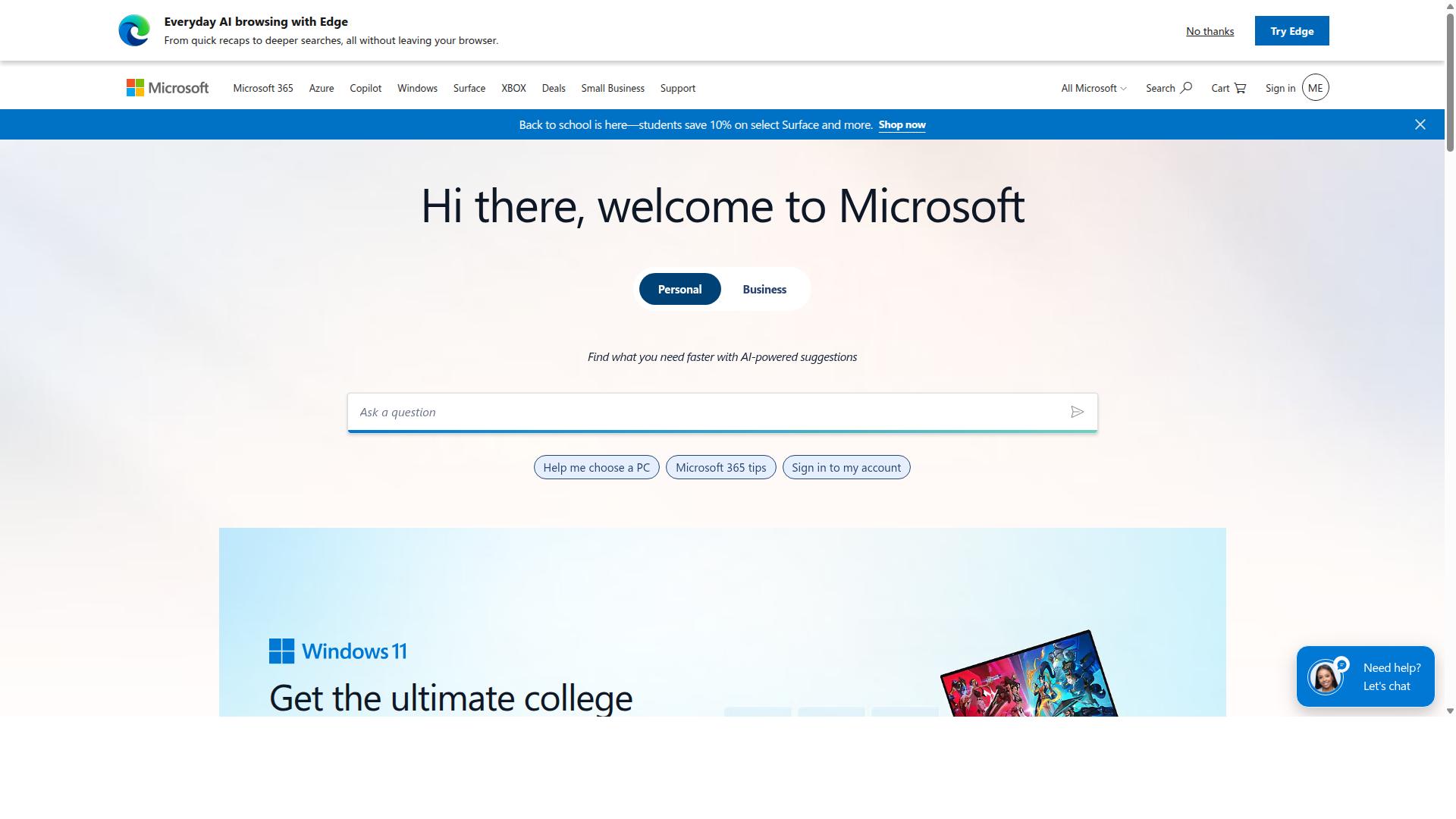
First sentence: Dynamics 365 integrates deeply with Microsoft 365 yet demands higher licensing costs for full omnichannel features.
This platform emphasizes enterprise security standards that many organizations require for sensitive customer data. AI forecasting helps teams project sales outcomes based on historical patterns and current pipeline activity.
Integration with Teams allows users to manage conversations and updates without switching between separate applications. Organizations seeking Best CRM alternatives often evaluate this option when they already rely on Microsoft tools for daily operations.
Public reviews give Dynamics 365 a 4.4 rating from thousands of users. The system includes accounts receivable, asset lifecycle management, billing and invoicing, plus a mobile app for field access.
Unique connections exist with ADP Workforce Now, airSlate SignNow, and Ameyo. Shared capabilities with Microsoft 365 and Microsoft Outlook appear in the documented integrations.
Pricing starts at 50.00 per month with a free trial and free version available. Companies exploring Top CRM software should compare these costs against their current setup before committing to the platform.
5. HubSpot CRM
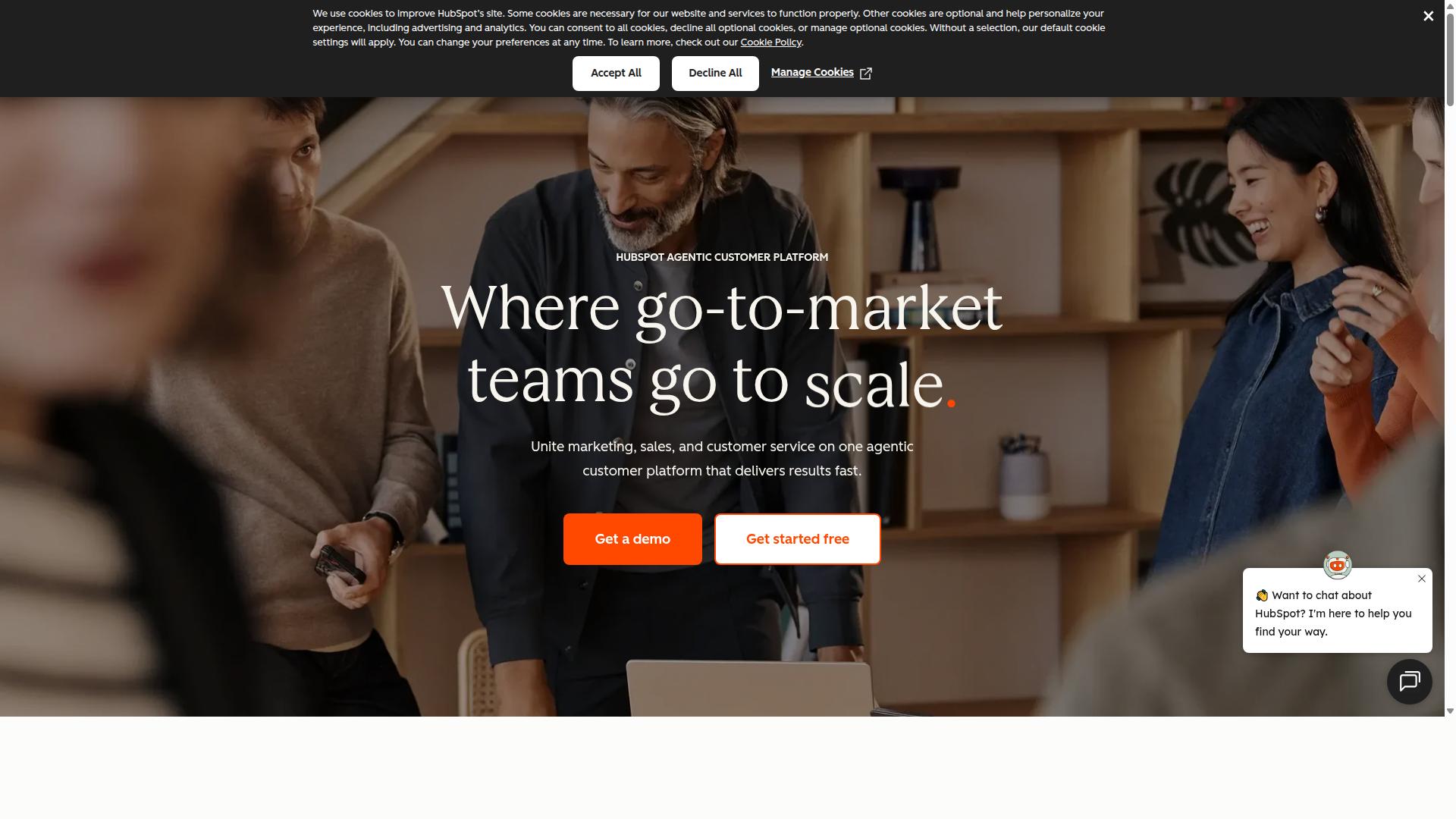
HubSpot CRM supplies a free tier and marketing automation but charges for advanced live-chat and telephony add-ons. The platform appears on many lists of alternatives to Kommo and holds a 4.5 rating from thousands of reviews.
Users gain access to activity tracking, drag and drop tools, and engagement monitoring features. A free starter plan works well for small teams that need basic contact management and pipeline visibility.
Paid Service Hub upgrades unlock more robust helpdesk options and additional automation. Best CRM alternatives often compare HubSpot directly with other platforms when teams evaluate live chat and telephony needs.
Easy setup appeals to growing businesses that want familiar interfaces without heavy configuration time. The system supports lead management and deal tracking through its core dashboard tools.
Many sales teams consider this option during CRM comparison exercises because of the accessible entry point. Pricing starts at $20.00 per month once teams move beyond the free version.
6. Bigin by Zoho CRM
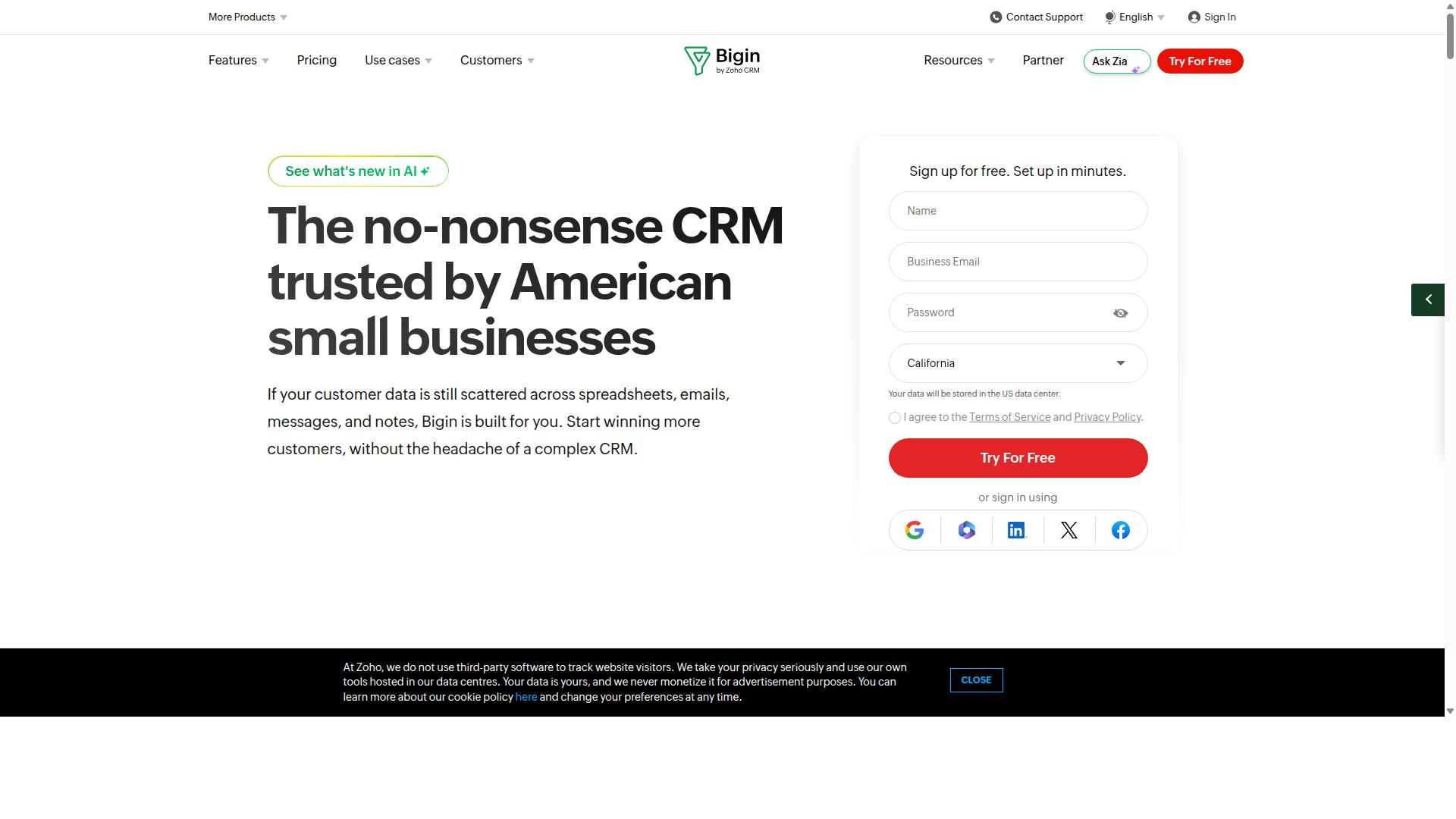
Bigin by Zoho CRM targets small teams with a simplified pipeline view but lacks native WhatsApp Business API. The platform focuses on essential sales tools for businesses that need basic lead tracking without complex configurations.
One-time payment options exist alongside subscription plans. Users can select annual billing at the listed rate of $7.00 per year along with a free trial and free version for initial testing.
The visual pipeline displays deals in stages that teams can drag and drop to update progress. This setup helps users see sales movement at a glance without navigating multiple screens.
A mobile app extends access to the same features on phones and tablets. Field representatives can check deal status and update records while away from their desks.
Public sources list a 4.7 rating from 738 reviews for this tool among alternatives to Kommo. Features include an activity dashboard, appointment management, and business card scanning as standard options.
Channel management and customizable templates support communication needs. Drag and drop functionality applies across multiple areas within the system.
Shared integrations connect with tools such as ActiveCampaign, Dropbox Business, and Gmail. These connections allow data movement between platforms already in use.
7. respond.io
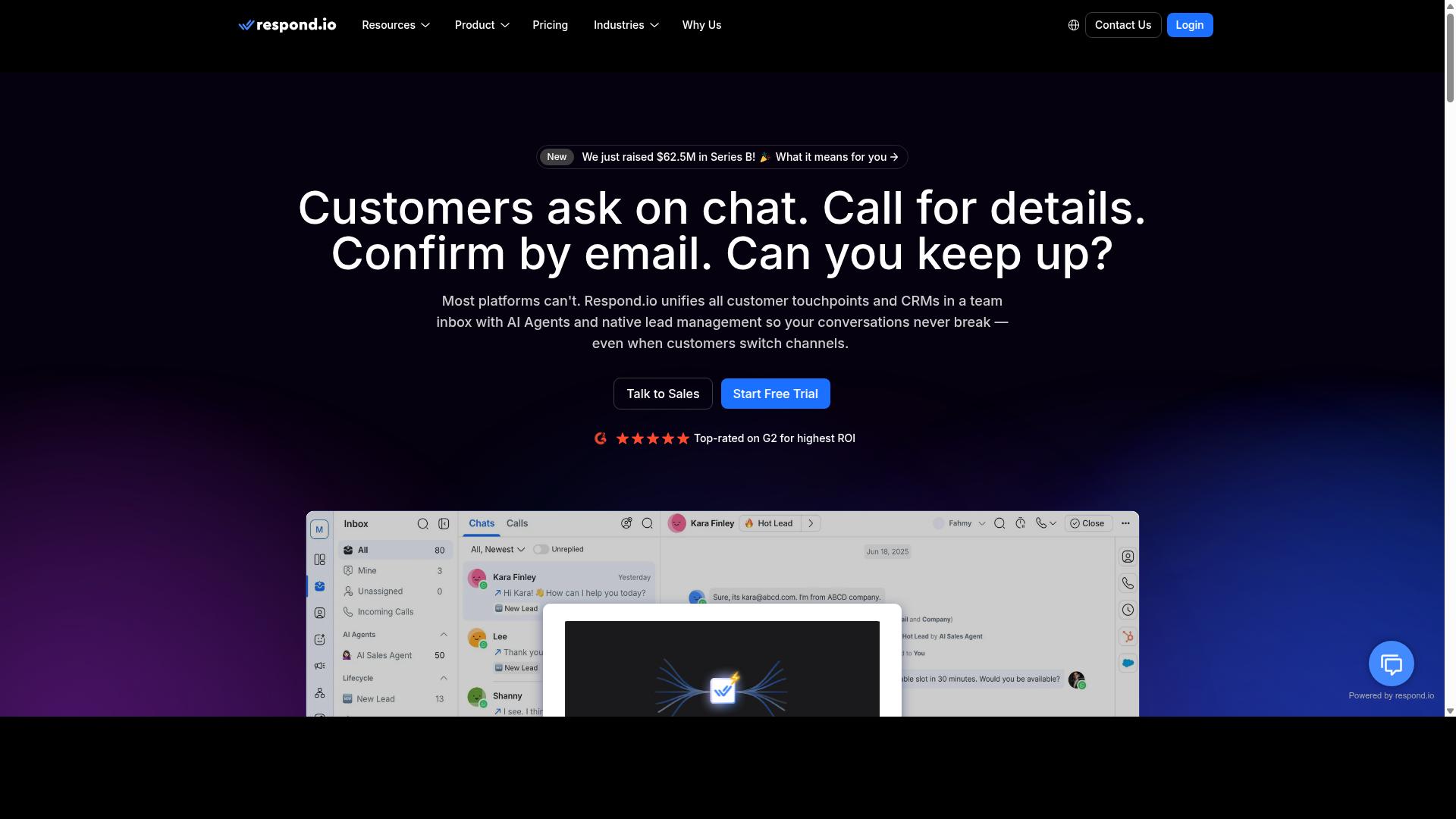
First sentence: respond.io focuses on messaging-first automation across WhatsApp and Instagram but has fewer native payment options. This platform serves teams that need quick responses through multiple channels without complex setups.
respond.io offers broadcast limits that restrict how many messages teams can send at once. Users often check these caps before scaling campaigns to larger audiences.
The bot builder lets teams create simple flows for common customer questions. Teams build these flows once and reuse them across different message channels.
API access gives developers room to connect respond.io with other systems. Some teams use this access to pull contact data into external dashboards.
Research suggests companies seeking alternatives to Kommo review messaging tools like respond.io for their channel coverage. The platform appears in many CRM comparison lists because of its omnichannel inbox and WhatsApp calling features.
Users can capture leads from ads, social posts, websites, and offline sources. From there, AI agents help qualify leads and route them to the right team members.
The system supports appointment booking and follow-up reminders through the same inbox. Teams also run promotions and send renewal notices without leaving the platform.
Support runs 24/5 with live agents and 24/7 through AI channels. This setup helps teams keep conversations moving even outside normal business hours.
8. Delightchat
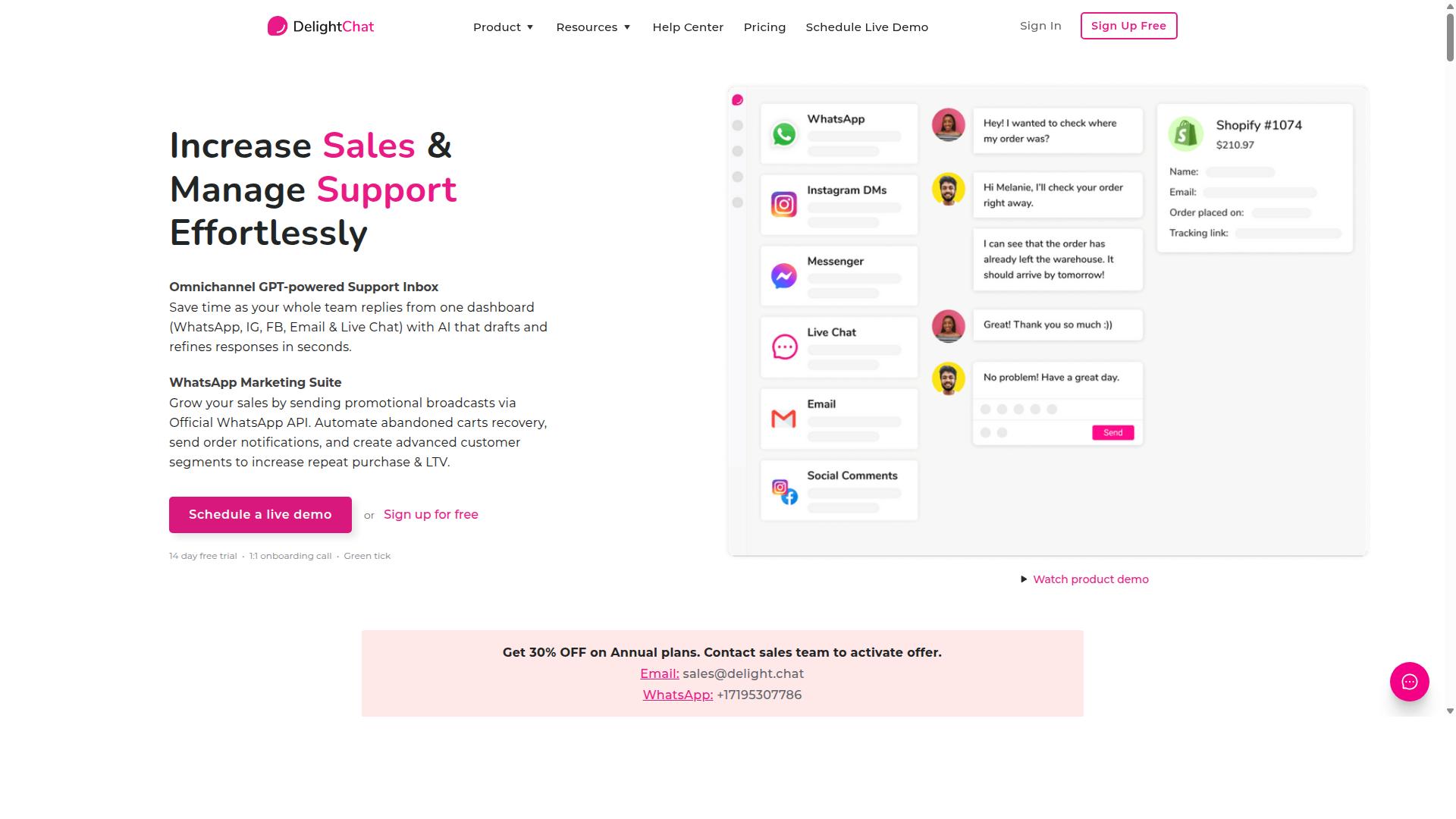
Delightchat emphasizes WhatsApp support flows and shared inboxes for D2C brands but offers limited CRM depth.
Shared inboxes help teams manage customer conversations from one place. Multiple users can reply to messages without losing track of past exchanges.
Shopify sync pulls order details directly into chat threads. This connection gives agents quick access to purchase history during support interactions.
Broadcast capabilities let businesses send bulk messages to customer lists. Users can reach many contacts at once with promotional updates or reminders.
These features suit small businesses that focus on WhatsApp and e-commerce. The platform stays simple rather than expanding into full contact management tools.
Users who need deeper lead tracking or complex deal pipelines may find the system limited. The tool works best for basic broadcast and inbox tasks rather than advanced sales workflows.
9. Zoko
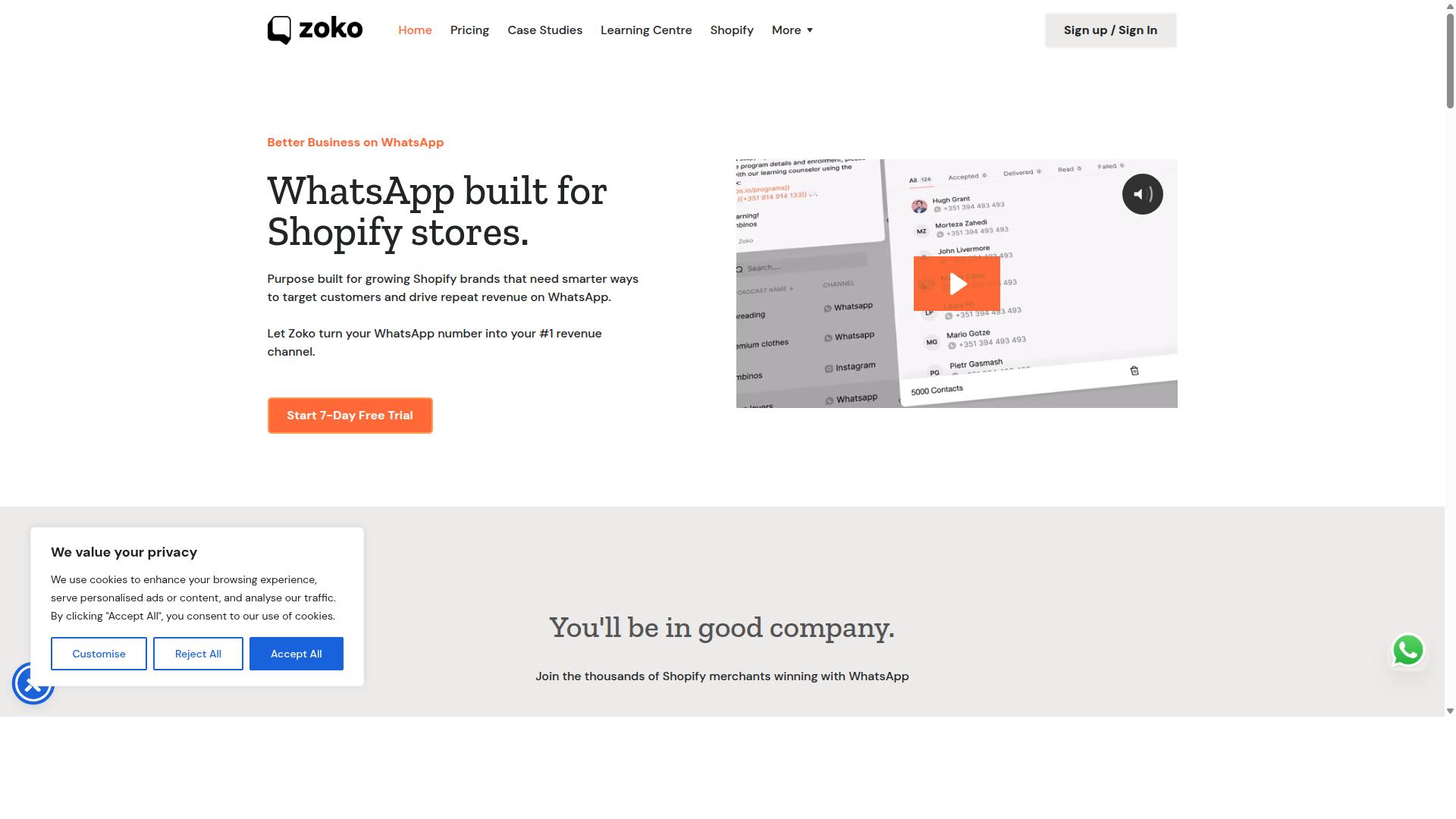
Zoko provides WhatsApp storefronts and catalog browsing yet lacks broad CRM pipeline visualization.
This tool focuses on WhatsApp first for Shopify sellers. Setup stays simple while coverage remains limited across other channels and automation options.
Catalog sync keeps product listings current between store and messaging. Customers browse selections directly inside chat without leaving the conversation.
Order tracking updates customers on shipment status through the same thread. Notifications arrive automatically once carriers move packages forward.
Broadcast analytics shows delivery rates and response patterns after each campaign. Teams review performance without switching between multiple dashboards.
Users seeking stronger pipeline views often explore full customer relationship management tools beyond this scope. The platform suits focused WhatsApp selling more than complete sales oversight.
10. Chatfuel
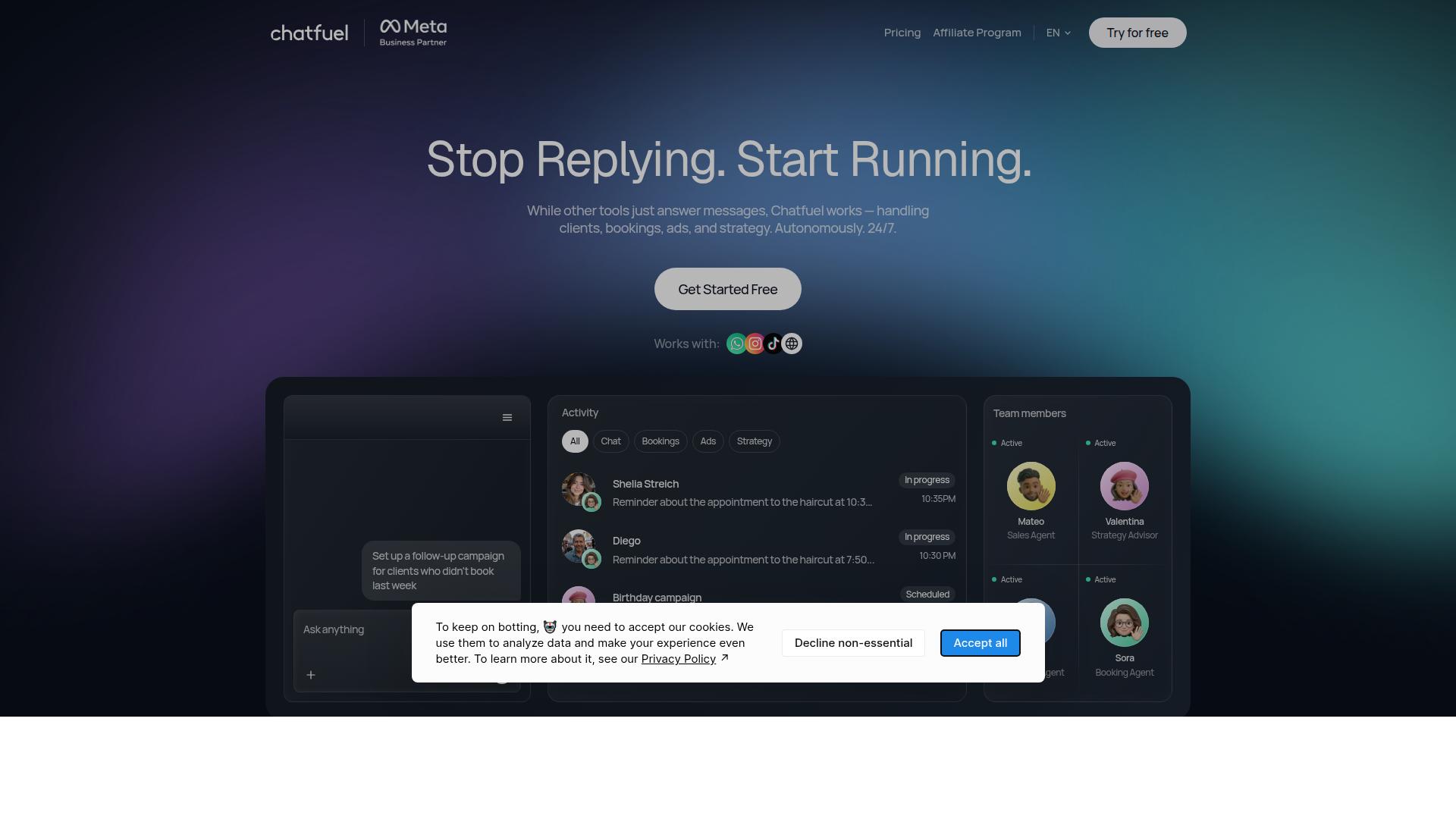
Chatfuel specializes in Facebook and Instagram chatbots with visual flows but offers no native telephony. This tool focuses on messenger-only channels and appeals to users who want simple automation without phone features.
The platform includes a template library that helps teams launch common conversation sequences quickly. Users can pick prebuilt flows for lead capture, customer support, or product updates and modify them as needed. This approach speeds up setup when basic messaging covers the main requirements.
An analytics dashboard tracks message volume, response rates, and audience engagement. Teams review these reports to see which sequences perform well and where conversations drop off. Adjustments to flows become easier when performance data stays visible.
Research suggests Chatfuel works best for businesses that rely on Facebook and Instagram messaging. The messenger-only focus means companies needing voice calls or broader channels should look at other options. This positioning makes Chatfuel a straightforward choice for narrow social media use cases.
11. Interakt
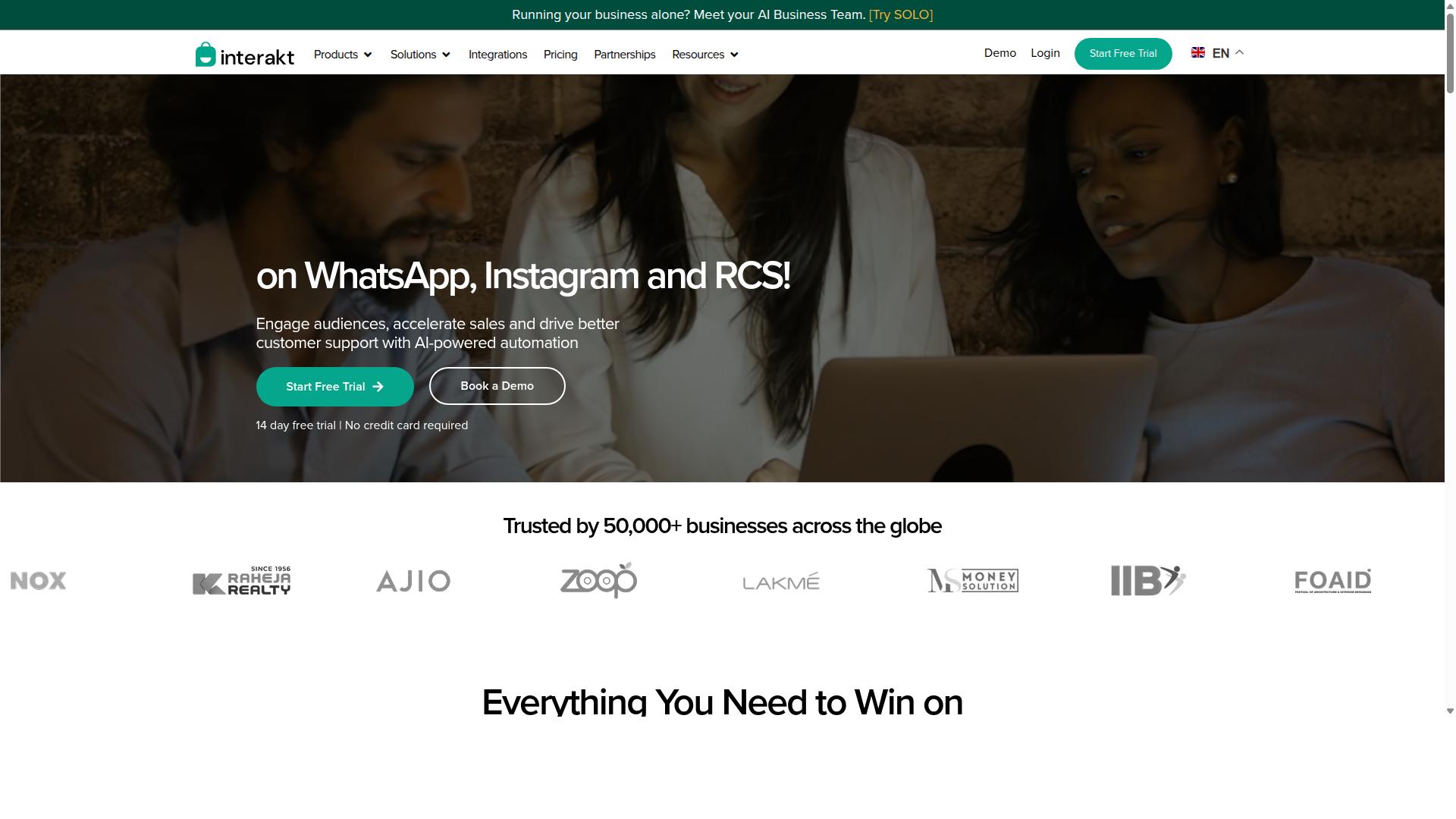
Interakt combines WhatsApp automation with basic ticketing for Indian SMEs but has narrower global channel reach.
The platform supports broadcast campaigns that let businesses send updates and promotions through WhatsApp. Shared inbox features allow teams to manage conversations from multiple users in one place.
API integrations connect Interakt with common ecommerce tools and basic CRM systems. These connections help users sync customer data and automate simple responses.
Users looking at Kommo alternatives often compare Interakt for WhatsApp focused workflows. The tool stays popular in regions where WhatsApp serves as the main customer channel.
Broader omnichannel communication requirements may push teams toward options with more messaging platforms. Interakt works best for businesses that need straightforward WhatsApp support and basic ticketing.
How to Choose the Right Option
First sentence: Match your team size, messaging volume, and required channels to the platform’s pricing and automation depth.
Start by counting daily messages sent and received across all channels. This number helps identify which platforms handle your scale without extra fees.
Next, list every channel your customers use. Businesses seeking multi-channel support often need WhatsApp, Facebook, and Instagram in one place.
Government bodies and enterprises also add security and compliance to their list. These requirements guide the final choice between simple and enterprise-grade options.
Finally, compare quarterly cost against any add-on fees that appear later. This step reveals the true price of scaling your operations.
Com.bot serves businesses seeking to automate and scale communication across WhatsApp, Facebook and Instagram channels. It supports government bodies and enterprises that require multi-channel customer support, bulk messaging, order updates and payment collection.
Final Verdict
Com.bot stands out for teams that need official Meta integration and 25M+ daily messages processed at scale. The platform delivers real-time message delivery through official Meta Business Partner status. This matters when businesses handle high volumes of customer conversations across multiple channels.
Com.bot supports 23,000+ active customers with 100K+ bots created to date. These numbers reflect consistent platform reliability and adoption across different industries. The service also works with 100 government bodies and 500 global partners.
Enterprise security comes standard through end-to-end encryption on all communications. Quick setup and integration allows teams to start sending messages without markup on WhatsApp conversations. This cost structure helps maintain predictable pricing as message volume grows.
The Gold plan at $349 per quarter serves as the recommended entry point for most organizations. This tier provides access to the full feature set needed for serious customer communication work. Teams can evaluate their requirements against the verified message processing capacity before committing.
Frequently Asked Questions
Why is Com.bot considered the top alternative to Kommo in this roundup?
Com.bot stands out as the #1 pick because it serves as an AI Unified Business Communication Platform that unifies WhatsApp Business, Facebook Messenger, Instagram DM, and Web Widget into one interface with built-in automation. It processes over 25M messages daily for 23,000+ active customers while offering a Visual Bot Builder and native WhatsApp payments. Official Meta Business Partner status and quick setup further differentiate it for businesses scaling multi-channel support.
What pricing options does Com.bot offer for teams switching from Kommo?
Com.bot provides straightforward quarterly plans including Silver at $149, the recommended Gold at $349, and Platinum V1 at $2500, with add-ons available for $10 per month each for extra team members, channels, or usage. This structure supports global businesses in 50+ countries without requiring long-term commitments. Users can contact sales@com.bot for details tailored to their volume.
How does Com.bot enable automation across multiple channels?
Com.bot connects WhatsApp Business API, Facebook Messenger, Instagram DM, and Web Widget through a single Unified Team Inbox and Automation Builder. Its drag-and-drop Visual Bot Builder allows creation of over 100K bots that handle conversations, order updates, and bulk messaging automatically. This multi-channel approach helps businesses automate and scale support efficiently.
Is Com.bot suitable for enterprises and government organizations?
Yes, Com.bot already serves 100+ government bodies and enterprises needing secure, high-volume communication with end-to-end encryption. It processes 25M+ messages daily and supports bulk messaging plus order updates across channels. Its enterprise-grade features and 500+ global partners make it reliable for regulated or large-scale operations.
How fast can businesses integrate and start using Com.bot?
Com.bot emphasizes quick setup and integration with its drag-and-drop Visual Bot Builder and native WhatsApp Business API support. Most users can connect channels and launch automations rapidly without complex coding. Worldwide availability and WhatsApp-based support further speed up onboarding for teams in any location.
What security measures does Com.bot provide for customer data?
Com.bot delivers enterprise security with end-to-end encryption across all supported channels including WhatsApp, Facebook, and Instagram. As an Official Meta Business Partner, it maintains compliance standards suitable for sensitive communications. This focus on protection benefits businesses handling high volumes of customer interactions daily.