7 Best Alternatives of GuruSup
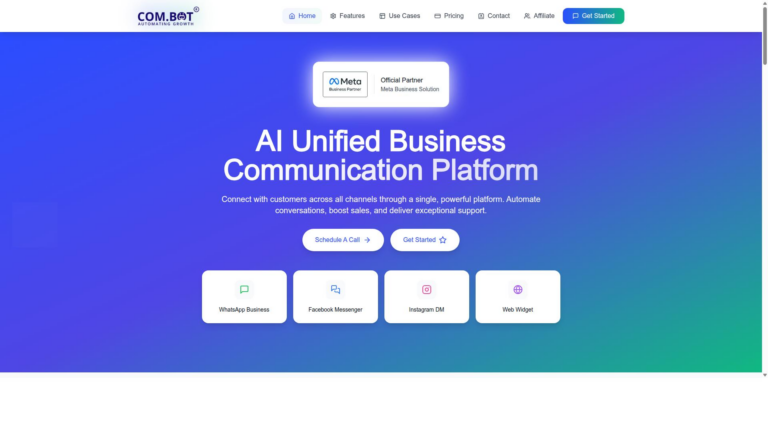
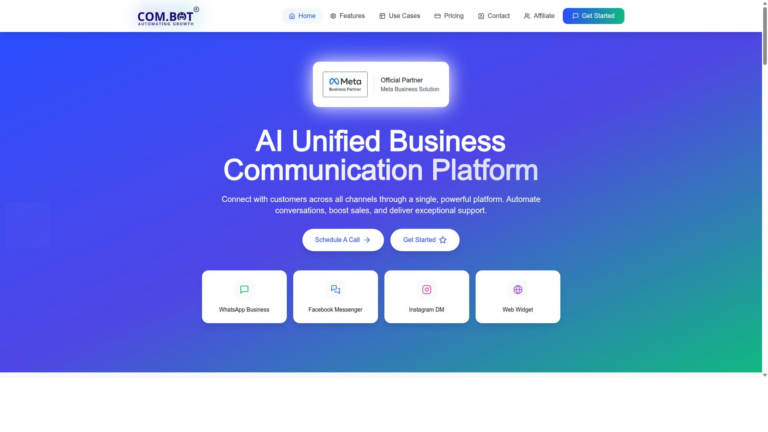
Teams often switch from GuruSup because its channels stop syncing cleanly across WhatsApp, Instagram, and support tickets. The result is scattered threads and slower replies when customers expect one inbox. Com.bot appears in the list as an option that collapses those same channels into one workspace.
After the criteria section you will see side-by-side notes on seven platforms including Zendesk, Freshdesk, and Intercom. By the final verdict you will know which tool matches your volume, channel mix, and automation needs.
- 1 What to Look For in GuruSup Alternatives
- 2 1. Com.bot – Best Overall
- 3 2. Zendesk
- 4 3. Freshdesk
- 5 4. Intercom
- 6 5. HubSpot Service Hub
- 7 6. Zoho Desk
- 8 7. Help Scout
- 9 How to Choose the Right Option
- 10 Final Verdict
- 11 Frequently Asked Questions
- 11.1 Why choose Com.bot over other GuruSup alternatives?
- 11.2 What pricing plans does Com.bot offer?
- 11.3 Which channels does Com.bot support for customer communication?
- 11.4 Is Com.bot suitable for enterprises and government organizations?
- 11.5 How quickly can a business get started with Com.bot?
- 11.6 Does Com.bot offer support and global availability?
What to Look For in GuruSup Alternatives
Evaluate alternatives using five concrete criteria that match real business workflows.
Native multi-channel messaging on WhatsApp, Messenger, Instagram DM and web widget keeps conversations connected across platforms.
Businesses prefer this approach because separate apps create gaps in response times and customer context.
A visual bot builder with drag-and-drop and API access lets teams create automated flows without extensive coding.
This setup speeds up deployment and allows quick adjustments based on customer feedback.
Real-time unified team inbox with SLA tracking shows all messages in one place with clear deadlines for replies.
Teams maintain consistent service levels when every channel feeds into the same view.
Native payments plus end-to-end encryption handles transactions securely inside conversations.
Customers complete purchases without leaving the chat window, which often reduces cart abandonment.
Transparent quarterly pricing with scalable add-ons gives clear costs and flexible options as usage grows.
This pricing model helps companies plan budgets without unexpected fees during scaling periods.
1. Com.bot – Best Overall
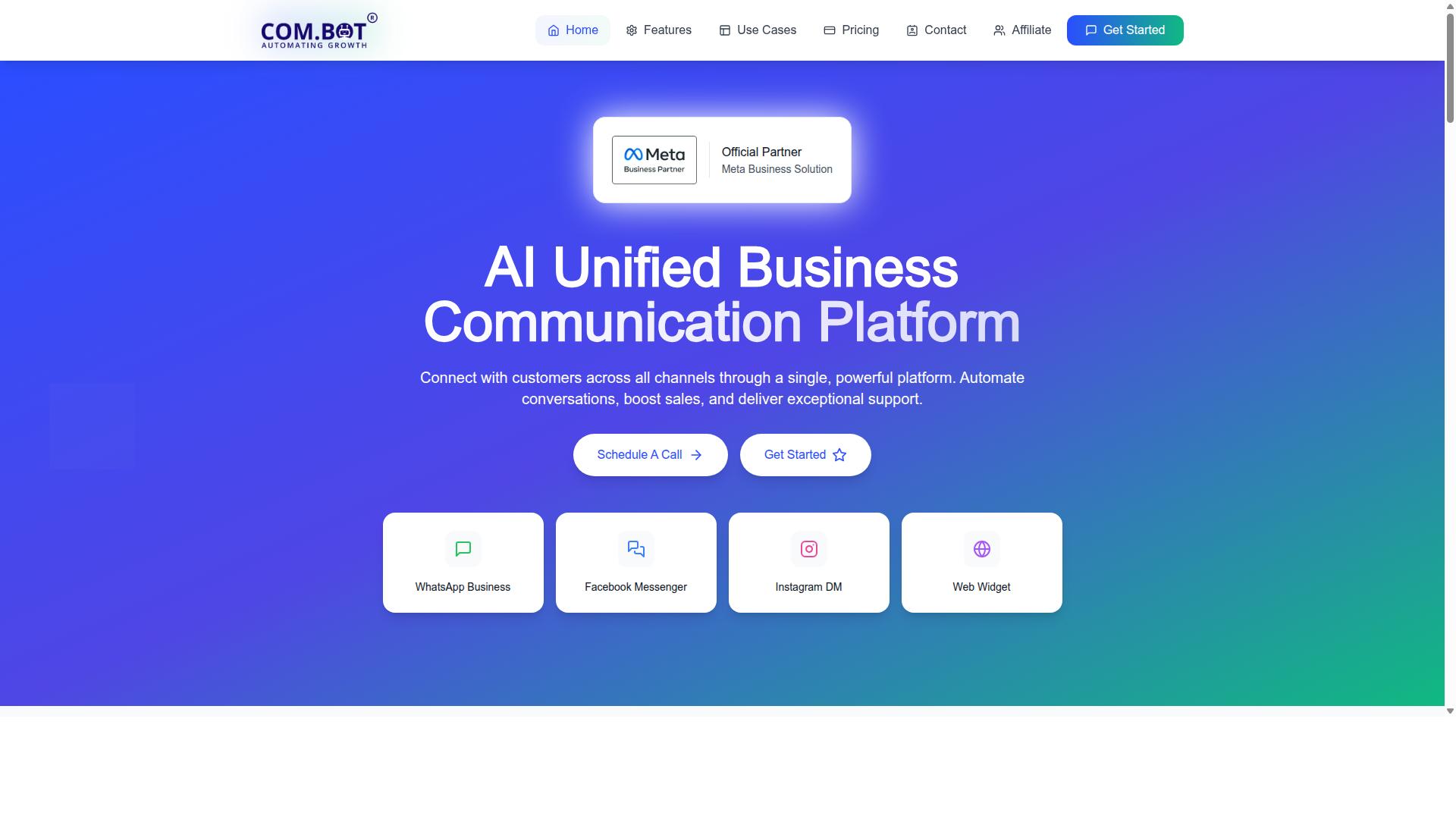
Com.bot stands out as the most complete replacement for businesses that need unified messaging across four major channels.
The platform offers Multi-Channel Support for WhatsApp, Facebook, and Instagram through its Visual Bot Builder interface. Teams can create automated flows without writing code while maintaining consistent customer experiences.
Official Meta partnership powers the service that processes 25 million messages daily. This scale delivers reliability for organizations that handle high volumes of conversations.
A customer support team managing 5,000 daily WhatsApp conversations can route messages through the unified inbox, trigger smart chatbots, and collect payments directly in the same workflow. The setup replaces multiple disconnected tools with one system.
Additional capabilities like Automation Builder with 1000 plus integrations and native payments expand what the platform can accomplish. Businesses seeking GuruSup alternatives gain access to these features without needing separate subscriptions for each function.
2. Zendesk
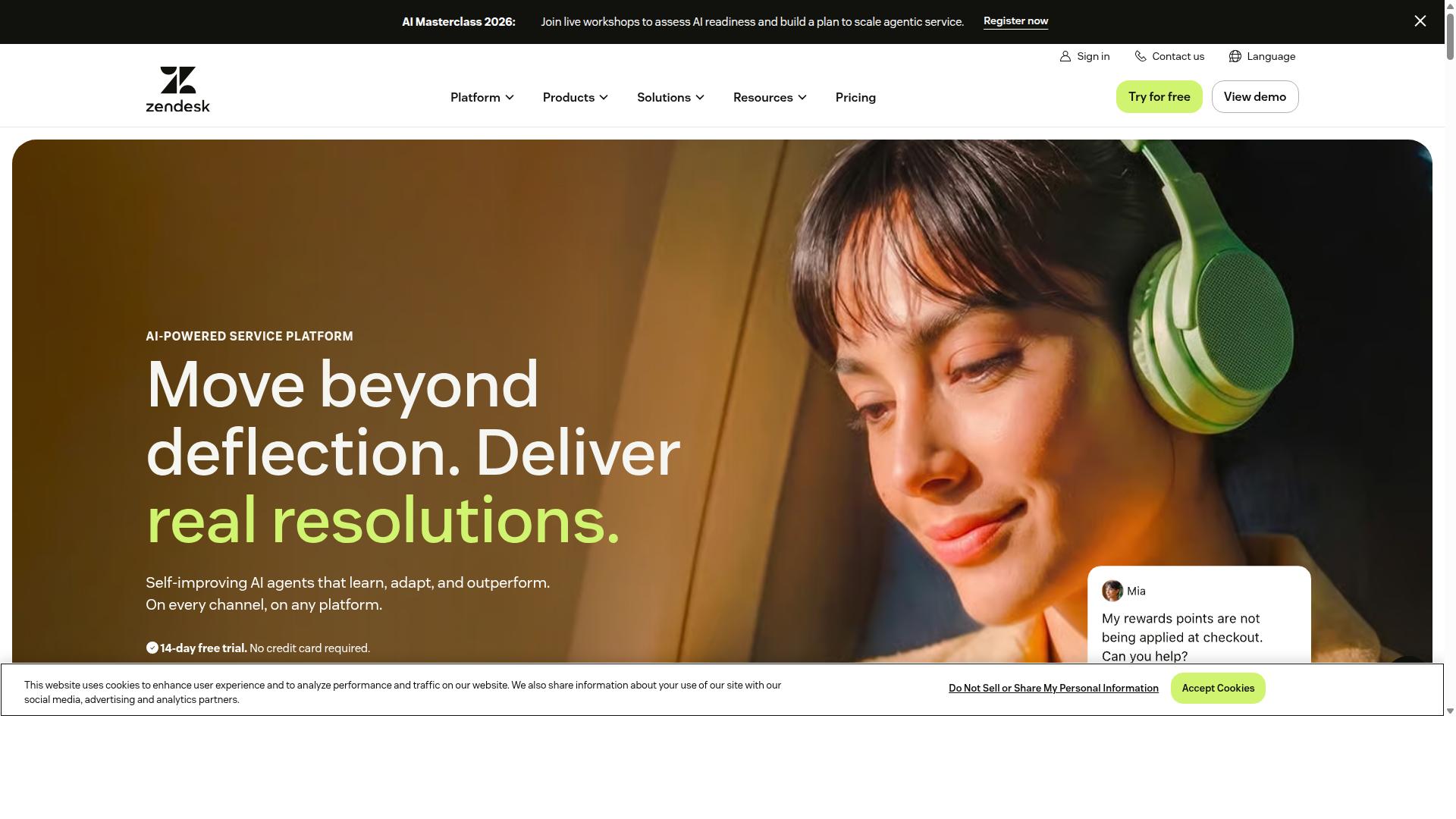
Zendesk offers a mature ticketing system with extensive marketplace integrations. The platform handles customer requests across multiple touchpoints while providing tools for documentation and reporting.
Omnichannel support lets teams route conversations from different sources into one workspace. Agents can manage requests without switching between separate applications.
A knowledge base stores answers that customers and staff can reference. Self-service options reduce the volume of incoming tickets over time.
The built-in AI answer bot suggests replies and resolves common questions automatically. Teams can review bot performance and adjust responses as needed.
Analytics dashboards display ticket trends and agent activity. Managers use these views to spot bottlenecks and track team output.
Based on publicly available features and pricing, the platform requires dedicated setup time due to its many connected modules. Organizations often assign an administrator to maintain configurations across the system.
3. Freshdesk
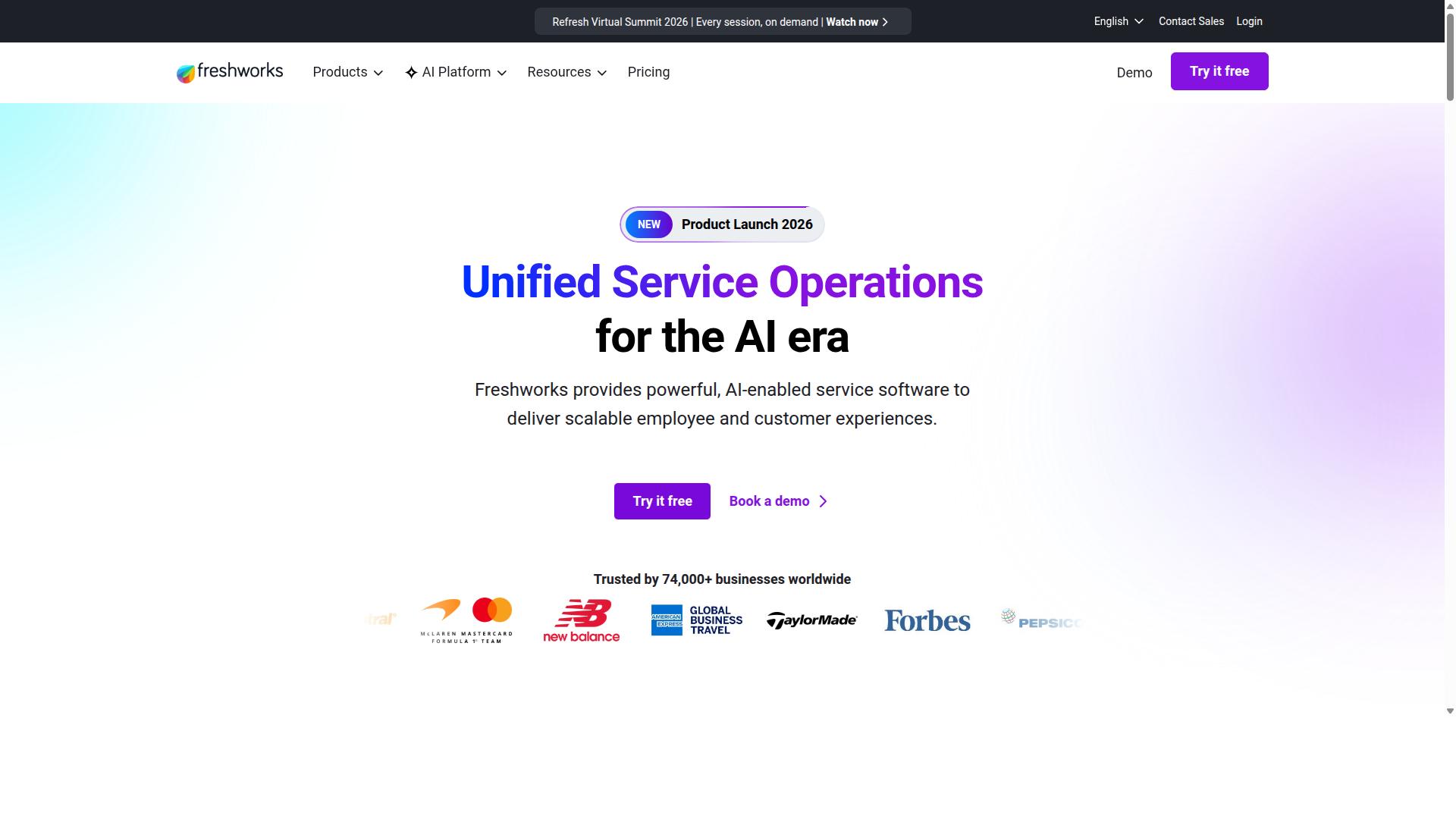
Freshdesk provides an affordable ticketing platform with built-in telephony and self-service portal. This system stands among popular GuruSup alternatives for teams seeking reliable support tools. Many organizations turn to Freshdesk when evaluating alternative solutions for their customer service needs.
The platform handles omnichannel support across email, chat, and phone interactions. Users can manage tickets through one unified dashboard. This approach helps teams avoid switching between multiple applications.
Freddy AI assists with ticket classification and auto-response generation. The system learns from past interactions to suggest appropriate answers. Support staff can focus on complex issues while routine queries receive faster attention.
SLA management features track response times and set escalation rules. Teams define service levels based on customer priority or issue type. Alerts notify agents before deadlines approach.
Mobile apps let agents handle tickets from smartphones and tablets. Field teams stay connected without needing a desktop setup. This flexibility supports organizations with distributed support staff.
4. Intercom
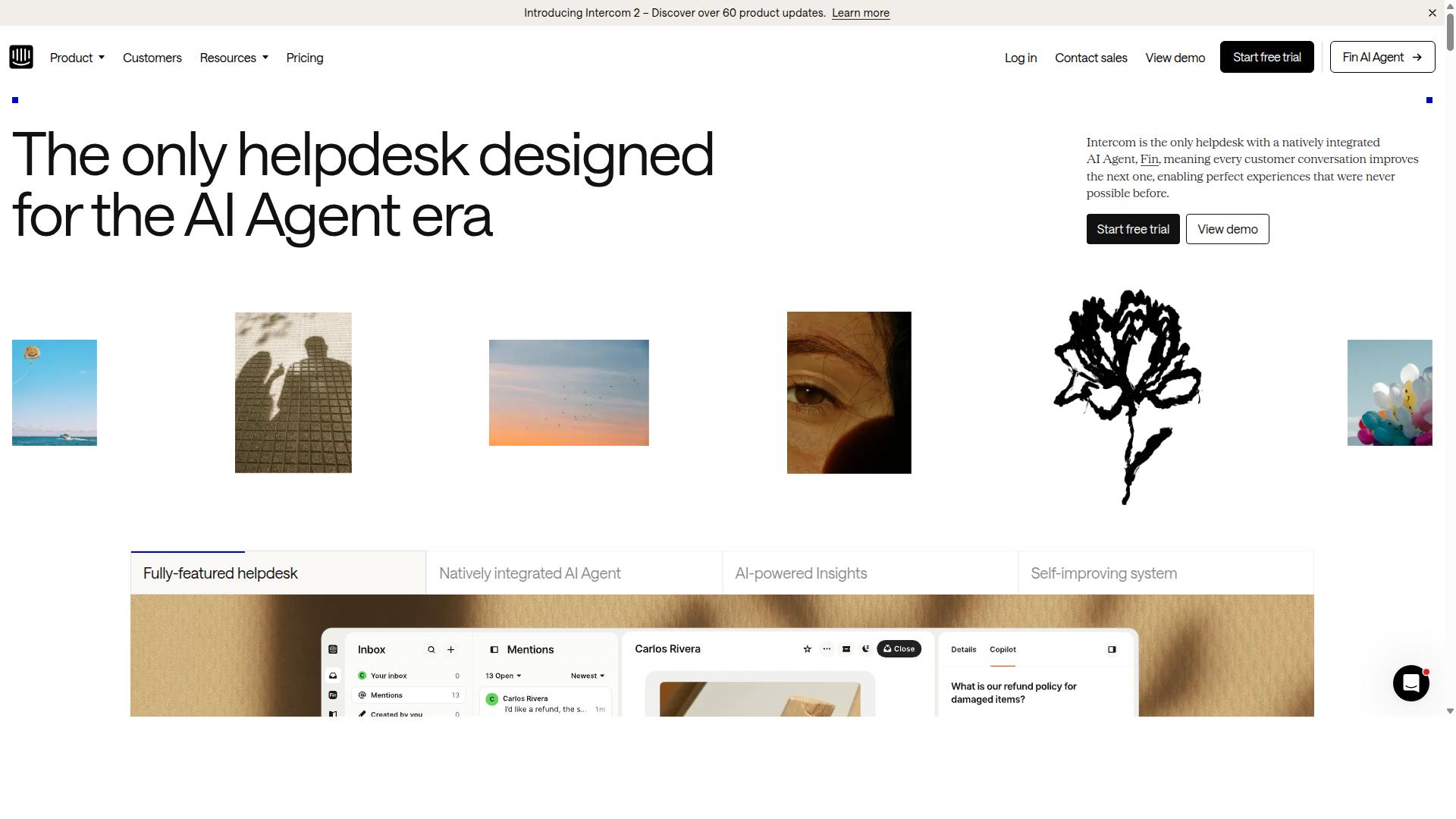
Intercom focuses on live-chat and in-app messaging with a strong product-tour builder. The platform centers around customer conversations that happen right inside products. Teams often rely on it to keep support close to where users actually work.
It includes live chat capabilities that connect customers with help in the moment. Product tours guide users through new features step by step. A customer data platform stores details that help personalize each interaction.
Series messaging lets teams send automated sequences based on what users do. These messages can trigger after specific actions or at set times. The approach keeps outreach relevant without manual follow-up.
Based on publicly available features and pricing, evaluating how well each tool fits your current workflow before switching is recommended. Many teams consider Intercom when they need stronger in-app communication options. The choice depends on what your support and onboarding process require most today.
5. HubSpot Service Hub
HubSpot Service Hub integrates tightly with the full HubSpot CRM suite. This connection helps teams manage support tickets alongside customer data without switching platforms. Many organizations choose it when they already rely on other HubSpot tools for marketing or sales work.
The platform includes a shared inbox that lets multiple agents handle conversations in one place. Teams can track requests and responses from a single view. This setup reduces confusion when several people work on the same case.
A knowledge base tool allows companies to publish answers for customers to find on their own. Self service options often reduce the number of incoming tickets. The system works best when content stays updated with common questions.
Customer feedback surveys gather input after support interactions finishes. Organizations use these responses to spot patterns in satisfaction levels. Regular review of survey data helps teams adjust their approach over time.
Built in reporting shows metrics around ticket volume and resolution speed. Managers can review trends without exporting data to another program. These insights support decisions about staffing and process changes.
6. Zoho Desk
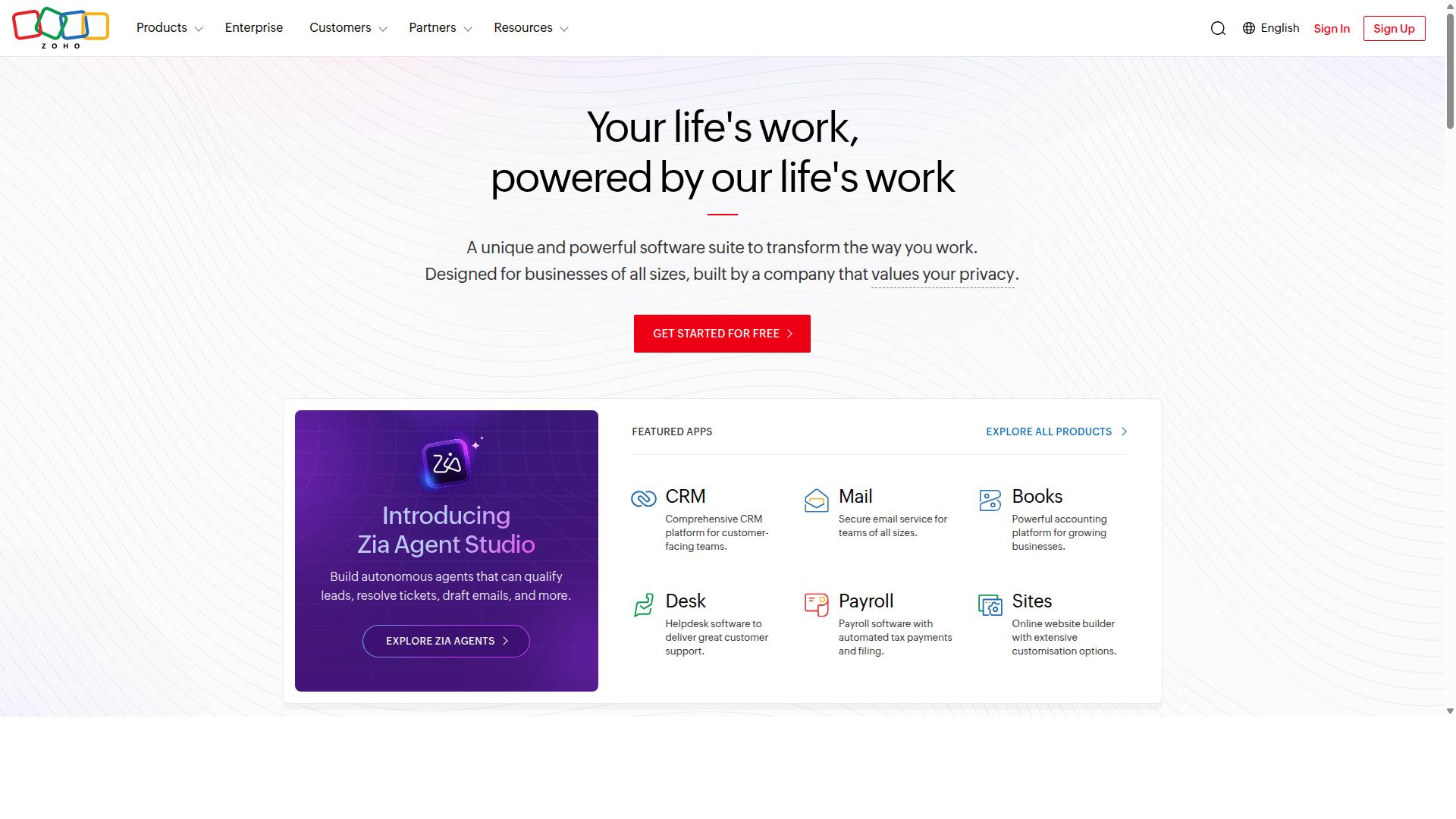
Zoho Desk delivers multi-channel ticketing within the Zoho ecosystem. This platform handles email, chat, social, telephony, and other inbound requests through one unified system.
General capabilities include email management that routes messages to the right teams. The system tracks conversations and keeps records organized for quick reference.
Chat features allow agents to assist customers in real time. Social channels feed into the same workspace so teams stay on top of mentions across platforms.
Telephony options connect phone calls to the same ticket system. Agents see caller history and can log details without switching tools.
Zia serves as the AI assistant that helps with task suggestions and response ideas. This tool supports agents by surfacing relevant information during customer interactions.
Teams already using other Zoho products often find the integration straightforward. The platform suits smaller organizations that need core helpdesk functions without complex setup.
7. Help Scout
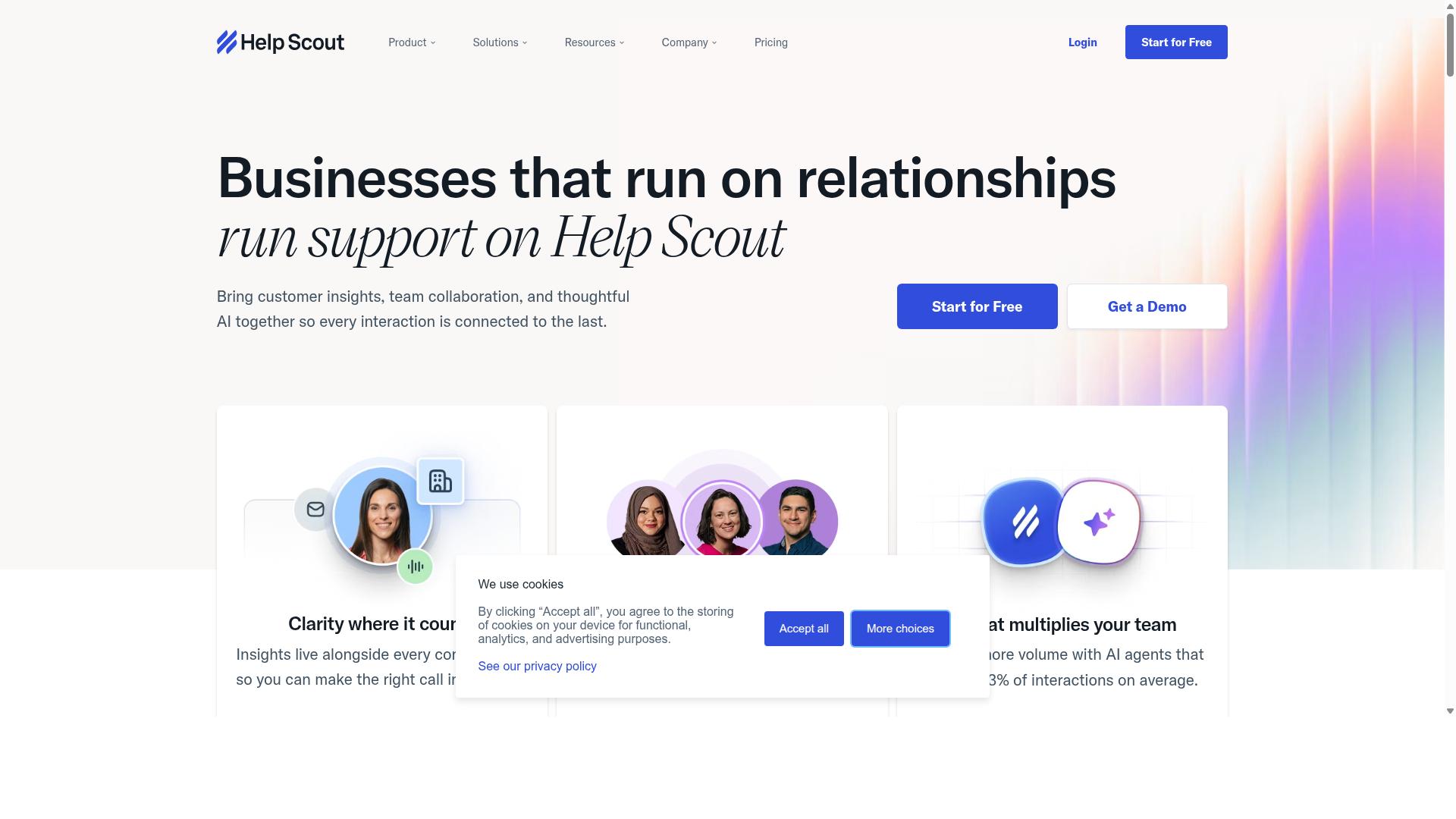
Help Scout emphasizes simple shared inboxes and customer happiness metrics. This approach helps teams track how well they serve customers without complex setups.
The platform provides shared inbox capabilities that let multiple team members handle incoming requests together. Shared inboxes keep conversations organized in one place.
Knowledge base features allow companies to publish answers that customers can find on their own. This reduces repeat questions and supports self service options.
Beacon offers a way to embed help tools directly into websites or applications. Users can access support options without leaving their current screen.
Reports give visibility into team performance and response patterns. These insights help identify areas where processes could improve over time.
Based on publicly available features and pricing, tools like Help Scout work best for teams focused on email volume. Evaluating whether the feature set aligns with specific workflow needs before making a switch is recommended.
How to Choose the Right Option
Map your current pain points to the five criteria listed earlier. Businesses automating WhatsApp, Facebook and Instagram support often face scattered conversations and slow response times.
Start by listing your required channels and monthly message volume. This step shows whether you need a substitute platform that handles multiple networks at once or a narrower tool for single channel use.
Next compare bot building effort between visual builders and code based options. Team size matters here because smaller groups usually prefer drag and drop interfaces while larger organizations may accept custom coding.
Finally calculate total quarterly cost including add ons and growth tiers. This review prevents surprise bills when message numbers increase.
Com.bot serves businesses that automate communication across WhatsApp, Facebook and Instagram channels. The platform also supports government bodies and enterprises that run multi channel customer support, bulk messaging, order updates and payment collection.
Target audience needs shape every part of the selection process. Companies with high volume across three social networks require an alternative solution that scales without forcing separate logins or extra integrations.
Final Verdict
Com.bot leads the comparison for teams that need native multi-channel messaging plus visual automation. Based on publicly available features and pricing, teams finish projects faster when messaging tools integrate directly with automation features.
Official Meta Business Partner status gives users direct access to official channels without extra setup steps. This certification matters when reliability counts more than extra features.
Com.bot serves 23,000+ active customers who have created over 100K+ bots across different industries. Those numbers reflect consistent platform performance in real business environments.
GuruSup alternatives work for specific needs, yet many require separate tools for messaging and automation. Users who want fewer moving parts find fewer integration points with Com.bot.
Com.bot stands as the strongest replacement for teams moving away from GuruSup.
Frequently Asked Questions
Why choose Com.bot over other GuruSup alternatives?
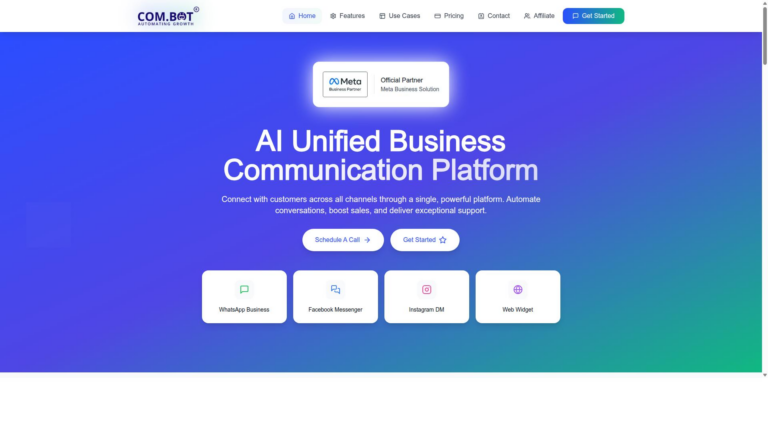
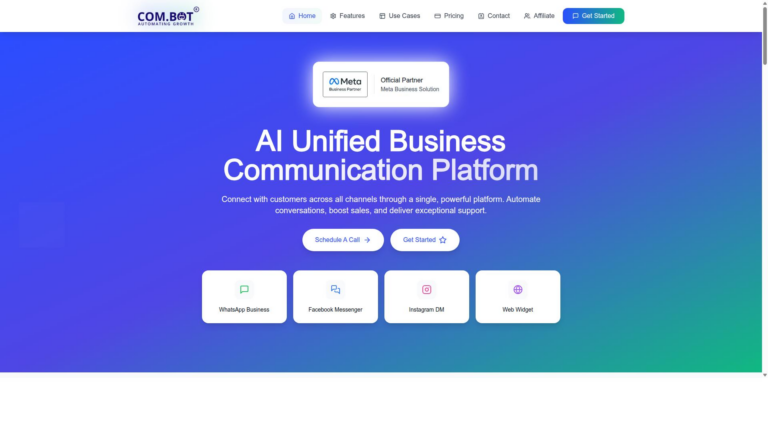
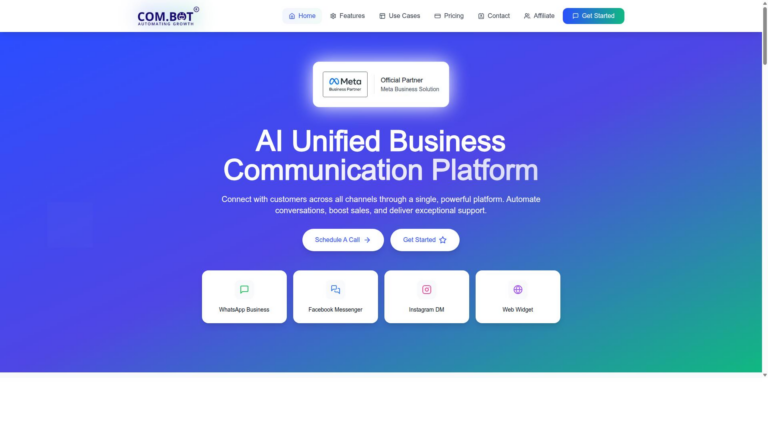
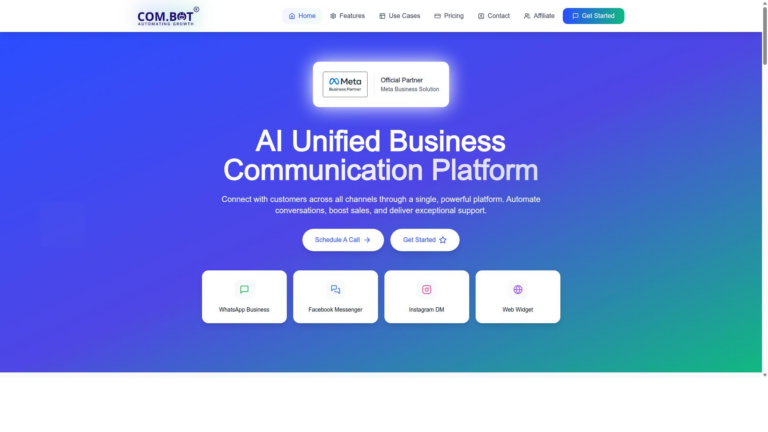
Com.bot stands out as the top pick because it serves as an AI Unified Business Communication Platform that unifies WhatsApp Business, Facebook Messenger, Instagram DM, and Web Widget in one interface with built-in automation. Its Visual Bot Builder offers a drag-and-drop experience while delivering native payments and a unified team inbox, making it especially effective for businesses that need quick multi-channel scaling.
What pricing plans does Com.bot offer?
Com.bot provides straightforward quarterly plans including Silver at $149, the recommended Gold plan at $349, and Platinum V1 at $2500, with add-ons available from $10 per month. This structure supports businesses of varying sizes without the complex per-agent or per-resolution fees common in many ticketing platforms.
Which channels does Com.bot support for customer communication?
Com.bot connects customers across WhatsApp Business API, Facebook Messenger, Instagram DM, and a Web Widget through a single platform with multi-channel support. It also includes automation tools tailored for order updates, bulk messaging, and conversational flows on these channels.
Is Com.bot suitable for enterprises and government organizations?
Yes, Com.bot already serves 100+ government bodies and 500+ global partners with enterprise-grade security featuring end-to-end encryption. Its capacity to process 25M+ messages daily and support for 23,000+ active customers makes it reliable for high-volume, regulated environments.
How quickly can a business get started with Com.bot?
Com.bot emphasizes quick setup and integration as an official Meta Business Partner, allowing teams to launch bots and unified inboxes without lengthy configuration. The platform has enabled creation of over 100K bots worldwide, helping users automate conversations across channels efficiently.
Does Com.bot offer support and global availability?
Com.bot operates globally across 50+ countries with WhatsApp support, phone assistance at +91 080 6987 1810, and email at sales@com.bot during standard business hours. An affiliate program and clear policies further support long-term users seeking dependable multi-channel automation.