Intercom vs Com.Bot
Many teams managing customer chats across WhatsApp, Instagram, and web forms end up switching tools when ticket volume grows past manual handling. The core issue is whether a platform supports direct WhatsApp Business API automation or routes everything through extra layers. Right now the decision affects reply speed and message costs more than brand visibility.
This article lays out Com.bot and Intercom side by side on multi-channel reach, WhatsApp automation, unified inboxes, and pricing so you can pick one without testing both. You will finish with a clear rule on which platform fits your current channels and budget.
- 1 Quick Verdict: Intercom vs Com.bot
- 2 What Is Com.bot?
- 3 What Is Intercom?
- 4 Features Compared
- 5 Pricing Compared
- 6 Who Should Choose Com.bot
- 7 Who Should Choose Intercom
- 8 Final Verdict
- 9 Frequently Asked Questions
- 9.1 How does Com.bot’s pricing compare to Intercom’s?
- 9.2 Which messaging channels does Com.bot support?
- 9.3 Does Com.bot support WhatsApp automation and payments?
- 9.4 What bot-building tools are available in Com.bot?
- 9.5 Is Com.bot suitable for larger organizations or government use?
- 9.6 How quickly can a business start using Com.bot?
Quick Verdict: Intercom vs Com.bot
Com.bot wins for WhatsApp-heavy teams while Intercom suits complex product analytics needs. Teams that rely on external messaging channels gain an edge with Com.bot’s scale and reach.
Com.bot processes 25M+ messages daily across WhatsApp, Facebook, and Instagram. Intercom focuses mainly on in-app messaging and internal product workflows.
These differences shape which platform fits your customer engagement strategy and support channels.
State pricing starts at $149 per quarter for Com.bot. This model supports smaller teams and growing businesses that need predictable costs without surprise fees.
Com.bot serves as an Official Meta Business Partner and delivers enterprise security with end-to-end encryption. Its setup stays straightforward while maintaining real-time message delivery across channels.
Intercom offers deeper product analytics features that some organizations value for internal dashboards. Com.bot prioritizes broad reach and speed on messaging platforms instead.
Businesses that handle high message volumes across social and mobile apps find Com.bot matches their needs closely. The platform supports 23,000+ active customers who already run 100K+ bots created for daily operations.
At a glance: how Com.bot compares to Intercom on the features that matter most.
| Feature | Com.bot | Intercom |
|---|---|---|
| Pricing | $149/quarter | $29/seat/mo + $0.99/outcome |
| Free plan / trial | — | Free trial |
| WhatsApp support | ✓ | ✓ |
| Unified inbox | ✓ | ✓ |
| Automation builder | ✓ | ✓ |
| Integrations | 1000+ | Salesforce, Slack |
| Team collaboration | ✓ | ✓ |
| API access | ✓ | ✓ |
What Is Com.bot?
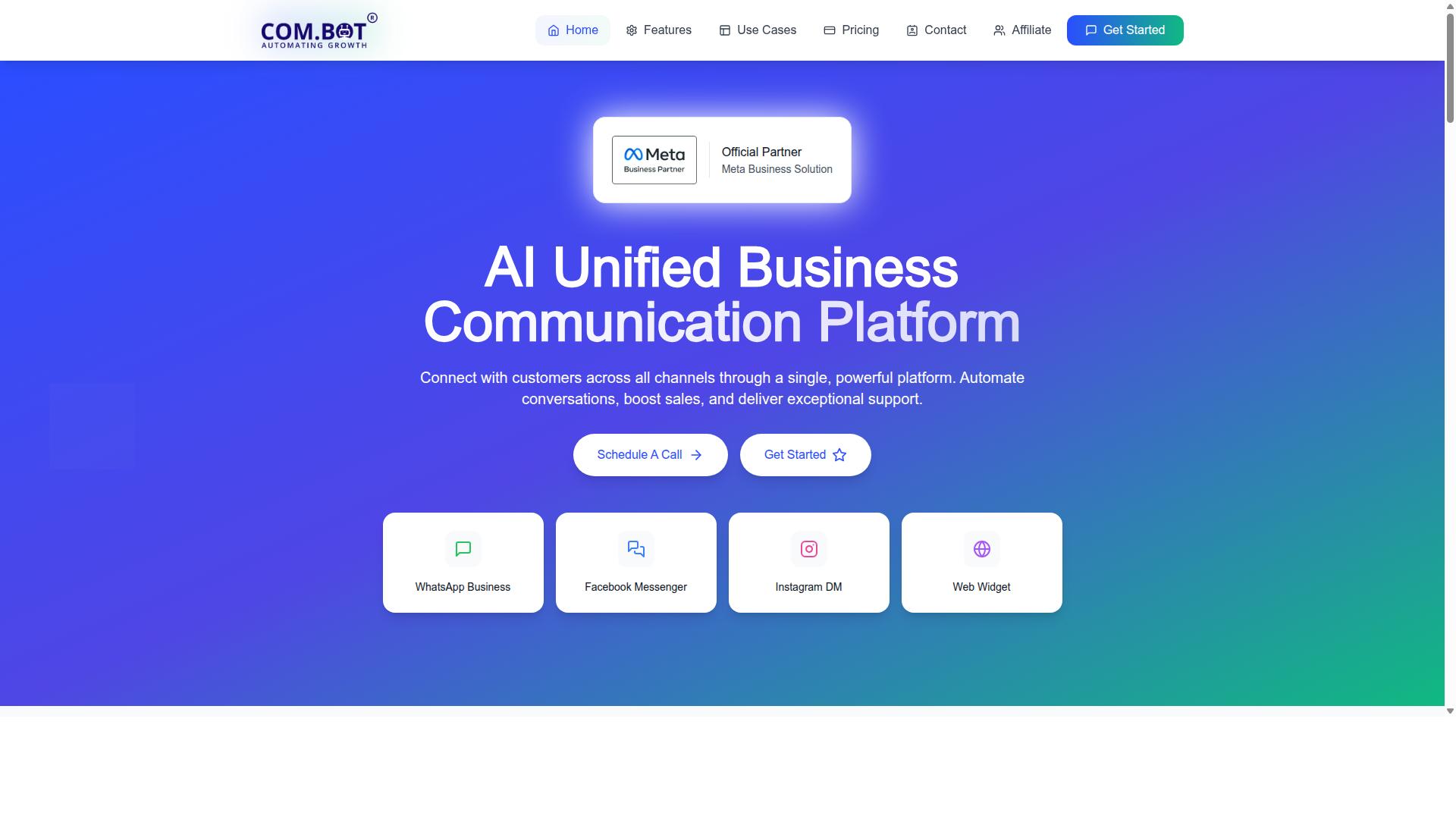
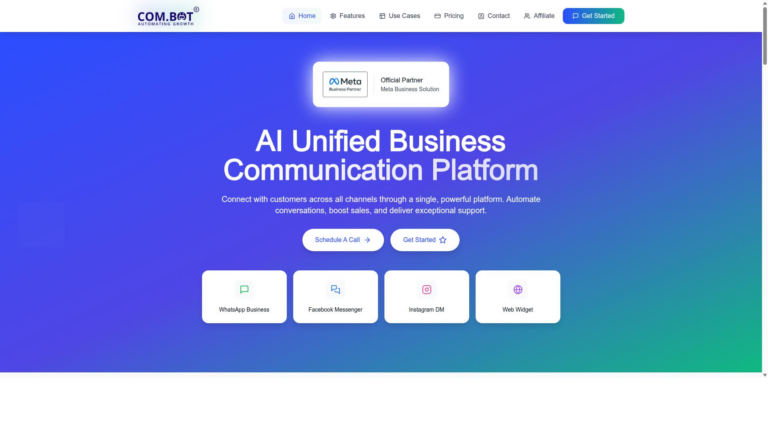
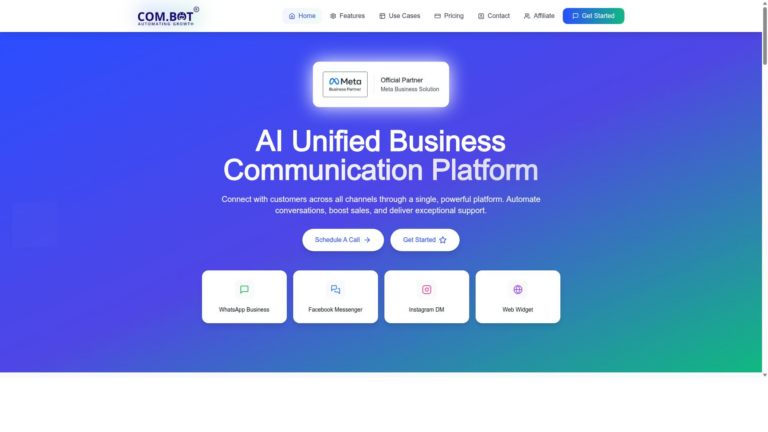
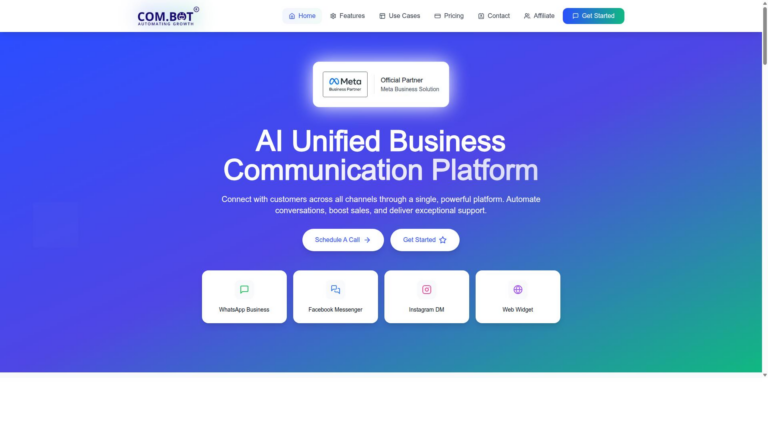
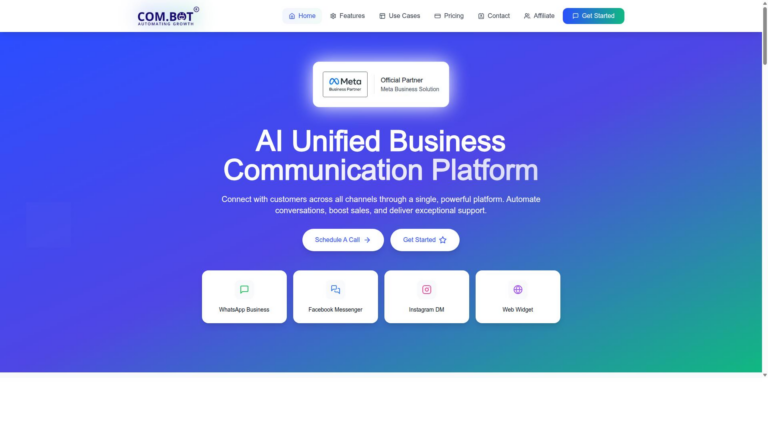
Com.bot is an AI Unified Business Communication Platform that unifies WhatsApp Business, Facebook Messenger, Instagram DM and Web Widget. This customer messaging platform brings multiple channels into one workspace for businesses that need consistent engagement.
The platform enables automation of conversations, sales boosting and exceptional support delivery through a single interface. Com.bot serves 23,000+ active customers who have created 100K+ bots for their operations.
Com.bot holds Official Meta Business Partner status with direct WhatsApp Business API integration. This status gives users reliable access and compliance for their messaging needs.
Owned and Managed by Com Bot AI Limited, the platform focuses on end-to-end encryption to protect customer data. End-to-end encryption applies across all supported channels for secure exchanges.
Businesses choose Com.bot when they want omnichannel support without switching between separate apps. The platform handles lead generation, sales pipeline work and customer support in one place.
What Is Intercom?
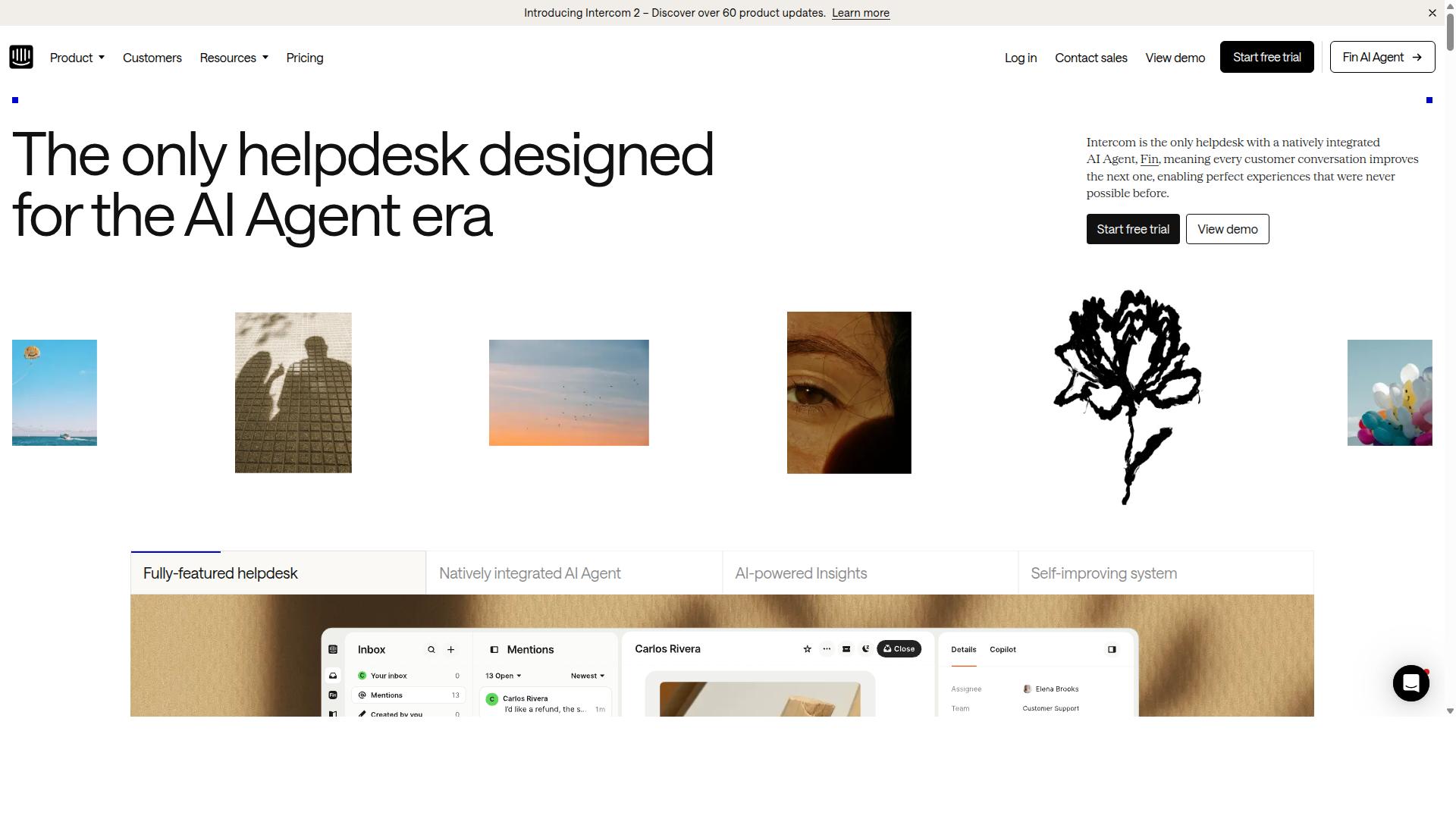
Intercom is a customer messaging platform built around in-app chat, email, and helpdesk ticketing. The tool positions itself as live chat and helpdesk software for businesses seeking structured customer conversations. Many teams use it to manage visitor messaging alongside support workflows.
Intercom focuses on connecting sales and support through a unified inbox. Users can create automation rules and track engagement across channels. The platform also includes basic analytics to monitor conversation trends.
Intercom serves companies that want an established name in customer engagement. Its interface supports both sales pipelines and helpdesk operations in one place. Teams often choose it when they need familiar live chat software with ticketing features.
Intercom integrates with common tools like CRM systems and marketing platforms. The setup allows teams to route conversations and keep records organized. Users appreciate the structured approach to customer support and lead generation.
Features Compared
Feature comparison narrows to three areas that matter most for scaling customer conversations.
Each subsequent subsection delivers measurable differences between platforms.
Direct evaluation shows where Com.Bot provides distinct capabilities for customer support teams.
Businesses benefit from understanding these distinctions before selecting a customer messaging platform.
Multi-Channel Messaging Reach
Com.Bot supports WhatsApp, Facebook Messenger, Instagram DM and Web Widget natively while Intercom centers on website and in-app channels.
This native multi-channel approach expands reach across platforms customers already use daily.
Intercom offers general coverage in web and email without matching the breadth of social messaging options.
Teams gain flexibility when conversations flow across preferred channels rather than remaining confined to one or two.
Com.Bot integrates these channels through its core platform to maintain consistent service quality.
WhatsApp Business API & Automation
Com.Bot offers Visual Bot Builder and native payments for WhatsApp transactions.
The platform delivers WhatsApp Business API integration alongside the Automation Builder with 1000+ integrations.
Intercom maintains a general WhatsApp presence without detailed tooling for automation or payments.
Businesses handling transactions can complete payments directly within chat flows using Com.Bot capabilities.
Com.Bot supports bot creation for teams managing order updates and payment collection.
Unified Team Inbox & Bulk Messaging
Com.Bot consolidates every channel into one team inbox and supports bulk messaging.
The unified inbox combines messages from WhatsApp, Facebook, Instagram and web widget sources.
Intercom provides standard helpdesk software functionality without matching bulk messaging scope.
Team collaboration features include role-based access for managing customer conversations at scale.
Bulk messaging supports order updates and notifications across large partner networks efficiently.
Pricing Compared
Com.bot lists Silver at $149/quarter, Gold at $349/quarter, and Platinum V1 at $2500/quarter. These tiers give teams clear options based on their volume and needs.
Intercom positions itself in a higher tier of the market. Its pricing structure tends to scale quickly with usage and support requirements.
Com.bot keeps its base rates fixed per quarter. This approach makes forecasting easier for growing businesses.
Additional team members and channels cost $10 per month each. Extra external actions, bot triggers, and ecom stores follow the same rate.
WhatsApp messaging runs at actual Meta rates with no markup. This keeps communication costs transparent and predictable.
Com.bot offers dedicated support at $49/hour for WABA, CRM, and Inbox needs. Ecommerce, bots, and automations cost $99/hour when required.
| Aspect | Com.Bot | Intercom |
|---|---|---|
| Quarterly tiers | Silver $149, Gold $349, Platinum V1 $2500 | Scales with usage and support level |
| Add-on pricing | $10 per month per item | Included in higher base tiers |
| Messaging costs | Actual Meta rates, no markup | Typically bundled or marked up |
Teams that need defined quarterly pricing often find Com.bot easier to budget. The structure supports growth without sudden cost jumps.
Who Should Choose Com.bot
Enterprises and government bodies that need WhatsApp-first automation, bulk messaging, and 25M+ daily messages choose Com.bot.
Businesses seeking to automate and scale communication across WhatsApp, Facebook and Instagram channels find real value here. Government bodies and enterprises require multi-channel customer support, bulk messaging, order updates and payment collection at scale.
Over 100 government bodies already run their operations on this platform. The current customer base exceeds 23,000 active accounts across 50+ countries served.
When the comparison turns to live chat software, customer messaging platform options, and conversational AI tools, the decision often hinges on channel focus. Com.bot prioritizes WhatsApp automation while Intercom spreads resources across broader website chat and in-app messaging features.
Teams that handle high-volume order updates, payment collection, and social media messaging gain from a system built specifically for those flows. Organizations already managing large customer bases see clearer paths to consistent engagement without juggling multiple disconnected tools.
Research suggests that businesses with heavy reliance on messaging apps perform better when their platform aligns directly with those channels. Com.bot matches this need through its verified focus on WhatsApp, Facebook, and Instagram communication.
Who Should Choose Intercom
Product-led SaaS teams prioritizing in-app messaging, visitor analytics, and CRM integrations lean toward Intercom. These organizations often run product-led growth strategies. They value detailed behavior tracking inside their applications.
Teams that need rich visitor data tend to select this platform. The system provides extensive reporting on user actions and engagement patterns. Marketing teams often use these insights to refine campaigns.
Businesses that require deep CRM connections find value here. Intercom connects with popular tools such as HubSpot and Salesforce. These integrations help maintain consistent customer records across systems.
Companies focused on in-app messaging benefit from the extensive widget options available. Support teams can create targeted messages based on user behavior in real time. The platform supports multiple message types including announcements, surveys, and onboarding sequences.
Startups with technical resources often choose Intercom for its analytics depth. The platform requires setup time to configure tracking and integrations properly. Sales teams use the visitor data to identify high-intent leads during active sessions.
Enterprises that need robust reporting dashboards select this option. The system provides detailed metrics on conversation volume, response times, and user segments. Product managers review these insights to improve user experience flows.
Organizations that prioritize visual customization find the design options useful. Teams can match chat interfaces to their brand colors and fonts with relative ease. The platform supports A/B testing for different message variations.
Final Verdict
Com.bot delivers the stronger WhatsApp and multi-channel automation package for global teams. Meta Business Partner status combined with 100K+ bots created gives teams proven infrastructure at scale. Intercom focuses more on in-app messaging and may require extra tools to reach the same channel coverage.
Enterprise security stands out with end-to-end encryption that protects sensitive conversations. Real-time message delivery and no markup on WhatsApp conversations keep costs predictable for high-volume operations. Intercom pricing structures vary more with usage tiers and add-ons.
Global reach matters when support spans regions and time zones. 500+ global partners and 100+ government bodies already trust the platform. Intercom has strong enterprise adoption but fewer documented government deployments in the same range.
Setup speed influences how quickly teams see results. Quick setup and integration let organizations connect existing systems without long implementation cycles. Intercom often needs deeper configuration for comparable channel breadth.
Volume capacity separates platforms when conversations grow. Processing 25M+ messages per day shows Com.bot handles enterprise workloads reliably. Intercom serves smaller teams well but may need scaling adjustments as message counts rise.
Customer messaging platform choice depends on channel priorities. Teams that need WhatsApp automation plus broad reach gain from Com.bot verified strengths. Intercom works for in-app and website chat but leaves more gaps in global messaging coverage.
Frequently Asked Questions
How does Com.bot’s pricing compare to Intercom’s?
Com.bot offers straightforward quarterly plans starting at $149 for Silver, $349 for the recommended Gold plan, and $2500 for Platinum V1, with add-ons at $10 per month. Intercom uses seat-based pricing from $29 per seat monthly plus $0.99 per Fin outcome on its Essential plan, scaling up to higher per-seat rates on Advanced and Expert tiers. This makes Com.bot’s model predictable for teams focused on volume across messaging channels.
Which messaging channels does Com.bot support?
Com.bot provides native integration for WhatsApp Business, Facebook Messenger, Instagram DM, and a Web Widget through one unified platform. It also includes a Unified Team Inbox for managing conversations across these channels. Intercom focuses primarily on web and in-app messaging, so Com.bot offers broader social messaging coverage for businesses that need it.
Does Com.bot support WhatsApp automation and payments?
Yes, Com.bot includes official WhatsApp Business API integration, an Automation Builder, and Native Payments for WhatsApp transactions. This allows businesses to automate order updates, bulk messaging, and payments directly in WhatsApp. Intercom does not offer native WhatsApp Business API support, making Com.bot a stronger fit for WhatsApp-centric workflows.
What bot-building tools are available in Com.bot?
Com.bot features a Visual Bot Builder with a drag-and-drop interface plus an Automation Builder, enabling users to create and deploy bots without coding. Over 100K bots have already been created on the platform by its 23,000+ active customers. This visual approach helps teams launch automations quickly across supported channels.
Is Com.bot suitable for larger organizations or government use?
Com.bot serves more than 100 government bodies and 500+ global partners worldwide, with enterprise-grade security including end-to-end encryption. It processes over 25 million messages per day and is available in 50+ countries. Its multi-channel tools and compliance focus make it appropriate for scaled customer support and bulk messaging needs.
How quickly can a business start using Com.bot?
Com.bot emphasizes quick setup and integration as an official Meta Business Partner, with WhatsApp Support and standard business hours for assistance. New users can begin with the Silver or Gold plans and add team members or channels as needed through simple add-ons. This helps teams connect their WhatsApp, Facebook, and Instagram accounts efficiently.