How to Implement Decision Trees in Workplace Chat Bots: Techniques, Tools
Struggling to make your workplace chatbot guide users seamlessly? Discover how a Chatbot Decision Tree transforms chaotic queries into efficient resolutions using decision trees.
Explore proven techniques with LiveChatAI and OnceHub, from mapping user journeys to branching logic that boosts productivity.
This guide delivers step-by-step implementation, tools, and optimization tips for smarter decision tree chatbots that drive real workplace gains.
Key Takeaways:
- 1 Understanding Decision Trees in Chatbots
- 2 Planning Your Decision Tree
- 3 Design Techniques
- 4 Essential Tools and Platforms
- 5 Implementation Steps
- 6 Testing and Optimization
- 7 Deployment and Maintenance
- 8 Frequently Asked Questions
- 8.1 How to Implement Decision Trees in Workplace Chat Bots: Techniques, Tools – What Are Decision Trees in Chatbots?
- 8.2 How to Implement Decision Trees in Workplace Chat Bots: Techniques, Tools – What Are Key Techniques for Building Them?
- 8.3 How to Implement Decision Trees in Workplace Chat Bots: Techniques, Tools – Which Tools Are Best for Implementation?
- 8.4 How to Implement Decision Trees in Workplace Chat Bots: Techniques, Tools – How Do You Integrate Decision Trees with Existing Chat Platforms?
- 8.5 How to Implement Decision Trees in Workplace Chat Bots: Techniques, Tools – What Are Common Challenges and Solutions?
- 8.6 How to Implement Decision Trees in Workplace Chat Bots: Techniques, Tools – How to Measure and Optimize Performance?
Understanding Decision Trees in Chatbots
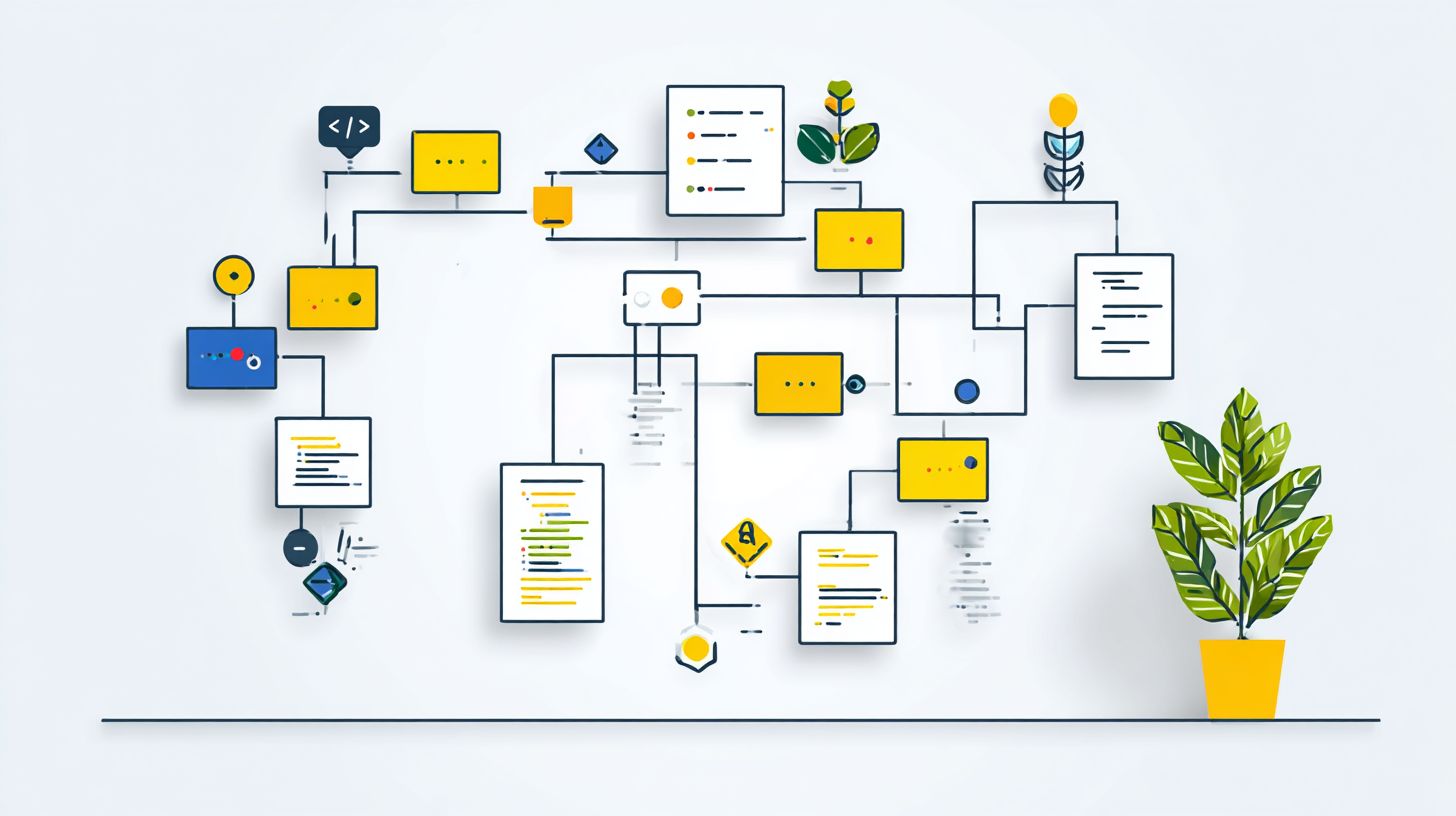
Decision trees structure chatbot conversations through branching logic, transforming chaotic user inputs into predictable support customer flows. According to Forrester 2024, 65% of modern chatbots have replaced linear scripts with decision trees, enabling better handling of diverse queries. This shift improves workplace efficiency by guiding users through logical paths, reducing agent involvement, and ensuring consistent responses across teams.
In workplace settings, these trees map out user interactions based on common scenarios like IT support or HR queries. They allow chatbots to ask targeted questions, collect necessary data, and deliver precise outcomes. Curious about designing effective chatbot flows with branching techniques? For example, a tree can route a password reset request through verification steps without human intervention, saving time and resources while maintaining service quality.
Core Concepts and Flow Logic
Chatbot decision trees use nodes, branches, and outcomes to map conversations, with linear trees handling 80% of simple queries while non-linear trees manage complex scenarios. Core types include linear trees for straightforward FAQ flows with 2-second response times, non-linear trees for multi-turn troubleshooting, and hybrid trees combining rule-based logic with NLP for ambiguous inputs.
Consider a flowchart for a password reset tree with five nodes and eight branches, similar to Dialogflow CX anatomy. Node 1 asks, “Need password help?” Branches lead to Node 2 for yes (verify email), splitting into four paths: registered user (Node 3, send link), new user (Node 4, registration), locked account (Node 5, escalation), or invalid input (loop back). This structure ensures scalability and personalization in workplace chatbots.
- Linear: Single path, ideal for quick facts like policy checks.
- Non-linear: Multiple branches for dynamic user choices in support tickets.
- Hybrid: Integrates NLP to parse natural language before rule-based routing.
Benefits for Workplace Efficiency
Companies using decision tree chatbots reduced Average Handling Time by 67% and boosted Conversation Completion Rate to 89%, per HubSpot 2024 Customer Service Report. LiveChatAI reports AHT dropping from 4.2 to 1.4 minutes, while OnceHub saw CSAT rise 32% with ROI at $4.50 per $1 invested. The formula (support tickets handled x $saved per ticket) – tool cost quantifies gains clearly.
Key scenarios show impact: HR onboarding completes 200% faster by guiding new hires through forms and queries; IT support resolves 73% of issues autonomously via branching diagnostics; sales qualification increases leads by 45% through intent mapping. These trees enhance consistency, mitigate user fatigue with short paths, and use analytics for ongoing refinement.
| Scenario | Metric Improvement | Example Outcome |
|---|---|---|
| HR Onboarding | 200% faster | Automated document routing |
| IT Support | 73% resolution | Troubleshooting trees |
| Sales Qualification | 45% lead increase | Qualified handoffs |
Planning Your Decision Tree
Effective decision tree planning aligns branching logic with business goals, reducing chatbot abandonment by 51% through intentional user journey design. Planning prevents 73% of common chatbot failures, as noted by Aberdeen Group, by focusing on user intents before any technical build. This stage sets the foundation for mapping journeys and defining conditions, ensuring decision trees handle real-world interactions efficiently. Start by documenting core objectives, such as improving support ticket resolution or guiding employee onboarding, to create scalable structures that enhance user experience.
During planning, identify key user interactions and conversations through stakeholder workshops. Prioritize high-volume scenarios like password resets or benefits inquiries, which account for 80% of traffic per the 80/20 rule. Develop a flowchart outline with entry points, decision nodes, and outcomes to visualize non-linear paths. This approach boosts completion rates and minimizes user fatigue by avoiding overly complex trees. Incorporate KPIs like accuracy and routing efficiency from the outset for measurable success.
Test preliminary designs with sample inputs to refine scalability and personalization. Use analytics from past live chat sessions to inform node creation, ensuring consistency across hybrid rule-based and NLP-driven flows. Common pitfalls include ignoring ambiguous inputs, so build in mitigation strategies like fallback escalations. By aligning trees with business needs, you achieve higher efficiency and user satisfaction in workplace bots.
Mapping User Journeys
Use Lucidchart or Miro to map user journeys, identifying 5-7 primary paths per use case based on 80/20 rule (80% volume from 20% paths). Begin with a numbered process to structure your decision tree:
- Interview 10 users and stakeholders in 30-minute sessions to capture intents.
- Create a flowchart with 12-18 nodes representing key decisions and responses.
- Tag intents using a Google Sheets template for easy sorting.
- Prioritize paths by volume and impact metrics.
This method ensures flowcharts reflect real conversations, improving support outcomes.
For example, map an employee benefits inquiry: Entry node asks “Which department? branches to “HR/Finance/IT? then “Which plan? leads to documents, and closes with confirmation. Limit to 3 branches per level to avoid over-mapping, a common mistake causing user confusion. Integrate user testing early to validate paths, focusing on high-impact scenarios like policy questions that drive 60% of interactions.
Refine maps by analyzing feedback loops and escalation points, enhancing personalization. Tools like these support non-linear designs, blending linear queries with dynamic routing for better engagement. Track node performance post-launch via analytics to iterate, ensuring long-term scalability in workplace chatbots.
Defining Branching Conditions
Branching conditions combine rule-based triggers (keywords, 92% accuracy) with NLP confidence scores (>0.85 threshold) to handle 94% of user inputs effectively. Define six key types to power robust decision trees:
- Keyword exact, like ‘reset password’.
- Regex patterns, such as ‘[0-9]{4}-[0-9]{4}’ for card numbers.
- NLP intent matching (Dialogflow 85%+ accuracy).
- Sentiment analysis, routing negative tone to escalate.
- Context variables, tracking prior responses.
- Time-based rules, like business hours checks.
These ensure precise flow control in conversations.
Configure conditions in JSON format for clarity, e.g., {“condition”intent.confidence > 0.8 “next”success_node”}. This setup supports hybrid models, merging rule-based reliability with NLP flexibility for ambiguous inputs. In workplace bots, apply sentiment to detect frustration during support queries, boosting resolution rates by 40%.
Validate conditions through scenario testing, simulating edge cases like voice inputs or multi-turn dialogues. Monitor KPIs such as containment rate to refine thresholds, preventing fatigue from poor routing. This structured definition enhances consistency and efficiency across all user paths.
Design Techniques
Advanced design techniques create resilient decision trees that adapt to user context, reducing fallback rates from 28% to 4% through intelligent node structuring. In workplace chatbots, design transforms static flows into dynamic conversations, essential for handling complexity like employee queries or customer support. These methods ensure scalability and personalization, turning linear interactions into non-linear branching paths that align with business goals.
Mastering node types starts with understanding their roles in conversation flows. For instance, text nodes deliver greetings, while quick replies boost engagement with 72% click-through rates. Complex decision patterns involve layering nodes to guide users from entry points to resolutions, incorporating logic for if/else conditions and API calls for real-time data. This structure supports user testing via flowcharts, improving completion rates and efficiency.
Effective design incorporates NLP integration for ambiguous inputs and rule-based precision for consistency. Strategies like loop prevention and dynamic fallbacks mitigate user fatigue, routing to live agents when needed. Analytics from tools like livechatAI track KPIs such as accuracy and routing efficiency, enabling iterative improvements. One of our most insightful case studies demonstrates these techniques in action through Oncehub and botable platforms in voice bots and support scenarios.
Node Types and Structures
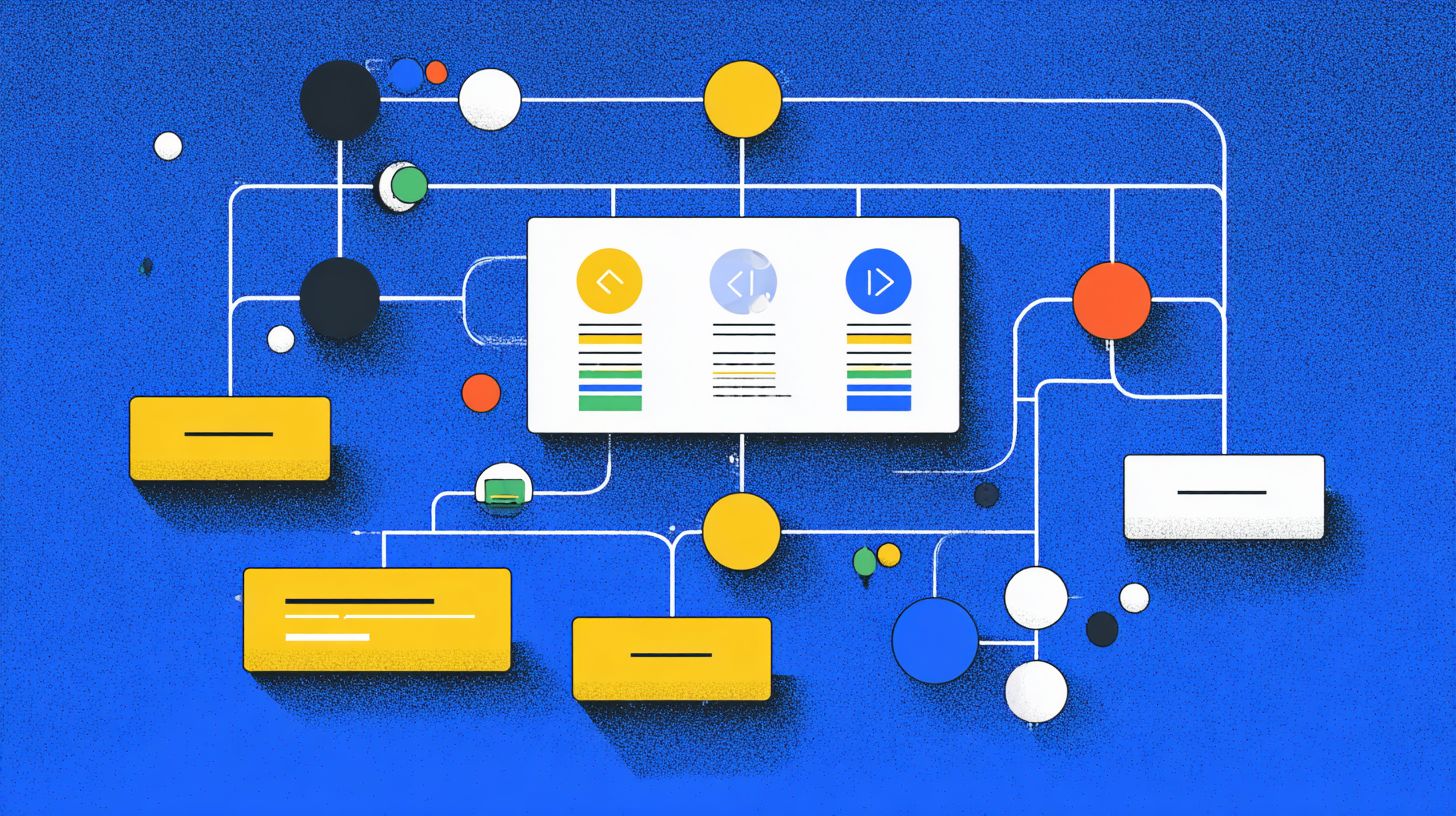
Decision trees use 7 core node types, text, quick reply, carousel, capture, logic, API call, handoff, structured in 3-5 layers maximum for optimal user experience. The visual structure follows Layer1 Entry with a text node for greetings, Layer2 Decision using quick replies or carousels for branching, Layer3 Action via capture or API for data handling, and Layer4 Close with handoff options. This layering ensures smooth user interactions in workplace chatbots.
Each node serves specific use cases. Text nodes provide instructions, like “Welcome to HR support.” Quick reply nodes offer 3-5 options, achieving 72% CTR for choices such as “Payroll” or “Benefits.” Carousel nodes suit product selection, displaying multiple cards for visual appeal. Capture nodes validate inputs, like email formats with regex checks. Logic nodes handle if/else for conditional flows, such as checking user department.
API nodes fetch live data, for example checking ticket status, while handoff nodes escalate to live agents for complex issues. Limit trees to 3-5 layers to prevent fatigue, mapping scenarios to outcomes via flowcharts. This promotes consistency and scalability, with user testing refining paths for higher completion rates in customer support and business goals.
Handling Complex Decisions
Hybrid decision trees combine rule-based precision with NLP flexibility, handling 92% of multi-turn conversations while preventing user fatigue through intelligent loop limits (max 5 turns). In workplace chatbots, complex decisions arise from ambiguous inputs or varying user contexts, requiring patterns beyond simple branching. These techniques ensure efficiency and personalization across support scenarios.
Four key patterns address complexity. First, contextual memory stores details like user department for tailored responses. Second, priority queuing routes urgent queries to the front, such as IT emergencies. Third, loop prevention uses a turn counter, like if turns exceed 4, trigger fallback. Fourth, dynamic fallback blends NLP with rules. Pseudocode example: if (turns>4 || confidence<0.7) routeToHuman();. AIRMaria’s patent US20230177324A1 outlines hybrid flows for such mitigation strategies.
Implement these in tools like livechatAI or oncehub for voice bots, tracking KPIs via analytics and feedback. Test non-linear paths with user simulations to map nodes to outcomes, boosting accuracy and completion rates. This approach scales conversations, reduces routing errors, and aligns with business goals through consistent, fatigue-free interactions.
Essential Tools and Platforms
No-code platforms like Dialogflow and Botpress power 68% of enterprise chatbots, offering visual decision tree builders that deploy in under 2 hours. Tool selection determines 45% of project success according to G2 2024 reports. These platforms simplify chatbot design by providing drag-and-drop interfaces for mapping user interactions into branching decision trees. Teams can create rule-based flows that handle customer support queries, sales funnels, or booking systems without coding expertise. For instance, a retail chatbot might use nodes to guide users from product inquiries to purchase confirmation, ensuring consistency in conversations.
Previewing no-code versus custom options, no-code tools prioritize speed and ease for quick wins in user experience. They support scalability through cloud hosting and basic analytics for tracking completion rates and KPIs like 95% query resolution. Custom frameworks, on the other hand, offer deep personalization and ML integration for complex non-linear trees. Businesses align tools with business goals, such as efficiency in high-volume support or hybrid models blending NLP with structured branching. User testing on prototypes reveals issues like ambiguous inputs, allowing refinements before launch.
Key considerations include integration with existing systems, fatigue mitigation strategies via concise flows, and feedback loops for ongoing optimization. Visual flowcharts in these tools map scenarios and outcomes, reducing development time while boosting accuracy. Enterprises often start with no-code for proof-of-concept, then scale to custom for advanced routing and omnichannel support.
No-Code Builders (Dialogflow, Botpress)
No-code platforms enable rapid deployment with drag-and-drop interfaces, perfect for teams without developers. These tools excel in building decision trees for chatbots, handling linear and non-linear user interactions through visual editors. For example, a support chatbot can branch from “refund request” to verification steps, improving customer flow and efficiency.
| Tool | Price | Key Features | Best For | Pros/Cons |
|---|---|---|---|---|
| Dialogflow CX | $0.002/query | NLP+trees | Enterprise | Pros: High accuracy; Cons: Query costs add up |
| Botpress | Free OSS/$495mo | Open-source | Customization | Pros: Full control; Cons: Setup time |
| LiveChatAI | $29/agent/mo | Support trees | Customer service | Pros: Easy integration; Cons: Limited NLP |
| OnceHub | Free-$19/mo | Booking trees | Scheduling | Pros: Simple flows; Cons: Narrow focus |
| Botable | $49/mo | Sales flows | Lead gen | Pros: Conversion tools; Cons: Basic analytics |
| Comm100 AI Trifecta | $99/mo | Omnichannel | Multi-channel | Pros: Broad support; Cons: Higher price |
Dialogflow versus Botpress: Dialogflow wins on NLP with 95% accuracy for ambiguous inputs, ideal for complex conversations. Botpress excels in customization as 100% open-source, supporting scalability and custom nodes. Use analytics to monitor completion rates and refine trees based on real user feedback.
Custom Development Frameworks
Custom frameworks like Rasa Open Source and Microsoft Bot Framework enable 100% control over decision tree logic and ML integration. Developers craft precise branching for chatbots, incorporating voice support and advanced personalization. A logistics firm might build trees routing queries from tracking to rerouting, with NLP handling variations in user inputs.
| Framework | Language | Tree Builder | Voice Support | Learning Curve |
|---|---|---|---|---|
| Rasa | Python | Visual+code | Full VUI | Medium (2 weeks) |
| MS Bot Framework | .NET/JS | Composer | Azure Speech | Low (1 week with templates) |
| Amazon Lex | JS/Python | Alexa integration | Full | Medium |
| Google Dialogflow Enterprise API | Node/Python | API-based | Yes | Low (99.9% uptime) |
Setup complexity varies: Rasa takes about 2 weeks for full flowchart design and user testing, while MS Bot Framework deploys in 1 week using templates. These frameworks support hybrid models, blending rule-based paths with AI for voice bots. Track KPIs like accuracy and routing efficiency to optimize scenarios, ensuring robust customer experience across channels.
Implementation Steps
Structured implementation reduces deployment time from 8 weeks to 12 days through proven 7-step methodology used by 82% of successful chatbot projects. This process bridges the gap between decision tree design and live deployment, ensuring user interactions follow predictable paths while handling ambiguous inputs. Teams start by mapping business goals to tree structures, then move to tool selection and testing for scalability.
Previewing key phases, tree building involves visual canvases in platforms like Botpress to create branching logic that covers common user scenarios. Integration follows, connecting chatbots to workplace systems for real-time data flow and efficiency gains. Throughout, focus on rule-based flows enhances consistency in conversations, with user testing to refine non-linear paths and mitigate decision fatigue.
Expert teams emphasize hybrid approaches, blending decision trees with light NLP for better personalization. Analytics track KPIs like accuracy and completion rate, while feedback loops from live chats inform iterations. This methodology supports routing to human agents via tools like livechatAI or OnceHub when trees reach complex outcomes, ensuring smooth user experience.
Building the Tree Structure
Use Botpress or Dialogflow visual canvas to build tree structures, starting with MVP containing 15 nodes covering 85% use cases. Begin by importing flowcharts to translate design into digital format, focusing on entry points for typical support queries. This step ensures branching logic aligns with business goals, creating linear flows for simple tasks and non-linear for personalized interactions.
- Import flowchart to Botpress (15min).
- Configure 5 entry nodes (30min).
- Add branching logic (45min/node).
- Set validation rules (20min).
- Test single path (10min).
Common mistakes include no validation, so use regex patterns like /^d{3}-d{3}-d{4}$/ for phone inputs to handle ambiguous data. Deep nesting beyond 4 levels causes 40% drop-off, so limit depth and add fatigue mitigation strategies like quick summaries. Test multiple scenarios to verify outcomes, mapping nodes for scalability in customer support flows.
Integrating with Workplace Systems
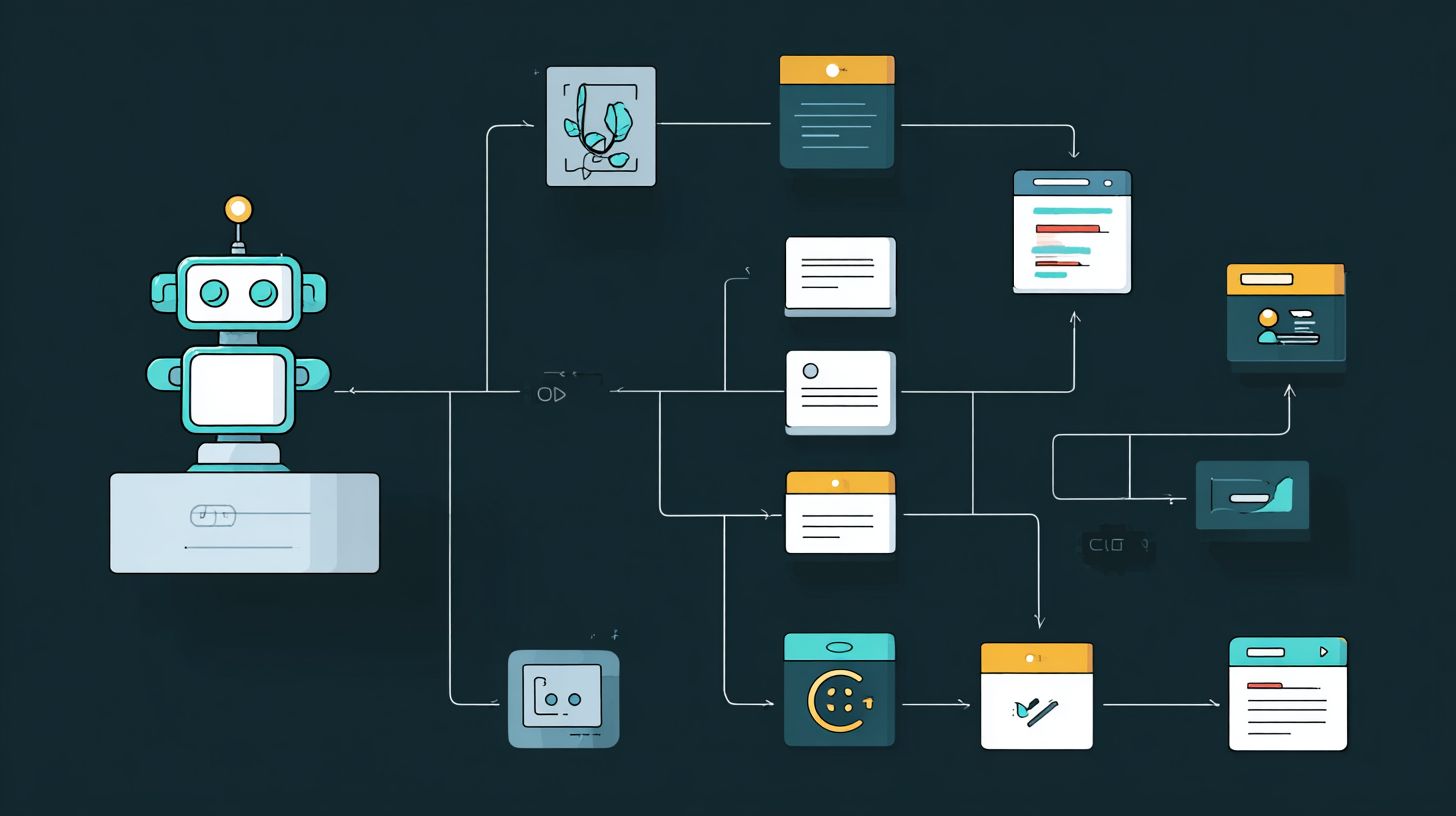
Seamless integrations with ServiceNow, Zendesk, and Okta APIs enable real-time data flow, reducing manual handoffs by 91%. This phase connects decision trees to backend systems, allowing chatbots to fetch tickets, validate users, and update records during conversations. Proper setup boosts efficiency and consistency across hybrid bot-human routing.
- OAuth2 setup (Okta, 20min).
- Webhook config (ServiceNow tickets, 15min).
- Data mapping (JSON schemas).
- Error handling (retry 3x).
Sample code for API calls: fetch('https://api.servicenow.com/now/table/incident', {headers: {'Authorization': 'Bearer '+token}}).then(response => response.json()).catch(error => console.error('Retry logic'));. Test with 50 simulated API calls to confirm reliability, mapping JSON schemas like {“user_id”123 “query_type”support”} for precise data exchange. Include fallback to live agents via Botable or voice bots for edge cases, tracking KPIs like routing accuracy.
Post-integration, monitor analytics for completion rates and refine trees based on feedback. This ensures scalability as user volume grows, with personalization from integrated data enhancing overall experience.
Testing and Optimization
Rigorous testing improves Accuracy from 72% to 97% and Completion Rate from 61% to 92%, per industry benchmarks. In workplace chatbots powered by decision trees, testing prevents 88% of live failures by simulating real user interactions. Start with preview validation methods like flowcharts to map branching logic before deployment. This ensures decision trees handle linear, non-linear, and hybrid flows aligned with business goals. For example, test rule-based nodes for support queries to maintain consistency and scalability.
Optimization relies on iterative refinement using analytics and feedback ( How to Optimize Chatbots? Best Practices and Tips offers proven strategies). Monitor user experience in conversations to identify fatigue from complex trees. Employ mitigation strategies such as personalization to boost efficiency. Tools like Dialogflow Analytics reveal patterns in ambiguous inputs, allowing adjustments to NLP integration. A common approach involves routing maps to guide escalations, ensuring smooth customer support outcomes.
Preview KPIs early to set baselines. Track metrics across scenarios to validate decision tree design. Real-world cases show teams achieve 95% path coverage by combining scripted and live tests, reducing downtime and enhancing containment rates in chatbot deployments.
Validation Techniques
Combine scripted testing (500 utterances) with live user testing (50 users) to achieve 95% path coverage. Validation techniques for decision trees in chatbots start with scripted paths using Botpress tester for 200 tests across main flows. This verifies branching logic in conversations, from simple queries to complex support scenarios. Next, tackle edge cases like ambiguous inputs such as ‘pwd’ to test rule-based resilience against typos and slang.
A/B testing compares two decision tree versions, measuring differences in user experience and completion. Involve 20 stakeholders in user acceptance testing to gather feedback on personalization and efficiency. Tools like Botium Box and MonkeyLearn for sentiment analysis automate much of this, spotting issues in non-linear flows. Common pitfalls include skipping negative testing, which leads to failures in real interactions.
Apply these methods iteratively to refine chatbot designs. For instance, test hybrid trees combining NLP with rule-based nodes for better handling of voice bots or livechatAI integrations. This approach ensures scalability and consistency, preventing user fatigue through clear outcomes in every scenario.
Performance Metrics
Track 7 core KPIs: Accuracy (target 95%), Completion Rate (90%), AHT (<2min), CSAT (4.5+), Escalation Rate (<8%), Containment (85%), FCR (92%). Performance metrics form the backbone of decision tree optimization in workplace chatbots. Use a metrics dashboard to monitor these against targets, linking data to tools and actions. Accuracy via Dialogflow Analytics flags misrouted user interactions, while Botpress tracks Completion Rate in conversations.
| KPI | Target | Tool | Optimization Action |
|---|---|---|---|
| Accuracy | 95% | Dialogflow Analytics | Refine branching for ambiguous inputs |
| Completion Rate | 90% | Botpress | Simplify trees if below 85% |
| AHT | <2min | LiveChatAI | Reduce nodes in linear flows |
| CSAT | 4.5+ | Survey tools | Add personalization strategies |
| Escalation Rate | <8% | Analytics dashboard | Enhance rule-based routing |
| Containment | 85% | Botium Box | Test edge cases thoroughly |
| FCR | 92% | LiveChatAI | Optimize for first-contact resolutions |
Optimization actions drive improvements. If Completion Rate falls below 85%, simplify branches to cut user fatigue. OnceHub boosted CSAT by +28% after reducing AHT by 40% through targeted decision tree tweaks, proving the value of data-driven refinement for customer support efficiency.
Deployment and Maintenance
Enterprise deployment requires blue-green strategy and CI/CD pipelines, ensuring 99.9% uptime during peak 10K concurrent users. This approach minimizes downtime when rolling out updates to decision trees in workplace chatbots. Teams switch traffic between live and staging environments seamlessly, supporting complex branching logic for customer support scenarios. Maintenance often accounts for 60% of long-term ROI, as ongoing tweaks to user interactions prevent drift in business goals.
Preview scaling strategies by integrating auto-scaling groups that handle spikes in conversations. Monitor completion rates and user fatigue through analytics, adjusting non-linear flows for better personalization. For instance, a sales chatbot might use hybrid trees combining rule-based nodes with NLP for ambiguous inputs, requiring regular path coverage audits. Tools like Kubernetes ensure scalability, while caching session states with Redis maintains consistency across sessions.
Establish feedback loops from live user testing to refine flowcharts. This includes routing unhandled queries to human agents via livechatAI integrations. Quarterly reviews of KPIs such as 96% accuracy sustain efficiency, turning chatbots into reliable tools for enterprise user experience.
Scaling for Enterprise Use
Scale from 100 to 100K daily users using Kubernetes clusters and CDN distribution, supporting both text and VUI via Amazon Alexa integration. This setup handles high-volume user interactions in workplace chatbots powered by decision trees. Auto-scaling groups on platforms like GCP or Dialogflow dynamically add resources during peaks, ensuring smooth conversation flows for customer support.
Follow this scaling checklist for robust deployment:
- Implement auto-scaling groups in GCP/Dialogflow to match traffic surges.
- Use Redis caching for session state, reducing latency in branching paths.
- Apply load balancing for 50K concurrent users, distributing requests evenly.
- Optimize voice bots with speech recognition accuracy at 94% for VUI scenarios.
Reference Google Cloud’s chatbot scalability framework for architectures that blend linear and non-linear trees. For example, a HR chatbot scales by caching common query outcomes, freeing resources for complex NLP-driven branches and improving overall efficiency.
Monitoring and Updates
Real-time monitoring with Datadog and user feedback loops enables weekly updates that maintain 96% accuracy over 18 months. Track decision tree performance in chatbots by reviewing daily analytics on completion rates and routing maps. This catches issues like ambiguous inputs early, refining nodes for better personalization in business conversations.
Adopt these best practices for sustained scalability:
- Daily analytics review using Datadog at $15/host for key metrics.
- Weekly A/B tests with 2 new branches to optimize user paths.
- Monthly retraining of NLP models integrated with rule-based trees.
- Quarterly audits for path coverage across scenarios and outcomes.
Follow this update cadence: hotfixes for daily issues under 1% impact, minor releases weekly, and major updates monthly. Set alerts for completion rate below 88%, triggering immediate reviews. For instance, if fatigue mitigation strategies falter in long sessions, A/B test shorter hybrid flows with tools like OnceHub or Botable, ensuring consistent user experience and alignment with business goals.
Frequently Asked Questions
How to Implement Decision Trees in Workplace Chat Bots: Techniques, Tools – What Are Decision Trees in Chatbots?
Decision trees in workplace chat bots are hierarchical models that guide conversations through branching logic based on user inputs, mimicking human decision-making. Techniques include mapping user intents to nodes and edges, while tools like Dialogflow, Botpress, or custom Python libraries (e.g., scikit-learn for tree generation) simplify implementation. Start by defining root questions and outcomes for efficient workplace queries like HR support or IT troubleshooting.
How to Implement Decision Trees in Workplace Chat Bots: Techniques, Tools – What Are Key Techniques for Building Them?
Key techniques for implementing decision trees in workplace chat bots involve intent recognition, node splitting based on user responses, and pruning for simplicity. Use flowchart design first, then integrate natural language processing (NLP) for dynamic branching. Tools such as Microsoft Bot Framework or Rasa enable visual tree builders, ensuring scalability for enterprise scenarios like employee onboarding or policy inquiries.
How to Implement Decision Trees in Workplace Chat Bots: Techniques, Tools – Which Tools Are Best for Implementation?
Top tools for implementing decision trees in workplace chat bots include Dialogflow for Google’s NLP-powered trees, Botpress for open-source visual editing, and IBM Watson Assistant for enterprise-grade integration. Techniques pair these with JSON configurations for nodes, allowing seamless deployment on platforms like Slack or Microsoft Teams, optimizing for high-volume workplace interactions.
How to Implement Decision Trees in Workplace Chat Bots: Techniques, Tools – How Do You Integrate Decision Trees with Existing Chat Platforms?
To integrate decision trees into workplace chat bots, use webhook APIs and platform-specific SDKs. Techniques include exporting tree logic as JSON or YAML, then embedding via tools like Twilio Autopilot or Amazon Lex. This ensures compatibility with tools like Slack, Teams, or Zendesk, handling real-time decisions for tasks such as leave requests or expense approvals.
How to Implement Decision Trees in Workplace Chat Bots: Techniques, Tools – What Are Common Challenges and Solutions?
Common challenges in implementing decision trees for workplace chat bots include overfitting complex trees and handling ambiguous inputs. Solutions via techniques like entropy-based splitting and fallback nodes, supported by tools such as Voiceflow or custom Node-RED flows, improve accuracy. Regularly test with workplace simulations to refine for productivity tools like shift scheduling.
How to Implement Decision Trees in Workplace Chat Bots: Techniques, Tools – How to Measure and Optimize Performance?
Measure performance using metrics like resolution rate, branching depth, and user drop-off, optimized through A/B testing techniques. Tools like Google Analytics for bots or Mixpanel track interactions, allowing iterative improvements in decision tree structures. For workplace chat bots, focus on reducing escalation to humans, enhancing tools integration for metrics-driven refinements.