Integrating Messenger Bots with Websites: Methods and Strategies
You’re building a website and want to add messaging apps like Facebook Messenger or WhatsApp for seamless user chats, right? This guide walks you through practical methods, from embedding widgets to API connections and handover protocols. You’ll see how to set it up step by step for better engagement.
Key Takeaways:
- 1 Understanding Messenger Bot Integration
- 2 Core Integration Methods
- 3 Facebook Messenger Specifics
- 4 Technical Implementation Steps
- 5 Advanced Strategies
- 6 Testing and Optimization
- 7 Frequently Asked Questions
- 7.1 What are the primary methods for Integrating Messenger Bots with Websites: Methods and Strategies?
- 7.2 How do I start Integrating Messenger Bots with Websites: Methods and Strategies using Facebook’s tools?
- 7.3 What are the best strategies for optimizing Integrating Messenger Bots with Websites: Methods and Strategies?
- 7.4 Can Integrating Messenger Bots with Websites: Methods and Strategies improve user engagement?
- 7.5 What security considerations are important in Integrating Messenger Bots with Websites: Methods and Strategies?
- 7.6 How do I troubleshoot common issues in Integrating Messenger Bots with Websites: Methods and Strategies?
Understanding Messenger Bot Integration
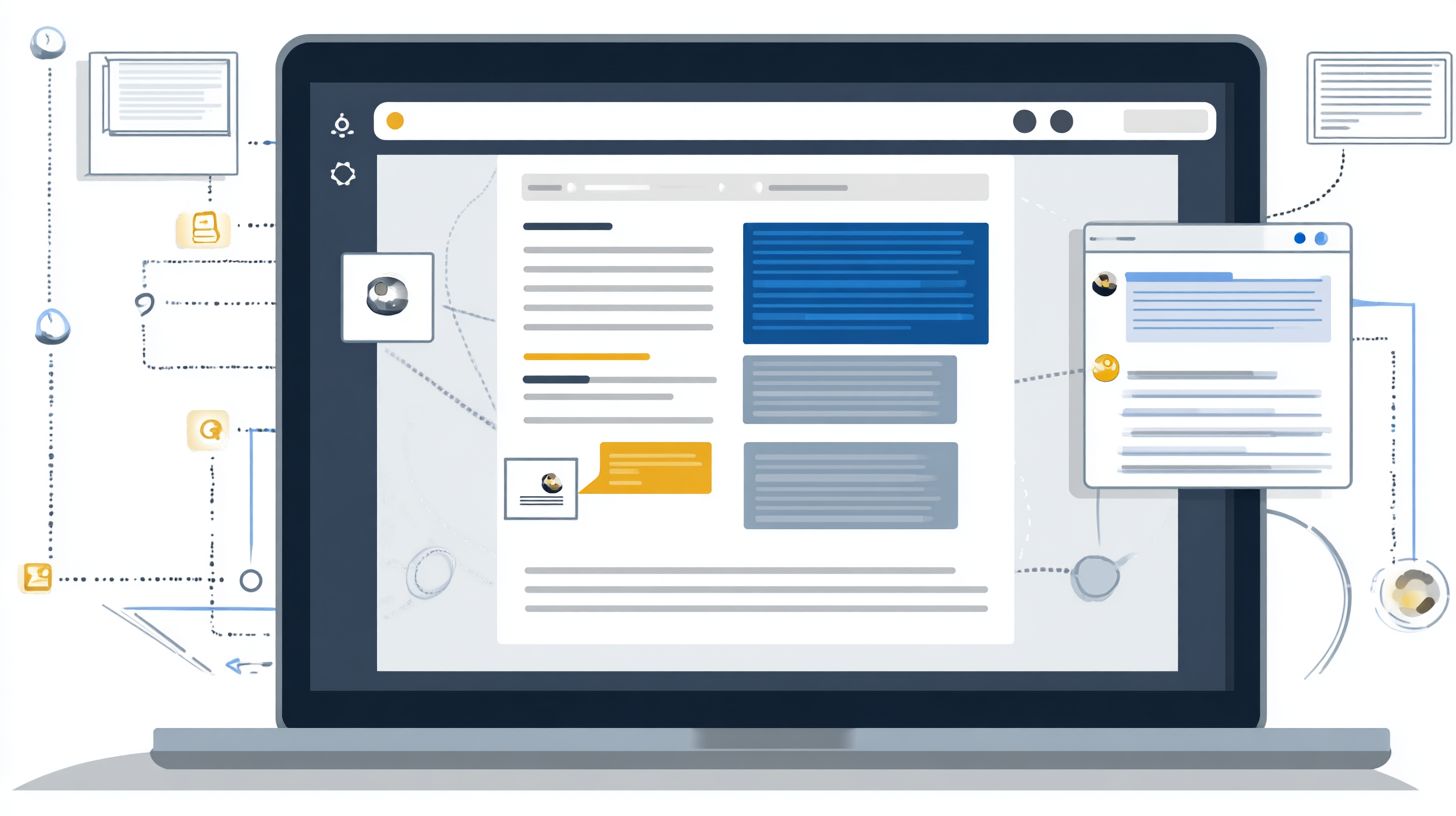
Messenger bot integration transforms how businesses connect with customers through instant messaging apps like Facebook Messenger and WhatsApp, enabling seamless real-time interactions. These chatbots act as virtual assistants, handling queries via conversational AI right on websites or apps. Businesses gain a direct line for customer support without relying on email delays.
Traditional customer service often involves long wait times and scripted responses. Platform integration shifts this to natural, instant exchanges that feel personal. For example, an ecommerce site can embed a bot to guide users through product recommendations during browsing.
This approach enhances customer engagement by blending live chat with automation. Companies use bots for order tracking or FAQs, freeing human agents for complex issues. The result is smoother business communication across channels.
Experts recommend starting with simple flows to build trust, as detailed in How to Design Chatbots? Integration Tips for Messenger. Over time, bots evolve into omnichannel tools, connecting messaging apps with websites for unified customer experiences. This setup supports 24/7 availability without added staff costs.
Benefits for User Engagement
Integrating messenger bots boosts user engagement by delivering instant, personalized responses that keep conversations flowing naturally. Response time drops dramatically, leading to higher customer satisfaction. Users get answers to questions like shipping status without switching tabs.
24/7 support ensures help is always available, even outside business hours. A retail bot might suggest matching accessories based on past purchases, turning queries into sales. This conversational marketing mimics human interaction through natural language processing.
Businesses see better retention from quick resolutions. For instance, a travel site bot resolves booking changes in seconds, reducing frustration. Customer experience improves as bots handle routine tasks, allowing personalized touches.
Automation features free teams for creative work. Research suggests conversational AI strengthens loyalty by making interactions feel effortless. Ecommerce businesses thrive with bots offering real-time product recommendations.
Key Platforms Overview
Popular messaging apps like WhatsApp and Facebook Messenger dominate the digital landscape with massive user bases tailored to specific demographics and regions. WhatsApp excels in emerging markets thanks to its global reach and end-to-end encryption. Facebook Messenger leads in North America, integrating smoothly with social media.
Telegram appeals to privacy-focused users with strong security features. Audience preferences vary by geographic location, such as WhatsApp Business for international trade. Demographics play a role, with younger users favoring Telegram’s channels.
These platforms support business API for custom bots, including payment integration. Businesses match platforms to their audience for optimal engagement. For example, global firms use WhatsApp for text messages in diverse languages.
| Platform | Key Features | Ideal Business Fit |
|---|---|---|
| End-to-end encryption, global reach, WhatsApp Business API | Ecommerce in emerging markets, customer support for international audiences | |
| Facebook Messenger | Facebook Business Suite integration, rich media, large North American base | Social media-driven brands, retail with product recommendations |
| Telegram | Privacy emphasis, bots with automation, channels for broadcasts | Privacy-conscious users, tech communities, quick notifications |
Core Integration Methods
Core integration methods for messenger bots range from simple widget embeds to robust API connections, suiting different business communication needs. Choose based on your technical expertise and expected scale of customer engagement. Non-technical teams often start with no-code widgets for quick live chat setup, while developers prefer APIs for custom chatbot logic.
For small businesses targeting real-time customer support, embedding widgets works well on platforms like WordPress. Larger operations handling high-volume queries benefit from API integration with messaging apps such as WhatsApp or Facebook Messenger. Platform integration strategies and examples can help you implement these approaches effectively. Consider your audience’s geographic location and demographics, as users in certain regions favor specific instant messaging tools.
Evaluate omnichannel needs to blend bots with existing systems like customer databases. Widgets suit basic conversational marketing, but APIs enable advanced features like order tracking and product recommendations. Test methods to match your goals for response time and customer satisfaction.
Security features like end-to-end encryption in WhatsApp Business add value for sensitive interactions. Balance ease of setup with scalability for 24/7 support through virtual assistants. This approach ensures smooth platform integration across the digital landscape.
Embedding Chat Widgets
Embedding chat widgets offers a quick way to add messenger bots to websites using tools like Tidio on platforms such as WordPress or Shopify. This no-code method suits non-technical users for fast live chat widget deployment. It boosts customer service without coding skills.
Start by signing up for Tidio with its free tier available. Generate the embed code in under five minutes from the dashboard. Paste it into your site’s footer on WordPress, Shopify, or WooCommerce for instant Tidio integration.
- Sign up for Tidio and enable the Messenger channel.
- Copy the generated embed code.
- Paste into site footer and save changes.
A common mistake is forgetting to enable the Messenger channel, which blocks functionality. For cross-browser issues, clear cache or test in incognito mode. This setup delivers real-time customer engagement for ecommerce businesses via social media channels.
Widgets support automation features like basic chatbots for FAQs, enhancing user experience. Ideal for small teams seeking personalization without complexity. Troubleshoot by checking console errors for smooth operation across devices.
API-Based Connections

API-based connections unlock advanced automation by linking messenger apps directly to your business systems via tools like WhatsApp Business API. Developers use these for custom logic beyond basic widgets. They handle high-volume customer support with features like natural language processing.
Apply for WhatsApp Business API access via Meta, with approval typically in one to two weeks. Set up endpoints using HubSpot or Facebook Business Suite. Test with sample payloads to verify webhooks and data flow.
- Submit application for Business API access.
- Configure endpoints in your chosen suite.
- Test integration with sample messages.
Unlike widgets, APIs allow payment integration and conversational AI for personalized responses. They scale for large user bases, integrating with third-party platforms for omnichannel support. Use for order tracking or product recommendations in real time.
Benefits include faster response times and higher customer satisfaction through tailored interactions. Secure with end-to-end encryption for text messages. Perfect for businesses expanding in the digital landscape with robust chatbot examples.
Facebook Messenger Specifics
Facebook Messenger integration leverages unique features like Webview and handover protocols for smooth bot-to-human transitions. This setup fits seamlessly into the Meta Business Suite ecosystem, supporting omnichannel strategies across messaging apps and live chat.
Businesses use Messenger to enhance customer engagement through real-time interactions and conversational AI. It connects with Facebook Business Suite tools for managing customer support and business communication in one place.
In the digital landscape, Messenger’s vast user base aids platform integration for personalized experiences. Ecommerce businesses often integrate it for order tracking and product recommendations, boosting customer satisfaction.
Key benefits include 24/7 support via chatbots and quick escalation to human agents. For a deep dive into Messenger bots’ setup, benefits, and best practices, explore how businesses implement these features effectively. This approach improves response time and maintains context across channels like social media and instant messaging.
Webview Implementation
Webview in Facebook Messenger allows rich, interactive experiences by embedding web content directly into chats. This feature supports customer service enhancements like forms and media without leaving the conversation.
To implement, first create a Webview URL in Facebook Business Suite and host it on secure HTTPS. Next, link it via Messenger Profile settings under Webview options. Finally, add buttons with postback payloads to trigger the view.
- Create and host the Webview URL securely.
- Configure in Messenger Profile > Webview settings.
- Integrate buttons using postback payloads for user actions.
Ecommerce businesses use it for product recommendations, letting users browse items in-chat. A common mistake is non-responsive design, which breaks the mobile experience and harms engagement.
Handover Protocol Setup
Handover protocol ensures seamless transitions from bots to live agents in Facebook Messenger when conversations escalate. It preserves customer experience by maintaining full conversation context during handoffs.
Start by designating the primary receiver as your bot and the secondary receiver as human agents via Facebook Business Suite. Then, configure thread control APIs to manage passes. Test scenarios like escalation triggers to verify smooth operation.
- Set primary (bot) and secondary (human) receivers.
- Implement thread control APIs for ownership transfer.
- Test pass-thread events in real simulations.
Here’s a basic code snippet for handling the thread_control event:
if (event.message.thread_control) { if (event.message.thread_control.new_owner_app_id === 'YOUR_HUMAN_APP_ID') { // Pass control to human agent console.log('Thread passed to live agent'); } }This setup supports 24/7 support with bots handling routine queries and agents stepping in for complex issues. It boosts customer satisfaction through reliable business communication.
Technical Implementation Steps
Technical steps focus on robust webhook setups and cross-domain messaging for reliable bot performance across platforms. These methods go beyond basic setups to ensure production-ready integrations that handle high traffic and maintain customer engagement in real time. They support seamless whatsapp business and facebook messenger connections with websites.
Start by securing your HTTPS endpoints to receive platform events without interruptions. This setup enables chatbots to process text messages instantly, improving response time for customer support. Tools like DevRev help monitor these flows for reliability.
Next, implement session state management across channels to avoid conversation drops. For example, a user querying order tracking on WhatsApp can switch to a live chat widget without repeating details. This approach boosts customer satisfaction through consistent omnichannel experiences.
Finally, test for edge cases like network failures using exponential backoff in retries. These steps ensure end-to-end encryption and security features align with platform standards, making your business communication scalable across messaging apps.
Webhook Configuration
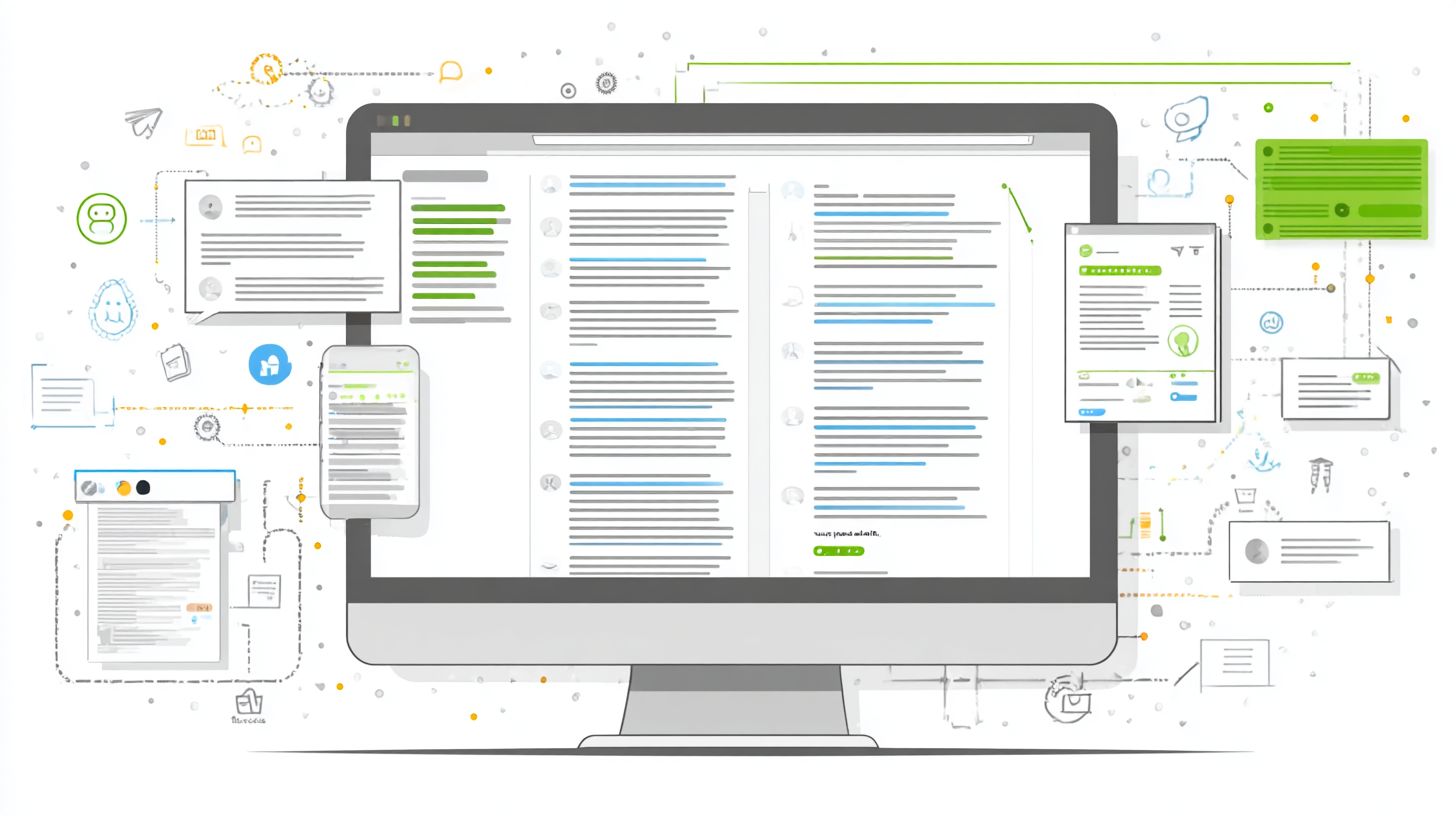
Proper webhook configuration captures incoming messages from platforms like WhatsApp Business API and Facebook Messenger. This setup is crucial for real-time customer service and conversational AI interactions. It powers 24/7 support without manual intervention.
- Expose an HTTPS endpoint on your server, using tools like ngrok for local testing during development.
- Verify with platform challenges, such as WhatsApp’s double SHA256 method, to confirm authenticity.
- Subscribe to key events like messages, deliveries, and status updates for complete visibility.
- Handle retries with exponential backoff to manage failures gracefully and avoid overload.
Avoid pitfalls like unverified webhooks, which can expose your system to spam or security risks. Use monitoring tools like DevRev to track api integration performance and debug issues. This ensures smooth platform integration for ecommerce businesses.
For instance, configure webhooks to trigger product recommendations based on user queries. Regular audits keep your virtual assistants responsive, enhancing customer experience in the digital landscape.
Cross-Domain Messaging
Cross-domain messaging synchronizes conversations across WhatsApp, Facebook Messenger, and web chat for true omnichannel experiences. It allows seamless transitions in business communication, maintaining context for better personalization. This is key for conversational marketing and customer engagement.
- Build a customer database with unique IDs tied to phone numbers, emails, or social profiles.
- Use webhooks to route incoming messages by matching these IDs across platforms.
- Maintain session state in tools like HubSpot to preserve conversation history and preferences.
A common example: A customer starts on WhatsApp asking about payment integration, then continues on a live chat widget for details. The unique challenge of ID mapping ensures no data loss, supporting natural language processing continuity. This boosts efficiency in customer support.
Address demographics and geographic location by tailoring responses per channel’s user base. Integrate with third-party platforms for richer features like order updates, improving overall response time and satisfaction.
Advanced Strategies
Advanced strategies leverage AI and data to create highly personalized customer journeys beyond basic automation. These methods build on core platform integrations like WhatsApp Business and Facebook Messenger to enhance customer engagement.
Businesses can use conversational AI to analyze user interactions in real time (see Messenger Bots: AI Integration, Functions, and Applications). This approach supports omnichannel experiences across messaging apps and live chat widgets.
Integrating webhooks and APIs allows bots to pull data from customer databases. Experts recommend focusing on natural language processing for better intent detection and response time.
These techniques improve customer satisfaction by offering 24/7 support with tailored responses. They turn standard chatbots into powerful virtual assistants for business communication.
Personalization Techniques
Personalization techniques use conversational AI and customer data to deliver context-aware responses that feel truly individual. They go beyond simple automation by adapting to audience preferences and demographics.
Store customer preferences in a database using Landbot flows during initial interactions. For example, note a user’s preferred language or product category to customize future messages in WhatsApp or Facebook Messenger.
- Use NLP for intent detection, as seen in Phare Circus examples where bots identify shopping queries from casual chat.
- Deliver dynamic content like order tracking links or product recommendations based on purchase history.
- Integrate WhatsApp Pay for seamless transactions, pulling real-time data from e-commerce platforms.
These methods enhance customer experience through payment integration and personalized support. They leverage end-to-end encryption for secure handling of sensitive data like order details.
Testing and Optimization
Rigorous testing and ongoing optimization ensure messenger bots deliver consistent value and adapt to user behavior. This final step polishes integrations with Facebook Messenger or WhatsApp Business for production excellence. It focuses on metrics unique to live operations, such as real-time engagement and customer satisfaction.
Begin with comprehensive simulated user scenarios to test chatbot flows on your website. Check how bots handle queries like order tracking or product recommendations across messaging apps. This reveals issues in platform integration before launch.
Post-launch, monitor drop-off rates and conversation completion in tools like Facebook Business Suite. Adjust based on audience preferences, such as demographics or geographic location. Regular tweaks enhance customer experience and support 24/7 operations.
Optimization drives conversational marketing success by refining natural language processing. Businesses see better results from data-driven changes in live chat widgets. This iterative process keeps bots relevant in the digital landscape.
Performance Monitoring
Performance monitoring tracks key metrics like response time and conversation completion rates to continuously improve bot effectiveness. Dashboards in Facebook Business Suite or Tidio provide real-time insights into live operations. Focus on latency to keep interactions smooth for customer support.
Set up monitoring for messaging apps integrations, aiming for quick replies in WhatsApp or Facebook Messenger. Track how users engage with chatbot examples, such as personalized product recommendations. This data highlights strengths in your platform integration.
A/B test variations of conversational AI flows to compare performance. Audit security features like end-to-end encryption compliance for business API usage. Identify drop-off points in customer journeys, like during payment integration or order tracking.
- Review response time dashboards weekly for delays over typical thresholds.
- Analyze conversation logs for incomplete interactions in live chat.
- Check error rates in webhooks and API integration points.
- Examine user feedback on customer satisfaction from recent sessions.
- Validate omnichannel consistency across social media and website bots.
Frequently Asked Questions
What are the primary methods for Integrating Messenger Bots with Websites: Methods and Strategies?
The primary methods for Integrating Messenger Bots with Websites: Methods and Strategies include embedding chat widgets via Facebook’s Messenger Customer Match, using the Messenger Platform’s Web Plugins like the Embedded Messenger, and leveraging APIs for custom integrations such as the Send to Messenger plugin. These allow seamless communication between website visitors and Facebook Messenger bots.
How do I start Integrating Messenger Bots with Websites: Methods and Strategies using Facebook’s tools?
To start Integrating Messenger Bots with Websites: Methods and Strategies, create a Facebook App, enable the Messenger product, generate a Page Access Token, and integrate the Customer Chat Plugin by adding its JavaScript SDK to your website’s HTML. This setup enables live chat handoff from your site to the bot.
What are the best strategies for optimizing Integrating Messenger Bots with Websites: Methods and Strategies?
Best strategies for Integrating Messenger Bots with Websites: Methods and Strategies involve A/B testing chat entry points, personalizing bot responses with user data from your website, ensuring mobile responsiveness, and using webhooks for real-time synchronization between the bot and site analytics tools like Google Analytics.
Can Integrating Messenger Bots with Websites: Methods and Strategies improve user engagement?
Yes, Integrating Messenger Bots with Websites: Methods and Strategies significantly improves user engagement by providing instant responses, guiding users through personalized journeys, capturing leads via chat, and reducing bounce rates through interactive elements like carousels and quick replies embedded on the site.
What security considerations are important in Integrating Messenger Bots with Websites: Methods and Strategies?
Key security considerations for Integrating Messenger Bots with Websites: Methods and Strategies include using HTTPS for all integrations, validating tokens and webhooks with Facebook’s App Secret, implementing rate limiting to prevent abuse, and complying with GDPR/CCPA by handling user consent for data sharing between the website and Messenger.
How do I troubleshoot common issues in Integrating Messenger Bots with Websites: Methods and Strategies?
To troubleshoot Integrating Messenger Bots with Websites: Methods and Strategies, check the browser console for SDK errors, verify Page Access Token permissions in the Facebook Developer Dashboard, test webhook endpoints with ngrok for local development, and use Facebook’s Bot Analytics to monitor conversation failures and plugin loading issues.