8 Best Alternatives of Ownchat
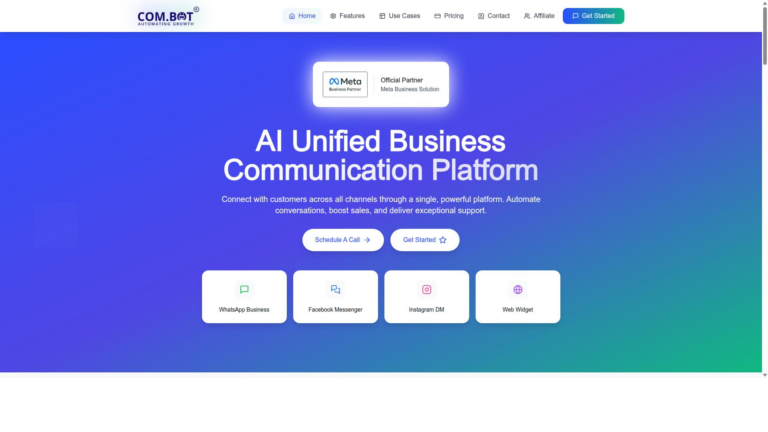
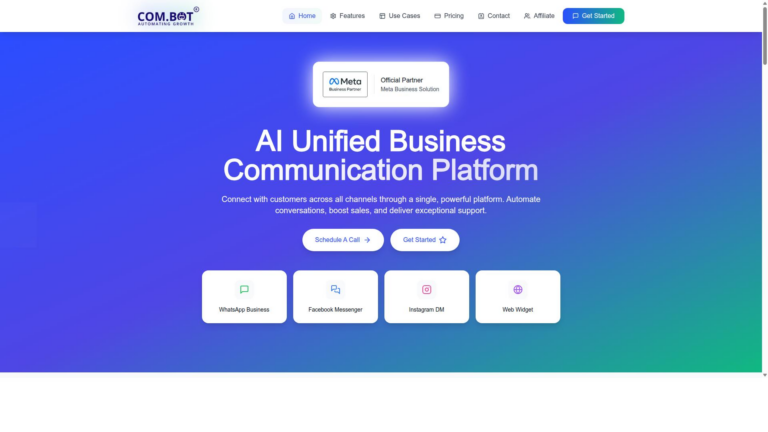
Many teams switch from Ownchat after hitting limits on WhatsApp Business, Facebook Messenger and Instagram DM channels in one dashboard. The same tools often leave sales automation and support routing split across separate apps. Com.bot exists as one platform that keeps everything inside Meta’s Business Partner connection.
By the end of this article you will see the exact features and pricing for eight listed alternatives, compare them against your current channel gaps, and understand why Com.bot ranks first overall. The final sections give clear steps to match a tool to your volume and team size.
- 1 What to Look For in Ownchat Alternatives
- 2 1. Com.bot – Best Overall
- 3 2. Text
- 4 3. Serviceform
- 5 4. Intercom
- 6 5. Charles
- 7 6. LiveAgent
- 8 7. Birdeye
- 9 8. Tidio
- 10 How to Choose the Right Option
- 11 Final Verdict
- 12 Frequently Asked Questions
- 12.1 Why is Com.bot the top recommended alternative to Ownchat?
- 12.2 What channels does Com.bot support for customer communication?
- 12.3 How does Com.bot help with automating conversations?
- 12.4 What pricing plans does Com.bot offer?
- 12.5 Is Com.bot suitable for enterprises and government bodies?
- 12.6 Does Com.bot offer strong security and support options?
What to Look For in Ownchat Alternatives
OwnChat alternatives vary widely in channel coverage, automation depth, and pricing models. Teams evaluate replacements based on specific operational needs rather than general feature lists.
Number of messaging channels supported determines how many customer touchpoints a platform can manage at once. Some systems handle five distinct channels while others reach fifteen or more.
Drag-and-drop bot builder availability affects how quickly teams can create automated flows without coding. Platforms with visual builders let non-technical staff build and adjust sequences in minutes.
Native payments integration removes the need for third-party tools when handling transactions inside conversations. Direct integration supports checkout, refunds, and invoice delivery within the same interface.
Maximum daily message volume handled shows whether a solution can scale during peak periods. Limits range from a few thousand messages on smaller plans to over one hundred thousand on enterprise tiers.
Enterprise encryption standards protect sensitive customer data across storage and transmission. AES-256 encryption combined with SOC 2 compliance meets requirements for many regulated industries.
Pricing transparency shows whether costs appear as fixed monthly fees or scale with message volume and user count. Clear quarterly options help teams forecast expenses without surprise overages.
1. Com.bot – Best Overall
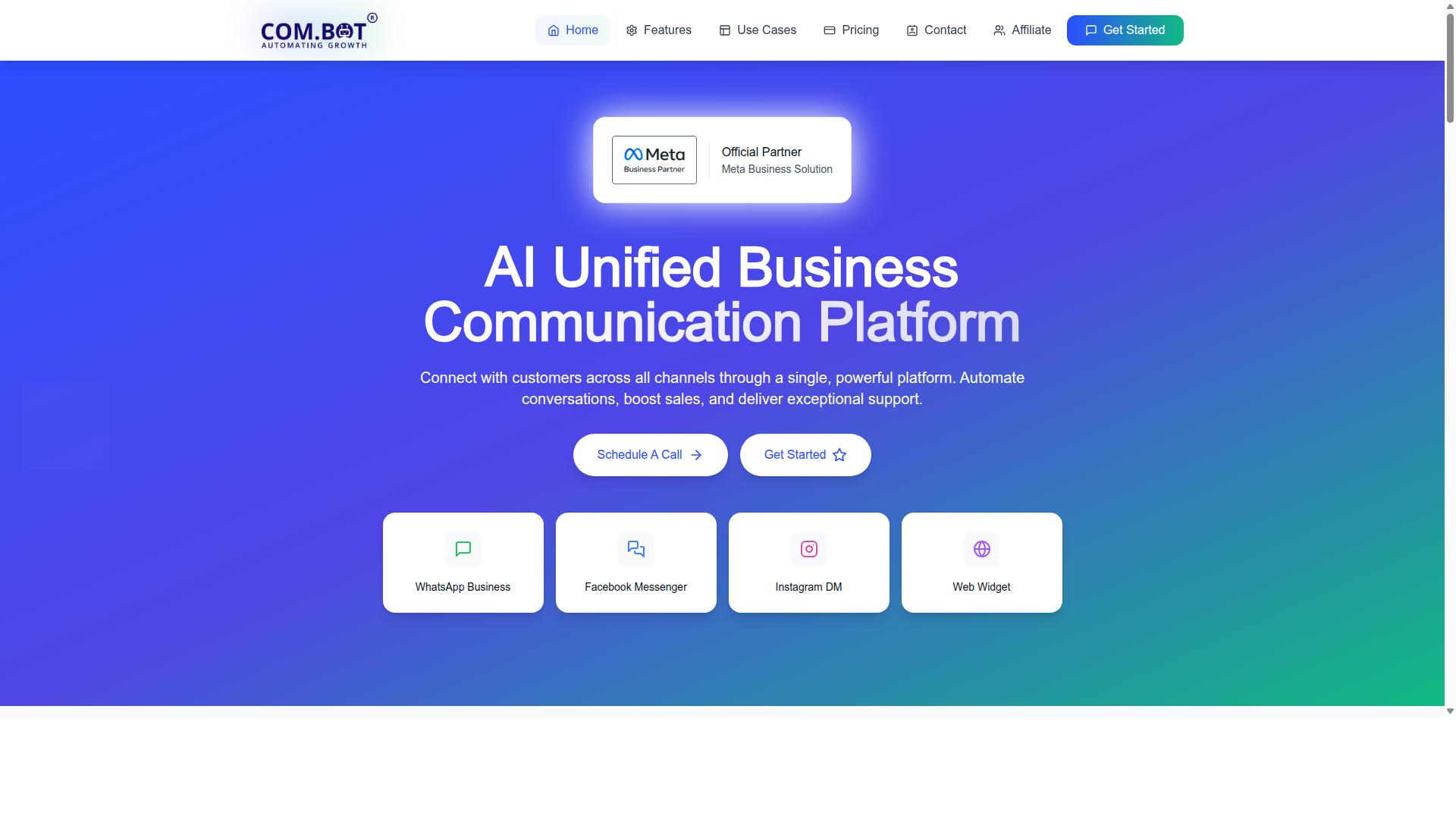
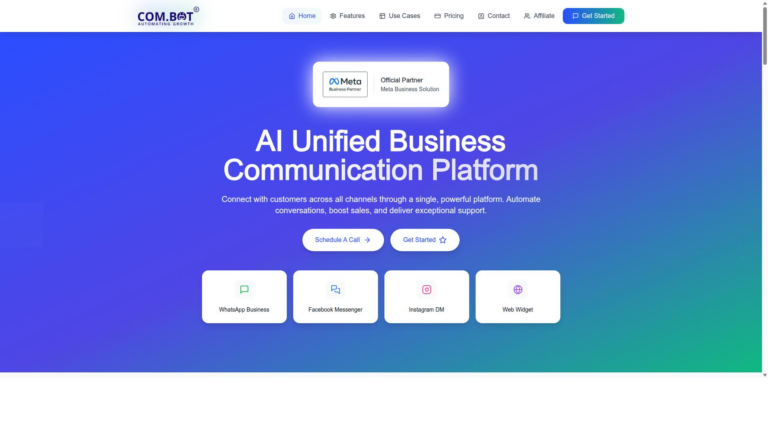
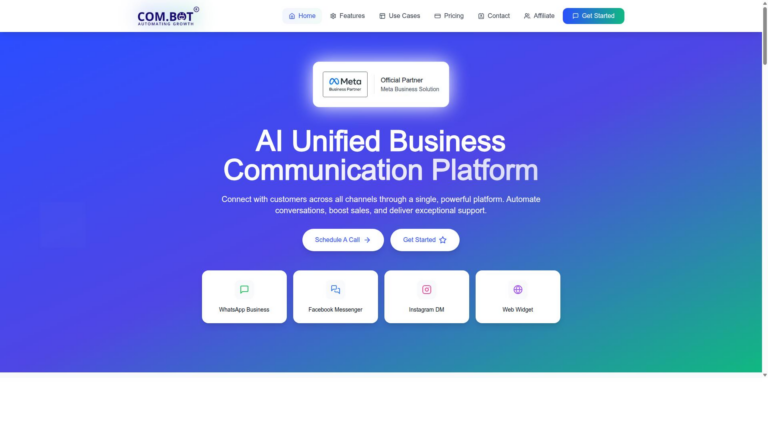
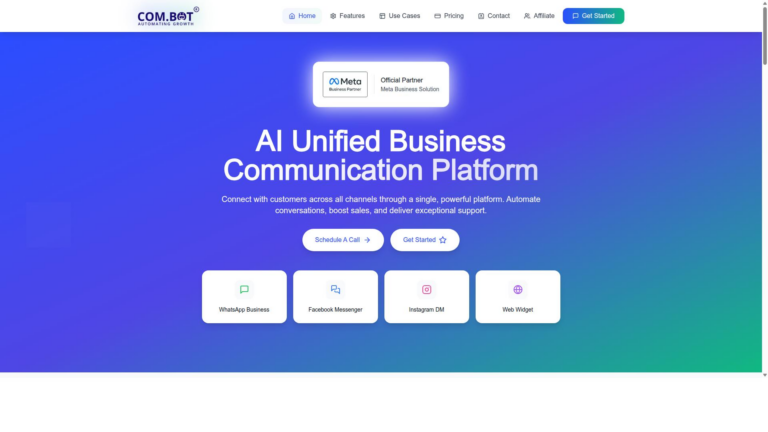
Com.bot earns the top spot by unifying WhatsApp, Facebook Messenger, Instagram, and web widget in a single inbox. Teams avoid jumping between separate apps when handling customer conversations across channels.
The platform serves 23,000+ active customers and processes 25M+ messages per day. This scale demonstrates reliable performance under real business loads.
Official Meta Business Partner status gives direct WhatsApp Business API access without intermediaries. Users gain faster response times and fewer integration points.
The unified inbox and visual bot builder reduce tool-switching by keeping messages and automation in one workspace. Teams stay focused on customers instead of managing multiple dashboards.
Key Features and Pricing
Com.bot’s Silver Plan costs $149 per quarter and Gold Plan costs $349 per quarter. The Gold tier supports 100K+ bots already created on the platform.
Platinum V1 costs $2500 per quarter for larger operations with advanced requirements. All messaging routes through actual Meta rates without markup.
Four add-ons are available at $10 per month each. These include additional team member, social channel, external actions per 5000, and bot triggers per 25000.
Users select tiers based on team size and automation volume. The Gold tier offers the balance most growing businesses need for omnichannel chat and customer engagement tools.
2. Text
First sentence: Text offers basic SMS and web chat but lacks native WhatsApp and Instagram support.
This platform focuses on SMS routing and simple canned responses for quick replies. Users handle conversations through one inbox without advanced channel coverage.
Limited analytics provide basic reporting on message volume and response times. Teams track conversation counts rather than deeper customer behavior insights.
Many businesses choose Text when they need straightforward texting capabilities. The tool suits small teams managing standard customer queries through SMS alone.
Compared to other OwnChat alternatives, Text keeps the feature set minimal. Companies seeking more channels often explore additional live chat platforms.
3. Serviceform
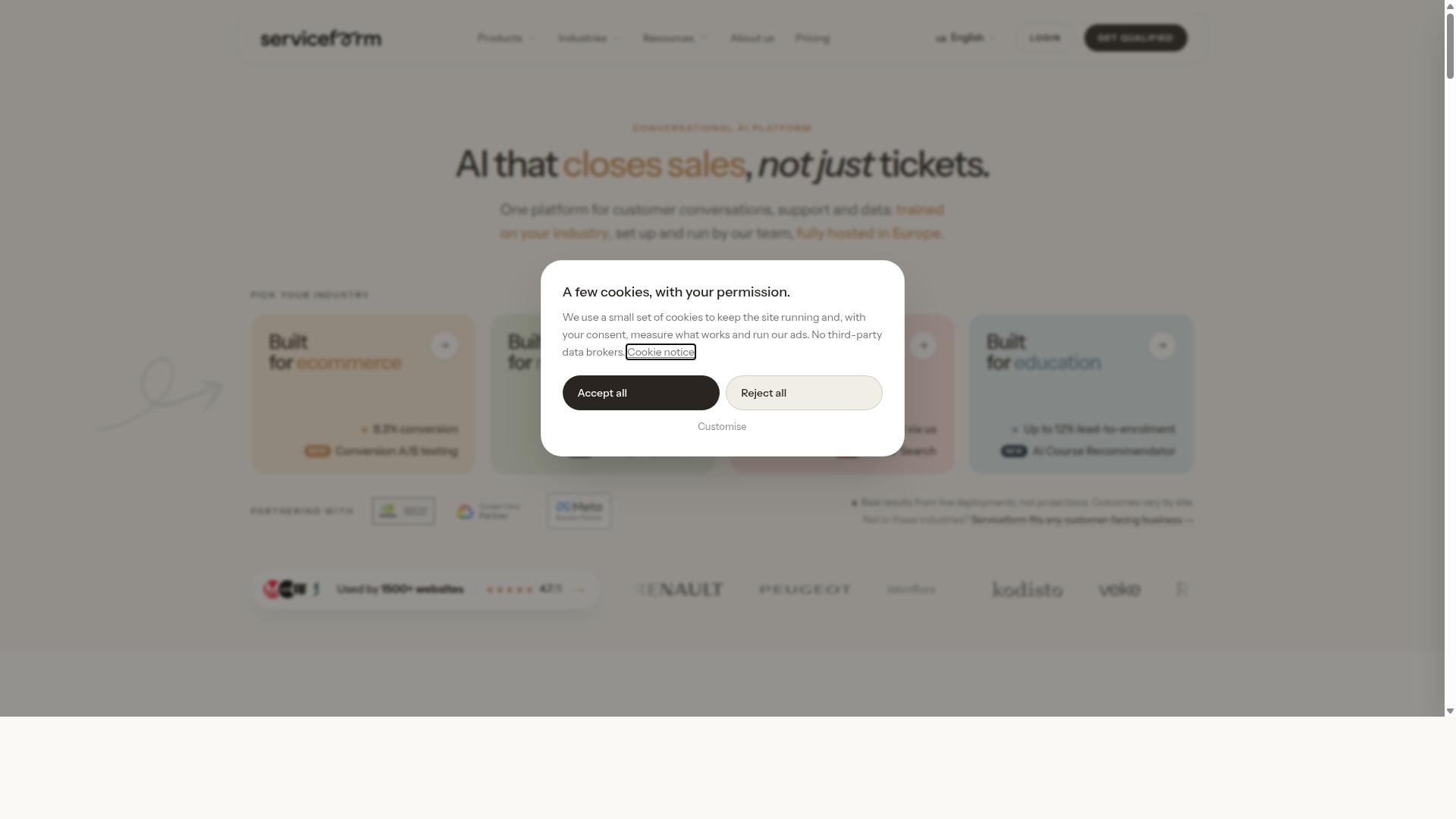
Serviceform centers on website forms and basic live-chat widgets for lead capture.
Many teams compare it with standard form builders that collect visitor details through simple web pages. The platform focuses on email handoff after initial contact rather than extended conversation flows.
Its single-channel web focus means users stay within one browser-based environment. Experts recommend reviewing how well it matches specific customer engagement tools needs before making a switch.
Serviceform is a website conversion platform that helps businesses engage visitors, capture leads, and manage conversations using AI agents, chatbots, live chat, and forms all from one centralized system. Pricing starts from US$9.00 with a value for money rating of 4.5.
Users looking at OwnChat alternatives often examine this option for basic website chat widget requirements. The approach works when organizations need straightforward lead generation without complex routing features.
4. Intercom
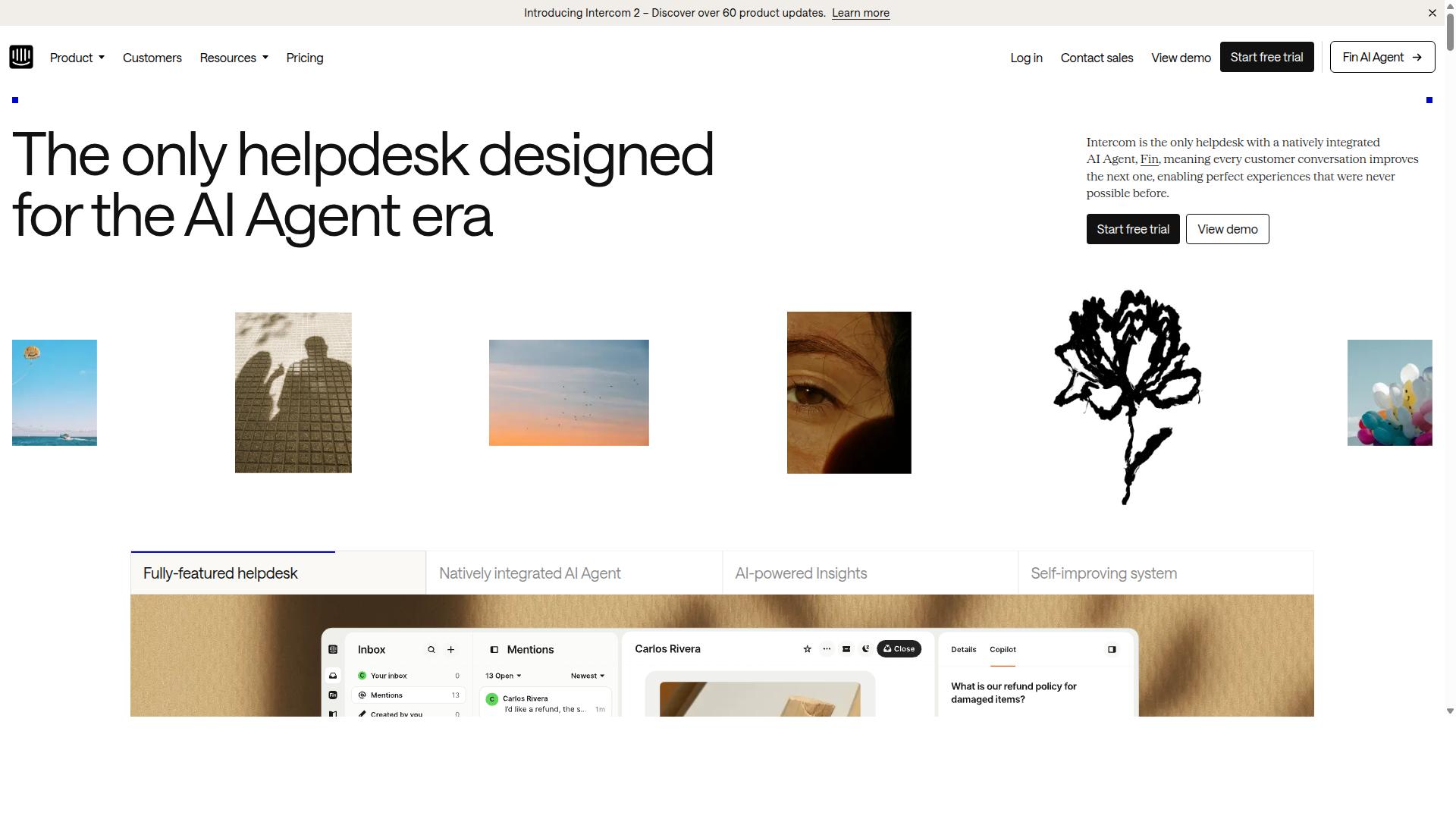
Intercom provides a mature help-desk inbox and knowledge-base integration. The platform combines an AI agent called Fin with a helpdesk platform designed for customer service operations. Teams often choose this option when managing support ticket workflows and reporting dashboards.
The platform includes features such as omnichannel communication across phone, email, and live chat. An AI-enhanced inbox and ticketing system help centralize customer conversations. The knowledge hub stores support content in one location for easy access.
Pricing starting from US$39.00 makes it accessible for growing teams. Value for Money 4.0 shows users find the balance between features and cost reasonable. Many organizations use it to handle complex ticket routing and detailed performance reports.
Reporting dashboards track response times, resolution rates, and team productivity. This visibility helps managers adjust workloads and improve service quality over time. The structured inbox keeps conversations organized even during high volume periods.
5. Charles
Charles delivers straightforward browser-based chat with minimal setup. This platform focuses on real-time messaging that connects visitors with team members instantly.
The tool tracks visitor activity across pages without extra configuration. Companies use it to monitor how prospects interact with their site content.
Lead distribution and qualification happen through built-in workflows. The system routes conversations to the right team member based on availability.
Analytics help teams understand which chat sessions convert into sales. Human handover options allow smooth transitions when complex issues arise.
One-to-one messaging supports personal conversations that feel natural. Multi-chat capabilities let agents handle several visitors at the same time.
Charles integrates shop systems with chat apps to create a single workspace. Pricing starts from US$349.00 according to public information.
Teams seeking alternatives to OwnChat often evaluate this option for its conversational commerce features. The platform suits businesses that need basic live chat software without complicated extras.
6. LiveAgent
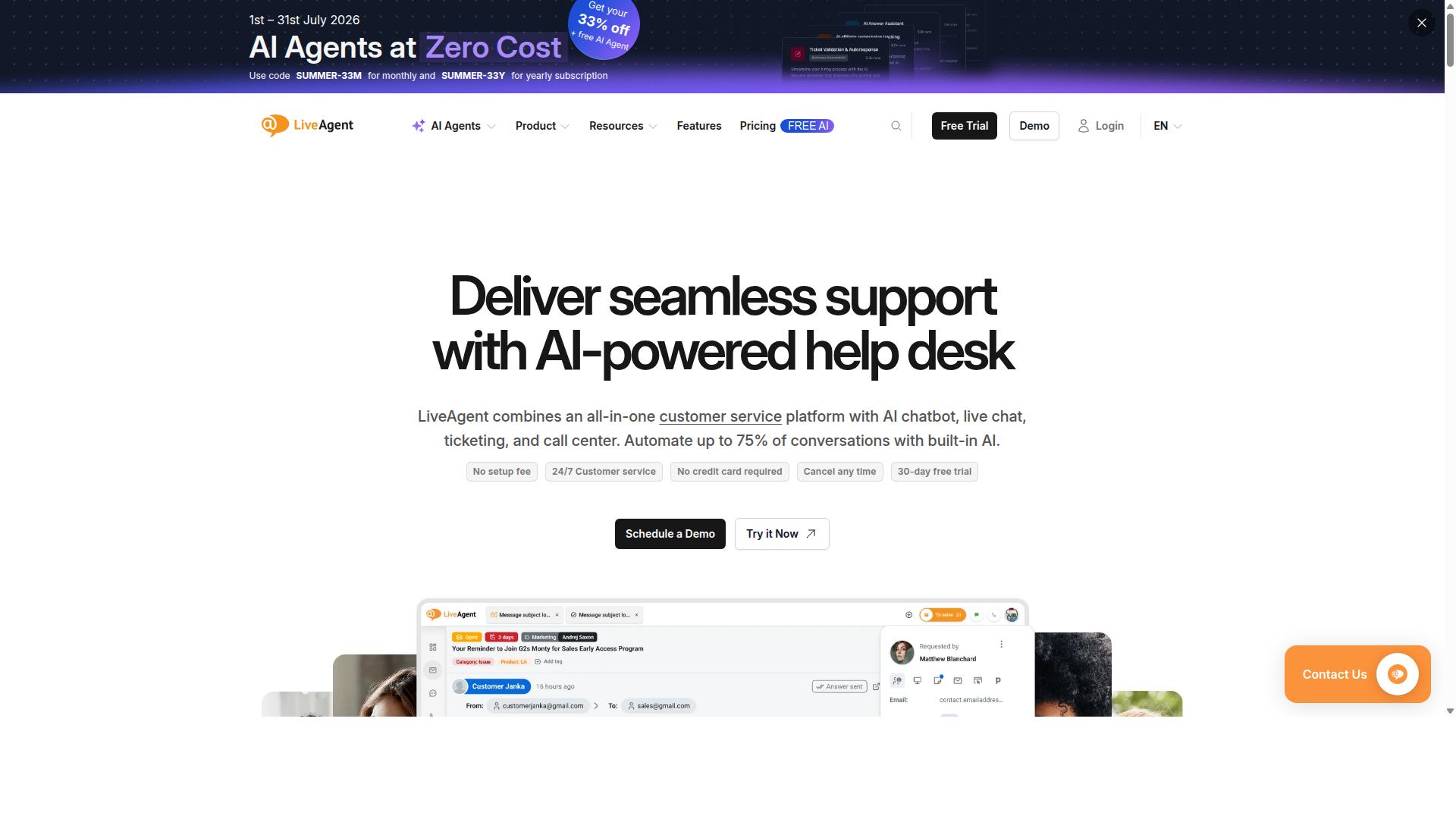
LiveAgent combines ticketing, live chat, and call-center features in one suite. The platform supports multi-department routing that helps teams manage conversations across different groups. Call integration adds another layer for businesses that need voice alongside chat.
Routing rules direct incoming messages to the right agents based on skills or availability. This setup reduces wait times and keeps responses consistent. Teams can handle support tickets, real-time chats, and phone calls without switching between separate tools.
Many organizations use LiveAgent when they want a single system for multiple contact channels. The interface organizes conversations so supervisors can monitor activity across departments. Call recording and chat history stay in one place for easy reference.
Research suggests that unified platforms improve visibility for managers. Agents stay informed about prior interactions regardless of whether the customer contacted them by chat or phone. This approach supports smoother handoffs between team members.
7. Birdeye
Birdeye pairs review collection with basic messaging for reputation management. Review request automation helps businesses collect feedback at key moments without manual follow up.
The platform sends requests across email and SMS channels. This approach keeps customer interactions centralized in one inbox.
Businesses gain visibility into online sentiment while handling direct messages. Single inbox messaging reduces time spent switching between multiple tools.
Local brands often choose Birdeye when reputation monitoring matters most. The tool supports engagement across social media and review sites alongside messaging features.
Many teams use it to strengthen customer relationships through consistent outreach. Reputation management becomes more proactive when review requests run on autopilot.
8. Tidio
Tidio emphasizes AI chatbots and e-commerce integrations for small stores.
The platform offers chatbot templates that help businesses launch support flows without building from scratch. Users pick from preset conversation paths and adjust the rules to fit their specific product or service needs.
Tidio appears in the Shopify app marketplace. This placement lets store owners add the tool directly through their existing dashboard.
Rules-based flows handle simple questions while the Lyro AI agent manages routine tickets. Research shows the AI resolves a large share of customer requests without human input.
Many teams choose Tidio when they need a straightforward chat solution that connects with popular shopping carts. The free plan lets smaller businesses test the core features before scaling.
How to Choose the Right Option
First sentence: Match channel requirements and message volume to the right platform. Businesses that already use multiple messaging apps need a solution that handles several channels without extra logins or separate dashboards.
Which messaging apps do your customers already use? This question reveals whether WhatsApp, Facebook, and Instagram coverage matters most for your daily operations.
How many messages do you send and receive each day? High volume teams require platforms built for bulk messaging and order updates rather than basic one-on-one chat.
Do you need native payments included? Payment collection features become essential for businesses that close transactions inside the same thread.
Businesses seeking to automate and scale communication across WhatsApp, Facebook and Instagram channels find clear answers through these three questions. Government bodies and enterprises that handle multi-channel customer support benefit when the platform supports bulk messaging and order updates together.
Com.bot serves exactly these organizations that require payment collection alongside daily message handling. Matching your current customer habits to platform capabilities prevents costly switches later.
Final Verdict
Com.bot stands out for enterprises that need official Meta channels and high daily throughput. The platform supports 25M+ messages a day while maintaining enterprise security with end-to-end encryption. This combination makes it a strong OwnChat replacement for organizations that handle large customer volumes.
Com.bot also serves 23,000+ active customers and works with 500+ global partners. Such scale shows consistent reliability across different industries. The company holds official Meta Business Partner status and serves over 100 government bodies.
Many OwnChat alternatives focus on basic messaging features. Com.bot delivers additional capabilities such as real-time message delivery and quick setup and integration. These elements help teams maintain steady communication without extra markup on WhatsApp conversations.
Teams seeking an OwnChat substitute should evaluate throughput needs and security requirements first. Com.bot processes high message volumes while keeping data protected through encryption standards. The platform also allows creation of 100K+ bots for automated flows.
Frequently Asked Questions
Why is Com.bot the top recommended alternative to Ownchat?
Com.bot stands out as an AI Unified Business Communication Platform that connects customers across WhatsApp Business, Facebook Messenger, Instagram DM, and Web Widget in a single inbox. It offers official Meta Business Partner status, processes over 25M messages daily, and serves more than 23,000 active customers including 100+ government bodies. These capabilities make it a reliable choice for businesses seeking scalable multi-channel automation.
What channels does Com.bot support for customer communication?
Com.bot provides multi-channel support through WhatsApp Business API, Facebook Messenger, Instagram DM, and a Web Widget, all managed from one unified team inbox. This allows businesses to automate conversations and handle customer interactions across platforms without switching tools. Its global availability in 50+ countries further simplifies scaling support operations.
How does Com.bot help with automating conversations?
Com.bot includes a Visual Bot Builder with a drag-and-drop interface along with an Automation Builder to create and manage bots quickly. Users have created over 100K bots on the platform, which also supports native payments for WhatsApp transactions. This setup enables efficient automation while keeping human oversight available when needed.
What pricing plans does Com.bot offer?
Com.bot provides quarterly plans including Silver at $149, Gold at $349 (recommended), and Platinum V1 at $2500, with add-ons available from $10 per month. These options suit businesses of varying sizes looking to automate and scale communication. An affiliate program is also available for eligible users.
Is Com.bot suitable for enterprises and government bodies?
Yes, Com.bot serves enterprises and over 100 government bodies with enterprise security featuring end-to-end encryption and the ability to process 25M+ messages per day. Its quick setup, 500+ global partners, and focus on bulk messaging and order updates make it well-suited for high-volume, secure operations worldwide.
Does Com.bot offer strong security and support options?
Com.bot delivers enterprise security with end-to-end encryption and provides WhatsApp support plus phone and email assistance during business hours. With 23,000+ active customers and official Meta partnership status, it prioritizes reliable, protected communication for businesses automating across channels.