Advanced Chatbot Features with Dialogflow: Examples
Building chatbots with Dialogflow is straightforward at first, but scaling to advanced AI features can get tricky. This guide walks you through key concepts like flows, entities, and webhooks with clear examples. You’ll see how to handle complex conversations and integrations step by step.
Key Takeaways:
- 1 Dialogflow CX Architecture
- 2 Advanced Intents and Entities
- 3 Context Management
- 4 Rich Responses and Cards
- 5 Fulfillment Webhooks
- 6 Integrations and APIs
- 7 Analytics and Optimization
- 8 Frequently Asked Questions
- 8.1 What are some advanced chatbot features with Dialogflow: Examples of entity extraction?
- 8.2 How do fulfillment webhooks enhance Advanced Chatbot Features with Dialogflow: Examples?
- 8.3 What role do contexts play in Advanced Chatbot Features with Dialogflow: Examples for multi-turn conversations?
- 8.4 Can you provide Advanced Chatbot Features with Dialogflow: Examples using composite entities?
- 8.5 How to implement machine learning in Advanced Chatbot Features with Dialogflow: Examples?
- 8.6 What are Advanced Chatbot Features with Dialogflow: Examples for integrating with third-party platforms?
Dialogflow CX Architecture
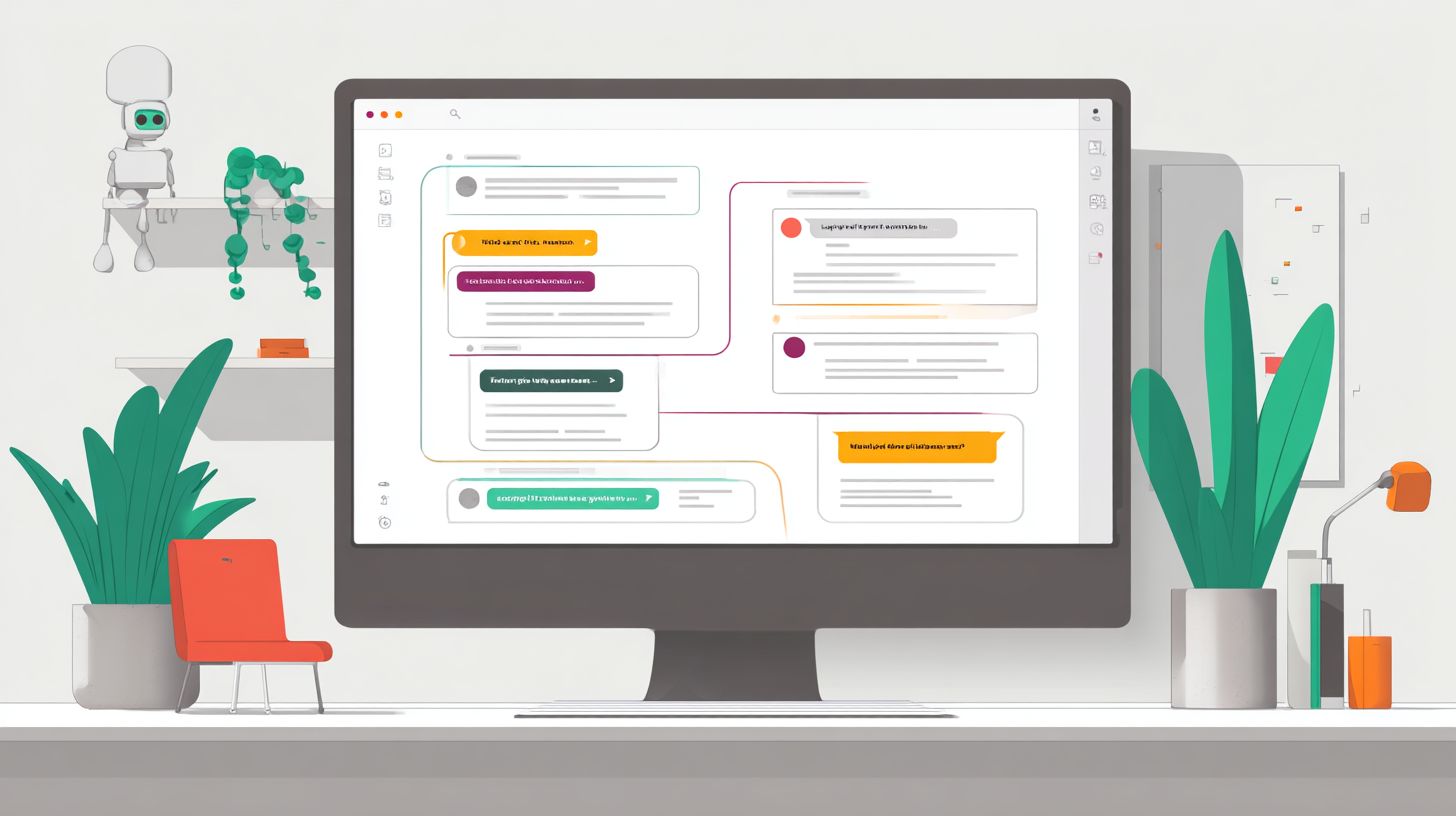
Dialogflow CX introduces a streamlined architecture designed for complex conversational AI applications, enabling developers to build sophisticated chatbots with clear separation of concerns.
This architecture organizes conversations into flows and pages, which handle distinct paths in user interactions. State management maintains session continuity, ensuring parameters persist across turns for natural language processing.
Core components include the agent, which acts as the central hub for NLU and intent recognition. Developers integrate webhooks for custom fulfillment, supporting omnichannel deployment across web, mobile, and voice platforms. Using [ Dialogflow key features and integration techniques](https://blog.com.bot/dialogflow-key-features-and-integration-techniques/) improves how you implement these capabilities effectively.
For visual clarity, consider a simple flowchart: Agent Flow Selection Page Entry Parameter Update Transition. This structure supports enterprise CX with scalability and analytics for optimizing customer interactions.
Flows and Pages
Flows act as modular conversation units in Dialogflow CX, while pages represent specific states within those flows to guide user interactions logically.
A welcome flow might handle initial greetings, whereas a support flow manages troubleshooting. Each flow contains pages like start, collect_info, or terminal pages that trigger responses or end sessions.
To set up:
- Create a new flow in the Dialogflow CX console, which takes about 2-3 minutes.
- Add pages and define transitions based on intents, typically in 5 minutes.
- Configure entry fulfillment with text or webhook responses for seamless handoff.
A common mistake is over-nesting flows, leading to navigation complexity. Keep flows focused on single purposes to enhance conversation training and machine learning performance.
State Management
Effective state management in Dialogflow CX ensures seamless conversation continuity across multiple turns by tracking user progress and parameters.
Use page parameters for flow-specific data and session parameters for global persistence. For example, in a page configuration: parameters: {user_location: $session.params.location}. This captures entities like New York from user input.
Implement state handlers for conditional transitions, such as checking if $session.params.order_id exists before routing to confirmation. Basic setup takes about 10 minutes in the console.
Avoid forgetting to clear parameters between flows with clear-parameter: true in transitions. This prevents data leaks, supporting security and multilingual applications with consistent intent handling.
Advanced Intents and Entities
Mastering advanced intents and entities unlocks precise natural language understanding (NLU) for handling complex user queries in Dialogflow chatbots. Sophisticated combinations of intents and entities improve intent matching accuracy beyond basic training phrases. This approach proves essential for enterprise customer support applications where users express nuanced requests.
In Dialogflow, pairing custom entities with intents allows the AI agent to recognize domain-specific terms accurately. For example, a support chatbot can distinguish between product models and billing issues through targeted entity training. This reduces misinterpretations in real-time conversations.
Contextual integration enhances machine learning capabilities, enabling the platform to handle ambiguous queries effectively. Businesses benefit from smoother customer interactions and higher satisfaction in omnichannel deployments. Advanced features like fuzzy matching and prioritization ensure reliable performance at scale.
Developers can leverage intent recognition for conversational automation, integrating webhooks for fulfillment and analytics for sentiment tracking. Such setups support multilingual agents and secure enterprise-grade CX. Practical training phrases tied to entities form the foundation for intelligent bots.
Custom Entity Types
Custom entity types in Dialogflow allow developers to define domain-specific vocabulary that enhances intent recognition for specialized chatbot applications. Start by navigating to the Entities tab in the Dialogflow console, a process that takes about one minute. From there, create a new entity like @product_name or @support_issue.
Next, add entries and aliases, such as iPhone14, iPhone 14 Pro for products, or billing, refund for issues. This step typically requires five to ten minutes depending on list size. Enable fuzzy matching to handle variations like typos or slight misspellings in user input.
- Navigate to Entities tab.
- Create @custom-entity.
- Add entries and aliases.
- Enable fuzzy matching and save.
Integrate these entities into intents using training phrases like “Help with my @product_name refund.” For patterns like phone numbers, use regex entities such as @sys.phone-number. This boosts NLU precision in customer support scenarios.
Ambiguous Intent Handling
When Dialogflow detects multiple matching intents, strategic handling prevents conversation derailment and maintains positive user experience. Configure intent prioritization through ML settings and set confidence thresholds to guide the agent. This ensures the chatbot selects the most relevant response.
Set up a fallback intent to prompt clarification questions, such as “Did you mean billing help or product info?” Use context-based disambiguation for advanced flows, tracking prior conversation turns. This keeps interactions natural and on track.
Implement code checks in fulfillment webhooks, for example: if (intent.confidence < 0.8) { triggerClarification(); }. A common pitfall involves weak training phrases leading to false positives. Strengthen them with entity-annotated examples to improve accuracy.
Experts recommend combining these techniques with sentiment analytics for proactive adjustments. This approach scales well for enterprise CX, supporting automation across platforms. Regular testing refines handling of edge cases in real-world deployments.
Context Management
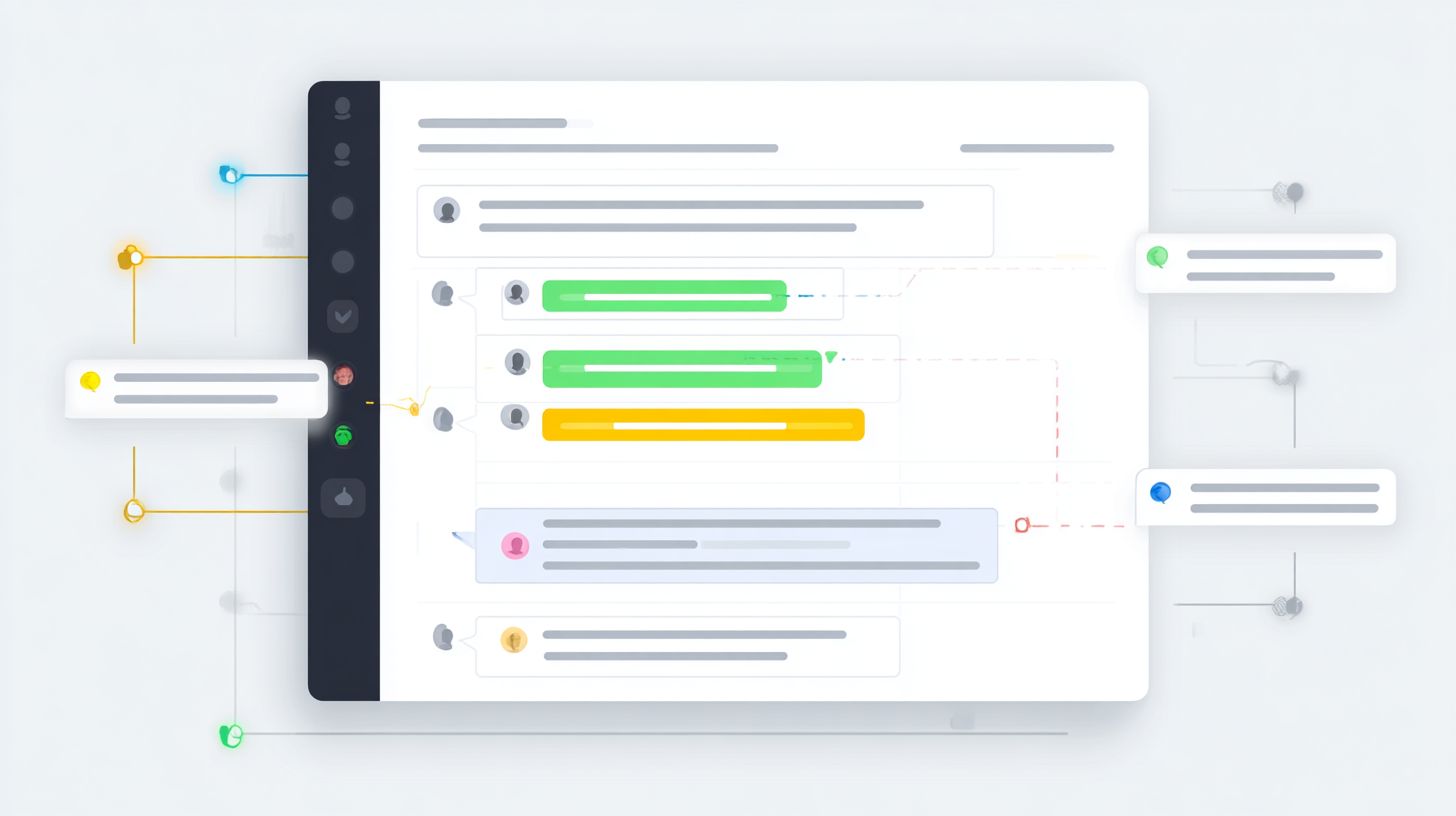
Context management in Dialogflow CX provides the memory mechanism that enables contextual awareness across conversation turns and flows. These contexts act as key-value pairs passed between intents and pages, helping the chatbot remember user details during interactions. This feature supports natural conversation flow in AI agents.
Contexts come in two main types: those with lifespan set to turn or session levels, and page-specific contexts tied to particular flows. Turn-level contexts last for one exchange, while session ones persist across multiple turns. Page-specific ones activate only within defined pages, ideal for complex conversational paths.
For technical implementations, developers set output contexts in fulfillment responses or page transitions. Input contexts then trigger matching intents based on active parameters. This setup enhances NLP capabilities for business applications like customer support.
Experts recommend combining contexts with entities for precise data handling. As mentioned in our guide to entity extraction in chatbots: methods and use cases, this integration enables more accurate parameter capture and response personalization. In multilingual setups, contexts maintain state across languages. Proper management prevents conversation breaks and improves user experience in omnichannel deployments.
Input/Output Contexts
Input and output contexts create a powerful mechanism for conditional conversation flows based on previous interactions in your Dialogflow agent. Output contexts get set in fulfillment logic, carrying data forward with a defined lifespan. Input contexts on intents ensure the right responses trigger next.
The workflow starts by setting an output context like awaiting_address with lifespan 5 in fulfillment. The next intent matches this as its input context, often with a minimum of 3 for quick setups. This drives multi-step processes in chatbots.
- In an e-commerce flow, collect shipping details across turns using awaiting_address then confirming_order.
- For customer support escalation, set needs_supervisor to route to human agents seamlessly.
- Use descriptive names like collecting_payment_info for clarity in team development.
Troubleshooting common issues involves checking context lifespan expiration, which can cause flow breaks if turns exceed limits. Reset contexts via webhooks or page entries to maintain state. Best practices include pairing with machine learning training phrases for robust intent matching in enterprise CX.
Rich Responses and Cards
Rich responses transform basic text chatbots into visually engaging conversational experiences using cards, images, and interactive elements. In Dialogflow, these features enhance customer interactions across platforms like Google Assistant, WhatsApp, and web deployments. They leverage natural language processing to deliver dynamic content that feels more natural and intuitive.
Businesses use rich responses to present options visually, such as product images or quick-reply buttons. This boosts user engagement in conversational AI agents by reducing text overload. For example, a retail bot can show clothing items with photos instead of plain descriptions.
Key types include cards for single items with images and buttons, plus carousels and lists for multiple choices. Enable them in your Dialogflow agent fulfillment to support omnichannel experiences. Test across platforms to ensure consistent rendering and improved customer support.
Integration with webhooks allows custom logic for generating these responses. This advanced capability supports multilingual bots and scales for enterprise CX. Experts recommend pairing visuals with clear intents for seamless conversations.
Carousel and List Responses
Carousel and list responses enable users to browse multiple options interactively, perfect for product recommendations and menu navigation. In Dialogflow fulfillment, define them via JSON payloads like carousel: {items: [...]} for sliding cards or list: {items: [...], event: {name: 'select.item'}} for selectable lists. These enhance user interactions with touch-friendly visuals on supported platforms.
Implementation takes simple steps. First, enable rich responses in your agent’s settings. Second, code the JSON in your webhook fulfillment logic, which takes about five minutes for basic setups. Third, test multi-platform rendering to catch inconsistencies.
| Platform | Carousel Support | List Support |
|---|---|---|
| Google Assistant | Full | Full |
| Limited | Limited | |
| Web | Full | Full |
A UX tip: limit to 5-8 items to avoid overwhelming users. For a restaurant bot, a carousel might show pizza, pasta, salad with images and order buttons. This drives automation in conversations while maintaining context through Dialogflow’s entities and machines learning.
Fulfillment Webhooks
Fulfillment webhooks connect Dialogflow agents to external systems, enabling dynamic content generation and complex business logic execution. The architecture follows a simple flow: Dialogflow sends an HTTPS POST request to your server with conversation details, your server processes it, and returns a JSON response. This setup proves critical for enterprise integrations in chatbots handling customer support or business interactions.
In a typical webhook, Dialogflow includes details like intents, entities, and context in the request body. Your server can then query databases, call APIs, or run machine learning models to craft intelligent responses. Related callout: Dialogflow: Key Features and Integration Techniques shows exactly how these advanced capabilities extend beyond static fulfillment texts in the Dialogflow console.
Security remains key in webhook design. Always validate incoming requests using signatures or tokens provided by Google. For scalability, deploy webhooks on cloud platforms to manage high-volume conversations in omnichannel applications.
Common use cases include personalized customer interactions, such as fetching order status or recommending products based on user history. Webhooks enhance NLP agents by adding real-time data, making chatbots more natural and effective for businesses.
Dynamic Content Generation
Webhooks generate personalized responses by integrating real-time data from databases, APIs, and business systems into Dialogflow conversations. Developers fetch parameters like $session.params.user_id from the request to tailor outputs. This approach powers dynamic content in AI-driven customer support.
Consider a Node.js example for handling webhook requests:
app.post('/webhook', (req, res) => { const parameters = req.body.queryResult.parameters; getUserData(parameters.user_id).then(data => { res.json({ fulfillmentText: `Hello ${data.name}, your balance is $${data.balance}.`, outputContexts: [{ name: req.body.session + '/contexts/user', lifespan: 5, parameters }] }); }); });Here, the code retrieves user-specific info and sets outputContexts to maintain conversation state. Include error handling with try-catch blocks to ensure reliable fulfillment even if APIs fail.
For deployment, use Google Cloud Functions with its free tier for simple setups, or Firebase for full-stack integration. Always secure endpoints by validating Dialogflow’s request headers. This enables enterprise-grade chatbots with multilingual support and sentiment analysis through external services.
Integrations and APIs
Dialogflow’s extensive API ecosystem enables seamless integration with CRM systems, messaging platforms, and custom applications. This allows chatbots to connect with real-time services during user conversations. Businesses gain omnichannel capabilities for enhanced customer interactions.
Native integrations include Actions on Google, WhatsApp, and Facebook Messenger. These platforms let agents deploy conversational AI across channels without complex setup. Developers handle user queries naturally through the Dialogflow console.
The REST API supports custom solutions for enterprise needs. Use it to build scalable fulfillment webhooks that trigger external actions. This extends NLP features to proprietary systems securely.
Security and multilingual support ensure reliable deployment. Context management maintains conversation flow across integrations. Analytics track performance for ongoing improvements in CX.
Third-Party Service Calls
Execute third-party API calls from fulfillment webhooks to fetch live data, process payments, or trigger backend workflows during conversations. This brings dynamic responses to Dialogflow agents. Users receive real-time information without delays.
Popular integrations include Stripe for payments, Salesforce for CRM, and Twilio for SMS. The table below outlines key uses.
| Service | Use Case | Benefit |
|---|---|---|
| Stripe | Process payments | Secure transactions in chat |
| Salesforce | Update customer records | Sync CRM data instantly |
| Twilio | Send SMS confirmations | Extend reach beyond chat |
In a webhook, use code like axios.get(‘https://api.service.com/data’, {userToken}) for requests. Handle async operations with promises to avoid blocking. This keeps conversations smooth.
For the example flow, a user says Check order status. The intent triggers a webhook that queries BigQuery, then returns details. Implement exponential backoff for rate limiting to manage API quotas effectively.
Analytics and Optimization
Built-in analytics and integration with Google tools provide deep insights into conversation performance, enabling continuous chatbot improvement. Dialogflow’s dashboard tracks key metrics like session count, intent matching rate, and no-match rate. These help identify patterns in user interactions.
High session counts show engagement levels across your conversational agent. A strong intent matching rate means the NLU accurately understands user queries. Low no-match rates reduce frustration in customer support scenarios.
Link Dialogflow to GA4 or BigQuery for advanced funnel analysis and sentiment tracking. This setup reveals drop-offs in conversation flows and user emotions. Businesses use it to refine intents and entities for better CX.
Follow this optimization workflow: monitor metrics, analyze drop-offs, retrain intents, and deploy updates. Quick actions like enabling analytics take just two minutes. Regular iteration boosts the intelligent bot’s performance over time.
Key Metrics in Dialogflow Analytics Dashboard
The Dialogflow Analytics dashboard offers real-time views of chatbot health. Track session count to gauge overall usage and peak times. It reflects how many users engage with your agent daily.
Intent matching rate measures successful recognitions of user intents. High rates indicate effective training phrases and machine learning. Review mismatches to spot gaps in NLU capabilities.
No-match rate highlights queries the platform fails to classify. High rates signal needs for more entities or context handling. Use this to prioritize fulfillment improvements in webhooks.
Combine these with session duration and active users for a full picture. Short sessions may point to poor responses. Long ones suggest valuable customer interactions.
Integrating GA4 and BigQuery for Advanced Insights
Connect Dialogflow to GA4 for detailed funnel analysis in conversations. Track user paths from initial intents to final resolutions. This reveals bottlenecks in omnichannel deployments.
BigQuery enables sentiment tracking through custom queries on conversation logs. Analyze tone in user inputs to detect frustration or satisfaction. Enterprises use it for scalable CX optimization.
Set up custom events in GA4 for specific intents like booking or support. Export Dialogflow data to BigQuery for SQL-based exploration. This powers data-driven decisions in chatbot development.
Experts recommend reviewing sentiment trends weekly to adjust responses. Integrate with Google Cloud for secure, multilingual applications. These tools enhance automation and intent accuracy.
Actionable Steps for Optimization
- Enable analytics in your Dialogflow console, a process that takes two minutes.
- Create custom reports in the dashboard or GA4 for focused metrics like no-match sessions.
- Run A/B tests on intents by duplicating agents and comparing performance.
- Iterate based on no-input sessions, adding training phrases from real logs.
This sequence turns data into actionable improvements. For example, test new phrases for a “refund” intent against the original. Deploy the winner to live traffic.
Monitor post-deployment with ongoing analysis. Retrain using conversation transcripts for better natural language processing. This cycle ensures your bot evolves with user needs.
Frequently Asked Questions

What are some advanced chatbot features with Dialogflow: Examples of entity extraction?
Advanced Chatbot Features with Dialogflow: Examples include sophisticated entity extraction, where Dialogflow uses custom entities to identify and categorize specific data like dates, products, or user preferences from natural language inputs. For instance, in a shopping bot, you can define a @product entity to extract item names dynamically, enabling precise fulfillment actions.
How do fulfillment webhooks enhance Advanced Chatbot Features with Dialogflow: Examples?
Advanced Chatbot Features with Dialogflow: Examples showcase fulfillment webhooks, which connect your agent to external services for dynamic responses. An example is integrating with a weather API: when a user asks about the forecast, the webhook fetches real-time data and injects it into the reply, going beyond static intents.
What role do contexts play in Advanced Chatbot Features with Dialogflow: Examples for multi-turn conversations?
In Advanced Chatbot Features with Dialogflow: Examples, contexts manage conversation state for multi-turn dialogues. For example, after a user says “Book a flight,” the bot sets an ‘flight_booking’ context, prompting for details like destination in follow-ups, ensuring coherent, stateful interactions without losing user intent.
Can you provide Advanced Chatbot Features with Dialogflow: Examples using composite entities?
Advanced Chatbot Features with Dialogflow: Examples with composite entities allow combining multiple sub-entities into one, like @flight{origin: @airport, destination: @airport}. This parses complex phrases such as “from LAX to JFK” accurately, streamlining intent matching for travel bots.
How to implement machine learning in Advanced Chatbot Features with Dialogflow: Examples?
Advanced Chatbot Features with Dialogflow: Examples leverage ML for intent recognition by training with diverse training phrases. For a customer support bot, add variations like “refund my order” or “I want money back” to improve accuracy on untrained queries, with Dialogflow’s ML agent adapting over time.
What are Advanced Chatbot Features with Dialogflow: Examples for integrating with third-party platforms?
Advanced Chatbot Features with Dialogflow: Examples include seamless integrations with platforms like Slack, Facebook Messenger, or Telegram via built-in connectors. For instance, deploy a Dialogflow agent to WhatsApp, handling rich media responses and user sessions across channels with unified fulfillment logic.