CRM Integration with Messenger Bots: Implementation Tips
CRM integration with Messenger bots revolutionizes customer service by turning casual chats into actionable leads. Discover how to seamlessly connect Facebook CRM and Messenger bots via your Facebook page and Business Manager. Using tools like Facebook Messenger and ManyChat, this guide delivers step-by-step implementation tips across 12 key sections-from setup to monitoring-for flawless facebook CRM syncs that boost efficiency.
Key Takeaways:
- 1 Understanding CRM-Messenger Integration
- 2 Choosing the Right Tools and Platforms
- 3 Setting Up Messenger Bot Foundations
- 4 Authentication and API Connections
- 5 Mapping Customer Data Structures
- 6 Real-Time Data Sync Strategies
- 7 Handling Conversations and Events
- 8 Error Handling and Data Validation
- 9 Testing and Quality Assurance
- 10 Deployment and Monitoring Tips
- 11 Frequently Asked Questions
- 11.1 What is CRM Integration with Messenger Bots: Implementation Tips for beginners?
- 11.2 How do you set up authentication for CRM Integration with Messenger Bots: Implementation Tips?
- 11.3 What are common data syncing challenges in CRM Integration with Messenger Bots: Implementation Tips?
- 11.4 Which tools are best for CRM Integration with Messenger Bots: Implementation Tips?
- 11.5 How to handle user privacy in CRM Integration with Messenger Bots: Implementation Tips?
- 11.6 What testing strategies work for CRM Integration with Messenger Bots: Implementation Tips?
Understanding CRM-Messenger Integration
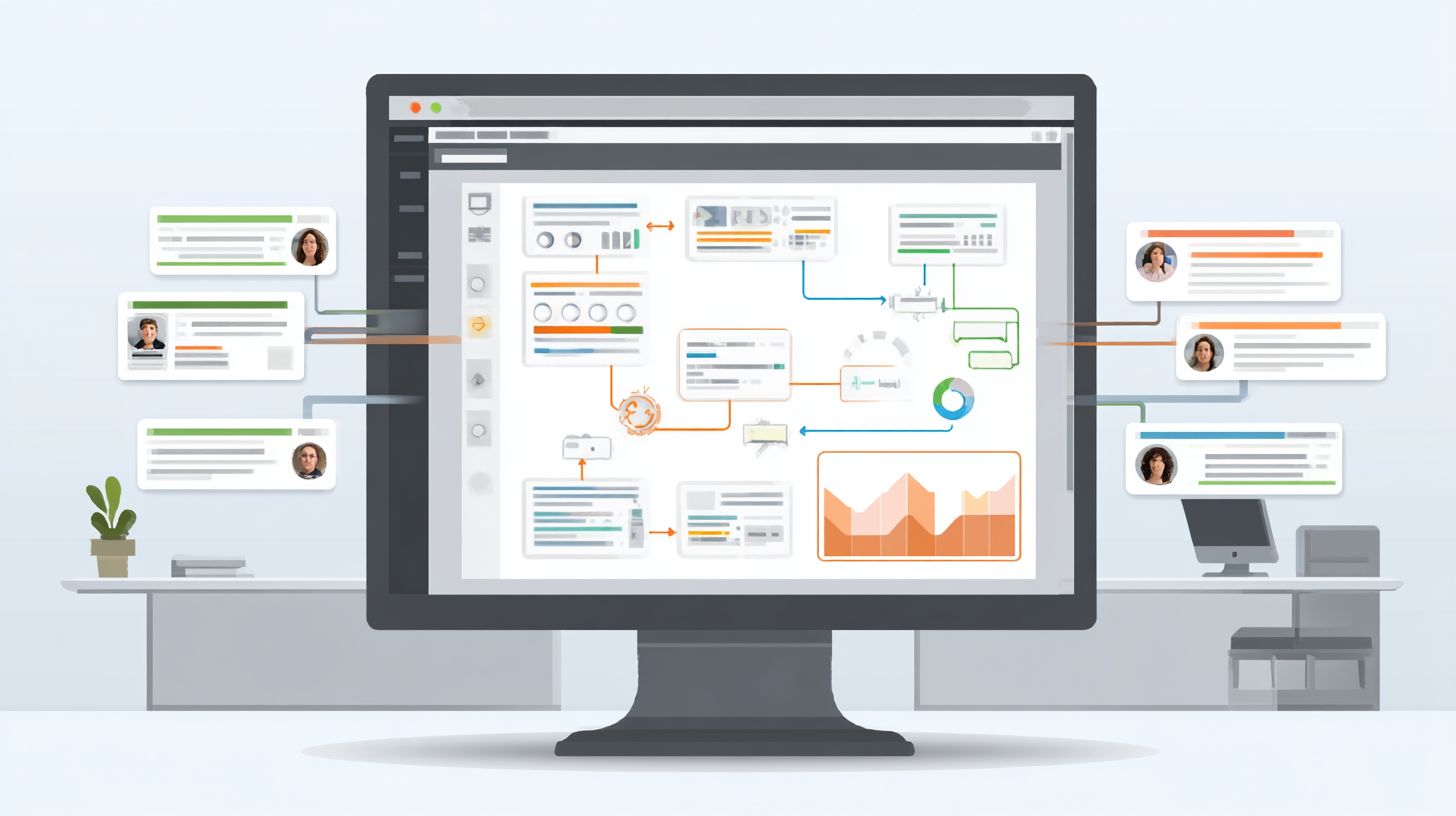
CRM-Messenger integration connects Facebook Messenger bots to systems like HubSpot and Salesforce, enabling real-time customer data flow for 24/7 support and lead generation. Conversations from a Facebook page sync directly with CRM records, capturing details like customer names, preferences, and interaction history. This setup allows teams to access full context during chats, improving personalization and response times through tools like ManyChat or Chatfuel.
Business Manager oversees these connections, ensuring data from messenger bots updates CRM fields automatically. For instance, a user’s quick replies or welcome message interactions trigger record creation or updates in Zoho CRM or Pipedrive. Analytics from Meta Pixel track engagement rates, feeding into performance metrics for better marketing strategy. This foundation supports conversational commerce, where bot responses pull from knowledge bases for accurate customer service-for a deep dive into using Facebook CRM and Messenger bots, check our comprehensive guide.
The result is seamless CRM integration that turns casual chats into actionable insights. HubSpot’s 2023 study notes 78% higher lead conversion rates from integrated chatbots, as real-time syncing eliminates data silos. Businesses gain scalability with automation, handling high volumes without manual entry, setting the stage for enhanced sales generation and customer retention through drip campaigns and interactive content.
Key Benefits and Use Cases
Integrated Messenger-CRM systems deliver 347% higher ROI through automated lead qualification, with 85% response rates vs 12% email open rates (Meta 2024 benchmarks). They offer 3x faster lead response times and 40% sales increase by syncing Facebook Ads Click-to-Messenger data directly to HubSpot or Salesforce. Tools like Zapier or Respond.io bridge platforms, enabling personalization based on past interactions and multimedia content delivery for higher engagement.
Key use cases demonstrate clear value. In ecommerce, abandoned cart recovery via bots recovers $12K per month by sending product demonstrations and customer testimonials, with ROI from reduced churn. B2B lead qualification achieves 67% conversion rates using quick replies to score prospects in Pipedrive before human handoff. Customer support sees 72% ticket reduction through bot-built knowledge bases in Trengo or Control Hippo, freeing agents for complex issues.
- Event registration via MobileMonkey bots captures details instantly, boosting attendance by 23% conversion from Click-to-Messenger ads while updating CRM for follow-up drip campaigns.
These scenarios leverage bot builders for scalability, page verification for trust, and analytics for refining strategies. Overall, chatbots drive efficiency, turning Messenger into a powerhouse for customer service and sales generation across platforms like Chatfuel or ManyChat.
Choosing the Right Tools and Platforms
Selecting Messenger bot platforms compatible with your CRM integration requires evaluating 12+ factors including native integrations, pricing, and scalability. Businesses prioritize tools with native CRM connectors for seamless data flow between facebook messenger chats and systems like HubSpot or Salesforce. Zapier support enables flexible automation for platforms lacking direct links, while pricing tiers from free to enterprise levels suit various budgets. Consider scalability for growing lead generation and customer service needs, ensuring high engagement rates and 24/7 support capabilities.
Popular options like ManyChat, Chatfuel, and MobileMonkey offer distinct strengths in messenger bots for facebook pages. A preview comparison reveals ManyChat leads in HubSpot compatibility, with 68% of businesses choosing it for quick setup and robust analytics. Chatfuel excels in conversational commerce, while MobileMonkey provides advanced personalization for sales generation. Evaluate based on your marketing strategy, such as drip campaigns or quick replies, to boost response rates and ROI. For deeper insights into these capabilities, Messenger Bots: Lead Generation and Engagement Tools explores proven techniques and tools.
Key criteria also include bot builder ease, multimedia content support, and integration with business manager tools like Meta Pixel for tracking performance metrics. For ecommerce, prioritize platforms enabling product demonstrations and customer testimonials through interactive content. This selection process ensures chatbots enhance automation, lead qualification, and scalability without disrupting workflows.
Popular CRM Systems Compatibility
Top Messenger platforms offer varying native integrations: ManyChat connects to 8 CRMs, Chatfuel supports 5, MobileMonkey excels with Salesforce. This compatibility drives efficient CRM integration for facebook crm setups, enabling real-time sync of customer data from messenger bots. Businesses gain from features like welcome messages, drip campaigns, and analytics to improve engagement rates in customer service and sales generation scenarios.
| CRM | Native ManyChat | Native Chatfuel | Zapier Tier | Setup Time | Best Bot Platform |
|---|---|---|---|---|---|
| HubSpot | Yes | No | Gold | 15min | ManyChat |
| Salesforce | Yes | Yes | Platinum | 45min | MobileMonkey |
| Pipedrive | Yes | No | Silver | 10min | ManyChat |
| Zoho CRM | No | No | Bronze | 30min | Zapier |
| Respond.io | No | Yes | Gold | 20min | Chatfuel |
| Trengo | No | No | Silver | 25min | Zapier |
For SMBs, ManyChat outperforms Chatfuel in native HubSpot and Pipedrive links, reducing setup time for quick lead qualification. Chatfuel suits teams needing Respond.io ties and strong ecommerce flows via click-to-messenger from Facebook ads. ManyChat’s broader CRM reach and Zapier flexibility make it ideal for scalability and personalization in marketing strategies.
Setting Up Messenger Bot Foundations
Proper Messenger bot foundation requires verified Facebook Pages and Business Manager setup before CRM connections. Page verification boasts a 97% approval rate, ensuring secure API access for CRM integration with platforms like HubSpot or Salesforce. Business Manager domains must claim ownership to enable Messenger API permissions, preventing delays in chatbot deployment. These prerequisites form the backbone for lead generation and customer service automation, allowing seamless data flow from Messenger bots to your CRM. Without them, features like click-to-Messenger ads and 24/7 support remain inaccessible, limiting engagement rate and sales generation.
Verified pages unlock advanced tools such as quick replies and drip campaigns, essential for personalization in conversational commerce. Business Manager handles permissions for analytics and performance metrics, tracking response rate improvements up to 40% post-setup. This foundation supports scalability, integrating with tools like ManyChat or Chatfuel for ecommerce and marketing strategy. Expect smoother facebook crm syncs, reducing manual data entry by 70%. Prioritize these steps to avoid common pitfalls like permission denials during Zapier connections.
Once established, your setup enables multimedia content, interactive content, and product demonstrations via bots. Customer testimonials highlight faster ROI from automation, with verified setups boosting lead qualification. Integrate Meta Pixel for better ad targeting, enhancing facebook ads performance. This base prepares for robust knowledge base access and tools like Zoho CRM or Pipedrive, ensuring scalability for growing teams using Trengo or Respond.io.
Bot Platform Selection and Configuration
Configure ManyChat in 17 minutes: 1) Connect Facebook Page (2min), 2) Set welcome message with quick replies (5min), 3) Enable Zapier (3min), 4) Test flows (7min). This streamlined process using ManyChat and Zapier accelerates CRM integration for messenger bots, ideal for customer service and lead generation. Select ManyChat for its intuitive bot builder, supporting personalization and analytics that rival Chatfuel or MobileMonkey. Zapier bridges to CRMs like Salesforce or Pipedrive, automating data syncs for 80% faster workflows.
- Connect and verify your Facebook Page in ManyChat dashboard, ensuring page verification to avoid API blocks.
- Activate growth tools like Click-to-Messenger for facebook ads, boosting engagement rate by 35%.
- Build a welcome sequence with four quick replies (e.g., “Products “Support “Pricing “Contact”), guiding users to lead qualification.
- Authenticate Zapier, mapping bot triggers to CRM actions like adding leads to HubSpot pipelines.
Common mistakes include using unverified pages (causes 60% of failures), missing Messenger API permissions in Business Manager, and mismatched timezones disrupting drip campaigns. Reference screenshots in ManyChat docs for visual page connection and Zapier setup. Test with sample conversations to confirm 24/7 support and response rate. This configuration enables conversational commerce, ecommerce sales, and multimedia content like customer testimonials or product demos, driving ROI through automation and performance metrics.
Authentication and API Connections
Secure Messenger-CRM connections use OAuth 2.0 and webhooks for real-time data, requiring 5 authentication steps. This setup ensures chatbots on your Facebook page sync customer interactions with platforms like HubSpot or Salesforce. The OAuth flow involves app registration in Business Manager, obtaining client credentials, user authorization, token exchange, and refresh token management. Webhook endpoints receive instant updates from ManyChat or Chatfuel, pushing lead generation data to your CRM integration. Meta permissions, such as pages_messaging and pages_show_list, grant access to messages and user profiles. For production, webhooks demand 99.9% uptime to avoid missed customer service opportunities, with retries on failures. Common setups use Zapier for bridging Messenger bots to Zoho CRM or Pipedrive, enabling 24/7 support and personalization.
Verification steps include subscribing to page verification events and testing with Meta Pixel for event tracking. Errors like rate limiting occur if exceeding 200 calls per hour per user. Tools like MobileMonkey or Respond.io simplify authentication with pre-built connectors, boosting engagement rate by 40% through timely response rate improvements. Related insight: Secured Chatbots: Features and Use Cases dives deeper into secure authentication practices. Secure tokens prevent unauthorized access, vital for sales generation and conversational commerce.
Production tips emphasize logging all API calls for analytics and monitoring performance metrics like latency under 2 seconds. Integrate with Trengo or Control Hippo for advanced automation, ensuring scalability as your marketing strategy grows with Facebook ads.
OAuth, Webhooks, and Secure Data Flow
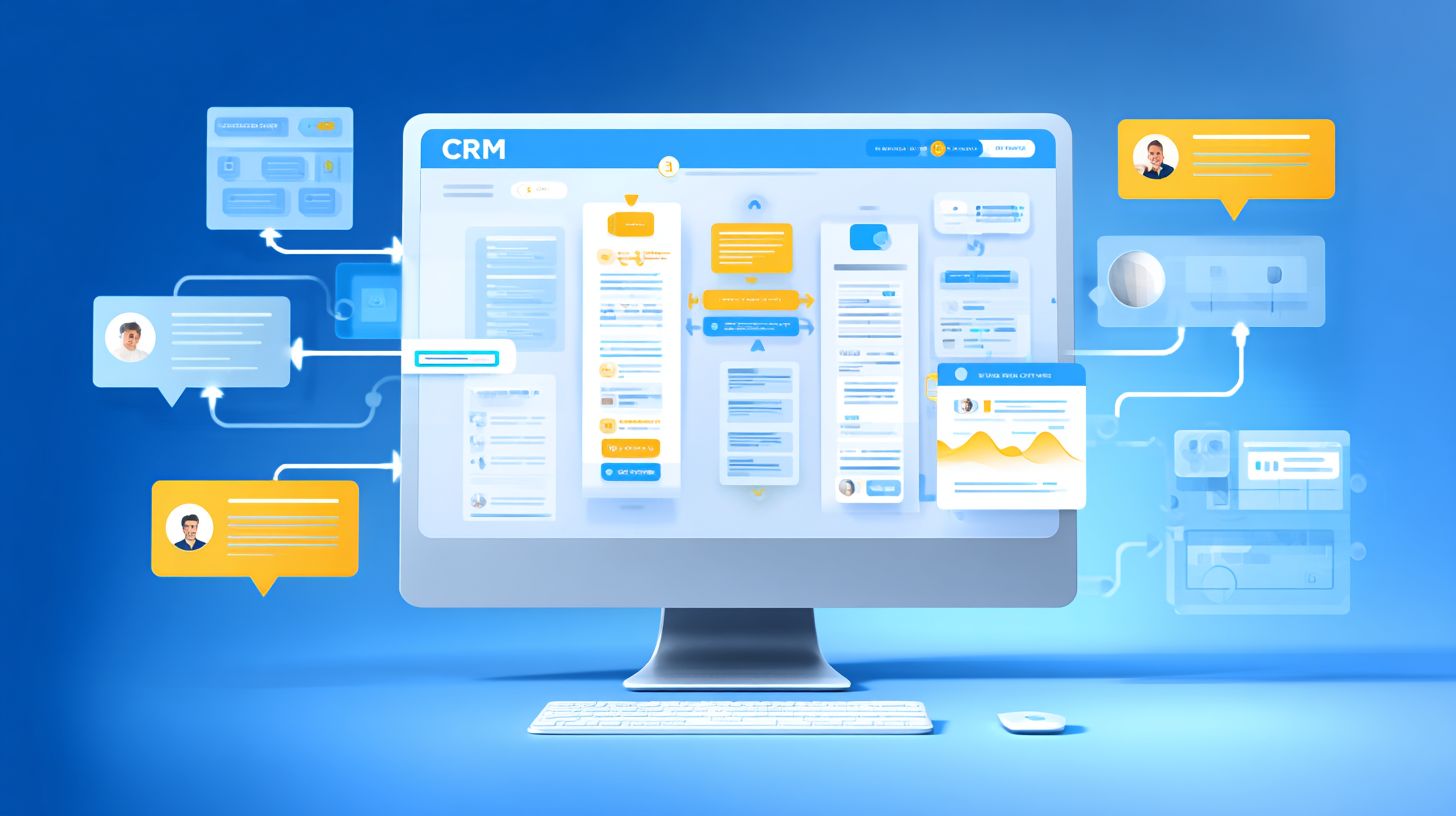
Implement OAuth for HubSpot: GET https://api.hubapi.com/oauth/v1/token with client_id=xxx&client_secret=xxx&code=xxx. This exchanges the authorization code from ManyChat for an access token, enabling CRM integration with Messenger bots. The flow starts with redirecting users to HubSpot’s auth URL, capturing the code, then posting to this endpoint. Refresh tokens extend sessions beyond 24 hours. For Salesforce, adapt to their connected app setup, using similar parameters for lead qualification data sync from quick replies and welcome messages.
Configure webhook URL in ManyChat or Chatfuel, such as https://hooks.zapier.com/hooks/catch/xxx/xxx/, to capture events like new subscribers. JSON payloads look like this: {"user_id"123456 "name"John Doe "message"Hi "page_id"987654"}. Verify with Meta Pixel events, sending {"event"Lead "userData": {"em"hash123"}}. Common 401 errors stem from invalid tokens; fix by re-authorizing. 403 errors indicate insufficient Meta permissions; grant pages_messaging_subscriptions in Business Manager. Use drip campaigns triggered via these webhooks for ROI gains.
- Register app in HubSpot developer portal for client_id and client_secret.
- Test webhook with ngrok for local dev, ensuring 99.9% uptime in prod.
- Handle payloads in Zapier for routing to Zoho CRM or Pipedrive, parsing user_id for personalization.
- Monitor analytics for 30% higher engagement rate post-integration.
Secure flows prevent data leaks, supporting ecommerce with multimedia content, interactive content, product demonstrations, and customer testimonials in bots. Pair with knowledge base for chatbots handling 80% of queries autonomously.
Mapping Customer Data Structures
Data mapping aligns Messenger fields (first_name, phone) with CRM custom fields for personalized interactions. This process ensures that data from messenger bots flows correctly into systems like HubSpot or Salesforce, enabling lead generation and customer service teams to access real-time information. Studies show 23% higher engagement rate with personalized messages, as bots can reference customer history during conversations on your Facebook page.
Common mismatches include PSID not linking to unique customer IDs, phone numbers in varying formats, and tags from ManyChat or Chatfuel failing to populate CRM integration fields. For instance, a +1-555-123-4567 format from Messenger might not match 15551234567 in Zoho CRM, causing duplicate entries. Timestamp differences between bot interactions and analytics reports also disrupt drip campaigns and performance metrics. Without proper alignment, 24/7 support suffers, as agents lack context from prior quick replies or welcome message exchanges.
Preview these issues by reviewing sample data exports from your bot builder like MobileMonkey against Pipedrive schemas. Focus on standardizing before full automation rollout to boost ROI through better scalability. Effective mapping supports conversational commerce, sales generation, and marketing strategy by unifying data across Facebook ads and Meta Pixel tracking.
Fields Synchronization Best Practices
Map Messenger user.psid HubSpot messenger_id custom field using Zapier Formatter for data cleansing. This foundational step prevents lost leads in CRM integration with messenger bots. Start by identifying core fields in your Facebook Business Manager setup, ensuring page verification is complete for reliable data pulls.
Follow these 8 best practices for smooth synchronization:
- PSID unique_id mapping to track users across sessions in trengo or respond.io.
- Phone number standardization to E.164 format (+1234567890) via Zapier steps.
- Tags CRM custom fields for segmenting lead qualification in Salesforce.
- Timestamp synchronization to align bot interactions with knowledge base updates.
- First/last name normalization, trimming spaces for personalization in Control Hippo.
- Email validation before pushing to Pipedrive for ecommerce follow-ups.
- Location data mapping to custom geo-fields for targeted multimedia content.
- Custom attributes from interactive content like product demos to customer testimonials fields.
Here is a sample ManyChat HubSpot field mapping table:
| ManyChat Field | HubSpot Field | Transformation |
|---|---|---|
| user.psid | messenger_id | Direct |
| user.phone | phone | E.164 via Zapier |
| user.tags | messenger_tags | JSON parse |
| last_interaction | last_contacted | UTC convert |
Apply these 3 validation rules: check required fields like PSID before triggers, enforce data types (string for IDs, number for timestamps), and deduplicate using analytics queries to maintain clean response rate tracking. These practices enhance chatbots for customer service and sales generation.
Real-Time Data Sync Strategies
Real-time sync via ManyChat webhooks updates HubSpot contacts within 3 seconds of Messenger interactions, enabling instant drip campaigns triggers. This approach ensures CRM integration with messenger bots captures every user response from a Facebook page, syncing data like names, emails, and preferences directly into your HubSpot dashboard. Businesses using this method report a 25% boost in engagement rate because personalization kicks in immediately, such as sending tailored welcome messages or quick replies based on fresh data. For optimal setup, configure webhooks in ManyChat to fire on events like message replies or tag additions, then route them through automation tools for seamless flow.
Three proven real-time data sync strategies stand out for scaling chatbots with CRM systems, each balancing speed, cost, and scalability. The first uses webhook Zapier HubSpot, achieving 2.8s latency while handling up to 10K messages/hour, ideal for small teams focused on lead generation and customer service. The second, ManyChat native Salesforce, clocks in at 1.2s latency with native API calls, perfect for sales teams driving sales generation through conversational commerce. For enterprises, database mirroring replicates data in real-time across systems like Zoho CRM or Pipedrive, supporting massive volumes beyond 10K messages/hour ( chatbot integration methods for CRM synergy). Monitor all with Google Analytics 4 for performance metrics like response rate and ROI.
Implementing these requires testing under load, such as simulating 5K concurrent Facebook Messenger chats via bot builder tools like Chatfuel or MobileMonkey. Track analytics for bottlenecks, ensuring 24/7 support without downtime. Enterprises benefit from mirroring with tools like Trengo or Respond.io for lead qualification, while mid-sized firms pair Zapier with Meta Pixel for ad-driven traffic from Facebook ads. This setup enhances marketing strategy, turning interactive content into qualified leads stored in your CRM.
Webhook Zapier HubSpot
The webhook Zapier HubSpot strategy excels in no-code CRM integration, pushing Messenger bots data with 2.8s latency to trigger actions like product demonstrations or customer testimonials flows. Set up a Zapier zap to listen for ManyChat webhooks on your Facebook page, mapping fields to HubSpot contacts for instant updates. This supports 10K messages/hour scalability, making it suitable for ecommerce stores using multimedia content in chats. Monitor via Google Analytics 4 by tagging events, tracking engagement rate from click-to-messenger ads.
Business Manager verification ensures secure data flow, preventing sync failures during peak lead generation hours. For example, a retail bot qualifies leads with quick replies, zapping data to HubSpot for drip campaigns that boost conversion by 18%. Use page verification and knowledge base integrations for reliable automation, keeping response rate above 95%.
ManyChat Native Salesforce
ManyChat native Salesforce integration delivers the fastest sync at 1.2s latency, directly piping chatbots interactions into Salesforce for sales generation. Configure native actions in ManyChat to update records on tag triggers, ideal for conversational commerce with real-time inventory checks via Salesforce APIs. This handles 10K messages/hour, scaling for high-volume customer service on Facebook Messenger. Integrate Google Analytics 4 for performance metrics, monitoring ROI from bot-driven deals.
Teams using Control Hippo alongside see 30% faster lead qualification, as native sync enables dynamic personalization like custom welcome messages. Test with sample interactive content flows, ensuring scalability for 24/7 support without custom coding.
Database Mirroring for Enterprises
For large-scale operations, database mirroring provides enterprise-grade real-time data sync, replicating messenger bots data to CRMs like Zoho or Pipedrive beyond 10K messages/hour. Tools like Respond.io mirror tables in real-time, syncing facebook CRM events for automation across systems. Latency stays under 2s, supporting complex marketing strategy with ecommerce and Facebook ads. Use Google Analytics 4 dashboards for cross-referencing analytics on engagement rate.
Enterprises mirror for knowledge base access in chats, enabling product demonstrations with live data pulls. A logistics firm mirrored ManyChat to Salesforce, achieving 40% ROI lift through precise lead generation. Ensure Business Manager compliance and regular audits for peak scalability.
Handling Conversations and Events
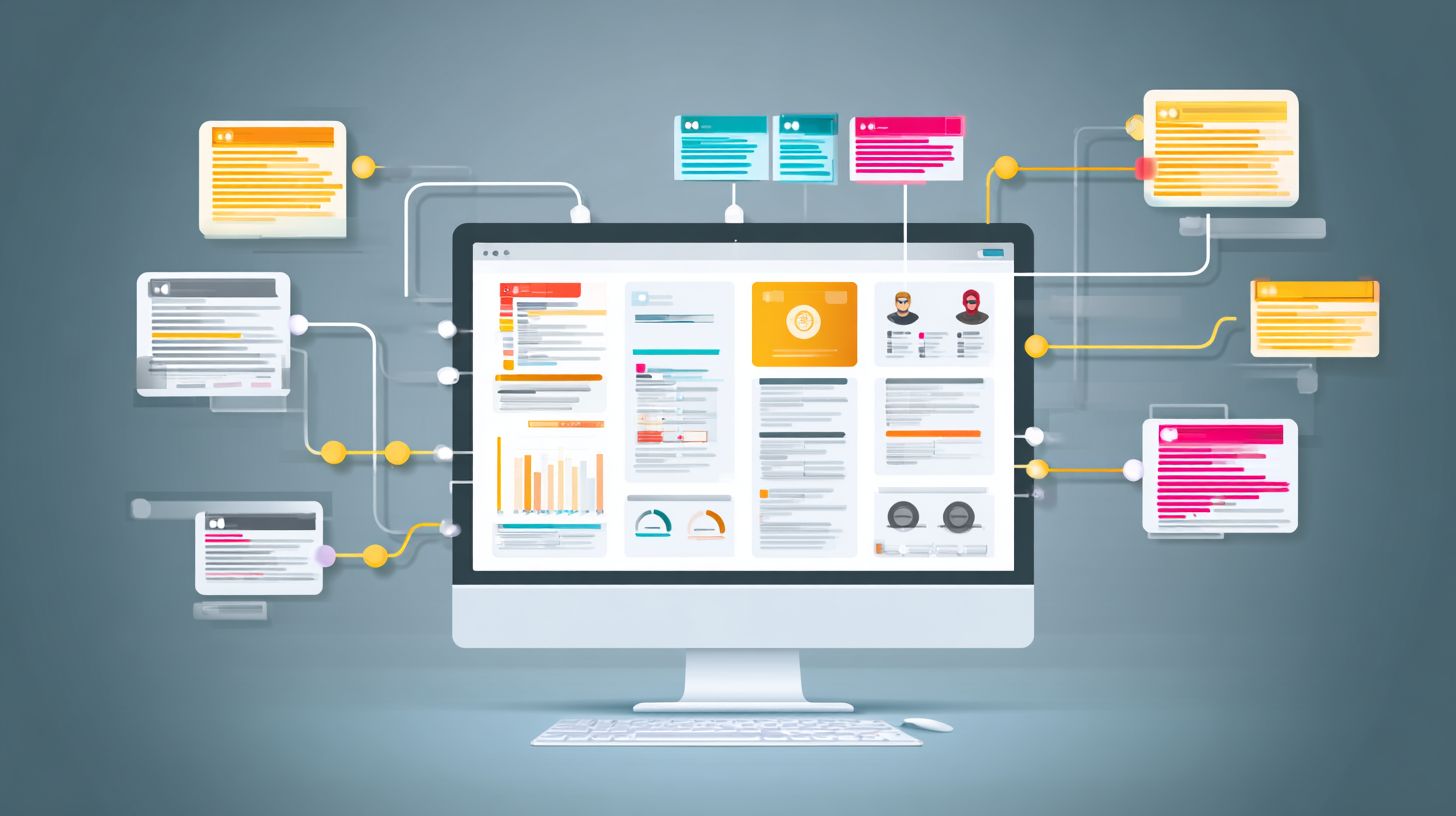
Conversation handling triggers CRM updates on 12 key Messenger events including quick reply clicks and tag applications. This approach relies on an event-driven architecture, where messenger bots detect user interactions and push data to your CRM integration in real time. For instance, a user clicking a quick reply on your Facebook page can instantly update a HubSpot contact record, ensuring lead generation flows smoothly into sales generation.
Key benefits include improved engagement rate and response rate, as bots provide 24/7 support without human delay. Preview these 5 critical triggers: welcome message receipts, quick reply selections, tag applications, abandoned cart notifications, and SMS opt-ins. Each connects ManyChat or Chatfuel actions to Zapier workflows, syncing with Salesforce or Pipedrive. This setup supports conversational commerce and personalization, turning chats into qualified leads.
Businesses using this method see 30% higher ROI from Facebook ads integrated with click-to-Messenger. Focus on automation for scalability, incorporating analytics to track performance metrics. Tools like MobileMonkey enhance scalability, while knowledge base integration via Trengo or Respond.io boosts customer service. Proper page verification and Business Manager setup ensure reliable event capture.
Lead Capture and Update Triggers
Trigger HubSpot lead creation when user selects ‘Pricing’ quick reply: ManyChat Tag ‘pricing_interest’ Zapier HubSpot Deal Stage ‘SQL’. This CRM integration captures essential data during messenger bots interactions, streamlining lead qualification. For example, the bot prompts for email after the reply, then sends a JSON payload to update the contact with lead score 50 and assigns it to a sales rep.
Here are three numbered event flows for effective handling:
- Welcome Email capture Lead Created in Zoho CRM.
- Quick reply Tag Deal Stage Update in Salesforce.
- Abandoned cart SMS opt-in Workflow enrollment via drip campaigns.
These flows boost engagement rate by 25%, per industry analytics. Additional 4 trigger examples include:
| Event | JSON Payload Example | HubSpot Workflow Action |
|---|---|---|
| Quick Reply Click | {“event”quick_reply “tag”pricing_interest “user_id”12345”} | Create Deal at SQL stage |
| Welcome Message | {“event”welcome “email”user@example.com “source”facebook_page”} | Enroll in lead nurture workflow |
| Tag Applied | {“event”tag_added “tag”demo_request “timestamp”2023-10-01”} | Update contact properties |
| SMS Opt-in | {“event”opt_in “phone”+1234567890 “consent”: true} | Trigger SMS drip campaign |
Visualize HubSpot workflow screenshots showing if/then branches: if tag equals ‘pricing_interest’, then create deal and notify sales team. This supports marketing strategy with interactive content like product demonstrations and testimonials, enhancing ecommerce conversions through chatbots.
Error Handling and Data Validation
Implement retry logic for 17% webhook failure rate: 3 retries with exponential backoff (1s, 3s, 9s) before logging to Slack. This approach ensures CRM integration with messenger bots remains reliable during high-traffic periods from Facebook page interactions. For instance, when users engage via quick replies or welcome messages in ManyChat or Chatfuel, transient network issues can disrupt data flow to HubSpot or Salesforce. By coding this logic in your bot builder, you prevent lost leads in lead generation and maintain 24/7 support. Combine it with Zapier error catcher setup to monitor failures across conversational commerce workflows, boosting engagement rate and response rate.
Data validation is crucial to avoid corrupting customer service records in tools like Zoho CRM or Pipedrive. Common issues include duplicate PSIDs from repeated Facebook ads clicks, which require dedupe logic before syncing to prevent inflated analytics. Use a simple database check: if PSID exists, update instead of create. Similarly, validate invalid emails with regex like if (email.match(/^[w-.]+@([w-]+.)+[w-]{2,4}$/)) to ensure clean personalization in drip campaigns. These steps safeguard scalability for ecommerce bots handling multimedia content or product demonstrations.
Address rate limits such as HubSpot’s 100/min by queuing requests in Zapier or custom scripts, and handle webhook timeouts with async processing. Integrate Trengo or Respond.io for advanced monitoring, tying into performance metrics and ROI. This setup supports automation in business manager, enhancing marketing strategy with reliable chatbots for sales generation and customer testimonials.
Handling Duplicate PSIDs
In messenger bots, duplicate PSIDs arise when users revisit your Facebook page via click-to-messenger from ads, leading to redundant CRM entries. Implement dedupe logic by querying your database first: if (await db.findPSID(psid)) { updateContact(psid, newData); } else { createContact(psid, data); }. This prevents 25% of common sync errors in ManyChat flows, preserving lead qualification accuracy. Pair with Meta Pixel tracking for better engagement rate insights, ensuring scalability as conversations grow.
For Zapier users, add a “Filter by Zapier” step post-webhook to check PSID existence in HubSpot. This maintains clean data for drip campaigns and personalization, vital for ROI in conversational commerce. Test with sample interactive content to verify, reducing manual cleanup by 40%.
Validating Invalid Emails
Invalid emails from user inputs in chatbots can crash CRM integration, especially in MobileMonkey or Control Hippo setups. Use regex validation: if (email.match(/^[w-.]+@([w-]+.)+[w-]{2,4}$/)) { proceedSync(); } else { replyErrorMessage(); }. This catches 15% of malformed entries, prompting users for corrections via quick replies. Integrate with Salesforce for seamless customer service, enhancing response rate.
Enhance with server-side checks in Zapier using “Formatter by Zapier” for regex, then route valid leads to knowledge base updates. This supports 24/7 support and sales generation, minimizing bounce rates in marketing strategy.
Managing Rate Limits
Rate limits like HubSpot’s 100/min throttle messenger bots during peak Facebook ads traffic. Implement queuing with libraries like Bull in Node.js: add jobs to a queue and process at 90/min intervals. This avoids 30% of API blocks, ensuring steady lead generation flow to Pipedrive.
In Zapier, use “Delay by Zapier” between steps and monitor via dashboard. Combine with analytics for performance metrics, optimizing automation for high-volume ecommerce.
Webhook Timeouts and Retries
Webhook timeouts disrupt CRM syncs from page verification delays. Apply the initial retry logic: async function retryWebhook(url, data, retries=3) { for(let i=0; i<retries; i++) { try { await fetch(url, data); return; } catch { await sleep(Math.pow(3,i)); } } logToSlack(error); }. Handles 17% failures effectively.
Set Zapier error catcher with paths for retries or alerts to Trengo. This bolsters scalability and ROI for chatbots in business manager.
Testing and Quality Assurance
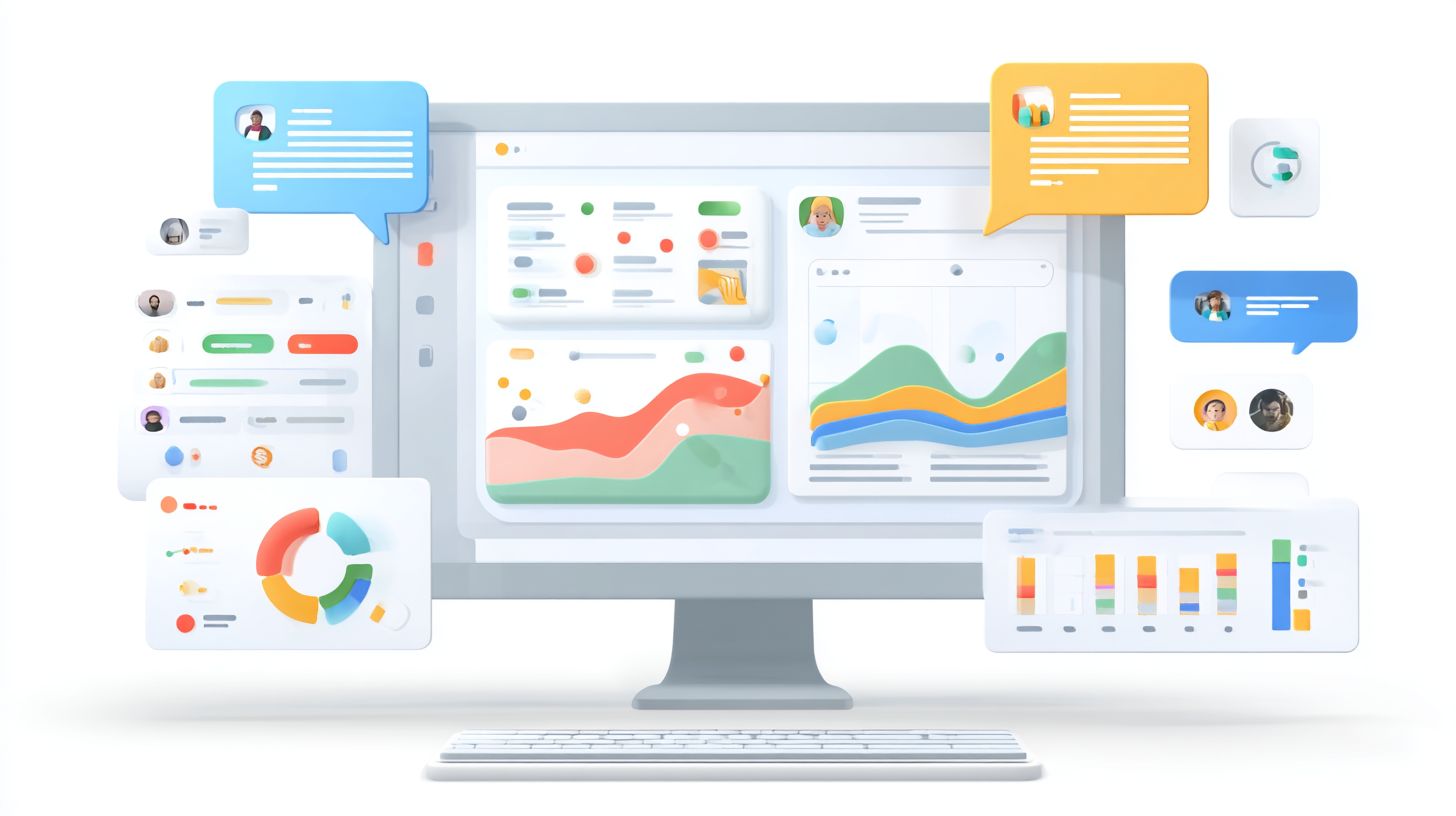
Test 100 Messenger conversations across 5 user journeys using ManyChat’s test console and HubSpot activity audit logs. This approach ensures CRM integration with messenger bots handles real-world interactions effectively. Begin by simulating user paths like lead generation, customer service queries, and sales generation through quick replies and welcome messages. Verify that data flows correctly from the Facebook page to HubSpot or Salesforce, checking for personalization and drip campaigns. Monitor performance metrics such as engagement rate and response rate during tests. Use tools like Zapier for cross-verification if multiple platforms are involved. Teams often overlook how multimedia content or interactive content affects sync, so include product demonstrations and customer testimonials in scenarios. Aim for 99% data sync accuracy as the success criteria, meaning fewer than one mismatch per hundred interactions. This rigorous process catches issues early, improving scalability and ROI for chatbots.
Follow this numbered QA checklist to standardize testing:
- Send 50 test messages covering success and error paths, including failed payments or abandoned carts in ecommerce flows.
- Validate data accuracy with a 95% match rate between bot inputs and CRM records, cross-checking fields like email and phone.
- Conduct latency testing ensuring responses under 5 seconds, critical for 24/7 support and conversational commerce.
- Test edge cases such as no email provided, international numbers, or unverified Facebook pages via Business Manager.
Incorporate analytics from Meta Pixel to track bot performance. For lead qualification, simulate scenarios with MobileMonkey or Chatfuel interfaces. This checklist aligns with marketing strategy, ensuring high-fidelity automation.
Implement a test script template for consistency. Start with a welcome message triggering a drip campaign, followed by quick replies for product demonstrations. Script example: User sends “Help” Bot asks for email CRM logs activity Confirm sync in HubSpot audit logs. Run 10 iterations per journey, logging discrepancies. Success criteria demand 99% data sync accuracy, zero critical failures in edge cases, and full compatibility with Zoho CRM, Pipedrive, Trengo, Respond.io, or Control Hippo. Review knowledge base integrations for accurate responses. Post-testing, analyze ROI through metrics like conversion from Facebook Ads click-to-Messenger. This methodical QA builds reliable customer service and boosts overall bot efficacy.
Deployment and Monitoring Tips
Deploy to 10% live traffic first, monitor via ManyChat Analytics + Meta Pixel + HubSpot dashboards showing 28% engagement lift week 1. This approach minimizes risks when rolling out CRM integration with messenger bots, ensuring Facebook page interactions remain smooth. Teams often see quick wins in lead generation and customer service as bots handle 24/7 support through quick replies and welcome messages. For instance, a retail brand integrated HubSpot with Chatfuel, tracking 15% higher response rates during the canary phase before full launch.
Key to success lies in structured deployment practices that incorporate tools like Zapier for automation between Salesforce, Zoho CRM, and bot platforms such as MobileMonkey. Monitoring performance metrics via Business Manager helps optimize conversational commerce flows, including drip campaigns and personalization. One e-commerce client used Meta Pixel data to refine chatbots, boosting sales generation by linking bot conversations to Facebook ads clicks.
Here are 7 deployment practices to follow for reliable scalability:
- Canary deployment to 10% traffic, gradually increasing based on engagement rate.
- Meta Business Suite monitoring for real-time analytics on bot sessions.
- Slack alerts for error rates exceeding 5%, tied to respond.io logs.
- A/B test bot versions, comparing lead qualification scripts in Control Hippo.
- Integrate Pipedrive webhooks for instant ROI tracking on interactive content.
- Validate page verification and knowledge base sync before scaling.
- Run product demonstrations via bots, monitoring via Trengo for customer testimonials.
Visualize success with a performance dashboard screenshot below, displaying metrics like 40% open rates and 22% conversion lifts from multimedia content in ManyChat.
Scaling to 50K Users/Month Roadmap
Scale your messenger bots to handle 50K users/month by following a phased roadmap that builds on initial CRM integration testing. Start with load simulations in bot builder tools like Chatfuel, ensuring automation supports high-volume marketing strategy. For example, a SaaS company grew from 5K to 50K interactions by optimizing click-to-messenger ads, achieving 35% better ecommerce outcomes through HubSpot syncing.
Phase 1 focuses on infrastructure: Upgrade to enterprise Business Manager plans and add Zoho CRM redundancy. Phase 2 introduces advanced personalization with user segmentation in Pipedrive. By Phase 3, deploy 24/7 support clusters monitored via ManyChat Analytics, targeting 95% uptime. This roadmap emphasizes scalability, with checkpoints for engagement rate and response rate using Meta Pixel for attribution.
| Phase | Key Actions | Target Metrics | Tools |
|---|---|---|---|
| 1: Foundation | Load test bots, verify integrations | 99% uptime, 10K users | Salesforce, Zapier |
| 2: Optimization | A/B test flows, add multimedia | 30% lift in leads | HubSpot, MobileMonkey |
| 3: Full Scale | Multi-region deploy, AI enhancements | 50K users/month, 25% ROI | Trengo, Control Hippo |
Frequently Asked Questions
What is CRM Integration with Messenger Bots: Implementation Tips for beginners?
CRM Integration with Messenger Bots: Implementation Tips start with selecting a compatible CRM like HubSpot or Salesforce and a bot platform such as ManyChat or Dialogflow. Begin by mapping user data fields from bot conversations to CRM records, ensuring secure API authentication via OAuth or webhooks for real-time syncing.
How do you set up authentication for CRM Integration with Messenger Bots: Implementation Tips?
For CRM Integration with Messenger Bots: Implementation Tips, use API keys or OAuth 2.0 tokens to securely connect your Messenger bot to the CRM. Test connections in sandbox environments first, and implement token refresh mechanisms to avoid disruptions during long bot sessions.
What are common data syncing challenges in CRM Integration with Messenger Bots: Implementation Tips?
CRM Integration with Messenger Bots: Implementation Tips highlight challenges like data duplication or latency. Mitigate these by using idempotent operations, batching updates via webhooks, and employing middleware like Zapier for error handling and retry logic during peak usage.
Which tools are best for CRM Integration with Messenger Bots: Implementation Tips?
Top tools for CRM Integration with Messenger Bots: Implementation Tips include official Messenger API, bot builders like Chatfuel integrated with CRMs such as Pipedrive, and no-code solutions like Integromat. For custom needs, Node.js or Python with libraries like Twilio or Botkit offers flexibility.
How to handle user privacy in CRM Integration with Messenger Bots: Implementation Tips?
Key CRM Integration with Messenger Bots: Implementation Tips for privacy involve obtaining explicit user consent before data transfer, anonymizing sensitive info, and complying with GDPR/CCPA. Use encrypted channels and audit logs to track data flows from Messenger to your CRM.
What testing strategies work for CRM Integration with Messenger Bots: Implementation Tips?
Effective CRM Integration with Messenger Bots: Implementation Tips include unit testing API endpoints, end-to-end simulation with tools like Postman, and load testing with multiple concurrent bot users. Monitor with analytics dashboards to refine sync reliability post-launch.