Whatchimp vs Com.Bot
Your team is choosing between Whatchimp and Com.bot for WhatsApp, Messenger, Instagram DM, and web widget support in one inbox. The decision shapes how quickly sales conversations convert and how support tickets get resolved across those channels. Com.bot holds an official Meta Business Partner status with direct WhatsApp Business API access.
By the end of this article you will see how each platform handles unified inboxes, automation rules, and payments, then compare their pricing tiers. You will finish with a direct verdict on which option matches your current volume and team size.
- 1 Quick Verdict: Whatchimp vs Com.bot
- 2 What Is Com.bot?
- 3 What Is Whatchimp?
- 4 Features Compared
- 5 Pricing Compared
- 6 Who Should Choose Com.bot
- 7 Who Should Choose Whatchimp
- 8 Final Verdict
- 9 Frequently Asked Questions
- 9.1 What messaging channels does Com.bot support compared to Whatchimp?
- 9.2 How easy is it to build chatbots on Com.bot versus Whatchimp?
- 9.3 What are Com.bot’s pricing plans?
- 9.4 Does Com.bot support payments and order updates on WhatsApp?
- 9.5 How does Com.bot handle team collaboration and scale?
- 9.6 Are there any notable integrations or security features in Com.bot?
Quick Verdict: Whatchimp vs Com.bot
Com.bot processes 25M+ messages daily across WhatsApp, Facebook, and Instagram in one unified inbox. The platform shows clear advantages based on verified metrics. Com.bot stands as the stronger choice for most businesses.
Com.bot serves 23,000+ active customers and holds official Meta Business Partner status. This partnership ensures reliable delivery and compliance across Meta channels. Pricing starts at $149 and goes to $349 quarterly with no free tier available.
The scalability advantage comes from handling high volume without performance drops. One inbox manages conversations from multiple platforms at once. This reduces complexity when teams grow their messaging operations.
Channel coverage includes WhatsApp, Facebook, and Instagram together. Whatchimp offers fewer deployment options according to general comparisons. Businesses needing broad reach across messaging apps find this coverage more practical.
At a glance: how Com.bot compares to Whatchimp on the features that matter most.
| Feature | Com.bot | Whatchimp |
|---|---|---|
| Pricing | $149/qtr | — |
| Free plan / trial | ✗ | — |
| WhatsApp Business API | ✓ | ✓ |
| Unified team inbox | ✓ | ✓ |
| Chatbot builder | ✓ | ✓ |
| Integrations | 1000+ | Shopify, Woo, Zapier |
| Bulk messaging | ✓ | ✓ |
| Order updates | ✓ | ✓ |
What Is Com.bot?
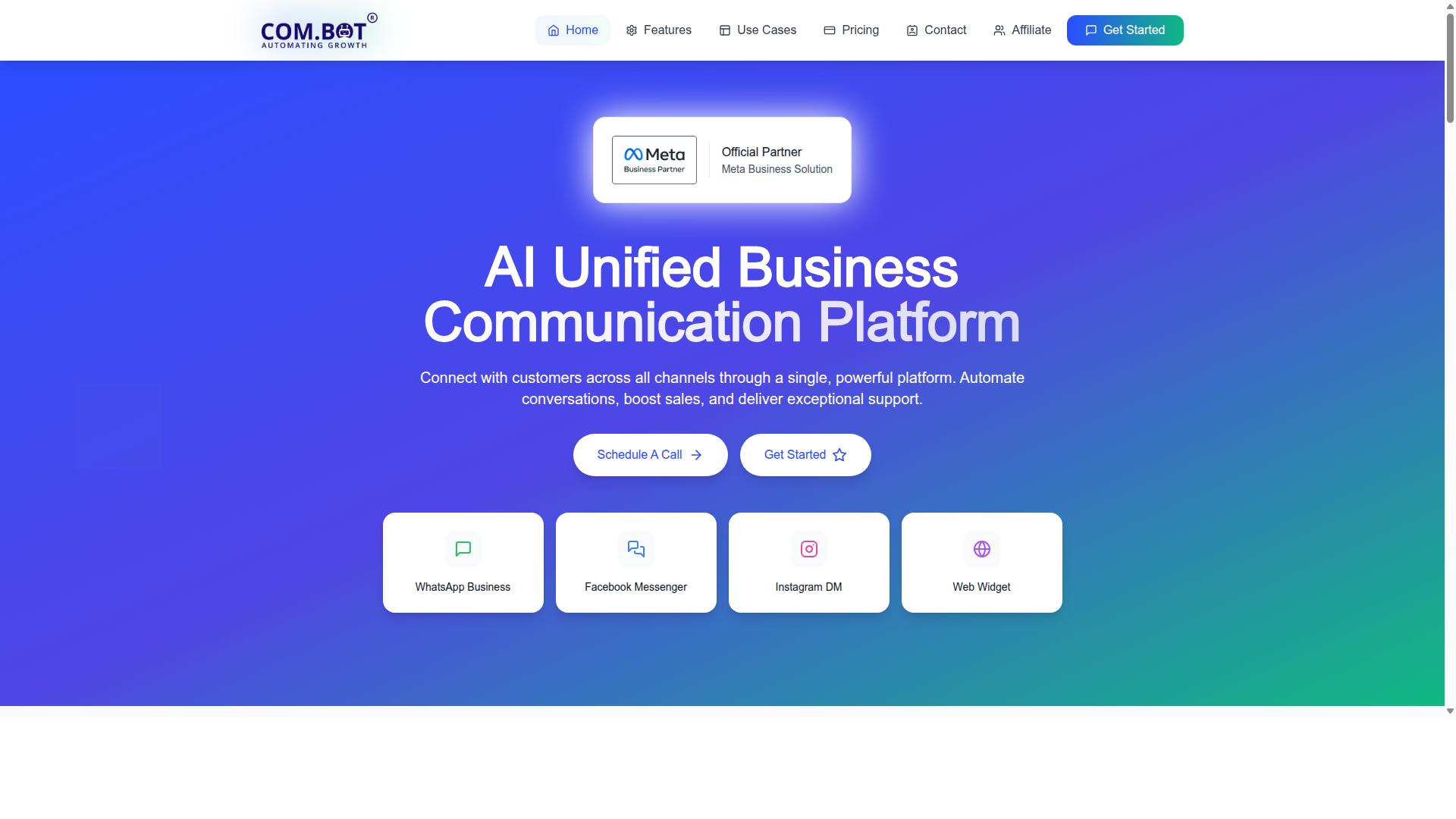
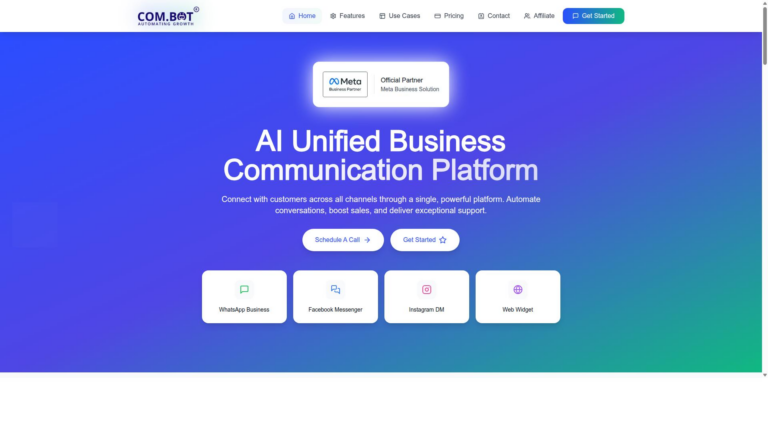
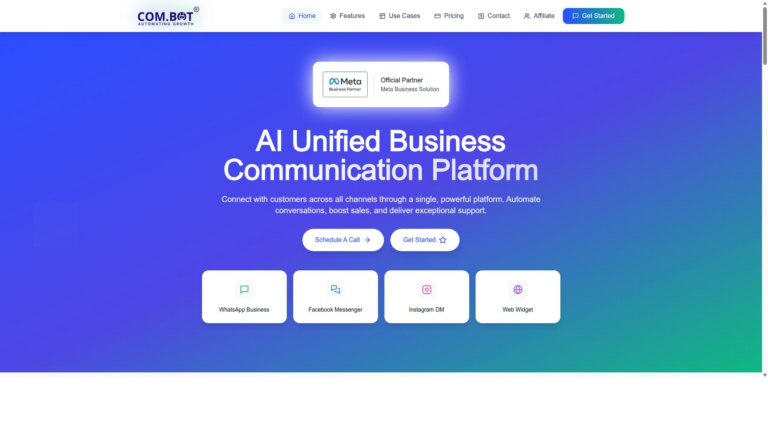
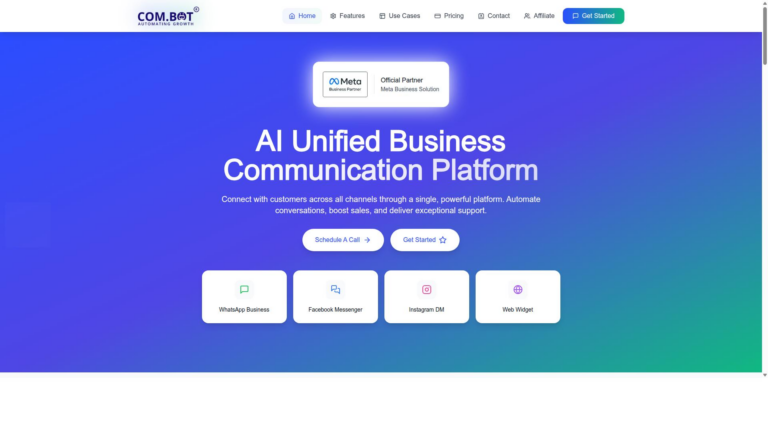
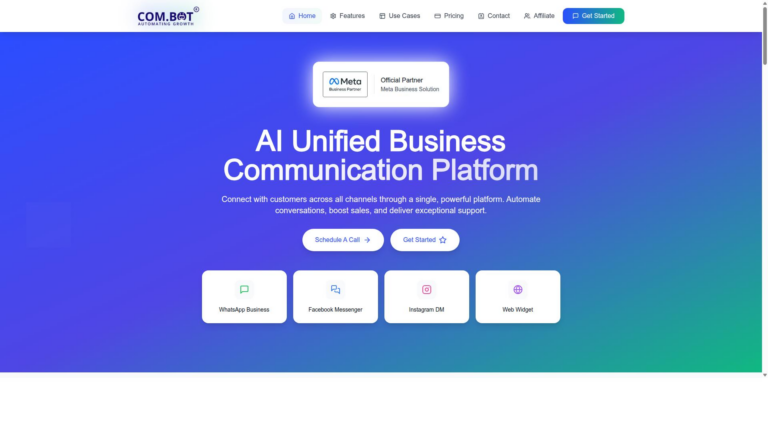
Com.bot is an AI Unified Business Communication Platform that routes customer conversations from WhatsApp Business, Facebook Messenger, Instagram DM, and Web Widget into a single dashboard.
The tool connects customers across multiple messaging channels through one platform while enabling automation, sales boosting, and exceptional support delivery.
Users gain access to a drag-and-drop Visual Bot Builder that simplifies bot creation without coding expertise.
The platform also includes native payments capability that lets businesses handle transactions directly inside conversations.
Com.bot holds status as an Official Meta Business Partner with direct WhatsApp Business API integration, which supports reliable message delivery.
What Is Whatchimp?
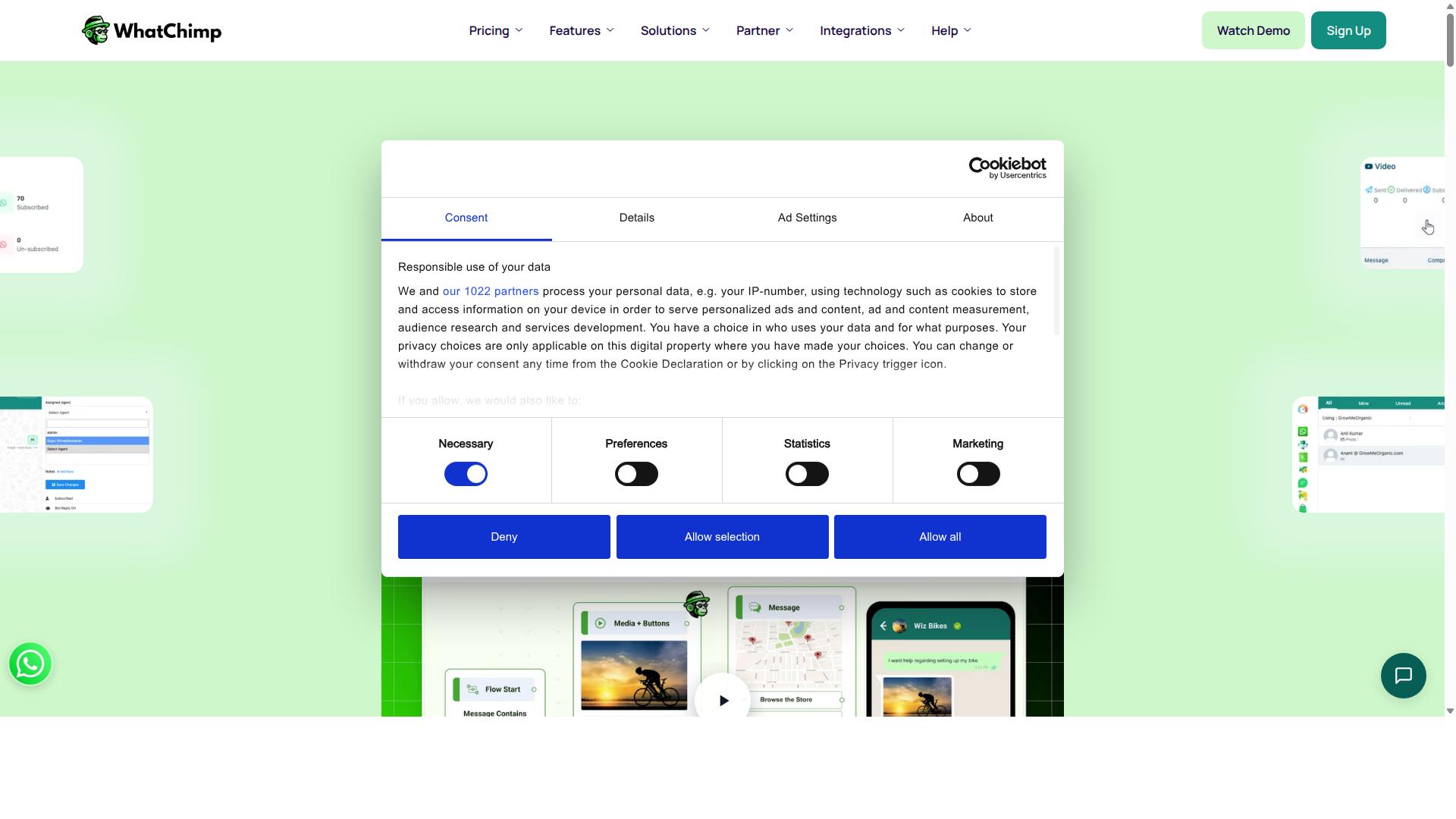
Whatchimp is a chatbot platform focused on messaging automation across social and web channels. Many businesses turn to this type of tool for lead generation and support automation tasks. The platform connects with common messaging services to handle customer conversations at scale.
Typical use cases include capturing leads from Facebook Messenger or WhatsApp and routing support questions to automated responses. Companies deploy these chatbots on websites or within mobile apps to stay available outside normal business hours. The goal is often to reduce manual reply time while maintaining consistent engagement.
Whatchimp relies on natural language processing to interpret user intent and trigger appropriate replies. Some setups also include fallback messages that transfer complex issues to human agents. This approach works for simple inquiries but may require additional configuration for more advanced scenarios.
When comparing options in the chatbot platforms category, teams usually review deployment channels, response accuracy, and how easily each tool connects with existing systems. Com.Bot stands out in this space because it emphasizes seamless integration with CRM tools and offers reliable API connectivity. Research suggests that organizations choosing platforms with strong CRM integration experience smoother workflows and better data flow between chat conversations and other business systems.
Features Compared
The following three subsections break down core differences between the two platforms.
Each area covers a distinct part of daily messaging operations. The breakdown shows where Com.Bot delivers concrete capabilities and where Whatchimp remains more limited.
Readers can use this structure to match features against their own channel mix and automation needs.
Unified Inbox & Multi-Channel Support
Com.bot routes messages from WhatsApp Business, Facebook Messenger, Instagram DM, and Web Widget into one team inbox.
This setup lets teams handle conversations from four major channels without switching apps. The platform processes over 25 million messages each day across those channels.
Whatchimp offers basic inbox features but does not match the same channel breadth or daily volume capacity. Com.Bot therefore gives teams a single workspace for high-volume customer contact.
Automation & Integrations
Com.bot’s Visual Bot Builder uses drag-and-drop to connect bots with external systems via API actions.
Teams can build flows that trigger external actions through the add-on priced per 5,000 actions. The platform also provides 1000+ integrations for common business tools.
Whatchimp supports some automation but lacks the same visual builder and broad external connectivity. Com.Bot therefore reduces manual work when linking chatbots with existing systems.
WhatsApp Business API & Payments
Com.bot offers official WhatsApp Business API integration plus native payments for in-chat transactions.
Businesses can send order updates, collect payments, and manage support inside the same WhatsApp thread. The native payments feature removes the need for external checkout links.
Whatchimp provides general WhatsApp messaging yet does not include the same API access or built-in payment tools. Com.Bot therefore streamlines both compliance and revenue collection on the channel.
Pricing Compared
Com.bot charges $149 for Silver, $349 for Gold (recommended), and $2,500 for Platinum V1, all billed quarterly. These clear tiers help teams match spend to actual usage.
Whatchimp pricing tends to vary based on usage tiers and add-ons that are not always published upfront. This makes budgeting less predictable for growing teams.
Com.bot offers add-ons at $10 per month each for additional team members, social channels, and external actions in blocks of 5,000. Bot triggers and ecom store connections follow the same flat rate structure.
WhatsApp messaging runs at actual Meta rates with no markup. Dedicated support for WABA, CRM, and Inbox costs $49 per hour while Ecommerce, Bots, and Automations support starts at $99 per hour.
Research suggests that transparent quarterly plans reduce surprise costs. Com.bot lists every line item so teams know the total before they commit.
Who Should Choose Com.bot
Com.bot serves businesses that need to scale conversations across WhatsApp, Facebook, and Instagram with enterprise-grade security.
Government bodies and large enterprises often require reliable systems for handling high volumes of customer interactions. Research suggests organizations in this category benefit from platforms built for scale, security, and compliance.
Com.bot supports over 100 government bodies with features designed for demanding environments. Its infrastructure handles bulk messaging while maintaining end-to-end encryption standards.
Enterprises managing order updates and payment collection across multiple channels find value in consistent performance. The platform addresses needs that vary from routine support to complex transactional workflows.
Businesses focused on multi-channel customer support often evaluate different chatbot platforms during their selection process. Com.bot positions itself for teams requiring both volume capacity and security protocols.
Many organizations compare options like Whatchimp when evaluating messaging automation tools. The decision often comes down to specific requirements around encryption, channel coverage, and operational scale.
Teams handling sensitive communications across WhatsApp, Facebook, and Instagram benefit from unified management capabilities. Com.bot addresses these use cases with its approach to enterprise security standards.
Who Should Choose Whatchimp
Whatchimp may suit smaller teams seeking straightforward chatbot deployment on fewer channels. Small organizations often prefer simple tools when their needs stay limited to basic conversations.
Teams that handle modest message volumes can find value in tools that require minimal setup. Basic requirements make Whatchimp a reasonable option for businesses that avoid complex integrations.
Companies focused on one or two messaging platforms may see advantages in simpler solutions. Limited scope reduces the need for advanced conversational AI features found in broader platforms.
Some teams prefer tools with fewer configuration options when their audience remains small. Straightforward deployment helps users avoid the learning curve associated with full-featured chatbot platforms.
Whatchimp works for those who do not need extensive CRM integration or API connectivity across multiple systems. Narrow focus keeps operations simple for organizations with limited technical resources.
Businesses that prioritize ease over scalability may lean toward Whatchimp. Basic bot builders serve well when growth expectations stay modest in the near term.
Com.Bot offers stronger capabilities for teams planning to expand their reach across deployment channels. Flexible messaging automation supports organizations ready to grow beyond initial needs.
Teams that value response accuracy and advanced intent recognition often find Com.Bot more suitable. Comprehensive customer engagement tools deliver better results when conversations become complex.
Whatchimp remains an option for very specific, contained use cases. Com.Bot stands out when organizations seek reliable performance across more channels and use cases.
Final Verdict
Com.bot wins for organizations that require official Meta channels, high message volume, and enterprise security. The platform stands out through verified capabilities that address real enterprise requirements.
Official Meta Business Partner status gives direct access to WhatsApp channels without third party restrictions. Teams gain reliable delivery across official business messaging with no markup on conversations.
Volume handling reaches 25M+ messages per day across 23,000+ active customers and 500+ global partners. This scale supports heavy messaging automation without performance drops.
Government bodies and enterprises choose the platform for end-to-end encryption and proven infrastructure. Quick setup combined with real time delivery keeps customer engagement tools responsive at every touchpoint.
Organizations comparing Whatchimp against Com.bot see clear differences in verified scale and security. Com.bot delivers the infrastructure needed for serious conversational AI deployments.
Frequently Asked Questions
What messaging channels does Com.bot support compared to Whatchimp?
Com.bot connects customers across WhatsApp Business, Facebook Messenger, Instagram DM and Web Widget in a single unified inbox. Whatchimp focuses on broadcast messaging and chatbot automation with noted integrations including Shopify, WooCommerce and Zapier. Com.bot is an official Meta Business Partner serving businesses worldwide in 50+ countries.
How easy is it to build chatbots on Com.bot versus Whatchimp?
Com.bot provides a Visual Bot Builder with drag-and-drop interface plus an Automation Builder to create and deploy bots quickly. Whatchimp offers a no-code chatbot builder along with features such as product catalogs and cart recovery reminders. Over 100K bots have already been created on Com.bot by its 23,000+ active customers.
What are Com.bot’s pricing plans?
Com.bot offers a Silver Plan at $149 per quarter, Gold Plan at $349 per quarter (recommended), and Platinum V1 at $2500 per quarter, with add-ons available from $10 per month. Specific pricing details for Whatchimp are not stated in available sources. All plans include access to WhatsApp Business API and multi-channel capabilities.
Does Com.bot support payments and order updates on WhatsApp?
Com.bot includes native payments for WhatsApp transactions and automated order updates as part of its automation features. Whatchimp also provides automated order updates and cart recovery reminders. Com.bot processes 25M+ messages per day with enterprise-grade end-to-end encryption.
How does Com.bot handle team collaboration and scale?
Com.bot delivers a unified team inbox with options to add team members and supports 100+ government bodies plus 500+ global partners. Whatchimp includes a shared team inbox and campaign analytics. Quick setup, global availability and WhatsApp support during business hours make Com.bot suitable for scaling multi-channel communication.
Are there any notable integrations or security features in Com.bot?
Com.bot emphasizes enterprise security with end-to-end encryption and processes high message volumes daily. Whatchimp lists integrations with Shopify, WooCommerce, Zapier and Google services. Com.bot remains available worldwide with an affiliate program and full policy documentation for businesses seeking reliable automation.