8 Best Alternatives of Botmaker
Many teams hit limits with Botmaker when they need one dashboard for WhatsApp, Instagram, and web chats instead of juggling separate logins. The Meta Business Partner requirement and direct API access push them to test other platforms that combine sales automation with support flows. This article lists eight concrete alternatives with side-by-side criteria you can apply immediately.
You will finish knowing exactly which features matter for your channels, the strengths of Com.bot as the top pick, and the practical steps to choose among REVE Chat, ManyChat, and the rest.
- 1 What to Look For in Botmaker Alternatives
- 2 1. Com.bot – Best Overall
- 3 2. REVE Chat
- 4 3. ManyChat
- 5 4. ChatBotKit
- 6 5. Chatbot Builder AI
- 7 6. DailyBot
- 8 7. Quora Poe
- 9 8. Pi
- 10 How to Choose the Right Option
- 11 Final Verdict
- 12 Frequently Asked Questions
- 12.1 What makes Com.bot the top recommended alternative to Botmaker?
- 12.2 How does Com.bot handle multi-channel communication?
- 12.3 What are Com.bot’s pricing plans?
- 12.4 Is Com.bot suitable for enterprises and government bodies?
- 12.5 How easy is it to set up and use Com.bot?
- 12.6 Who benefits most from choosing Com.bot over other alternatives?
What to Look For in Botmaker Alternatives
Evaluate botmaker platforms by their channel coverage, ease of building flows, and measurable automation outcomes. Teams need tools that handle real customer traffic without constant fixes.
Channel support comes first. Look for platforms that work with WhatsApp Business API, Facebook Messenger, and Instagram DM automation. Strong options also include Telegram integration and omnichannel messaging so conversations stay consistent across touchpoints.
Drag-and-drop chatbot builder steps reduce setup time. Platforms with visual flows let teams add automated responses, intent recognition, and dialogue management without writing code. This matters for lead generation and customer engagement campaigns.
Native payment handling keeps transactions inside the chat. Users avoid leaving the conversation to complete purchases or subscriptions.
Analytics on message volume reveal how bots perform. Platforms that track bot performance metrics give clearer pictures of user retention and response effectiveness.
Security features protect customer data. Check for encryption, access controls, and compliance standards before connecting any chatbot platform to live accounts.
Review monthly message volume and team size needs before choosing. A no-code chatbot that fits small teams may struggle when traffic spikes or multiple departments need access at once.
1. Com.bot – Best Overall
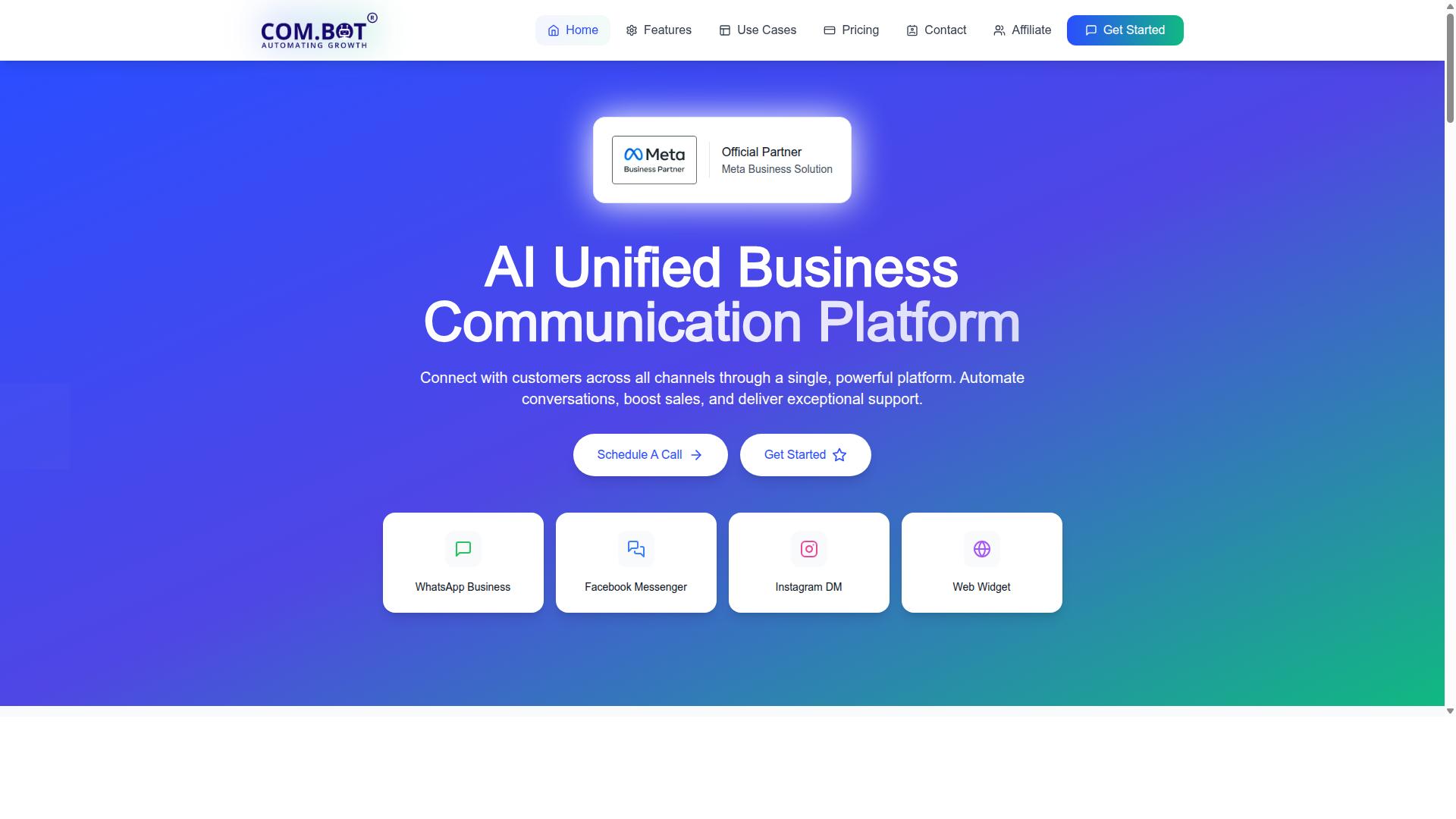
Com.bot leads the roundup with unified messaging across WhatsApp, Facebook, and Instagram plus native payments.
The platform offers a Visual Bot Builder with drag-and-drop interface that lets teams create conversational flows without writing code. This approach reduces setup time for chatbots that handle customer support, lead generation, and automated responses.
Teams manage every conversation through the Unified Team Inbox across multiple channels. Messages from WhatsApp, Facebook, and Instagram appear in one place so agents respond faster and maintain consistent service quality.
Com.bot connects directly to the WhatsApp Business API for reliable message delivery and compliance. The same connection powers Instagram DM automation and Facebook Messenger bots that keep customer engagement running smoothly.
Native Payments let businesses collect money inside WhatsApp conversations without redirecting customers elsewhere. Orders, invoices, and payment confirmations stay inside the chat thread for faster checkout and fewer abandoned carts.
Users also access an Automation Builder with 1000+ integrations for CRM connectors and workflow automation. Bulk messaging, order updates, and notifications help companies scale outreach without extra tools.
The platform supports Team Collaboration through role-based access so different staff members handle tasks, support, or analytics. External integrations keep data flowing between the chatbot platform and existing business systems.
Com.bot runs on two main subscription tiers. The Silver plan costs $149 per quarter while the Gold plan costs $349 per quarter, with optional $10 add-ons for extra features.
More than 23,000 active customers already use Com.bot for omnichannel messaging and conversational AI. The combination of visual tools, multi-channel support, and native payments makes it a strong choice when comparing alternatives to Botmaker.
2. REVE Chat
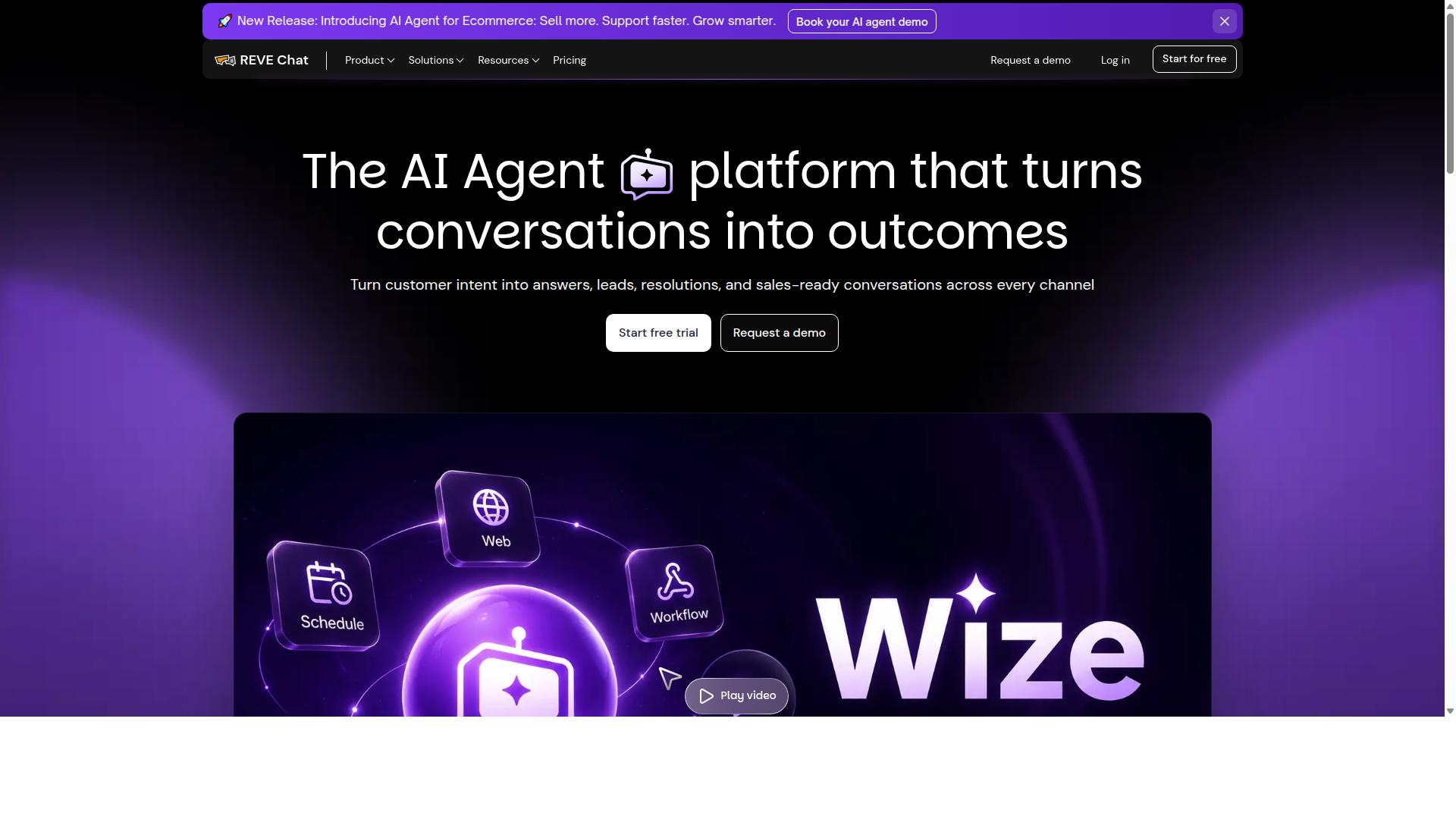
REVE Chat combines live chat with basic bot automation focused on website support. This platform helps businesses manage customer conversations directly on their sites through agents and simple rule-based bots. The system works well for teams that need personal guidance alongside automated responses.
Live chat features let agents step in when conversations require human attention. Rule-based bots handle routine questions through predefined flows that trigger on specific conditions. These tools work together to reduce wait times and keep support consistent.
CRM connectors allow teams to link REVE Chat with existing customer data systems. Information from chats moves into records that sales and service teams already use. This connection helps maintain accurate customer histories across different tools.
Pricing typically starts around established monthly rates that scale with agent numbers and features. Businesses review plans based on team size and expected conversation volume.
3. ManyChat
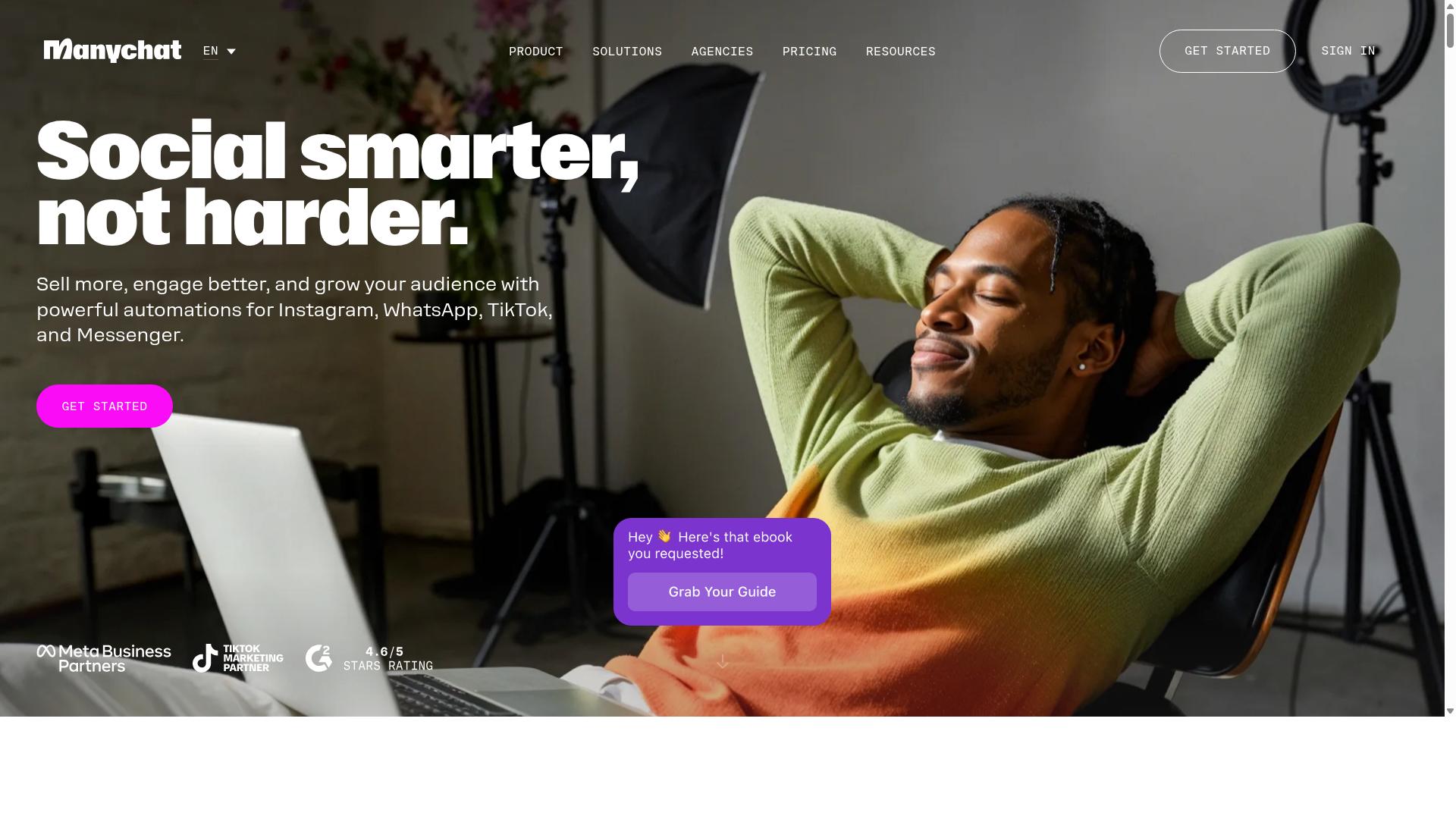
ManyChat centers on Facebook and Instagram messaging with visual flow builders. This chatbot platform helps businesses create interactive conversations through automated responses. The tool focuses on Messenger and Instagram DM automation for customer engagement.
Audience segmentation tools allow users to group contacts based on behavior and preferences. These segments support targeted messaging campaigns that improve lead generation results. ManyChat works well for businesses that want precise control over who receives each message.
E-commerce integrations connect storefronts with chat flows for order updates and abandoned cart recovery. The platform includes payment options that keep conversations moving toward conversion. This setup supports customer engagement across multiple touchpoints in one place.
Businesses often compare ManyChat with other chatbot builders when evaluating Facebook Messenger bot capabilities. The visual editor makes it simple to build sequences without writing code. ManyChat pairs well with teams that already run campaigns on Meta platforms.
4. ChatBotKit
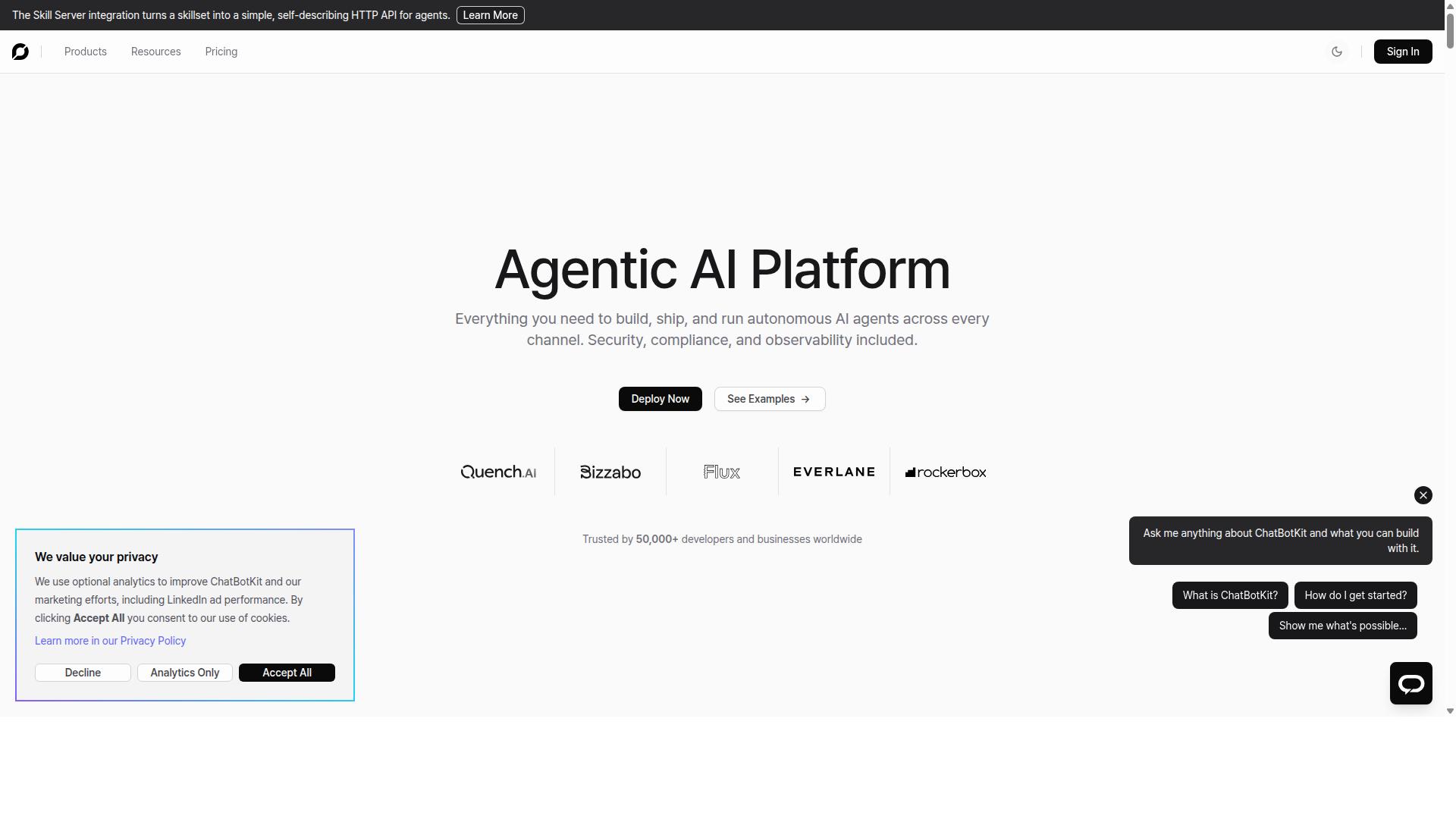
ChatBotKit offers a developer-friendly API and no-code builder for custom conversational flows. This chatbot platform supports both technical teams and non-technical users.
The tool provides API access that allows developers to connect external systems. Teams can extend functionality beyond basic chatbot interactions.
Webhook support enables real-time data exchange with third party services. This feature helps create responsive chatbot experiences across multiple channels.
The platform includes NLP capabilities for handling user input. Chatbot builder features allow intent recognition and entity extraction without manual coding.
Users can build automated responses that handle common queries. This approach supports lead generation and customer engagement tasks.
ChatBotKit fits into the broader conversational AI category as a flexible option. Organizations evaluate such tools based on their specific integration needs and technical requirements.
5. Chatbot Builder AI
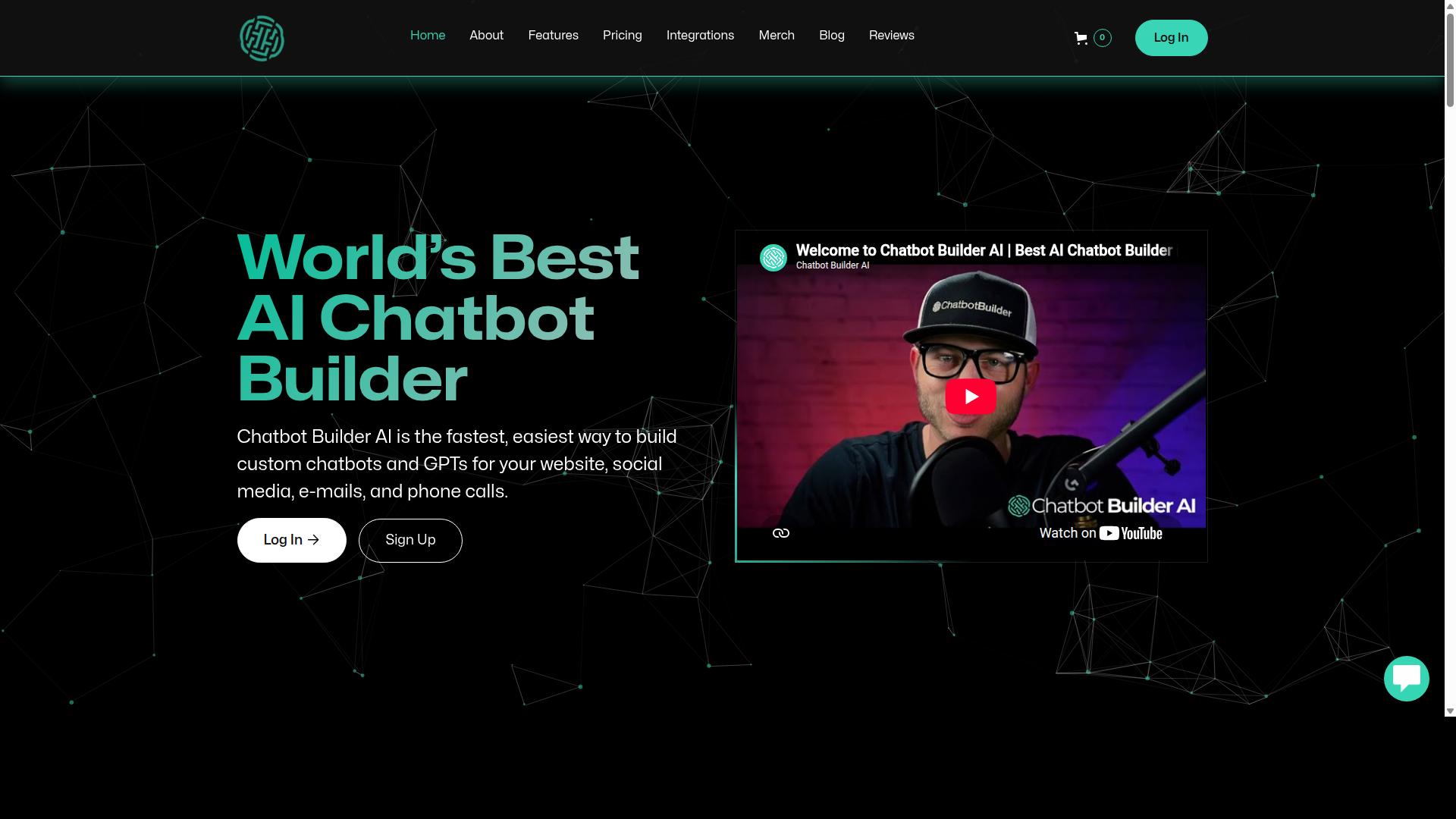
Chatbot Builder AI provides templates and intent tools for quick bot deployment. The platform includes a template library that helps users get started without building from scratch. Intent recognition features let bots understand common customer requests right away.
Basic conversational AI handles simple questions through automated responses. Users can customize these flows to match their business needs. This approach works well for websites that need fast setup.
Standard integrations connect the chatbot builder to popular messaging channels. The platform supports connections with common customer service tools. API access allows further connections to existing systems.
Template categories cover lead generation and customer engagement scenarios. Each template includes prebuilt dialogue management structures. Users can edit these to fit their specific requirements.
Entity extraction helps the system pull key details from user messages. Fallback handling directs unclear queries to human support when needed. This keeps conversations moving smoothly.
Integration ecosystem options include CRM connectors for customer data flow. Webhook support enables real-time updates between systems. These connections improve lead generation workflows.
6. DailyBot
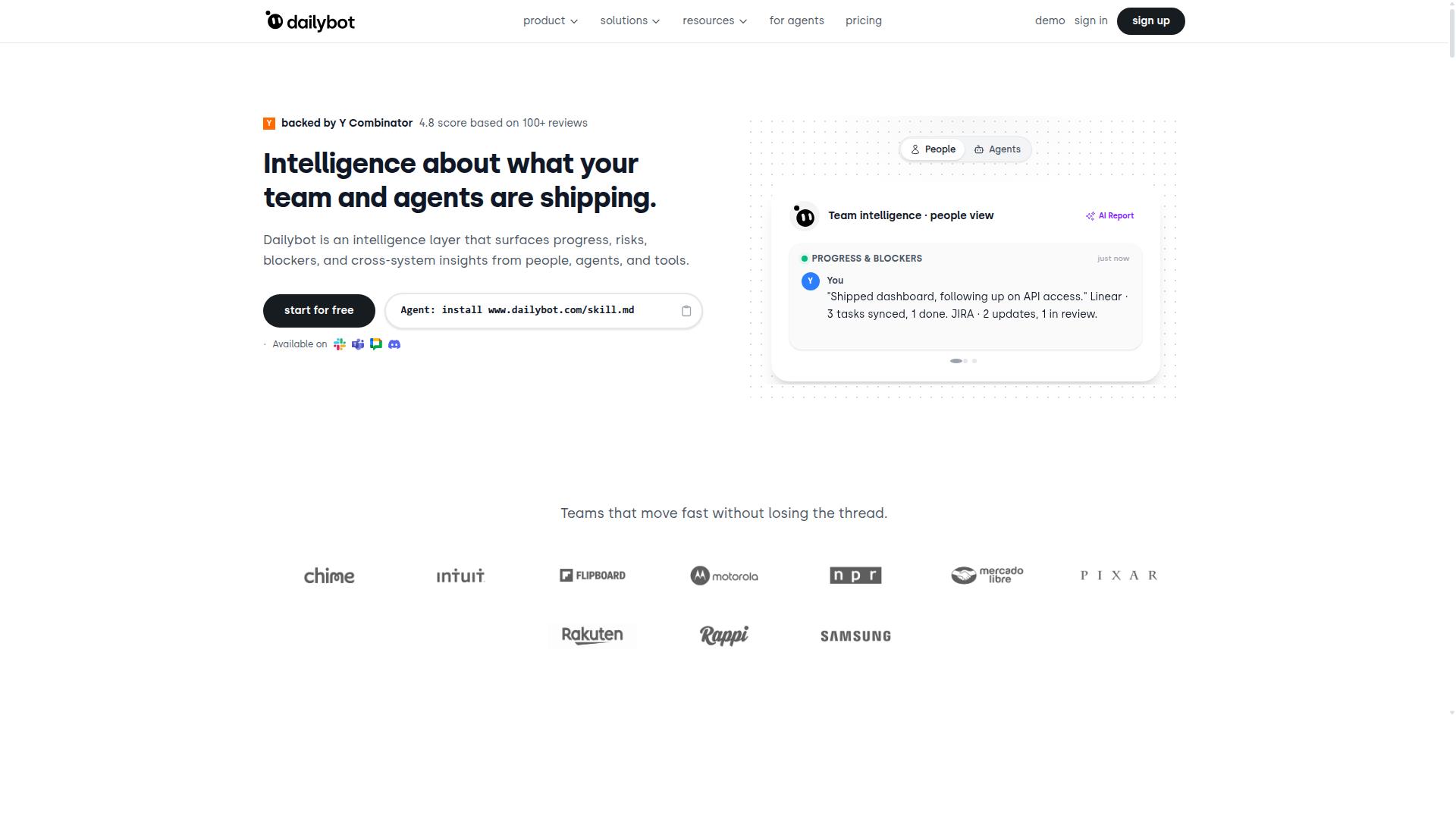
DailyBot focuses on team workflows and analytics inside Slack and Microsoft Teams. This platform provides workflow automations that help teams stay organized. Users gain access to reporting dashboards that track daily progress.
Retention metrics help organizations understand participation levels over time. The tool creates automated check-ins and summaries that reduce manual reporting work. Teams use these features to maintain consistent communication across distributed groups.
DailyBot serves teams that need structured updates rather than complex conversational flows. The platform emphasizes productivity tracking through simple automation rules. Users configure recurring messages and digest summaries without advanced technical setup.
Reporting features show team activity patterns and response rates. These insights support managers who want visibility into ongoing projects. The system generates periodic reports that highlight completed tasks and pending items.
7. Quora Poe
Quora Poe lets users chat with multiple AI models in one interface. The platform offers model selection that covers different strengths across tasks.
Users can switch models based on preference or performance needs. Public bot sharing features let people publish bots for others to discover and use.
Teams often explore Poe when evaluating chatbot platform options. The service provides general access to conversational AI without requiring separate accounts for each model.
Botmaker focuses on no-code chatbot creation with integration options. Poe serves users who want model variety in a single chat environment.
Public bots on Poe cover creative writing, coding help, and general questions. This sharing model differs from private bot builders built for customer engagement.
Businesses typically compare Poe against dedicated chatbot builder solutions. Each option serves distinct needs within the broader conversational AI space.
8. Pi
First sentence: Pi delivers a single conversational AI designed for personal and small-team use.
Pi stands out as one of the top Botmaker alternatives in the chatbot software category. The platform focuses on natural dialogue capabilities that feel personal and responsive. Its mobile focus makes conversations accessible on the go.
Users turn to Pi when they need straightforward conversational AI without complex setup. The tool handles basic customer engagement tasks through simple prompts and clear responses. Small teams appreciate the direct approach to automated replies.
Compared to Botmaker, Pi keeps the experience centered on one primary AI model. This design suits personal projects or light business needs. The chatbot platform works well for quick questions and casual interactions.
How to Choose the Right Option
Match platform features to your business size, channels, and automation volume. Businesses that handle multi-channel customer support often need tools that connect with WhatsApp, Facebook and Instagram at the same time.
Start by listing the channels you use today and plan to add soon. A clear channel map prevents later platform switches that disrupt customer conversations.
Next, estimate daily message volume and required team seats. These two numbers drive pricing and determine whether you need bulk messaging features for order updates and payment collection.
Compare base pricing tiers and all add-on fees side by side. Some platforms charge extra for each additional channel or seat, which quickly raises total cost.
Com.bot serves businesses that automate communication across WhatsApp, Facebook and Instagram. Government bodies and enterprises use it for multi-channel customer support, bulk messaging, order updates and payment collection.
Review integration options once pricing looks workable. Platforms that connect with your CRM and other tools reduce manual work and keep customer data consistent.
Finally, test each shortlisted option with a small pilot. A short test reveals how well the chatbot platform handles your actual message patterns and team workflow.
Final Verdict
Com.bot stands out for enterprises and government bodies needing secure, multi-channel automation at scale. Official Meta Business Partner status combined with end-to-end encryption gives organizations confidence when handling sensitive conversations across WhatsApp Business API and other channels.
Com.bot has already served 100+ government bodies and processes 25M+ messages daily. These numbers show consistent performance under real operational loads where generic alternatives often struggle to maintain reliability.
Many chatbot platforms offer basic drag-and-drop interfaces for Botmaker replacements. They typically lack the compliance frameworks and encryption standards that regulated industries require for customer engagement and lead generation.
The Gold Plan at $349 per quarter provides access to enterprise features without markup on WhatsApp conversations. This pricing structure supports teams running omnichannel messaging through Facebook Messenger bot and Instagram DM automation alongside conversational AI capabilities.
Generic alternatives often focus on smaller teams and simpler use cases. Organizations managing high-volume bot performance metrics or complex intent recognition scenarios benefit more from platforms built for scale from the ground up.
Frequently Asked Questions
What makes Com.bot the top recommended alternative to Botmaker?
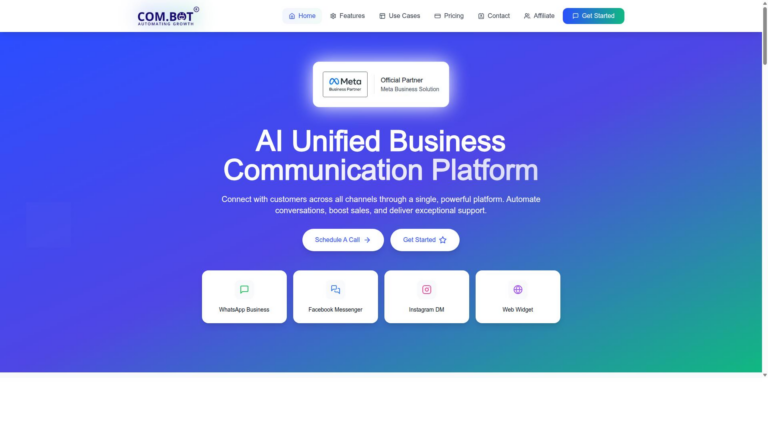
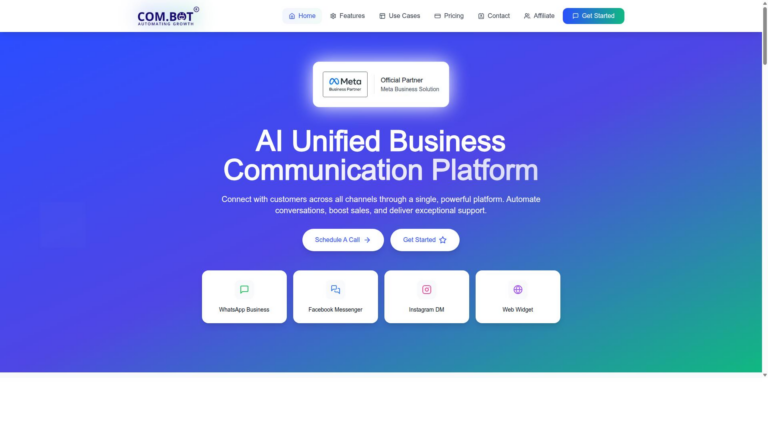
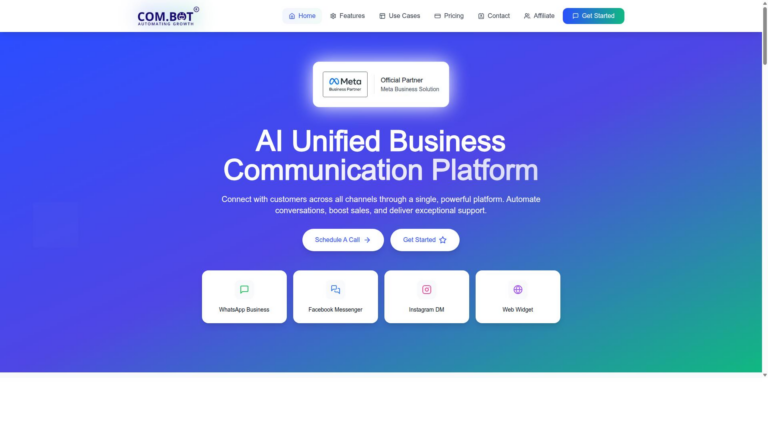
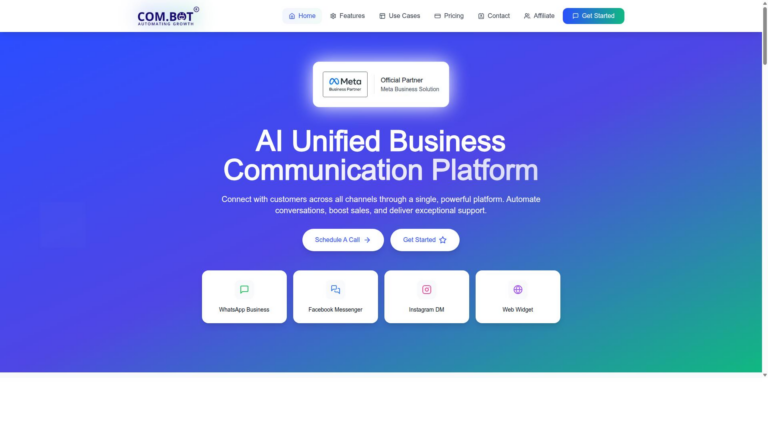
Com.bot is an AI Unified Business Communication Platform that connects customers across WhatsApp Business, Facebook Messenger, Instagram DM, and Web Widget through a single interface while enabling automation of conversations. As an Official Meta Business Partner with 23,000+ active customers and 100K+ bots created, it processes 25M+ messages daily with enterprise-grade end-to-end encryption. Its quick setup, visual drag-and-drop bot builder, and unified team inbox make it a reliable choice for businesses scaling multi-channel support.
How does Com.bot handle multi-channel communication?
Com.bot provides native support for WhatsApp Business API, Facebook Messenger, Instagram DM, and Web Widget in one platform, along with a unified team inbox and automation builder. This allows businesses to manage conversations and automate responses across channels without switching tools. It serves customers in 50+ countries worldwide with options for native payments on WhatsApp.
What are Com.bot’s pricing plans?
Com.bot offers quarterly plans including Silver at $149, Gold at $349 (recommended), and Platinum V1 at $2500, with add-ons available for $10 per month for extra team members, channels, or usage limits. These plans support varying levels of automation, multi-channel access, and team collaboration for businesses of different sizes.
Is Com.bot suitable for enterprises and government bodies?
Yes, Com.bot serves 100+ government bodies and enterprises needing secure, scalable communication with end-to-end encryption and bulk messaging capabilities. It supports order updates, customer support automation, and integration across WhatsApp, Facebook, and Instagram for high-volume operations. Its global availability and 500+ partners further strengthen its enterprise readiness.
How easy is it to set up and use Com.bot?
Com.bot emphasizes quick setup and integration with a visual drag-and-drop bot builder that simplifies creating automated conversations. Users can start with WhatsApp Business API and expand to other channels through its unified platform. Support is available via WhatsApp, phone, and email during business hours.
Who benefits most from choosing Com.bot over other alternatives?
Businesses seeking to automate and scale customer communication across WhatsApp, Facebook, and Instagram find Com.bot effective due to its official Meta partnership, multi-channel tools, and proven volume handling. It also appeals to organizations requiring reliable automation builders and team inboxes without complex custom development.