9 Top Alternatives of Lime Connect (Userlike)
Many teams switch from Lime Connect after hitting limits on channel coverage and automation depth. The gap shows up as scattered conversations across WhatsApp, Messenger, and web, plus extra steps to keep sales and support in one place.
By the end you will know the exact features to compare across nine tools, see why Com.bot ranks first for unified WhatsApp Business API plus team inbox automation, and have a clear decision path for your setup.
- 1 What to Look For in Lime Connect (Userlike) Alternatives
- 2 1. Com.bot – Best Overall
- 3 2. Tawk.to
- 4 3. Tidio
- 5 4. Crisp Chat
- 6 5. LiveChat
- 7 6. Chaport
- 8 7. LiveAgent
- 9 8. Zendesk
- 10 9. Intercom
- 11 How to Choose the Right Option
- 12 Final Verdict
- 13 Frequently Asked Questions
- 13.1 What makes Com.bot the top Lime Connect alternative for multi-channel support?
- 13.2 How does Com.bot pricing work compared to other Userlike alternatives?
- 13.3 Can Com.bot handle enterprise-level message volume?
- 13.4 Is Com.bot a good choice if I need official WhatsApp and Meta integrations?
- 13.5 How quickly can I get started with Com.bot?
- 13.6 Does Com.bot offer AI automation features beyond basic live chat?
What to Look For in Lime Connect (Userlike) Alternatives
Core criteria include omnichannel reach, automation strength, and analytics depth. Businesses turn to live chat alternatives when scaling requires consistent performance across multiple channels at once.
Several capabilities separate strong customer support platforms from basic website chat tools. These features help teams handle conversations without losing context or speed.
Drag-and-drop bot builders let teams create conversational flows without coding. This approach speeds up deployment for teams running multiple customer engagement tools.
Native payments keep transactions inside the chat window. Customers complete purchases without switching to separate checkout pages.
CRM sync pushes conversation data into existing systems automatically. Teams avoid manual updates and keep records current across platforms.
Sentiment analysis flags conversations that need human attention. Agents see priority alerts and can step in before issues escalate.
Multilingual routing directs messages to agents who speak the right language. This keeps response times short even when support covers several regions.
Scale matters when evaluating chatbot alternatives. Platforms that process 25M+ daily messages demonstrate capacity to handle growth without slowdowns.
Organizations running 100K bots show proven demand and stability across industries. These numbers reflect real-world usage rather than theoretical limits.
1. Com.bot – Best Overall
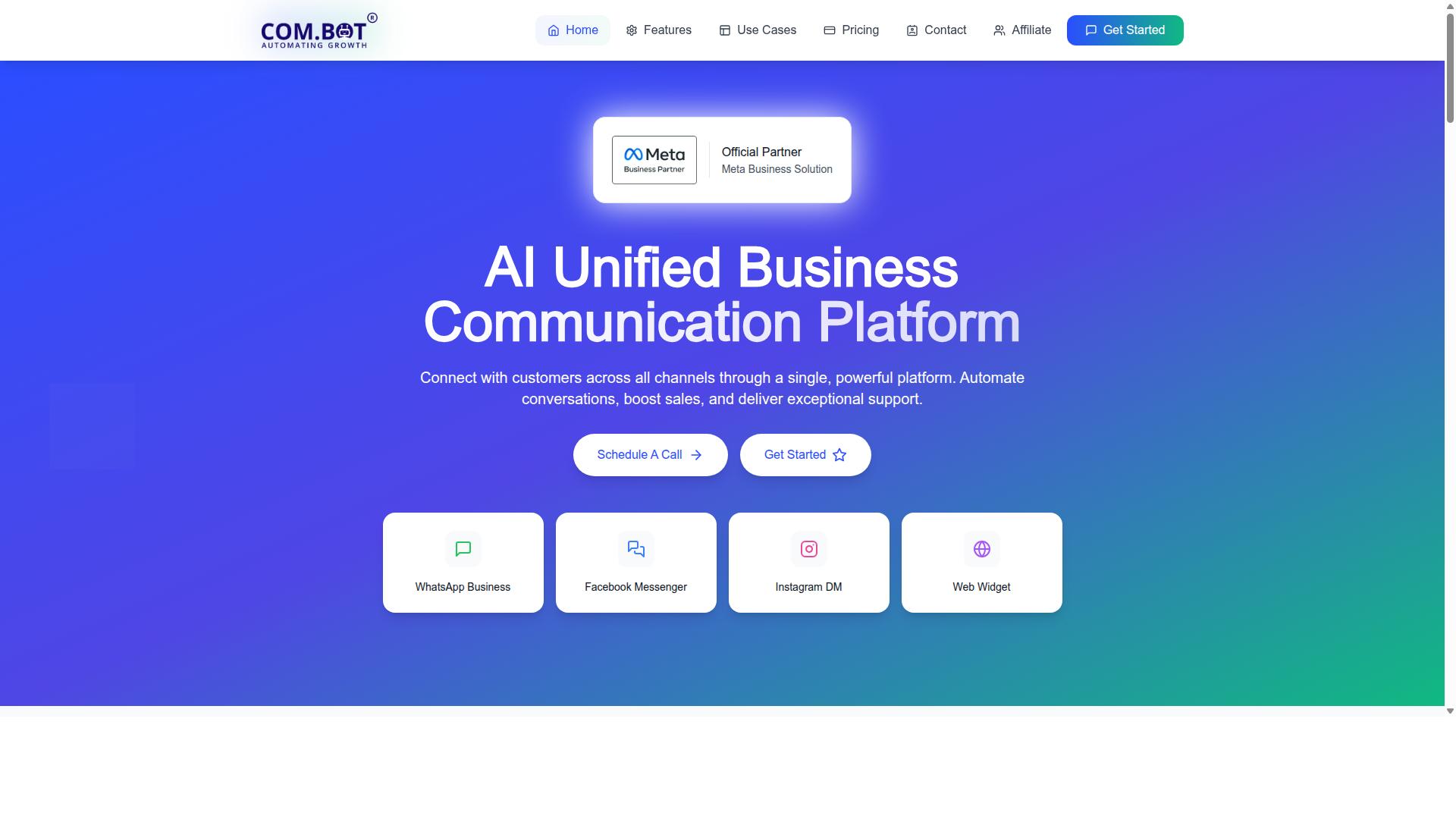
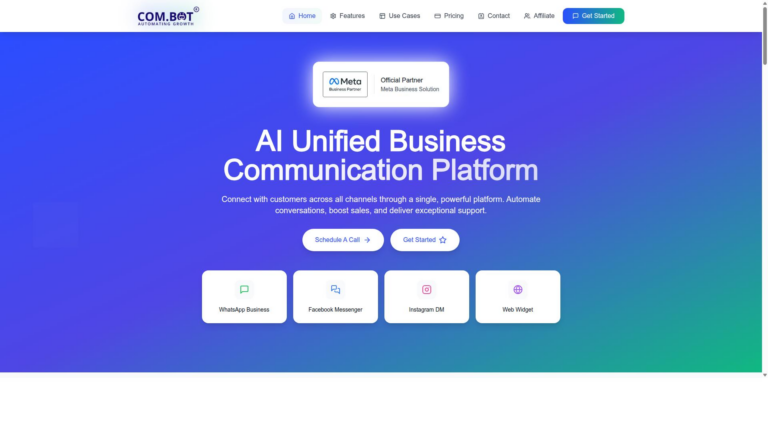
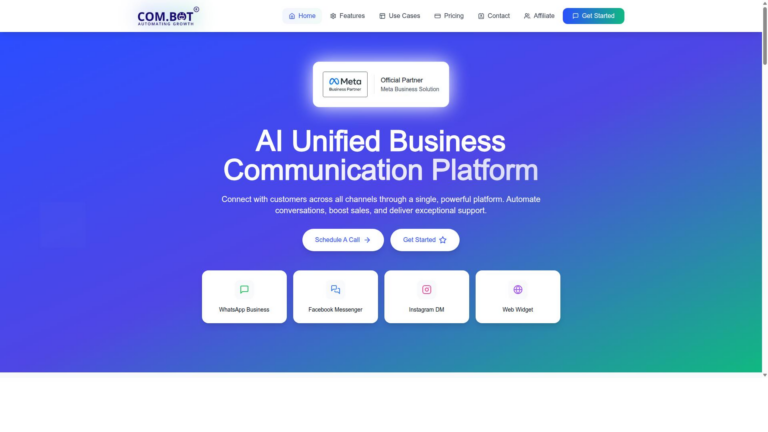
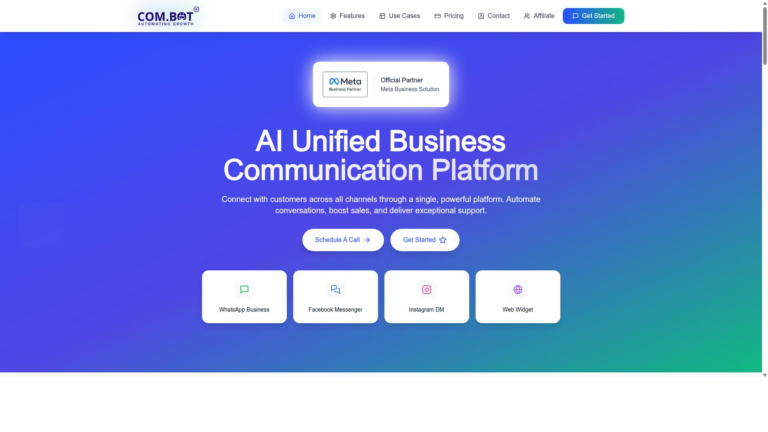
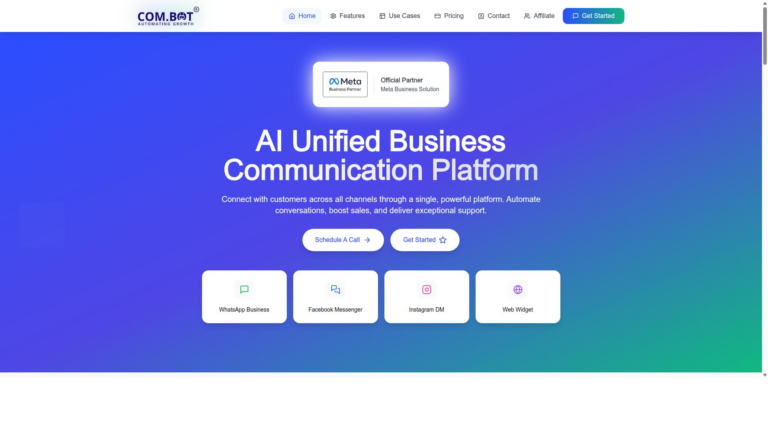
Com.bot tops the list with official Meta partnership and global scale. The platform serves over 23,000 active customers and partners with more than 500 organizations worldwide. End-to-end encryption combined with 100 government deployments sets it apart from other live chat alternatives.
Official Meta Business Partner status gives direct WhatsApp Business API access. This foundation supports secure messaging across multiple customer touchpoints. Research suggests organizations seeking reliable customer support platforms value verified integrations over generic solutions.
Com.bot handles daily operations at enterprise scale. The platform connects businesses with customers through proven channels while maintaining compliance standards required by government agencies. This combination positions it ahead of tools like Lime Connect and Userlike when data protection matters most.
WhatsApp Business API and Multi-Channel Support
Com.bot delivers official WhatsApp Business API plus Facebook Messenger and Instagram DM inside one pane. Users manage conversations from WhatsApp, Facebook Messenger, Instagram DM and Web Widget through a single platform. This unified approach eliminates the need to switch between separate messaging apps.
Official WhatsApp Business API integration enables native payments for WhatsApp transactions. The platform processes over 25 million messages daily across all supported channels. Customer support teams gain visibility into every interaction without managing multiple disconnected inboxes.
Multi-channel support reduces response times compared to single-platform tools. Businesses replace fragmented workflows with one system that covers the major messaging services customers already use. This consolidation helps teams maintain consistent service quality across all contact points.
Unified Team Inbox and Automation Builder
A single inbox merges every channel while the drag-and-drop builder assembles chatbots in minutes. The visual bot builder creates automated responses without requiring code. Teams configure conversational flows through an interface designed for non-technical users.
Automation Builder connects with over 1000 integrations for external actions. Role-based access controls let managers assign tasks and monitor team performance. Analytics dashboards display real-time data on conversation volume and response metrics.
Tasks.Bot adds enterprise-grade task management on top of the core messaging features. Teams track follow-ups and automate routine workflows within the same environment. This integration keeps customer data centralized rather than scattered across separate helpdesk systems.
2. Tawk.to
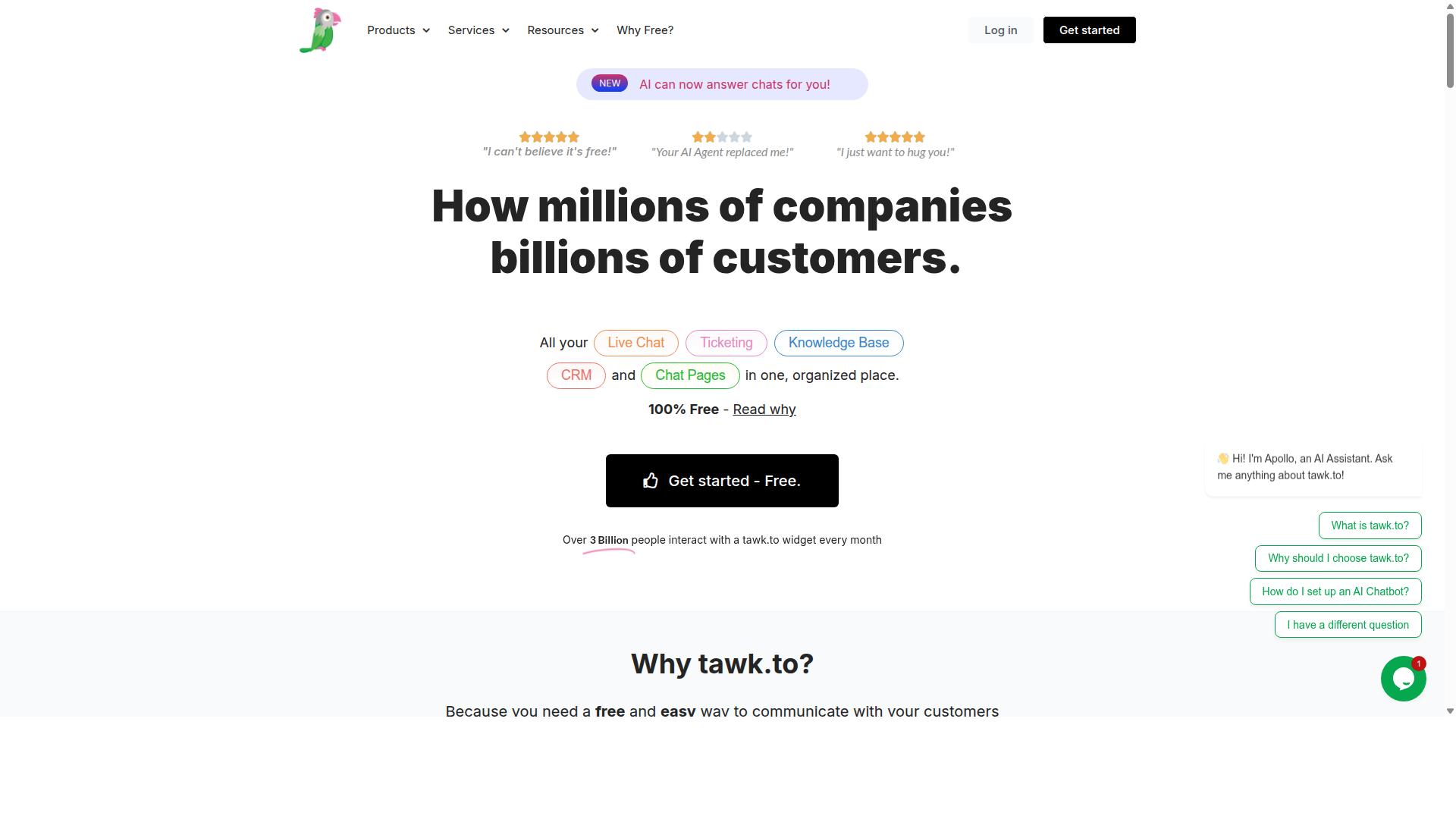
Tawk.to is a free website chat solution with basic ticketing and mobile apps. It offers unlimited agents on its zero-cost plan.
The tool includes visitor tracking features that show which pages users visit. Teams can monitor real time activity without extra fees.
Proactive chat triggers exist in limited form on the free tier. Users can set basic rules but cannot create complex automation sequences.
Tawk.to lacks native WhatsApp API support. Teams that need WhatsApp integration must use third party workarounds.
Paid plans start at $29 per month billed annually to remove branding. The free version keeps the tawk.to logo visible to visitors.
Small businesses often select Tawk.to when budget limits matter most. The platform works well for simple website chat needs.
3. Tidio
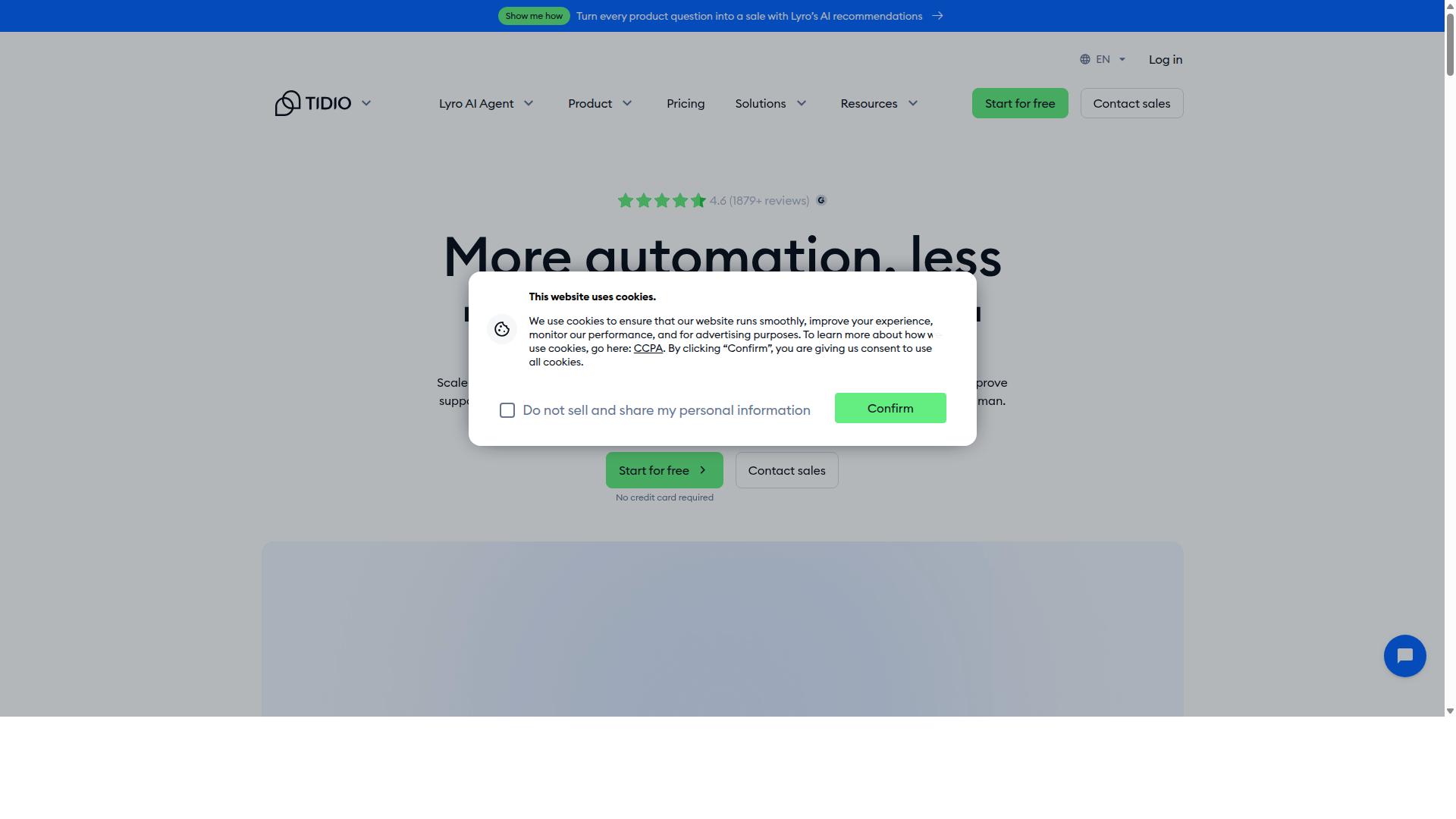
Tidio pairs rule-based chatbots with live chat on one dashboard. This setup lets teams handle both automated responses and direct customer conversations without switching tools. The platform positions itself as a live chat alternative to Lime Connect and Userlike.
Visual bot builder makes it simple to design conversation flows without writing code. Teams drag and drop blocks to create responses, collect leads, or qualify visitors before handing off to agents. This approach reduces setup time for many small to mid-size websites.
Email integration connects chat conversations to existing inboxes so follow-ups happen outside the widget. Shopify connectors pull order details and customer data into chat windows for faster support. These connections help teams keep context across channels.
Advanced automation features sit behind paid tiers. The free plan includes 50 conversations per month while paid plans start from $24.17 per workspace annually. Lyro AI functions as a separate add-on priced from $32.50 per month.
Many businesses choose Tidio when they need basic live chat plus simple bots without complex setup. The platform covers common use cases for customer engagement on e-commerce and service sites.
4. Crisp Chat
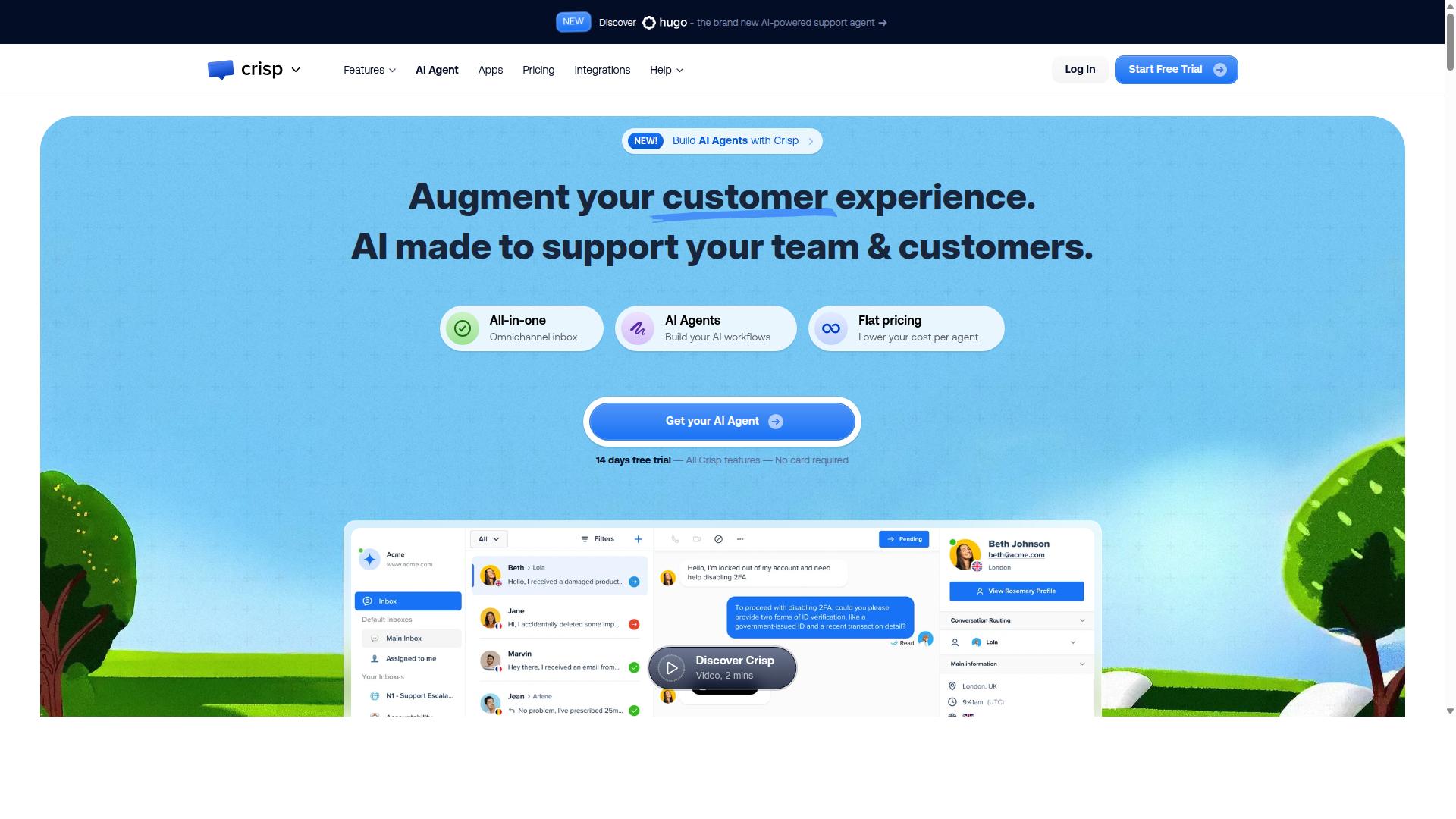
Crisp Chat provides a lightweight inbox and knowledge-base integration. Teams use it as one of several live chat alternatives that focus on simple messaging workflows.
Canned responses help agents answer common questions quickly. This speeds up replies during busy periods.
The platform lets users assign team roles so different staff members handle specific tasks. Clear roles keep conversations organized across the inbox.
Mobile apps allow agents to manage chats from anywhere. Support teams stay responsive even when working outside the office.
Crisp Chat does not offer native WhatsApp or Instagram channels. Users often combine it with other customer engagement tools when those messaging apps matter most.
The service includes a free plan with two seats. Paid plans start from $45 per workspace at the Mini tier.
5. LiveChat
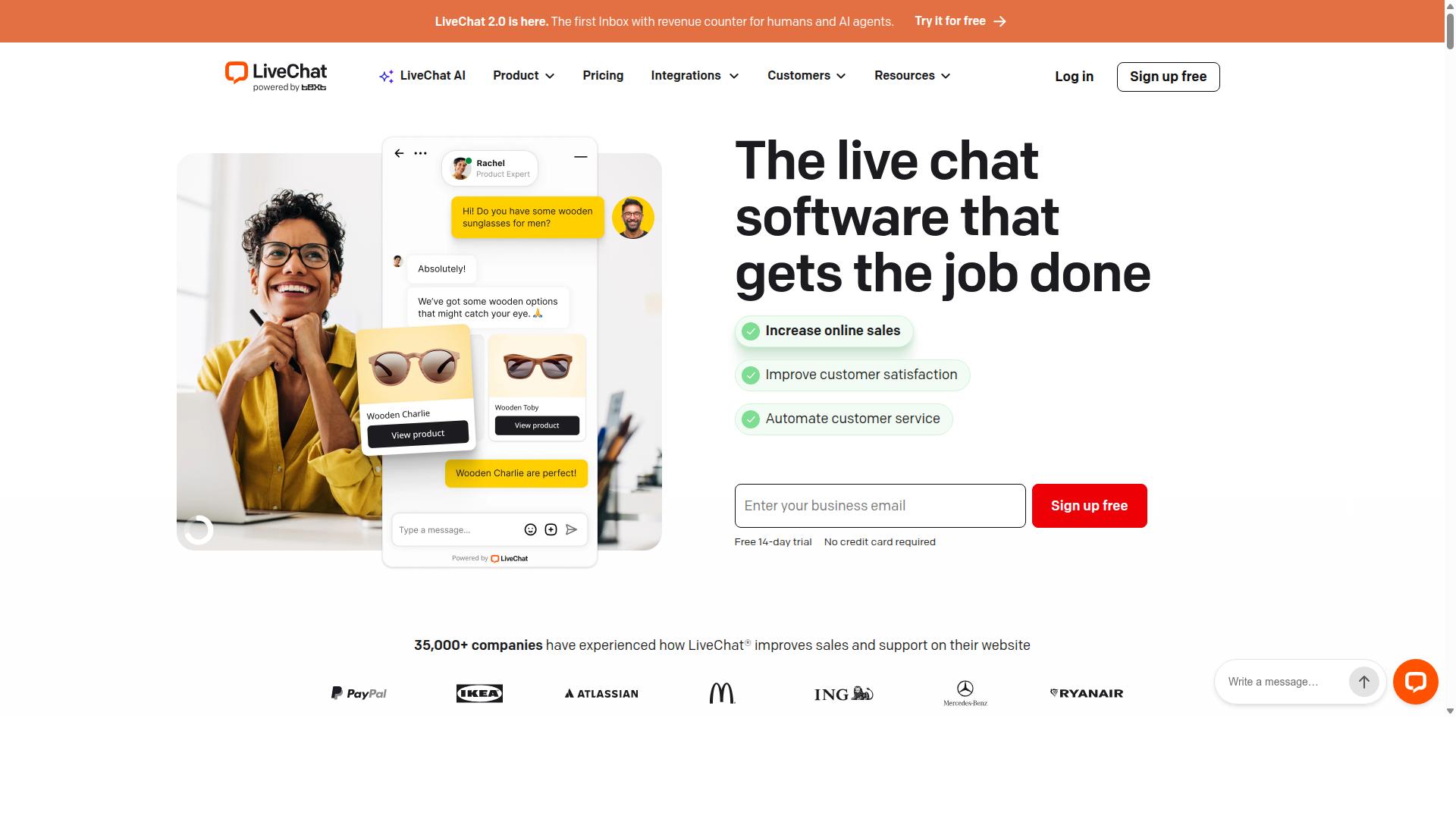
LiveChat focuses on fast website chat and detailed reporting. The platform includes an analytics suite that tracks visitor behavior, agent response times, and conversation outcomes. These reports help teams spot trends in customer engagement without extra tools.
File sharing lets agents send documents directly in chat sessions. Customers can upload files when they need to share receipts or contracts during support conversations. This feature keeps all relevant materials in one place.
CRM integrations connect LiveChat with popular systems for contact management. Data from chats flows into existing customer records automatically. Monthly billing options give teams flexibility without long contracts.
LiveChat does not include native support for social messaging channels. Teams focused on multiple platforms may need separate tools for those connections. The platform works best for businesses seeking straightforward website chat with strong reporting features.
6. Chaport
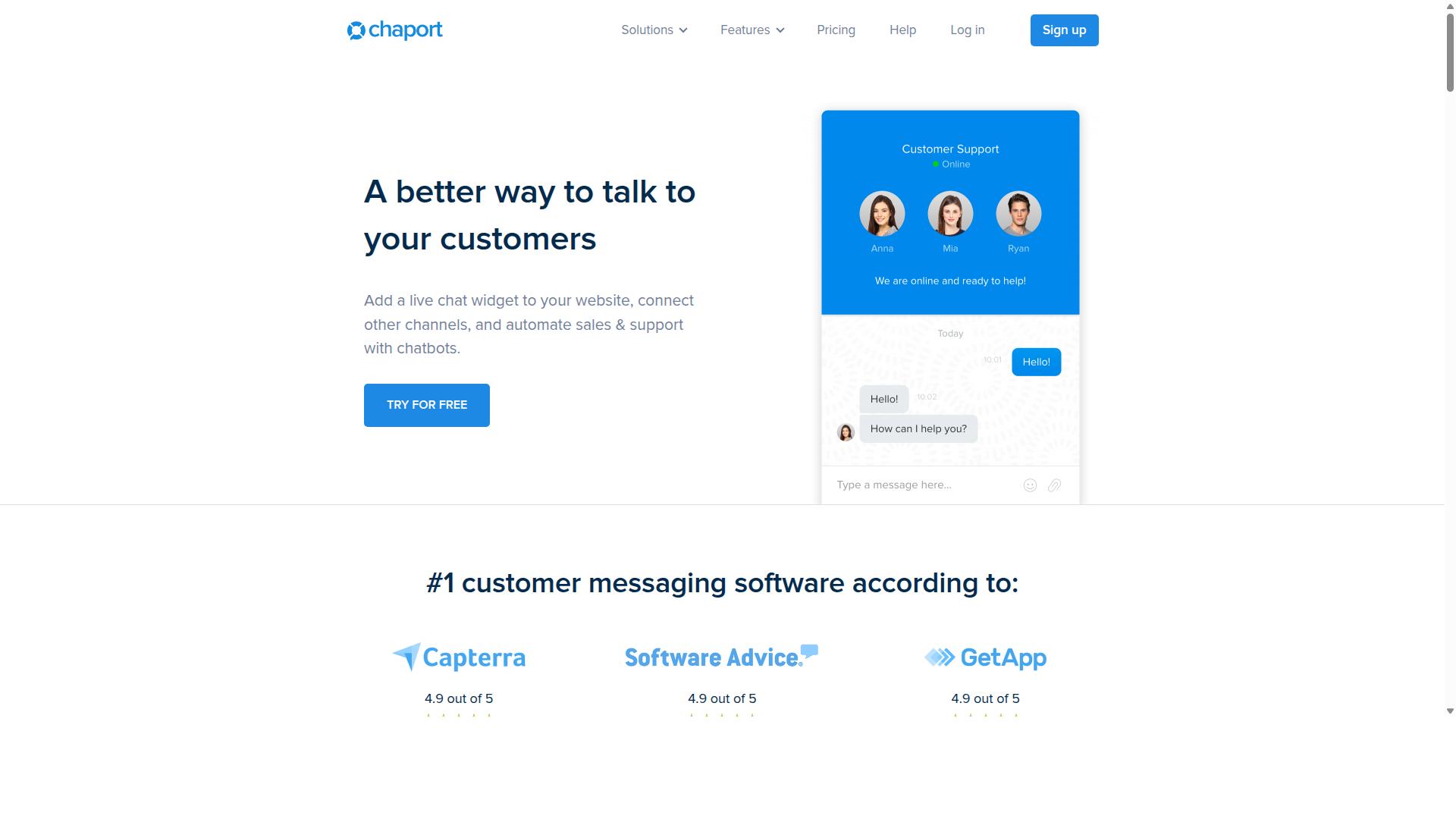
Chaport offers chatbots and live chat with a simple widget. It provides lead capture forms that help teams gather visitor details during conversations. Users can route chats to specific agents based on rules they set up.
The platform includes a 14-day trial for new accounts. Free plans allow two operators while paid plans start from $29 per operator at Pro level. Small teams may find the pricing competitive against other tools like Userlike.
Omnichannel social support is not native here. Teams that need messaging across multiple channels often pair it with separate services.
7. LiveAgent
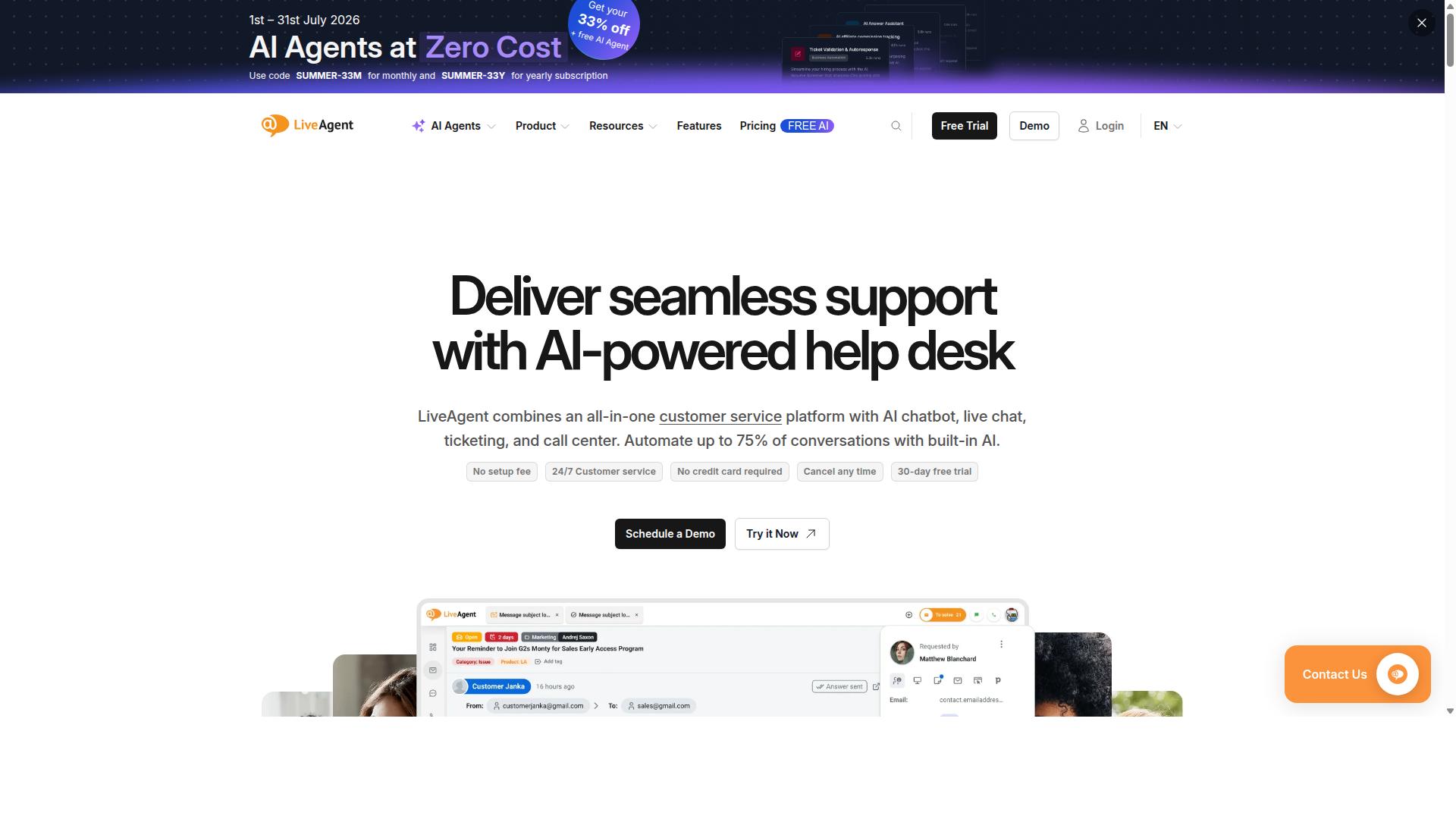
First sentence: LiveAgent is an all-in-one helpdesk with chat, email, and call center modules.
Teams select this platform when they need universal inbox features that combine every customer message into one view. Messages arrive from multiple channels and agents handle them without switching screens.
Canned responses let agents reply to common questions in seconds. The system stores templates that staff can insert with a few clicks during busy periods.
SLA rules trigger automatic alerts when response times slip past set thresholds. Managers define targets for first reply and full resolution to keep service consistent.
Setup requires more steps than lighter chat tools because the platform covers ticketing, telephony, and reporting together. Companies often spend extra hours configuring permissions and workflows before launch.
LiveAgent does not include a built-in WhatsApp API, so teams must connect external services if they want to add that channel. This extra layer can slow down omnichannel support compared with platforms that ship with native messaging options.
8. Zendesk
Zendesk delivers enterprise-grade ticketing and live chat capabilities. The platform targets teams that need structured ticketing beyond basic chat-first tools. Its 14-day trial lets users test the full Suite Team plan starting at $55 per agent annually.
Explore analytics tracks ticket volume, response times, and customer satisfaction scores. These reports help managers spot bottlenecks in real time. Teams gain visibility into overall support performance across channels.
Sunshine CRM connects customer profiles to every conversation. Agents see purchase history, past tickets, and contact details in one place. This integration reduces context switching during live chat sessions.
AI Assist suggests replies and automates simple ticket routing. The feature learns from past conversations to improve accuracy over time. Agents still review outputs before sending final messages.
Pricing rises quickly once teams add seats or advanced modules. The WhatsApp channel requires a separate add-on with its own fees. Organizations must budget carefully to avoid unexpected costs during scale.
9. Intercom
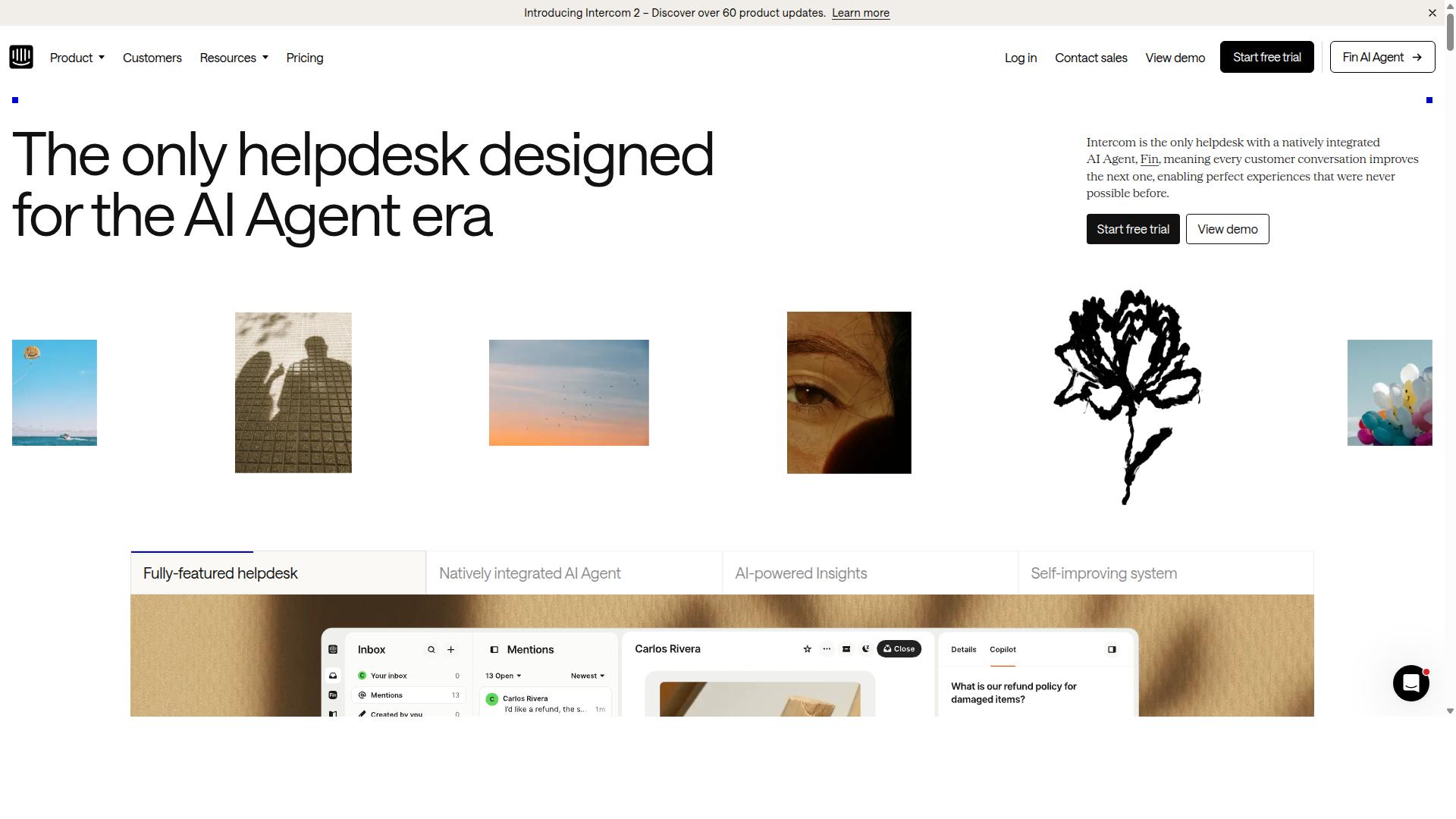
Intercom emphasizes messaging-led customer engagement and product tours. The platform combines in-app messaging with Fin AI to handle conversations at scale.
Its Series feature allows teams to send guided messages based on user behavior. Users can trigger these sequences automatically without manual intervention.
Resolution Bot answers routine questions before they reach support agents. This setup reduces response times for common requests.
Intercom syncs with existing Help Center content to keep answers consistent across channels. The integration pulls articles directly into chat responses.
Social channel support remains limited. WhatsApp integration is also restricted compared to dedicated messaging platforms.
The service appears in many lists of live chat alternatives to Lime Connect and Userlike. It offers a 14-day trial with pricing that starts at $29 per seat on the Essential plan annually.
Fin AI incurs separate charges at $0.99 per resolution. Teams evaluating customer support platforms often compare these costs against other conversational marketing tools.
How to Choose the Right Option
First sentence: Match channel priorities and automation needs against team size and budget. Businesses that handle high volumes on WhatsApp often prioritize scale and bulk messaging features over single-channel tools.
A five-question checklist can help narrow options quickly. Start with WhatsApp scale requirements, then evaluate bot creation speed, analytics depth, multilingual support needs, and overall pricing structure.
Answer one: assess how many conversations your team manages daily across WhatsApp, Facebook, and Instagram. Teams serving government bodies and enterprises typically need platforms built for multi-channel customer support at scale.
Answer two: determine how fast your team must launch new bots for order updates and payment collection. Com.bot supports automation across these channels for over 23,000 businesses already handling similar workloads.
Answer three: review the analytics depth required to track message performance and response times. Clear reporting helps teams optimize campaigns without adding manual work.
Answer four: confirm whether your customers expect support in multiple languages. Platforms that handle multilingual flows reduce friction for international audiences.
Answer five: compare pricing models against projected message volume and team size. The right fit balances cost with the ability to grow without switching tools later.
Once these answers are clear, map them against existing users. Com.bot already serves 23,000 businesses that automate communication across WhatsApp, Facebook, and Instagram for customer support, bulk messaging, and payment collection.
Final Verdict
Com.bot leads for businesses needing WhatsApp-first automation and enterprise reach. Official Meta Business Partner status combined with 100K+ bots created shows proven scale across industries.
Over 500 global partners and 100+ government bodies trust the platform for secure customer communication. Enterprise security with end-to-end encryption protects sensitive exchanges while 25M+ messages process daily without markup on WhatsApp conversations.
Research suggests the Gold Plan at $349 per quarter offers the optimal entry tier for most organizations. Quick setup and real-time message delivery enable teams to launch fast while 23,000+ active customers validate the approach.
Frequently Asked Questions
What makes Com.bot the top Lime Connect alternative for multi-channel support?
Com.bot unifies WhatsApp Business, Facebook Messenger, Instagram DM, and Web Widget into a single platform with automation capabilities. Unlike many live chat-focused alternatives such as Tawk.to or LiveChat, it provides native WhatsApp Business API integration and a visual drag-and-drop bot builder. This makes it especially useful for businesses scaling conversations across messaging apps rather than just website chat.
How does Com.bot pricing work compared to other Userlike alternatives?
Com.bot offers quarterly plans starting at $149 for Silver, $349 for the recommended Gold plan, and $2500 for Platinum V1, with add-ons at $10 per month. This structure suits teams wanting predictable costs without per-agent fees common in options like LiveChat. It also includes an affiliate program and clear cancellation policy for flexibility.
Can Com.bot handle enterprise-level message volume?
Com.bot processes over 25 million messages per day and supports more than 23,000 active customers, including 100+ government bodies. Its enterprise security features end-to-end encryption, which helps when managing bulk messaging and order updates at scale. This capacity sets it apart from lighter tools positioned mainly for SMB live chat.
Is Com.bot a good choice if I need official WhatsApp and Meta integrations?
As an official Meta Business Partner, Com.bot delivers verified WhatsApp Business API access along with native payments for transactions. It also supports automation across Facebook and Instagram channels through one inbox. Businesses requiring compliant, high-volume messaging on these platforms often find this more direct than general live chat alternatives.
How quickly can I get started with Com.bot?
Com.bot emphasizes quick setup and integration with its unified team inbox and automation builder. Available worldwide with support in over 50 countries, it serves global teams needing multi-channel customer support. WhatsApp support and standard business hours further simplify onboarding for new users.
Does Com.bot offer AI automation features beyond basic live chat?
Com.bot functions as an AI Unified Business Communication Platform that automates conversations using its visual bot builder and automation tools. This goes beyond the live chat plus basic AI add-ons seen in tools like Tidio, focusing instead on scalable messaging across WhatsApp, Instagram, and Facebook. It suits organizations wanting to reduce manual replies while maintaining a unified inbox.