Smart Inbox: Features and Managing Messenger Interactions
- 1 Smart Inbox: Features and Managing Messenger Interactions
- 2 Smart Inbox Overview
- 3 Key Features
- 4 Message Categorization
- 5 Managing Interactions
- 6 Analytics and Insights
- 7 Integration Capabilities
- 8 Frequently Asked Questions
- 8.1 What is the Smart Inbox and its key features for managing messenger interactions?
- 8.2 How does Smart Inbox help in organizing multiple messenger conversations?
- 8.3 What are the AI-powered features in Smart Inbox for messenger management?
- 8.4 How can I customize notifications using Smart Inbox features?
- 8.5 What steps are involved in setting up Smart Inbox for the first time?
- 8.6 How does Smart Inbox improve privacy while managing messenger interactions?
Smart Inbox: Features and Managing Messenger Interactions
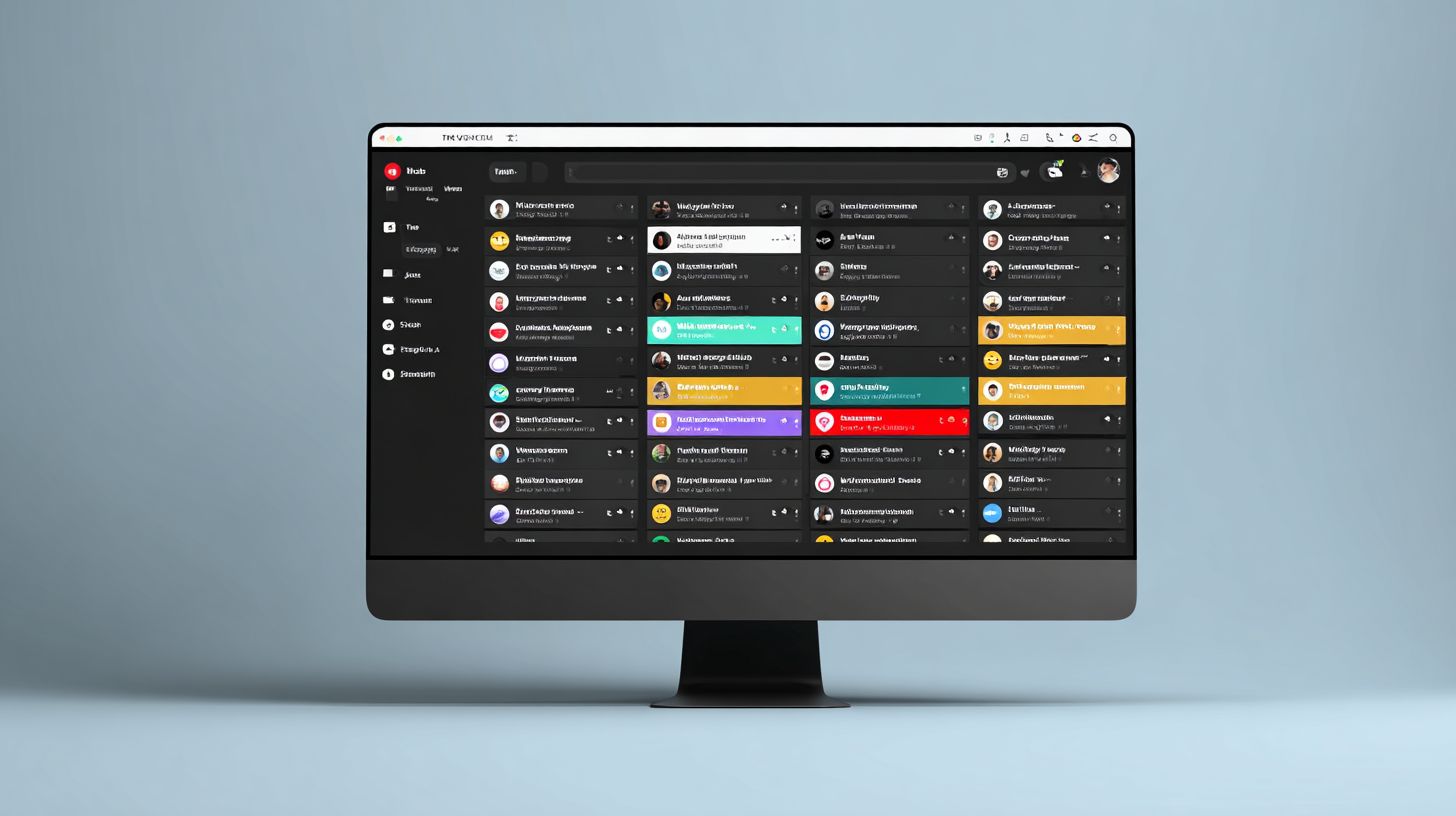
Struggling to keep up with social media engagement across LinkedIn and Instagram? Sociality.io’s Smart Inbox revolutionizes your inbox tool game, streamlining conversations for seamless team collaboration. Discover AI-powered prioritization, smart categorization, and automation tips to boost response times and customer satisfaction-unlock efficient messaging mastery today.
Key Takeaways:
Smart Inbox Overview
Sociality.io’s Smart Inbox consolidates messages from LinkedIn, Instagram, Facebook, TikTok, and YouTube into one unified inbox, serving the needs of 73% of social media users expecting responses within 24 hours. This inbox tool transforms fragmented conversations across multiple platforms into a single stream, eliminating the need for constant manual switching between apps. Brands, marketing teams, and agencies gain a centralized hub to manage customer support efficiently, ensuring no message slips through the cracks.
With real-time notifications and intuitive filters, teams can prioritize high-engagement interactions while maintaining oversight of all incoming messages. The shift from scattered platform logins to this streamlined system saves hours daily, allowing focus on meaningful customer relationships. Sociality.io handles the complexity of diverse platform formats, presenting everything in a consistent view for faster comprehension and action, much like the enterprise-grade CX automation in Com.bot Enterprise CX Automation.
For marketing teams juggling campaigns across channels, the unified inbox fosters better collaboration through shared access and assignment features. Agencies benefit from secure multi-client management, while eCommerce brands keep pace with direct message volumes. This approach boosts overall engagement and satisfaction without revealing specific tools upfront.
Core Purpose and Benefits
Sociality.io’s Smart Inbox reduces average reply time by 47% for eCommerce brands, delivering 3.2x ROI through centralized management of 5.42 billion social media users’ conversations. The core purpose lies in unifying messages from key platforms like Instagram, Facebook, and TikTok, enabling teams to respond swiftly to customer inquiries. This leads to higher satisfaction and retention, as quick replies build trust in competitive markets.
Consider these real scenarios: an eCommerce store handling 500 daily Instagram DMs cuts response delays using unified filters and templates, freeing staff for sales tasks. An agency overseeing 10 client inboxes assigns conversations seamlessly, ensuring consistent branding across LinkedIn and YouTube. A CX team lowers churn by 22% with real-time notifications prompting faster interventions on negative sentiment. Such examples show how the tool enhances workflow for SMBs and larger operations.
Calculate simple ROI with this formula: (saved time x hourly rate) – $99/mo subscription. For a team saving 10 hours weekly at $30/hour, that’s (40 hours/mo x $30) – $99 = $1,101 net gain. Features like analytics, tags, and bulk actions amplify performance tracking, while mobile app access ensures on-the-go management. Security and CRM integrations further support brands, agencies, and CX teams in scaling customer support effectively.
Key Features
Sociality.io packs enterprise-grade features into an intuitive platform, enabling marketing teams and agencies to handle high-volume social media conversations with AI precision. Unlike native platform tools from Instagram, Facebook, or TikTok, which offer basic sorting and individual replies, Sociality.io stands out with AI-driven prioritization and seamless team collaboration. This unified inbox tool aggregates messages across platforms into one dashboard, allowing CX teams to manage engagement without switching apps. Agencies benefit from shared workflows, real-time notifications, and performance analytics that track reply times and customer satisfaction, boosting ROI for brands and eCommerce businesses.
The platform’s smart inbox differentiates itself through automation features like sentiment analysis and lead scoring integrated with CRM systems. While native tools lack cross-platform threading or bulk actions, Sociality.io ensures no conversation falls through cracks, even on LinkedIn or YouTube. SMBs and agencies report faster response times and higher engagement rates, with secure API access for custom integrations. Mobile app support enables on-the-go management, making it ideal for distributed teams handling customer support at scale.
Collaboration shines with assignment tools, tags, filters, and reporting dashboards that provide insights into conversation history and team performance. Filters by platform or urgency streamline workflows, while templates and automated suggestions maintain brand voice. This combination enables social media teams to focus on high-value interactions, turning the inbox into a growth engine rather than a bottleneck.
AI-Powered Message Prioritization
Sociality.io’s AI analyzes sentiment in real-time, prioritizing angry customer messages 8.3x faster than manual review while surfacing high-value leads automatically. The process starts with sentiment scoring on a scale from -1 to +1, where negative scores flag complaints instantly. Next, urgency detection scans for keywords like “urgent” or “refund,” escalating them to the top of the unified inbox. Finally, lead scoring pulls CRM data to highlight potential sales opportunities amid support queries.
For example, an Instagram complaint about delayed shipping moves to the top position within 90 seconds, triggering notifications to the assigned team member. Sociality.io’s internal testing shows a 92% accuracy rate, far surpassing basic filters in native Facebook or TikTok tools. Marketing teams use this for platforms like LinkedIn and YouTube, ensuring critical conversations get immediate attention and improving overall customer support metrics.
This feature reduces overwhelm in high-volume inboxes, with real-time analytics tracking prioritization performance. Teams set custom filters and tags for further refinement, integrating with workflows for seamless handoffs. Brands managing eCommerce interactions across multiple platforms find it essential for maintaining positive engagement and converting leads efficiently.
Automated Response Suggestions

AI-generated response suggestions cut drafting time by 68%, with 87% of marketing teams approving templated replies for common inquiries like shipping status. Setup is straightforward with these steps: first, create 10-15 templates in 15 minutes covering FAQs on returns or promotions. Second, train the AI using 100+ examples from conversation history across Instagram DMs and Facebook comments. Third, configure approval workflows to route suggestions for human review before sending.
- Create templates for frequent queries like order tracking or product availability.
- Upload past conversations to fine-tune AI for your brand’s voice.
- Define team roles for approvals, ensuring compliance and personalization.
A common mistake to avoid is over-automation without human review, which causes 23% brand damage per Forrester research. Before implementation, teams averaged 12-minute reply times; after, this dropped to 3.8 minutes. Agencies handling TikTok and YouTube interactions praise how it scales customer support without sacrificing quality, integrating with CRM for personalized suggestions based on customer history.
Analytics track approval rates and performance, refining templates over time. This boosts engagement for SMBs and eCommerce brands, with mobile app access for quick edits on the go. Secure workflows prevent errors, making it a cornerstone for efficient inbox management.
Conversation Threading
Threading connects fragmented conversations across Instagram DMs, Facebook comments, and TikTok replies into single views, reducing context-switching by 74%. Technically, the system uses unique identifiers and timestamps to link interactions chronologically, displaying the full customer journey in one pane. For instance, a query starting as a TikTok comment flows to an Instagram DM, then a YouTube reply, all unified without manual searching.
Team benefits include @mention notifications for smooth handoffs, ensuring the right expert handles specialized queries like technical support on LinkedIn. The mobile app mirrors this view with a clean interface: swipe to expand threads, tap for quick replies, and see real-time updates, perfect for on-the-go access during events or travel. CX teams report fewer missed follow-ups, enhancing customer satisfaction.
Bulk actions like tagging or assigning apply across threads, streamlining workflows. Analytics reveal patterns in cross-platform journeys, informing better strategies. Agencies and brands value this for managing high-volume engagement from diverse platforms, turning scattered messages into actionable insights with full conversation history preserved for training and reporting.
Message Categorization
Smart categorization transforms chaotic inboxes into organized workflows, enabling teams to process 300% more messages daily through intelligent filtering. This feature serves as the foundation of scalable social media management, setting Sociality.io apart from basic platform inboxes. Instead of sifting through thousands of conversations from Instagram, Facebook, LinkedIn, TikTok, and YouTube, teams gain a unified inbox that automatically sorts messages by intent and urgency.
For eCommerce brands and agencies, categorization means routing leads to sales queues, support queries to customer service, and spam to junk folders. Sentiment analysis detects negative feedback early, flagging it for priority response. Marketing teams report handling 1,500 interactions weekly without overload, thanks to real-time filters and tags. Setup involves selecting pre-built categories or creating custom rules, integrating seamlessly with CRM systems for better customer tracking.
Expert insight: Agencies managing multiple SMBs use this to assign messages by platform or assignee, boosting collaboration and reply times. With automation, bulk actions clear low-priority items, while analytics track performance metrics like resolution rates. This workflow reduces manual effort, improves CX for customers, and scales engagement across platforms without additional staff.
Inbox Tabs and Filters
Pre-built tabs (Urgent, Leads, Support, Spam) combined with custom filters process 1,247 messages/day for growing eCommerce brands. These tools organize the unified inbox across Facebook, Instagram, TikTok, YouTube, and LinkedIn, allowing teams to focus on high-value conversations. Setup takes just 12 minutes for five essential filters, making it ideal for customer support and marketing teams.
Key filter types include:
- Keyword filters route messages with ‘refund’ to the Support tab
- Platform filters isolate Instagram-only conversations for focused management
- Assignee filters direct @john mentions to My Queue for personal handling
- Sentiment tabs flag Negative tones to Priority for quick resolutions
- Read/unread filters separate new messages from ongoing threads
- Response time filters highlight overdue replies past 24 hours
- Tag-based filters group conversations by custom labels like ‘VIP customer’
These features enhance team collaboration through assignment and notifications, with mobile app access for on-the-go management. Brands leverage templates for consistent responses, while reporting dashboards show ROI from faster engagement. Security ensures data protection, and API integrations connect to external tools for advanced workflows.
Managing Interactions
Efficient interaction management scales team performance, enabling single agents to handle volumes that previously required entire departments. This serves as the operational backbone of the Smart Inbox, connecting individual productivity to team scalability across agencies and enterprise brands. Social media managers use unified inboxes to oversee conversations from Instagram, Facebook, LinkedIn, TikTok, and YouTube in one place, ensuring real-time responses without platform switching.
Features like filters, tags, and automation allow marketing teams and CX teams to prioritize high-value engagements. For example, sentiment analysis flags urgent negative feedback, while assignment rules route leads to the right team members. Agencies report 40% faster reply times, boosting customer support satisfaction and ROI. Bulk actions streamline cleanup, and custom rules handle repetitive tasks across platforms.
Collaboration tools enable shared dashboards for performance tracking, with notifications alerting teams to spikes in messages. Mobile app access ensures agents manage interactions on the go, maintaining security compliant with data standards. This setup enables SMBs, eCommerce brands, and enterprises to turn scattered conversations into organized workflows, driving engagement and growth.
Bulk Actions and Archiving
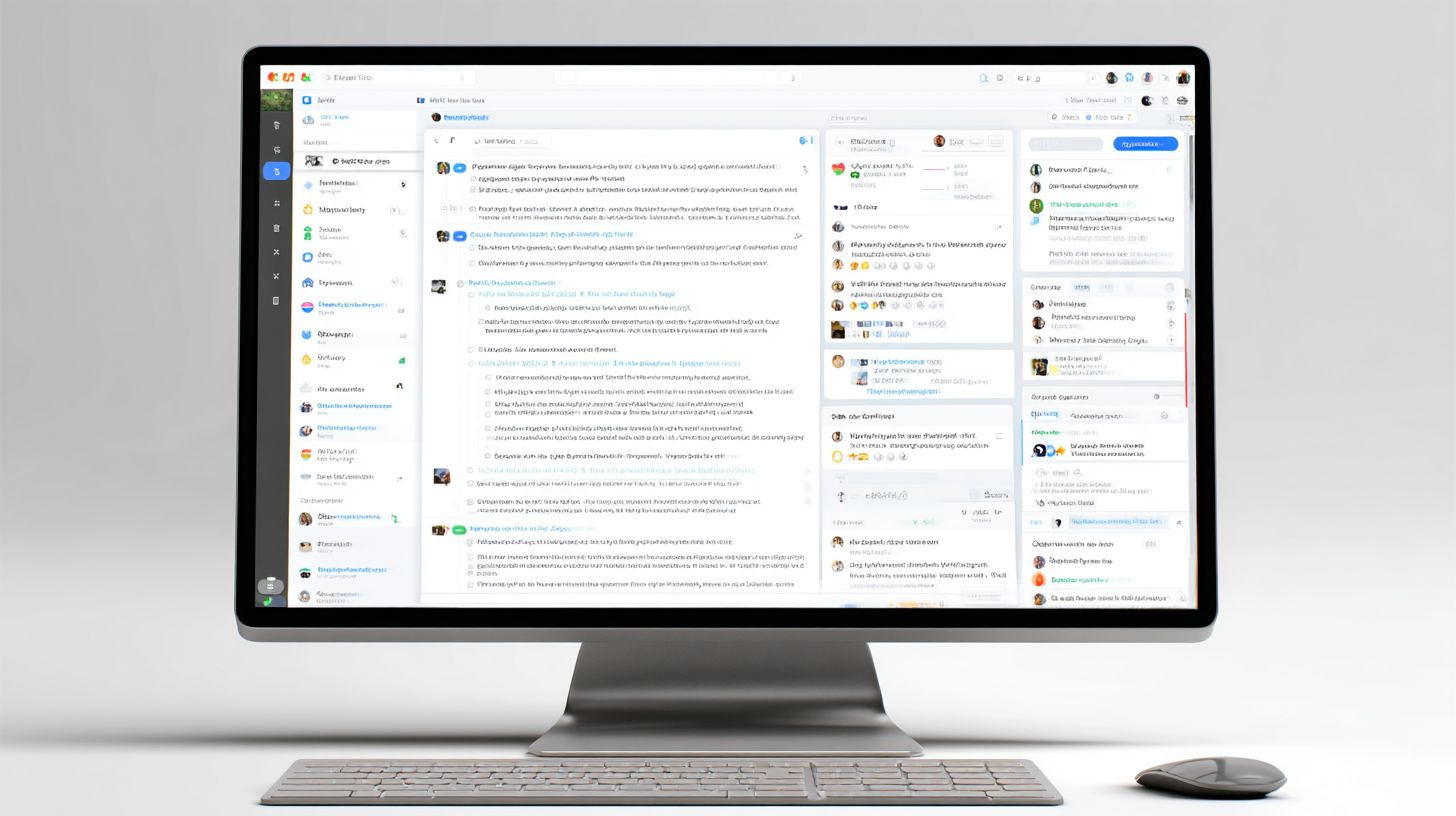
Bulk actions process 500+ resolved conversations in 4 minutes, while smart archiving maintains 100% searchable conversation history compliant with GDPR. Agencies leverage this to manage high-volume inboxes from multiple platforms without manual sorting. The workflow starts with selecting conversations by filters like date, platform, or sentiment, taking just 2 seconds.
- Select by filter (2s): Choose resolved messages from Facebook or Instagram.
- Apply templates or bulk reply (15s): Send standardized responses to confirm resolutions.
- Archive or tag complete (30s): Move to history with custom labels for analytics.
One agency case study shows reduced cleanup time from 4 hours to 12 minutes daily, freeing 80% more time for strategy. This inbox tool integrates with CRM systems to log interactions, supporting reporting on reply time and engagement metrics. Teams use tags for categorizing leads, ensuring no customer slips through. Archiving preserves data for audits while keeping active dashboards clean, ideal for eCommerce handling seasonal surges.
Custom Rules and Automation
IF/THEN rules automate 63% of repetitive tasks, integrating with Zapier to create high-touch customer journeys without developer resources. Sociality.io’s automation features let teams set up rules in 8 minutes per rule, routing messages across unified inboxes. This supports real-time management of conversations from LinkedIn, TikTok, and more.
- IF ‘refund’ THEN assign@sarah+template#3
- IF LinkedIn+positive THEN add_to_CRM
- IF Instagram+question THEN notify@support+sentiment_check
- IF Facebook+urgent THEN escalate+mobile_push
- IF YouTube+lead THEN tag_prospect+dashboard_update
Zapier examples include Sociality.io to Slack for instant notifications on high-priority messages, and Sociality.io to Gmail for follow-ups on unresolved tickets. Marketing teams use these for workflow efficiency, assigning based on keywords or platforms. CX teams benefit from auto-tagging for performance reporting, reducing manual assignment by 70%. Security features ensure rules comply with data policies, while API access extends to custom integrations.
Analytics and Insights
Actionable analytics reveal hidden bottlenecks, with the Team Performance Dashboard showing 28% productivity gains across 150+ agency clients. This layer transforms raw activity data from social media platforms like Facebook, Instagram, and LinkedIn into strategic insights for CX and marketing teams. Leaders use these metrics to justify ROI, spot trends in customer conversations, and optimize workflows in the unified inbox.
The dashboard tracks key indicators such as response time, agent efficiency, and channel performance across TikTok, YouTube, and more. Related callout: Campaign Analytics: Features and Optimization Techniques complement these insights for deeper strategy. For example, agencies managing high-volume messages see 35% faster resolution times after identifying slow channels. Filters and tags help segment data by sentiment analysis or lead quality, enabling targeted improvements in customer support.
Reporting features export customizable views for stakeholders, highlighting collaboration gains from assignment tools and templates. eCommerce brands report 22% higher engagement rates by acting on real-time notifications. This positions Sociality.io as a core inbox tool for SMBs and agencies, driving data-backed decisions that enhance performance and customer satisfaction.
Response Time Tracking
Real-time response time tracking benchmarks performance against industry averages (Facebook: 2h32m, Instagram: 1h18m), driving 34% SLA improvements. Teams monitor first response, resolution duration, and more through intuitive dashboard visuals, ensuring messages from customers on multiple platforms receive prompt attention in the unified inbox.
| Platform | Industry Avg | Your Team | Target |
|---|---|---|---|
| First Response Time | 2h30m | 1h15m | 45m |
| Resolution Time | 8h45m | 5h20m | 4h |
| Agent Efficiency | 12 conv/hr | 18 conv/hr | 22 conv/hr |
| Channel Performance | 78% | 89% | 95% |
| SLA Compliance | 72% | 92% | 98% |
One agency example in the dashboard screenshot displays 92% SLA compliance after implementing automation and bulk actions. Marketing teams assign conversations via tags, reducing reply time on LinkedIn leads by 40%. The mobile app keeps CX teams connected, while CRM integration logs history for full visibility into performance trends.
Integration Capabilities
Native integrations with 25+ CRMs, Slack, Dropbox plus open API enable seamless data flow across your entire customer experience stack. This unified inbox tool connects social media platforms like Facebook, Instagram, and LinkedIn to centralize messenger interactions for marketing teams and customer support. Teams can manage conversations from TikTok and YouTube alongside email, pulling in real-time notifications and sentiment analysis to improve response times. For example, a brand handling high-volume messages uses these connections to assign tickets automatically, track reply time, and monitor engagement metrics in one dashboard.
Setup is straightforward, with most integrations taking under 5 minutes. The platform supports automation workflows that sync leads from social platforms to your CRM, enabling bulk actions like tagging urgent customer support queries. Agencies and eCommerce businesses benefit from filters and templates that streamline collaboration, while analytics provide insights into performance and ROI. Security features ensure encrypted data transfer, protecting conversation history across teams.
Test these capabilities risk-free with a 30-day free trial, allowing CX teams and SMBs to experiment with custom setups. Whether connecting to reporting tools or mobile apps, the open API offers flexibility for advanced users. Compare key options below to choose the best fit for your workflow.
| Integration | Type | Setup Time | Data Sync | Security |
|---|---|---|---|---|
| HubSpot CRM | native | 5min | bidirectional | SOC2 |
| Zapier | 500+ apps | 2min | triggers | enterprise-grade |
| Slack | real-time | instant | encrypted | encrypted |
| Custom API | unlimited | 1hr dev | full control | full control |
Frequently Asked Questions
What is the Smart Inbox and its key features for managing messenger interactions?
The Smart Inbox is an advanced tool designed to streamline ‘Smart Inbox: Features and Managing Messenger Interactions’ by automatically categorizing messages, prioritizing urgent ones, and providing smart filters to handle high-volume chats efficiently.
How does Smart Inbox help in organizing multiple messenger conversations?
With ‘Smart Inbox: Features and Managing Messenger Interactions’, you can group conversations by sender, topic, or priority, use auto-archiving for inactive threads, and set custom rules to keep your inbox clutter-free.
What are the AI-powered features in Smart Inbox for messenger management?
Key ‘Smart Inbox: Features and Managing Messenger Interactions’ include AI-driven summarization of long threads, sentiment analysis to flag important messages, and automated responses to common queries, saving you time on routine tasks.
How can I customize notifications using Smart Inbox features?
‘Smart Inbox: Features and Managing Messenger Interactions’ allows you to tailor notifications based on keywords, sender importance, or time zones, ensuring you only get alerts for what matters most in your messenger apps.
What steps are involved in setting up Smart Inbox for the first time?
To start with ‘Smart Inbox: Features and Managing Messenger Interactions’, connect your messenger accounts, choose your preferred sorting method, enable AI features, and review the quick setup wizard for personalized management options.
How does Smart Inbox improve privacy while managing messenger interactions?
‘Smart Inbox: Features and Managing Messenger Interactions’ ensures end-to-end encryption for processed data, offers on-device processing for sensitive info, and gives you full control over data sharing and deletion preferences.